
下载应用程序











❄️ Cool your rig, light your vibe — RGB style meets silent performance!
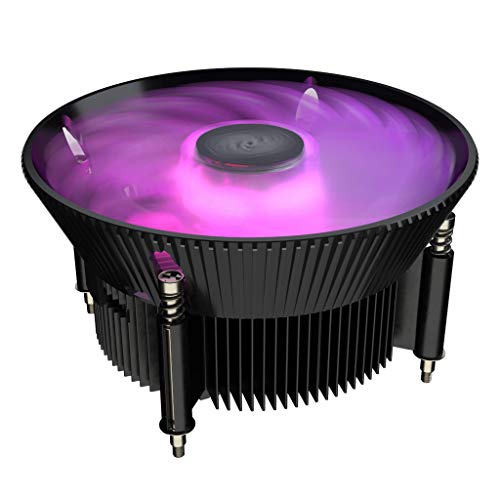
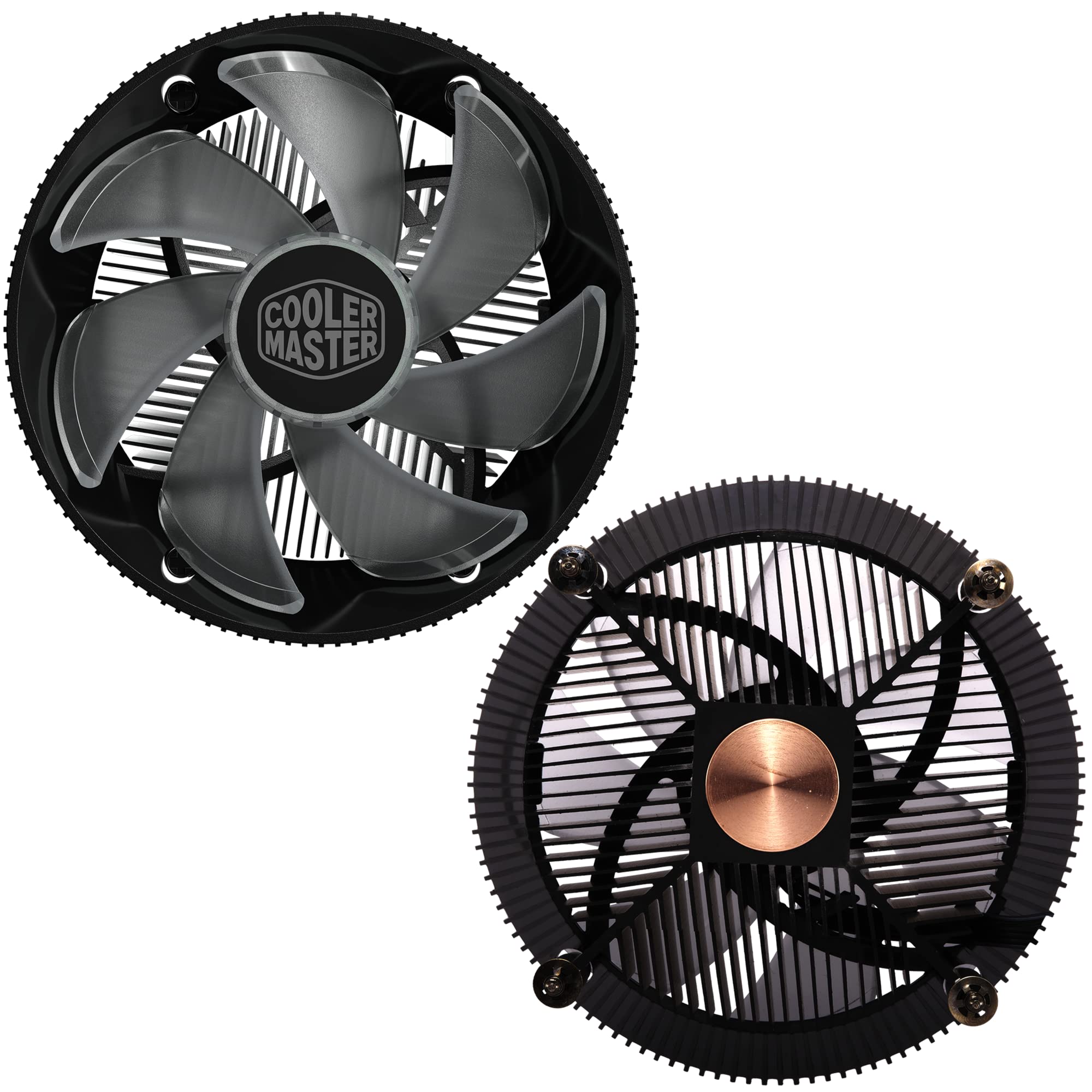
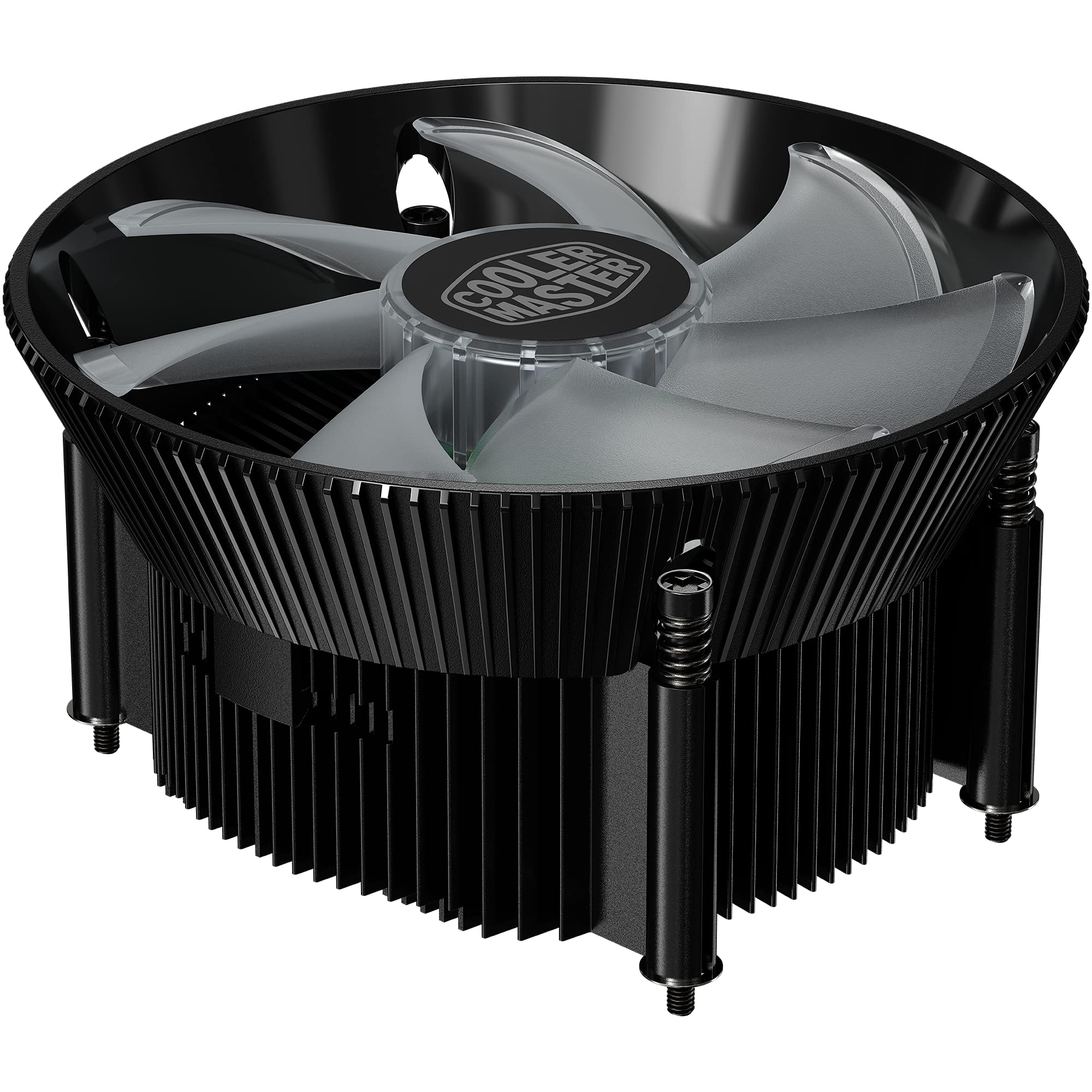
The Cooler Master i71C RGB is a sleek, low-profile air cooler designed for Intel LGA1200/115X sockets. Featuring a 60mm slim design, it fits perfectly in compact or all-in-one systems. Its anodized black aluminum fins combined with a copper insert base ensure efficient heat dissipation, while the 120mm RGB fan delivers strong 37 CFM airflow at a whisper-quiet 25 dB noise level. Compatible with major RGB sync platforms, it offers over 16.7 million customizable colors, making it ideal for professionals seeking both performance and style in limited space builds.


| ASIN | B07H1VZ11F |
| Air Flow Capacity | 37 Cubic Feet Per Minute |
| Best Sellers Rank | #1,114 in Computer CPU Cooling Fans |
| Brand | Cooler Master |
| Compatible Devices | Desktop |
| Cooling Method | Fan |
| Date First Available | September 13, 2018 |
| Is Discontinued By Manufacturer | No |
| Item Weight | 14.7 ounces |
| Item model number | RR-I71C-20PC-R1 |
| Manufacturer | Cooler Master USA, Inc. |
| Material | Aluminum, Copper |
| Maximum Rotational Speed | 25000 RPM |
| Noise Level | 25 Decibels |
| Number of Items | 1 |
| Power Connector Type | 4-Pin |
| Product Dimensions | 4.72"L x 2.36"W x 4.72"H |
| UPC | 884102047541 |
| Voltage | 12 Volts |
| Wattage | 2.4 |
J**I
A really nice cooler for NON K CPUs recomend for 3rd Gen and up though
Installing was simple, but you need to take it slow and watch where the screws are at or it could scratch the PCB. My old cooler is a Noctua nh-l9i so I will compare from it for this review. Cooling in idle is 34c the same as the Noctua in Gaming the temps get no hotter that 65c (non CPU dependent games avg. was 56c) same as Noctua. Torture Testing with Prime95 for 15 minutes did get the temps on some cores to go to 78c which is 5c hotter, but well below the 100c threshold for the I7-8700 used so that is good. Fan noise is actually just a tad noisier when compared the Noctua which surprised me the most in a good way I was expecting a louder fan but pretty quiet for a cheap cooler. RGB lights are bright for a 4 point lighting colors are good, but for RGB Fusion Motherboards you will need either a 2.0 board or a controller hub for effects or you can use the included hub for limited effects. Height issues you have 45.5 mm clearance for RGB RAM, or tall heatsinks anything above 36 mm will require you to remove heatsink fist before installing or removing safely. With the temps I got in a well ventilated case I would only recommend this for CPUs that are not overclocked (non K mostly) so 85W TDP (65W for ITX Builds) CPUs (third gen or above) if you don't want the CPU going over 90c. I bought this for the RGB lighting and the price. This is overall a great product for the price, but as said earlier take it slow with the install and watch the screws while installing so you do not scratch the PCB.
J**.
Great Product
Product works great! I got it because I needed a little more RGB, that spot just looked blah without it. Had this installed and it looks so much better. Im able to change the colors and sync it with all the other RGB, its great, no complaints. Temps are always nice and cool as well. Not loud at all, can't hear any of my fans actually, the whole system is quiet, I rock a Musetex case that I also got from Amazon and all the fans it came with and now this one are so quiet. I did give 3 stars for material. When I held it in my hand it did not feel as sturdy as I would like, but its on the PC now and is working great.
W**N
Broken rgb pins
When it was delivered I opened it up and the rgb switch’s pins were all snapped off so that was a disappointment. But since I don’t care for the rgb crap anyways it’s not a big deal, especially if I have to open up my case just to turn on/change the color. Other than that it fit good and works great. Very quiet on full speed as well
Y**I
Cpu cooler
I installed it had no issues installing it other than the manual that shows how to build it is very unspecific so I had only trouble with that. The rgb wouldn’t work so I looked around yt and found a fix I forgot what the guy said in the video but it’s just because the rgb won’t work and u I think had to flip it or something like that I have a two rams I had to squeeze my big fingers through both for it to fit well with my ram because they are extremely close.
W**O
Solved CPU overheating issue and looks great aesthetically. Comes with thermal paste pre-applied.
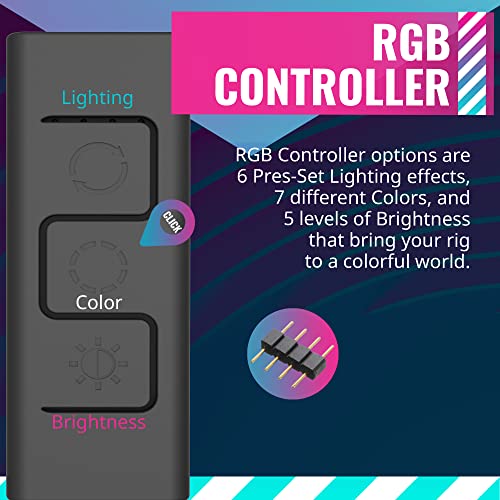
My i5-4690 with the stock E97379-001 cooler was heating above 90 C doing heavy rendering and gaming. Switched to this cooler and never surpass 60 C since. Cheaper than most coolers I found. Comes with thermal paste pre-applied so I don't have to spend extra bucks buying one. Installation is also not difficult. The lighting looks great inside my build. The included controller offers enough colors and modes for basic themes (See video attached). If you want to achieve more complex themes and you have compatible motherboard, this cooler does support software RGB control. Since my motherboard lacks supported header, I cannot review the software side of things. Used for about 3+ month and no issue so far.
U**H
Fits great in 2U server case with mATX mobo and GSkill RAM
Based on the listed dimensions of "120 x 120 x 60 mm / 4.7 x 4.7 x 2.36 inch" on Cooler Master's site, I was not confident at all that this would fit in my 2U case. I wasn't concerned about the height as much as I was the width - the available space I had between this motherboard's heatsink alongside the I/O panel, and the RAM slots didn't appear to be enough, but, as you can see from my pics, it fits well with a little room to spare! The main thing to remember is that the width of the top of this cooler is the 4.7 inches they refer to, whereas the section below it (the part that actually sits on your CPU) is about 3.5 inches wide, and gradually becomes wider as it rises up, certainly doable in practically any system setup I think. This is mounted on an mATX MSI z490M Gaming Edge motherboard with GSkill RAM in the 2nd and 4th slots. If I had 4 sticks of RAM, I could still fit them in next to this cooler. So, if your spacing seems tight and you're not sure about this cooler, I'd say go for it as it will mostly likely work. If you're tight on space on the back of the motherboard as well, this also comes with a minimalist backplate to attach this to, and is attached only with the applied adhesive strips so, nothing bulky on the backside either. Overall, compared to the stock intel cooler, this has brought my temps down by 10-15c on the high side when stress testing, and about 5c lower while idle. Cooler Master wins again! Love'em, great product.
S**O
It works well, but parts of the product were missing.
Several aspects that need improvementIt came in a generic bag with no protection for the thermal paste, There were also missing parts, mainly those related to the RGB controller.
A**N
Uesd
J**L
Fan works amazing, very silent, easy install and lots of different RGB options. Very little tools required.
F**K
Excelente disipador muy bueno en calidad , con luz led RGB, y es silencioso, se los recomiendo 100% Gracias
M**U
I bought this because I was previously using the stock cooler in my PC. This cooler was much quieter and cooler than the stock one and is a good upgrade if you're looking for that! It also looks very good with customisable RGB. Unfortunately it's only able to be changed by a physical button but it's easy to access if stuck on the exterior of the case. In terms of quality, I bought this over a year ago and it's still working very well with no signs of aging. This is great considering its low price and many features.
A**L
Bought this when upgrading my rig , to replace the standard cooler on a HP motherboard. The fit was perfect and it works great. Monitored performance using OCCT tools and it the cooler is doing its job fine.