
下载应用程序



📺 Elevate your living room vibes—stream smarter, not harder!
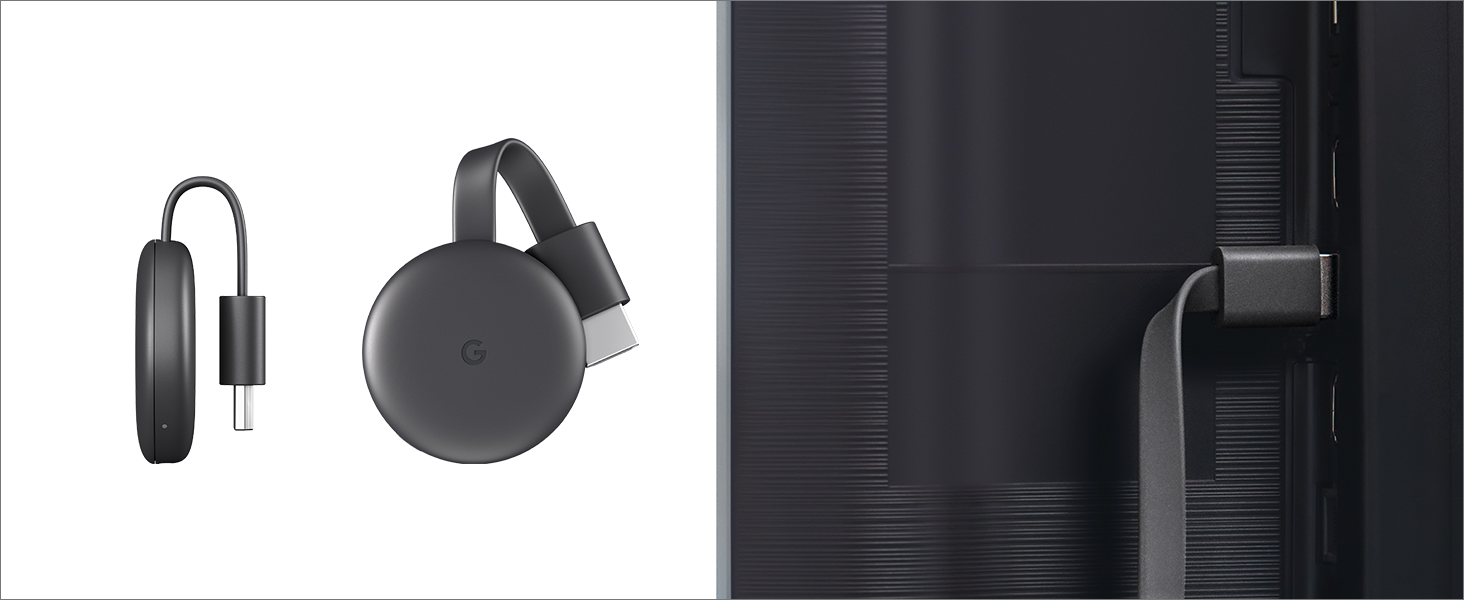
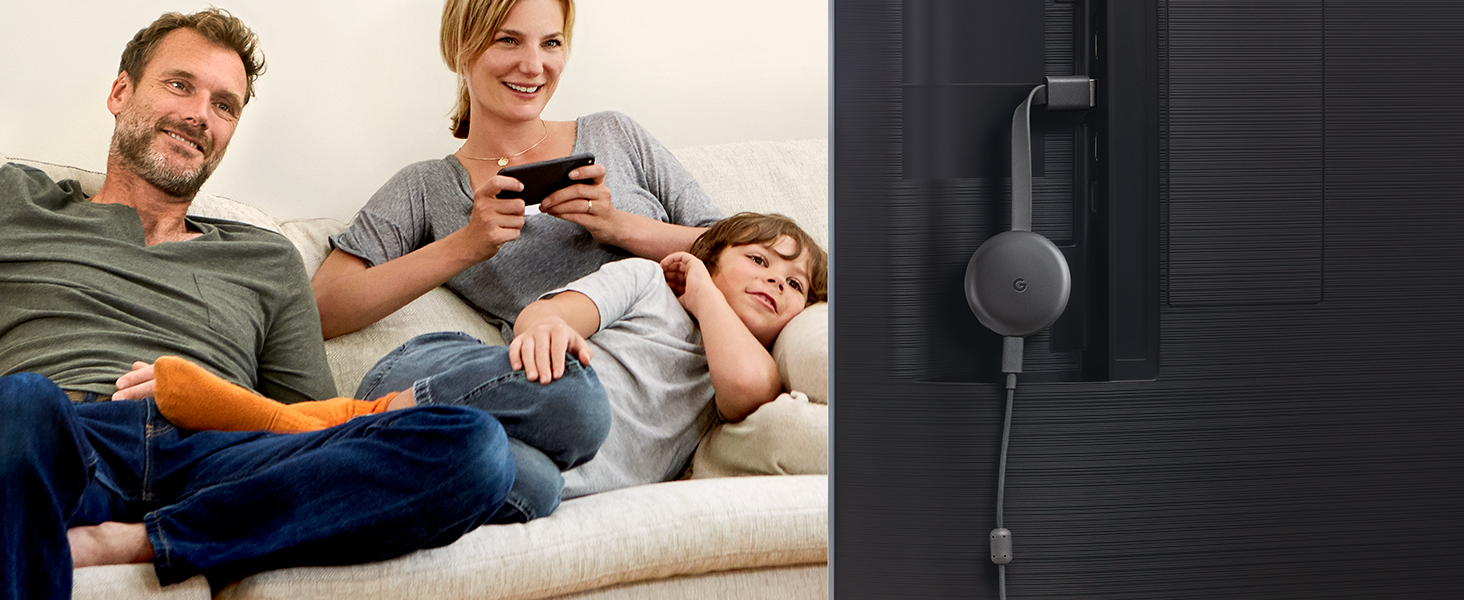
Google Chromecast is a compact streaming device that plugs into any HDMI-enabled TV, enabling Full HD 1080p streaming from over 2,000 apps via Wi-Fi 802.11ac. It requires no remote, letting you control playback directly from your smartphone or laptop, and seamlessly integrates with Google Home and Nest for a connected smart home experience.




| ASIN | B015UKRNGS |
| Batteries | 1 Lithium Ion batteries required. |
| Brand Name | |
| Color Name | Black |
| Customer Reviews | 4.6 4.6 out of 5 stars (88,582) |
| Date First Available | September 26, 2015 |
| Is Discontinued By Manufacturer | No |
| Item Weight | 1.41 ounces |
| Item model number | GA00439-US |
| Product Dimensions | 2.04 x 0.54 x 2.04 inches |
| Special Features | Alcohol-Free |
D**D
It's the perfect device to stream everything from my phone to my TV
UPDATE: I now have an LG V40 ThinQ with Android 10.0 and the Chromecast is still great. I can send almost anything on my phone to the Chromecast and my TV. It is wonderful. I was looking for a way to send videos from my Android phone to my 2013 Samsung Smart TV. I use Netflix and my TV has an old, outdated version. I also use Prime Video and Kodi which my TV doesn't have. This Chromcast allows me to watch both of these and more on my TV. It was simple to install. I plugged it into my TV's HDMI socket and the power into my home's AC outlet. Then installed Google Home on my phone and followed the instructions. It took some fiddling with the programs but it works great. I read in one of the other reviews that it didn't work plugging the power cable into the TV's USB port. They were right and wrong. The Chromecast uses a 1 amp power supply. My TV has 2 USB ports; a 1 amp and a 0.5 amp. When I used the 1 amp port, it worked the same as plugging it in to an outlet. Now Netflix works simply as per the instructions. However, to get the others to work needs a little ingenuity. I have an HTC 10 phone, but this should work with others. I start Google Home first. Then go into my phone's settings to where the VPN and data exchange settings are. My phone calls the setting "HTC Connect". It tells the phone where to play the media. When you choose it, it lists the Phone, DNLA devices and the Chromecast. When you pick Chromecast, the phone's screen gets played, in real time, on the TV along with the phone. Now, anything you see on your phone gets played on your TV also. It's like using a phone with a 40 inch screen. Along with movies, you can stream music, photos, games, etc. I will be getting a new phone in a few days and will update these instructions when it arrives. UPDATE: I purchased a new LG V40 ThinQ cell phone. And it works with Chromecast just like my HTC phone did. You can stream with supported apps like Netflix or share using settings. The setting is under "Connected Devices". It is called "Screen Sharing" and Chromecast is listed like it was on my HTC. Obviously, I cannot promise that it will work with all phones, but it seems likely that it will.
K**N
Great 👍
Works like it's supposed to.
A**S
Easy streaming, great quality
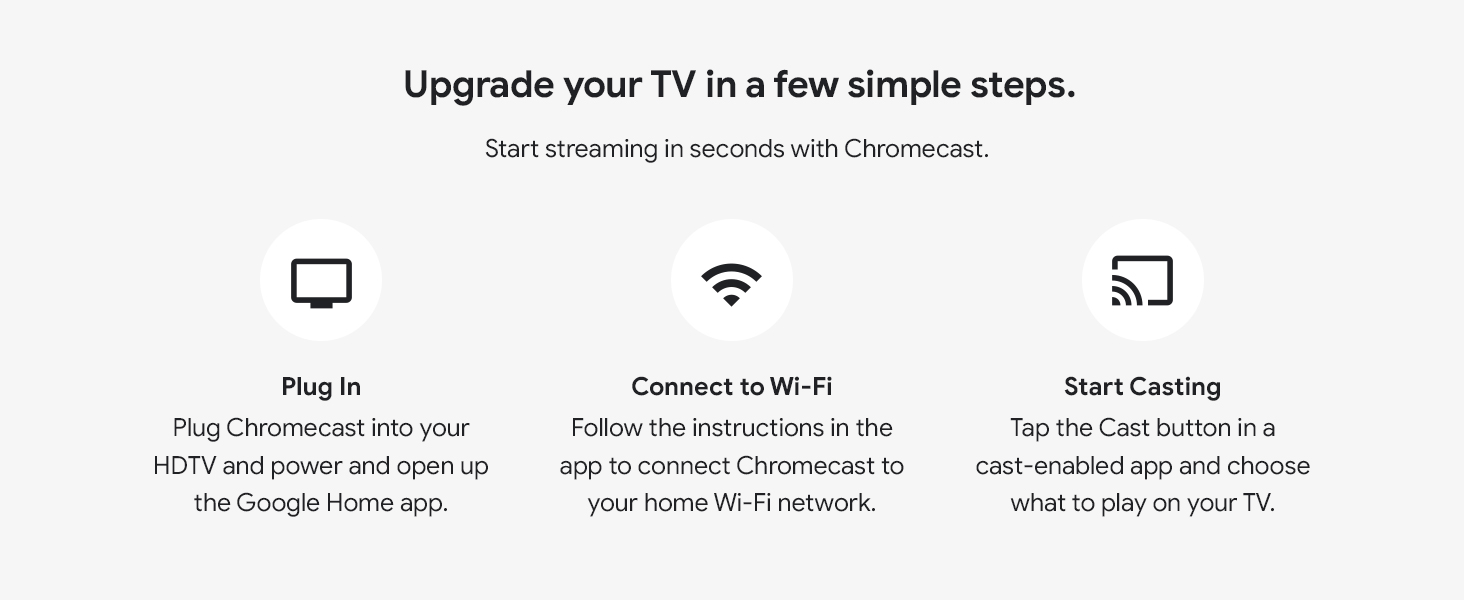
This is my third Chromecast. The first two were 1st gen units, one of which I still use. On the other 1st gen unit the HDMI port became bent and unusable. This new design seems much more durable. The HDMI port is on a cable, not built directly into the dongle. I decided to buy another Chromecast when I read Amazon Prime Video would no longer be supported on our old Wii U. Streaming with the Chromecast is extremely simple if you have an Android phone. I don't have any Apple devices, so I can't attest to how it works with iPhone. Start out by plugging the Chromecast into the HDMI port on your TV and hook up the USB power cable either to a wall plug using the included wall-wart adapter, or to the USB port on the TV. I used the port on the TV to reduce cable clutter. Turn on the TV and switch the appropriate HDMI port, and you should see the Chromecast startup screen. Download the Google Home app on your phone and have it search for devices. Tell the Chromecast which network to connect to and give it the password. Once it's connected to the network, you can select the cast icon in programs that support it, such as Prime Video, Youtube, Netflix, and many others. Video quality probably depends on your network. On mine, I have no problem with 1080p HD video. This version of the Chromecast doesn't support 4K, you need the Chromecast Ultra for that, but my TV doesn't support it either, so I just went with the non-Ultra unit. If an app doesn't support streaming, you can always share your phone's screen using the Home app, then run your app and it will be mirrored to the Chromecast. The quality isn't as good as an app that natively supports casting, but it works. I believe Chrome on a PC can cast as well, but I haven't tried that.
R**L
Good streaming device
Good device to use via your phone
C**W
Great for streaming content but needs a phone/computer/Google Home to work
Really easy to setup using the Google Home app. I have a Google Home mini(smart speaker) that works with this device and allows you to play and pause just by speaking, which is really nice. I like the idea of the Google Chromecast. I think it's a neat idea and it is really reliable (more so than Amazon fire TV). As long as you understand that this IS NOT a standalone device, you should be happy with it. The way it works is-you use your iOS or Android device with a compatible app (look for the cast icon), establish a connection, and then you use your phone as a remote. The Chromecast has no user interface to speak of. You pick what content you want on another device and then cast to the Chromecast. If you are watching a tv series on Netflix for instance, when the episode you are watching finishes, the next one will automatically play. You can also cast from the Chrome web browser which will let you access things like Prime Video which doesn't have casting capabilities in the mobile app. I would recommend using an app over the browser when you can, because it's a smoother experience. There are a few extras like being able to mirror the screen from your mobile device to your tv, if that is something you have a need for. You can also view your google photos in a slideshow while the chromecast is inactive. You can do this in the settings for the chromecast in the google home app. I think this is worth $35, and I would recommend it if you can deal with a slightly less conventional TV/Movie watching experience. After using this a while, I prefer it to an android tv or roku type of OS. I just think they should beef up the Google Assistant features( more like Android TV). Edit: In the time since my original review, Amazon prime video now allows for casting from the iOS and Android mobile apps. Amazon and Google are on better terms now and as a result the fire tv and echo shows now have the YouTube app again and Amazon is selling Google hardware on this site again too. Just wanted to update my review.
N**R
Only slideshow.
A**H
A handy gadget when you don’t have a smart TV Works with iphone
G**Y
جهاز محترم الصراحة وسهل التعامل معاه
A**L
Schnell geliefert. Qualität wie gedacht sehr gut. Funktioniert einwandfrei.
U**U
ممتازة تشغل يوتيوب ونتفلكس مباشر من الجوال حتي لوخرجت من المنزل يظل يعمل