We remain fully operational. Our teams are working around the clock to ensure your deliveries continue safely.

下载应用程序


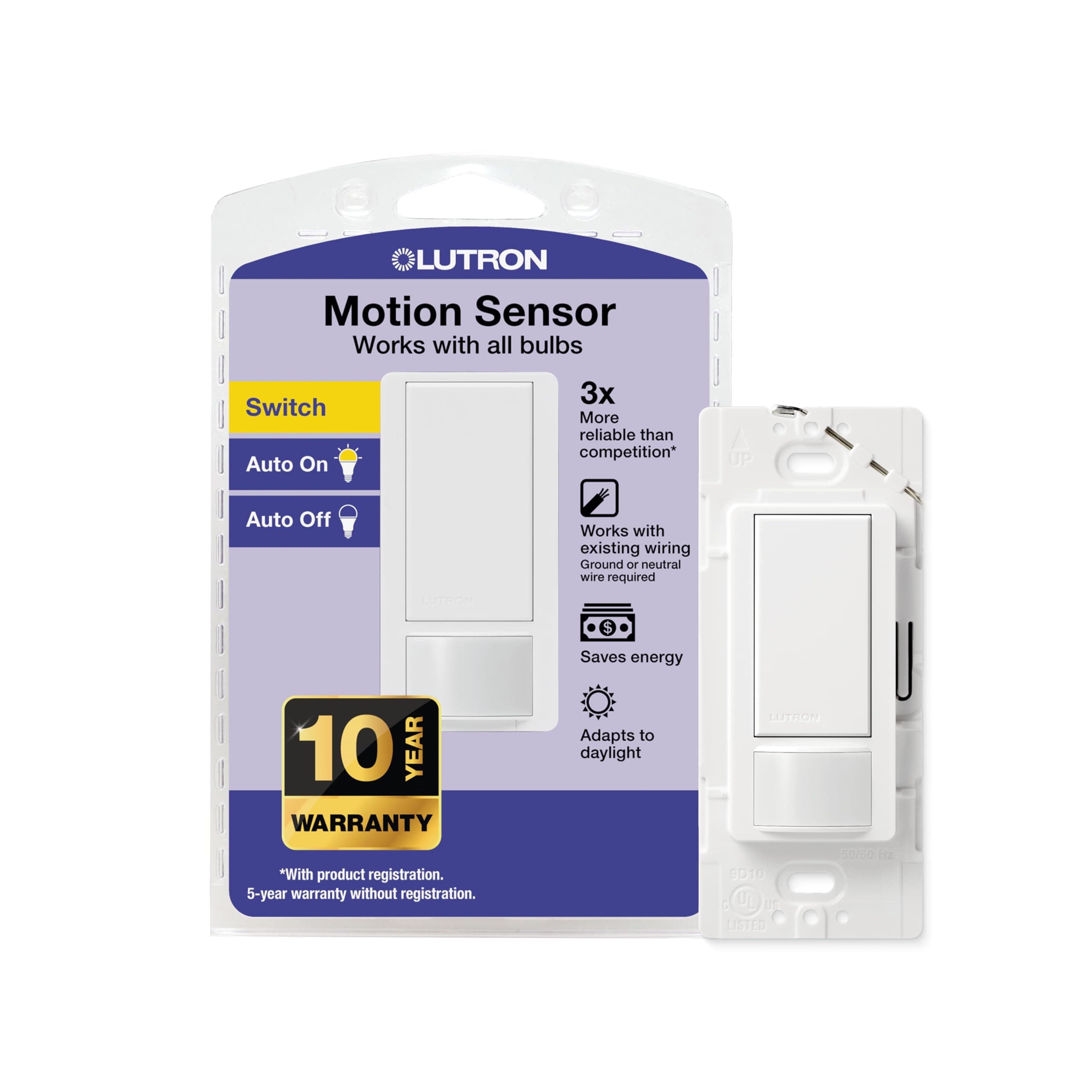
💡 Light up your life, not your energy bill!
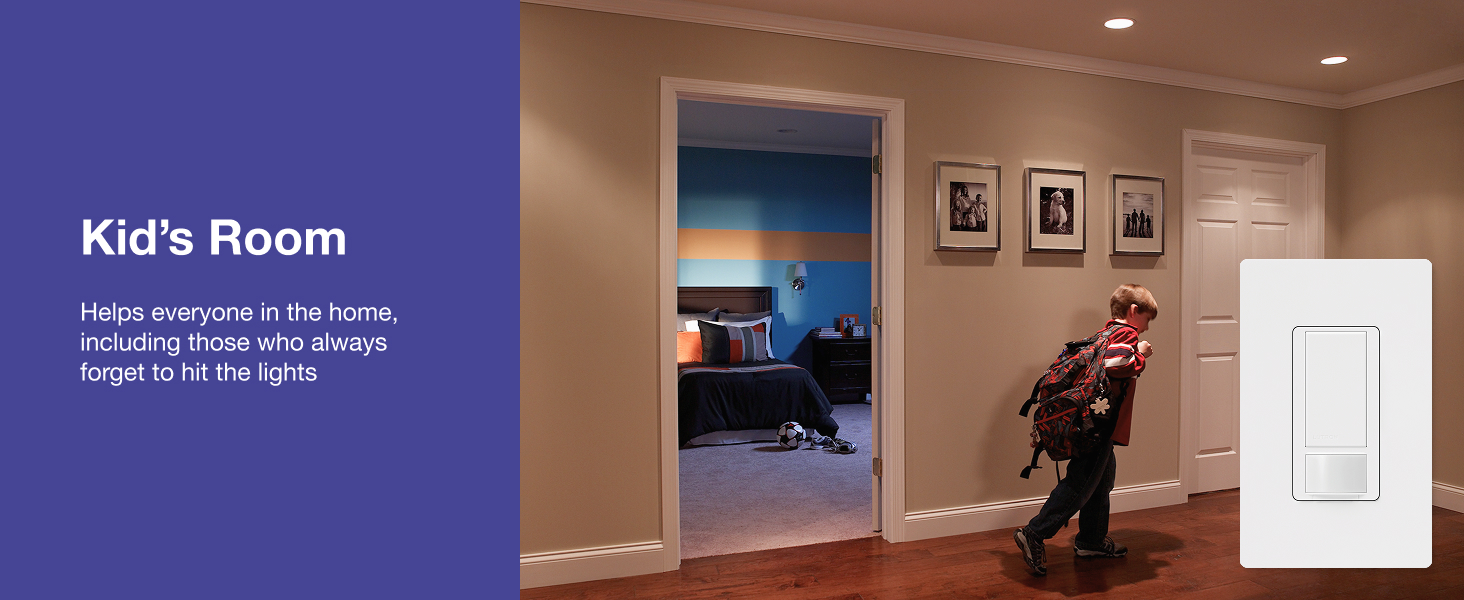
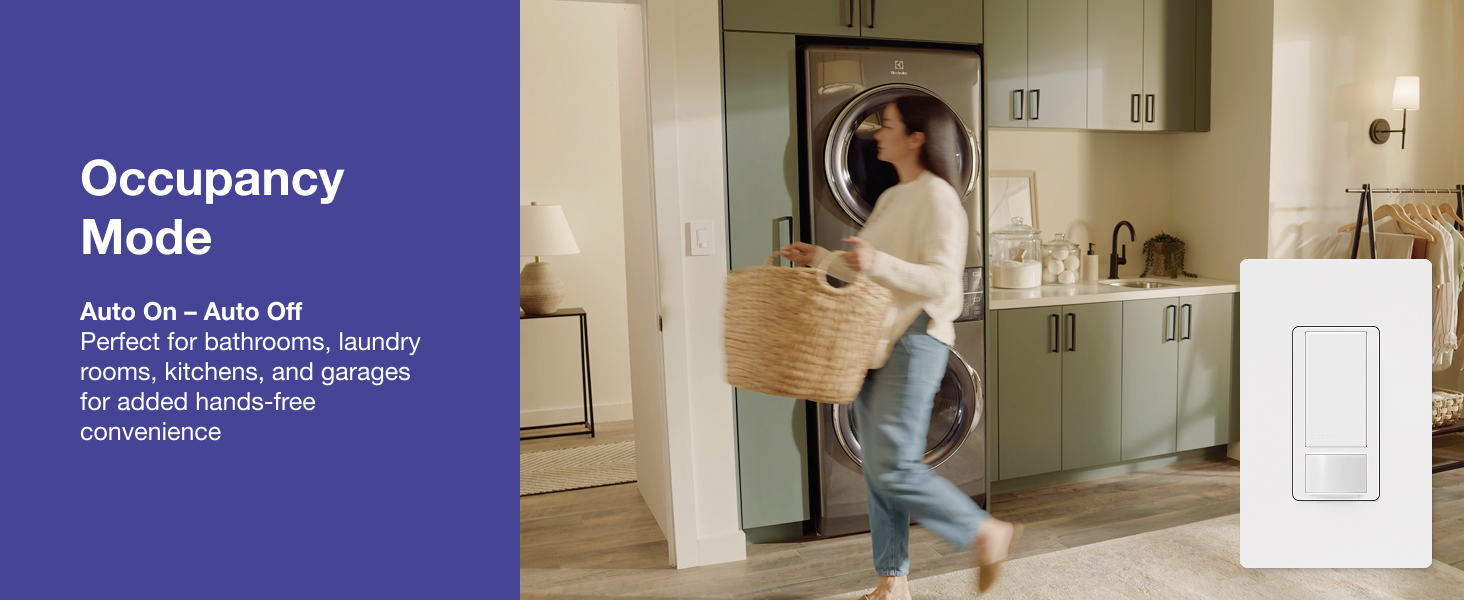
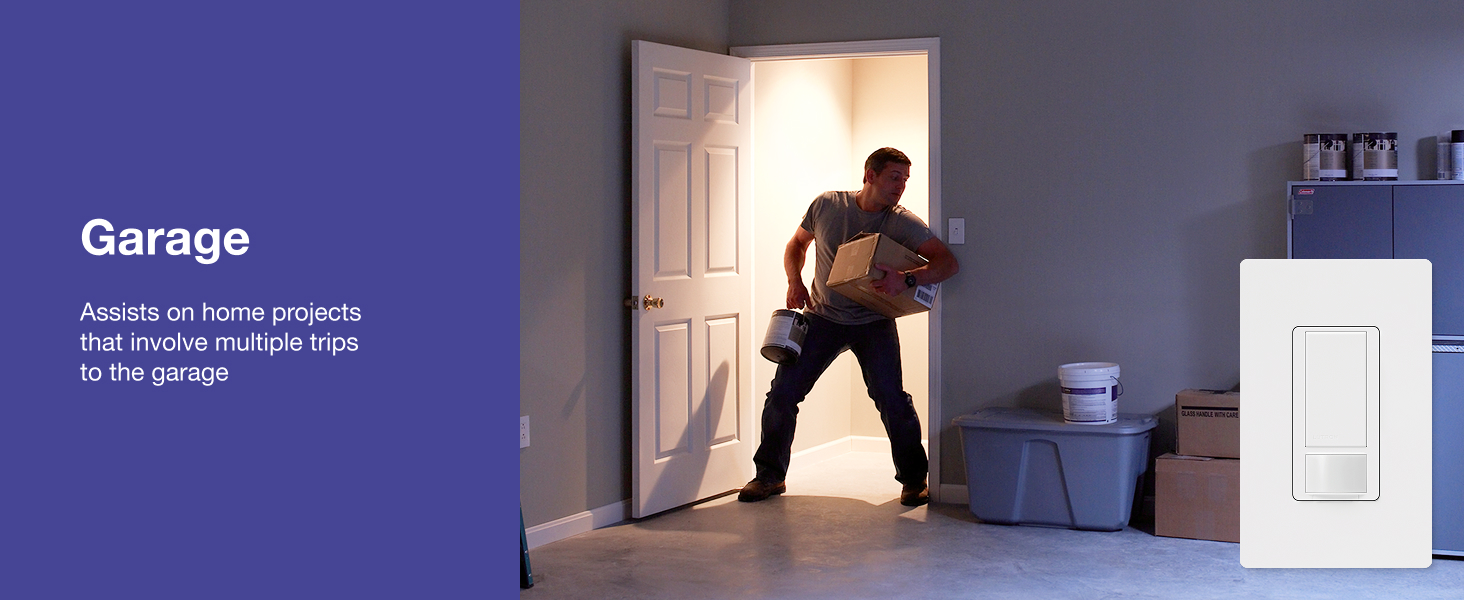
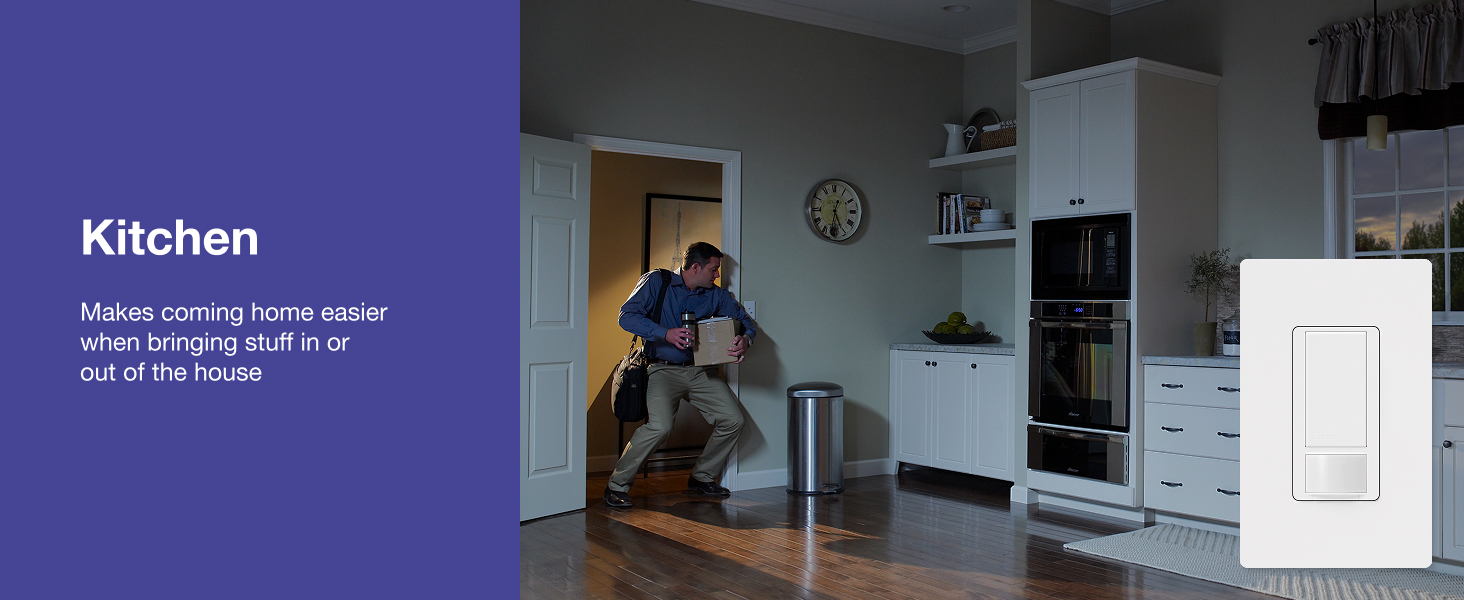
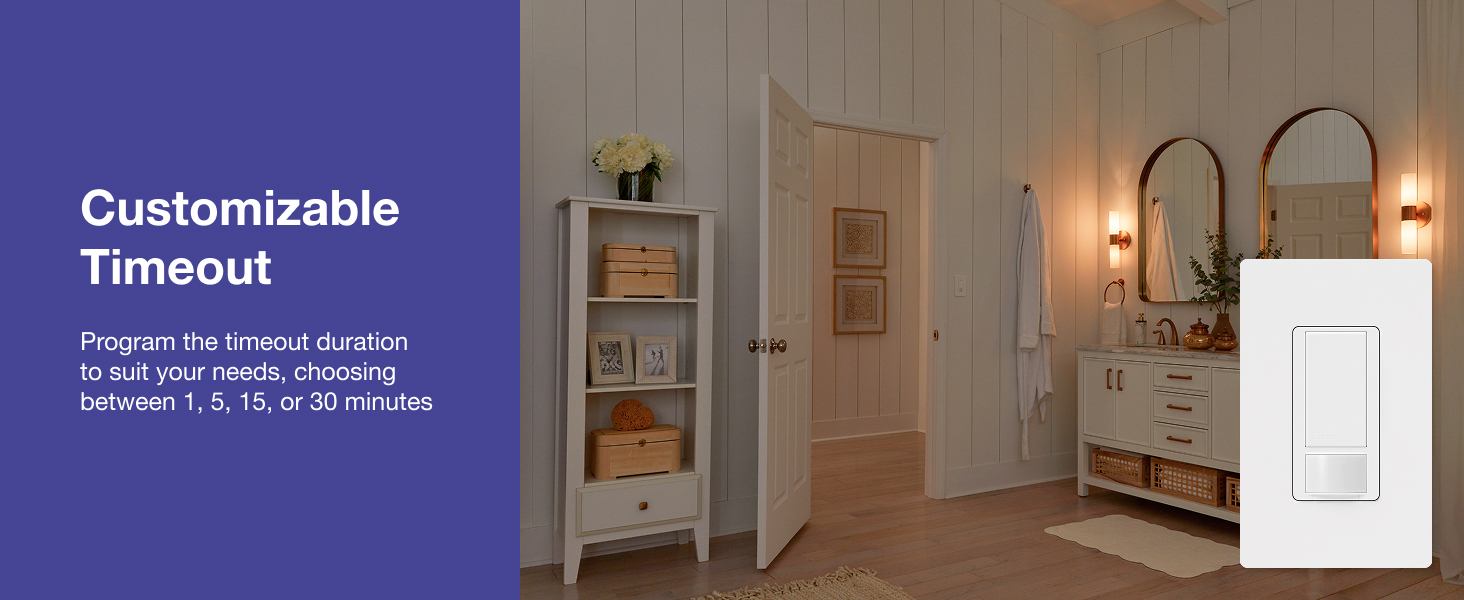
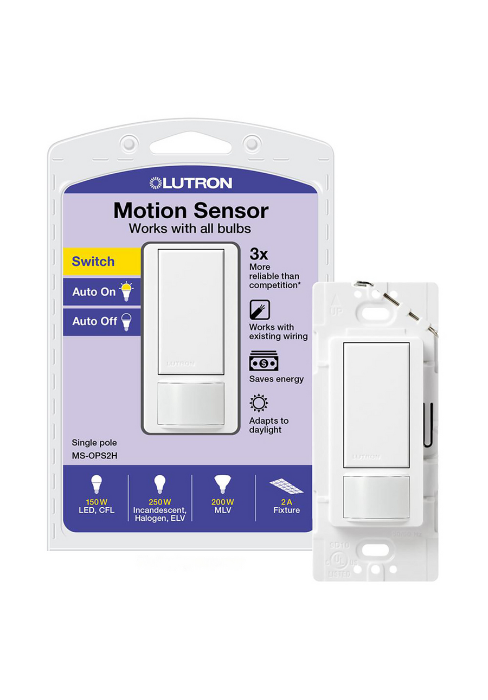
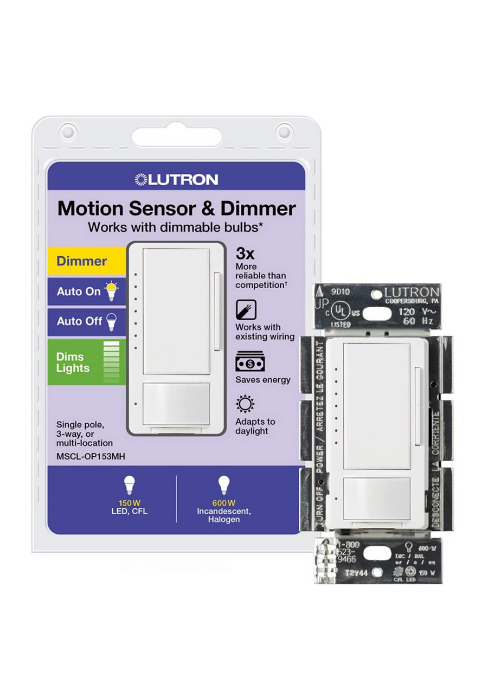
The Lutron Maestro Motion Sensor Light Switch (MS-OPS2-WH) is a sleek, single-pole, 2-amp switch designed for effortless hands-free lighting control in bathrooms, garages, and laundry rooms. It features advanced motion detection up to 30 feet, adaptive ambient light sensing to prevent unnecessary power use, and customizable auto-off timing. Compatible with all major bulb types and installable without a neutral wire, it offers a smart, energy-saving upgrade for modern homes.


| ASIN | B005WM3ALC |
| Actuator Type | Push Button |
| Best Sellers Rank | #1,079 in Tools & Home Improvement ( See Top 100 in Tools & Home Improvement ) #1 in Motion-Activated Wall Switches |
| Brand Name | Lutron |
| Circuit Type | 1-way |
| Color | White |
| Connectivity Protocol | Wi-Fi |
| Connector Type | Screw |
| Contact Material | Copper |
| Contact Type | Normally Closed |
| Control Method | Sensor |
| Controller Type | Motion Detection |
| Current Rating | 2 Amps |
| Customer Reviews | 4.6 4.6 out of 5 stars (13,180) |
| Global Trade Identification Number | 00027557982825 |
| Included Components | Maestro Motion Sensor Switch |
| International Protection Rating | IP00 |
| Item Dimensions | 2.3 x 2.3 x 4.5 inches |
| Item Type Name | Lutron Maestro Motion Sensor Switch | No Neutral Required, 150W LED, Single Pole | MS-OPS2-WH, White |
| Item Weight | 0.15 Pounds |
| Lower Temperature Rating | 32 Degrees Fahrenheit |
| Manufacturer | Lutron |
| Material Type | Copper |
| Model | MS-OPS2-WH |
| Mounting Type | Wall Mount |
| Number of Items | 1 |
| Number of Positions | 2 |
| Operating Voltage | 120 Volts |
| Operation Mode | Automatically,Off |
| Specification Met | UL |
| Switch Type | Push Button |
| Terminal | Screw |
| UPC | 027557982825 |
| Unit Count | 1.0 Count |
| Upper Temperature Rating | 104 Degrees Fahrenheit |
| Wattage | 250 watts |
R**G
Lutron Is THE Brand for Automated Motion Sensor Switch!
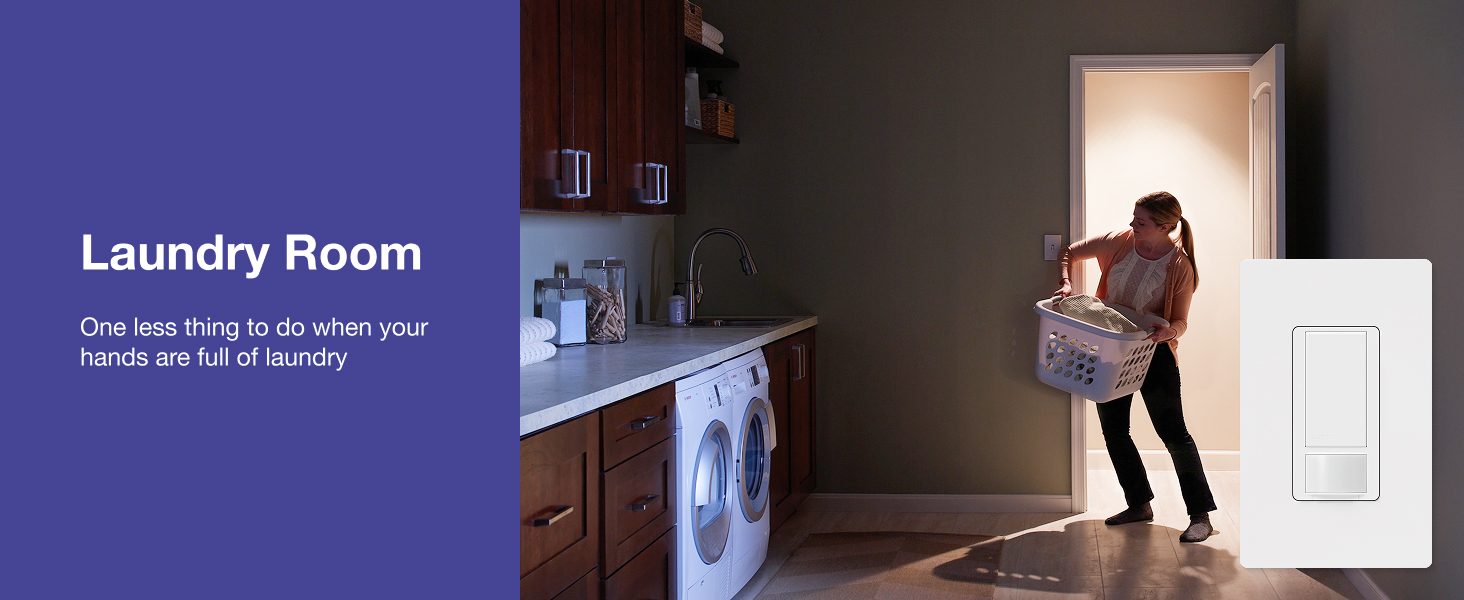
This review is for: Lutron Maestro Motion Sensor Switch | 2 Amp, Single Pole | MS-OPS2H-2-WH | White (2-Pack) The purchase price at the time I made it was $35 with tax, in June 2023. It is normally over $50, so I would recommend waiting for a holiday sale if possible. I installed this in two locations, my laundry room (for obvious reasons) and a small walled room that just has a toilet alone, situated within a master bathroom. These switches were installed in a newly built home where the builders, for whatever reason, went "balls to the wall" on those cheap toggle switches in every corner under the sun. I suppose it's understandable, and didn't complete the removal and install process overmuch, other than I would recommend having a thin, long metal pin or those foldout pocket screwdrivers with multi-heads, which can be used to push the pin into the back of the toggle switches to remove wiring from them. Tools recommended: + AC/DC voltage tester + flathead screwdriver + metal pin or multi-head pocket screwdriver with a long, thin head (for existing toggle switches) + wire pliers for straightening wires -- not needed, can also use your fingers with a t-shirt or a cloth as a layer of protection to straighten out curled wires + wing-nut wire connectors for wire-nutting wires in box (should be included) Installation steps (which were performed): + Turn off power at the circuit breaker. Recommend having lights on and one person stand in the room with switch, so that they can yell down at you when the lights go off, and you know which switch at the CB is associated with the install location. + Remove wall plate with flat-head screw driver. Remove top/bottom screws of target replacement switch and gently pull it out. Take out Voltage Tester and confirm that current is off -- both black/red wires should not result in a *beep* sound from the VT. If no sound, all is good. + Use metal pin or a thin-head screwdriver and insert in hole in back. Once they go all the way inside, wire should be easy to remove. For the wires curled around screws instead, use screwdriver to loosen those screws, and "uncurl" those wires with a wire plier or like I did, use a t-shirt to wrap your fingers and then straighten them that way. + Make a note of where the red and black wires are coming from -- there should be a wire bundle with tons of similar wires wing-nutted together. Remove the wing nut from each bundle and try to add either of the switch's black wires to it. Cinch them together with existing wing-nut wire connector. If too many wires, as in my case, then disregard that approach. Cap off existing wire bundle. Use included orange wing-nut connectors to tie the existing switch's black/red wire with either of the new Lutron switch's black wire. Twist and cap them off. Use gentle force to shove them into an empty, unoccupied space near the back of the box. + For newer homes, your box should have neutral wires. Disregard black/red wire bundle. Disregard the bare copper wire bundle (wires with no sleeves) -- these are ground wires. The only remaining wire bundle is your neutral wires. These should normally have white sleeves. Remove the existing wing-nut connector, remove the green sleeve from the new Lutron switch, and tie in the white switch wire along with the existing white wires in the bundle. Cap them off. Again, if too many wires, use the included wing-nut connector instead. + Find bare copper (exposed) wire from the existing switch, and group that with the new Lutron switch's bare metal (exposed) wire, which should be at the top. Cap that off, and stick the new bundle at the back of the box. + Now use flathead screwdriver to tighten top/bottom screws into the new Lutron switch -- can use existing switch's screws if preferred. Might need to "force" the switch to fit into the box, but not too much -- remember, this is why positioning the wire bundles into the empty spaces in the back of the box is so helpful. That way, less force is used, and less chance of wires getting crossed and tripping the CB when main power is turned on. + Turn on power at CB. If all is well, circuit won't get shorted out. Try to push the power button on switch. If install was successful, light should turn on. + Finally, turn off power at CB to be safe, and screw the wall plate back onto the wall. If your Lutron switch was replacing a toggle switch -- as mine was -- you will need to invest in a rocker switch wall plate, or a 1-rocker 1-toggle wall plate if you have a 2-gang wall plate as I did. + Turn back power on the CB. + To setup Custom settings, Lutron recommends to leave wall plate removed. In my case, I just needed to update the default timeout from 5 minutes to 1 minute, to save on electricity costs. Thus, it was fine for me to have the wall plate on. In my case, I pressed and held the big button on the new Lutron switch, until it blinked twice, then I released it. I turned it on and off three times fast, then stepped out of the room for about 5 minutes. Once I stepped back inside, the light turned off with a click, and turned off after 1 minute of no motion detected. Seems all is in order! As mentioned, I got the 2-pack and installed the motion switches in two locations. The first location is my laundry room, where the switch is facing in same direction as person entering, so obviously 180 degrees of motion detection is preferable. In practice, I get ~150 degrees of detection, which is good enough as the light turns on with a *click* as soon as I walk into the laundry room. This is helpful if I or someone else is holding a laundry bag or hamper full of clothes, as I don't need to free a hand to fiddle with the light switch -- it just gracefully turns on as soon as I enter, and turns off just as gracefully as soon as I exit the room. This works out perfect for me, and all involved. The second install location is a small cubicle-style room with only a toilet. This room is always dark no matter the time of day as there are no windows in this small enclosure. Further, it is located inside a master bathroom. The switch is facing again in the same direction as the person entering the room, and is a 2-gang with a switch for the bathroom fan. I got a 3-pack of 2-gang wall plates (1 rocker and 1 toggle openings) and installed one of them here. The wall plate looks really good, and in practice the motion switch functions really well. It turns on as soon as someone enters (no need to waste time fiddling with the light) and gracefully turns off after 1 minute of them exiting or no motion being detected, whichever is first. This is excellent and works for my use case, and I fully expect it to translate it into a slightly lower monthly power bill. Huzzah. All in all, highly satisfied with the 2-pack of Lutron motion sensing light switches, and I have installed them in two single-pole light switch locations. I have had them for a few months now, and there are absolutely no problems. I am extremely satisfied with their performance and they have saved time and money most definitely, because even if someone "forgets" to turn off the lights, they are never on overnight, which is excellent in my books. In short, I highly recommend the Lutron brand of light switches for motion detection and automation purposes, especially in a use case such as mine. Installation is relatively straightforward, and you don't need to be a licensed electrician to install one -- though knowledge of electrical wiring certainly helps. Check it out, I guarantee that you won't be disappointed!
K**3
Highly Recommended
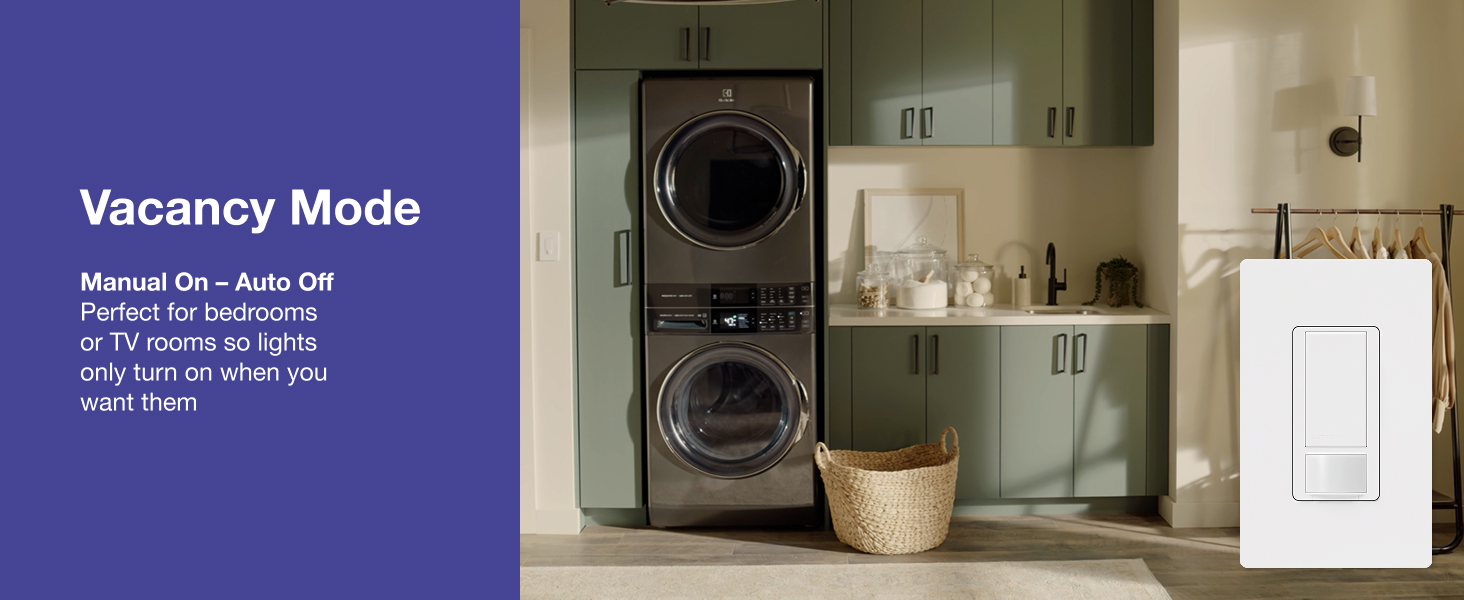
I have the 250w single pole (MS-OPS2-WH) and the 600w 3-way (MS-OPS5M-WH), so this review is for both. I've had these for about a month and I am very happy with them. I put one in an entry way and it is very convenient when walking in at night. I put the other one in a laundry room and that works well when carrying the laundry in. I'm no electrician, but they were easy for me to install. Just follow the instructions and be sure you understand everything you're doing. If you don't understand, watch more youtube videos or hire an electrician. I bought a non-contact voltage tester (fluke brand) to be sure that there was no current in any of the lines while I was working on them. You will also probably need a new switch plate. These do require a ground wire, so check that you have one in the switch box before buying. This is usually a bare copper wire. If you don't have one, this switch may not be worth the hassle of getting one put in. I have them set to auto on and auto off after 1 minute. They always come on right when I enter the room and I've never seen one turn on without someone in the room. One of them is pointed towards a window that has trees blowing in the wind and birds flying by, so it is just the right sensitivity. The sensitivity can be changed to a lower level from the default. They can also be changed to manual on and auto off for situations where you still want to control the light, but want to make sure it is not left on. They are supposed to not turn on if there is enough sunlight, but I have not experienced this. They turn on every time. The rooms I have them in don't get much sunlight, so maybe it just thinks they are always dark enough. It is also supposed to learn how much sunlight is too much by you manually turning it off, but I haven't noticed that either. Maybe they just need more time. There is an audible click when they turn on and off. It is not much louder than flipping a normal light switch. I believe this is because they use a relay to turn the power on and off. This is good because some other brands use a technique that still sends a small amount of current to the light when turned off. This usually causes issues with fluorescent and LED lights. This is not a problem with the Lutron switches and they should work with all lights. I am using them with CFL's and larger florescent lights without any problems. MS-OPS2-WH specific information: This is the one you want if your light is operated by one switch and is less than 250 watts. Besides being cheaper, the on/off click is slightly quieter than the 600w switch. MS-OPS5M-WH specific information: This is for 3-way (two switches for one light) and/or more than 250w, but less than 600w. I used this one to retain the operation of the other regular switch, even though it doesn’t get used anymore. To add this into a 3-way set up, you will need an additional wire nut that is not included for the regular switch. One tip for testing it: You can not use the test setting (15 second timeout) to test the operation of regular switch. Once you use either switch, it resets back to five minutes. You may get some odd behavior if you try using the motion sensor at the same time as the regular switch, but for the most part, either switch can turn the light on or off. As mentioned above, the on/off click is slightly louder than the 250w switch. Some other reviewers have had success with using two of these switches in a 3-way setup, but it is not officially supported.
G**N
For me, it takes time to get used to not touching the switch to turn on or off. Not being an electrician, I had to call for support on installation as my box was not wired as expected. I got immediate, helpful support. The motion detector, at least as I have it set up, is even more sensitive than expected as it goes on when I walk by the doorway but that's ok. While I have it set to go off in 5 minutes of no motion detection, it sometimes takes a much longer time to do so. Most of the time, however, it does adhere to 5 minutes.
T**4
We bought this switch to replace the mechanical one in the garage, since we were all too often leaving it on all day after driving out. This switch was easy to wire, looks good for a motion sensor, and more importantly, it just works every time. Now we never need to think about lighting when leaving or coming home; the garage is always well-lit when we need it to be.
S**H
As advertised it does not require a neutral third wire; only requires a ground connection. It’s programmable with 2 buttons that you press and hold for different motion settings. Installation took me less than 5 minutes. I had trouble programming it, so I called LUTRON and they answered quick and gave me excellent clear instructions. Set includes the switch and wiring hardware, but does not include a switch plate (the part that screws on the front of the switch to cover it). You will have to use your existing rocker switch plate. Toggle switch plates will not work, so if you’re replacing an old-school toggle switch with this motion sensing kit, go to your hardware store and grab a rocker switch plate first. Overall works perfectly! Would definitely recommend
N**I
Easy to install. Work great. Lights go on instantly with no noticeable delay after walking into view of the sensor. For one switch I put a small piece of black tape over one edge of the sensor so the switch does not activate when I pass by the edge of its view. This works well so it is possible to customize the sensor's view. I am also pleased that I can set the switch to not activate when there is enough light already (i.e. sunlight), and I can train switch to set the light threshold at which the switch turns on. I set the switches so that they don't turn on when there is enough sunlight. I also set one switch so that it turns off within 5 minutes of it sensing no motion, but another so it stays on for half an hour after sensing no motion because it is a location where I sometimes move out of the sensor view. These feel like they are mostly plastic and a bit flimsy but once installed they feel fairly similar to low cost decora switches. Now that the switches are programmed and trained I don't tap them very often (less than once a week) so I have no concern about durability. I mounted one upside down (semi-circular sensor on the top) to look over furniture and it works fine. Note that these switches require connection to live, neutral and ground. They will not work with old 2-wire wiring that does not include ground.
L**G
The first one I received didn't work. In less than a week I received a replacement; even before I had a chance to return the nonfunctioning one. This time Amazon was really good,