⌨️ Elevate your workspace with ergonomic elegance and wireless freedom!
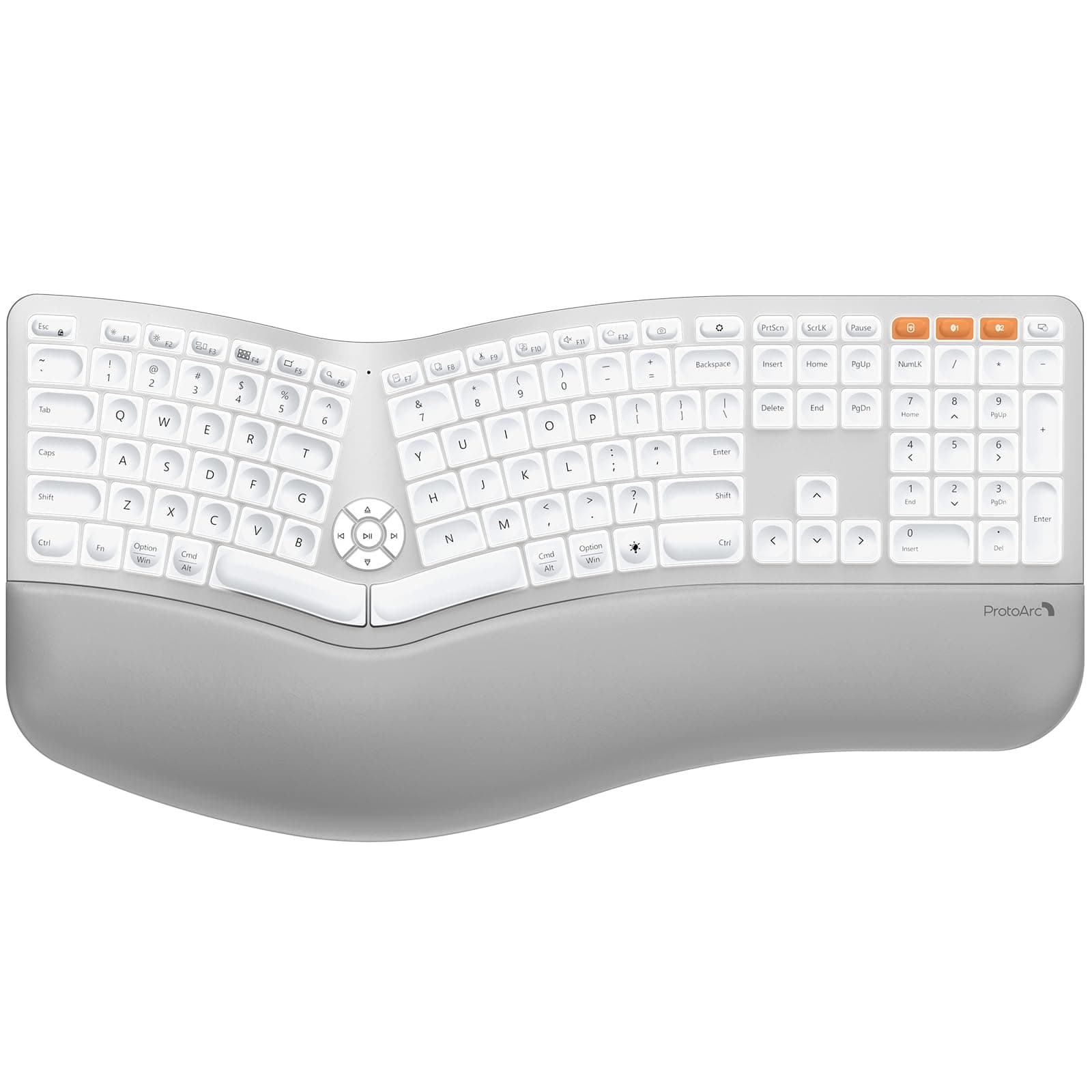
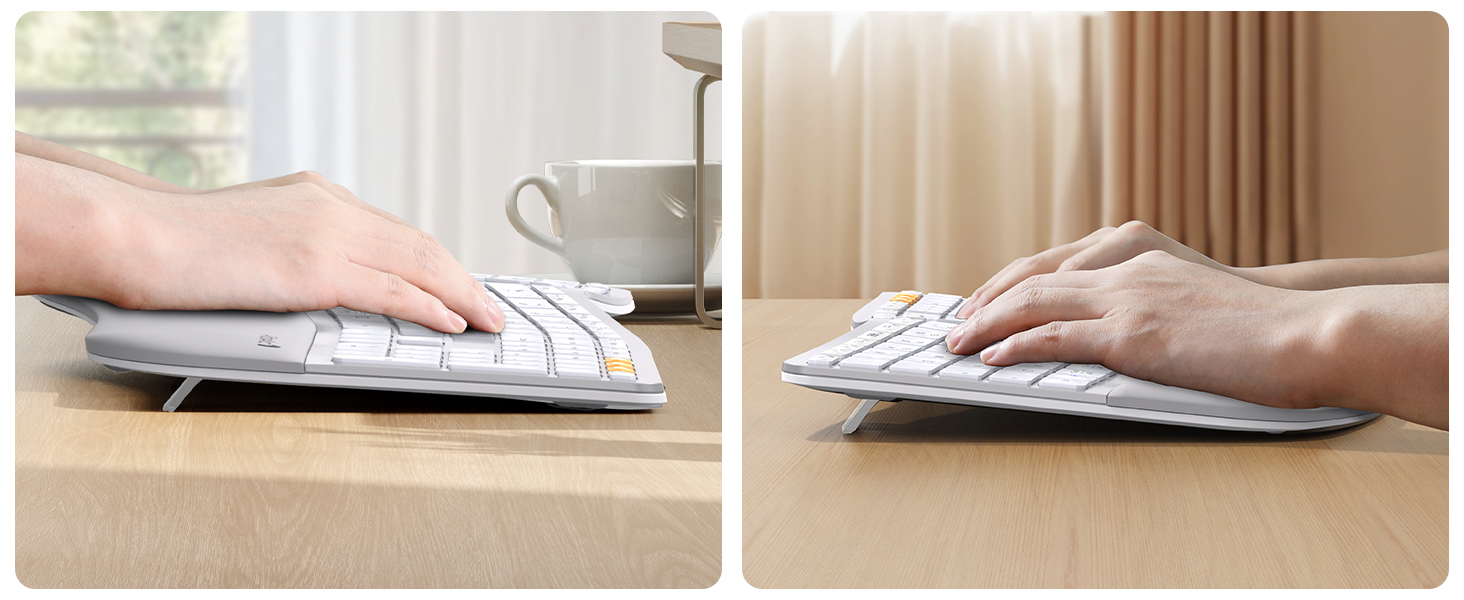
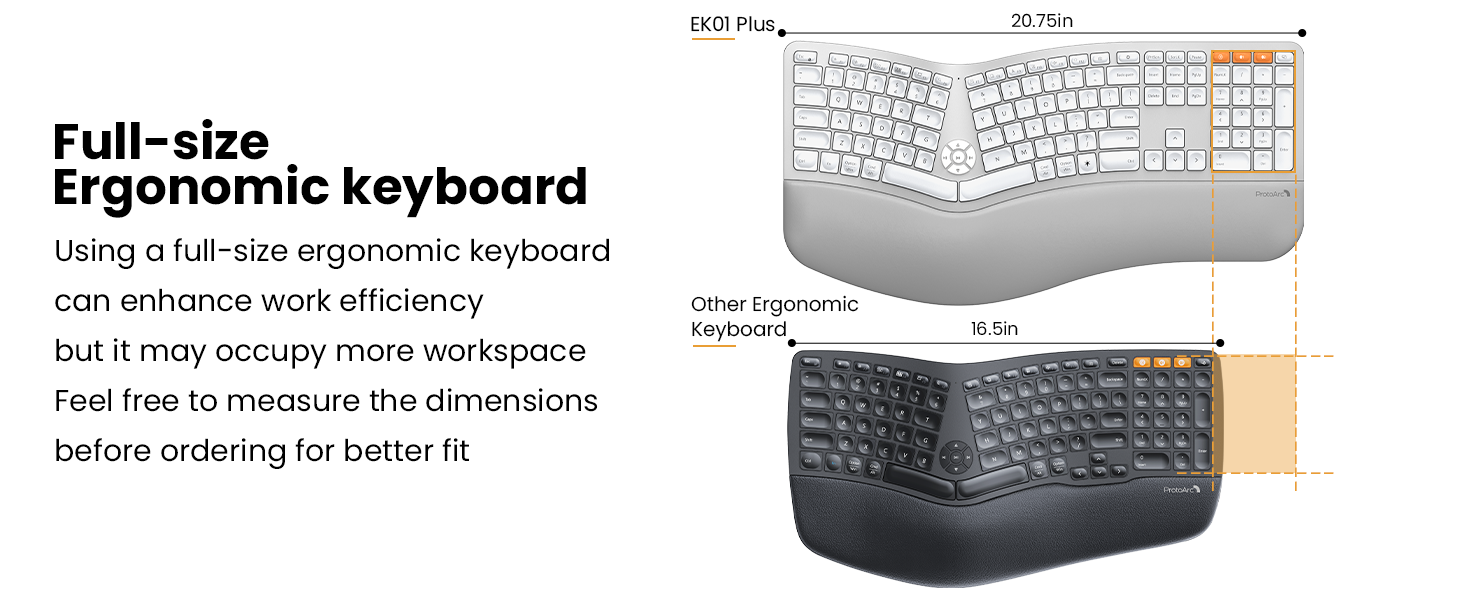
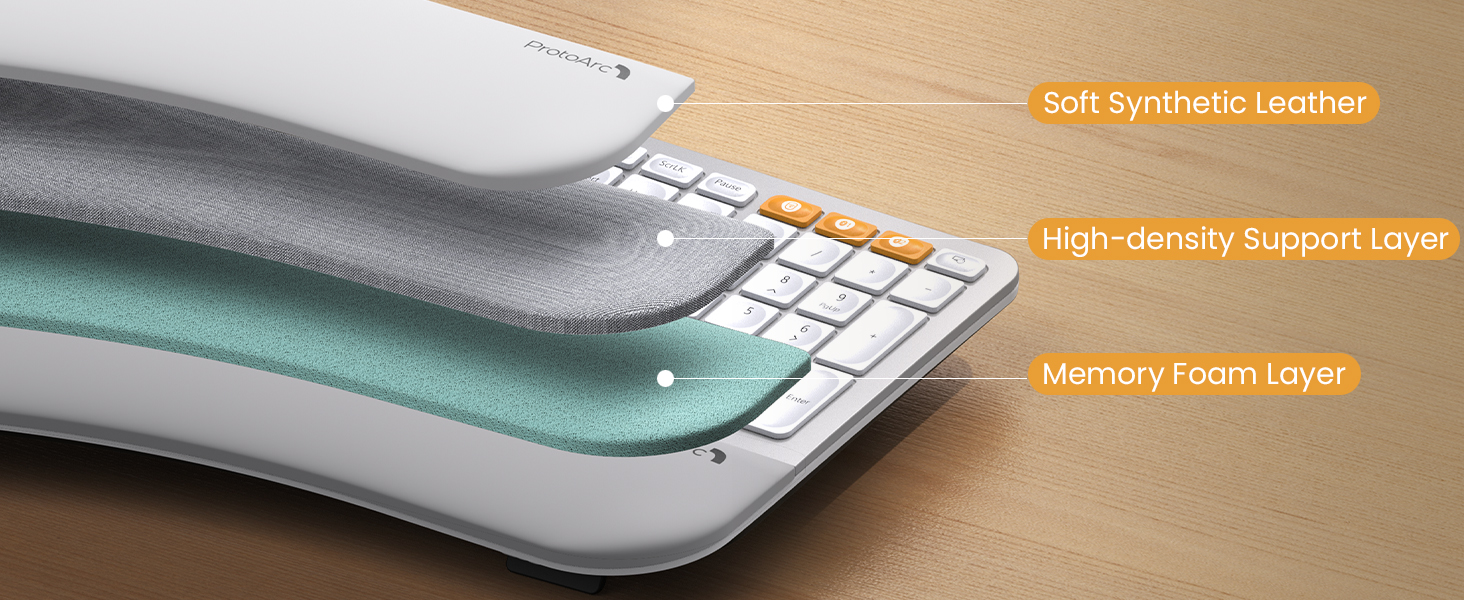
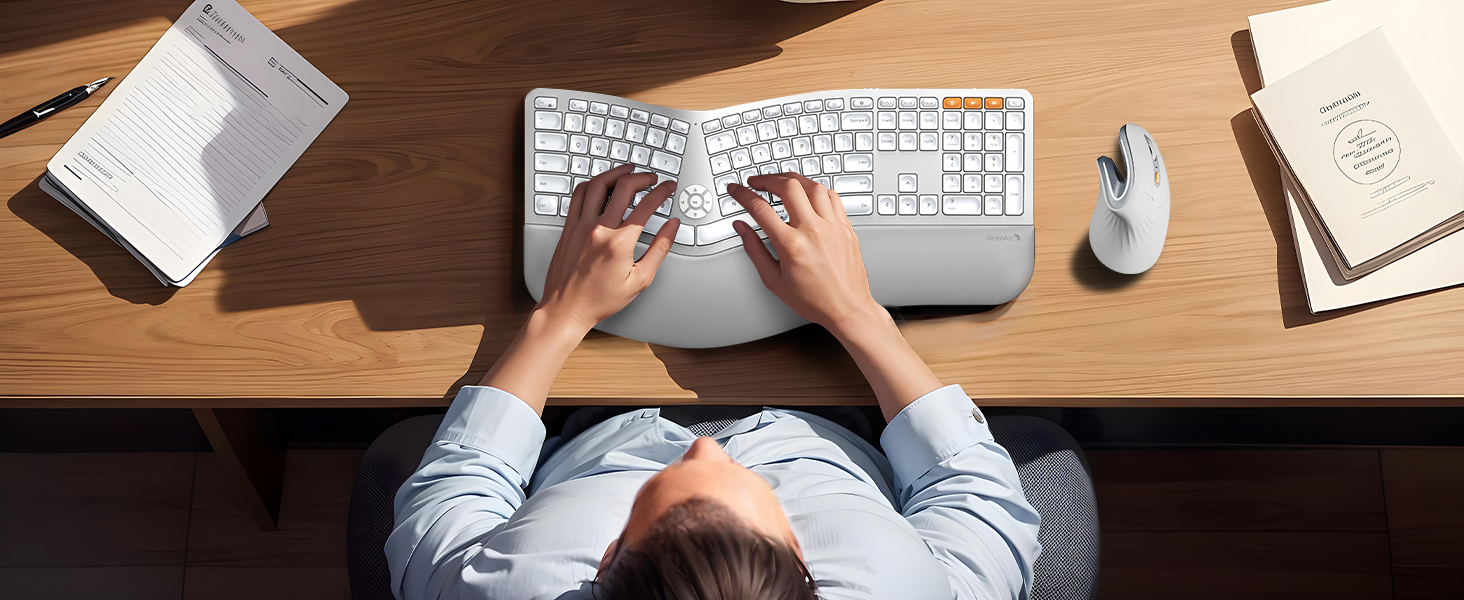
The ProtoArc EK01 Plus is a full-size, split ergonomic keyboard designed to reduce wrist and forearm strain with its curved frame and cushioned wrist rest. Featuring adjustable white LED backlighting with multiple brightness levels and power-saving modes, it offers up to 100 days of battery life with backlight off. It supports seamless switching between three devices via Bluetooth and 2.4G USB, compatible across Windows, Mac, and Android systems. Powered by a 2000mAh rechargeable battery with USB-C fast charging, it combines comfort, connectivity, and long-lasting performance for professional multitaskers.


| ASIN | B0DJ6SJF2V |
| Are Batteries Included | No |
| Best Sellers Rank | #87,976 in Computers ( See Top 100 in Computers ) #2,589 in Computer Keyboards |
| Brand | ProtoArc |
| Color | White Silver |
| Customer Reviews | 4.2 4.2 out of 5 stars (61) |
| Date First Available | 9 December 2024 |
| Item Weight | 1.7 Kilograms |
| Item model number | EK01 Plus |
| Manufacturer | ProtoArc |
| Package Dimensions | 53.34 x 29.21 x 5.08 cm; 1.7 kg |
| Power Source | Battery Powered |
| Series | EK01 Plus |
A**R
Very Nice High Quality Keyboard. Was looking for a replacement for MS Natural Keyboard and this works for me! Very well made. Love the feel and comfort and the option to switch between Wireless or Bluetooth on multiple OS's (Windows/Mac, etc). I really like the transparent silicone like keyboard cover for protection (both spills and preventing wear and tear on the letters). I was really impressed. The only suggestion I would recommend is to make the USB Cable slightly longer to reach surge protectors on the floor =D
H**�
Wow! I am very very impressed and super happy with purchase! Its more than what I expected. Thank you ProtoArc for this Ergonomic keyboard.
A**R
UPDATED REVIEW: 5/19/25 - I've had this keyboard for a month now and I am so pleased with it. I functions perfectly, love the way the keys sound (not too loud but people know my fingers are flying), the backlighting is so nice in a darker office, which is how I prefer it. I hate fluorescent lighting so never turn the overhead lights on. I have naturally long nails that I spend a nice coin on to keep looking professionally manicured and the keys on this keyboard seem to be customized for just that purpose - long or short fingernails, your fingers won't slip off the keys. I think that's probably really important for some of the ladies reading these reviews. I've owned and used a myriad of wireless keyboards. This one tops them all. I will only ever buy and use ProtoArc. And no, this is not a paid ad. This is a genuine review. I paid for my keyboard myself. First and foremost, I’m a keyboard snob. Truly. I’ve been a paralegal for nearly 20 years and spend my whole day in front of a computer. Prior to that I worked in medical billing again spending my whole day on a computer. You could say I’ve spent my career typing. As such, I am VERY particular when it comes to keyboards. When I find one I really like, I hold onto to it until its demise. By then, that model has usually been replaced by something else. I was reluctant to try this keyboard. I’ve hesitated buying anything new for more than a year eking out the last bit of life from my old one. I’ve read many, many reviews about many, many ergonomic keyboards. I originally purchased an ergonomic Lenovo Go but you had to buy the number pad separately and it just was a hassle to not have an integrated number pad. The keyboard itself was nice but had its quirks. I found myself searching again and coming back to this keyboard. After reading reviews from people who didn’t receive the item in exchange for their review, I felt confident that I should at least give it a go. I am glad I did. This is just my initial assessment but the keys are smooth strokes, the ergonomic alignment is perfection, and the leather wrist pad allows for smooth transition while moving across the board while typing. This keyboard has the feel of a super high end piece of technology. If you are hesitant I understand your reluctance. But I would highly suggest you try it out. Worst thing that happens is you return it. Good luck and best wishes for your keyboard search!
N**A
This is a difficult review. The product is amazing, yet the customer service from the company is terrible. First the bad. When I received the product it was damaged, the pad where you rest your palm was lifting and not fastened correctly. There was a 3 inch area where there was obviously a manufacturer defect. I sent an email to the company, and received a response two days later. They requested pictures, and could see it was a resent purchase from Amazon. I waited again, and was told there would be someone who would contact me in 24 hours. It did not happen. After another 2 days, I emailed them again. I was apologized to, and told there was a review to see if they would replace the pad or the entire keyboard. The irritating issue is the the person who made that statement didn't know the product, the pad is not removable from the keyboard. I waited another 2 days and emailed again, this time very frustrated. I was told they were thinking about it. I let them know if they didn't respect me as a customer, and respect my purchase I will return the product to Amazon. Another 3 days went by, and finally a response that they would replace the keyboard! I emailed them back informing them that I put in for a return and replacement through Amazon. It took well over 1 week to get a return!!! I could have sent it back to Amazon right away and had a replacement no questions or drama! The GOOD, the product is great, amazing, it looks good, feels good works good, and the mouse is perfect! I love the product! I would just NEVER EVER EVER give the customer service a time of day, its a waste! The customer value outside of Amazon has not any weight. Stupid, absolutely stupid.
J**.
Comfortable wrist support, wonderful key-stroke feel, looks great, and is easy to clean. Maintenance tip: After 6 months of use, the keyboard stopped responding -- I needed to recharge the battery. I plugged the USB-C cable in, and sure enough, the light came on red. After a few hours, it was fully charged and the light had turned green. However, the keyboard was still not working. I realized that I had to reconnect/pair the keyboard with the USB receiver. To do this, I found the Bluetooth key on my keyboard, held it down for about 3 seconds, and a window popped up stating that I needed to pair my keyboard. I unplugged the USB receiver from my Dell computer, re-inserted it, and then pressed "pair" on the window that had popped up. Within a second, it was paired again, and the keyboard works great once more! I don't know if I need to pair it again every time the keyboard battery dies, but if you have this problem, it's an easy fix. Now, I have 5 to 6 more months of typing! :)