Desert Online General Trading LLC
Dubai, United Arab Emirates
Desert Online General Trading LLC
Dubai, United Arab Emirates




🚀 Scan, Share, Shine!
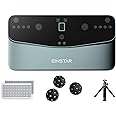
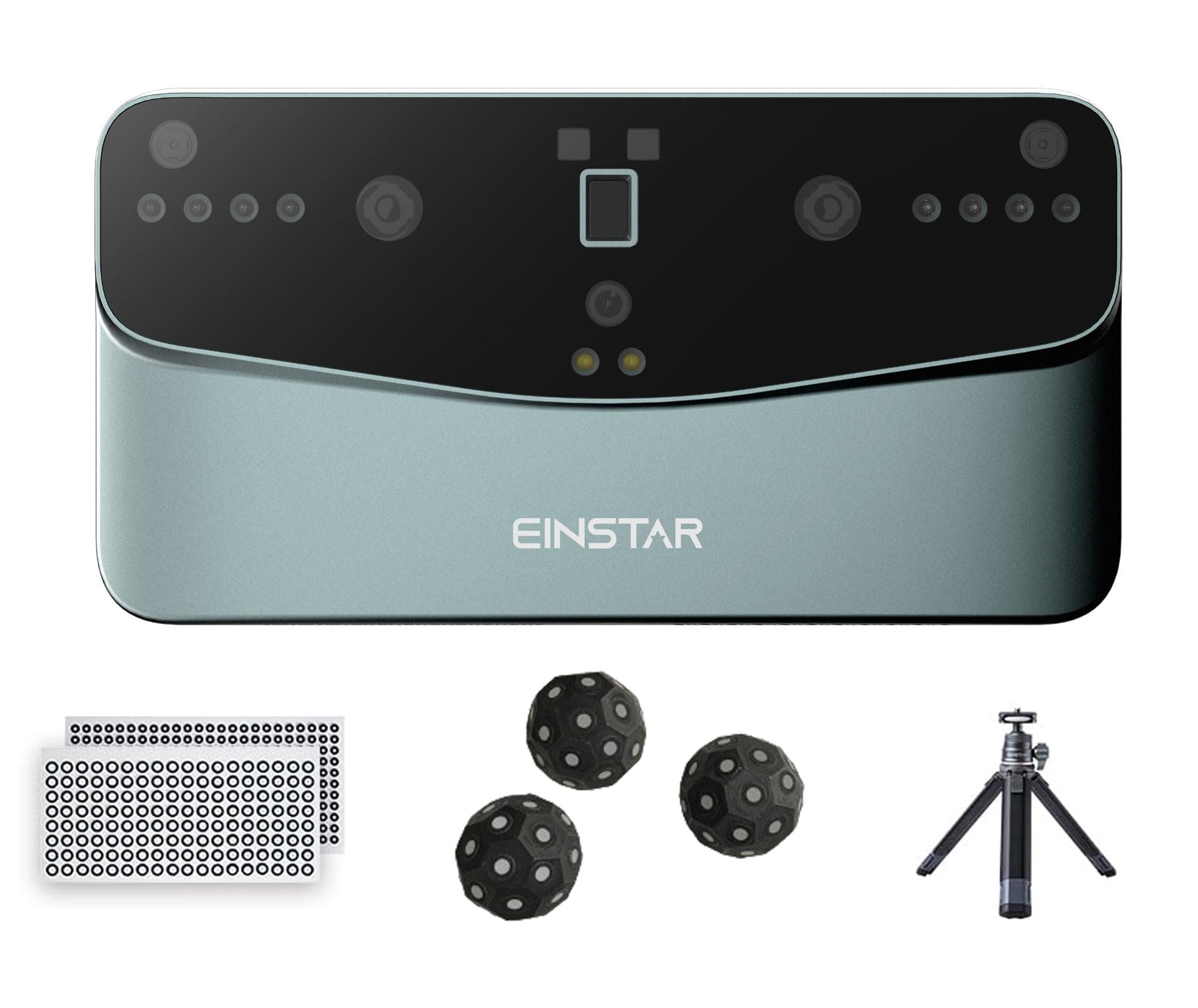
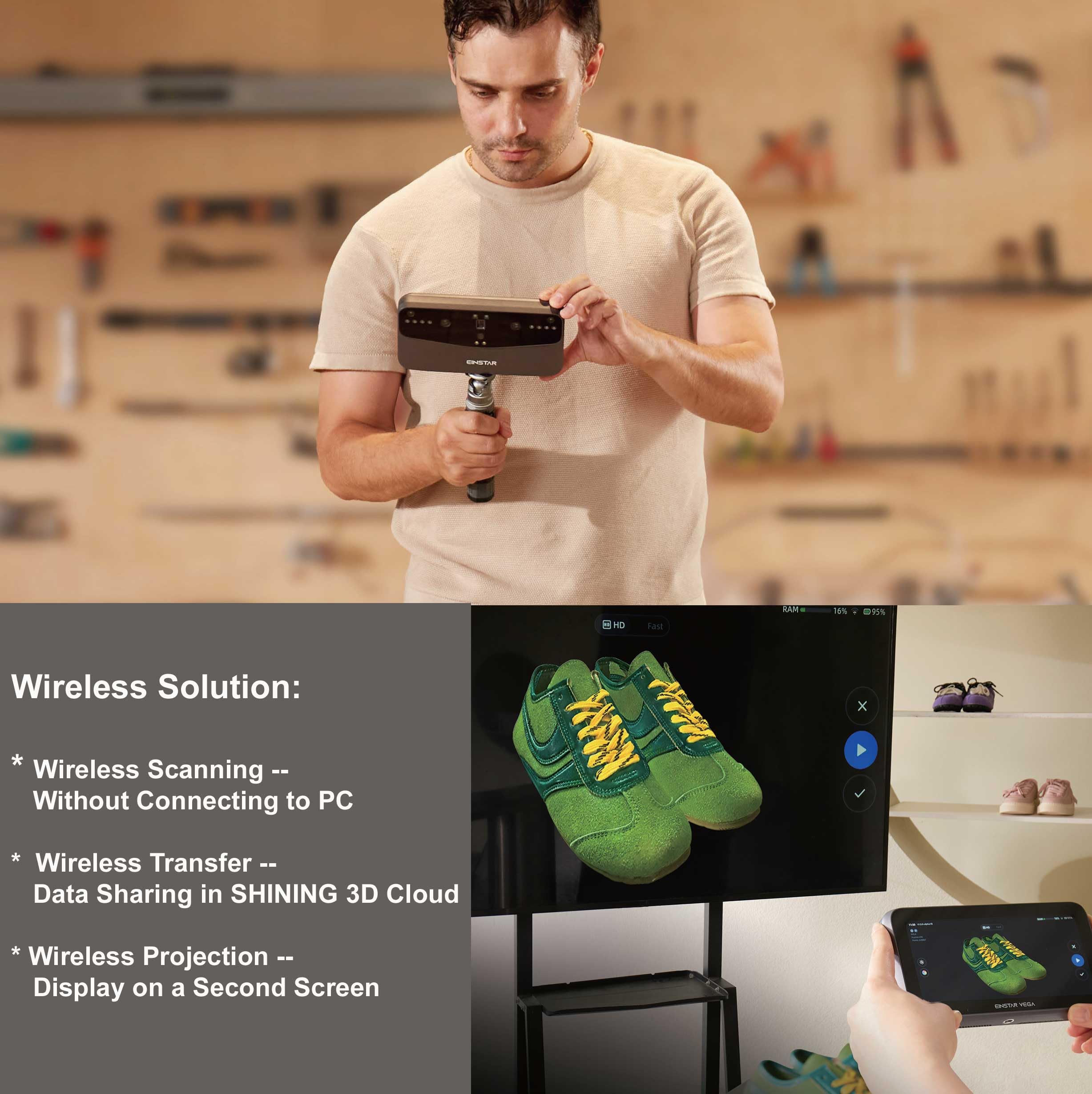
The Einstar Vega 3D Scanner is a versatile, all-in-one device designed for both beginners and professionals. It features wireless scanning capabilities, dual scanning technology for varying detail levels, and powerful hardware, including an 8-core CPU and a 48MP camera. The complete kit includes essential accessories, making it ideal for 3D printing enthusiasts and professionals alike.

J**N
Great Portability
About the Seller:- No issues at all. Shipping to Mauritius was impressively fast.About the Einstar Vega:The portability of this scanner is a big plus. It performs really well, but a tripod is absolutely essential. When using it handheld, it's easy to accidentally touch the lenses, which can be frustrating.As expected, it struggles with highly reflective surfaces like glossy car paint or anything shiny. If you're scanning car panels, feature alignment works quite well as long as the panel has curves or distinct features. For something like a McLaren, you might get away without using markers or scanning spray due to the distinct shapes that can be followed with feature alignment. However, for flatter panels like long fenders on standard cars, tracking is easily lost. Scanning spray isn't strictly necessary, you can scan polished or glossy parts, but expect some noise and reduced accuracy. In fact, scanning a dusty or dirty car is often easier than scanning a freshly cleaned one.Small objects are a bit tricky without a turntable. It has trouble with things around the size of a lighter or smaller. I improvised a turntable and ran into an interesting problem: the object wasn't fixed, so it moved slightly during rotation, which caused tracking issues. If you’re using a turntable, make sure the object is securely attached.Also worth mentioning, avoid using feature or marker alignment on parts that can flex or change shape between scans. For example, if you scan a bumper while it's on the car, then scan the back after removing it, the scans likely won't align due to the part flexing. This is just something to keep in mind when scanning flexible or removable components.Some workarounds I’ve found:- Use a simple jig to hold parts in the desired shape.- Use CAD to compensate for minor misalignments if absolute precision isn’t critical.- Aim for one perfect scan with full coverage when possible.Texture Scanning:Very cool feature great for visualizing parts and identifying details in CAD. That said, it consumes a lot of storage and significantly increases post-processing time and RAM usage. This effect compounds fast on large scans.Overall, it’s a solid product especially for a first-generation device, but there are a few things I’d like to see improved:- The software could be more polished.- A middle ground between Fast and HD mode would be great; right now there’s a large jump in field of view between the two.- Better on-device project organization and easier renaming (right now everything defaults to a timestamp until transferred to a PC).- Auto screen-off when idle to conserve battery.- Initially, I wanted more internal storage, but it's manageable—just regularly offload scans to your PC.- A screen or lens protector would be a welcome addition.About the StarVision Software:It works well for the most part, but there are some bugs. I’m using a decent gaming laptop with 64GB RAM, and I’ve still encountered occasional crashes. The strangest issue: if you delete models from the library that are still linked to a workspace, opening that workspace later causes the software to crash. Reinstalling the software fixed it instantly, and thankfully it kept all my data and settings.Scanning Tips:- Practice a lot it really pays off.- Learn the different alignment modes and when to use each.- Don’t aim for perfection in one scan sometimes multiple overlapping scans aligned in software are faster and more effective.- Avoid texture scans unless you truly need them to save on time and storage.(Pictures shown are Fast scans using the medium field of view. The front of the gold Jeep, for example, took about 2 to 3 minutes to scan. No specific areas were focused on, they were just a quick pan around the vehicle in direct sunlight, which added a lot of reflection from the paint. Much better results could be achieved with marker dots, scanning spray, and more time.)In the blue, non-textured scans, the very fuzzy areas are due to low scan detail, scanning too quickly, or reflective surfaces. These scans were mostly quick tests or for areas where I needed 3D-printed parts to match the surface geometry.Final Thoughts:I’m very happy with this purchase. Scanning car interiors would be a real headache with a cabled scanner that needs to be tethered to a laptop. The Einstar Vega makes my workflow much more efficient and flexible.
TrustPilot
2 周前
3天前
2 周前
2 个月前