We remain fully operational. Our teams are working around the clock to ensure your deliveries continue safely.

下载应用程序


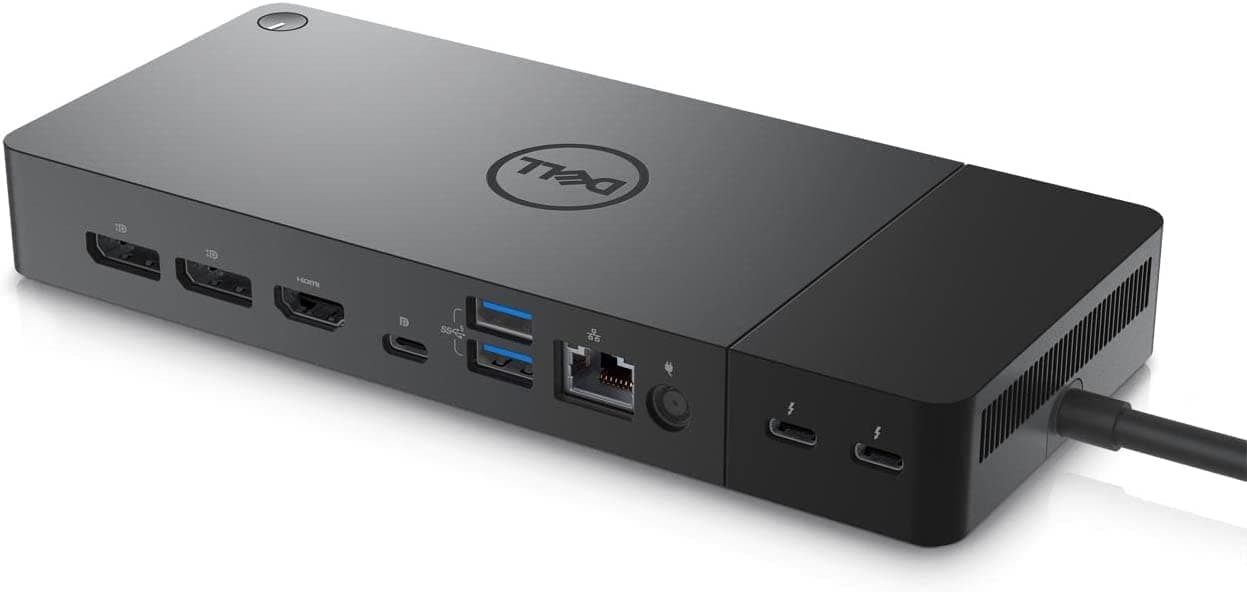


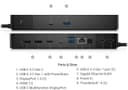
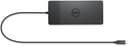
⚡ Power up your workspace with the ultimate dock for speed, style, and seamless control!
The Dell Thunderbolt Dock WD22TB4 is a powerhouse docking station featuring dual Thunderbolt 4 ports, 130W ExpressCharge technology, and support for up to 5K resolution at 60Hz. Designed for professionals demanding fast data transfer, versatile connectivity, and easy IT management, its modular design ensures future-ready upgrades. Compatible with Dell and other Thunderbolt-enabled laptops, it streamlines your workspace with 9 ports and smart security features.
| ASIN | B0B13Y2QVW |
| Best Sellers Rank | #191,535 in Electronics ( See Top 100 in Electronics ) #74 in Docking Stations |
| Brand | Dell |
| Brand Name | Dell |
| Colour | Black |
| Compatible Devices | USB Flash Drives |
| Customer Reviews | 4.2 out of 5 stars 781 Reviews |
| Global Trade Identification Number | 05397184635629, 05397184718902 |
| Hardware Interface | Thunderbolt , USB Type C |
| Input Voltage | 230 Volts |
| Item Dimensions L x W x H | 30.2L x 29W x 6.1H Centimeters |
| Item Weight Unit of Measure | 1 Pounds |
| Manufacturer | DELL |
| Number of Ports | 5 |
| Product Dimensions | 30.2L x 29W x 6.1H Centimeters |
| Total HDMI Port | 1 |
| Total USB Ports | 4 |
| UPC | 196271338475 |
| Wattage | 180 Watts |
P**M
Good product
Good product
O**A
Great Product
Using it for more than 2 months and its good.
R**H
Excellent dock, use MTS technology not supported by Mac.
This is one of the finest dock that works very well with Windows, Linux and Chrome book. But with Mac it does not support dual monitors as it internally has MTS technology. With Mac both external monitor will be mirrored.
A**V
Issues with External HDMI Monitor
With MacBook Pro M3 Max, It does not work properly with external monitor over HDMI, after sleep it tries to awake 3-4 times, sometimes successful sometimes notm I have tried with all my monitors different models, same thing :(