

Desert Online General Trading LLC
Dubai, United Arab Emirates
Desert Online General Trading LLC
Dubai, United Arab Emirates


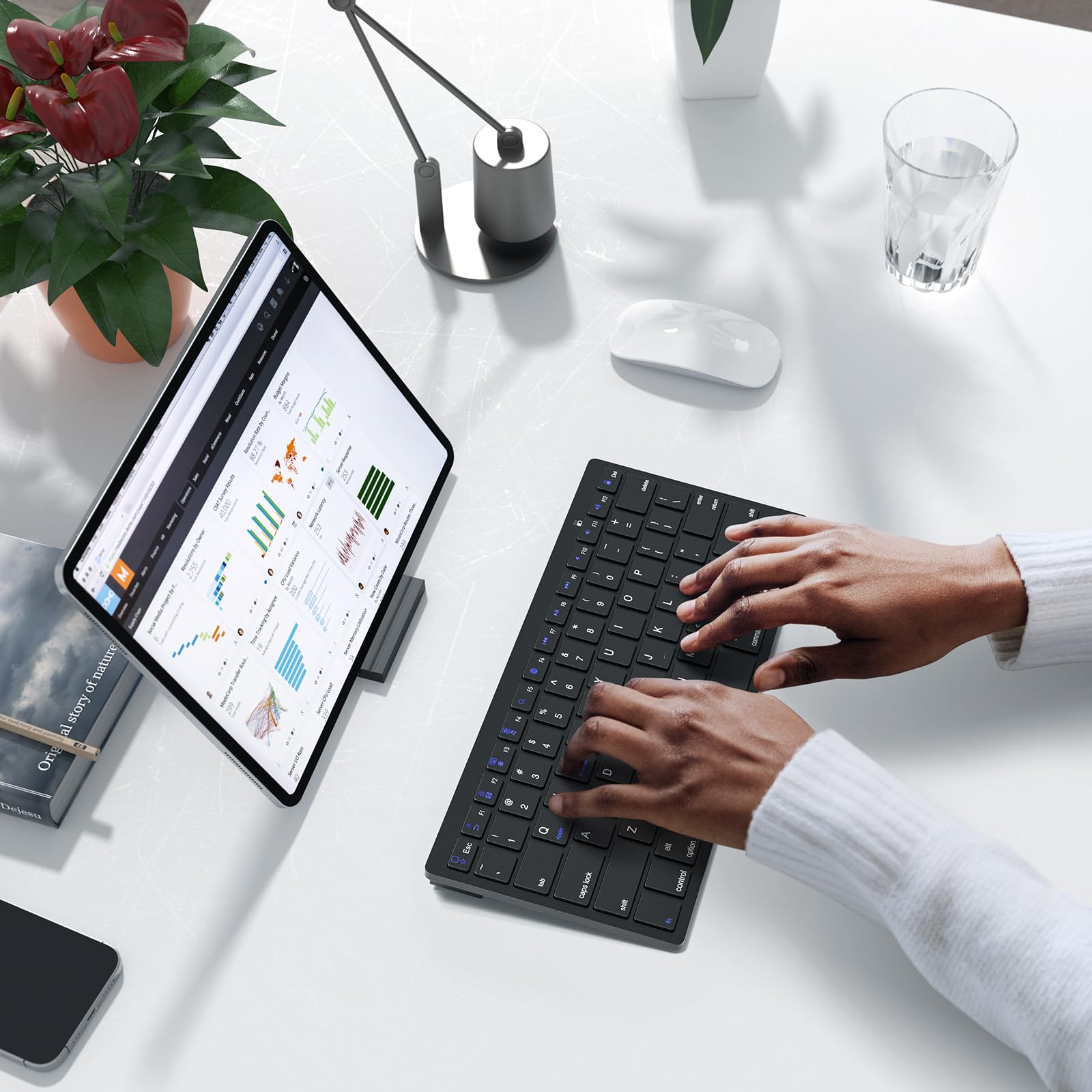



⌨️ Elevate your typing game—wherever, whenever.
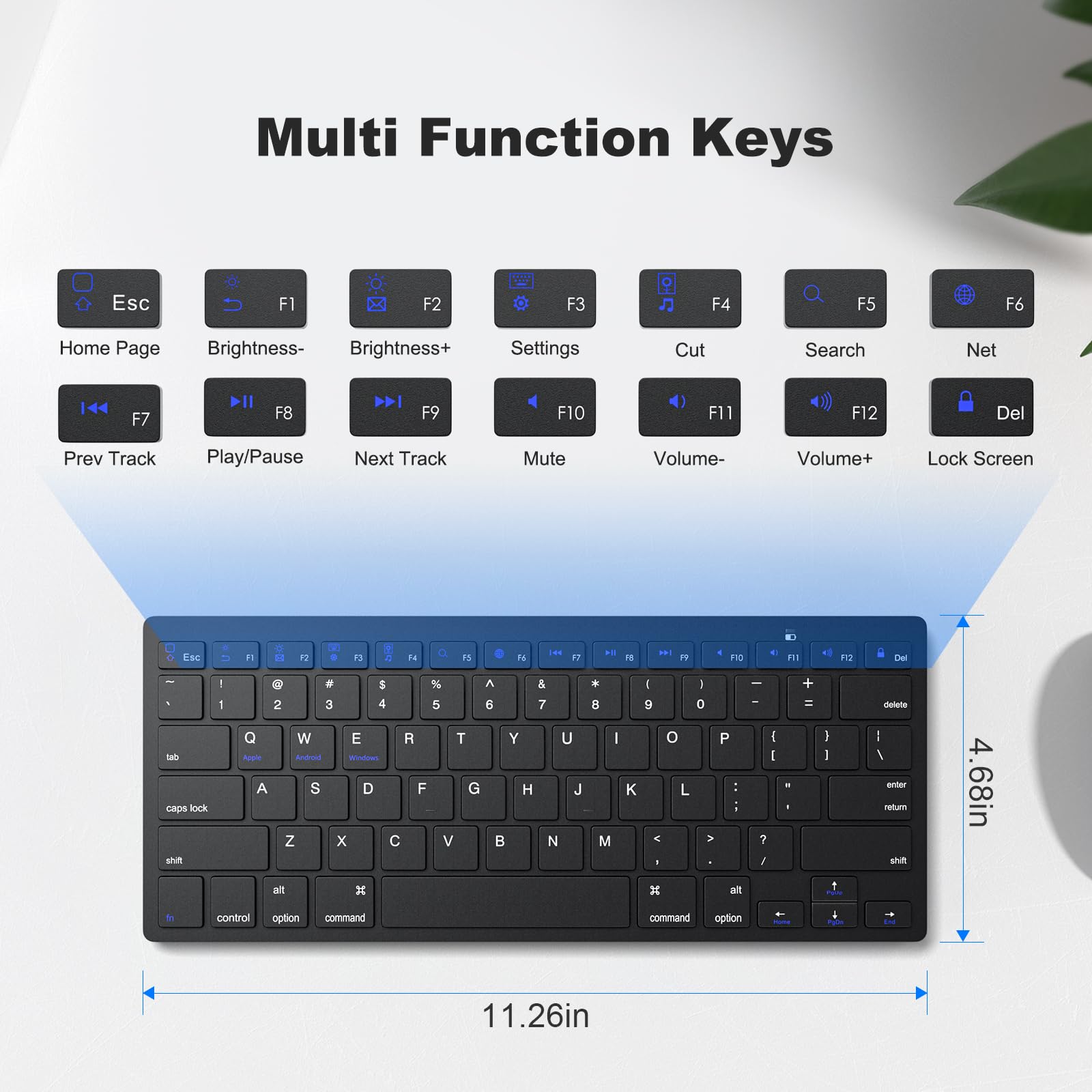
The MOFII Bluetooth Keyboard is an ultra-slim, lightweight wireless keyboard designed for seamless compatibility with iOS, Android, and Windows devices. Featuring fast, reliable Bluetooth connectivity, 12 multimedia keys, and smart power-saving auto-sleep, it’s the perfect portable companion for professionals on the move.


S**N
Soft key feel, great price, easy to use.
Pairs with my Mac very easily. There are three modes for the function keys depending on your OS. Nice feature for a cheap board. The keys do feel a bit mushy but for the price, it’s exactly what I expected. I love that it shipped quickly and the “CONECT” type-o is hilarious.
A**S
Teclado para surface microsoft
Funcionó muy bien con el surface
N**S
For ios
Works great. Reminder :Have to but AAA batteries
K**Y
Didn’t work
It didn’t connect to my iPad. I used different batteries but it still didn’t work.
M**0
Doesn't work with iMac
I'm not 100% sure it's the keyboard or my mac, but I couldn't pair with iMac 11 using High Sierra. It doesn't even see it as a Bluetooth device, my iPhone 15 does, so I'm not sure what's incompatible but it definitely doesn't work in my case. Other than that it looks good, keys feel fine, price is awesome, if it works for you might be a good deal.
A**R
Great Value. Great Quality.
Clever idea going bluetooth with a keyboard. Easy to setup and works great and does not take up a USB port.
J**N
As advertised
Nice and compact
J**R
Nice small keyboard with some tiny details - key placement
The keyboard works better than many of the small ones I have tried. It is big enough that I did not require a lot of training to hit the keys coming from a full size keyboard. Part of it may be due to the tactile touch of the keyboard, somehow I just cannot get used to those soft touch keyboards.Battery: Uses AAA batteries instead of being rechargeable. Personally I'm becoming attracted to rechargeable keyboards, but I know many still prefer actual batteries.Bluetooth: Depending on your use, this may be a detractor for you. Although you don't have to stick a receiver in to a USB port, it goes to sleep to conserver battery. It connects well to your device, in my case a Surface 8 of which using now and a Samsung Tab S6. It was nice to just pair to my tablet. Downside is that if it goes to sleep to conserve battery you may miss a few characters when first starting to type. If you are using a mouse for a while to browse and jump in to a form or word processor, you may need to wake it up first. Happens to me quite often. Likely a matter of retraining yourself when beginning to type.Ease of Use: Like I mentioned in the beginning, I like the tactile touch of the keys. The real downside is the "Fn", "control", "option", and "command" key in the bottom left of the keyboard. Not in the same order as on a standard keyboard, I keep hitting the wrong key when doing my work. Shortcuts like CTRL+C take more time because of key placement. I do like the cursor keys and much of the design of the keyboard, just some small details that I may never get used to.Overall nice keyboard, especially if using with your tablet only. Great value as of 5/21/25 writing.
TrustPilot
2天前
2 个月前
4天前
5天前