We remain fully operational. Our teams are working around the clock to ensure your deliveries continue safely.

下载应用程序


🚀 Mini PC, Major Impact: Power, Speed & Triple Screens in One
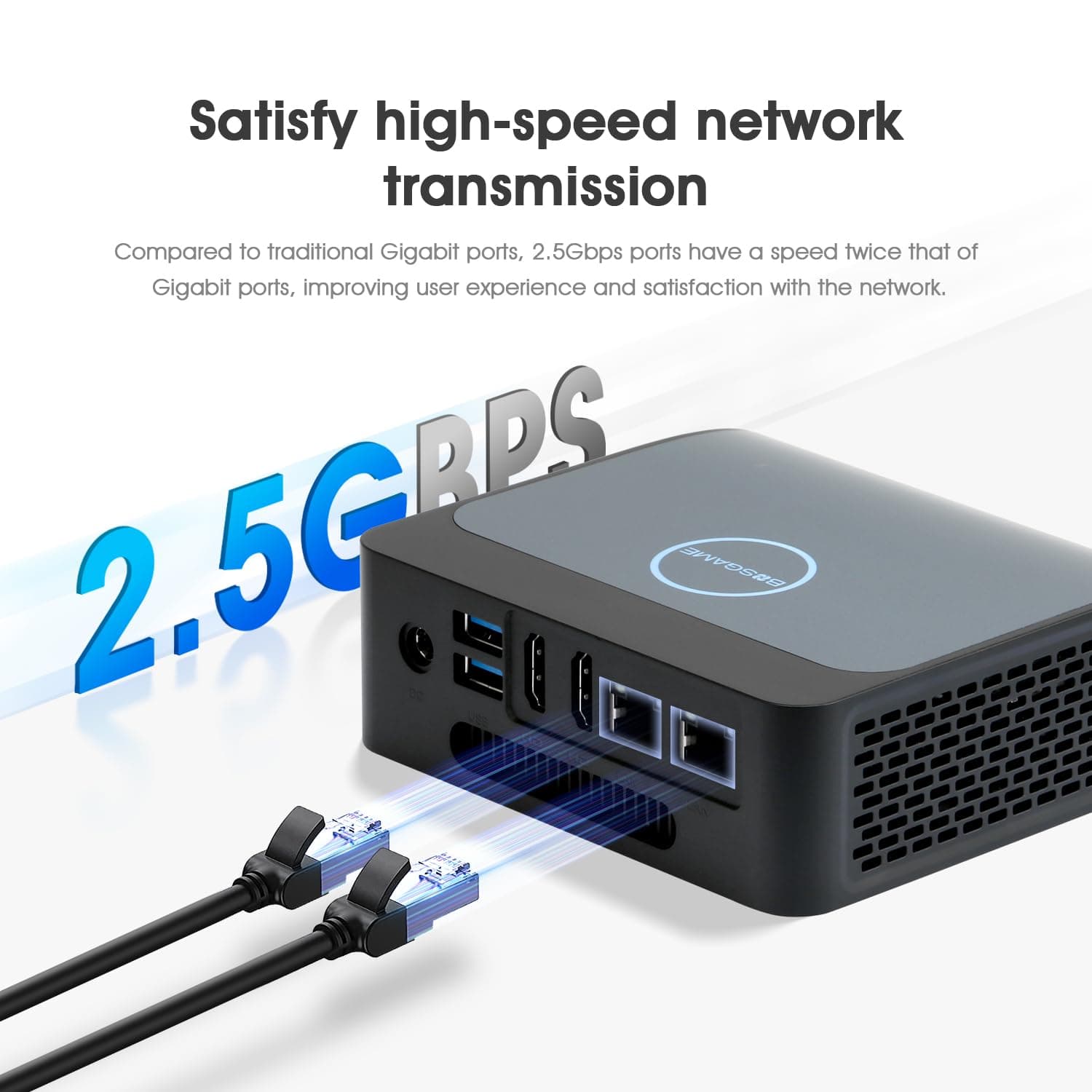
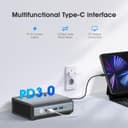
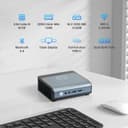
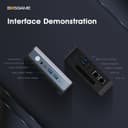
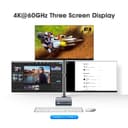
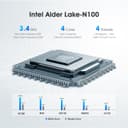
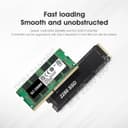
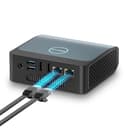
The BOSGAME Mini PC E1 harnesses the power of Intel's 12th Gen Alder Lake N100 processor with 16GB DDR4 RAM and a 512GB SSD, delivering fast, efficient computing. Featuring dual 2.5Gbps LAN ports and dual-band WiFi, it offers superior connectivity for professional multitasking and entertainment. Its triple 4K display support via dual HDMI and USB-C ports transforms any setup into a productivity powerhouse. Compact, whisper-quiet, and VESA mountable, this mini PC is designed for modern workspaces and on-the-go professionals.


| ASIN | B0CSDHPKZF |
| Aspect Ratio | 16:9 |
| Brand | BOSGAME |
| CPU Model | Celeron |
| CPU Model Speed Maximum | 3.4 GHz |
| CPU Speed | 3.4 GHz |
| Cache Memory Installed Size | 6 MB |
| Cache Size | 6 MB |
| Color | Black |
| Customer Reviews | 3.8 out of 5 stars 37 Reviews |
| Display Resolution Maximum | 3840 x 2160 pixels |
| Display Type | LCD |
| Graphics Card Interface | Integrated |
| Graphics Coprocessor | Intel UHD Graphics |
| Hard Disk Interface | Solid State |
| Hardware Interface | Ethernet, HDMI, USB, USB 2.0, USB 3.0 |
| Human-Interface Input | Buttons, Keyboard, Mouse |
| Keyboard Description | Standard USB Keyboard |
| Keyboard Layout | QWERTY |
| Language | English |
| Manufacturer | Shenzhen Weikesen Electronic Technology Co., Ltd. |
| Memory Clock Speed | 2666 MHz |
| Memory Speed | 3200 MHz |
| Memory Storage Capacity | 16 GB |
| Model Number | E3 |
| Native Resolution | 3840 x 2160 |
| Number of Component Outputs | 3 |
| Operating System | Support Win/ubuntu/Linux |
| Power Consumption | 15.0 |
| Power Plug Type | Type A - 2 pin (North American) |
| Processor Brand | Intel |
| Processor Count | 4 |
| Processor Series | Celeron |
| Processor Speed | 3.4 GHz |
| RAM Type | SODIMM |
| Resolution | 3840 x 2160 |
| Style Name | Modern Business |
| Total Usb Ports | 4 |
| Video Output Interface | HDMI, USB-C |
| Video Processor | Intel |
| Wireless Compability | 802.11b/n/ac |
| Wireless Network Technology | Wi-Fi |
O**L
NOT GOOD FOR pfSense, BUT it is a great little mini PC
I didn't really do my research and bought this to use with PfSense. Well, the Realtek 2.5 Gbps NICs in this do not work with the default driver in the version of FreeBSD that PfSense 2.7.2 uses. There is a realtek-re-kmod driver that is supposed to support this chipset but after successfully installing it and adding the required lines to the loader.conf.local file... nothing. Ah well. So how is this little device as a mini PC? WAY better than I expected. IT appears to have a base stock windows 11 install that is activated by digital license. That is a good thing. After fighting with FreeBSD for a few hours I installed win11 back on and it activated Pro with the hardware license. This is far more responsive than I expected. My previous experience with intel low TDP SOCs was the last model of Atom. This is way better. Windows updates didn't really take all that much longer than my i9-12900hx equipped laptop. Normal everyday tasks were snappy. Of course this thing is terrible for any 3d gaming. I ran Prime95 SmallFFT and for the heck of it browsed the web while it was running. Surprisingly responsive! There is a very small pancake fan on the SOC and it is pretty quiet. It seems to be able to dissipate about 14.5 watts as that is where the CPU hoovered while running Prime95. The RAM and NVME (yes, it is not a SATA M.2) drive are incredibly easy to access with two small screws. I don't really know what I am going to use this thing for but it is easy to recommend for a basic computing device, say for a kid to use for school or general office tasks. I have only had it 2 days so of course I cannot comment on longevity. Some of the complaints I have read about earlier iterations seem to be addressed. there are no obstructions to the airflow.
J**N
Sounds like a baby rattle
Functions as intended, but there must have been a screw loose inside as I can hear it rattle whenever I move the mini-pc.
D**D
Mediocre build quality, but they work.
So far, these are fine for what they are. They're cheap, mini PCs, and that's what you get. I ordered 2 and both had motherboard mounting screws that had come loose and were banging around inside, but 5 minutes with a screwdriver and they were fine. No noticeable problems yet, and easy enough to get running. I'd consider them again if I ever need more.
B**L
OPNSense Firewall
I purchased this to run an OPNsense firewall to protect my home network. After installing OPNsense I learned that the included drivers do not support the computer's dual Realtek NICs. Due to my inexperience in dealing with FreeBSD and drivers, it took me a long time to find and install the correct drivers. Eventually I found the proper drivers, downloaded them to a USB drive using another machine, and copied them to this computer. This allowed me to get OPNsense configured and running. I did have to reconfigure the drivers in OPNsense to stop the firewall from crashing every day or so. If your purpose is to use this or a similar machine to host OPNsense ensure you find the drivers before you start and have them on a USB drive to avoid the frustration I experienced. The company did respond to my request for help, but fortunately I had figured it out by the time they had responded. I don't remember exactly how long it took them, but it was reasonable given the price of the item. Overall I'm satisfied with this.
B**N
Works great with Pfsense
Bought to use with Pfsense and it's working great. Nothing really to complain about at the moment. Setup was easy. Pfsense also gives better performance settings with this CPU than the usual powerd settings. Note: Pfsense is a net install, so I used a USB port replicator to get started and got the realtek driver installed. Then I reassigned the interfaces after the OS recognized them after a reboot. Also look for the power "always on" setting in UEFI so it boots automatically on power restoration. It is under extended settings on one of the tabs to the right.
R**F
NOT Intel NICs! Description says Intel Chipset. This N100 version has Realtek ethernet chips.
I'm using this as a router with openwrt on Proxmox so I can make this work with Realtek 2.5gb NICs but I was a bit aggravated that it didn't say that in the description. It says Intel Chipset. The N100 cpu is great for the intended purpose and my use case will likely just be routing on1Gbit networks so I can make this work. PFsense/OPNsense builders will want to steer clear of this box since those platforms strongly prefer Intel NICs.
D**D
Great so far
I am running opnsense on this on a 2.5gbe internet connection with a 2.5gbe home network. I have been able to get multigig throughput on it! It does have realtek network cards which did not work out of the box. I used a usb network adapter to get online so I could download the realtek drivers using the built in pkg command. After that, i was able to configure both nics and things have been working great since then. I will update this if i start to run into issues.
TrustPilot
1 个月前
1 个月前