
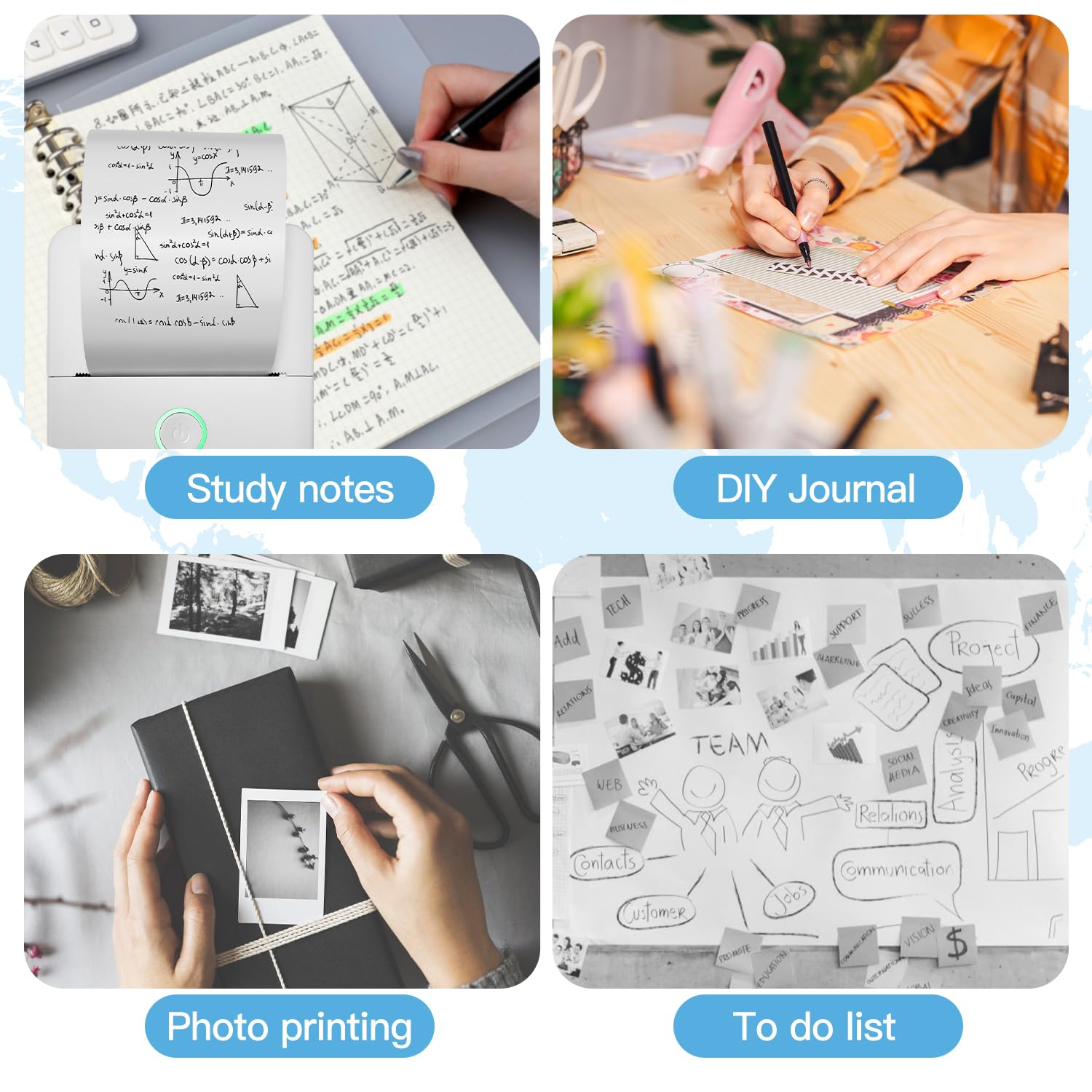


📸 Print Your World, Anytime, Anywhere!
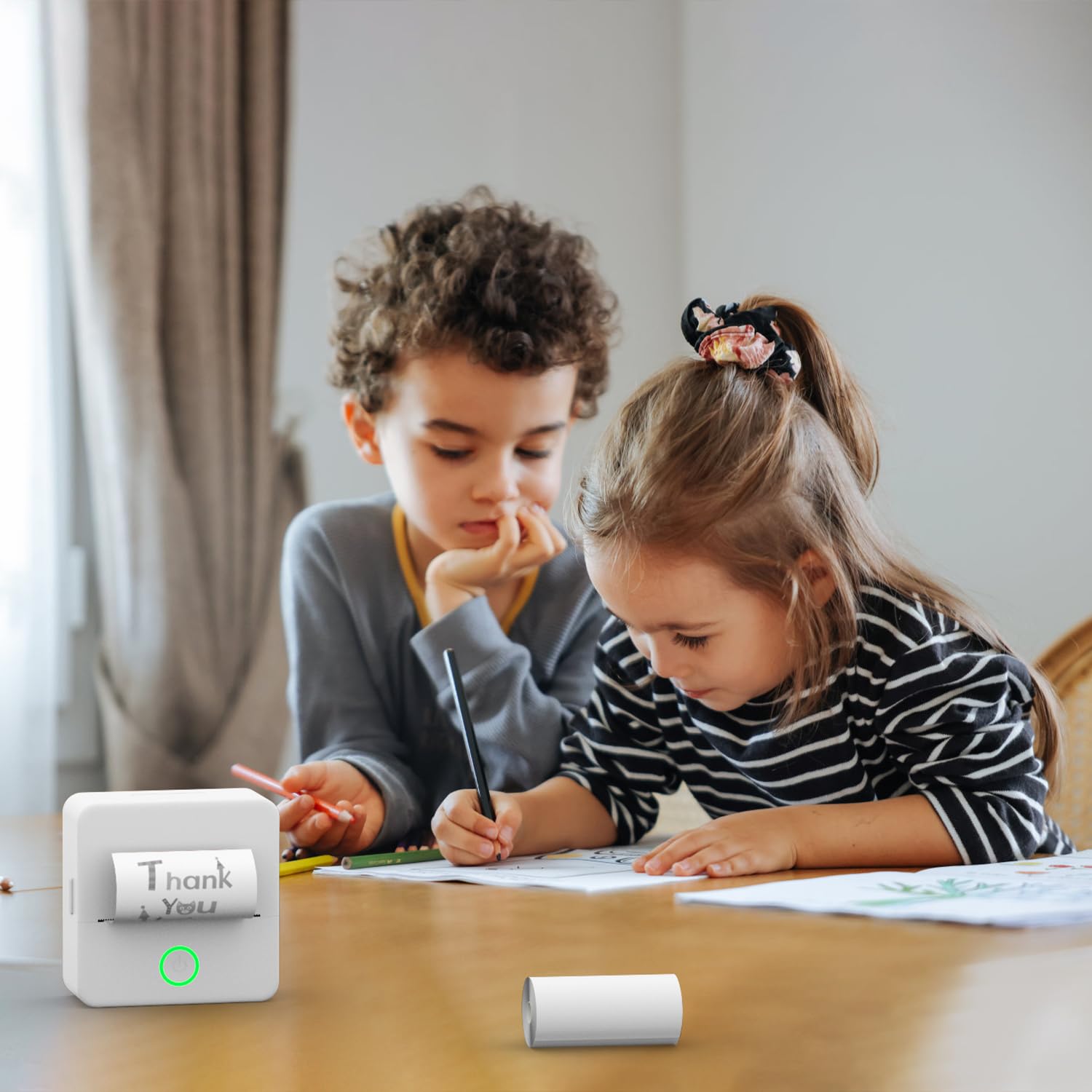
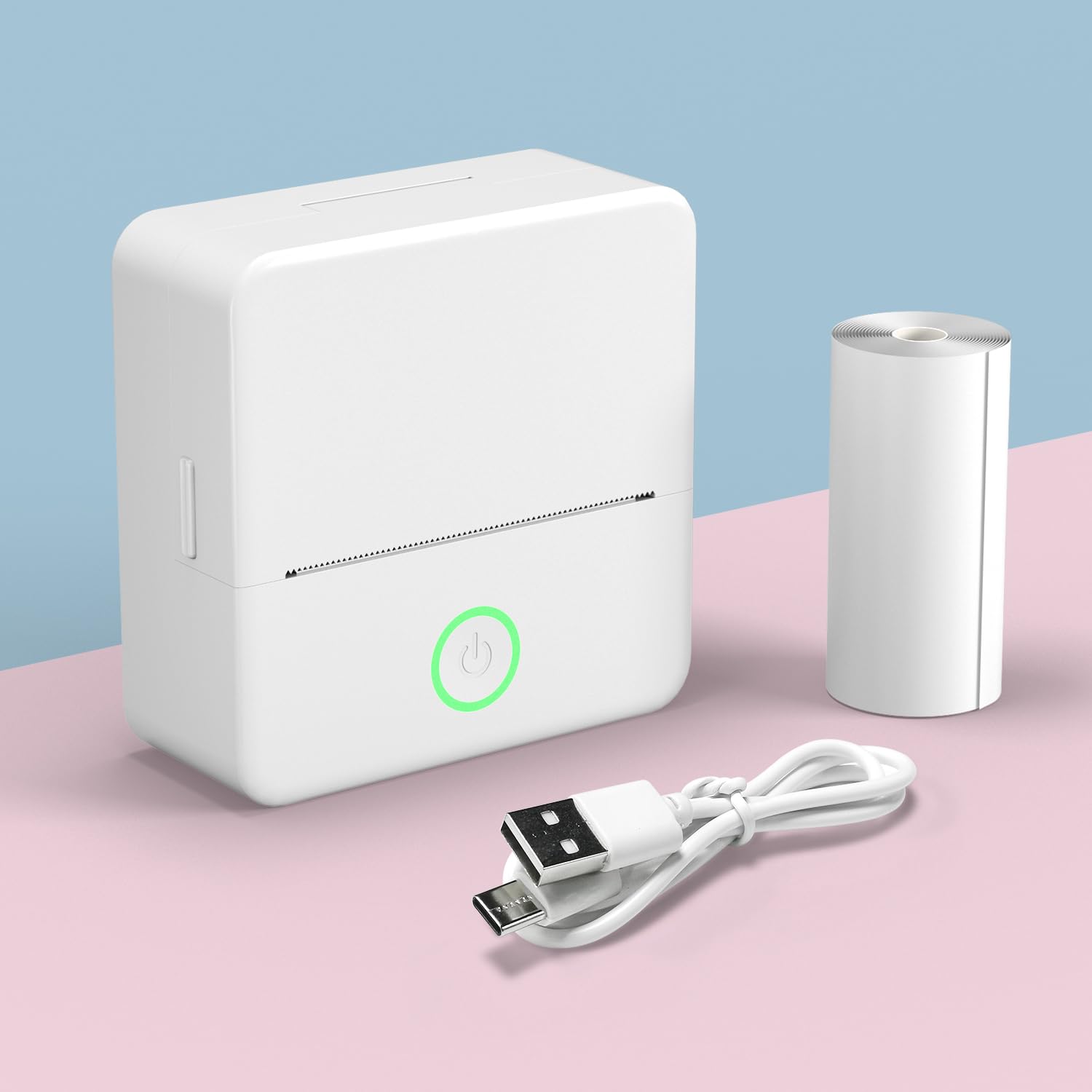
The MAXDONE Pocket Printer is a compact, inkless thermal printer designed for high-quality black and white printing. Weighing only 138g and measuring 3.3 x 1.7 x 3.3 inches, it’s perfect for on-the-go use. With Bluetooth connectivity to the 'Tiny Print' app, users can easily print notes, memos, and photos, making it an ideal tool for students, professionals, and families alike.


T**R
Handy Compact Printer For Notes, Labels, or For Small Digital Art Projects
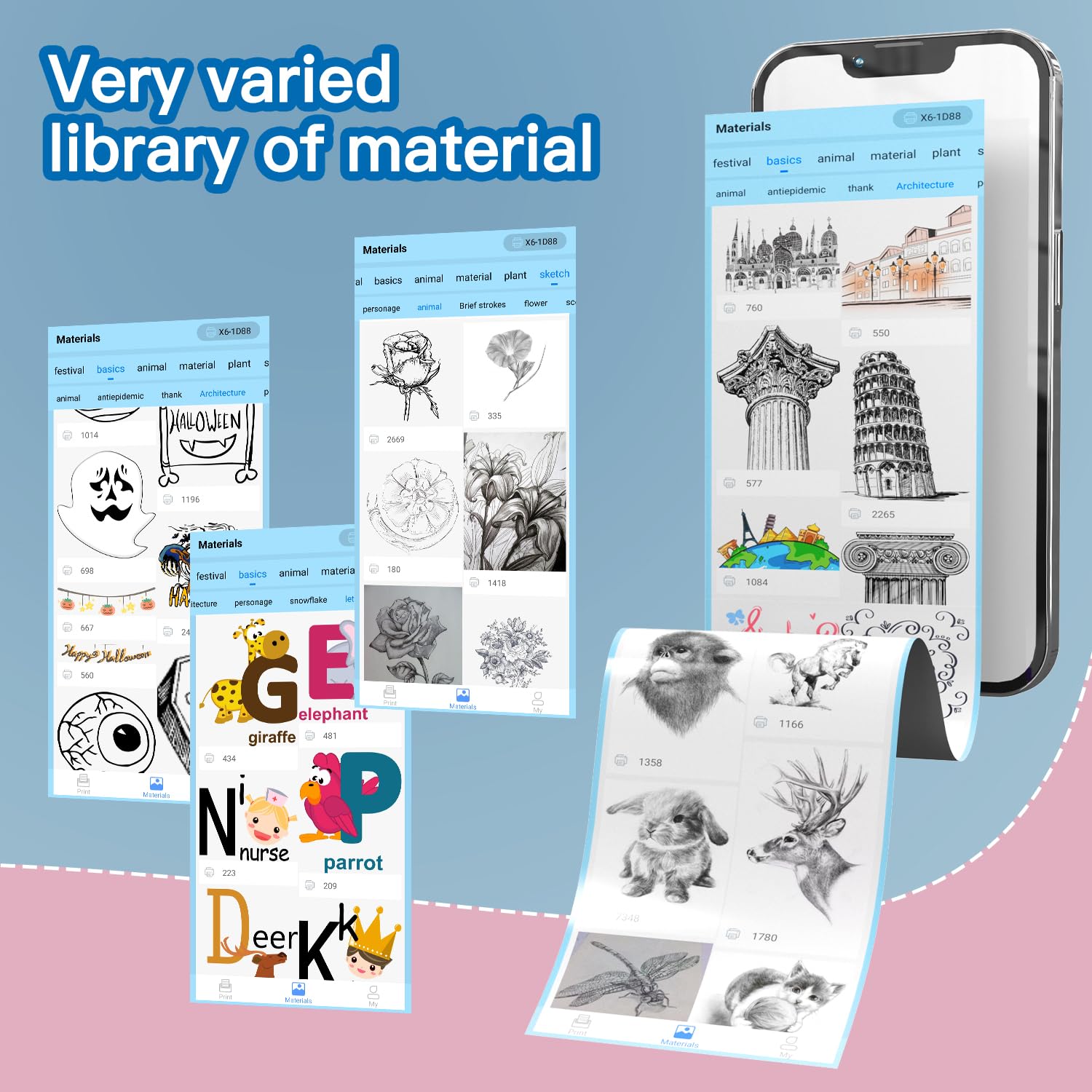
I purchased this little printer (about 3" square and 2" tall) for my kids to print out animated pictures and sketches that they can use for coloring and decoration that they can use with their tablets. We've now had the printer for a few days and had the opportunity to test it out pretty well. So far, we've enjoyed using it for creating labels and notes. My kids have used it to make some digital art projects using the accompanied app, which you can download via the Google Play Store Or The Apple App Store. The app is very intuitive and allows you to either select from a wide variety of stock content, including pictures, icons, sketches, labels and symbols. You can easily upload photos to the application and use the AI function to convert your favorite photos into animated pictures or sketches, which is really cool and gives the kids pictures of family and pets to color or decorate.Printer SetupSetting up the printer and printing is very simple. All you do is charge the printer for a couple of hours via the included USB-C cable, once charged you just power on the device and go into the bluetooth settings on your phone or tablet. You'll see the printer appear on your devices list and you'll just pair it like you'd pair any other bluetooth device. You can then launch the Tiny Printer application and you're ready to start creating your own labels, pictures, notes, receipts or anything else you dream up. Once you've designed or selected the item you wish to print, all you have to do is click the print button in the application and the printer will get to work.Performance and FeaturesIn terms of the speed of printing, I'd say that most things you'll print will take 15 seconds or less, depending upon the amount of detail in your design. The quality of the printouts is very good, clear and crisp...I'd say that the accuracy of the samples you'll see in the product description are very accurate.The only feature that I wasnt able to test was the document printing feature in the application; however, to be honest I can't see any reason why you'd want to attempt to print a word document or PDF with this printer, as you'd not have a ton of real estate on the paper for a traditional document. Plus, with the included text editor in the application, if you wanted to print out a receipt or note, you could very easily type it out in the application and print it out much more quickly than trying to make the adjustments in word or acrobat to scale those documents properly to fit on printer paper.Overall, if you’re looking for a compact printer that you can use to create notes, labels, or a unique gift for your kids that allow them to create their own 'coloring books' or printed craft projects, you really can't beat this little device.
P**F
Compact, easy to set up and use. Fast, good quality printing and a very nice app.
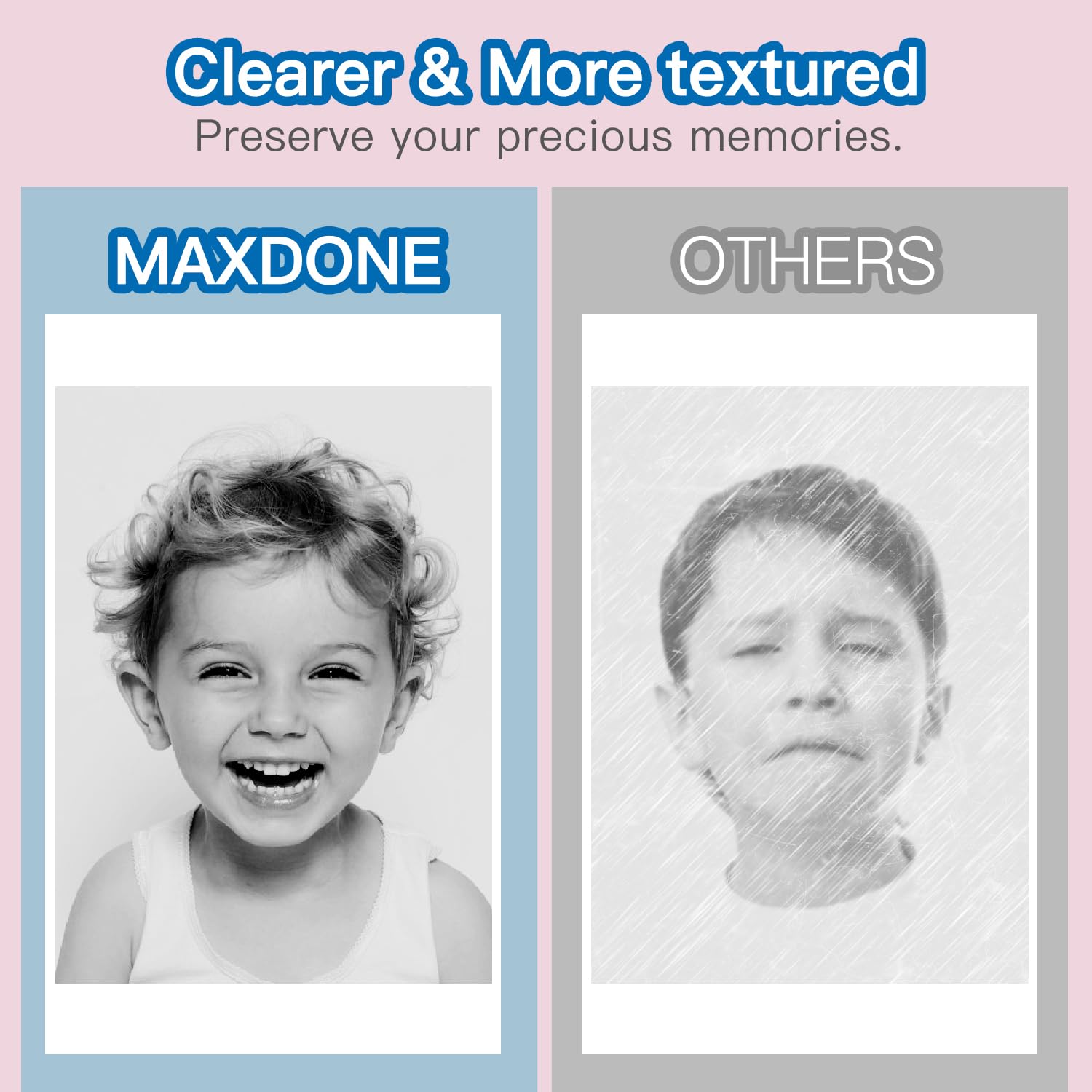
This printer was easy to set up, just charge it out of the box and its pre-loaded with thermal printer paper. The included manual is clear and easy to follow with QR codes to an instructional video. The app was easy to find and setup and pairing from my iPad to the printer was also fast and easy. The app is simple, intuitive, and has a lot of useful features - much more than I expected! Printing is fast, quiet and comes out nice and clear. You can easily alter and edit labels which can be saved for future use. It comes with thermal paper that you can use an adhesive on the back, but I asked the company about using adhesive backed thermal labels, which they gave me a recommendation. I ordered some and tested it and it works perfectly with this printer. This is a cool little product that is certainly going to get a lot of use in our house. Thermal paper is great because you don't have to worry about ink or any other items to run it. The quality of the print is much better than the print quality from thermal print fax machines of years past. This has greater clarity and contrast making the labels easy to read.
S**M
EXCELLENT PRODUCT!!!
First let me say, the customer service is professional and very courteous. I downloaded Tiny Print and it was very easy to use. This will go perfectly with my small business and I am very pleased with the ease of using this mini printer. The images are very clear and concise. I do not regret purchasing and I encourage everyone... If you are looking for a mini printer... Look no further.
T**E
Sadly, it did not work right out of the box 😞!
I was definitely excited to try this little printer out, but unfortunately, I wasn’t able to get it to turn on (at all), so I cannot rate the functionality of this particular product. It looked really cool & seemed to be economically priced, but despite my husband working on it to get it to function, as both myself & my twin daughters were excited to try it out, it did not even function from try number one.I waited awhile to write my review to see if we could get it working… nope! It might just be a dud, the packaging looked in tact, so I simply cannot rate this on a working aspect, since it never did :(. Durability for us is obviously very subpar. If not through vine I’d have exchanged it for another machine. A real bummer :(.1 star, sadly, from me.⭐️** I hope my review has been helpful 😊. **
N**R
Nice, but it has to be on the darkest level for everything to show up
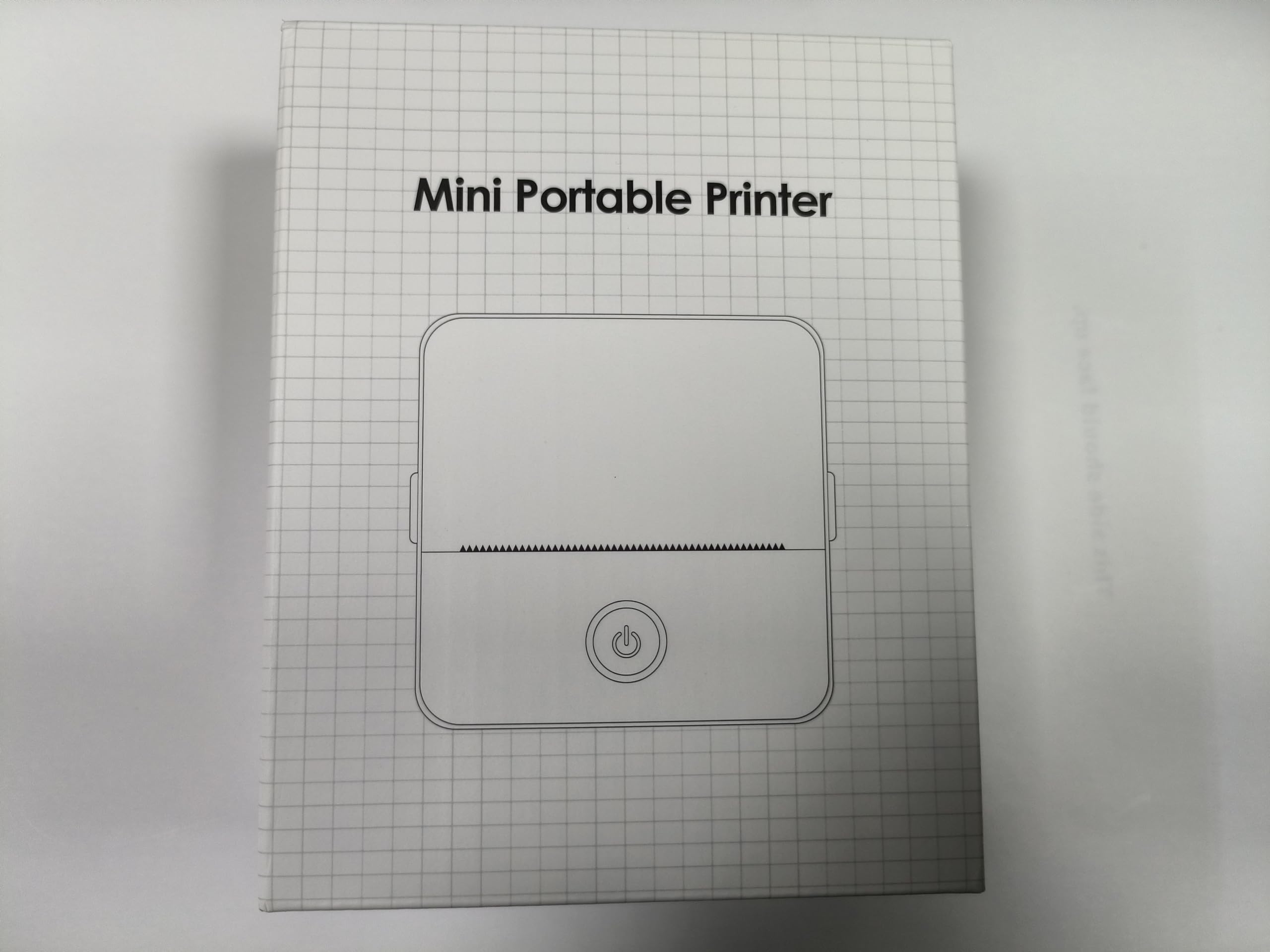
The printer is a very nice size, just smaller than the size of the box. It only prints black and white images, and on the default setting (left pic on my test prints) there's a lot of streaks, as if the printer was losing color. On the darkest setting (the right pic) it's still a tiny bit streaky but it's a great improvement.The app that you have to download is easy to understand, but there are a few words in Chinese/Japanese. The printer itself is also easy to use — just press the power button for a few seconds and it'll come on. I only had a teeny bit of difficulty with the paper chamber but a quick look in the guidebook helped me out there.The overall look of this printer is clean and concise, a nice little printer for journaling if you wouldn't mind only black and white images. The paper isn't sticker paper like most but that is easily remedied with double-sided tape or a tape runner.The printer comes with a USB-C to USB charger, and I recommend charging before first use (it made a noise like it was dying during my test prints. Oops.)Aside from the color issue, I definitely recommend this printer. :)(character in my test prints: Lucius Zogratis from Black Clover)
C**O
My grandson and daughter live it. It helps with homework
Small portable printer



