
下载应用程序




🖨️ Print smarter, save bigger — the future of ink is here!
The Epson EcoTank ET-2750 is a compact, all-in-one A4 inkjet printer designed for professionals who demand cost-effective, high-quality printing. Featuring ultra-low-cost ink tanks that print up to 14,000 black and 5,200 color pages per refill, it combines fast 33 ppm black-and-white printing with vibrant 5760 x 1440 dpi resolution. With built-in Wi-Fi and a user-friendly app, it supports seamless mobile printing, scanning, and copying, including automatic duplex functionality. Its next-generation ink filling system ensures mess-free refills, making it an ideal choice for the modern, eco-conscious workspace.


| ASIN | B075NNN3VN |
| Additional Printer Functions | All In One |
| B&W Pages per Minute | 33 ppm |
| Best Sellers Rank | 167,050 in Computers & Accessories ( See Top 100 in Computers & Accessories ) 48 in Ink Tank Printers |
| Box Contents | Main unit Power cable Setup guide Software (CD) Warranty document |
| Brand | Epson |
| Brand Name | Epson |
| Color Pages per Minute | 15 ppm |
| Colour | Black |
| Compatible Cartridge | Epson ink bottle (black) |
| Compatible Devices | Laptops, PC, Smartphones, Tablets |
| Connectivity technology | USB, Wi-Fi |
| Control Method | App |
| Controller Type | Android |
| Customer Reviews | 4.4 out of 5 stars 1,181 Reviews |
| Display Type | LCD |
| Dual-sided printing | Yes |
| Duplex | Automatic |
| Hardware Interface | Ethernet |
| Ink Colour | Black |
| Item Dimensions D x W x H | 14.8D x 22W x 10.5H centimetres |
| Item Type Name | Epson EcoTank ET-2750 A4 Colour Multifunction Inkjet Printer - Print, Scan, Copy |
| Item Weight | 12.13 Pounds |
| Manufacturer | Epson |
| Maximum Copies Per Run | 99 |
| Maximum Copy Resolution Black and White | 5760 x 1440 dpi |
| Maximum Copy Resolution Color | 5,760 x 1,440 dpi |
| Maximum Copy Speed Black and White | 33 ppm |
| Maximum Print Resolution Black and White | 5760 x 1440 dpi |
| Maximum Sheet Capacity | 100 |
| Maximum Supported Paper Size | A4 |
| Maximum print Resolution Color | 5,760 x 1,440 dpi |
| Model Name | ECO TANK ET 2750 |
| Model Number | 235M936 |
| Model Series | ECO TANK |
| Model name | ECO TANK ET 2750 |
| Network Connectivity Technology | USB, Wi-Fi |
| Number of Drivers | 1 |
| Number of Ethernet Ports | 1 |
| Number of Trays | 1 |
| Other Special Features of the Product | Duplex, LCD Colour Screen, SD card |
| Output sheet capacity | 100 |
| Paper Size | A4 |
| Power Consumption Size | 13 Watts |
| Print media | Paper (plain) |
| Printer Output Type | Colour |
| Printer Type | Inkjet |
| Printing technology | Inkjet |
| Processor Count | 1 |
| Product Warranty | 12 + 24 months Carry-in, 30,000 pages |
| Resolution | 5760 x 1440 |
| Scanner Type | Flatbed |
| Special feature | Duplex, LCD Colour Screen, SD card |
| Total USB 2.0 Ports | 1 |
| Total USB Ports | 1 |
| Warranty Type | limited warranty |
| Wattage | 13 watts |
C**S
Nice printer with good cheap ink filling system.
The printer arrived on time the next day after ordering it. It was well packages and is a nice compact design. It did take me some time to set up as initially it did not want to connect with my router, however once I did the connecting via the printer and not on the pc screen via the installation software, all went well. I notice people have complained that it does not Airprint from a mobile phone. This is not true as I use an Iphone 7 plus and it connected instantly and prints from the phone perfectly well. Very easy system for the ink filling and have just purchased a set of new inks for £12.99 so should be very cheap to run. I notice someone complained about only being able to use Epson Glossy photo paper. This also is not correct in my experience. I use standard inkjet glossy paper and the photos come out perfectly clear with no smudging. Thus far I would highly recommend this printer but would warn that it can take a little while to set up. The only negative was that the installation disc did not work on my PC (windows 10). I had to go to the Epson website to downlaod the driver software etc but this was hardly a chore.
D**N
Epson ET-2750 experience
I purchased the ET-2750 following research into home printers, with ink tanks rather than cartridges, for a budget around £200 to £250. I have had my fair share of "cartridge is nearly empty" warnings popping up plus I have had cartridge printers for 40 years so I must move with the times. I replaced a 20+ year old Canon MX850 which had begun to throw up one or two errors requiring Canon Service Centre intervention which sounded as expensive as a new printer. So I whittled my search down to Canon or Epson. Most reviews leaned towards the Epson because they were the first to introduce tank technology for home use. They are more expensive but the extra appeared worth the gamble. In addition the Black Friday deal forced my hand. Out of the box it's a very light, compact, machine which looks nice on my desk. Connection was simple using the existing power and USB leads used on the MX850. Topping the tanks with the supplied inks was easy, clean and very satisfying. My hardware is Windows XP and a 20+ year old desktop (homebuilt) computer. Loading the software was simple but as always you have to be patient while components are found and software is, as always, updated from the manufacturers web. Within 30 minutes I was printing out superb 7" x 5" photographs on Marrutt Satin/Oyster paper (I can fully recommend this paper). Some printer owners appear to have issues printing on non Epson paper but I did not. I printed out 12 photographs, some bordered and some borderless with superb results. Another 15 minutes spent setting up my iPhone 6S with Epson iPrint to allow me to print directly, via wireless, from the phone. Again with excellent results. Next came scanning. I suggest you read the manual and set up your file/folder to receive the scanned documents. Again scanning was simple and easy once the target folder was set up. Some reviews targeted noise as a CON but I have no issues with this. Internal parts are moving paper and printer heads so some sound is expected. It's very early days but so far I am very happy with my selection.
A**T
Nice little printer but with a hard to read minute display
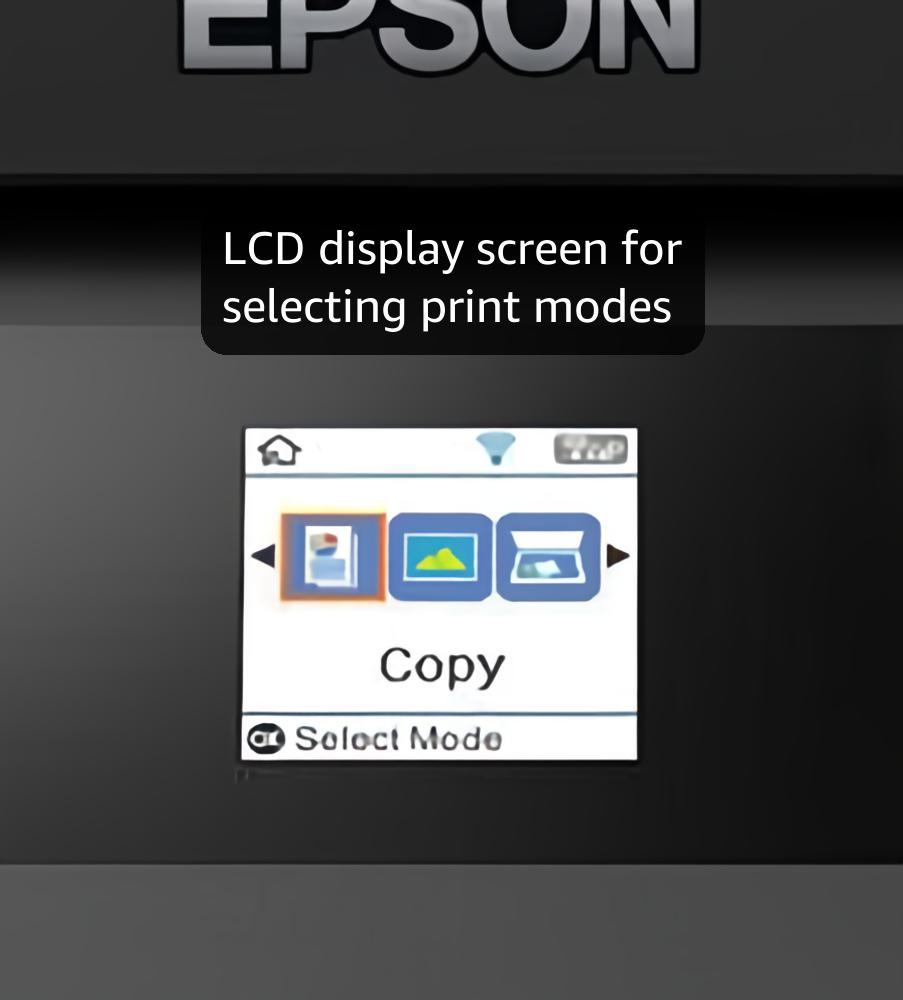
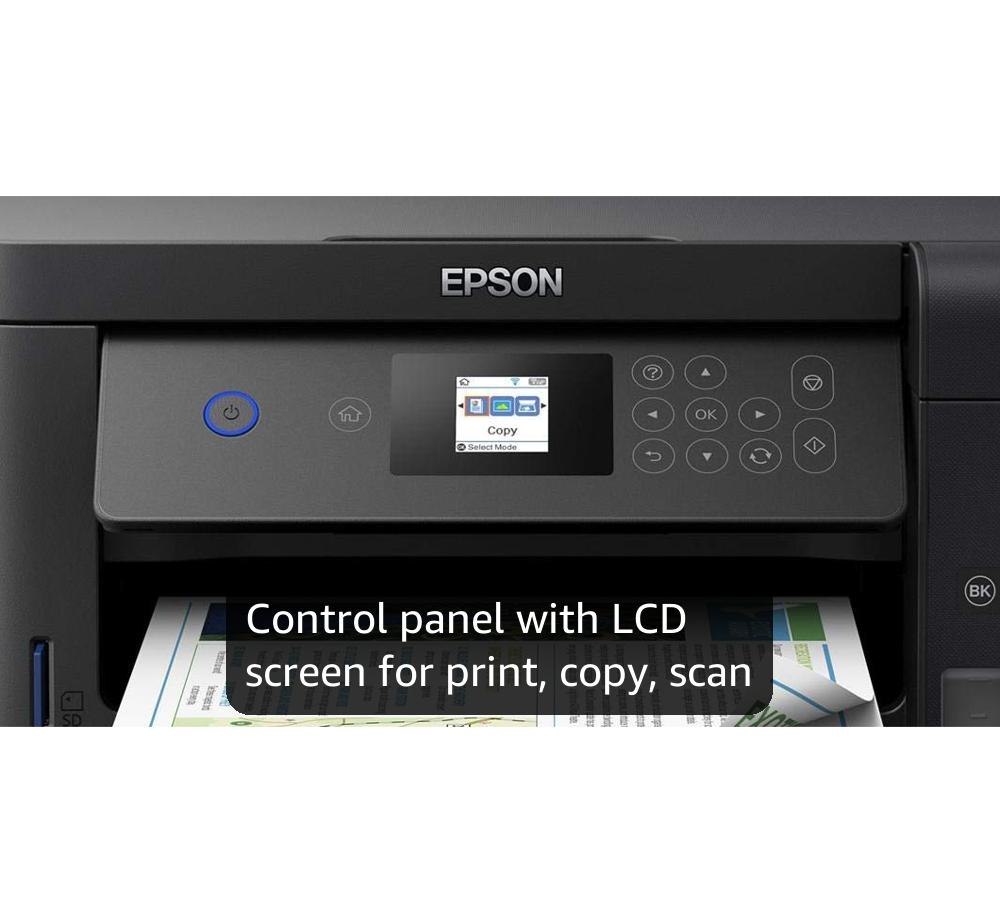
We got this at a very good price, must have been one of those 'flash' deals you stumble upon from time to time. For what we use it for (mainly b&w text printing, occasional colour printing, no photos) it has been very good so far. But the display is so small it's hard to read the icons. Operation is a bit counter intuitive, e.g to copy something you place the paper to be copied on the scanner, then, instead of just hitting the relatively large 'OK' button on the touch pad you are instructed, on the minuscule display, to hit a differnt button. On the display you can hardly make out which button that is! Penny pinching stupidity at its best - why not just include a slightly larger display. If you eyesight isn't great this display will be a problem. We had one paper jam but couldn't see how to clear it (unaware that there's a flip-down panel on the reat that gives you access to the paper path). Epson tech help didn't mention this when phoned so had to take it to an Epson repair centre where it was cleared. Had to have a lengthy head cleaning session to get the coloured inks to flow after having the unit for a year or so, but this was down to our low usage of colour. Black has never clogged. Print quality seems good, don't know about photos though. The double side printing is great. Best features are the large ink tanks. That ink (given our lowish usage) is going to last us for ever! And full bottles of refill ink are pretty cheap as well. If you're printing a lot you should get one of these ecotank machines. Also we got a free 3 year extended warranty, even though this isn't mentioned on the Amazon advert. You just go onto the Epson website and look for 'extended warranties' you will be directed to a page (might be a pdf download) that lists all the produts that can have the free extended warranty and follow the instructions. All in all quite pleased with it.
C**S
It's probably out of date now, but still good.
This is probably no longer available as I've had it a few years - but it's been very reliable. The ecotank is a far better idea than the old style printers with small cartridges. I bought this as I retired and would need a printer to deal with my mother's care documents, but it's particularly useful to print off tickets/order confirmations etc as I don't use a smart phone. The colour is quite good though I wouldn't use it for greetings cards. I also use it a lot as a scanner, and its wireless connectivity is always reliable. The ink lasts very well - for me, anyway.
F**A
Worth it.
A nice and compact printer and scanner for my home. I don't know why there are so many reviews saying it's difficult to install. All the instructions are clearly given in the included booklets. You just have to have patience and follow the steps accordingly. I was able to install and use the printer within 35-40 minutes. Scanning quality is equally good and easy to perform. Double sided printing is easily possible, but is time consuming if you have too many pages. The mobile app is simple without much clutter and does what it's supposed to do. The printer connects to the WiFi seamlessly. Once the settings are performed, even after switching off and on, it connects automatically without needing extra steps. All in all it is worth the money I paid for it. My only gripe would be that they don't provide a USB cable to connect to the laptop. The machine has a USB slot, so I think it means we have to buy the cable separately.
A**R
Best printer/scanner I have ever used. Cheap inks.
Easy to set up. Excellent print quality. Cheap inks. I can set this to print many pages and then walk away, as I know they will all come out perfectly. But, when I enable duplex, i noticed 2cm was blurry down one side. So I only print simplex (then if required, reinsert printed sheets to print the other side). Tips: To always ensure the papers loads in perfectly straight, enable 'silent mode' in the Windows Print Settings. This will load the paper in slower, so it will never skew. Apart the the duplex issue (slight blurrying on 2cm on one page), this printer is great. Mainly used by my Windows PC and connected via wireless, but this also works perfectly with the Epson iPrint App (but note that the App lacks print quality settings). To set this up, you should use the latest install software from Epson, and you will will initially need to connect this printer to your PC via USB. But once all installed to your wireless network, you can remove the USB cable. I have seen Epson release firmware updates dor this printer arounf every 6 months. Having said that, I have never noticed anything different.
B**B
Good for high number of low-quality requirement prints
After getting sick of the extortionate amounts printer cartridge replacements cost we decided to go for an eco-version. Positives - So far after a few months of use the ink levels have barely dropped in comparison to a more traditional machine and there's been little to no issues in terms of paper jams/ other technical problems. Negative The print quality isn't great. It's fine for black and white and limited colour, but if you're looking for any sort of subtly in blues/ reds/ pinks etc, you're probably going to have to go for a more expensive model. If you're printing large blocks of colour on a sheet it's going to give you lines. The software updates are frequent and, if you're wanting to use remote printing and even slightly advanced features, need multiple prompts. The software updates also have a tendency not to know when it's done and asks you to repeat the same procedure multiple times which is a bit of a pain. Overall, for a relatively cheap home printer it's not bad and the difference in print usage is massive compared to more traditional models but if you're looking for art or professional presentation standards you're going to find it lacking. Update to review: after a year of use the colours have gone haywire and no matter how many tutorials/ cleaning routines/ nozzle and head cleanses it's unusable for any colour prints
A**R
Good printer/scanner and the ink seems to last for ever. So good I bought two.
This printer ticked all the boxes for me, principally cost of running the printer. I bought this one for my son to take to University, but I have another of the same model that is over a year old. No faults, and works reliably. I print enough that I would have paid for this printer in buying printer cartridges for my old Epson or the Cannon I had before that. The black ink is half used and the colour tanks about 1/4 used. The print head seems to have fewer problems with drying out that my old Epson 430 did. Prints double sided. The scanner element was not as important to me but works fine, and compared to other scanners I have used, it's about in the middle for quality and speed. Firmware updates have installed reliably and I have connected this both via WIFI to my router, WIFI direct and also using a cable - which was important as I assumed that at University my son would not be able to connect this to WIFI in the halls of residence, so direct mode from his computer was essential.