Desert Online General Trading LLC
Dubai, United Arab Emirates
Desert Online General Trading LLC
Dubai, United Arab Emirates
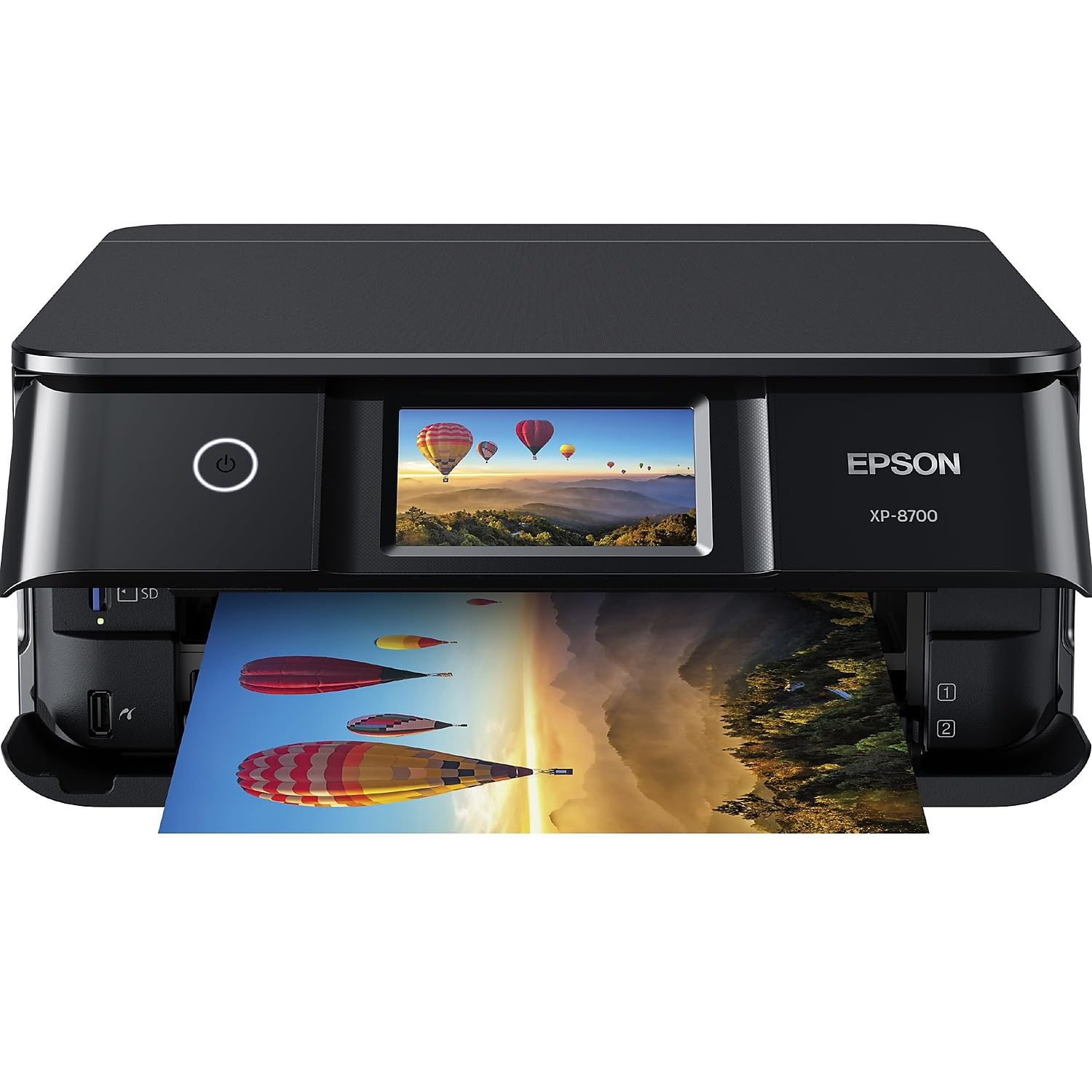
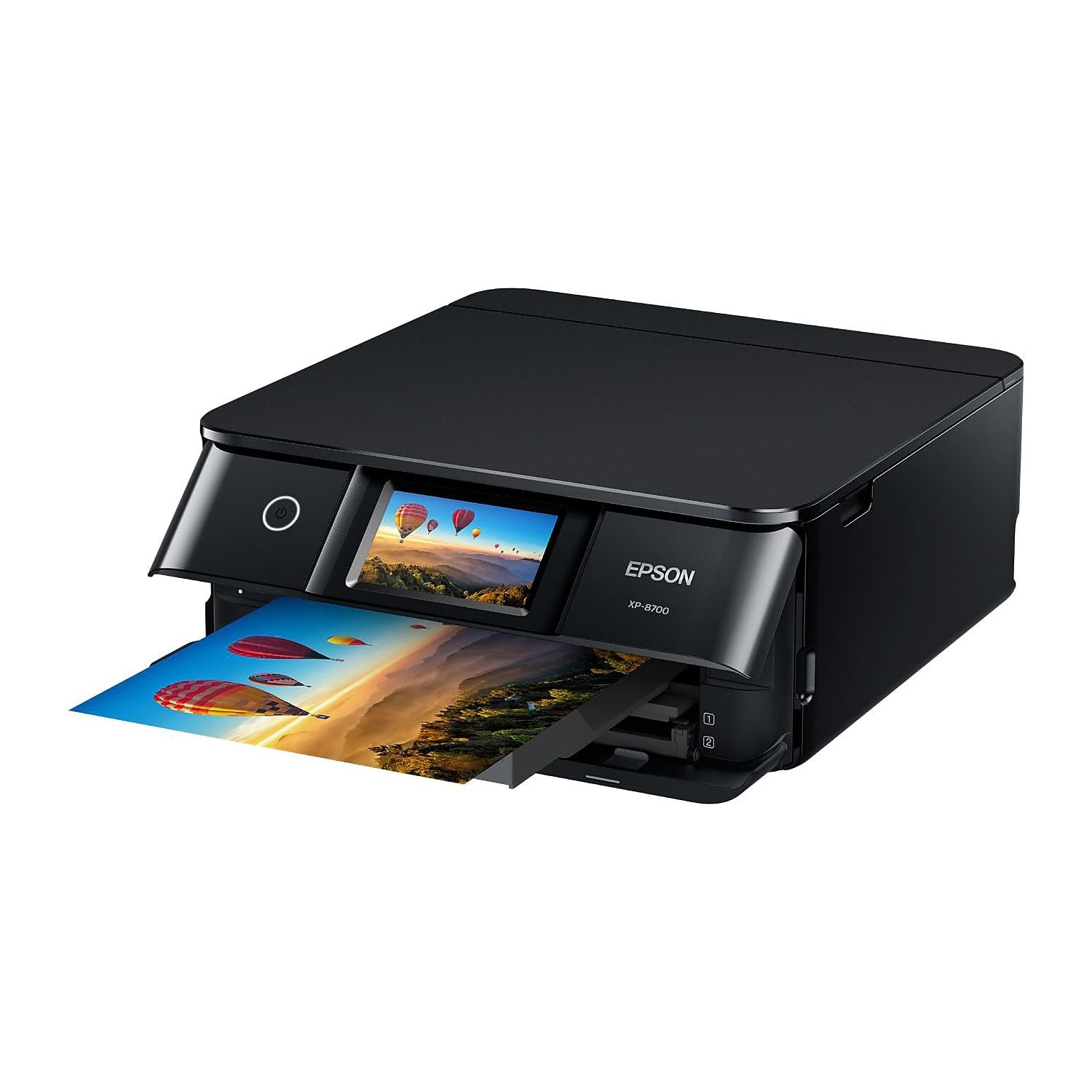
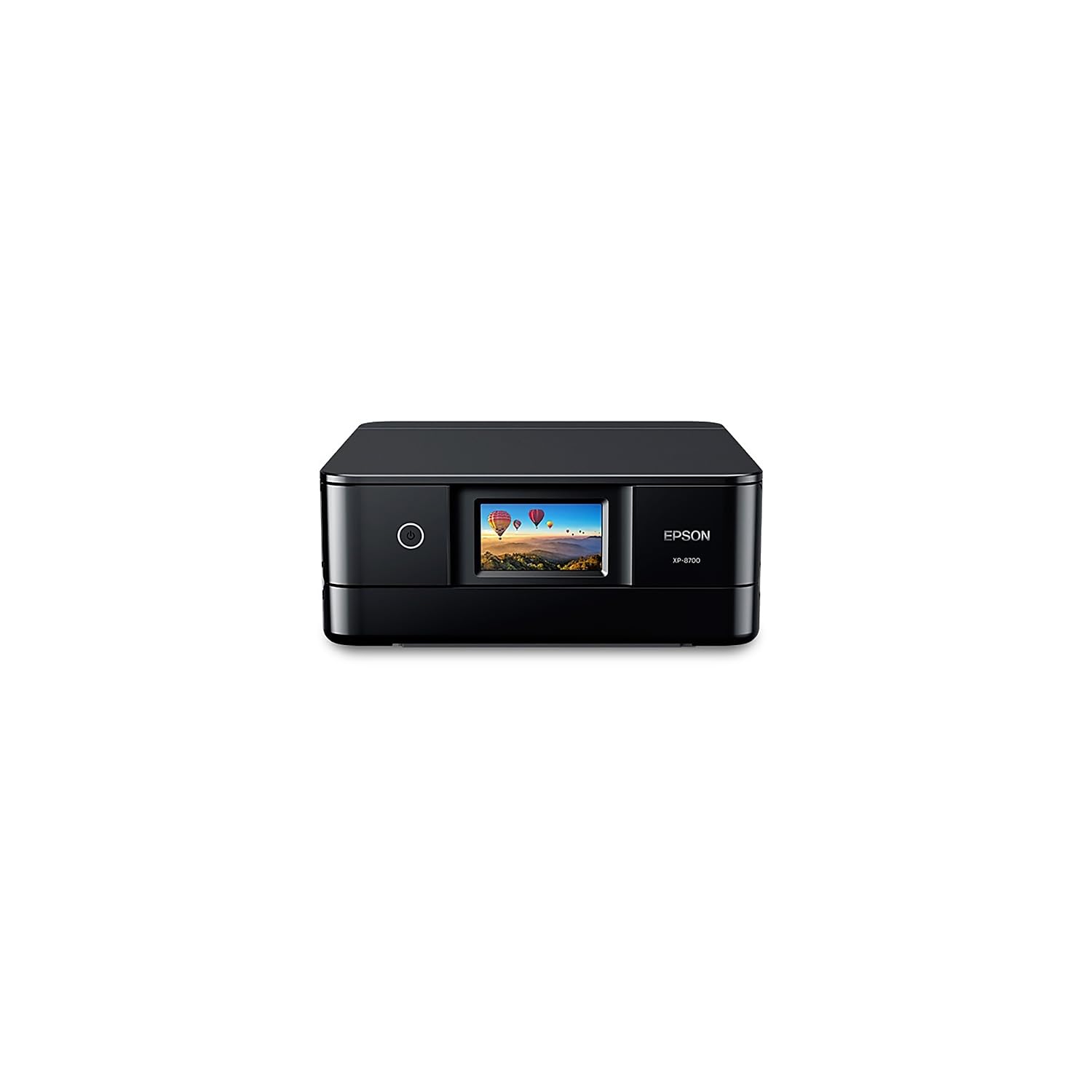

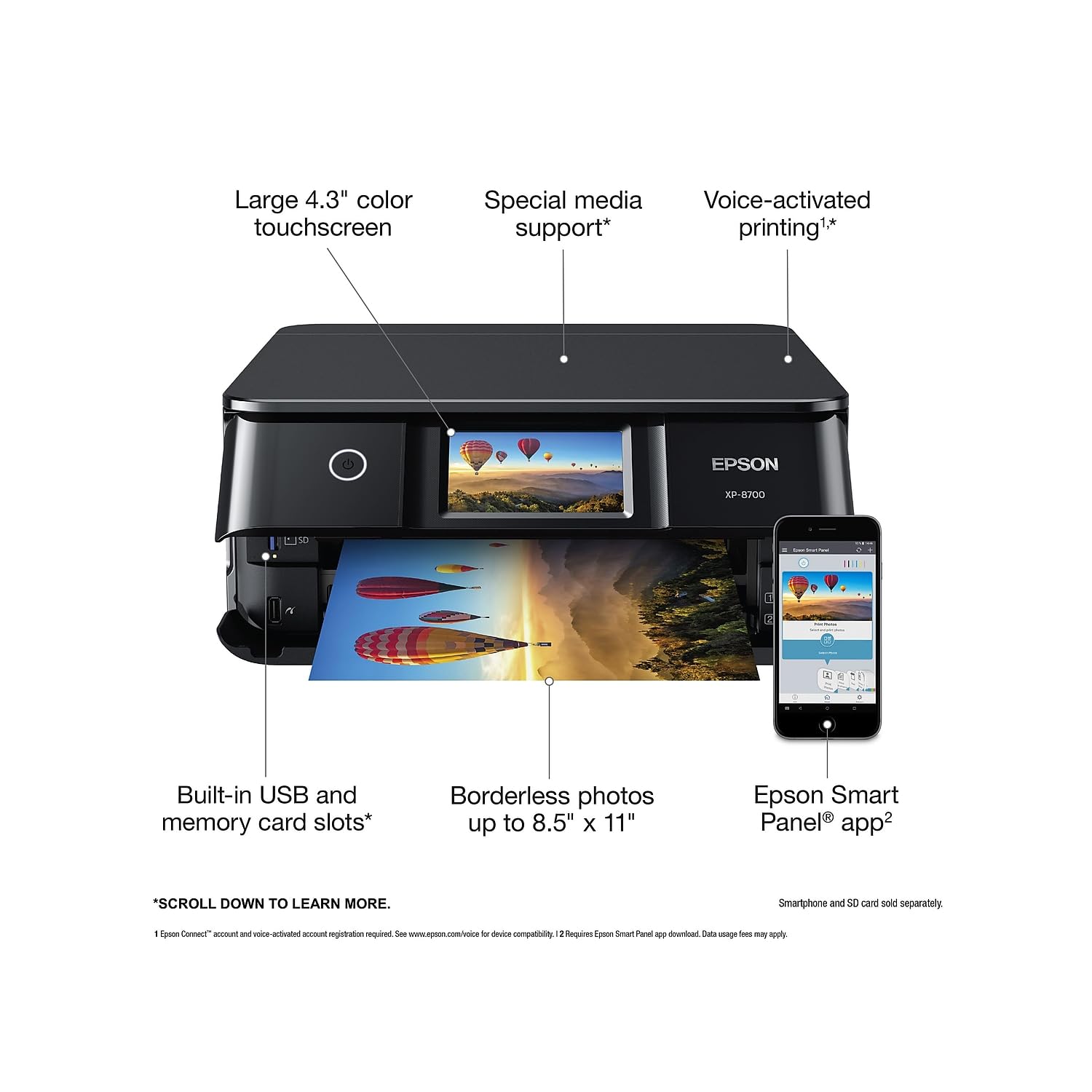
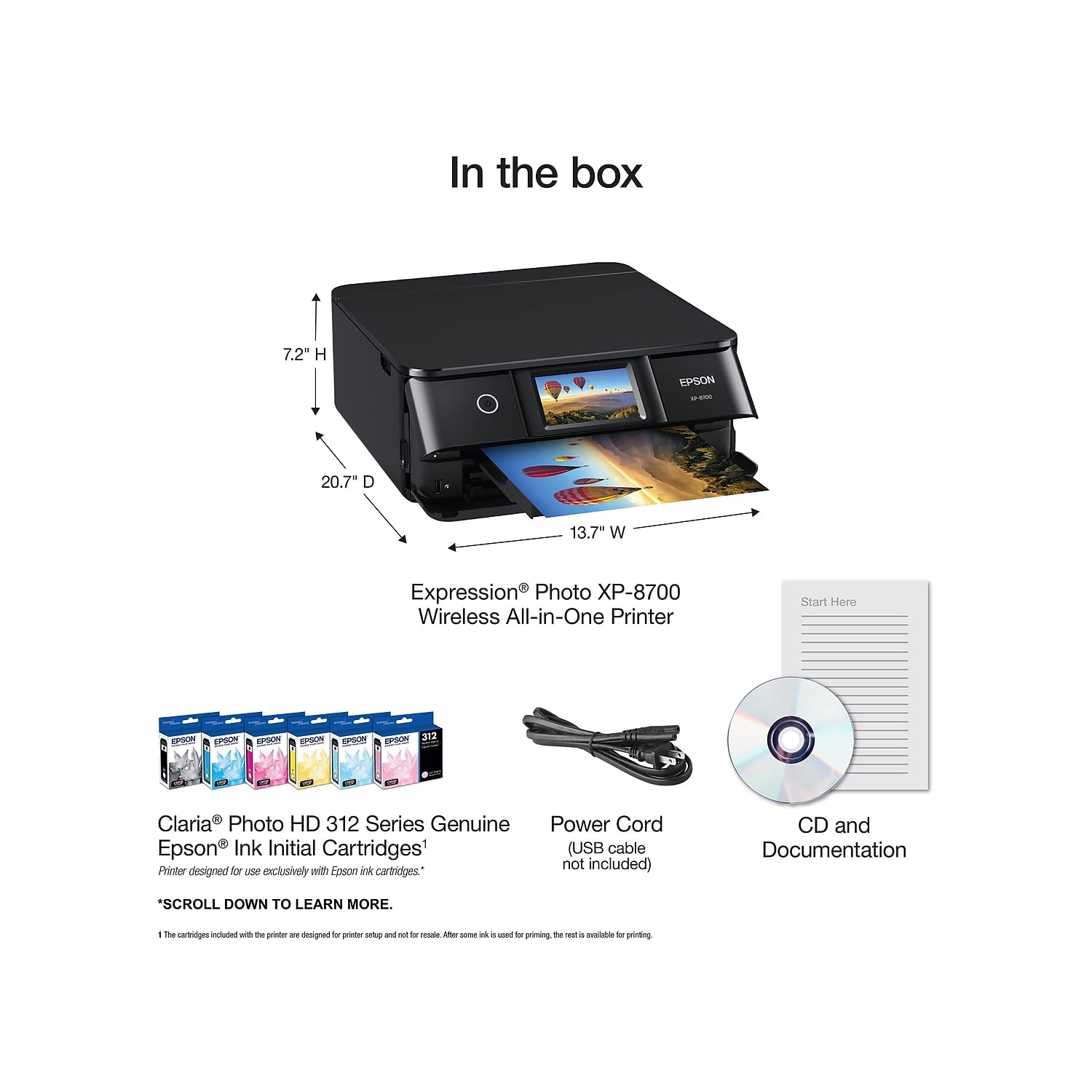

🖨️ Elevate your workspace with pro-quality prints and effortless wireless freedom!
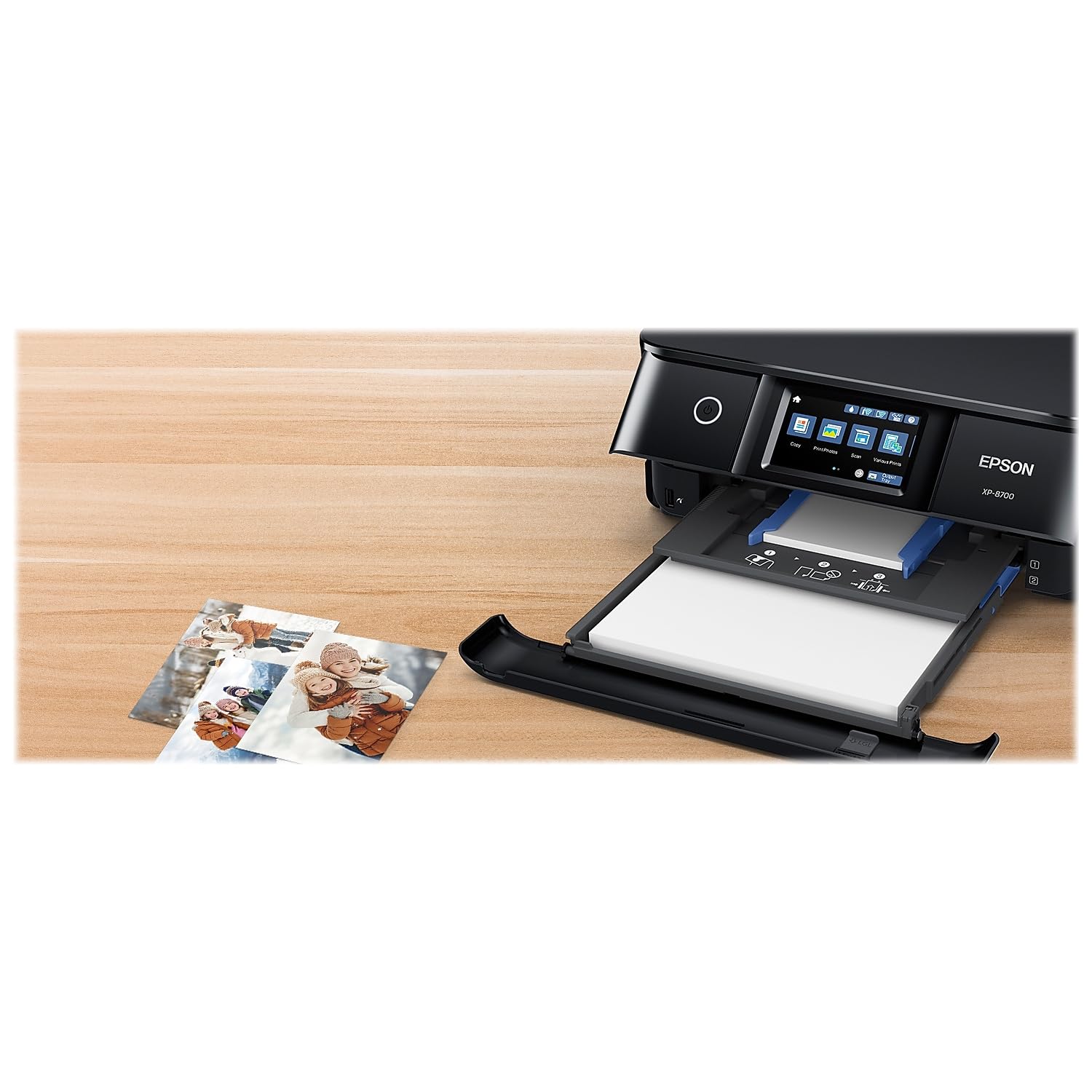
The Epson Expression Photo XP-8700 is a sleek wireless all-in-one inkjet printer featuring a 4.3" color touchscreen, 6-color Claria Photo HD inks for stunning 5760 x 1440 dpi prints, built-in scanner and copier, and versatile paper handling with three trays. It supports seamless wireless printing from multiple devices including smartphones and tablets, enhanced by Wi-Fi Direct and voice-activated commands, making it an ideal choice for professionals seeking high-quality photo and document printing with smart mobile control.

| B&W Pages per Minute | 9.5 |
| Color Pages per Minute | 9 ppm |
| Total USB 2.0 Ports | 1 |
| Total Usb Ports | 1 |
| Hardware Connectivity | USB |
| Connectivity Technology | Wi-Fi |
| Resolution | 5760 x 1440 |
| Warranty Type | Limited |
| Maximum Copies Per Run | 99 |
| Number of Trays | 3 |
| Processor Count | 1 |
| Control Method | Voice |
| Controller Type | Android |
| Print media | Paper (plain) |
| Scanner Type | Photo |
| Display Type | LCD |
| Compatible Devices | Smartphones, PC, Laptops |
| Printer Type | Inkjet |
| Additional Features | CD-Printing |
| Printer Output Type | Color |
| Item Weight | 15 Pounds |
| Item Dimensions D x W x H | 13.7"D x 20.7"W x 7.2"H |
| Paper Size | Cassette 1: 5" x 7", 4" x 6", 3.5" x 5", 16:9 Wide (4" x 7.1"), A6 Cassette 2: Letter, A4, Legal, 8" x 10", 5" x 7", 4" x 6", 3.5" x 5", Executive, B5, A5, A6, 16:9 Wide (4" x 7.1") User Defined 3.5" x 5"~8.5" x 47.2" (89 x 127 mm~215.9 x 1,200 mm) Rear Feed: Letter, A4, Legal, 8" x 10", 5" x 7", 4" x 6", 3.5" x 5", Executive, B5, A5, A6, B6, 16:9 Wide (4" x 7.1"), User Defined 2.2" x 3.4" |
| Maximum Sheet Capacity | 100 |
| Media Size Maximum | 8.5 x 14 inch |
| Wattage | 2E+1 |
| Is Electric | Yes |
| Duplex | Automatic |
| Dual-sided printing | Yes |
| Color | Black |
L**K
Lady Grk - Love this Epson Expresssion Photo 8700
This is by far the latest technology in printers, I have an old HP Photosmart Printer 5320 that crashed & aHP Photosmart 6520 which has become my workhorse, but has a tendency to jam paper all the time & frustrate you! Purchased the Epson Expression Photo Printer 8700 from Amazon after having the 8600 which was ok but did not have the large screen & other features I wanted on it, so returned and purchased the Epson Expression Photo 8700 Printer, believe me it's gem! Colors are sharp, prints fast, is quiet, a little hard on ink, but all inks are expensive, quality is clear and also does DVD, CD labels. Really love this printer. Price was a little high but watch for sale on Amazon. You can print, copy, scan and fax if you like, although I have not used that part of it.Side by Side the Photosmart 6520 compared to the new Epson Expression Photo 8700 was the colors were more vibrant and clear pixels. Both did a good job, but my 6520 is 10 years old now, and this will be the replacement for sure as the 6520 is dying a slow retirement soon. Set up was easy, follow the steps, but if you plan on buying ink outside of Epson, make sure you order Epson ink and not replacement ink to keep your printer in good condition. Ordered replacement ink for one of my old printers, they leaked and caused issues, safe to order the original to save your machine. I don't do updates, as they will pop up all the time during your projects, just dismiss and buy ink when needed. Ink is easy to replace, but againdifferent machine than a Ink Tank Printer, pixels are much better if you are doing a lot of photos andinvitations or stationary sets. Very happy!It also has a feeder in the back for doing envelopes and large projects. Impressed with this machine, glad I purchased it.
Z**Y
Great Quality Prints
Easy-to-follow instructions and easy to connect.
A**R
DO NOT BUY! LAWSUIT PENDING!
DO NOT BUY THIS PRINTER IT WILL BECOME UNUSABLE WHEN THE INK THAT COMES WITH IT IS USED UP!I bought this printer October 2024 to print photos. (It did jam a lot with the epson glossy paper, but otherwise photo qualiry was ok. Not great, but ok for the price.) But the reason it is a do not buy is because they will push a firmware update to the printer that won't allow you to use 3rd party ink anymore, but epson does not sell ink for this printer (and if they did the last list price was over $20 per cartridge and cartridges do not last very long). This renders the printer 100% unusable. You will spend hours, days, trying to find work-arounds and trying to roll-back the update and none will work. There is currently a class action lawsuit against epson for this firmware update.
D**I
Great printer!
This is a very nice printer. I wanted one that printed photos well and this one does the job nicely. The extra color cartridges make the difference in the quality of the photos. I tried one of the ecotank printers and it was garbage. Sent it back and ordered this one and couldn't be happier!
N**T
Great quality. Needs more detailed instructions for setup
Doesn't mention in quick setup guide that you have to turn off VPN to connect with your phone initially. After setup operation is easy.
R**K
Great
Very easy set up
L**.
VERY DISAPPOINTED
I received this printer tried to set it up. It wouldn’t give me a menu (on printer screen). I couldn’t get passed selecting a language on menu screen, I kept getting an error. I took it to a service/repair person to see if he could help me with the issue. He couldn’t get any further than I did and told me I was sent a defective product. At this time I can not return as it is past the return date. VERY disappointed and in the process of dealing with the company to get a full refund.
K**H
Prints, . Photos OK.
This printer prints, photos OK, nothing amazing as I was expecting, but still good at the same time. I would rate it about 3/ 3.5 stars as it also takes five ink cartridges, which really doesn’t make a whole lot of difference on the printing results. One other thing to know is if you print through your iPhone, the quality of printing is different if you use the printer app. The printer app and some photos as resolution much better, then if you use your iPhone to print you are limited on what you can do with the photograph for editing or paper size, but the photo quality can be much better just depending, I’m not sure why there’s a differentiation in this quality of photo app versus your phone ? Anyway, I would recommend it if you want a fast printer without high high quality prints. Don’t get me wrong. It does print good pictures just not the best I was expecting versus my old printer.
TrustPilot
2 周前
2 周前