

Desert Online General Trading LLC
Dubai, United Arab Emirates
Desert Online General Trading LLC
Dubai, United Arab Emirates



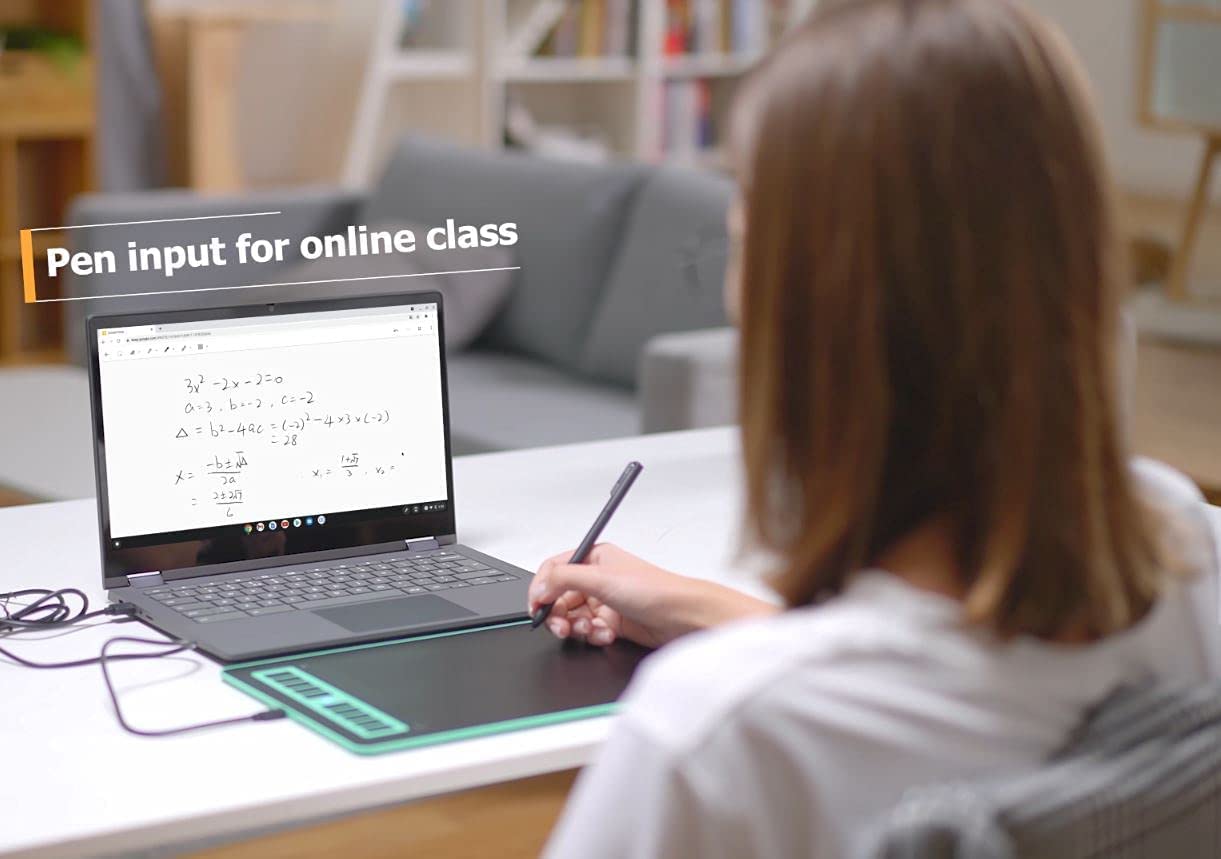
🎨 Elevate your creativity—draw, design, and dominate with precision and speed!
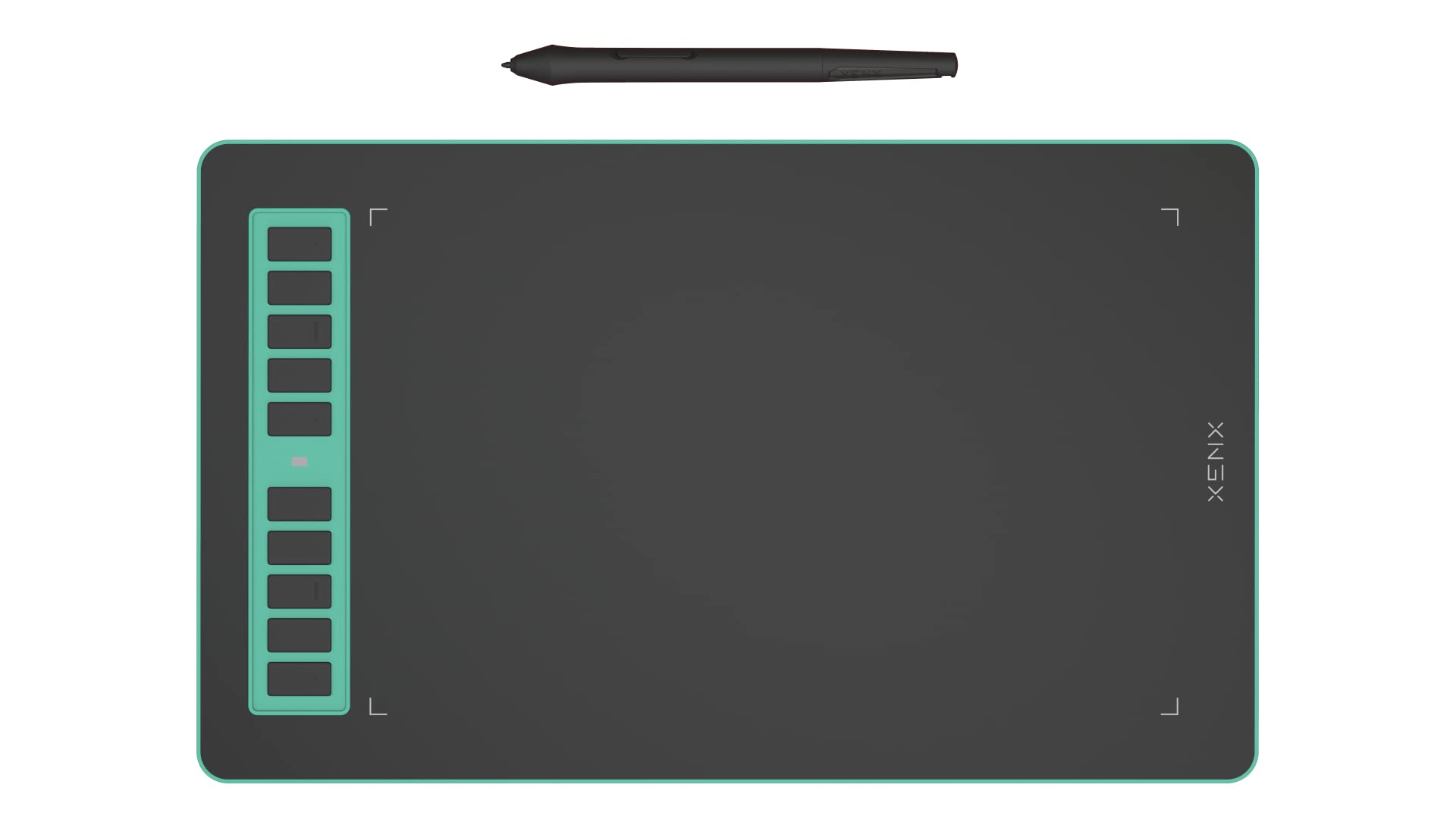
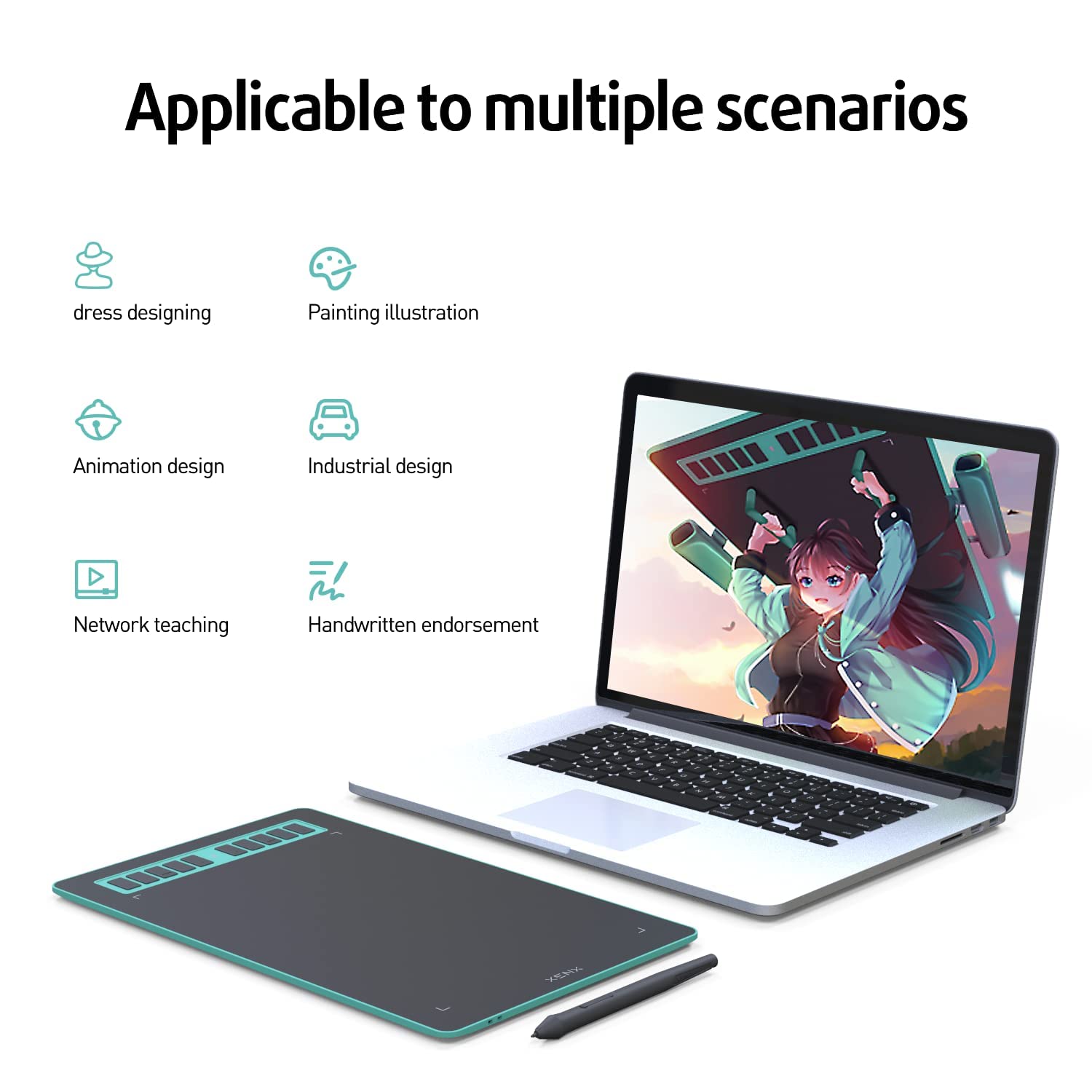
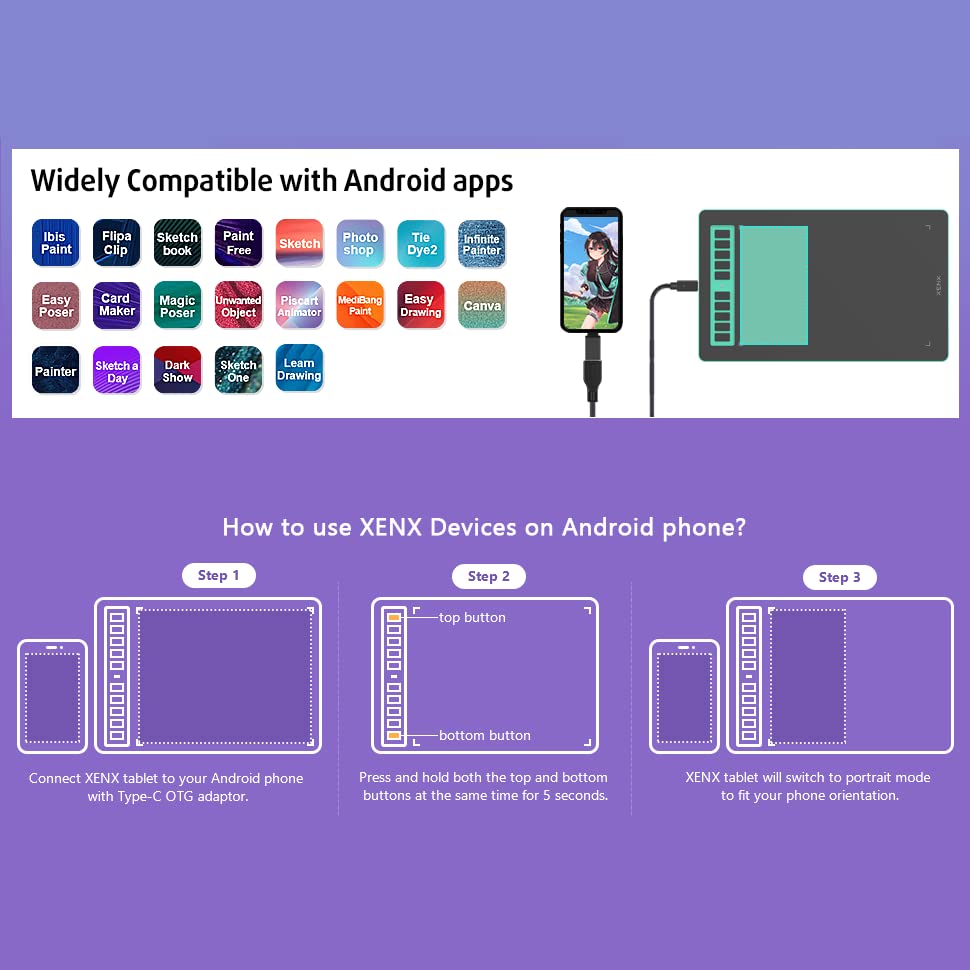
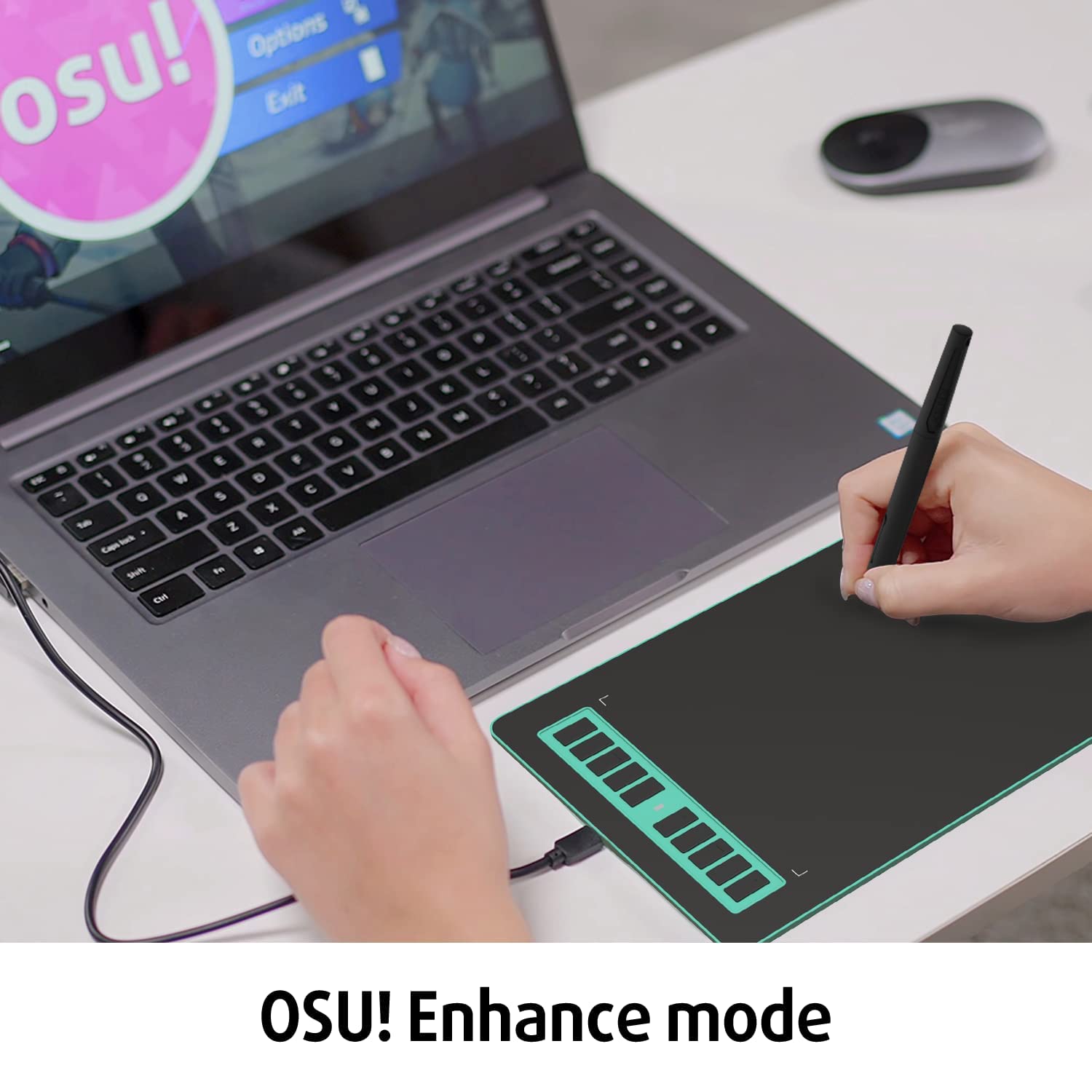
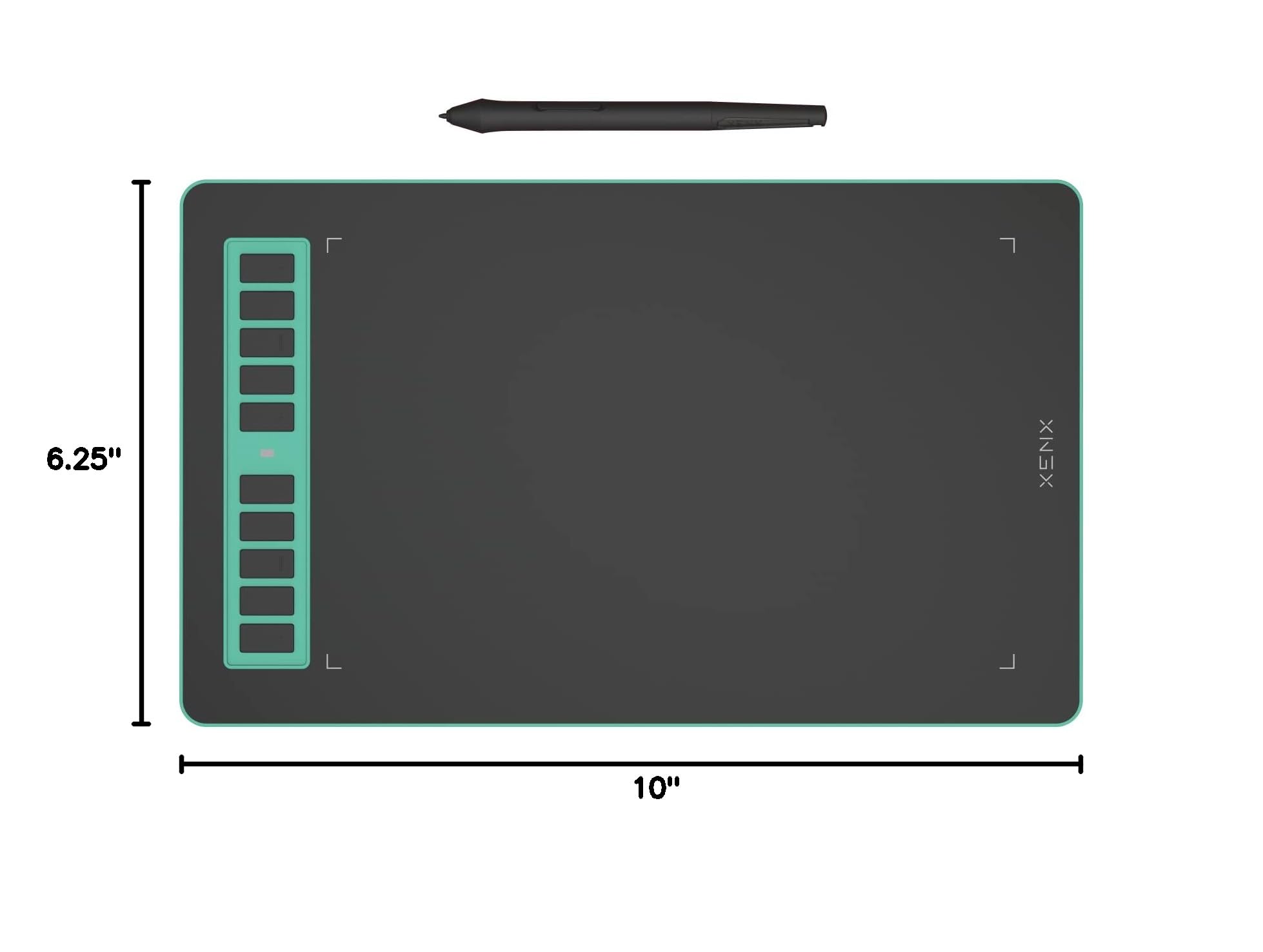
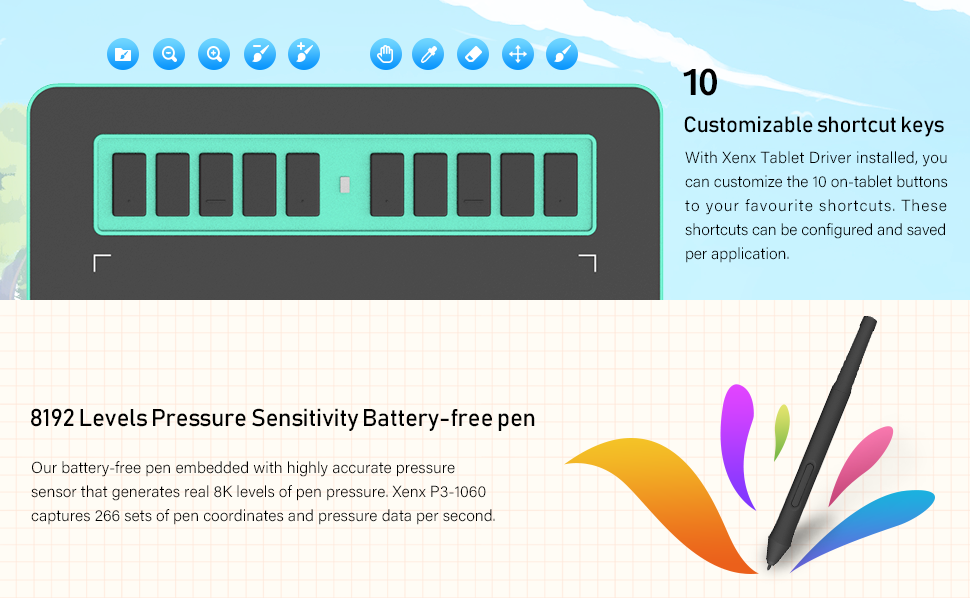
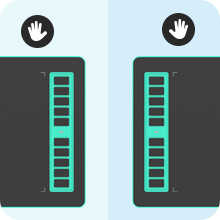
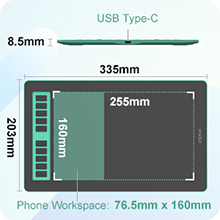
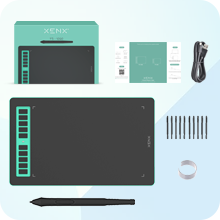
The XENX P3-1060 is a versatile 10x6.22 inch graphic drawing tablet featuring a battery-free pen with 8192 pressure sensitivity levels and 10 customizable shortcut keys. It supports MacOS, Windows, and Android platforms, capturing 266 pen data points per second for smooth, responsive input—perfect for digital artists, designers, e-learners, and gamers seeking professional-grade performance.





E**H
Very good for the price
So I've had this for a couple of months, and I really enjoy using it! Here are some things I like. I like that it feels like I'm drawing on paper. I also like how big it is and that it has 10 programmable keys.I only use one Adobe app, and that's Photoshop Lightroom. So I have not tested it on Illustrator or Photoshop. But I have used it on the Affinity suite, and I've had no issues. It also comes with a little adapter that allows you to plug it into an Android phone. I've tested it on my S21 Ultra. It works well with Samsung's PENUP app.I recommend getting this if you want something super simple & easy to use.
E**O
Good
It came fine and works fine
E**C
I didn't find any disadvantage.
I'm not a profession painter, so I can't really tell whether this graphics tablet has the best quality. But, at least the line it draws is very smooth. A lot of customised shortcut button. The pressure is very everage (there isn't a gap between high pressure and low pressure). And it's very cheap compare to other graphics tablet. In all, it worth a try.
S**A
Thin and light!
The tablet is really light and thin! It’s easy to bring out whenever I need it.It’s also easy for beginners to use, not very hard to learn.The tracking is smooth, already satisfied my drawing requirement. I like it!
L**N
It's not bad for the price
This drawing tablet is decent, but it's not the most intuitive tool in the world. That said, it's way cheaper than a Wacom. It's a bargain but in some regards you get what you pay for.
S**A
2 stars because when it worked it worked well
7 months living on a desk, not being moved around, and it has failed.When it was new interface would freeze and not register the pen in Windows 10/11. Sometimes opening the software was enough to get it working again other times the tablet had to be unplugged and plugged back in.Now it locks up my cursor, mouse can't move and pen is nowhere near the tablet. When it is "working" the cursor will disappear completely. Really hard to use when you can't see the cursor/tool you are trying to use.Seems to be lagging now too. Input isn't as smooth or accurate anymore.It was good as a spring board to decide if I want to spend the money on a Wacom. Pen interface was useful enough that it makes it a yes.
D**Z
Good for making notes and gaming
Easy to setup. Works fine on my macbook. Works fine for making notes on OneNote app. Also works finefor gaming, such as Sketchful.io. The tablet is also light and can be held in hand.
T**R
Good buy
Works well but some things could use work. The calibration isn't completely accurate, so wherever you push it down it'll be slightly tocthe left or right which is bothersome when trying to add detail. But for the price it works well.