
下载应用程序


🎨 Elevate your media game with labels that mean business and style!
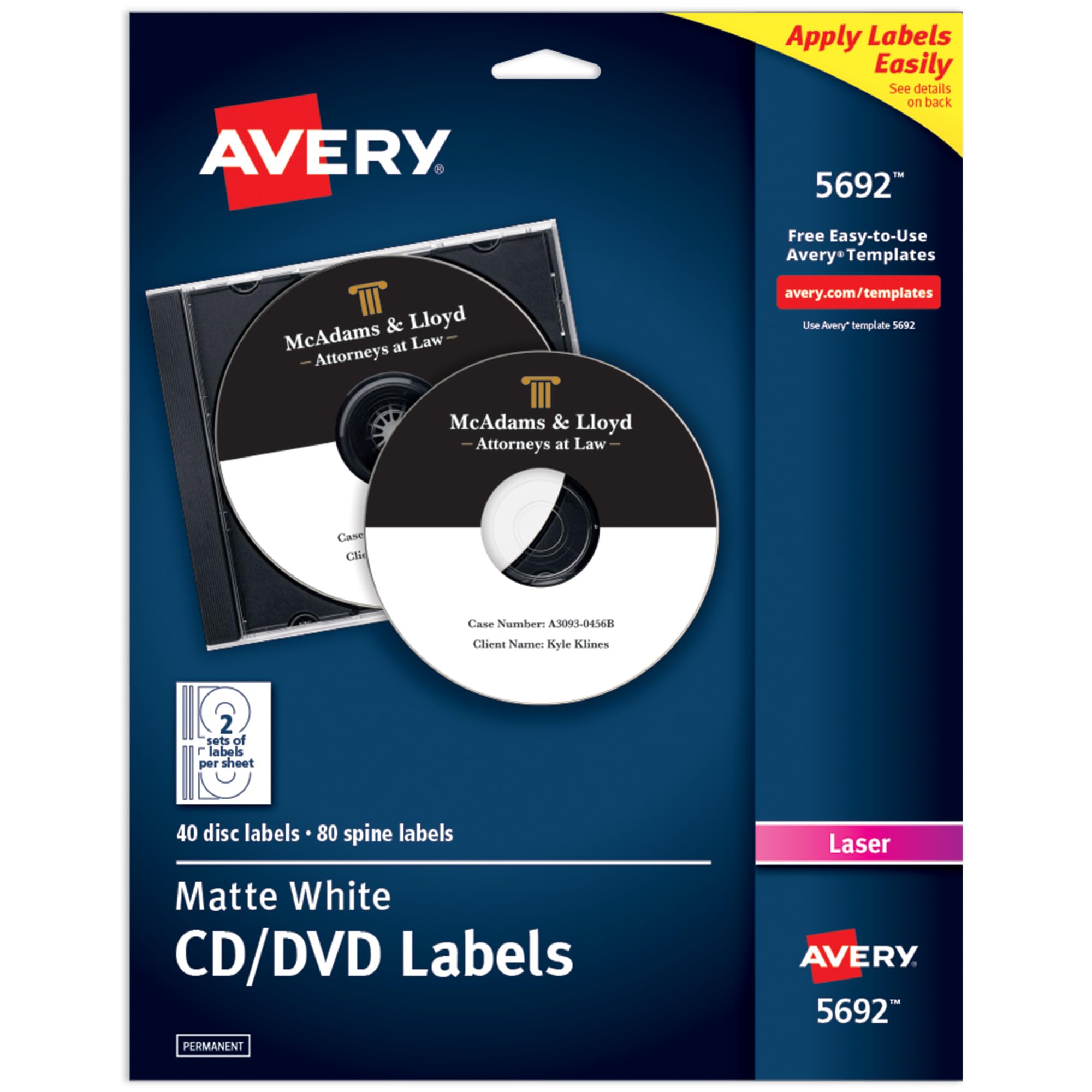
Avery White CD Labels (5692) offer 40 disc and 80 spine labels designed for laser printers, ensuring professional, durable, and wrinkle-free labeling of CDs, DVDs, and jewel cases. With free online templates and guaranteed adhesion, these matte white labels transform your media collection or business backups into a sleek, organized showcase.


| ASIN | B00006B8G2 |
| Best Sellers Rank | #192,472 in Office Products ( See Top 100 in Office Products ) #12,293 in Labels & Stickers |
| Brand | Avery |
| Colour | White |
| Country of Origin | USA |
| Customer Reviews | 4.6 4.6 out of 5 stars (338) |
| Date First Available | 6 August 2012 |
| Generic Name | Avery White CD Labels for Laser Printers (Includes 40 Disc Labels and 80 Jewel Case Spine Inserts) |
| Included Components | Laser Printer Toner Cartridge, Toner |
| Ink Colour | White |
| Item Dimensions LxWxH | 30.6 x 23.6 x 0.6 Centimeters |
| Item Weight | 236 g |
| Line Size | Small |
| Manufacturer | Avery |
| Manufacturer Part Number | 5692 |
| Material | Matte Paper or Plastic |
| Model Number | 5692 |
| Net Quantity | 1.0 Count |
| Number of Drawers | 2 |
| Number of Items | 1 |
| Shape | Round |
| Size | 4 5/8" diameter |
X**T
Create your favourite pictures on a label when you create your own slideshows. Love the product. A little pricey but worth it.
D**I
Why did you pick this product vs others?: I just got this brand to try out first because it was the Amazon choice. I was not disappointed! The stickers work and printed with a color laser printer superbly, but the main reason I think Avery is so awesome is because of their website! The templates are perfect, but the app to edit images on is made so well! I have photoshop but I thought I'd just try their software first. I used photoshop to make some better fonts and png titles, and then just drag/drop to the Avery creator. To my surprise, the program works flawlessly with plenty of options! And no bugs! AND you can save your designs to print somewhere else if you don't have a printer at home. Here's an example of some dvd backups I made (I have an old school dvd player in my car I like to make separate copies to keep in a hot car). The only thing with the software is I think they should add an outline and color option for font... that's it really.
A**E
Excellent product ! They stick very well to the CDs. User friendly also . Highly recommended
G**J
I like these CD labels. They were easy to print and design on. The print came out nice and didn't smudge. The label was made on a good quality paper, and sticks nicely on a cd.
M**R
I haven't needed to burn a CD in a few years, but this let me make it look a lot nicer.
TrustPilot
2 个月前
1 个月前