

Desert Online General Trading LLC
Dubai, United Arab Emirates
Desert Online General Trading LLC
Dubai, United Arab Emirates

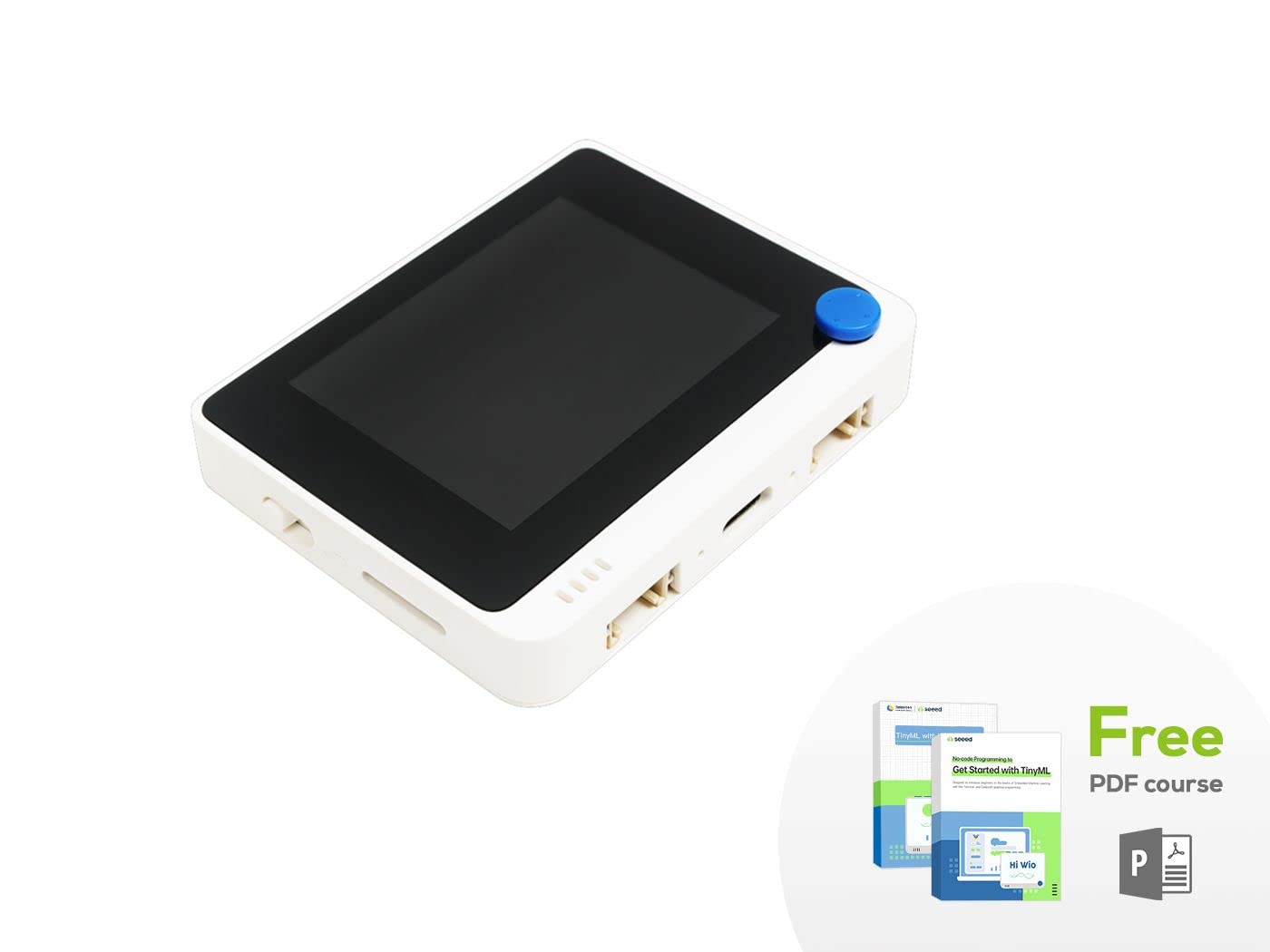
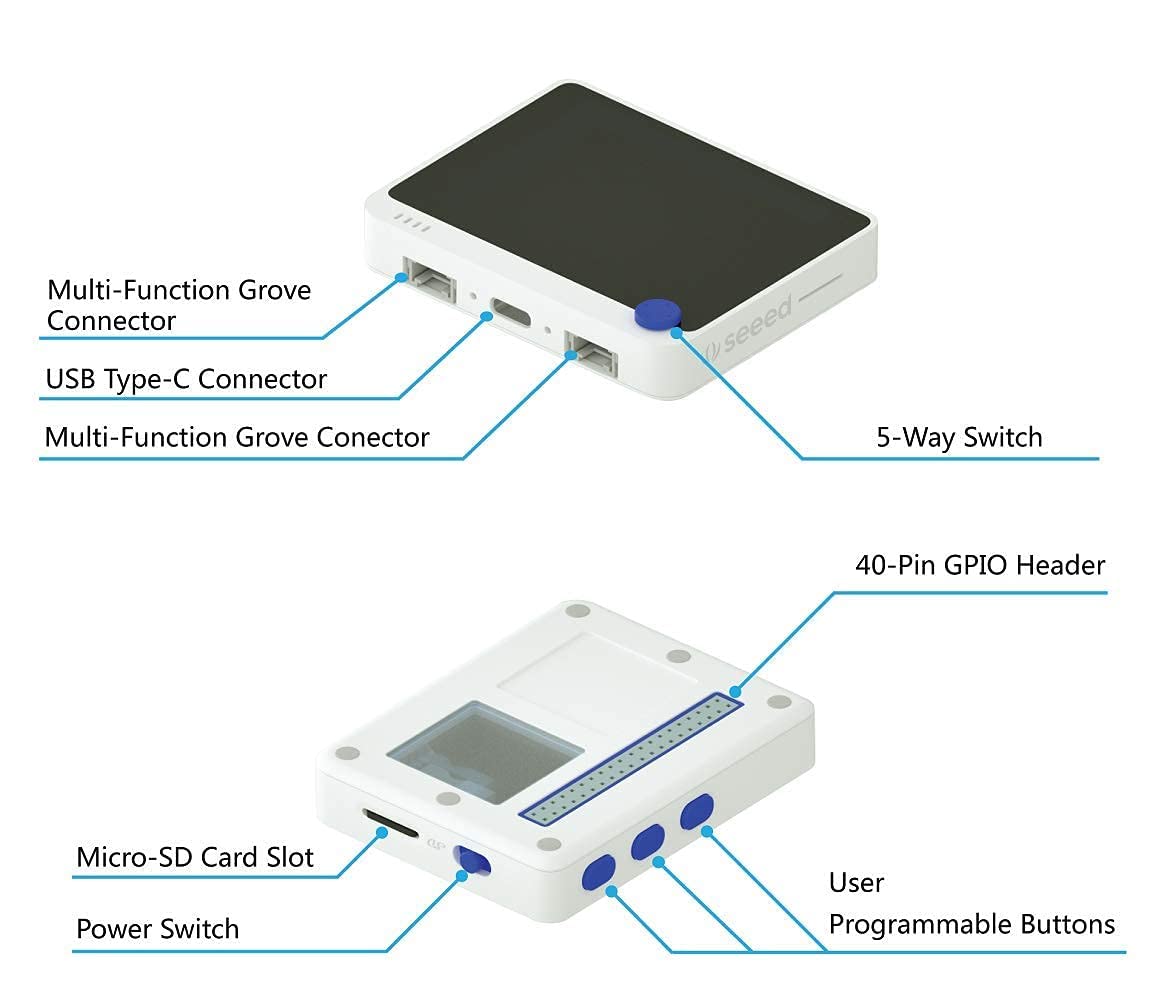
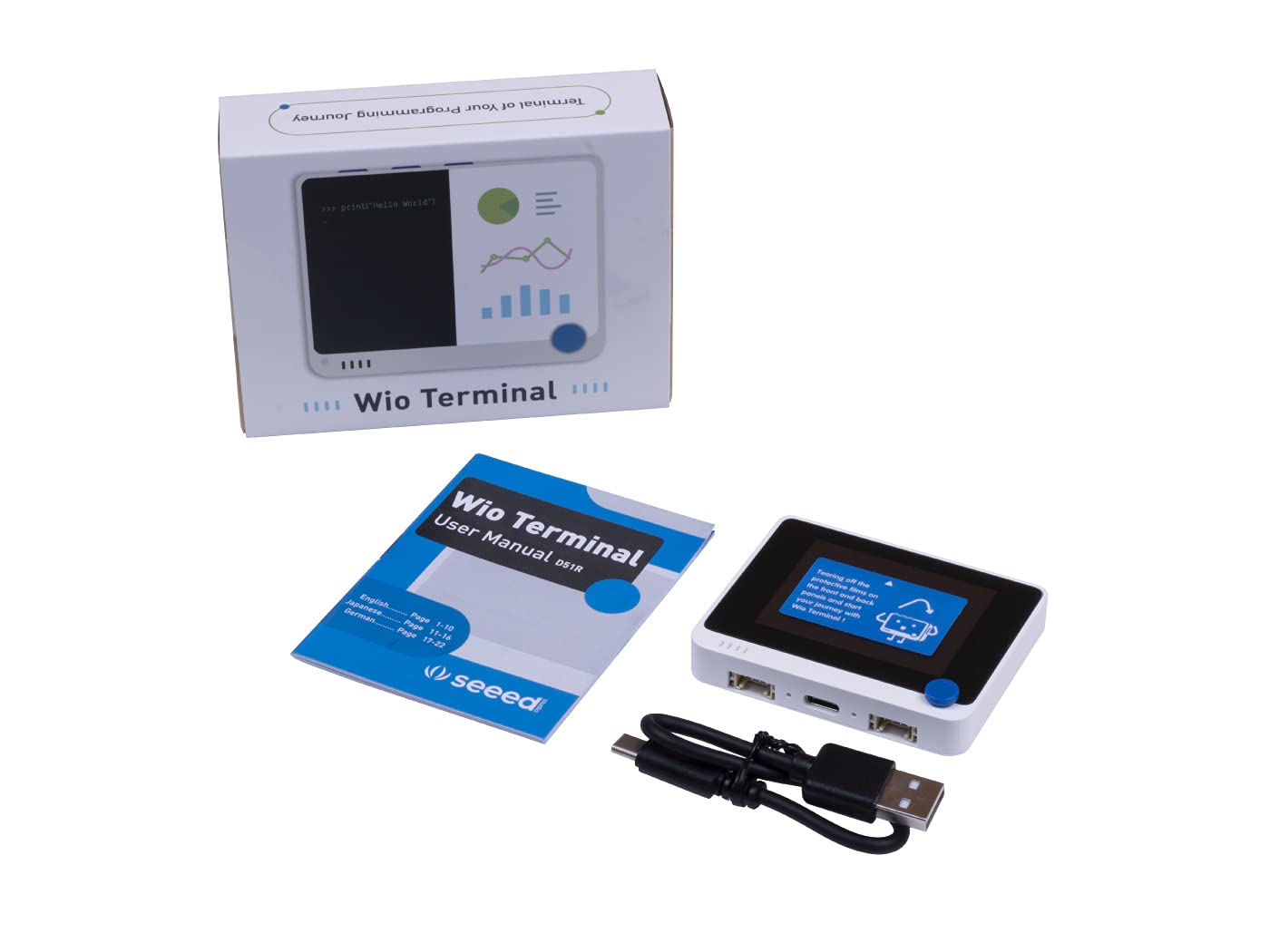

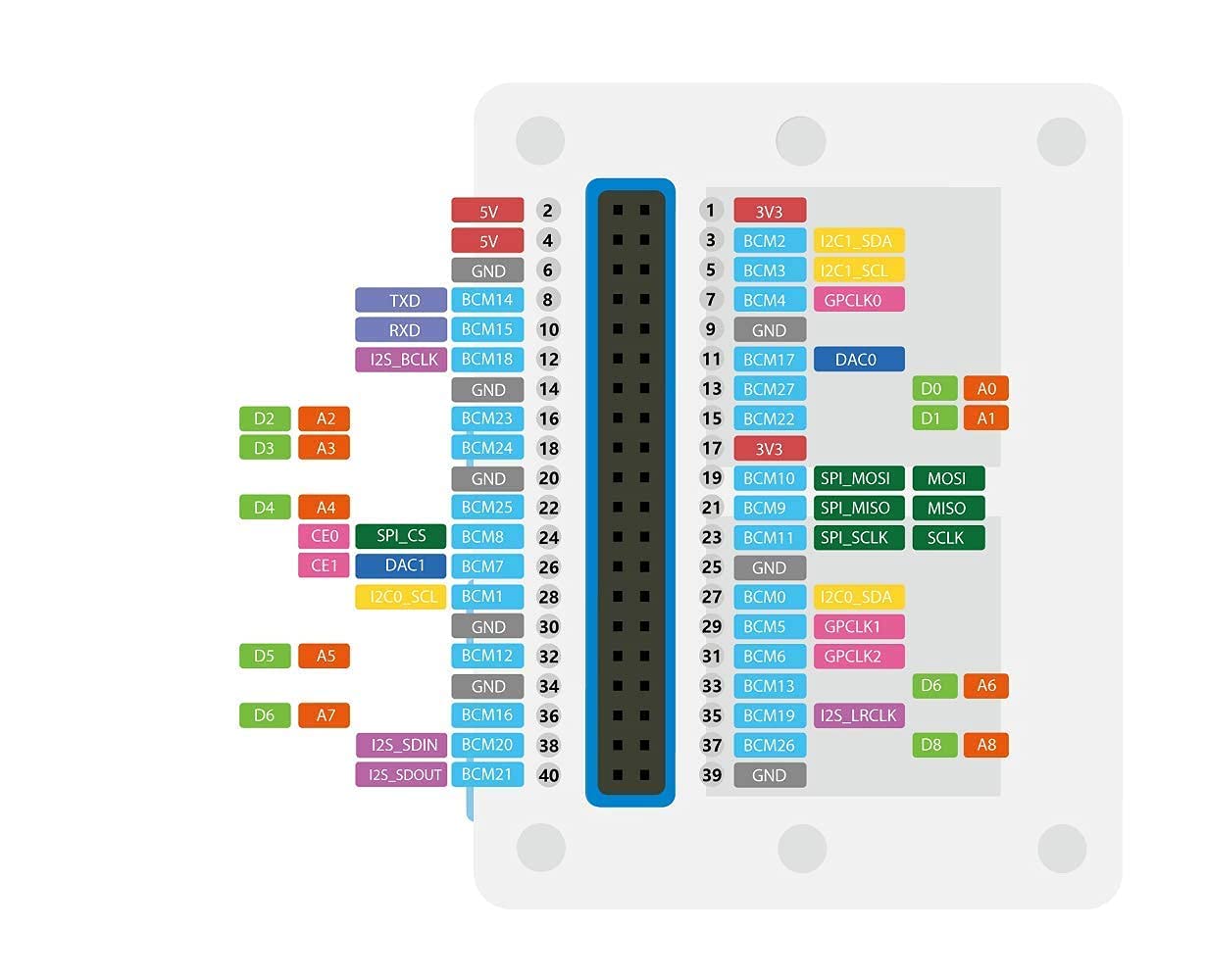
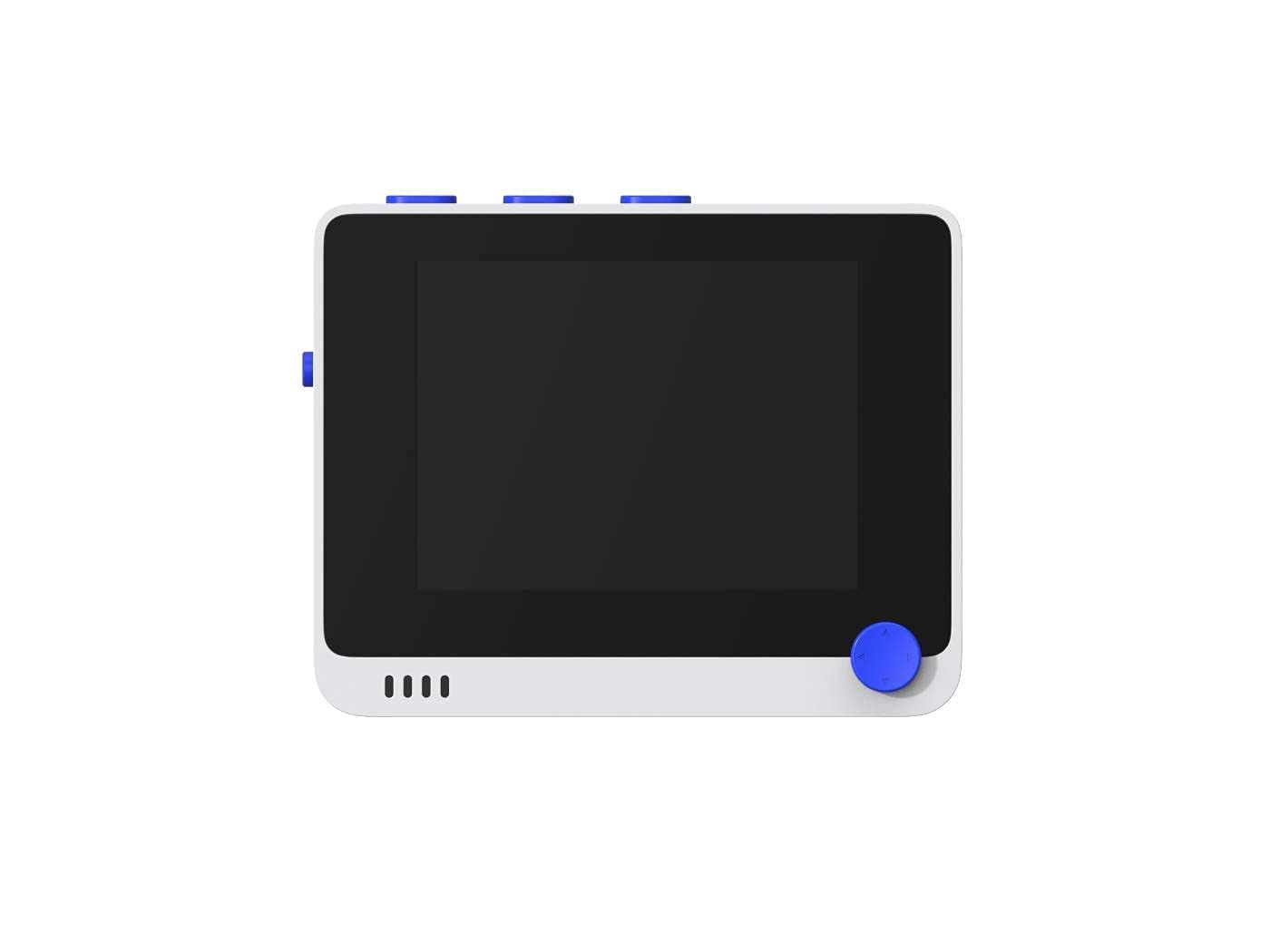
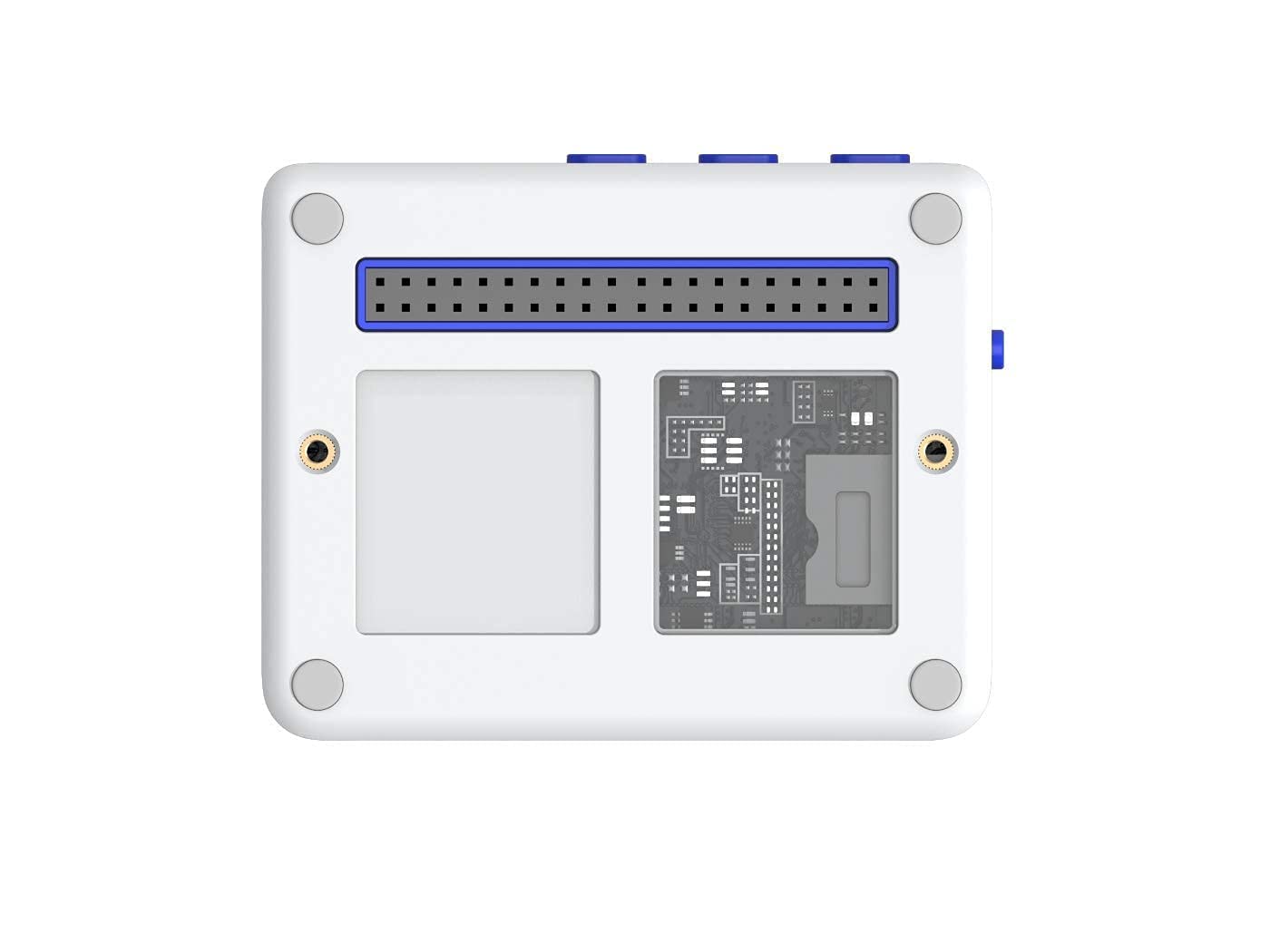

🚀 Elevate your IoT game with the ultimate all-in-one wireless microcontroller!
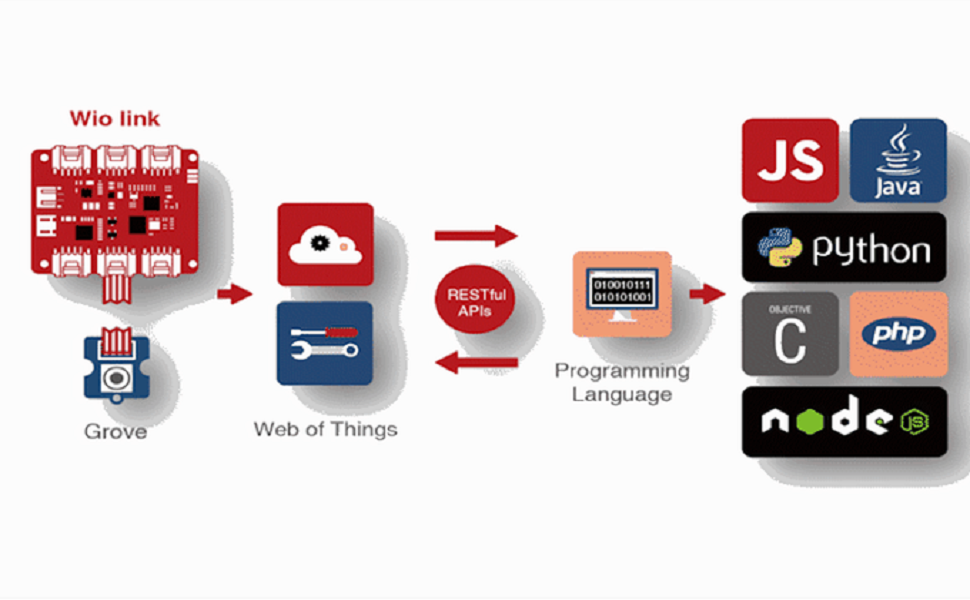
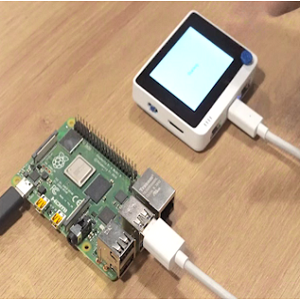
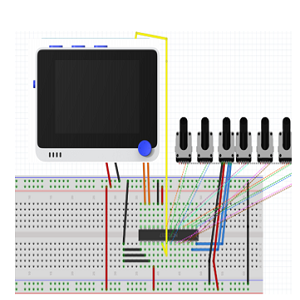
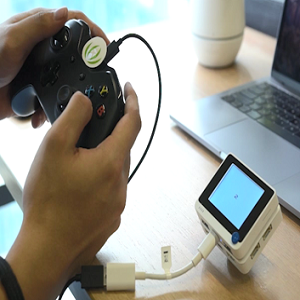
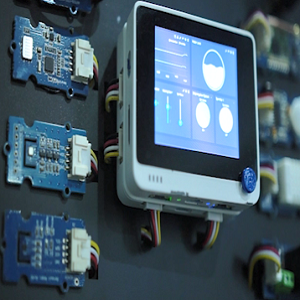
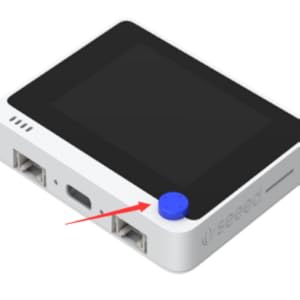
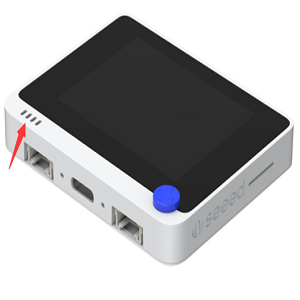
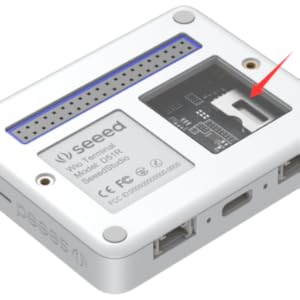
The Seeed Studio Wio Terminal is a compact, highly integrated wireless microcontroller featuring a 2.4'' LCD, ATSAMD51 processor running up to 200MHz, and dual-band Wi-Fi plus Bluetooth 5.0. Designed for seamless compatibility with Raspberry Pi and over 300 Grove modules, it supports Arduino, MicroPython, and TinyML applications—perfect for professionals seeking a powerful, versatile edge computing device in a sleek form factor.








| Processor | 1.2E+2 core_m_family |
| RAM | DDR2 |
| Wireless Type | Bluetooth |
| Brand | seeed studio |
| Series | ATSAMD51 Core with Realtek RTL8720DN |
| Item model number | 102991299 |
| Operating System | Arduino, MicroPython, ArduPy (user-defined) |
| Item Weight | 3.2 ounces |
| Product Dimensions | 2.83 x 2.24 x 0.47 inches |
| Item Dimensions LxWxH | 2.83 x 2.24 x 0.47 inches |
| Color | Wio terminal |
| Processor Brand | Microchip |
| Number of Processors | 1 |
| Manufacturer | seeed studio |
| ASIN | B087LNFZ2T |
| Date First Available | April 24, 2020 |
P**N
Nice compact Raspberry Pi unit!
The reTerminal is an amazing Raspberry Pi (Compute Module 4) device that is small and compact with a built in screen. It boots up quickly and runs very cool with its included heat sync. It has many ways to mount the device and has programmable buttons. Only thing missing is a battery, but they are working on an add on module that will include a battery. Customer service was very responsive. Very satisfied customer!
D**.
Jump start your microcontroller projects
This is one of those microcontroller builds that, just by its assortment of built-in features, inspires the nerd in you. I built a work-from-home helper with it, using the hat switch and buttons to do things like: set my Slack status, toggle my mic and camera in Zoom, and send requests to my Hue Hub to set the color of a light outside my home office so my kids know if it’s safe to interrupt me. I haven’t used the I/O pins yet, but I’m buying another one so I can build a custom weather display and indoor air quality monitor.It’s a seriously capable little piece of kit.
M**I
An exceptional device for makers!
The device is totally worth it, the quality is top notch, and possibilities are endless. Lots of IO available and decent documentation. Totally worth it even more if you consider the price of the 4GB Wireless capable CM4!!!
J**S
Good hardware limited by questionable software
Let's start out by saying this is a mostly positive review, read on for the upbeat parts. But we're going to begin with the problems. Because if you plan to use this device for anything more than basic education, you're going to run into obstacles.*Software Limitations*Like many low cost open source hardware devices, this one is designed to be compatible with Arduino Studio and relatively code compatible with other devices, which is good. However like many other devices this is achieved by hacking existing open source Arduino libraries to work with the device.In the case of Wio Terminal the libraries are an amalgamation of Arduino, AdaFruit, and Seeed code wrapped around the official Atmel libraries in a spaghettified mess designed to support multiple devices and chipsets, instead of providing each their own bespoke drivers.On firing up the device for the first time, and writing a simple clear screen app to identify the baseline refresh rate I can expect from this device and screen, what did I discover?Wio: 9 fps maximum just clearing the screen on a 200Mhz microprocessor. Are you kidding me?For comparison a 16Mhz Arduino powering the same 9341 lcd screen achieves ~15 fps.(Note: even with the Arduino the AdaFruit derived driver had appalling performance, 15 fps was achieved with a homegrown driver.)With only two days using the device (and admittedly experience writing drivers for the 9341 lcd screen), I was able to write a driver pushing:~40 fps rendering images to the screen (not just clearing).Other peripheral drivers provided for the device appear to have similar issues, layering open source software, on top of other open source software, in an effort to make it work.What does that mean for students and people just tinkering? Not much, the software works, it's just incredibly inefficient.However for anyone attempting to fully utilize (or even moderately utilize) the device, know you will be writing all of your own drivers for the device's hardware. You need to understand this going into it.*Good Hardware*So what about the hardware? The embedded Cortex-M4 includes the optional floating point coprocessing core and can overclock to 200 MHz, which is really nice.Hardware includes Wifi, Bluetooth, Flash RAM (4MB), MicroSD slot (up to 16GB), and more.SPI channels can independently be clocked to match the target peripheral, which is great because some peripherals like the MicroSD do not function above certain speeds.The case.. wow: the case is extremely impressive, small, has a nice heft to it, quality plastic, built-in mounting threads (metal, not plastic), and feels nicely balanced and pleasant to hold (ever pick up an iPhone after holding a cheaper smart phone? Yeah, like that).Here's where the hardware side of things becomes mediocre. The screen is nice and bright, but only supports up to 320x240. Additionally the screen and microprocessor are connected using SPI instead of the faster parallel connection supported by the lcd driver. This requires more processor overhead when rendering, giving you less cycles for actual processing work.The device only has 192KB of ram.. that's it. Let me repeat this.. only 192KB of ram..As in just enough for a framebuffer and no other in-memory data; or enough for other data but limited performance by constantly writing direct to the lcd driver (via SPI).*Summary*Overall though it's a good device. For anyone just connecting Grove modules, wiring up LEDs and switches, or messing around; this device is excellent.For potential power users, read the details and consider the limitations. Personally I still feel like this device is a win, and I'm considering getting another. But your experience will vary based on what you're able or willing to put into the device.
B**D
"Best dev board for IOT "
Wio terminal is a great way to monitor a controlled environment one thing i disliked was the lack of software samples and general community of developers but im sure in time that will change also the optional battery base would be nice if it all just came as one device I wasent aware of this and still need to get one but definitely worth the price
C**H
Great features, but flaky USB connection is a problem
I bought two of these units. The integration of all these features is very attractive.However, this device has a problem with its USB interface. It sometimes refuses to work, and resets and reboots do nothing to fix the problem. I have to reboot the Mac to get the USB interface to work again, and sometimes that doesn't work.I program dozens of devices through the Arduino IDE and have only seen this problem on an Adafruit product, which Adafruit later admitted as having a defect and issued a redesigned version. I suspect the same is happening here.
A**N
Great compact stm32 board with quirks
Love this little device. Ardupy it a bit hard to work with but circuit python, arduino and microphone is a breeze. It's a bit young still but lots of active development. I was hoping that the wifi was nina wifi compatible but alas not. Wifi only works with arduino and ardupy.I hope someday a compatible micropython driver becomes available.
C**Y
Hot garbage
It works just fine out of the box, but better not 'sudo apt upgrade' EVER. Their drivers get wiped out and the screen stops functioning until you can get a mini display cable, reflash the OS, and reinstall the drivers. abhorrent to sell a pi product in this state.
TrustPilot
2 周前
2 周前