We remain fully operational. Our teams are working around the clock to ensure your deliveries continue safely.

下载应用程序


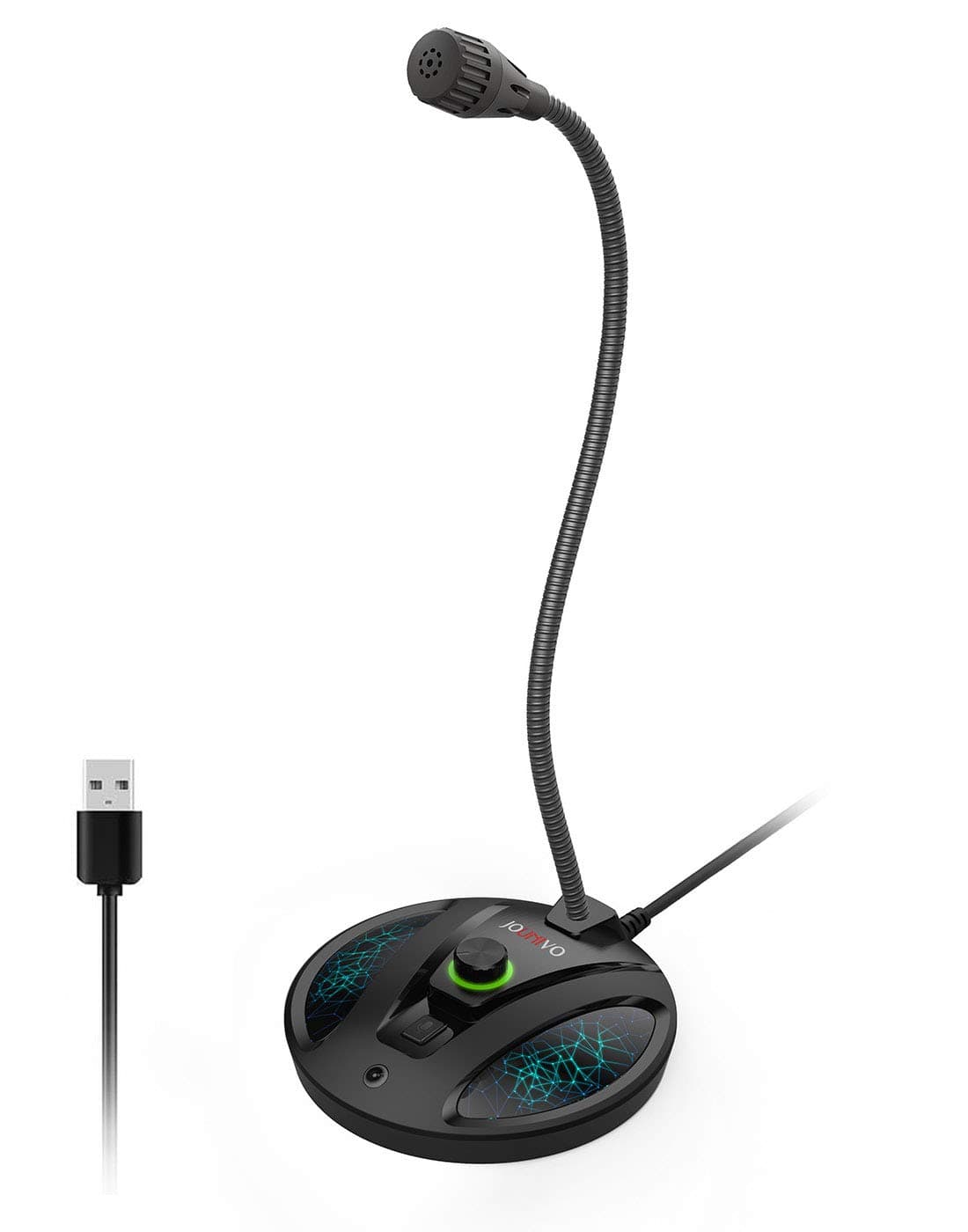
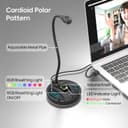
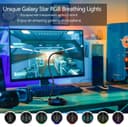
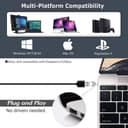
🎧 Elevate your voice, own every conversation.
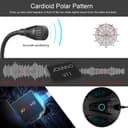
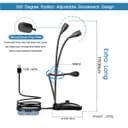
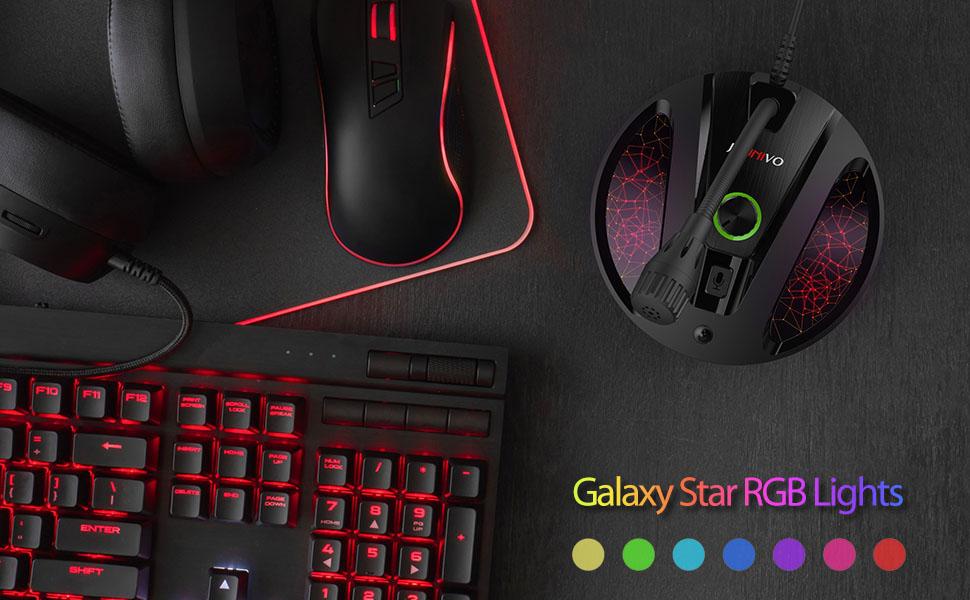
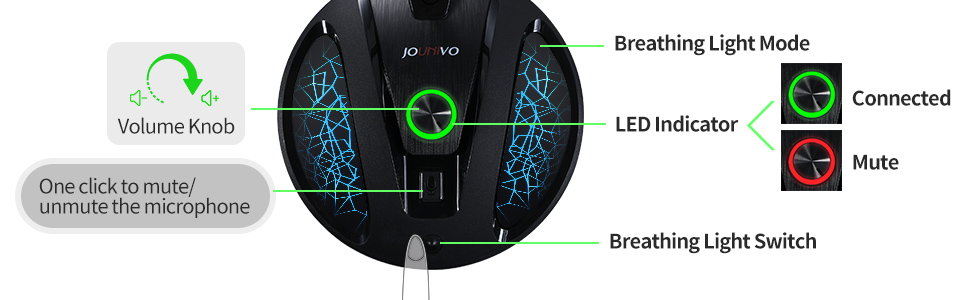
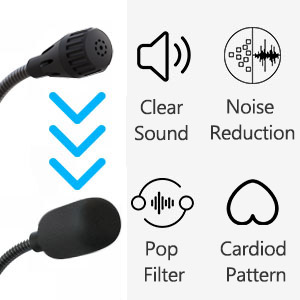
The JV603Pro Gooseneck Mic is a professional-grade USB condenser microphone featuring a cardioid polar pattern for focused voice capture, intelligent noise-canceling technology, and a flexible 360-degree metal gooseneck design. It offers plug & play USB connectivity with no drivers required, a convenient one-click mute button with LED status indicator, and a sturdy ABS and metal build for reliable desktop use—perfect for streaming, podcasting, gaming, and remote work.





| ASIN | B07YJGLKQS |
| Antenna Location | Video Conference |
| Audible Noise | 58 Decibels |
| Best Sellers Rank | #2 in Computer Microphones |
| Brand | JOUNIVO |
| Built-In Media | microphone |
| Color | JV-603PRO |
| Compatible Devices | Laptop, Personal Computer |
| Connectivity Technology | USB |
| Connector Type | USB |
| Customer Reviews | 4.2 4.2 out of 5 stars (2,088) |
| Enclosure Material | Acrylonitrile Butadiene Styrene, Metal |
| Hardware Platform | Laptop, PC |
| Item Weight | 7 Ounces |
| Manufacturer | JOUNIVO |
| Mfr Part Number | JOUNIVO-603PRO |
| Microphone Form Factor | Gooseneck |
| Model Name | JV-603PRO |
| Model Number | JV-603PRO |
| Number of Batteries | 1 Lithium Ion batteries required. |
| Number of Channels | 1 |
| Power Source | Corded Electric |
| Signal-to-Noise Ratio | 58 dB |
| Special Feature | Volume Control |
| UPC | 710877376893 |
| Unit Count | 1 Count |
A**S
Game changer for meetings working from home
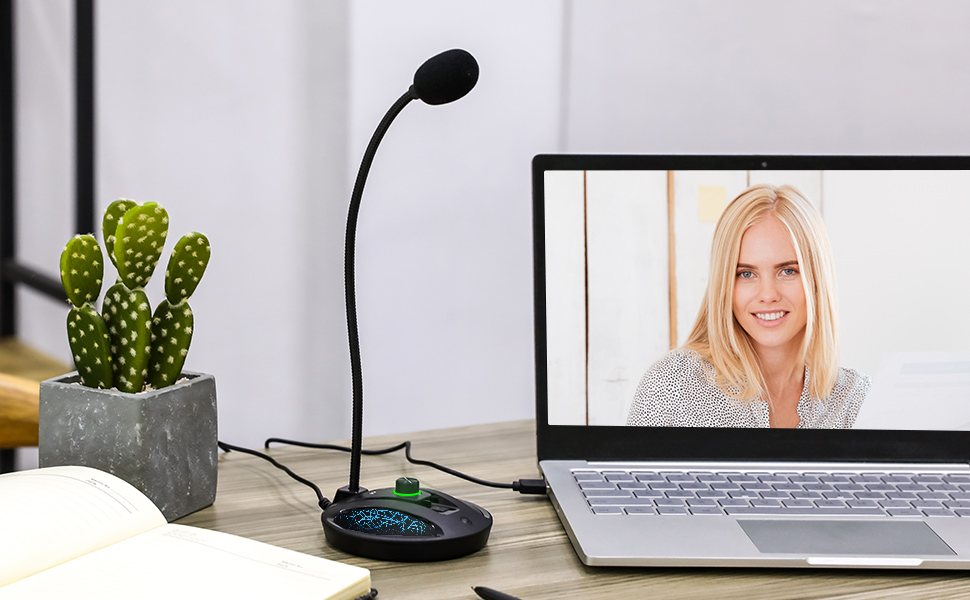
The mic on my headset started cutting out and I wanted a better solution than wearing a headset for hours on end all day every day. I never had much luck with bluetooth devices plus didn't want something else I have to keep charged. The mic and speakers on the work laptop are useless. After looking at available options and reading reviews, I decided to try the Jounivo. It sits on the desk, not really in the way, and it works great. I've had many compliments on how good it sounds. It has changed how I do meetings, I no longer have painful ears after all-day meetings, and I don't look as dorky since I'm not wearing a headset anymore. The separate mute button on the mic is very nice to have, now I can mute/unmute without having to find the right place to click. Very happy with this purchase.
J**N
Great microphone, good audio quality
I had purchased a different USB stick looking microphone for my laptop and the sound quality wasn't great. I replaced it with this one. This microphone was easy to set up and use and has nice clean sound quality. I've been using it for voiceovers for screen recorded how to videos and everything comes through nice and clean. The cord is a good length and the audio comes through clear with no background noise issues or weird sounds.
S**L
hit and miss
As much as i really want to like this product, it is hit and miss in terms of when it works. Sometimes it drops for no reason. I end up unplugging and re-plugging, or restarting my computer to get it to recognize again. And the input gain control has to be on full for moderate input volume. I wish there was a dedicated app and drivers. The sound quality is pretty good, and the boom mic arm works well.
J**G
Amazing performance, Awesome price
Used a Logitech USB standing mic for a long time. It was amazing for its time. Recently broke and so hard to find an alternative with a thin profile. Finally came across this and saw the price. First thought was, “Looks like a knock-off, but I’ll try it since it is cheap.” This microphone has been amazing! Even removes background sound my previous one sometimes picked up. The LED lighting at the base can be turned off for nighttime use but turned on when showing off the rig. I regret not immediately buying extra ones for office and wife use.
A**R
Hard of hearing, not worth the headache
When I first got this plug and play USB microphone it wouldn't work. I tried troubleshooting I tried unplugging it and plugging it back in I tried plugging it in a different USB port. Windows detected it and saw that it was there it just wasn't hearing any sound. So I tried it on another PC and eventually got it to work and then eventually I got it to work on my laptop. My analog plug-in microphone and my headset microphone and the microphone built into my laptop all work fine and then this j o u n i v o jv603p will suddenly go back to not hearing anything and I'll have to start over and troubleshoot and unplug it and plug it back in and get it to work again. as soon as it's working again I just assume it's going to be working when I actually go to use it and then when I go to use it I usually end up having to spend a half an hour trying to get it to work again. the amount of sound this microphone picks up is underwhelming compared to my wired microphones and the onboard microphone built into my laptop even with the microphone level at 100%. If I can figure out and recreate a root cause for when it stops working again I will update my review. That being said, I have encountered exactly one plug and play USB device in my lifetime that didn't work when I plugged it in and that would be this device. I was frustrated the day I got this product and it continues to frustrate me on a regular basis. Ways Windows describes this hardware include audio endpoint generic audio end point generic USB audio. under driver details Windows reports no driver files are required or have been loaded for this device. The manufacturers website has no information about drivers or a troubleshooting or support for this product. 02032021 UPDATE: was working fine for the last day and this morning and Cortana responded to WIN + C just fine. This afternoon I tried and it wasn't working so I checked and it was not the default device because I had plugged in a USB sound card, so I made it the default device again. I noticed in the sound control panel that one green bar at the bottom was illustrated but there was no fluctuation or detection of sound. regardless the HD web camera microphone and the analog wired microphone and the onboard microphone on the laptop were all detecting sound and working properly. in this particular instance I was able to resolve the issue by getting up going over behind the laptop fiddling with wires unplugging the USB microphone waiting 10 seconds and then plugging the USB microphone back in like it's a modem from 2003. Regardless of default devices or unplugging or plugging in other audio devices with microphone capabilities the HD web camera, onboard microphone, and wired microphone all continue to operate indefinitely with no issues; however this USB microphone continues to simply stop working randomly forcing me to apparently unplug it and power cycle it and plug it back in which worked this time but may not work every time. 02052021 UPDATE: so I could talk to Cortana yesterday and this morning just fine. No hardware or configuration changes. Went to do a voice command this afternoon and it didn't work and Cortana reported that the microphone was disabled. Not only was the microphone enabled and set as default but I could see sound input and hear sound input via voice meeter, even though sound control panel and windows showed no sound input.in this instance I was able to get Cortana to hear me afain by disabling the microphone and then re-enabling it. 02062021 UPDATE: so I went to use Cortana again and she couldn't hear me. funny thing is sound was being detected in sound settings and in the sound control panel but Cortana was reporting that the microphone was disabled even though the microphone was enabled. Of course at this point I was ready to grab the box and ship this gift I received back to the place it came from but as it turns out the return window ended three days ago. in this particular instance I disabled and re-enabled the j o u n i v o jv603p several times and also unplugged it and plugged it into a different USB port and restarted my PC. While sound detection would seemingly randomly disappear and return in sound control panel and sound settings I still have yet to get Cortana to hear me today. Every time I click on the microphone or hit Windows cortana responds by saying that microphone disabled enable your input device in Windows sound settings.
K**N
Great quality.
Ease of use. The volume dial and the mute button are nice features and it feels pretty solid and stable with a good weight. This is my first desktop mic and I have had no issues. The product exceeds my expectations and is everything I need it to be. If I was going to hunt for one thing to change it would be to make it so the lighting effects on the base would light up in time with the sounds it is picking up rather than having it consistently brighten fade as it cycles between colors. Still a very eye pleasing product regardless and I would recommend it to anyone.
E**G
Great...at first
It was working beautifully for two months. The sound quality is good, and it's very easy to use. The mute button feature comes in handy if you need to cough or yell at your kids without being heard. Almost exactly two months later, the sound is extremely low, regardless of how high you set the volume. I don't understand how that happened. Nothing has changed about the way I used it. It just stopped working as well. I'm very disappointed.
K**O
Don't let the low price fool you... this mic is great!
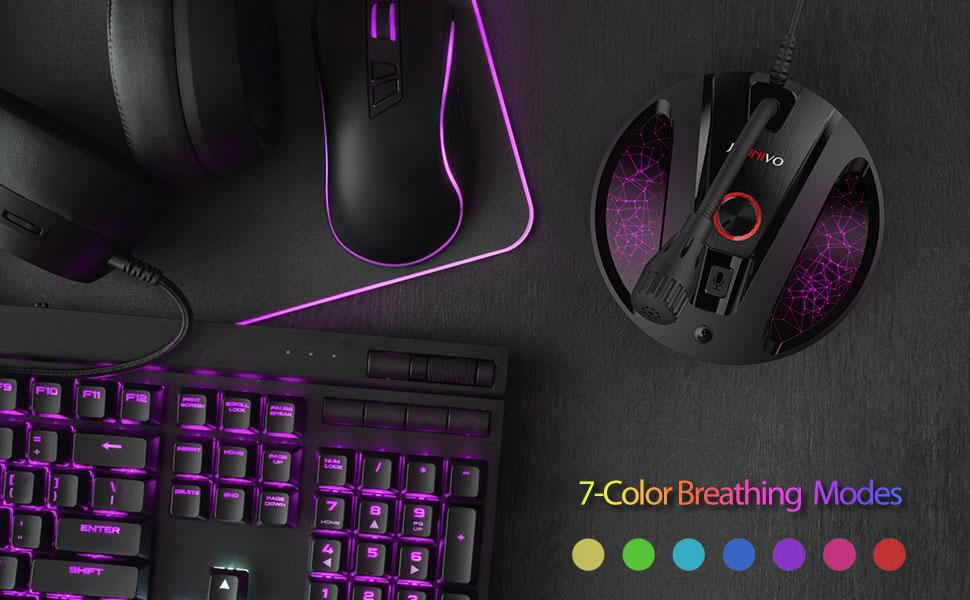
Perfect plug-and-play hookup to my US government issued laptop which is typically picky, especially with USB devices in the dock. I am using this mic in the FEB 2021 current version of Microsoft Teams O365 on Win10 Enterprise. Co-workers that have listened to me talk for hours couldn't tell the difference between this mic and my Blue Yeti that cost more than $125USD. The base lights pulse in a different color every 3 seconds or so, but this can be turned off with a tiny little button at the front. I really like the visual green/red mute light. The stalk aspect allows it to be positioned next to my monitor yet aims the mic where it needs to be. Overall, this is an amazing value for the money.
K**U
Great product !
A**R
Not the best sound yet good enough for meetings and such. If you have space in your desk a higher end mic is better.
C**V
It's a good microphone but I think mine is defective. My friends told me that the mic makes a pounding noise when i'm not making any noise, I was looking for a solution but nothing... it's kinda annoying.
P**A
The Mike has a small footprint which is good. You can adjust the mike up or down easily. However, there is a delay when speaking so hard to have a conversation. People also said that I needed to be very close to the mike to hear me even with the volume being at max. Will be returning.
E**N
À moins de crier, les bruits les plus forts sont ceux du bouton pour muter. Très cher pour de la qualité aussi basse. ENGLISH take a look a the picture : at max volume, talking quietly but nonetheless the mute button is making way too much noise for a serious usage.