We remain fully operational. Our teams are working around the clock to ensure your deliveries continue safely.

DOWNLOAD THE APP


Customer Services
Copyright © 2025 Desertcart Holdings Limited
DOWNLOAD THE APP

🚀 Unlock the future of WiFi with Flint 3 — where speed meets control and coverage.
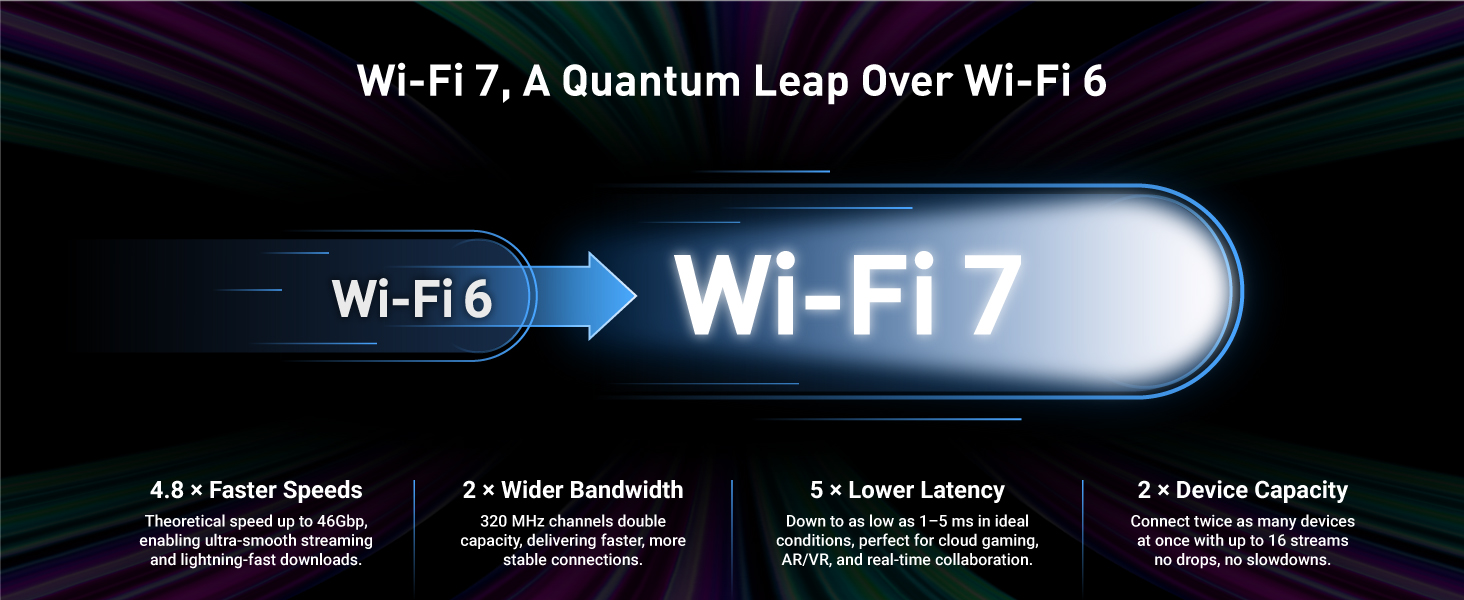
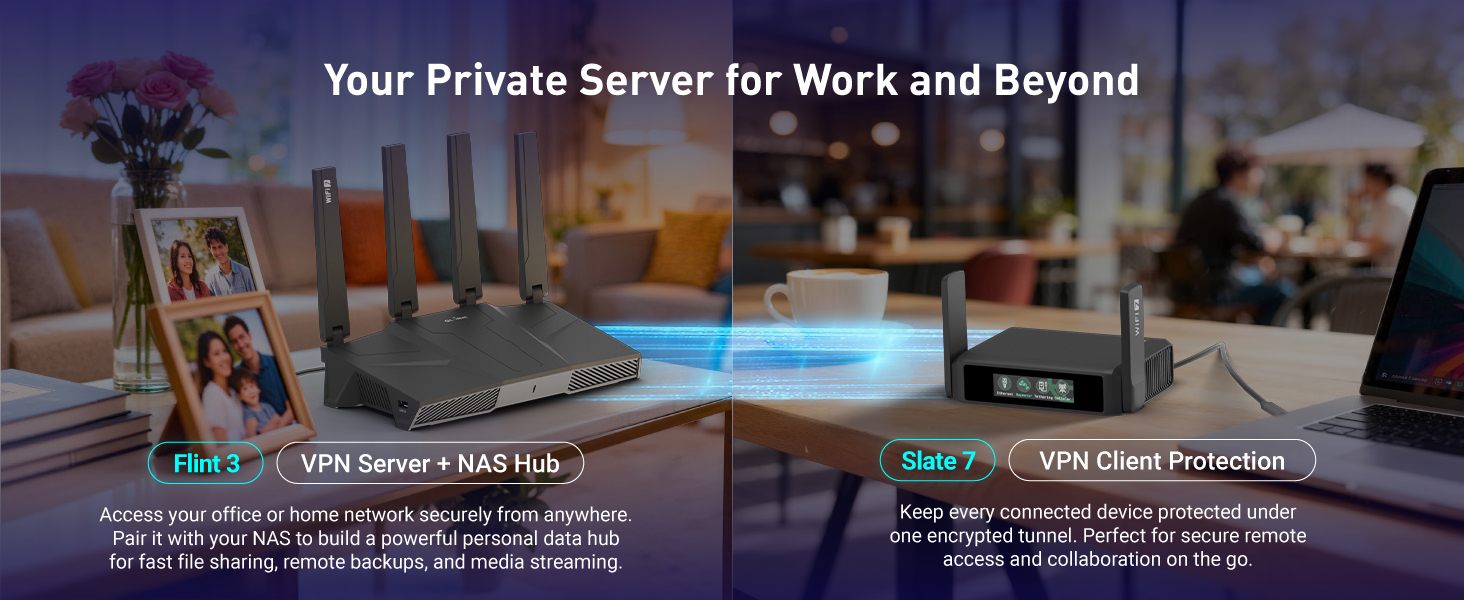
The GL.iNet GL-BE9300 (Flint 3) is a cutting-edge tri-band WiFi 7 router designed for professionals and gamers demanding ultra-fast wireless speeds up to 9 Gbps, multi-gigabit wired connections, and extensive coverage up to 2,000 sq ft. It supports high VPN throughput with Wireguard and OpenVPN, includes built-in AdGuard for ad-blocking, and offers parental controls via Bark, making it ideal for home and business environments seeking secure, reliable, and high-performance internet connectivity.




| ASIN | B0FB8X43KJ |
| Best Sellers Rank | #4,229 in Electronics ( See Top 100 in Electronics ) #31 in Computer Routers |
| Customer Reviews | 4.4 4.4 out of 5 stars (640) |
| Date First Available | August 8, 2025 |
| Item Weight | 1.87 pounds |
| Item model number | GL-BE9300 |
| Language | Italian |
| Manufacturer | GL.iNet |
| Product Dimensions | 6.18 x 2.91 x 9.45 inches |
M**R
Big bang for the buck.
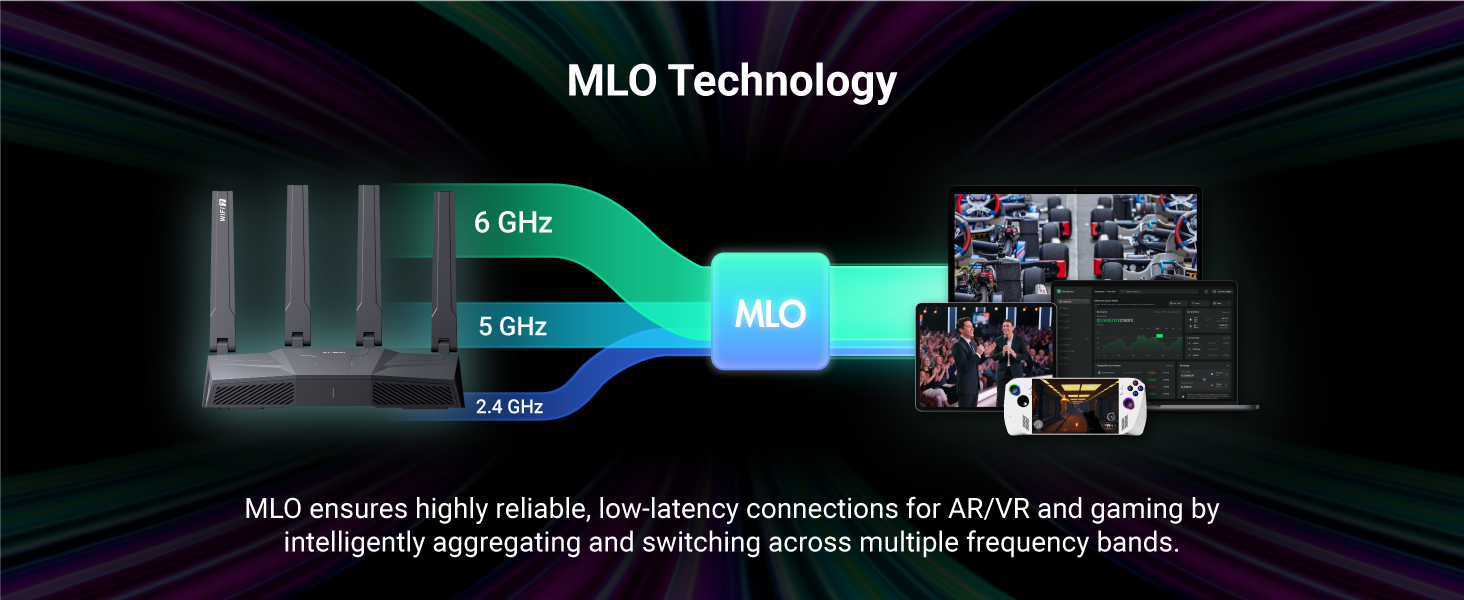
Excelente router. Very fast Wi-Fi. Setup was very easy. I use OpenVPN and Wireguard. Both were easy to set up with really nothing to configure. I asked my VPN provider for a configuration file with my streaming IP and I dragged and dropped the file in the corresponding place and tapped on start, easypeasy. They have an app to monitor and make changes to the settings. The MLO is very nice. My Samsung Galaxy 25 Ultra supports this and it's super fast and because it supports 3 bands, it's has very good range. Even though it's kind of pricey, it packs a lot of bang for the buck, especially with the OpenVPN and Wireguard throughput. I have 500 up and down and I'm getting Wireguard speeds of 350 up and down, OpenVPN speeds of 250 up and down. So I'm pretty happy.
Y**N
Solid choice, easy and quick
First time buying GL.Inet. Most recently used a Netgear RS100 which suffered from random connection drops and has an extremely slow UI/app. In comparison, Flint 3 has an extremely responsive UI, no setup app required, just login to the router IP address. No phone app to setup was key for me as the Netgear app was terrible. Essentially works right out of the box. On my 1Gbps service, 5ghz gets to 750mpbs, 6ghz gets to 950mbps. Also has built in AdGuard which seems to work well. Other apps as well such as VPN. Haven't had any dropped connections, and range through wood/drywall is good.
A**L
Incredible Performance and Control
I replaced my Eero 6+ with the GL.iNet Flint 3, and the difference is incredible. The speed and coverage are noticeably better, and the connection feels rock-solid even with multiple devices streaming and gaming at the same time. One of the biggest advantages is the level of control you get. Unlike the Eero, which locks you into a more limited ecosystem, the Flint 3 gives you advanced features like built-in AdGuard for ad-blocking, powerful VPN support, and customizable settings that are easy to manage through its interface. Setup was simple, but it also offers tons of flexibility if you want to dig deeper and fine-tune things. Build quality is excellent, and I can already tell this router is built for the long haul. If you’re coming from an Eero or another consumer mesh system and want something with more power, privacy, and control, the Flint 3 is absolutely worth the upgrade.
A**A
Best router ever.
Best router I have ever had. Setup very easy, all 2.5gbe and wireless 7 makes me feel generations ahead of my old router with openWRT. The interface is familiar but it’s easy to use. I think given the performance and range it’s a fantastic value compared to a closed source router which will have an end to firmware updates. It was cheaper than the closest openWRT quad core which didn’t have the wireless 7 chip, I sent back a wireless 7 access point that was almost as much. I’m in a small apartment but there are different transmit settings for range, but in a small apartment I get excellent coverage. It’s arm so it uses little power, either open source at the core, it’ll have a long lifespan as it’s a next generation platform with connectivity or 4x lan 2.5gbe, 1 wan 2.5… I have gig wireless, so I’d be at the edge of a 1 gig connection, but the time I need a new router this one will do all I need. The usb port has a 6tb external drive for blu rays to stream over Ethernet and WiFi, it’s also a local cloud, I might get a usb raid drive and use desktop backup software. So a lot of connectivity.
O**E
hardware and performance excellent
I waited a few weeks to get a good feel before writing review. Note, this is from the perspective of a IT network guy who needs nothing fancy other than stable and fast wifi while segregating IoT devices onto different subnet for security. As a replacement for my tried and true ASUS RT-AC68U running Merlin firmware, this thing is mostly good and gets the job done! Pros: 900mbps+ throughput is close to ISP limit of 1gbps up and down. 2.5gbps ethernet ports, if you care about big internal file transfers. Admin UI is very clean (OpenWRT based) and good for beginners. Stable and strong signal distance coverage, about same as my old ASUS. Two subnets are allowed. One for LAN, one for Guest network. Each is assigned different IP range with DHCP server. This is actually brilliant because you can enable Guest on 2.4, 5, 6ghz ranges and they will all be on the same Guest network. Cons: Even with Luci admin UI installed, it really lacks easy access to advanced settings like real-time CPU stats, network throughput, etc. Yes you can find some of that by clicking around, but not very cohesively. Wifi7 is disabled by default in OpenWRT. Luci's wifi channel analysis also does not work at all. It just scans forever and then session expires even when you are actively using it.
R**N
GL.iNET BE9300 Router
Easy to setup, downloaded app and well is working fine. Setup in one location packed in suitcase for other house, did use same SSID and password but had to reconnect all devices cameras etc but was expecting since it was time for the old system to go!! I am pleased with the router, range, I replaced very old 2 box mesh system and so far I have all ring cameras even in the back of house connected to this router located in the living room and is a cement wall house so figured would need an extender but not required so range for me is good.
T**J
Best router for 2026
Amazing. I normally buy ASUS but they seem to have dropped the ball with routers. Everything is fast and works flawlessly. I can see how this would be great for anyone who wants a router or a networking nerd. Range is amazing. I get service when I’m outside my house or in the yard.
S**P
Fantastic upgrade — super fast and reliable! Picked up the GL.iNet Flint 3 recently, and I’m seriously impressed. Setup was quick and easy — the interface is clean, and it gives you way more control than your typical consumer router. The WiFi 7 speeds are no joke; everything in my house runs smoother, from gaming to streaming 4K video. The tri-band setup is great too — the 6GHz band handles my gaming rig perfectly, while all the smart devices chill on the 2.4 and 5GHz bands without slowing anything down. 2.4 and 5GHz bands signal strength is strong throughout the whole house, even through a couple of walls. 6GHz falters quickly the further you get away, that is expected with 6GHz though. I also love that it supports advanced features like VPN, AdGuard, and all the custom firmware options GL.iNet is known for. It’s powerful but still user-friendly. Overall, this thing is a beast for the price — fast, stable, and packed with features. Highly recommend if you want pro-level performance without spending a fortune!
M**C
Snelle levering…wifi router bevalt prima..supersnelle wifi en bekabelde verbindingen. Super aankoop!
A**R
Mükemmel Professional bir router resmen yurtdışı fiyatına aldım stok hemen tükendi teşekkürler Amazon
P**O
Ottima affidabilità e qualità. Grande personalizzazione.
M**L
This is a tremendous wifi router. All the ports are 2.5gb. The router runs on openWRT where it can be configured via a browser, but the real magic is getting into the advanced settings using LuCi. A solid router that has shown to have blazingly fast wifi, and a reliable heart of the home network.
Trustpilot
1 month ago
1 month ago