We remain fully operational. Our teams are working around the clock to ensure your deliveries continue safely.

DOWNLOAD THE APP


Customer Services
Copyright © 2025 Desertcart Holdings Limited
DOWNLOAD THE APP


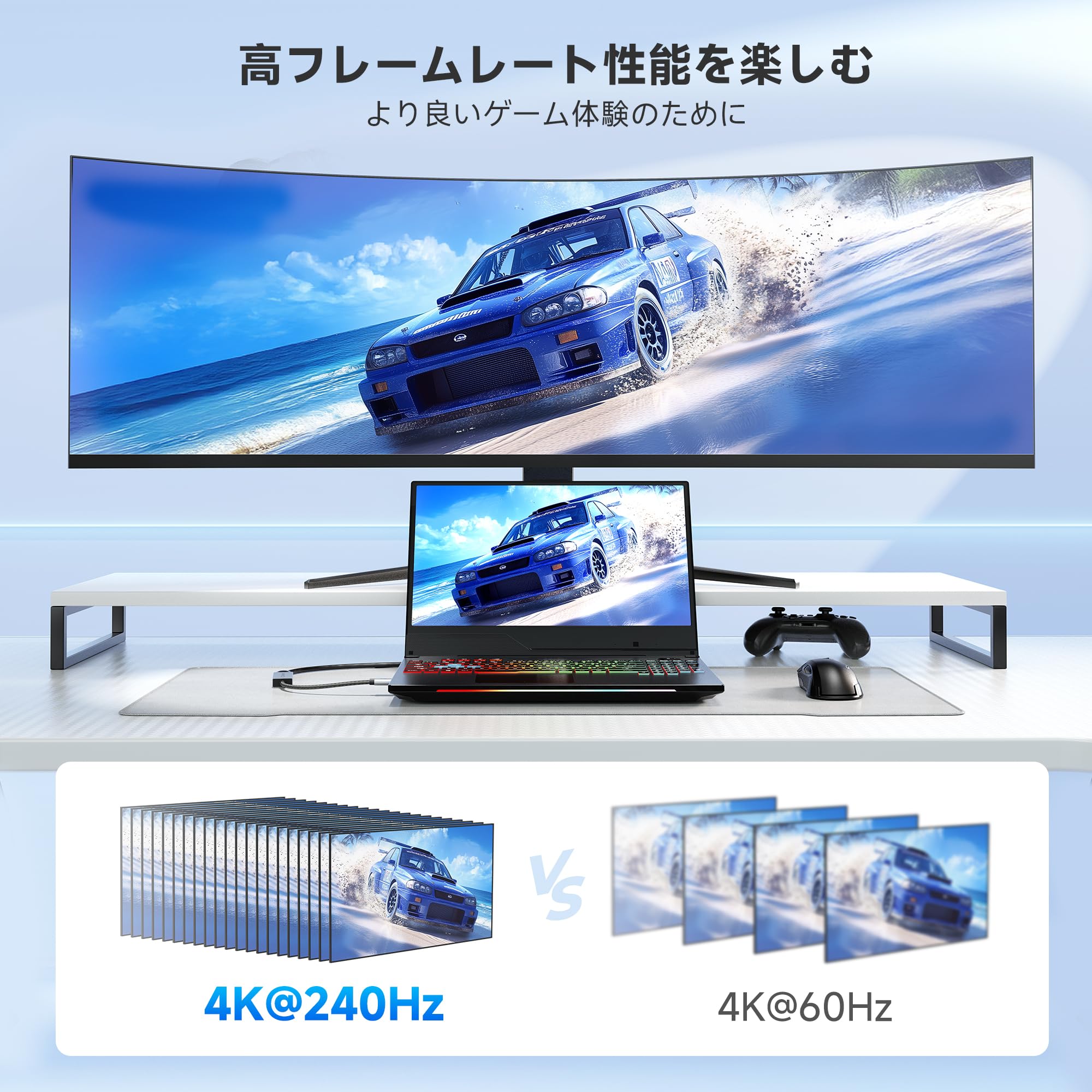

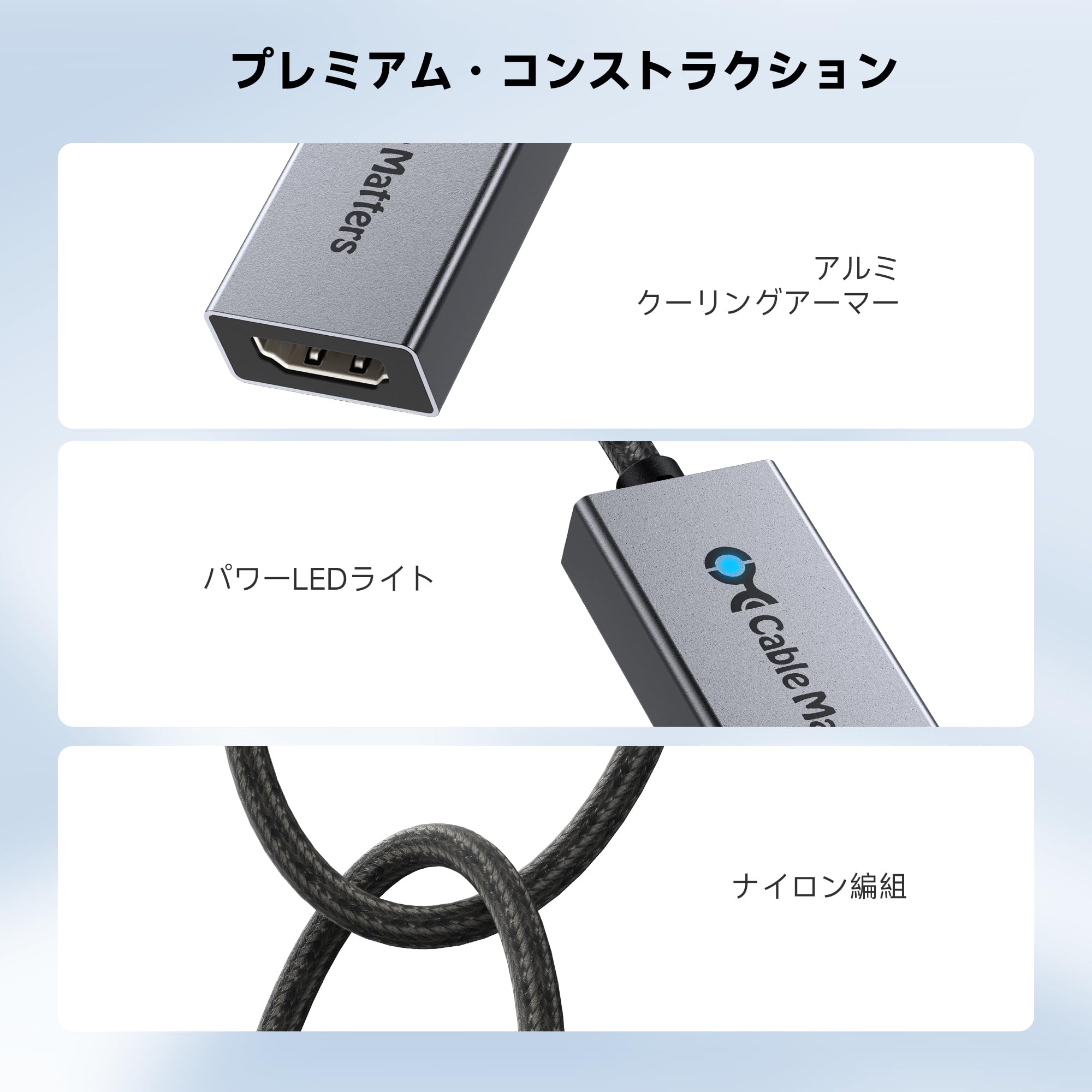

🚀 Elevate your display game — 8K clarity, zero compromises!
The Cable Matters 48Gbps USB-C to HDMI 2.1 adapter is a cutting-edge Thunderbolt 4/5 compatible device designed for Mac and Windows professionals. Supporting up to 8K@60Hz and 4K@240Hz with HDR10 and Dolby Vision, it delivers ultra-high bandwidth visuals with low latency gaming features. No firmware updates needed, it’s optimized for the latest Mac chips and high-end GPUs, making it the ultimate choice for gamers, creators, and tech-savvy pros seeking flawless, future-proof display performance.


| ASIN | B0DCN798Y1 |
| Amazon Bestseller | #12,471 in Computers ( See Top 100 in Computers ) #520 in USB-to-USB Adapters |
| Batteries Included | No |
| Batteries Required | No |
| Brand | Cable Matters |
| Customer Reviews | 4.4 4.4 out of 5 stars (940) |
| Date First Available | December 25, 2024 |
| Item Model Number | 201488 |
| Item Weight | 0.03 Kilograms |
| Item model number | 201488 |
| Manufacturer | Cable Matters |
| Package Dimensions | 10.6 x 7.1 x 1.4 cm; 30 g |
ち**ぶ
Intel Iris Xe(i7-1255U)搭載のノート PC に標準搭載されている HDMI 端子では最大 4K/60Hz までしか出力できなかったのですが、この製品を経由して接続すると LG のモニター 27GP95RP-B へ 4K/144Hz RGB 10bit HDR の出力ができました! ただ、すべての環境でこの出力ができるとは限らないと思いますので、あくまでご参考までに…
U**K
Mac mini(M1)が余ったので、リビングのテレビ(OLED55CXPJA)に出力しようと思って導入しました。 sequoia 15.3および15.4で動作を確認しました。 このmacの標準のHDMIでは2.0仕様のため解像度(4k@60Hz)か、リフレッシュレート(FHD@120Hz)の2択になりますが、本機器でTBポート経由のDP化することでモニター側の上限4k@120Hzまで設定することができました。 一点、私の環境で発生した事象として、アイコン半分程度のオーバースキャンが発生しました。 mac OSでもHDMIモニターをつなぐとオーバースキャン調整する設定項目がありますが、恐らくDPモニター扱いになっていることが原因でテレビだと認識しつつもその設定が表示されません。 入力のTV側で調整する必要があります(LGテレビだと「ジャストスキャン」設定で調整可) 余談。 あるあるではありますが、通電LEDがかなり明るいです。商品画像のイメージは青いポチになっていますが光り輝きます 視聴環境によっては減光シールみたいなのがあったほうがいいかもしれません
A**ー
パソコン(MS Surface Laptop Studio2)と一緒に購入したANKERの拡張ドックが HDMI 30Hzでの映像出力しかできなかったので購入しました。 言わずもがなですがリフレッシュレートが120Hzまで4倍に跳ね上がると マルチモニター環境でも別次元です。大変満足。購入して良かった。
合**員
Mac mini M4 proとLG OLED CXを使用しています。mac miniのHDMIポートから直接接続した際は 4K 120Hz VRRオンになるのですが、macのTB5ポートおよびTB5ポート→OWCのTB4 dock経由でTB4にこのアダプタを介してHDMI接続すると4K120Hzはでるのですが、VRRはオンになりません。このような情報が有用かどうかは分かりませんが、参考になればと思い、書かせていただきました。
H**A
It can output 4K120Hz from laptop without Thunderbolt port
My laptop doesn't have Thunderbolt port (AMD CPU) but it can output via its USB-C port (Displayport Alternate Mode). Most of USB-C to HDMI adapter either requires Thunderbolt to output 4K120Hz or can only output 4K60Hz. This Cable Matters adapter can output 4K120Hz 10bit color from my laptop to my monitor. If future laptops have HDMI 2.1 port then this is meaningless but for older laptop with only HDMI 2.0 port and no Thunderbolt, this adapter is a godsend. Be aware that it doesn't support VRR (G-Sync).
J**S
M1 MAC MINIにて簡単に4K 120Hzになりました。 appleはこういう制限なくしてほしい。
真**猫
画面が点滅して使えない。 環境はmacbookpro m1 ⇨ 当該アダプター ⇨ 新規で購入したHDMI ケーブル ⇨ モニター 他のアダプターでは問題ない。
T**Y
M1 Max 4k@120Hz RGB 10b HDR working
If you're looking to use this product with Apple's M1 and M2, you'll actually receive this item as 201388-A. However, the VMM7100 chipset will do a more accurate job and will not need the help of an external app (Edid modifier). A simple firmware update will do the trick, and it's even plug and play! By the way, the product page is 201388-GRY, please fix that haha.
J**N
Cumple con la función de pasar señal 4K 120hz hasta 12 bit color Full Gamma. Pero se pierde compatibilidad con VRR (Gsync / Freesync) Si tienes una RTX 20XX y no quieres estar limitado al HDMI 2.0 este adaptador es la opción, pero considera que no es compatible con VRR.
J**O
Testei vários cabos problemáticos: Benfei 8K 60hz - funciona a 120hz e HDR mas com cortes de som. Sabrent 8K 60hz - Apenas 4K 60hz sem HDR. Ugreen 8K 60hz - Não funcionou de todo, nem sequer é reconhecido pelo MacBook Air M4. FINALMENTE este cabo cable matters versão macOS funciona perfeitamente com a minha LG C4 42. 120hz com HDR e som perfeito. Além disso funciona bem com HDMI-CEC. Ou seja, quando o MacBook entra em stand by desliga a tv e quando volta “acorda” o monitor. Assim não é preciso usar o telecomando da TV. Qualquer Mac com chip Apple silicon M1 e M2 funciona com HDMI-CEC desde que se use um adaptador hdmi. Um cabo direto usb-c para hdmi não permite usar esta função, tem de ser um adaptador igual a este cable matters. Macs com chip M3 e M4 já tem a função HDMI-CEC de origem.
M**S
I have the AMD RX6800 XT graphics card in my computer, it has one HDMI output, two DisplayPort and one USB-C. The HDMI was already taken by another monitor I use, so I ended up opting for USB-C -> HDMI to be able to share screen to my TV. Cheap adapters kept limiting my connection. One gave me only 24Hz, very "laggy" picture. Another would top out at 30. A third wouldn't even let me reach 4k. Then I decided to go for the recognized Cable Matters, and just out of the box I can turn up all settings without any issues. Thanks for a reliable device! Extra bonus star for the fact that firmware updates are available even after buying the product. That's was beyond expected. 6/5!
F**I
اشتغل معي على الماك بوك اير m1 على شاشة lg oled 48inc 120fps hdr
I**A
I bought this adapter for my M1 Max Mac Studio to support 6k output to the ASUS ProArt 6K PA32QCV display. Since the M1 Macs come with HDMI 2.0, they do not support resolutions higher than 4k. This adapter worked flawlessly out of the box, unlike some other alternatives.
Trustpilot
1 week ago
3 weeks ago