We remain fully operational. Our teams are working around the clock to ensure your deliveries continue safely.

DOWNLOAD THE APP


Customer Services
Copyright © 2025 Desertcart Holdings Limited
DOWNLOAD THE APP
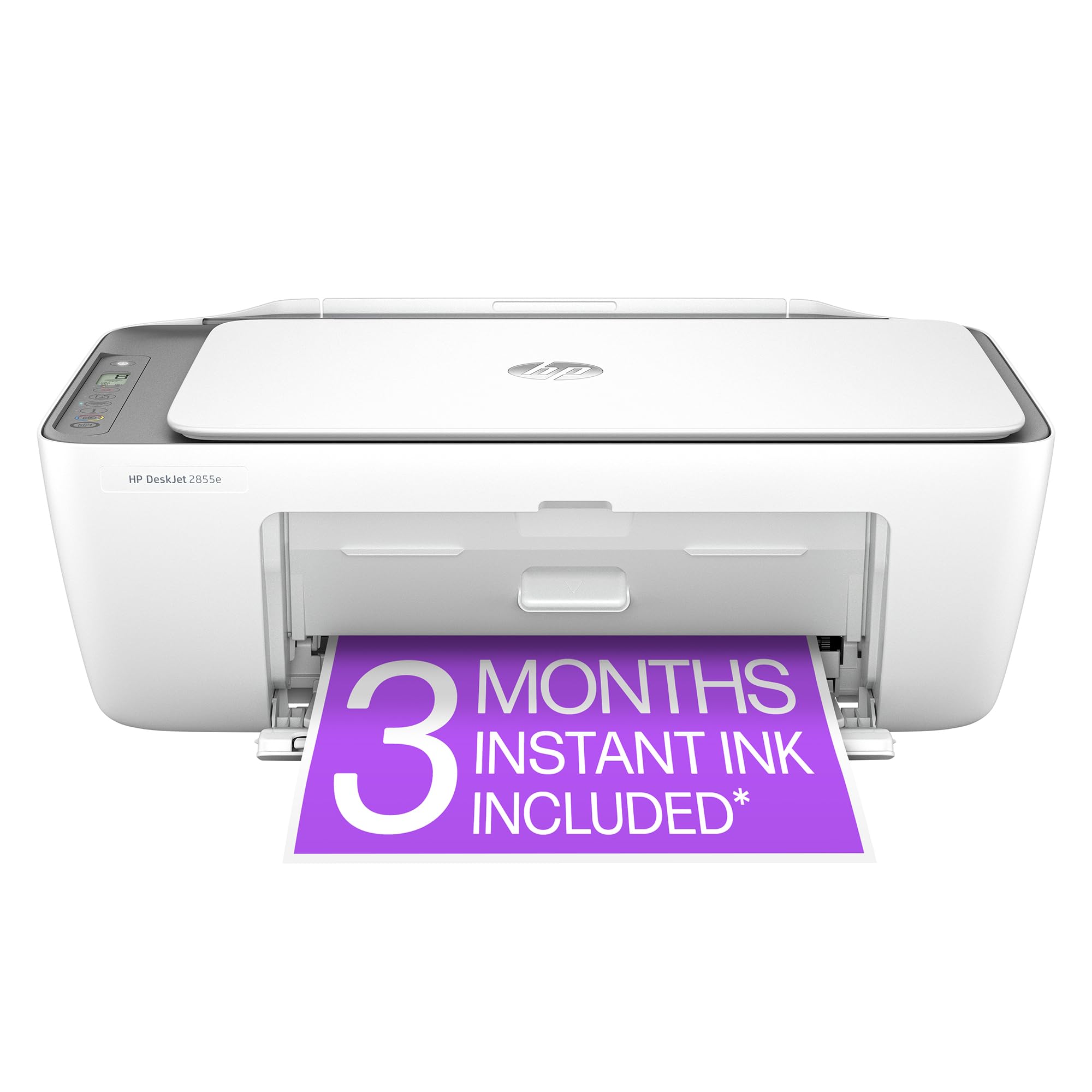





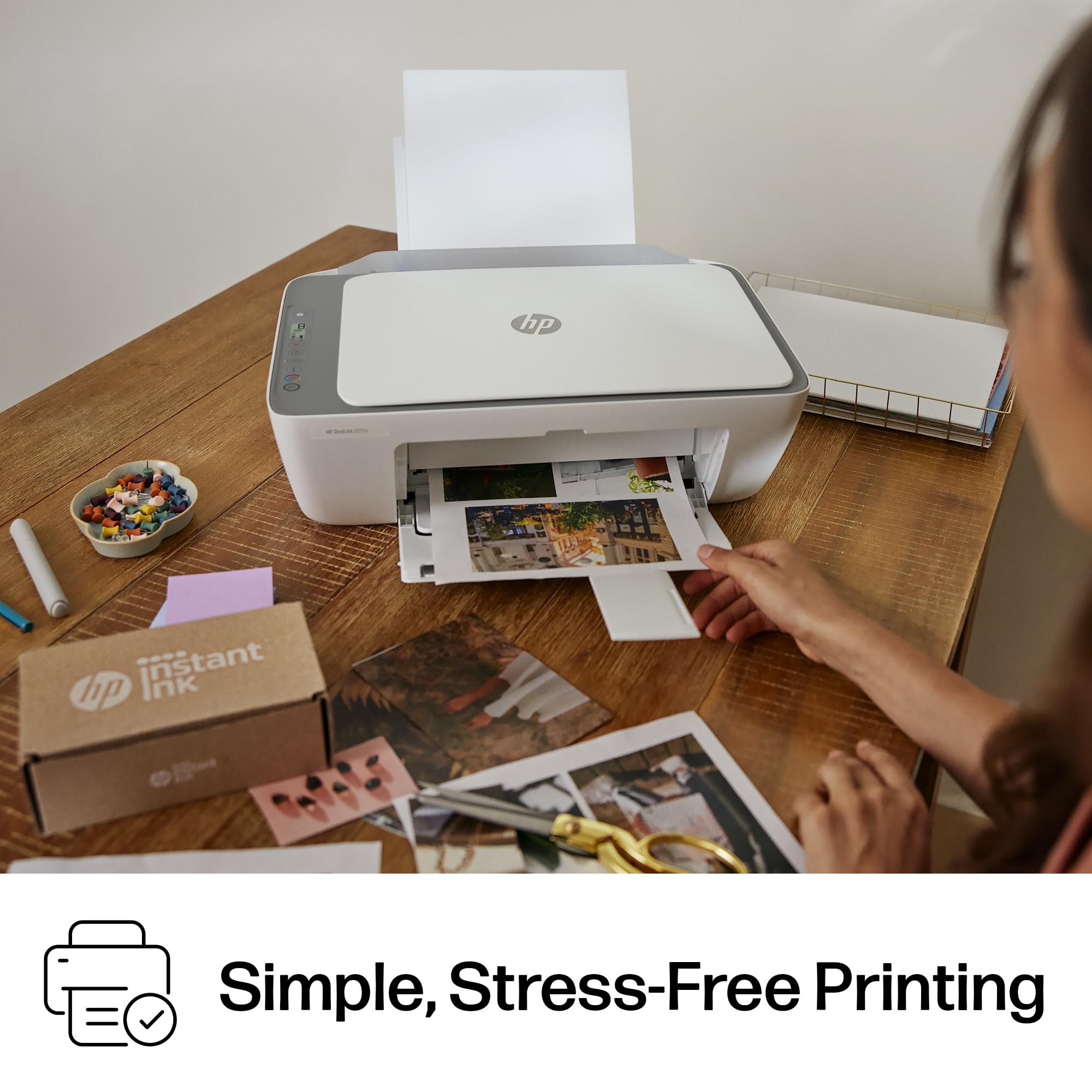

🖨️ Print smart, live vibrant — your all-in-one home office hero!
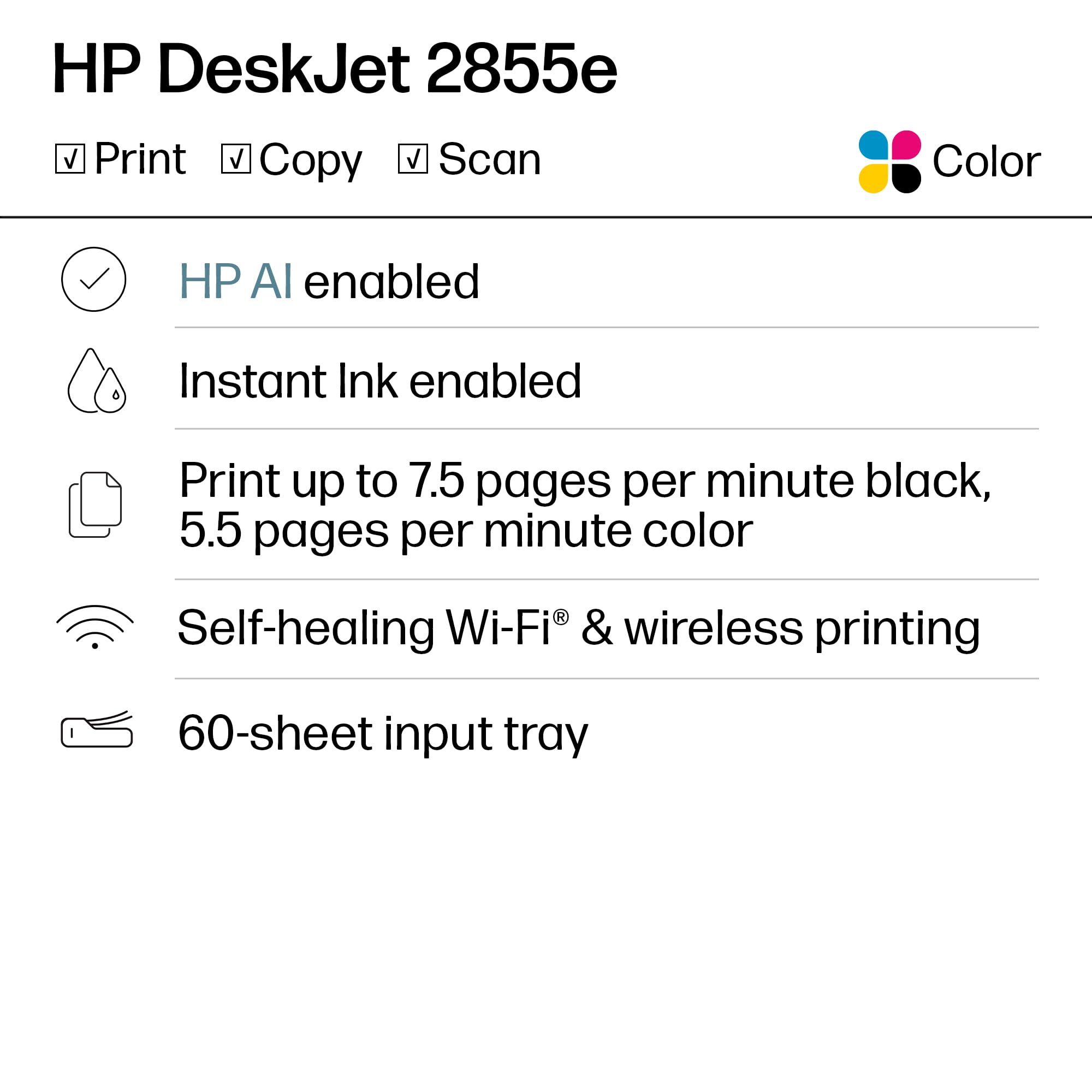
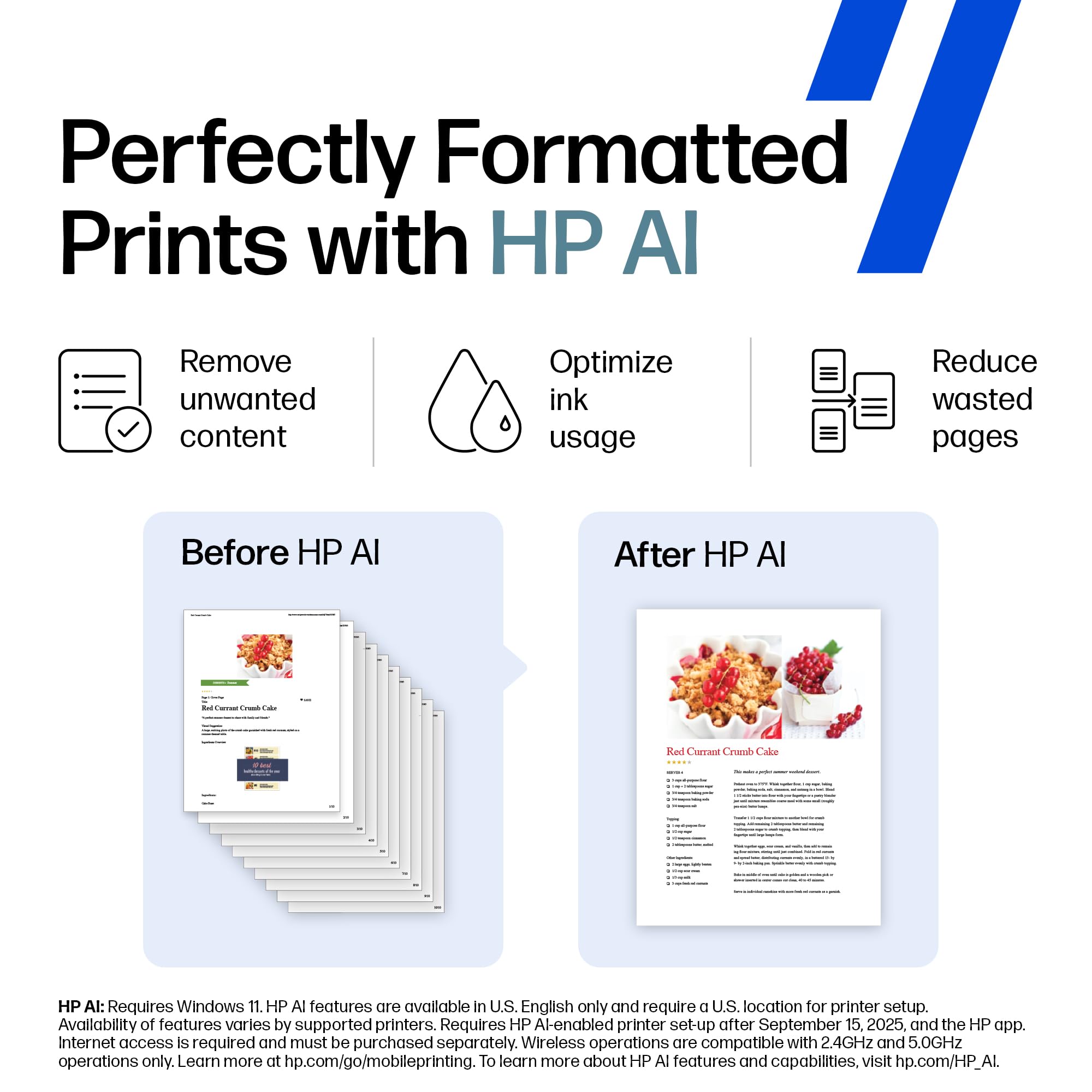
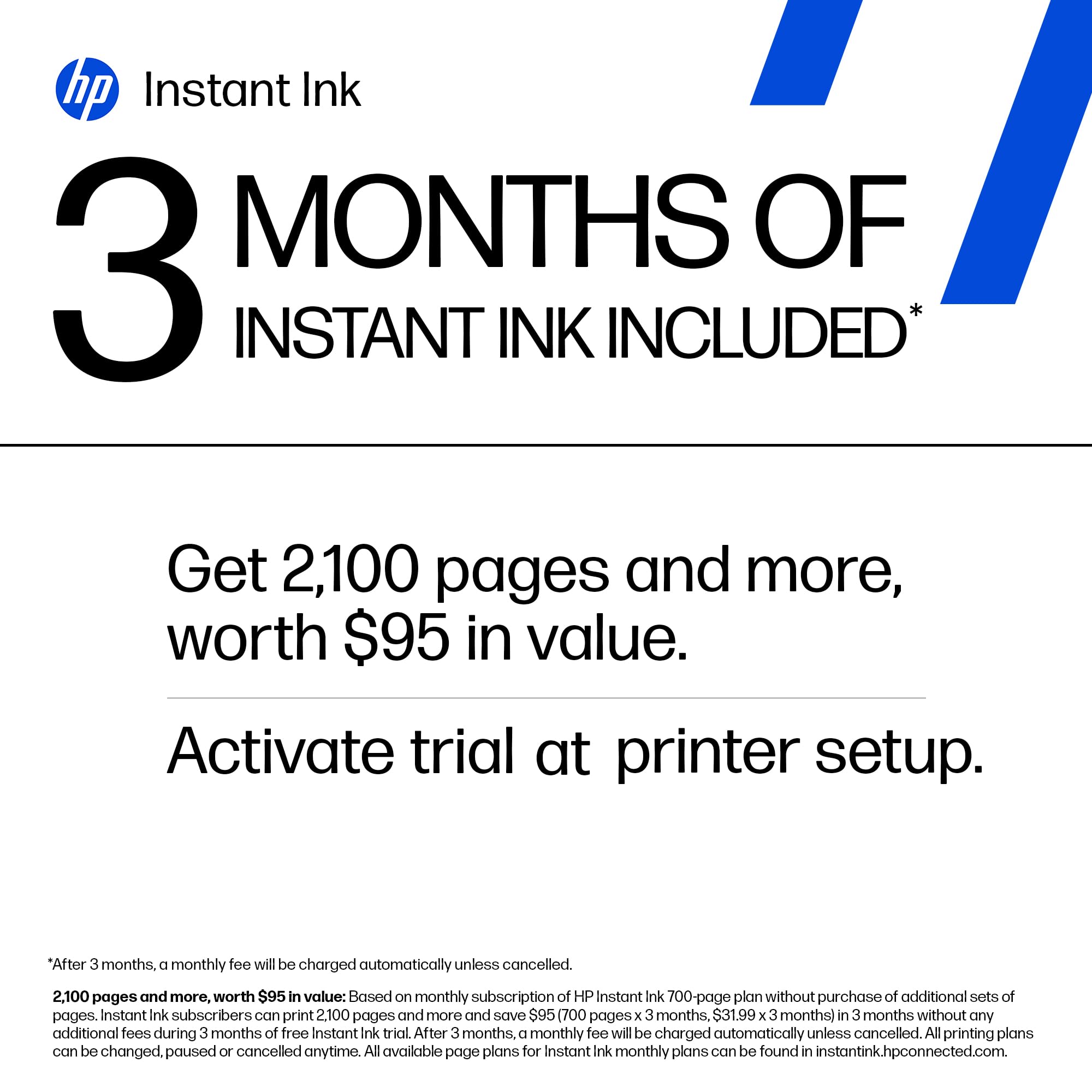
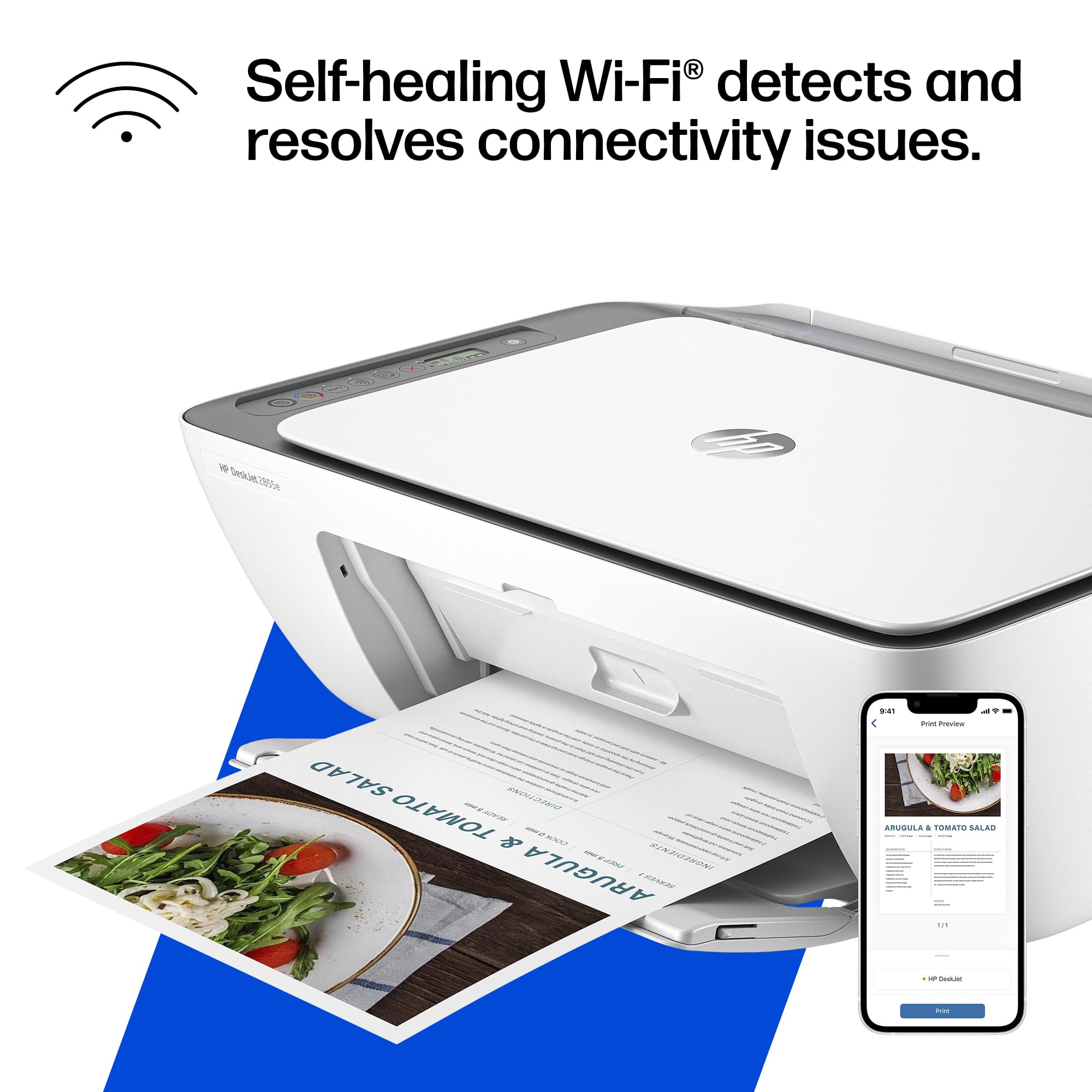
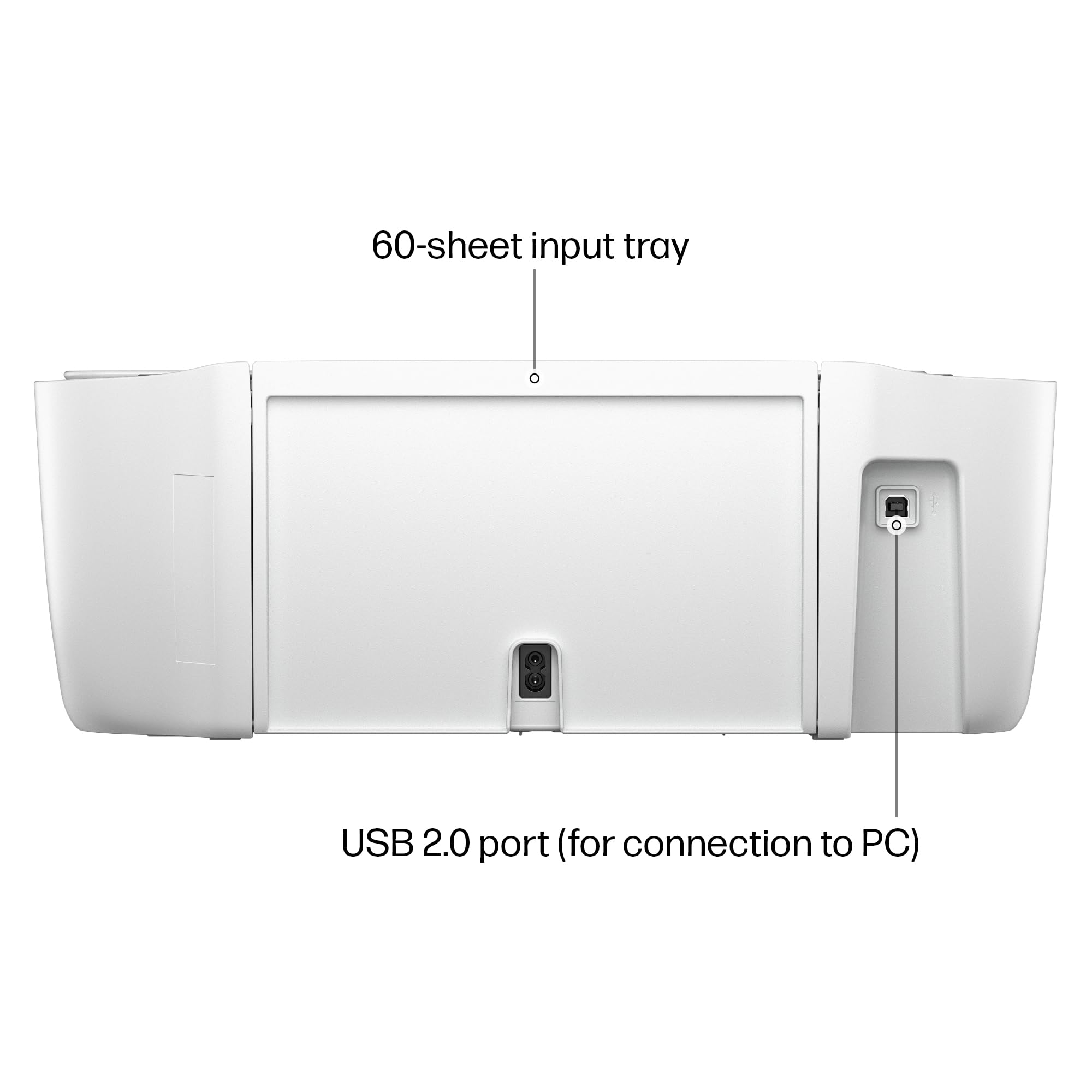
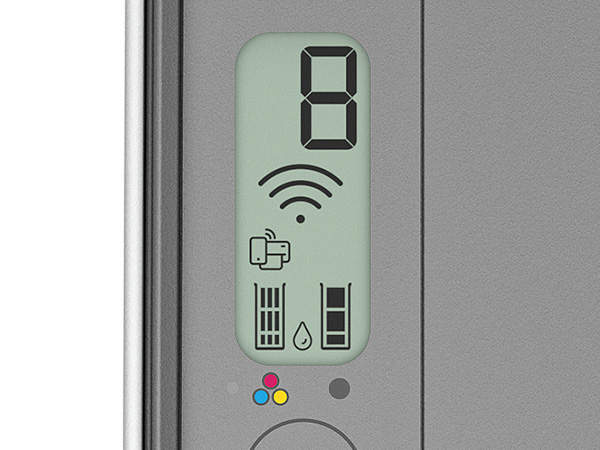
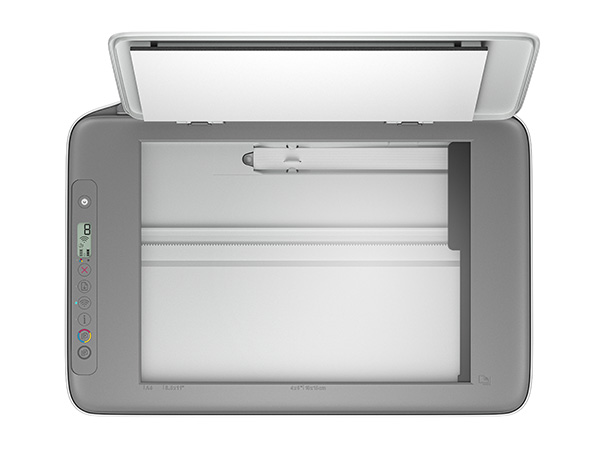
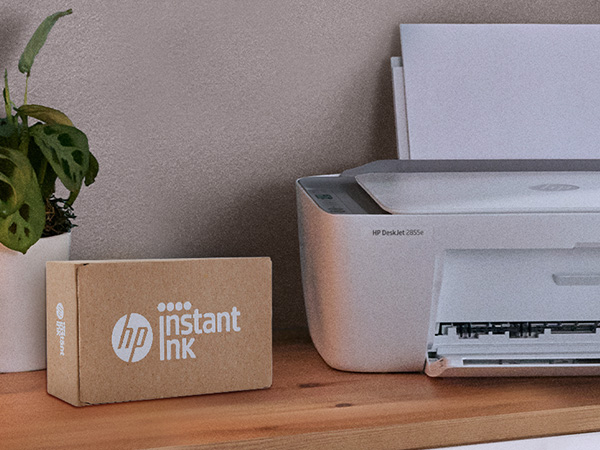
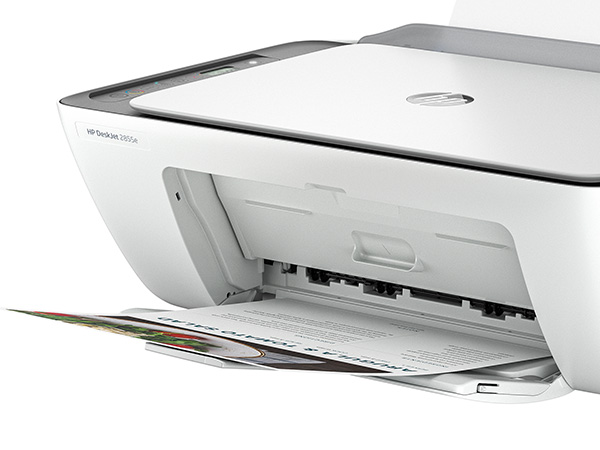
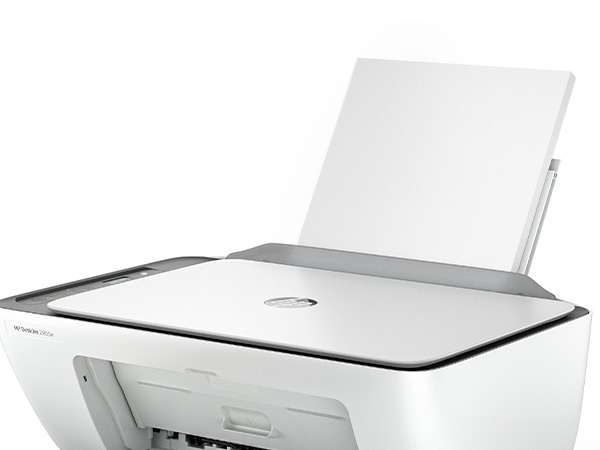
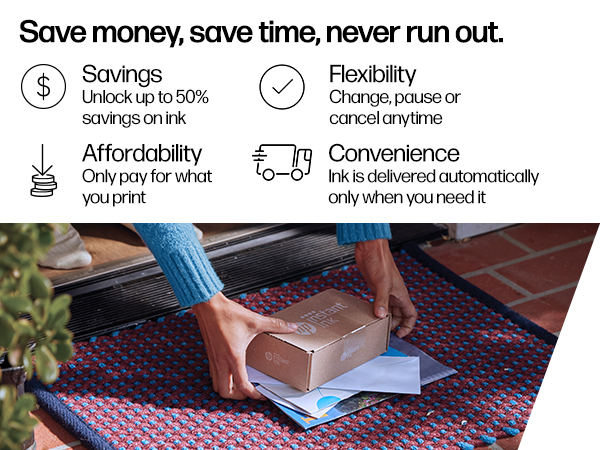
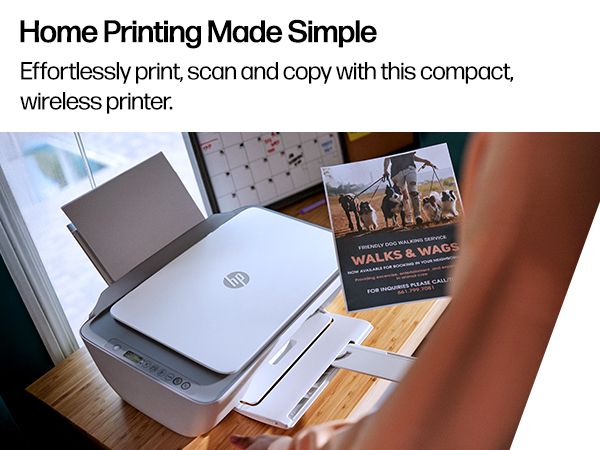
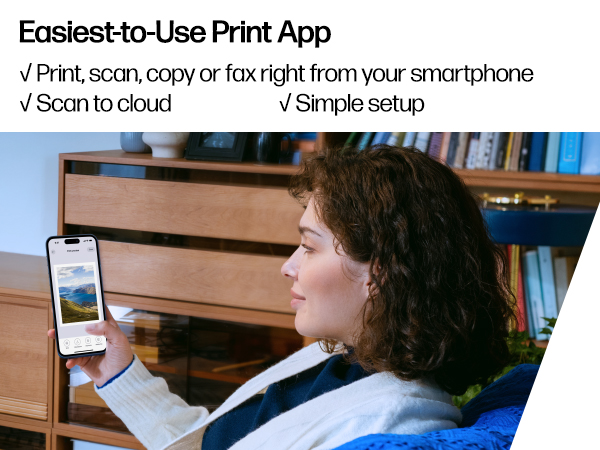
The HP DeskJet 2855e is a compact all-in-one inkjet printer designed for home use, offering wireless printing, scanning, and copying with speeds up to 7.5 pages per minute in color. It features a 60-sheet input tray, a user-friendly ICON LCD panel, and is made from 60% recycled plastic. Compatible with major OS and smartphone apps, it includes 3 months of instant ink with HP+ activation, ensuring seamless, eco-conscious productivity.




| ASIN | B0CT2R7199 |
| Are Batteries Included | No |
| Best Sellers Rank | 260,170 in Computers & Accessories ( See Top 100 in Computers & Accessories ) 525 in All-In-One Printers |
| Colour depth | 24 |
| Compatible devices | Smartphones |
| Connectivity Type | Apple AirPrint; Google Cloud Print; USB; Wireless (Wi-Fi); Wireless Direct Printing |
| Controller type | iOS |
| Customer Reviews | 3.8 3.8 out of 5 stars (15,428) |
| Date First Available | 15 Mar. 2024 |
| Dual-sided printing | Yes |
| Form Factor | All-in-One |
| Guaranteed software updates until | unknown |
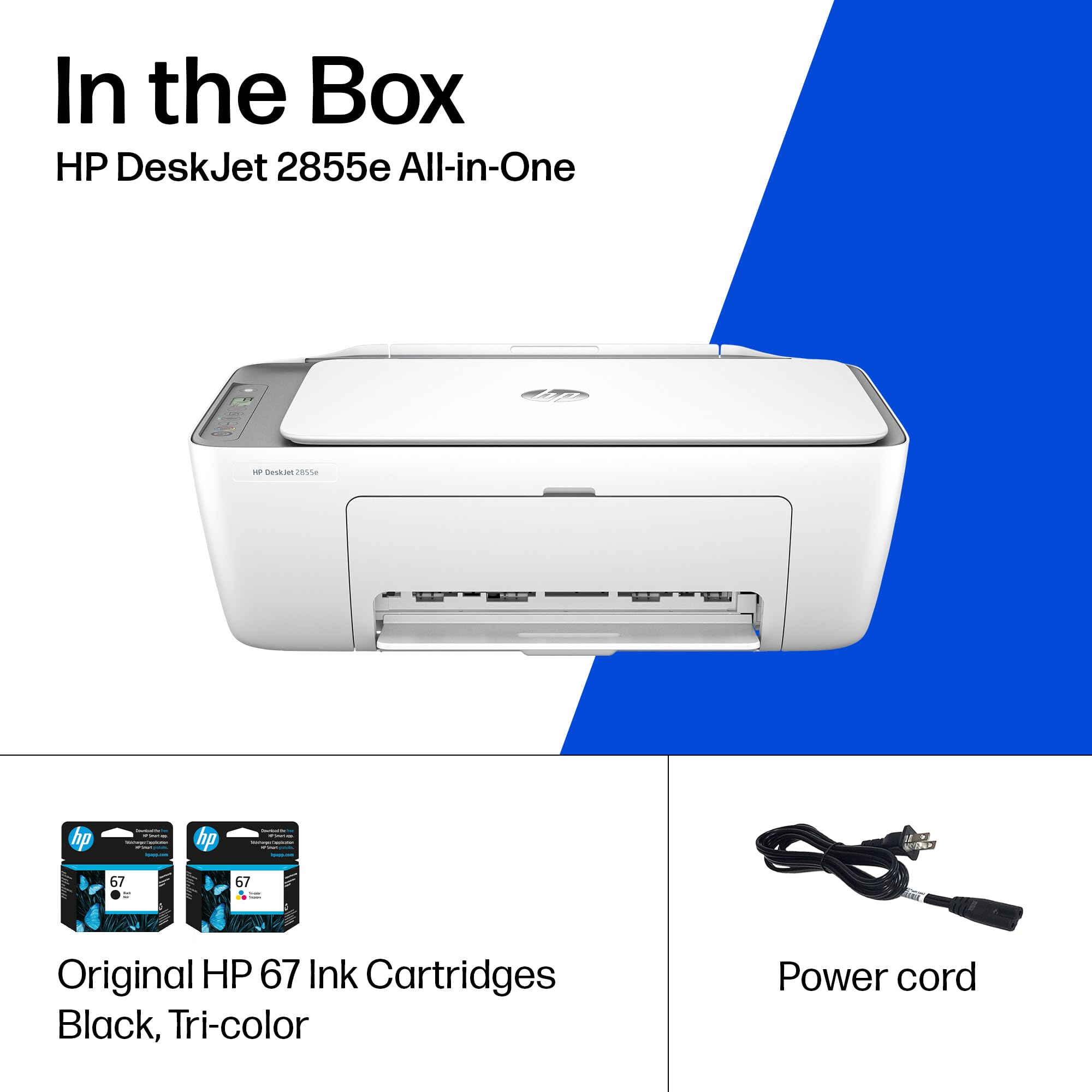
| Included components | 588S5A HP DeskJet 2855e All-in-One; HP 67 Setup Black Cartridge; HP 67 Setup Tri-color Cartridge; Regulation Booklet; Installation Guide; Reference Manual; Power Cable [Information on ink volume and page yield can be found at http://hp. |
| Item Weight | 3.42 kg |
| Item model number | 588S5A#B1H |
| Manufacturer | HP |
| Max copy speed (black and white) | 7.5 ppm |
| Max input sheet capacity | 60 |
| Maximum Supported Paper Size | 3 x5 to 8.5 x 14 in |
| Maximum black and white print resolution | Up to 1200 x 1200 rendered dpi Dots Per Inch |
| Maximum colour print resolution | Up to 4800 x 1200 optimized dpi color (when printing from a computer on selected HP photo papers and 1200 input dpi) Dots Per Inch |
| Maximum copies per run | Hasta 9 copias |
| Number of USB 2.0 Ports | 1 |
| Power consumption | 2.8 Watts |
| Print media | Envelopes, Glossy photo paper, Paper (plain) |
| Processor Count | 1 |
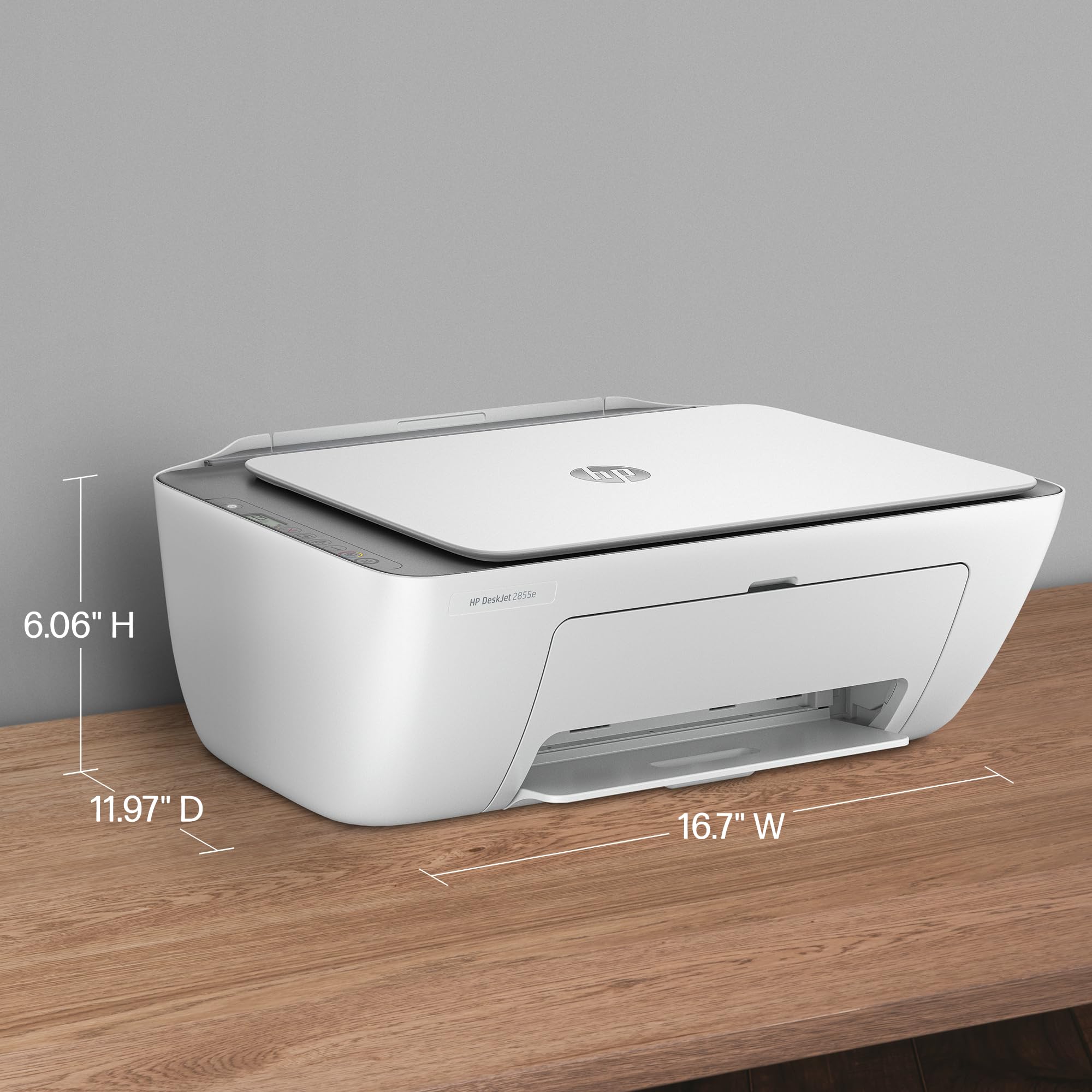
| Product dimensions | 30.4D x 42.4W x 15.4H centimetres |
| Scanner type | Flatbed |
| Sheet size | 3 x 5 to 8.5 x14 |
| Standing screen display size | 1.2 Inches |
| Warranty type | limited warranty |
| Wattage | 2.8 watts |
M**I
Es muy buen producto.
K**V
Great printer at a super good price. I have been using this now for about 4 months and only had one jam. So far I am quite pleased with its performance. It was easy to set up and connect to my phone and laptop. the only thing is my roommate has a similar printer and sometimes I can get them mixed up bc i haven't found a way to rename mine
M**N
It was packed well, but the ink was dry, and I do not know how to receive the free ink.
A**H
I'm really at a loss for words. The printer itself is completely fine, but the program written by HP is a complete mess. The computer took a long time to finally print out a document, but then what happened? I happily threw away the packaging box, thinking everything was fine. But then what happened next? Damn it, the next day when I reconnected, I couldn't do anything. The port couldn't connect, and the program couldn't associate with the device. Later on, on the HP smart page, it showed that I was connected, everything was online, and everything was ready. Then I tried to open a random file from my Office 365 and print it. But it couldn't print out a single document. At this point, I thought, can't be! Maybe it's just an issue with Office. I never even thought to blame this HP printer. But I wasn't giving up. I opened a PDF file. Damn it, it still couldn't print. My computer was doing nothing. Alt+F4 didn't work either. I tried printing from the web. Haha, there was no sign of response at all. Who wrote this "WIRELESS PRINTING – Stay connected with our most reliable Wi-Fi, which automatically detects and resolves connection issues"? Was it written for someone else? For your boss? For your lover? For your mom? You can tell anyone "Oh, it's reliable", but you never told your own purchasing users. You used the most unreliable connection scheme! HP smart? Hp Stupid!!!! The connection program is long, complex, confusing, and no one knows why you have to register an account before you can connect. The network connection technology is even worse. Ha ha, do you know that the WSD port is inherently unreliable? Why didn't they design a backup port? And then you set WSD as the default option. I changed the option but they changed it back. I really can't stand it. Also, the designers never thought that not all networks are stable and long-lasting. Once they go offline or disconnect, this thing will be useless!!! The funniest thing is that downloading this program on a Windows system is a very slow process. During the download, I wasn't allowed to change the storage location. The design like this is like a sewage pit. Who should be buried for such a bad design? Why not something else? Because I suspect that the things that can be called organized in the design of this thing simply can't be sold for value! And that's not all. I tried using other built-in programs to print in an attempt to fix the bug. Damn it, you even won't let me use the most basic method. How can you be so proud of saying that the connection is reliable??? ?? ?
R**L
Incluye tinta a color y en negro, imprime muy alta definición y el escáner es fácil de usar, me sorprende el bajo costo ya que es un artículo de funcionamiento profesional pero fácil de usar en casa, y la marca suprema s muy buena, me sigue sorprendiendo el precio accesible
Trustpilot
2 months ago
1 month ago