

Desert Online General Trading LLC
Dubai, United Arab Emirates
Desert Online General Trading LLC
Dubai, United Arab Emirates
![[for Touch Screen] Presentation Clicker with Telescopic Pointer Stick Stylus Pen & Laser Pointer for Touch Screen Smart Board Promethean Board Pen Smartboard Clicker Remote Classroom/Office USB-A](https://m.media-amazon.com/images/I/61eYkFQoCpL.jpg)


🎯 Command the Room with Every Click
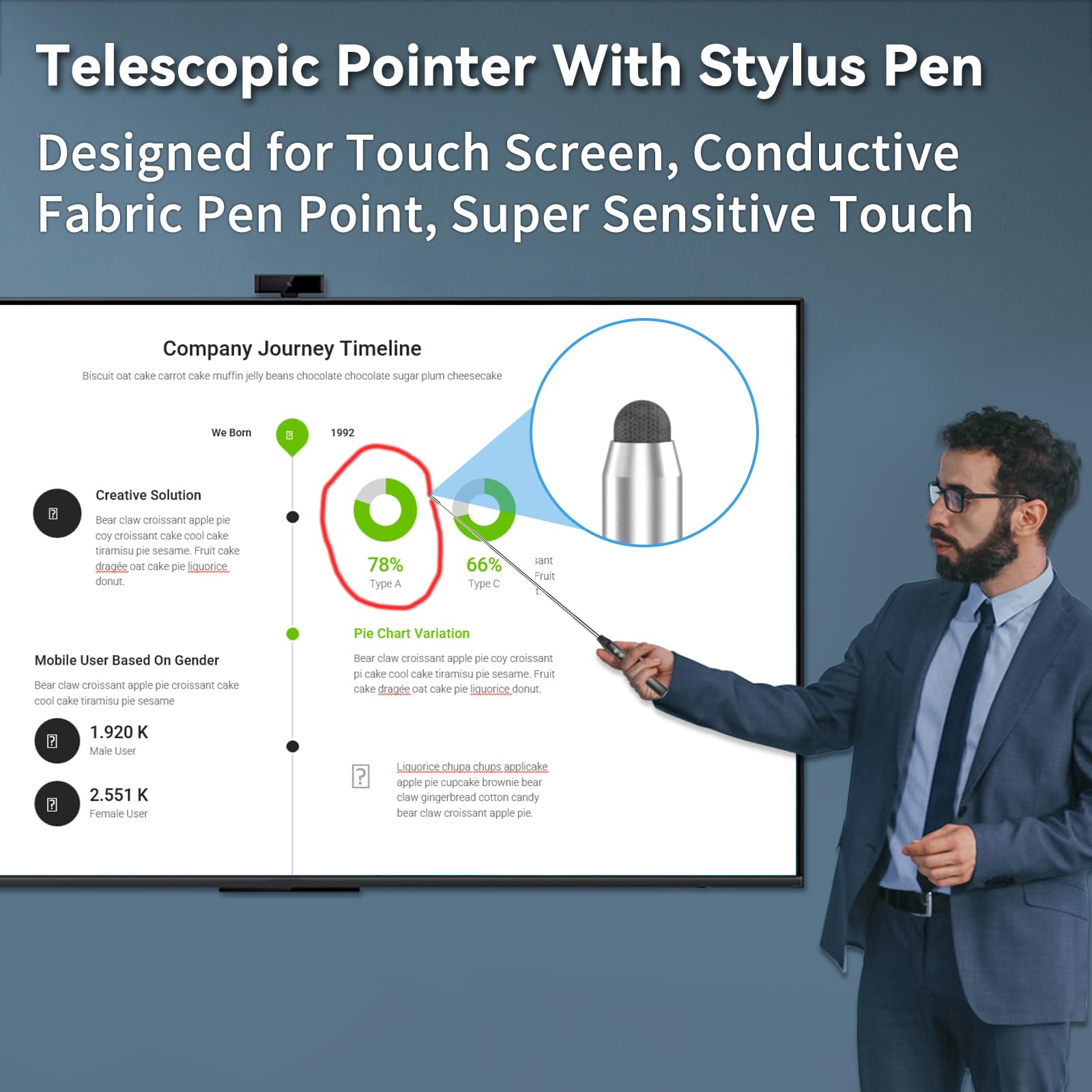
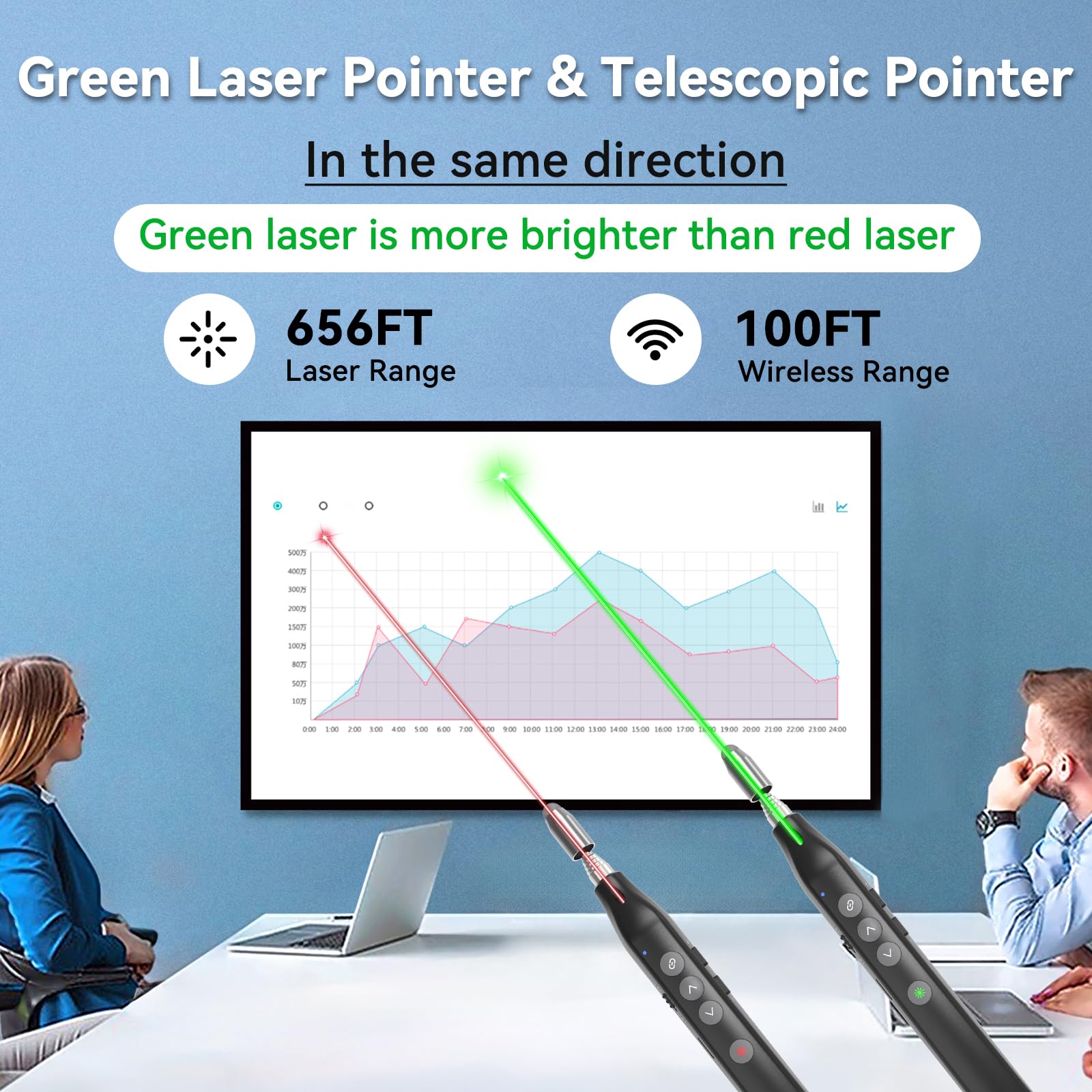
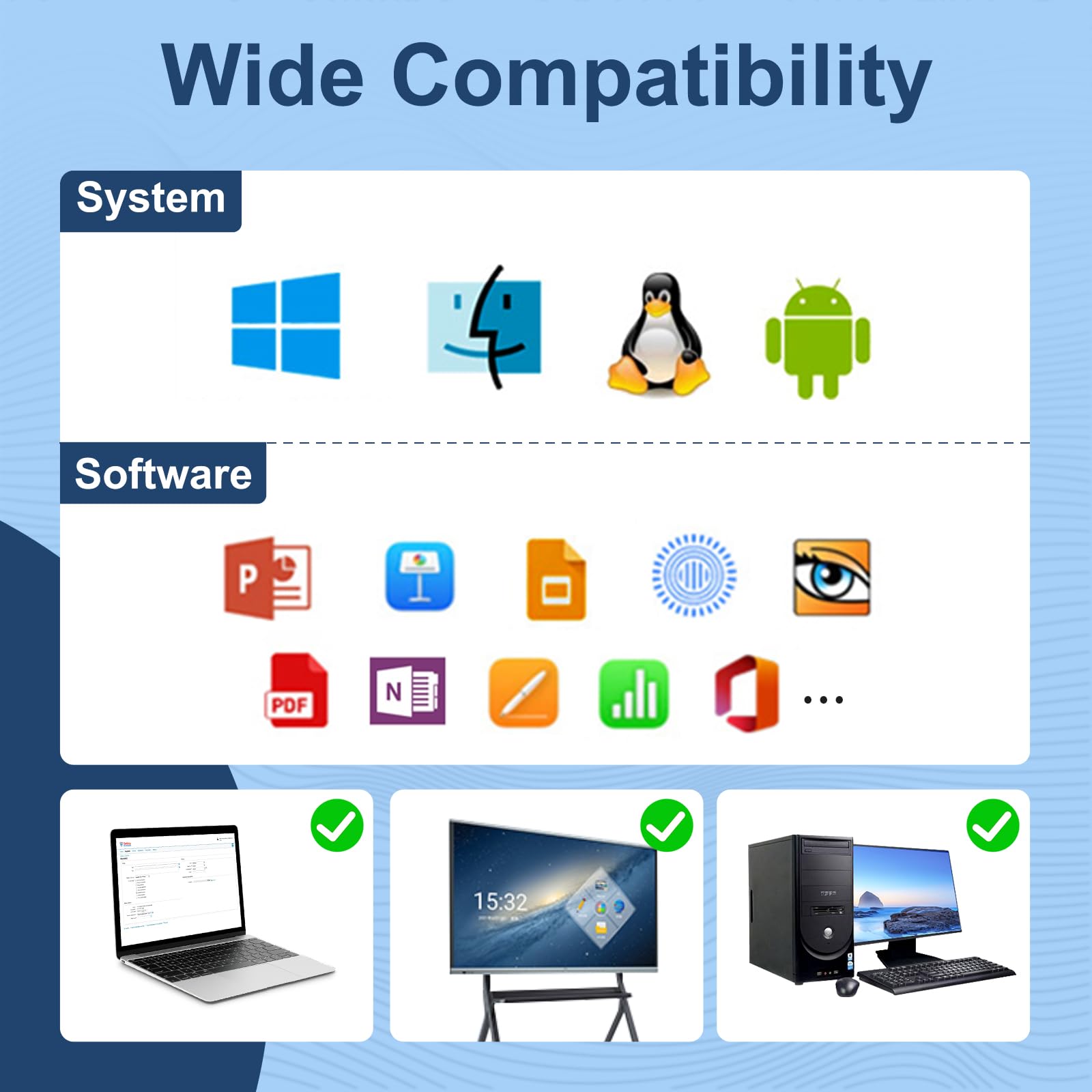
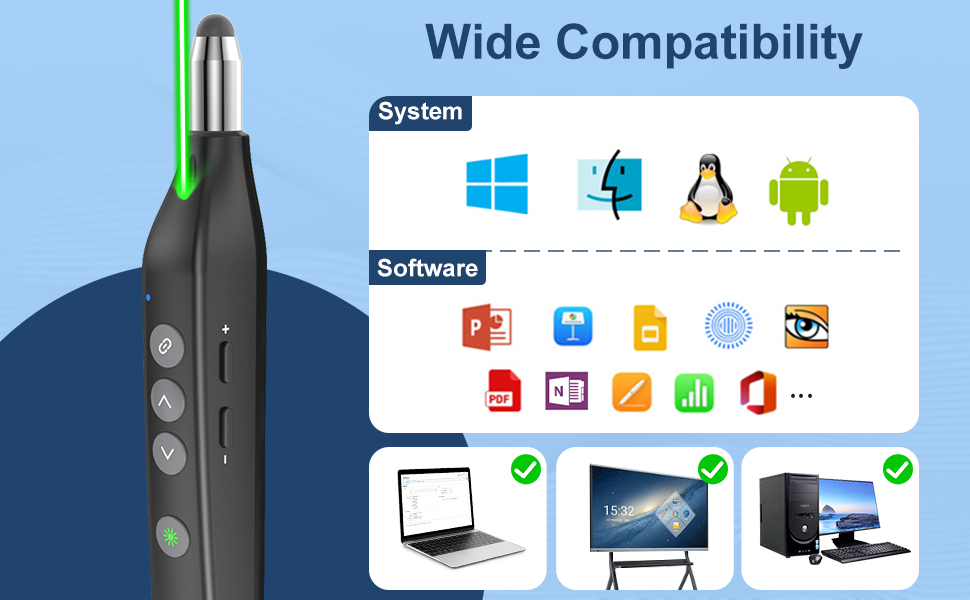
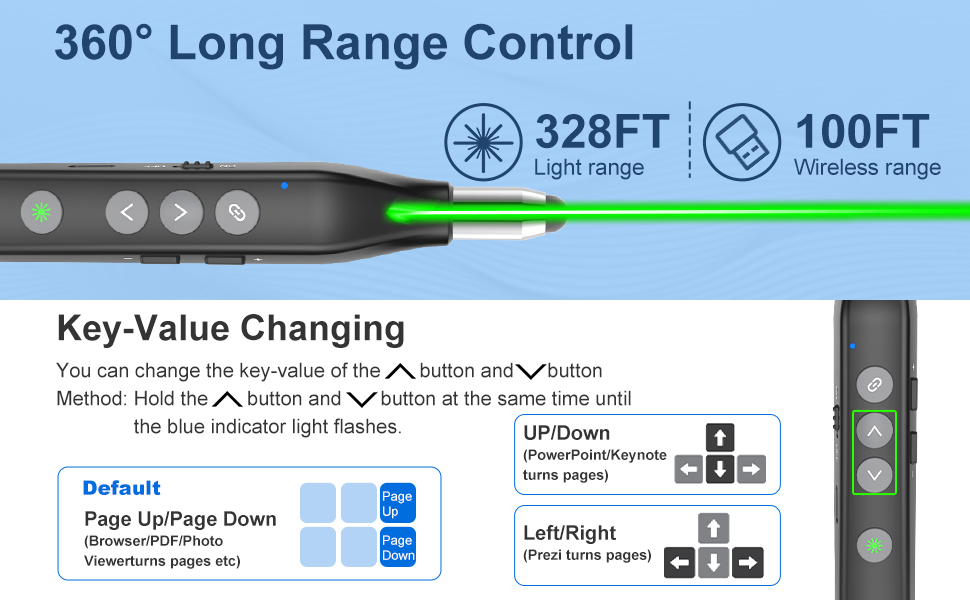
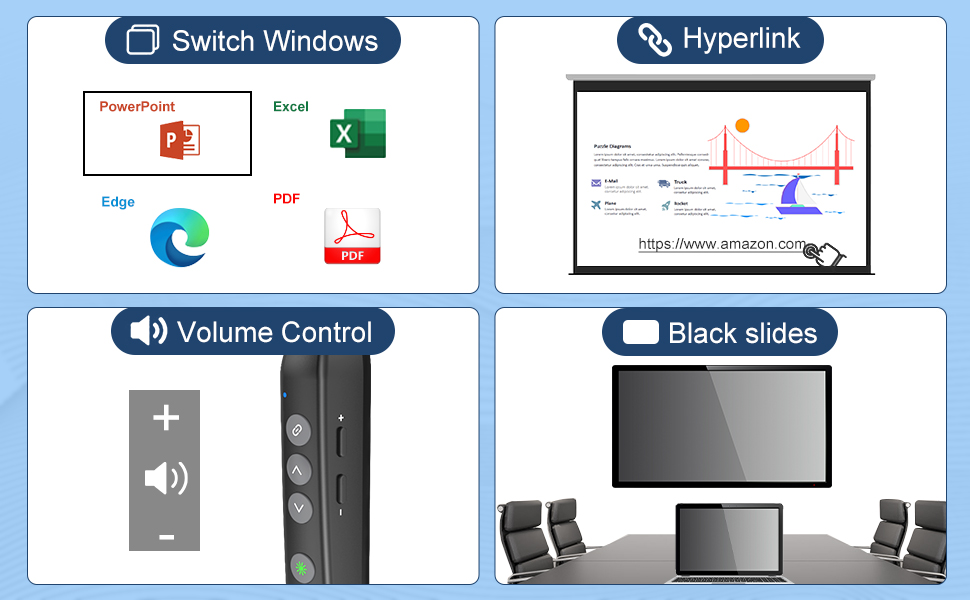
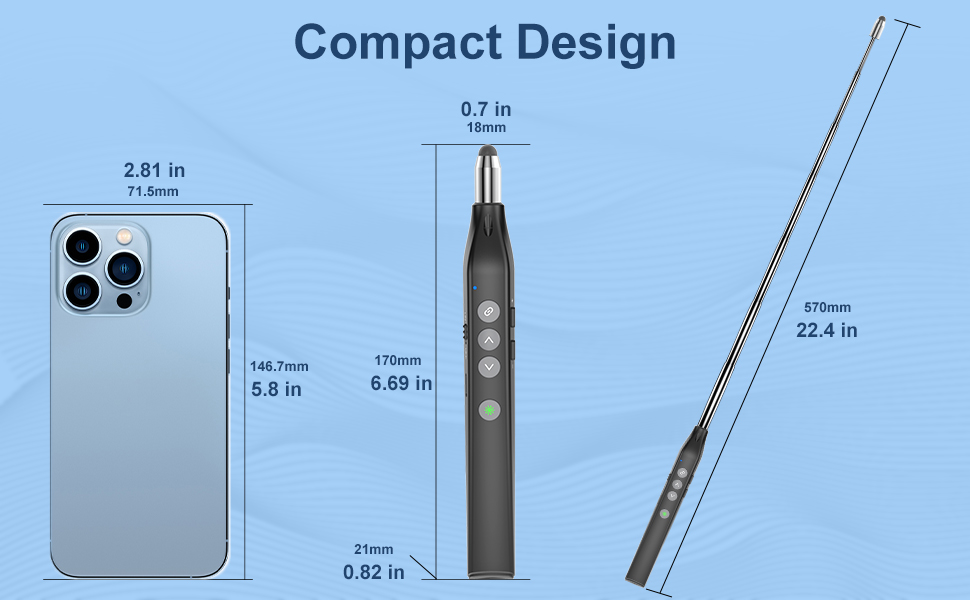
This Presentation Clicker combines a 22.44-inch telescopic pointer, a highly sensitive conductive fabric stylus, and a Class 3A laser pointer (<5mW) to deliver precise, professional presentations. Featuring multi-functional keys for slide navigation and volume control, it supports universal USB-A connectivity compatible with Windows, Mac, Linux, and Android systems—perfect for smart boards and Promethean boards in classrooms and offices.
M**O
might not be fully compatible with every thing out there, but it does work with a lot of them
I tried using this item for some time, as a stylus, on several different touch screens, and it did not exactly work as I had planned. Reason that I'm not totally fond of it: the contact tip material is not silicone-rubber stuff, but instead ..it's a strange sort of metallic fabric which I've never seen before. It apparently does not work all that well with cellular phone screens. The detection is slightly numb enough that it becomes an aggravation to attempt typing a message on the "keyboard" portion, for text messaging. I kept missing keys now and then, plus that material is prone to slipping around on glass anyways. The extendable tip feature is rather neat though, and the handy laser pointer is your average low-power, -5mw type so no concern of eye obliteration if pointed at someone. The wireless controls had trouble working with at least one gadget of mine. Iirc, it was an android TV box.
7**7
Efficient and Comfortable Wireless Presenter with Telescopic Pointer and Laser
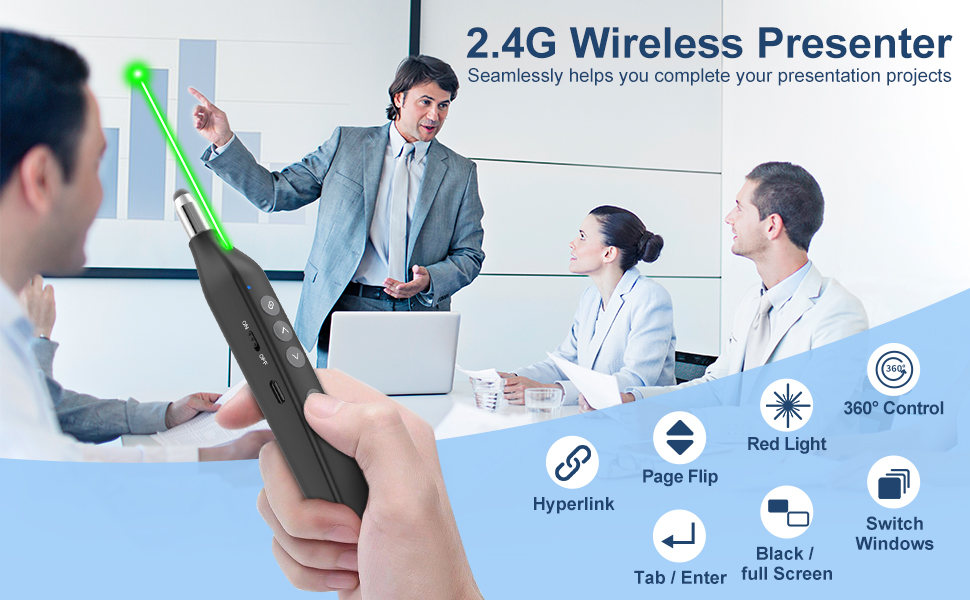
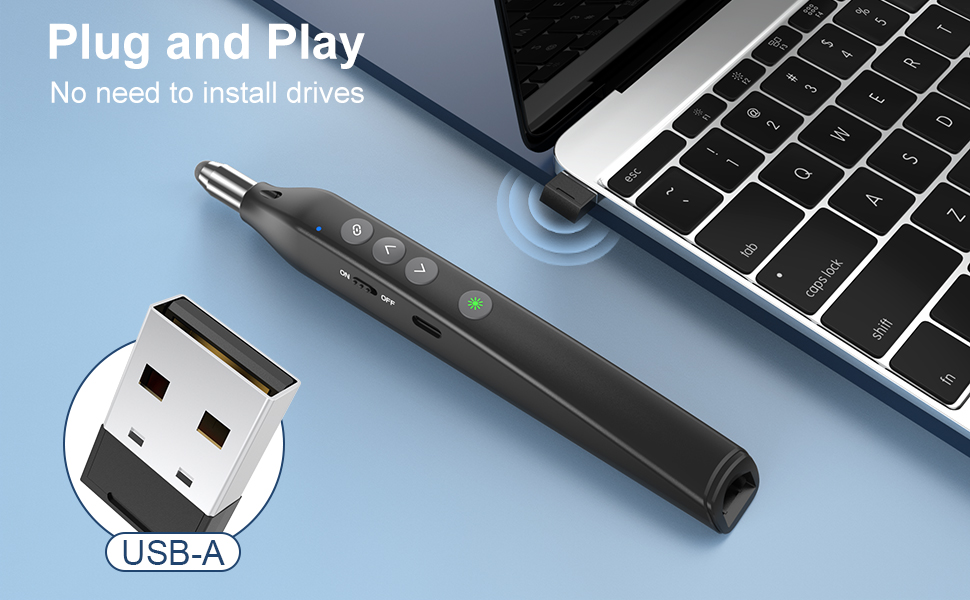
Initial Impressions:Out of the package, the product came with a charge, allowing immediate testing. This quick start was a positive first impression.Design and Features:The device has a rechargeable battery and comes with a twelve-inch charging cable. It features a magnetic USB port that securely holds the receiver in the rear of the pointer. The design is lightweight and offers a comfortable grip, though it lacks a wrist strap for added security against accidental drops. When fully extended, the telescopic pointer reaches about 23 inches in length.Performance:The pointer operates with a minimal number of buttons, each performing double duties based on how they are pressed. The left side includes a sliding on/off button and the USB charging port, while the top houses four buttons for hyperlink, page up, page down, and laser on. There is no display, but a red indicator light turns on during charging and off when fully charged. It also flashes to indicate a low battery. The hyperlink button is intended to select and open hyperlinks, though this function was not tested.Usability:The device is user-friendly with plug-and-play functionality—no driver is required. Simply insert the USB receiver, turn the pointer on, and the indicator light flashes blue until paired, then it turns off. However, it is worth noting that no spare touch writing tip is provided.Conclusion:Overall, this product is designed for efficiency and comfort. Its intuitive button layout and plug-and-play capability make it easy to use right out of the box. While the lack of a wrist strap and spare writing tip are minor drawbacks, the secure magnetic USB port and immediate usability make it a solid choice for presentations and interactive sessions.
R**.
Telescopic Pointer is Genius
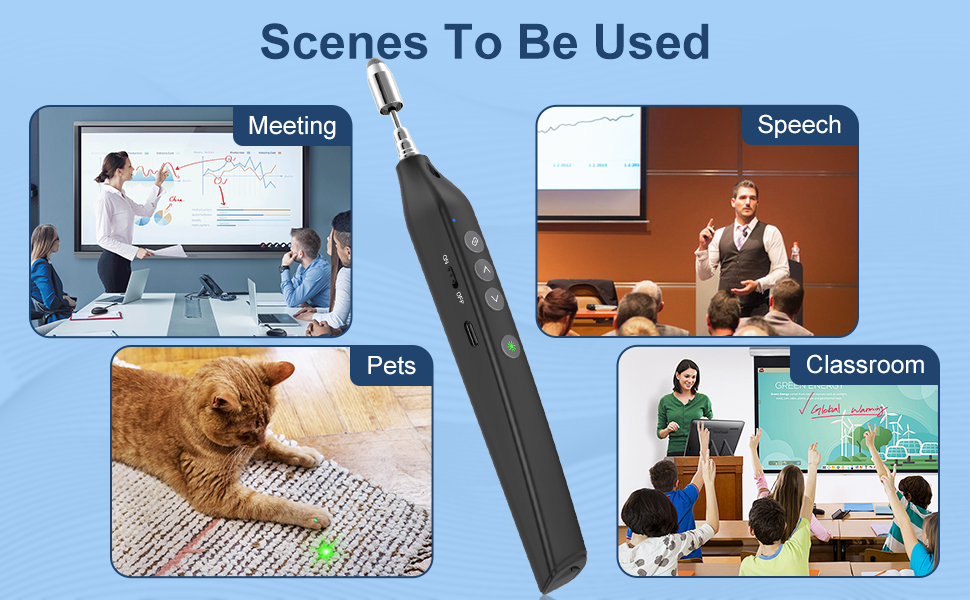
I use this stylus in my classroom on my ViewSonic interactive screen. My students always complain that they cannot see what I am writing (with my other stylus or my finger), so I write, step away, write, step away, etc. With the telescopic pointer, I don't have to step away and pause for my students to see! I love this feature, and the fact that the tip writes really well is great. I also like that I can charge with a USB instead of a battery. The red light is not bright enough so I will not be using that feature. Overall, I am very happy with this stylus.
J**4
Great
I am a teacher and I was using this with my promethean board. It works great all the buttons are easy to use and it is a good size to where I don't drop it easily. I will say the laser does not really show up on the promethean board but it does on other surfaces. It has an extendable pointer that does work with the board. This is great for anyone who uses a promethean board.
J**H
Just What I Wanted
So pleased with this .. .good size/good grip .. easy to put in my pocket and have it handy when I"m in class. I haven't yet recharged it, so I deducted one star for the unknown -- I HOPE it has a decent charge time, but have not yet gotten to that point.
G**E
Clean, user friendly, intuitive design
I've had several presenters over the years. Honestly, sometimes they are over-complicated and not terribly intuitive to use. I'll not need this one as often as I have done in the past, and it makes me a little sad because this presentation device is among the better I've used.The good:The design is clean and well thought-out. Using the presentation clicker was very intuitive and doesn't require a lot of time for familiarization, making it super easy to pull out of the box and use. I like that it is sleek, and that the USB receiver magnetically attaches to the end with a strong enough attachment that I am not concerned about losing it. The conductive tip on the telescoping end works perfectly with my touch screens, and the laser pointer is clear and also works well.The not so good:I don't think I really have anything bad to say about this. Maybe, if I'm being really really picky, I'd like for the telescoping portion to be a little longer, but really even that isn't an issue, so I'd not really call it a complaint.All in all, if you're in need of a presentation device, this is a very good option, and I'd highly recommend it.
T**T
Works well and it will make my presentations better
The media could not be loaded. It has lots of features that I am still learning how to use cirrectly but from what I have seen it will enable me to give a smoother presentation.
P**Y
I got this only because it's rechargeable.
I am so sick of having the presentation clicker that uses AAA batteries, when I saw this clicker, I had to have it.It's a plug and play device that works really well and does notrequire setup if you are using it with Powerpoint. I have used the clicker for about four hours a week at work, and the laser pretty excessively for about three weeks and it hasn't died yet. I love how you can use any USB-C charger to charge the pointer.The only problem I have with this device, is that the receiver that plugs into the computer, is USB-A. The desktop at work is USB-C, so I had to use one of my converters to make it work. Not ideal if your company is on the latest tech and your docks only have USB-C.
Trustpilot
1 month ago
2 months ago
2 weeks ago
3 days ago