
DOWNLOAD THE APP


Customer Services
Copyright © 2025 Desertcart Holdings Limited
DOWNLOAD THE APP


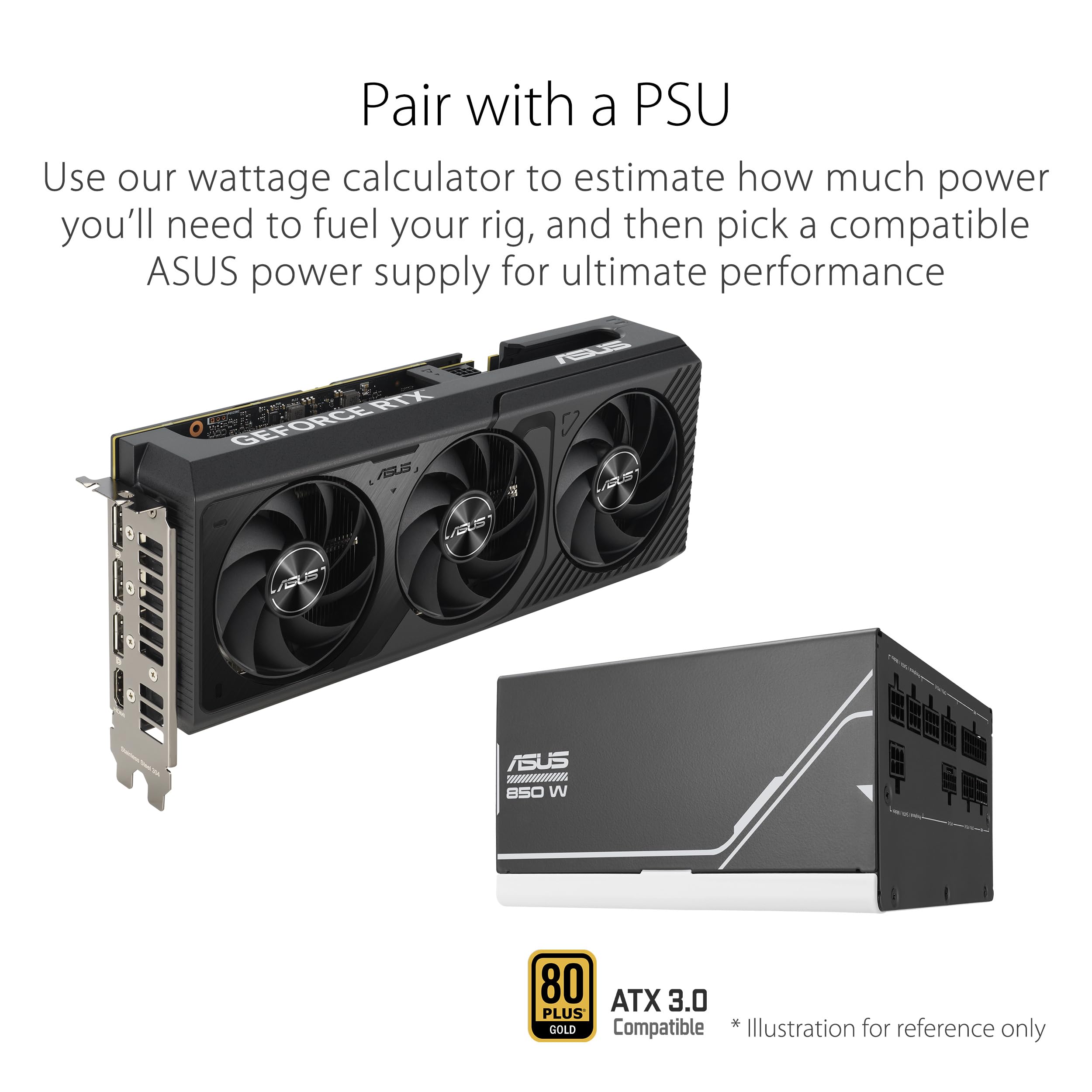
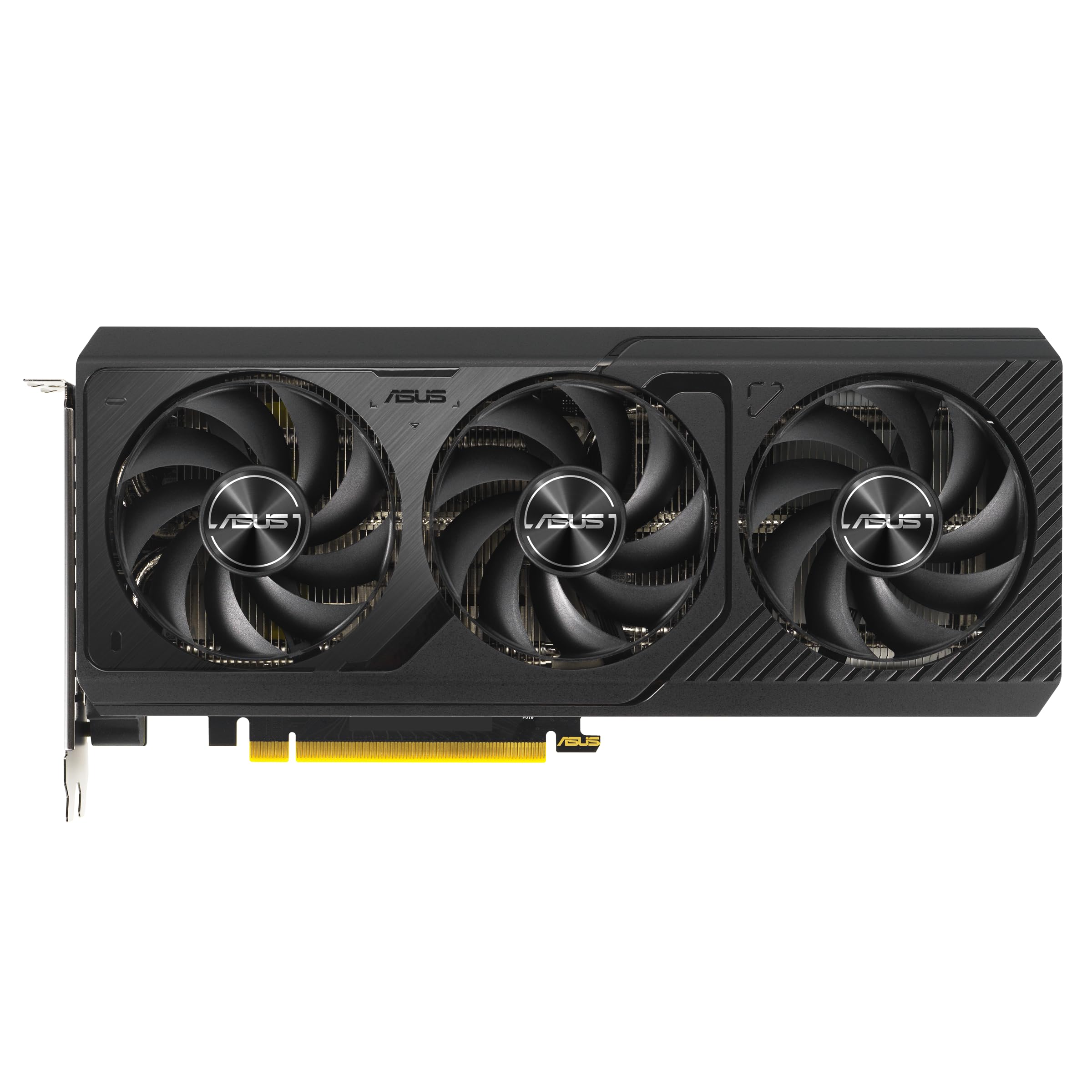
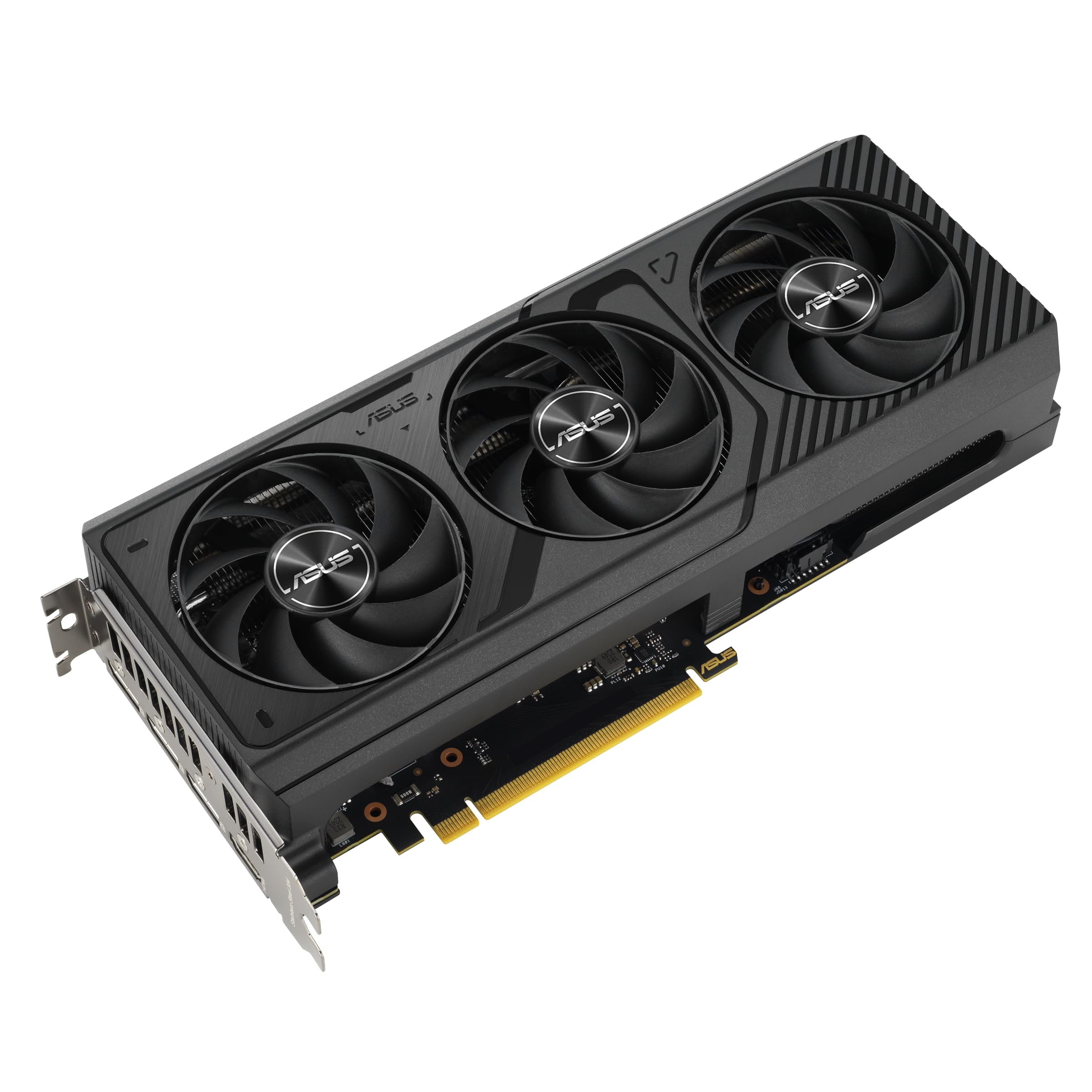
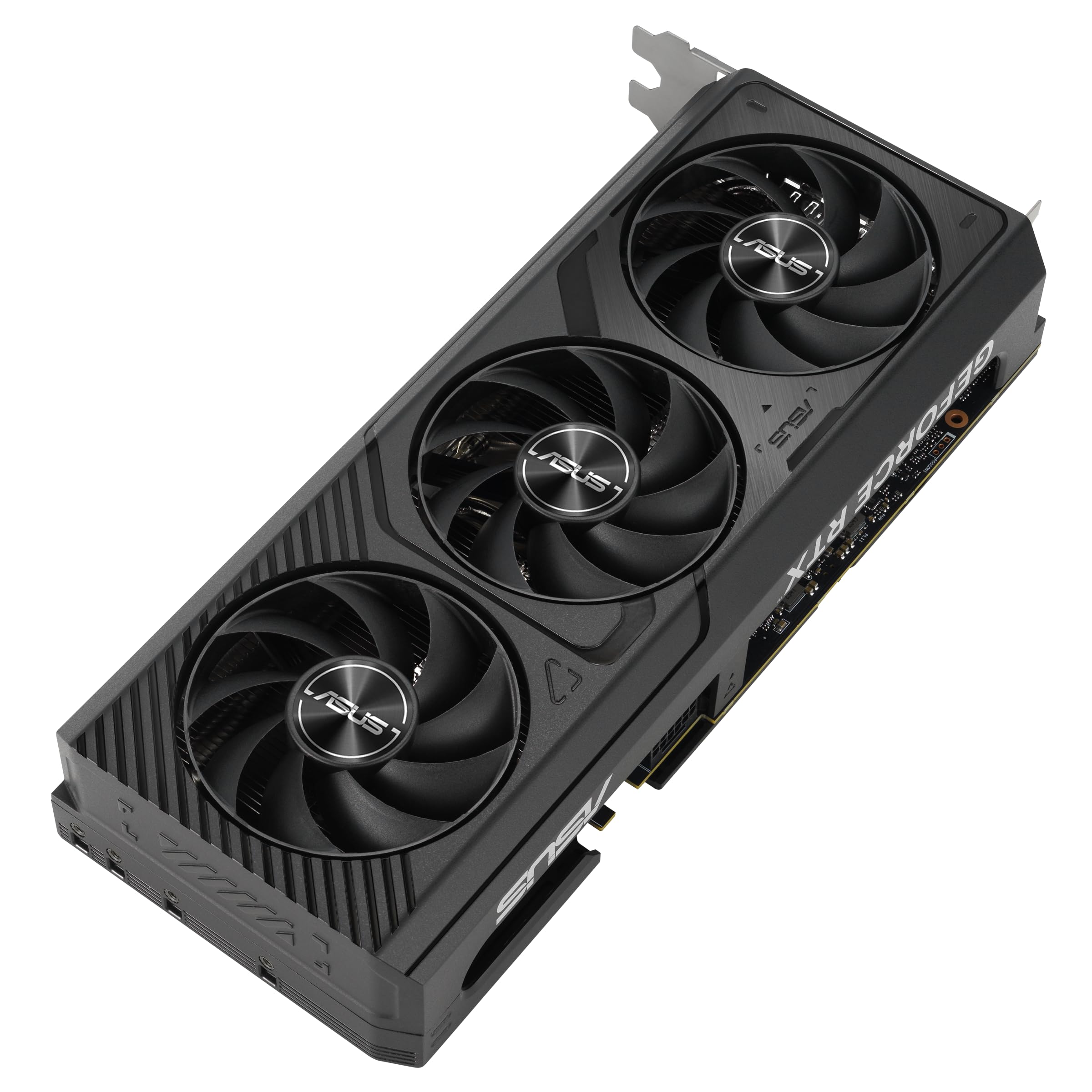
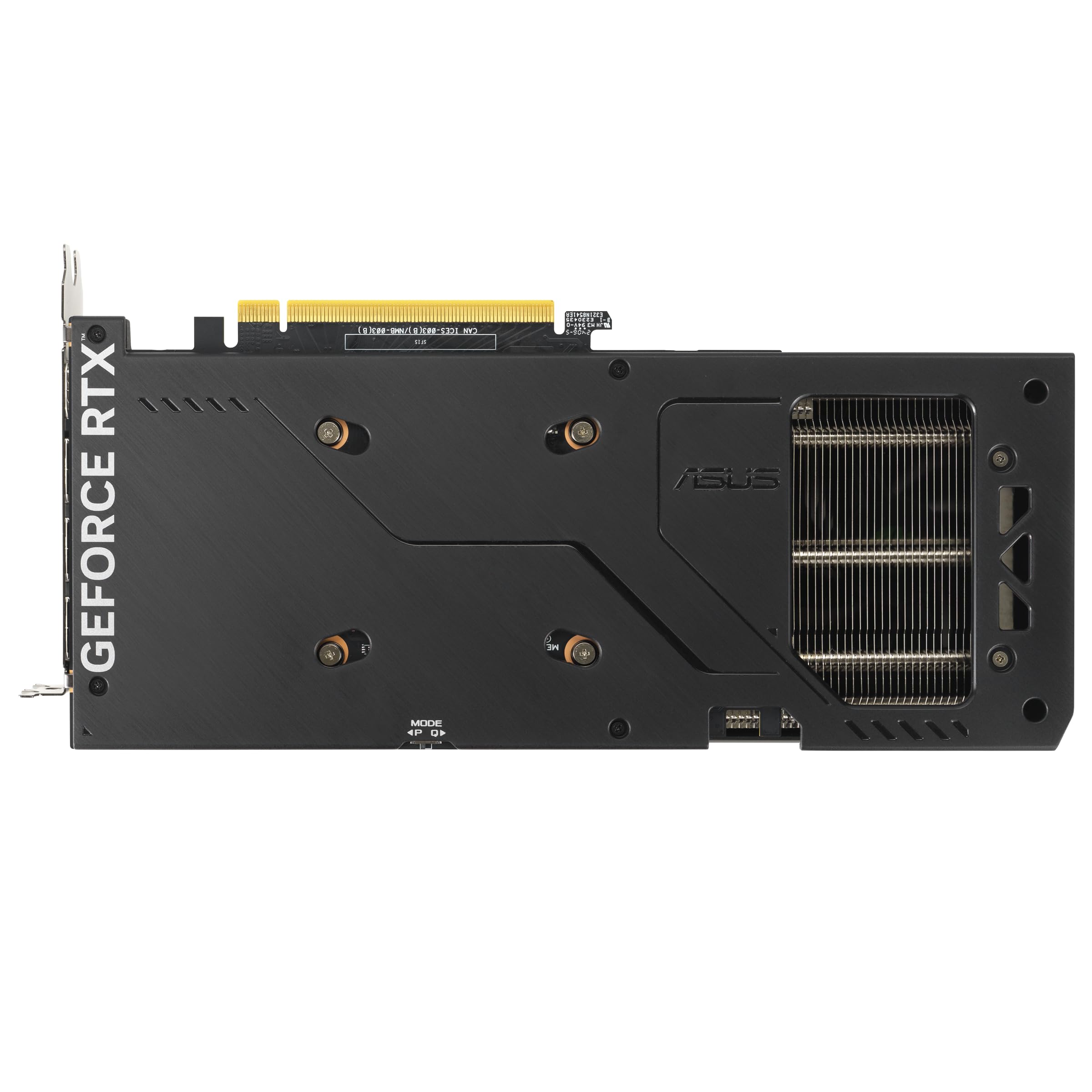
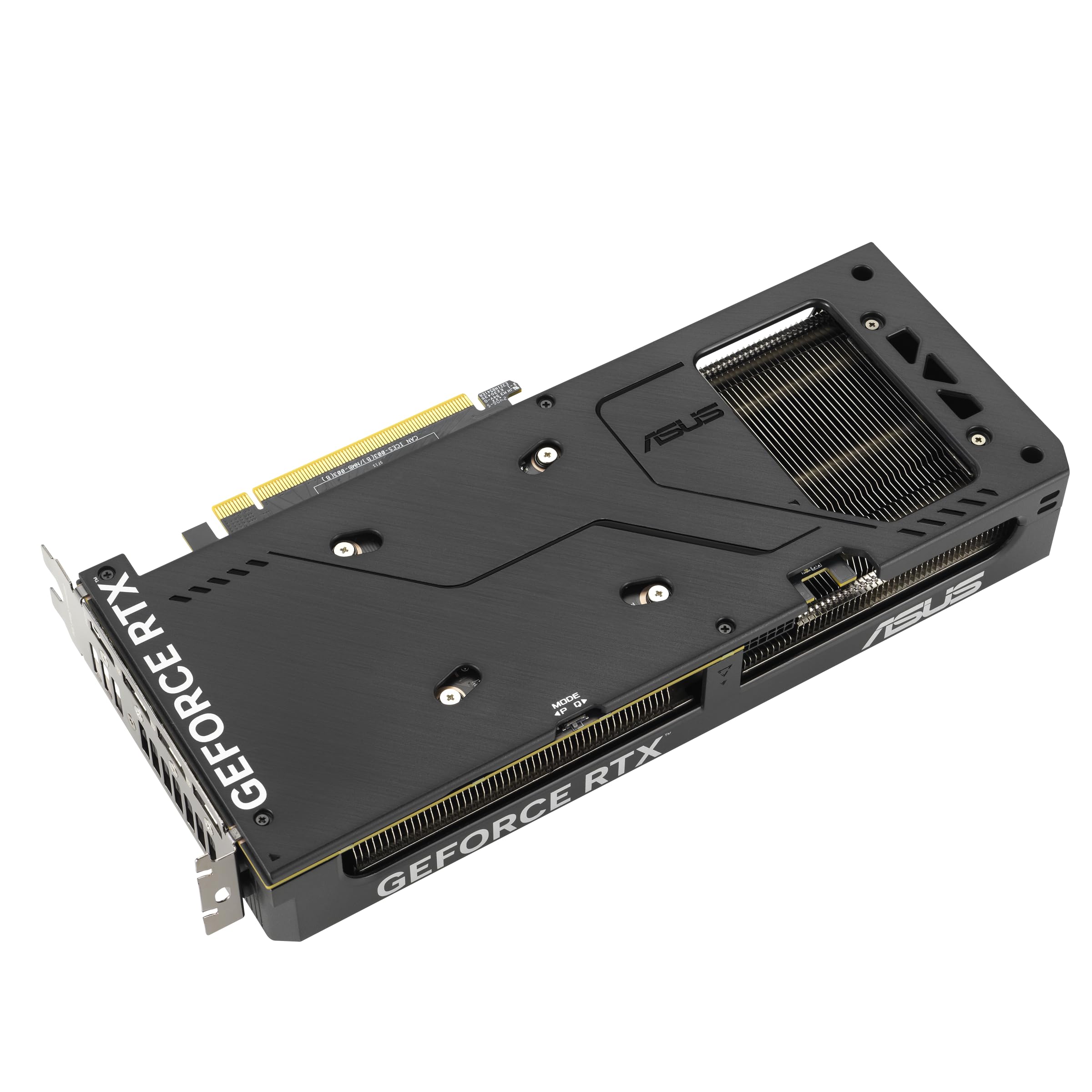
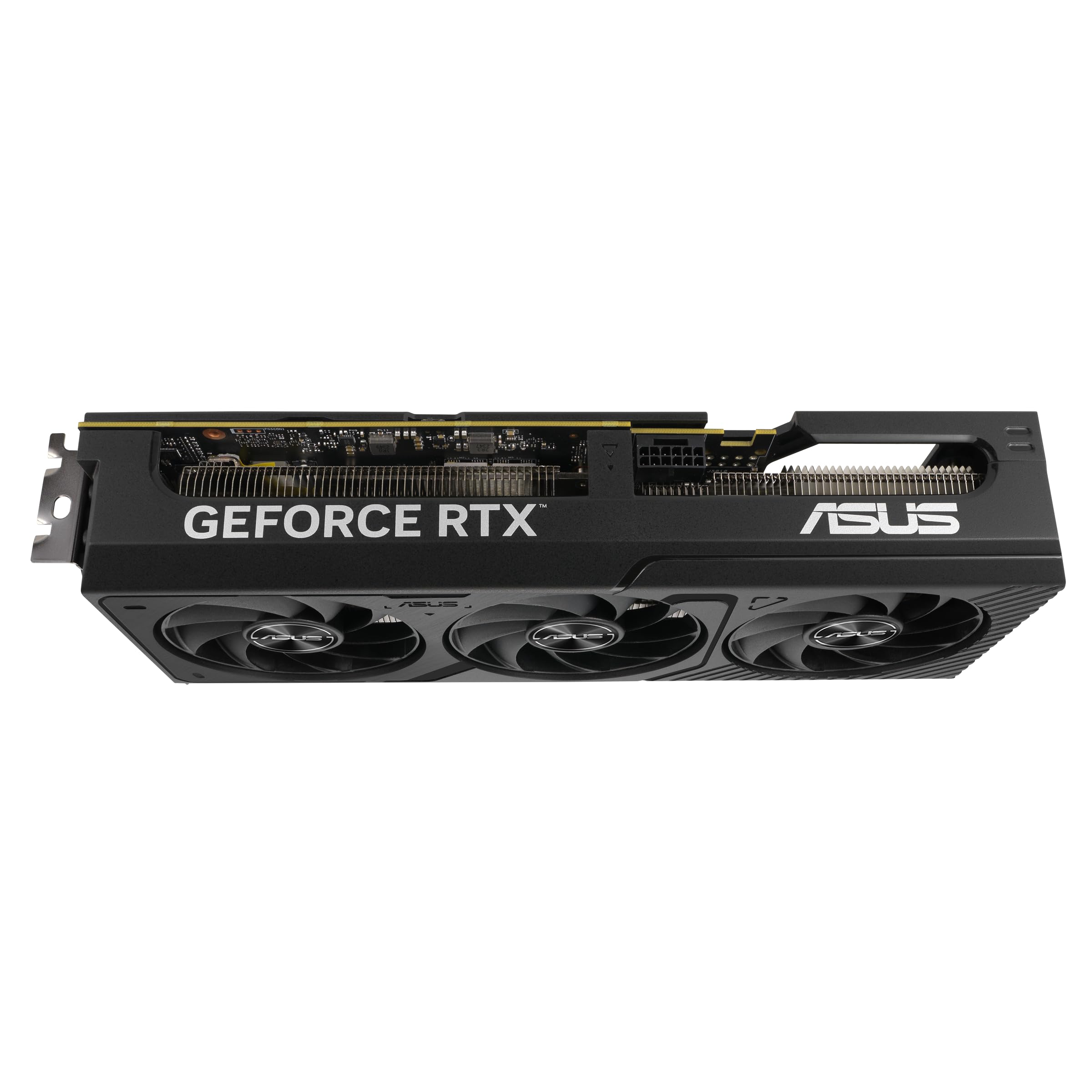
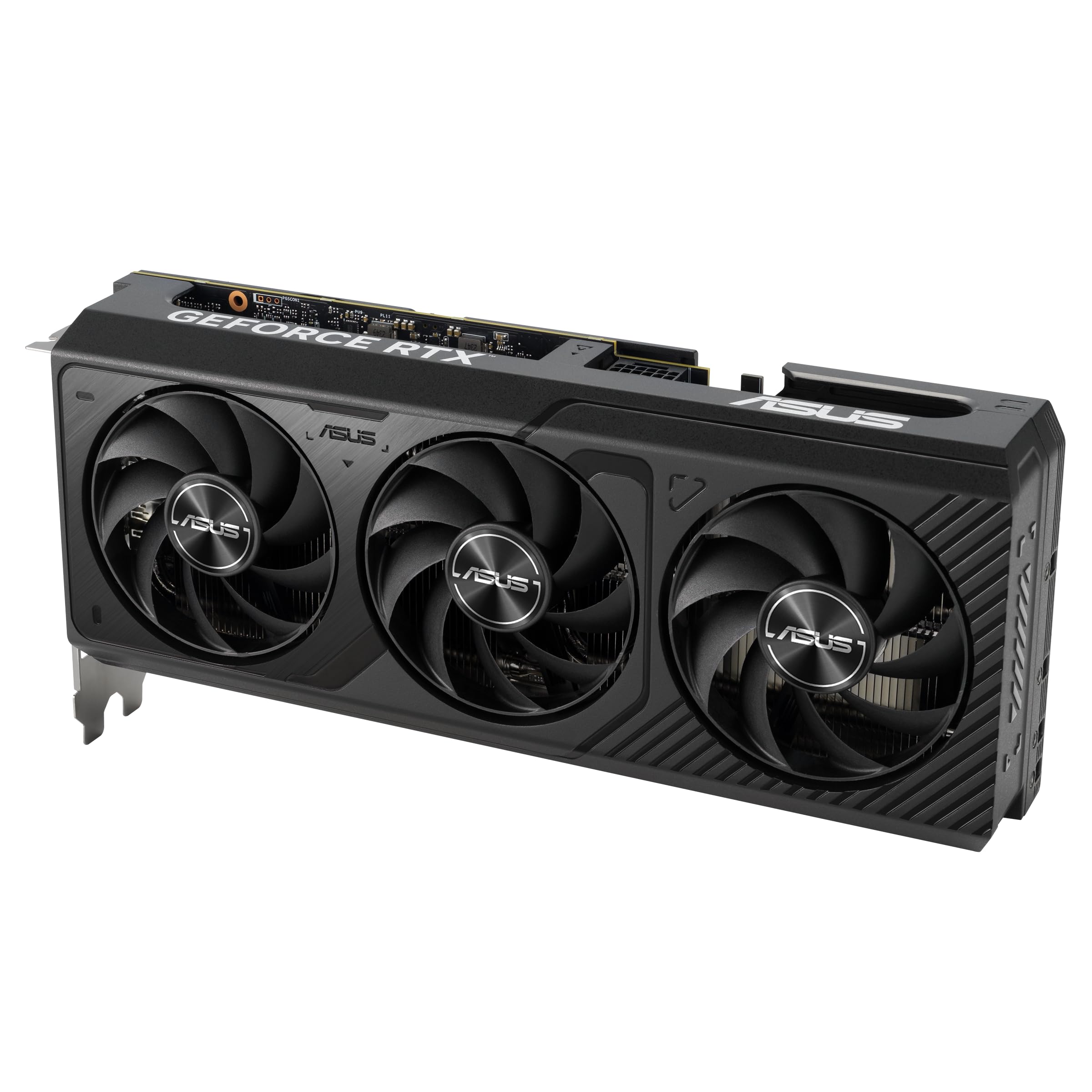
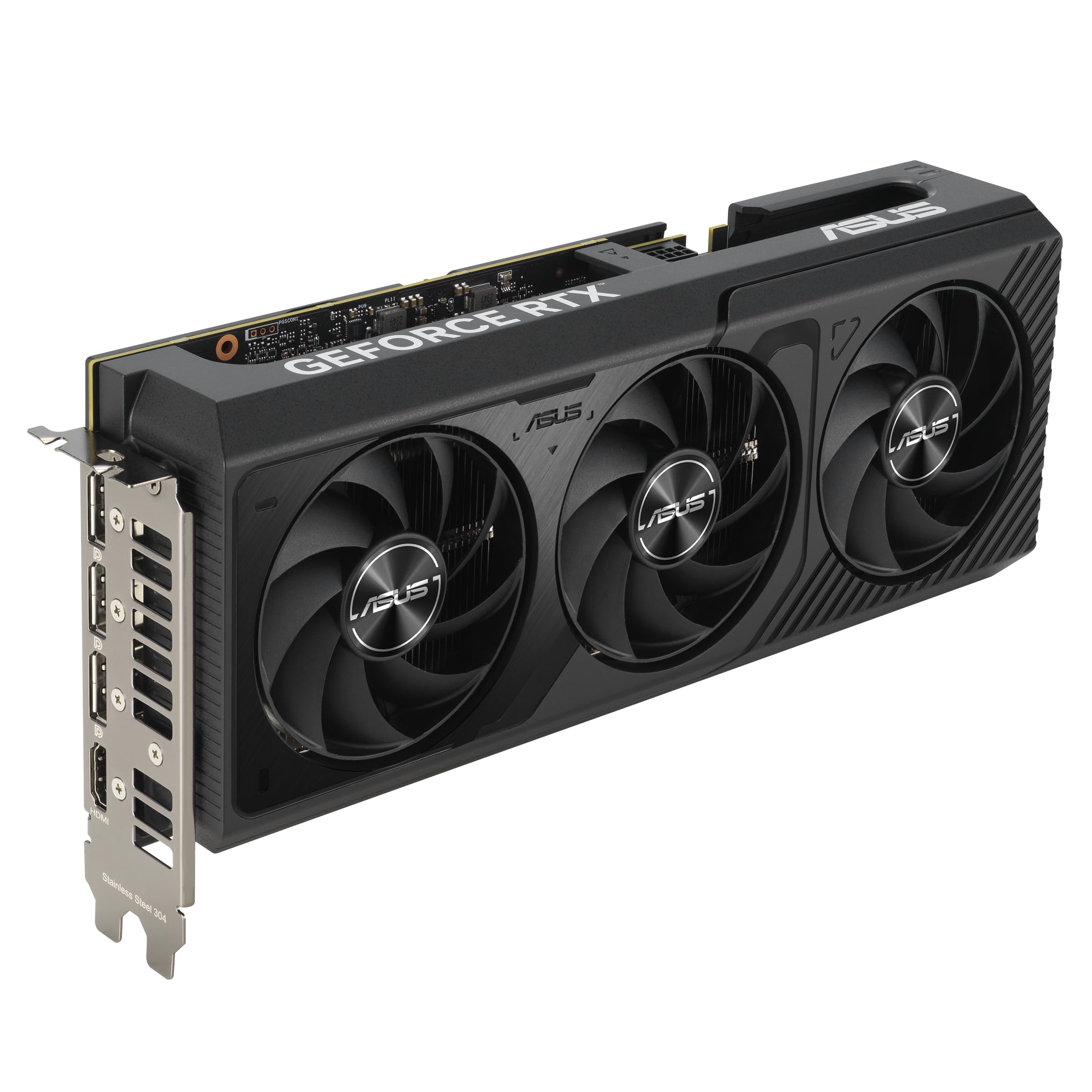

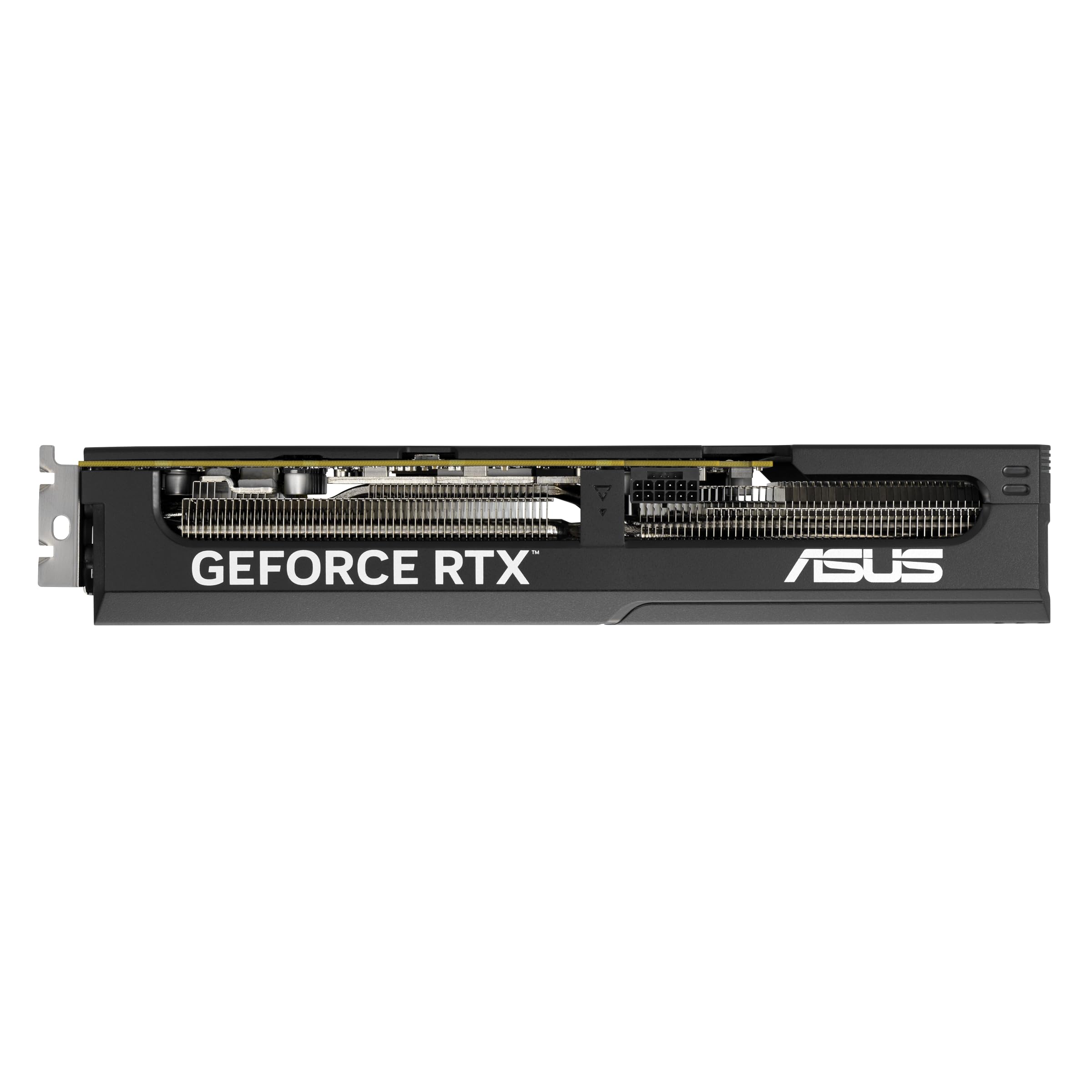
🚀 Elevate your rig with ASUS Prime RTX 4070 SUPER — power, precision, and silence in one sleek package!
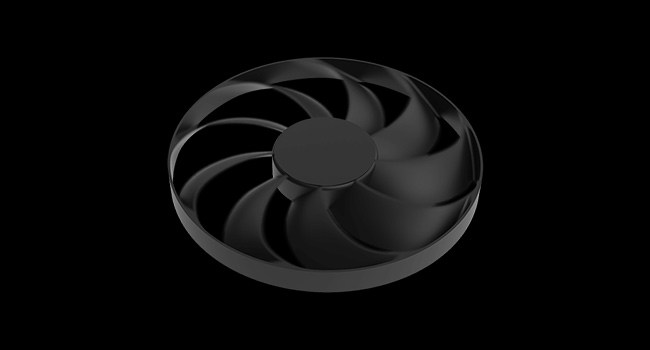
The ASUS Prime GeForce RTX 4070 SUPER OC Edition is a powerhouse graphics card featuring a 2550 MHz overclocked core, 12GB of ultra-fast GDDR6X memory, and cutting-edge NVIDIA DLSS 3 technology. Designed with a 2.5-slot compact form factor and advanced Axial-tech triple fans, it delivers exceptional cooling and near-silent operation. Dual BIOS profiles let professionals and gamers tailor performance or quietness on demand, making it ideal for small-form-factor builds and demanding multitasking workloads including gaming, streaming, and AI applications.



| ASIN | B0D7KTZHXN |
| Antenna Location | Gaming, Office, Professional |
| Best Sellers Rank | #15 in Computer Graphics Cards |
| Brand | ASUS |
| Built-In Media | Adapter cable (1 to 2), PRIME-RTX4070S-O12G Graphics card, Speedsetup Manual, Thank you Card |
| Compatible Devices | Desktop |
| Customer Reviews | 4.7 out of 5 stars 944 Reviews |
| Display Resolution Maximum | 7680x4320 Pixels |
| GPU Clock Speed | 2550 MHz |
| Graphics Card Interface | PCI-Express x16 |
| Graphics Card Ram | 12 GB |
| Graphics Coprocessor | NVIDIA GeForce RTX 4070 SUPER |
| Graphics Description | NVIDIA GeForce RTX 4070 SUPER with 12GB GDDR6X graphics memory and 2550 MHz core clock speed, featuring NVIDIA DLSS 3, 4th generation Tensor Cores, 3rd generation RT Cores, and Axial-tech fans. |
| Graphics Processor Manufacturer | NVIDIA |
| Graphics Ram Size | 12 GB |
| Graphics Ram Type | GDDR6X |
| Item Weight | 1.8 Pounds |
| Manufacturer | Asus |
| Memory Clock Speed | 2550 MHz |
| Model Name | PRIME-RTX4070S-O12G |
| Number of Fans | 3 |
| UPC | 197105650596 |
| Video Output Interface | Native DisplayPort 1.4a, Native HDMI 2.1a |
| Video Processor | NVIDIA |
| Warranty Description | 3 Year Warranty |
M**Y
Absolute workhorse
I’ve been running this GPU hard across gaming, streaming, and AI workloads, and at this point I feel confident calling it rock solid. This card hasn’t lived a pampered life. It’s been tuned, stress-tested, and pushed through mixed workloads that hit core, memory, and sustained thermals all at once — the kind of stuff that exposes weak cooling, unstable power delivery, or lazy firmware fast. 🔧 Tuning & Configuration I run custom fan curves, not stock presets. Inner and outer fans are tuned separately to prioritize: • GPU die cooling • VRAM stability • Smooth acoustics (no ramping or oscillation) With proper hysteresis and airflow balancing in a high-airflow case, the card stays quiet at idle and predictable under load. No sudden spikes, no thermal panic behavior. 🎮 Gaming Performance In gaming workloads, the GPU holds clocks consistently with: • Stable core temps • Controlled hotspot delta • No throttling Long sessions don’t cause heat soak, and performance doesn’t degrade over time. Once temps stabilize, they stay there. 🎥 Streaming + Multitasking Gaming while streaming? No problem. Encoding, overlays, background apps — the card handles mixed workloads without stutter or clock instability. Fan behavior remains smooth, which tells me the thermal solution is doing its job properly. 🧠 AI / Compute Workloads This is where a lot of GPUs start showing cracks — memory temps, sustained power draw, or inconsistent boost behavior. This one doesn’t. AI inference and compute-heavy tasks run cleanly: • No runaway memory temps • No erratic fan behavior • No performance cliff after extended use It’s clear the cooling and power delivery were designed for real sustained workloads, not just benchmarks. 🔊 Noise & Thermals With proper tuning: • Idle is effectively silent • Load noise is smooth and broadband (no whine, no pulsing) • The loudest thing in the room is usually my AC — not the GPU That’s exactly what I want from a high-performance card. ⸻ ✅ Final Verdict This GPU takes tuning extremely well and rewards you for knowing what you’re doing. If you leave it stock, it’s fine. If you dial it in, it’s excellent. After abusing it with: • Long gaming sessions • Streaming • AI workloads • Mixed CPU/GPU pressure …it’s proven to be stable, consistent, and well-built. I’d buy it again without hesitation — and I don’t say that lightly.
A**Z
Amazing performance and value for 1440p gaming & creative work.
Amazing performance and value for 1440p gaming & creative work. I’m really impressed with the ASUS Prime GeForce RTX™ 5070 OC Edition 12GB GDDR7 — it’s one of the best mid-range GPUs you can get right now. With 12 GB of GDDR7 memory, NVIDIA Blackwell architecture, and PCIe 5.0 support, this card delivers strong performance in modern games and creative applications without a huge price tag. Performance & Cooling: The card stays cool even under long gaming sessions thanks to its triple-fan Axial-tech cooling design and efficient heat dissipation features, so you can enjoy high frame rates without worrying about overheating. It’s also relatively quiet in normal use. Compatibility & Features: It supports 8K output, has multiple DisplayPort 2.1b and HDMI 2.1b ports, and fits most builds with its 2.5-slot design that’s also compatible with some small form factor (SFF) cases. The dual BIOS allows you to choose between performance and quiet modes depending on your needs. User Satisfaction: Most users highlight its excellent gaming performance, especially at 1440p with DLSS, and reliable cooling. Just make sure your PC case and power supply (recommended 750 W) can support the card’s size and requirements. Pros: Strong 1440p and solid 4K performance with DLSS support. Efficient and fairly quiet cooling. 12 GB GDDR7 memory for demanding tasks. Dual BIOS with performance and quiet modes. Good array of video outputs and future-proof PCIe 5.0 support. Cons: Large 2.5-slot size — check case compatibility first. Some users report coil whine in rare cases. Requires a quality PSU (recommended ~750 W). Summary: Overall, this ASUS Prime RTX 5070 OC Edition offers excellent performance and thermals for its price point. Whether you’re gaming or doing creative work, it’s a solid choice that balances power, cooling, and features — great for anyone upgrading their PC
C**G
Amazing upgrade.
So far so good. 13 days in replaced a 2070 Super. I was really hesitant of getting a 12gb VRAM model and not going with the TI version but moneys tight right now. I spent a couple weeks researching and even though every thing I read and watched showed this card to be a great card I just couldn't help looking at that 12gb VRAM. I really didn't want to go with the AMD card similar as Ive been using NVidia for years now. So I pulled the trigger. Swapped out the card, updated drivers, smooth as butter swap. Everythings working great and a noticeable difference in FPS for example playing No Mans Sky I was getting 30-70 FPS with the 2070 Super depending how long I played the FPS would degrade over time. Im getting a solid 90-110 FPS with this 5070 and with DLSS turned on it gets floored! I set it to a max of 144 FPS because my monitors are 144hz and its maxed at 144. Im guessing it will hit 200-400 if I uncap it, easy. (All settings Ultra) This is a great card if you are upgrading. It handles streaming and playing games at same time with no issues. Bonus with NVidia is the NVENC that AMD cards don't have and better handling on ray tracing. This isn't the best of the best out there but its a very noticeable difference from previous gens and (at the time of posting this) it doesn't cost as much as a used car, but its still too expensive in my opinion. I will update this post if anything changes, providing seller doesn't remove this listing. If this is in your price range... get it.
J**A
Best GPU I've ever owned for 1440p gaming.
I needed an upgrade from my old AMD Sapphire GPU to handle studio work (2D/3D CAD, light 3D rendering, etc) and take on some gaming (Cyberpunk 2077 as the benchmark). So far I have had zero issues. Install was easy as usual, just make sure you wipe your old drivers and update you MoBo BIOS. I'm a 1440p disciple and my ASUS TUF Monitor has never looked better in regard to video quality. HDR looks fantastic, Cyberpunk will even run Path Tracing at about 60FPS with a LITTLE boost from your CPU if you've got a higher end piece. Definitely a powerful card for this range. I'm glad I didn't listen to the influencers hating on this series. It will definitely run hot so make sure you've got your case fan cooling in check. It's a solid built GPU for sure. It's THICC but fits my mid-size case perfectly. I was also surprised that it didn't sag. I bought a GPU support arm for the long term just in case if over time it decided to sag after all. The only additional investment I had to put in was in getting a new Power Supply for the new 16 pin connector. I didn't really need it, I could have just got the wire since my old one was modular, but I decided to play it safe just in case.
B**E
LOTS OF RESEARCH and PRICE to PERFORMANCE comparison, here are the results . . .
This video card is fantastic. Son's been using it for three months, its value proposition continues to impress. Compared to higher-tier options like the RTX 4070 Ti or the 50-series cards, the RTX 4070 Super strikes a compelling balance. 4K gaming is a breeze on max settings, which is a noticeable upgrade. The out-of-the-box performance has been more than sufficient, no need to tweek or overclock, etc. Beyond gaming, the card can handle local AI related solutions, sustains approximately 14GB and delivers impressive speeds, processing dozens or even hundreds of cycles per second. The RTX 4070 Super remains a "perfect price to power sweet spot" for anyone primarily focused on sub-4K gaming and introductory to moderate local AI work, especially considering the mixed reception of the newer 50-series cards. A card with more VRAM would be necessary for those demanding 4K gaming or needing to run significantly larger AI models (32GB+) this card can do those things without breaking the bank. HIGHLY RECOMMEND excellent performance and efficiency at a very competitive price point, making it a stellar choice for most of the gaming PC folks.
E**L
Good Upgrade Choice For middle ground
Badass, Switched over from a Gtx 1060 6gb that I was using for the last 6 years, was bottlenecking my system with it since over the years I had switched to pcie 5.0 , am5, and DDR5. RTX 5070 to match the rest of the build has been running all my games beautifully at max graphics, with no heating issues and giving me performance I craved with all the peace of mind. Great choice 12 Gigabytes is plenty and its been very powerful.
D**D
LOL... Going from a GTX 1080Ti to an Prime RTX 5070, Fantastic ... KAPPOWWY !!
Runs flawlessly, ultra cool and quiet (in full action gaming, never seen it get above 57c, even though the room i'm in is 80f)... thought i was compromising by just getting the Prime 5070, but no... Perfectly simple swap!... both the 1080ti and 5070 draw exactly the same peak- 250 watts so, no need to buy a new PSU... But it's amazing how much more performance i am getting for the same Total Graphics Power spec. In my favorite games, i still get about the same FPS... But whats funny about that is, that's with ALL settings completely maxed out! and with something that 1080ti never had, raytracing and a choice between DLAA and DLSS -plus- Tensor Cores! and DDR7!... AA marquis flickering completely gone, with near zero jagged edges to be found anywhere (unless i focus and look really close at object with perfectly straight edges). Textures are dramatically sharper/higher resolution and colors seem to have extra pop. That 12gb of ram?... most of the games i run seem to not use much more than 10gb, but i suppose that's not future proofing per-say and adding an extra 4gb of ddr7 won't allow me to buy a card like this for $600 bucks. In 2017, the 1080ti was $1027... for me, the 5070 was like buying a whole new, faster PC for only $609 !! Even though my old MB is pcie 3.0 and my CPU runs 28 lanes, according to my searches, for gaming, the 5070 will rarely fully saturate the bandwidth capabilities of16x_pcie 3.0 MB anyway, so don't even have to care about the card supporting pcie 5.0 as being a deficit. So far, i'm winning the "Make an 8 Year Old Gaming PC Run for a Decade, Perfectly" Challenge... LOL :)
A**B
Efficient and decent overclocker for 1440p gaming
Pretty good overclocker. I just set power target at 90% +200 MHz core clock and 500 MHz memory. My 1% lows are not as consistent for going any higher than +700, so I would rather have higher core clock and lower memory oc to +500. Oc ing is done on latest msi afterburner v4.6.6
Trustpilot
1 month ago
1 month ago