🚀 Power-packed Mini PC that fits your desk and your ambition
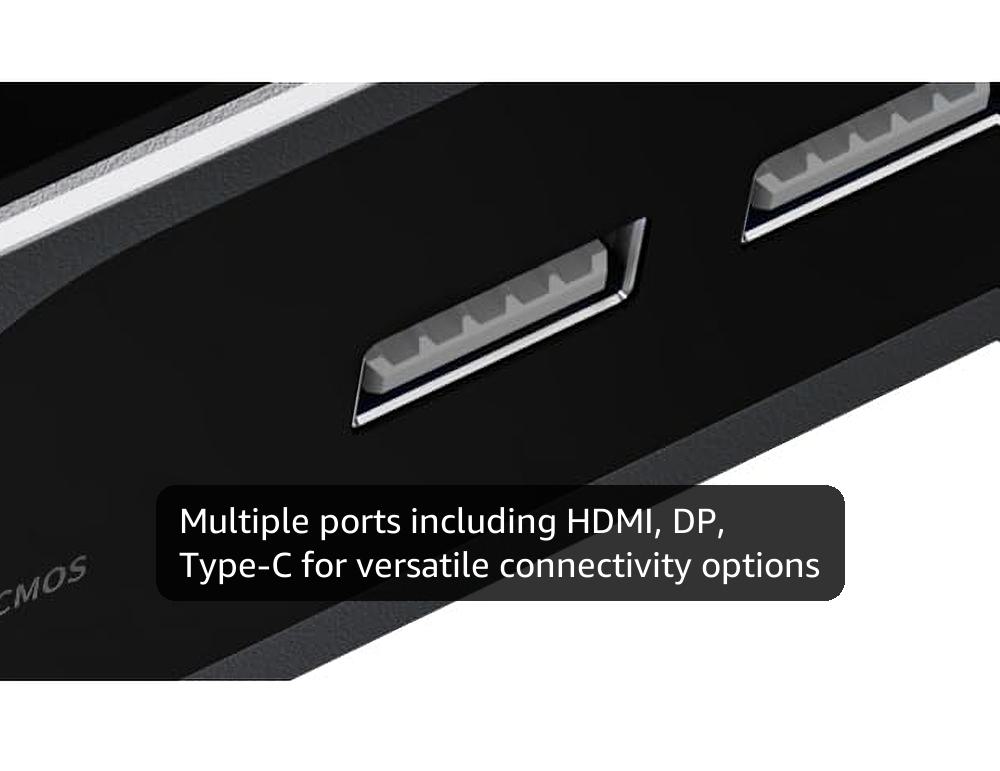
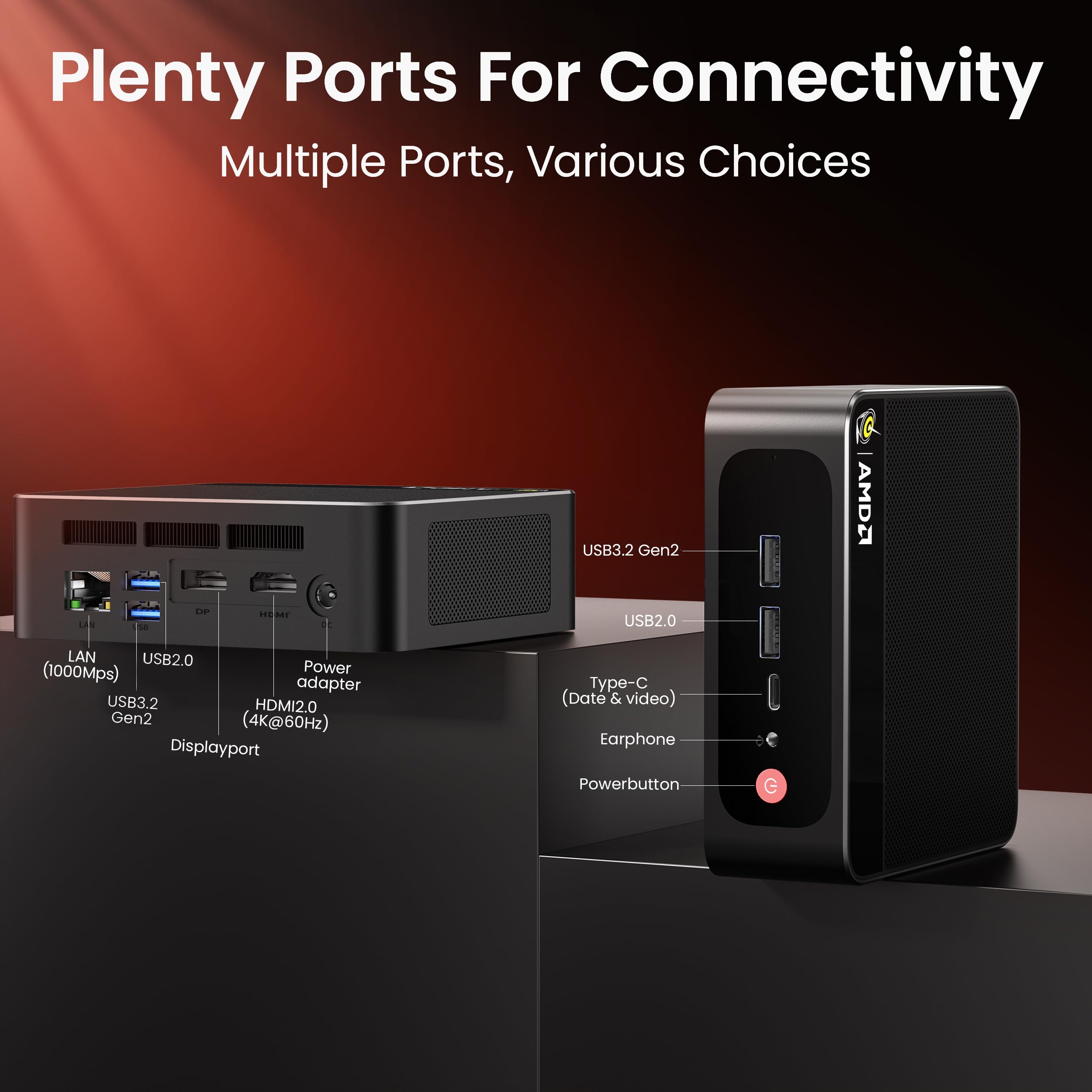
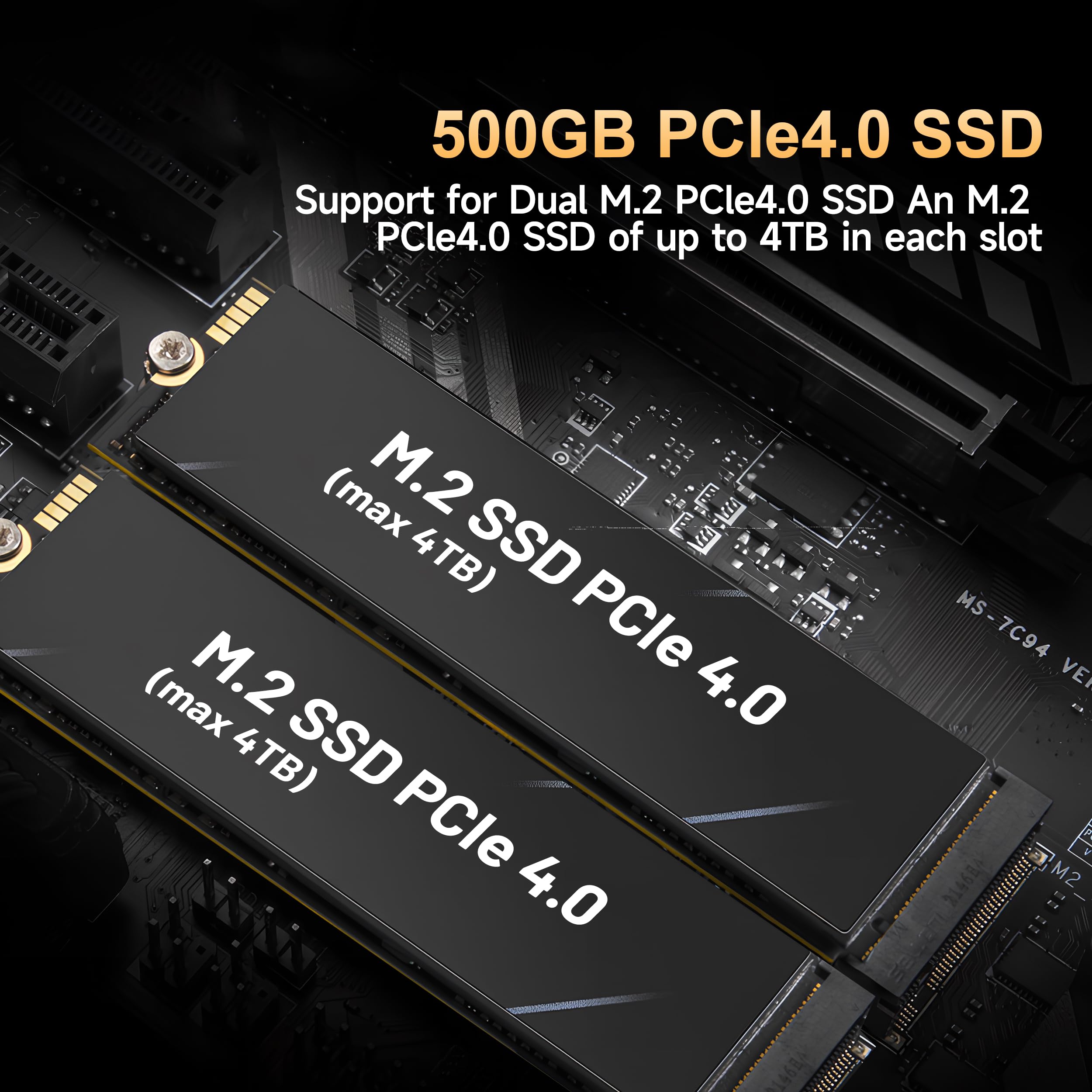
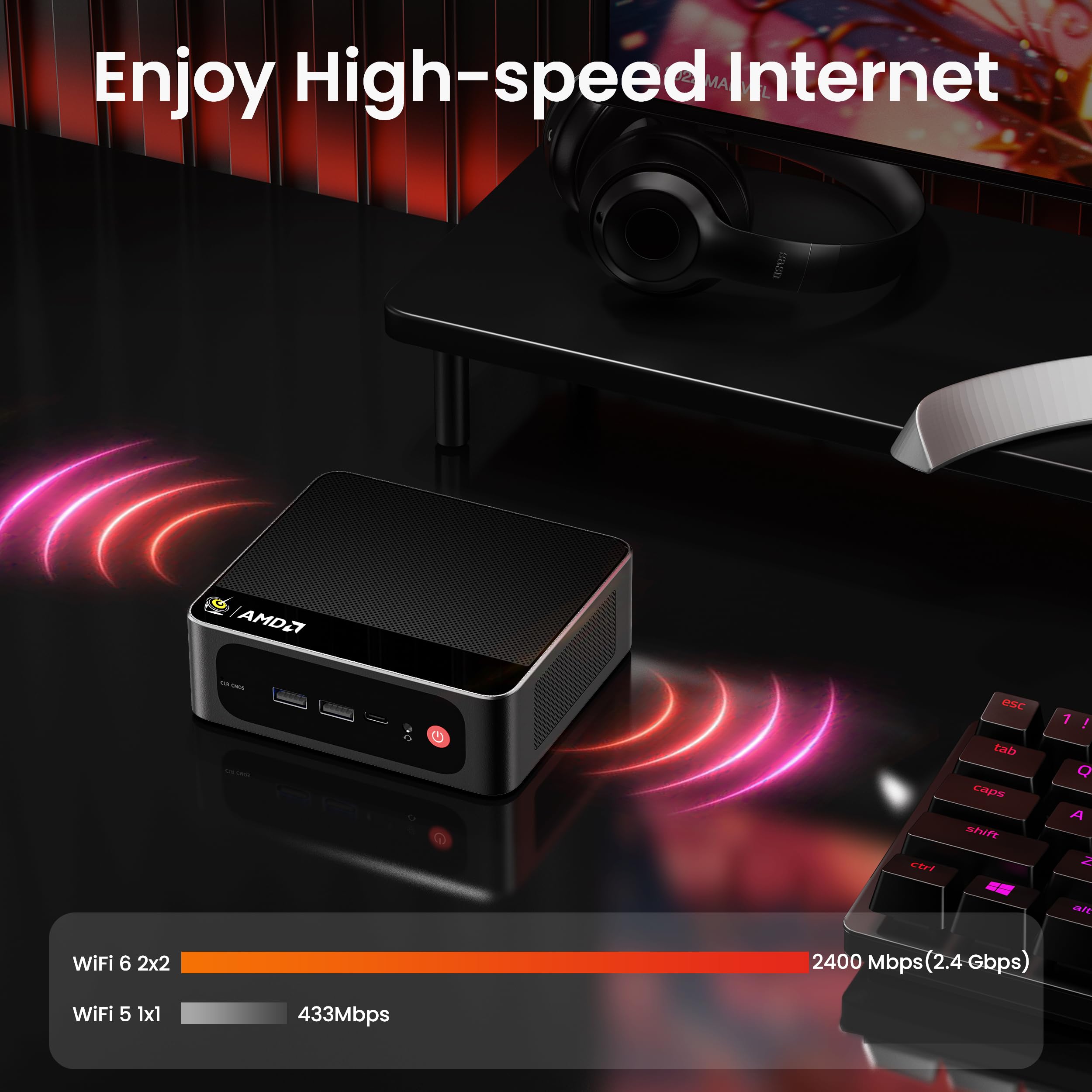
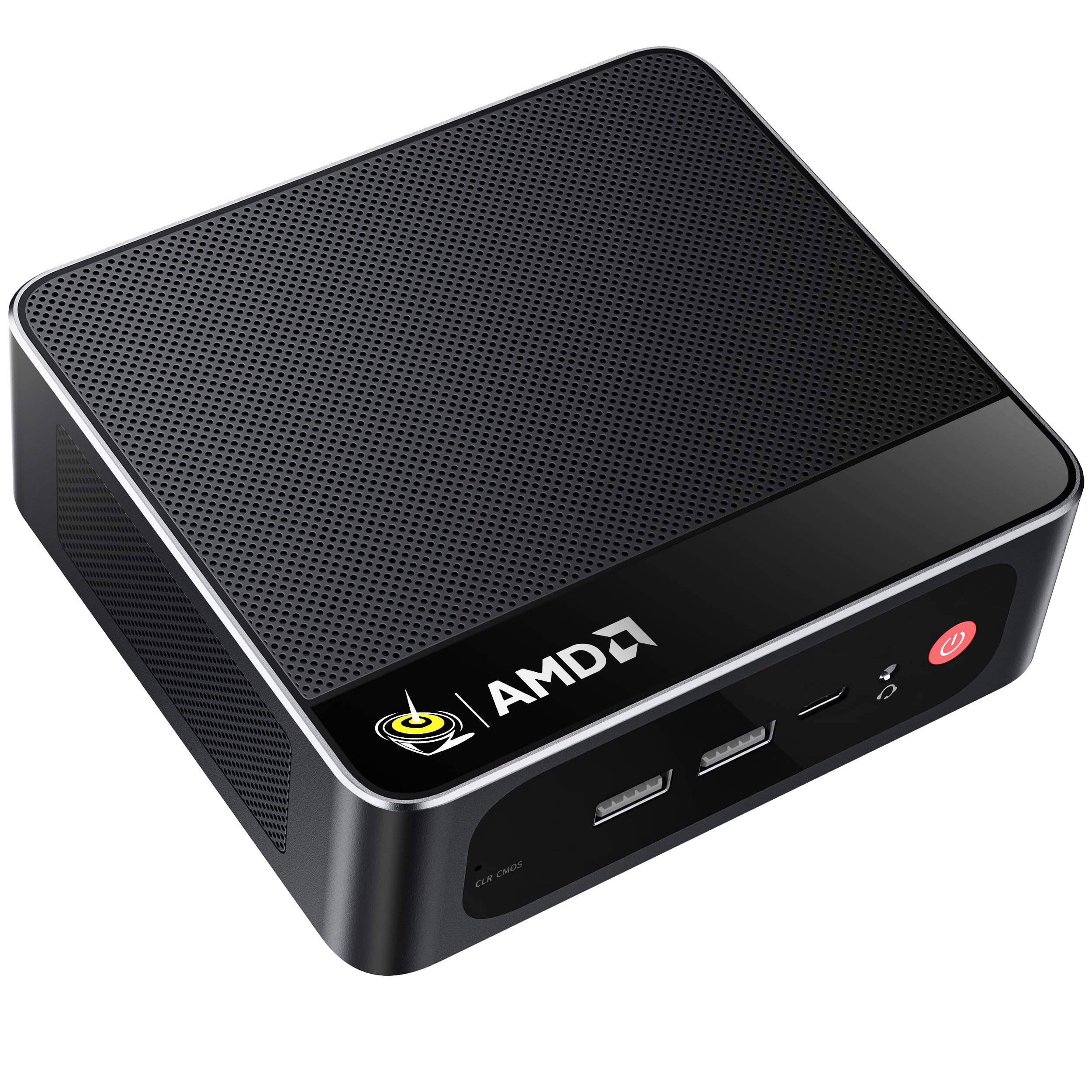
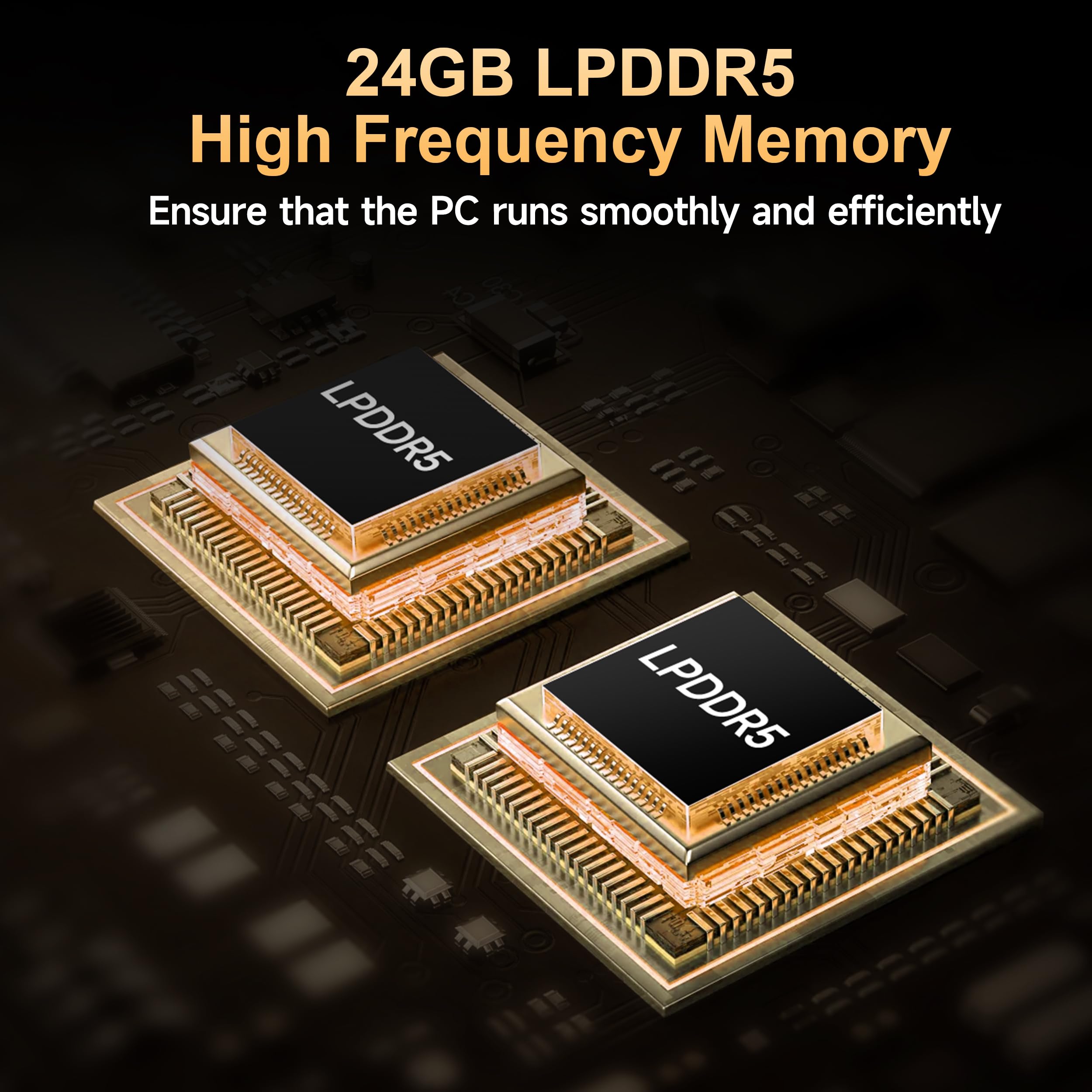
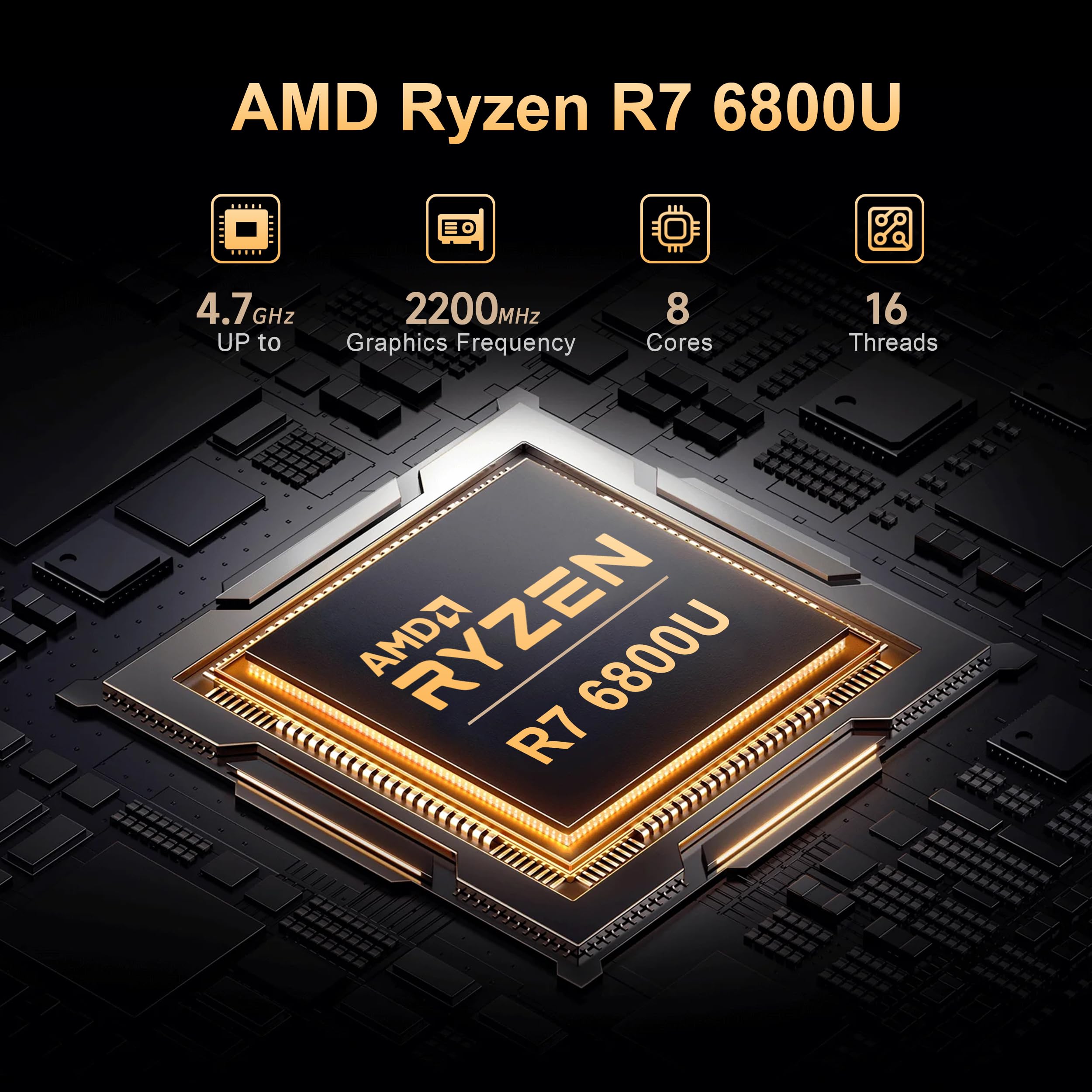
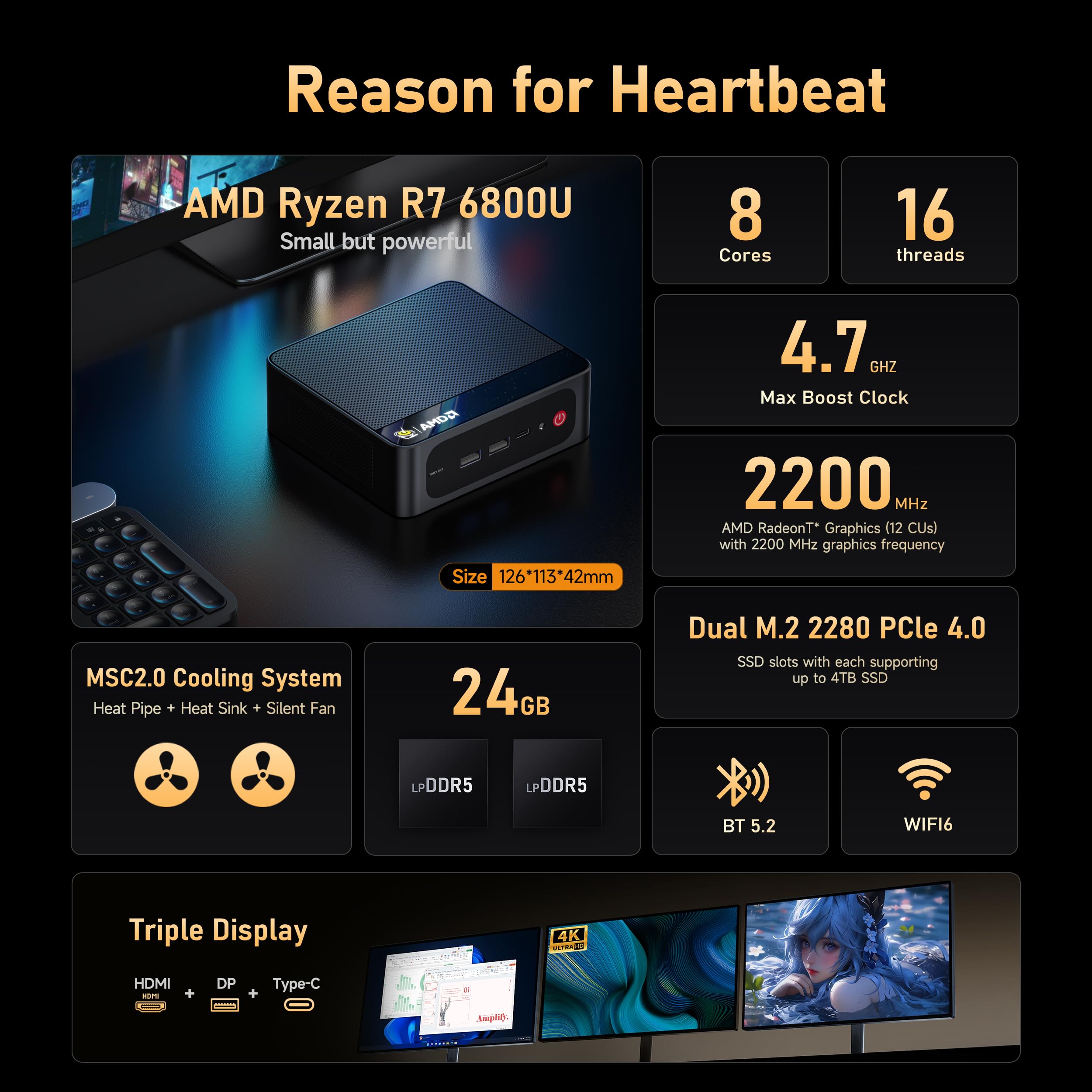
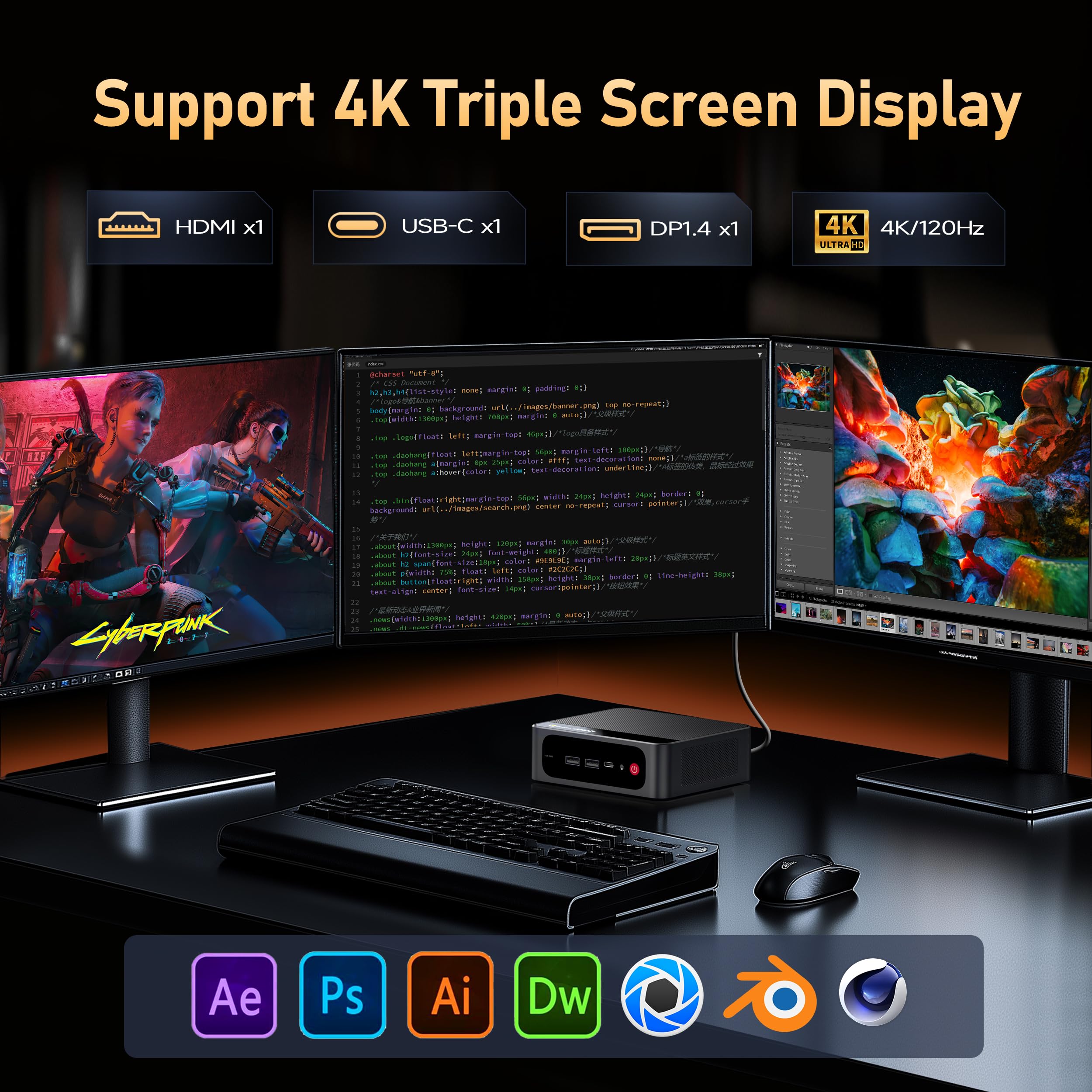
The Beelink SER5 Max Mini PC is a compact powerhouse featuring an AMD Ryzen 7 6800U processor with 8 cores and 16 threads, turbo boosting up to 4.7GHz. Equipped with 24GB of LPDDR5 RAM and a speedy 500GB PCIe 4.0 SSD, it delivers smooth multitasking and rapid data access. Its triple 4K display support via HDMI, DisplayPort, and Type-C ports enhances productivity and entertainment. With advanced connectivity options including 2.5Gbps Ethernet, WiFi 6, and Bluetooth 5.2, plus an efficient cooling system in a tiny 4.9 x 4.4 x 1.6 inch chassis, it’s perfect for professionals seeking high performance in a sleek, space-saving design.


| ASIN | B0F62NFK51 |
| Aspect Ratio | 16:9 |
| Best Sellers Rank | #1,620 in Computers & Accessories ( See Top 100 in Computers & Accessories ) #56 in Mini Computers |
| Brand | Beelink |
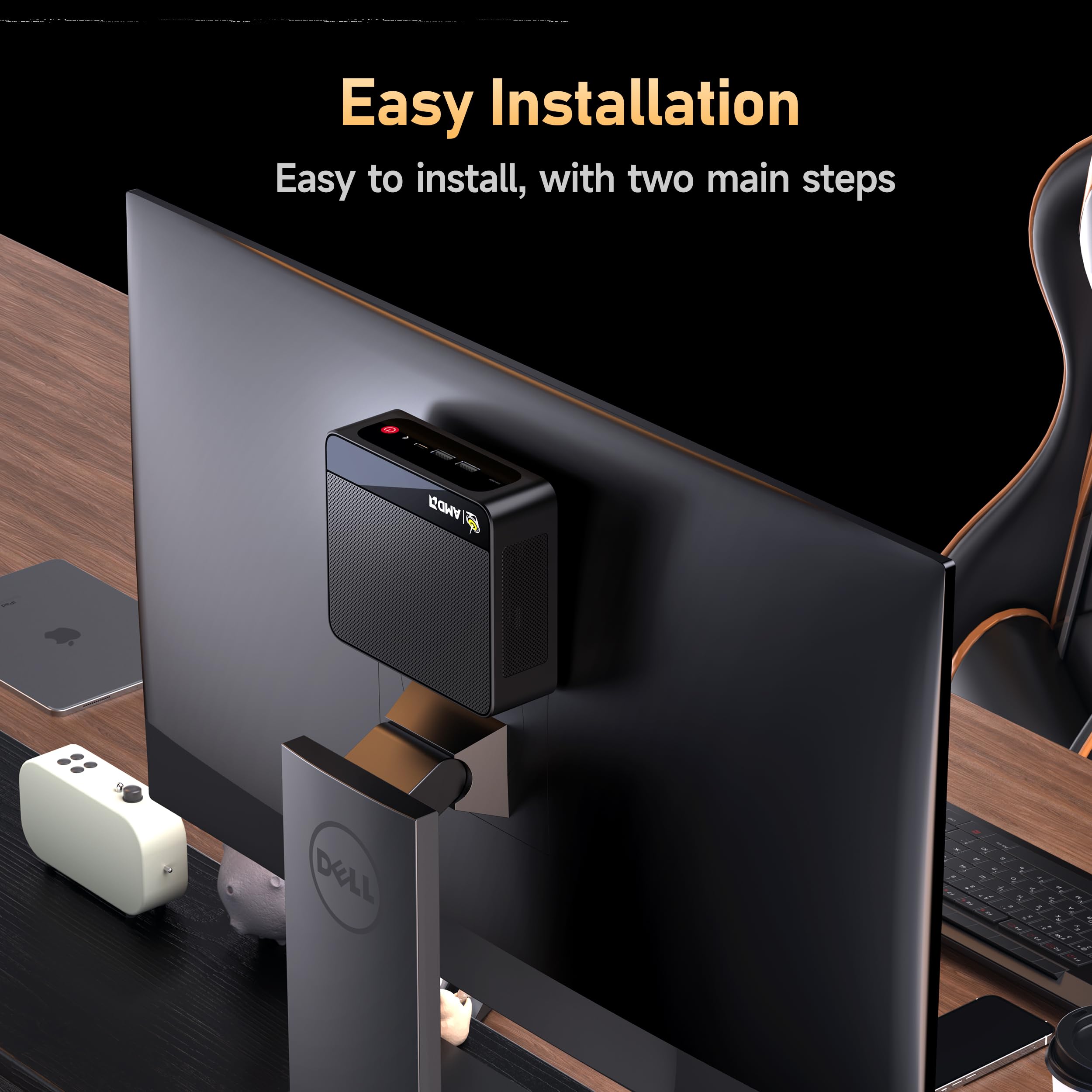
| Built-In Media | 1 x Beelink 6800U Mini PC, 1 x HDMI Cables(100cm ), 1 x US Power Adapter, 1 x User Manual, 1 x Vesa Mount with Screws |
| CPU Model | AMD Ryzen 7 |
| CPU Model Number | 6800U |
| CPU Model Speed Maximum | 4.7 GHz |
| CPU Speed | 4.7 GHz |
| Cache Memory Installed Size | 16 MB |
| Cache Size | 16 MB |
| Color | Black |
| Compatible Devices | Keyboard |
| Connectivity Technology | Bluetooth |
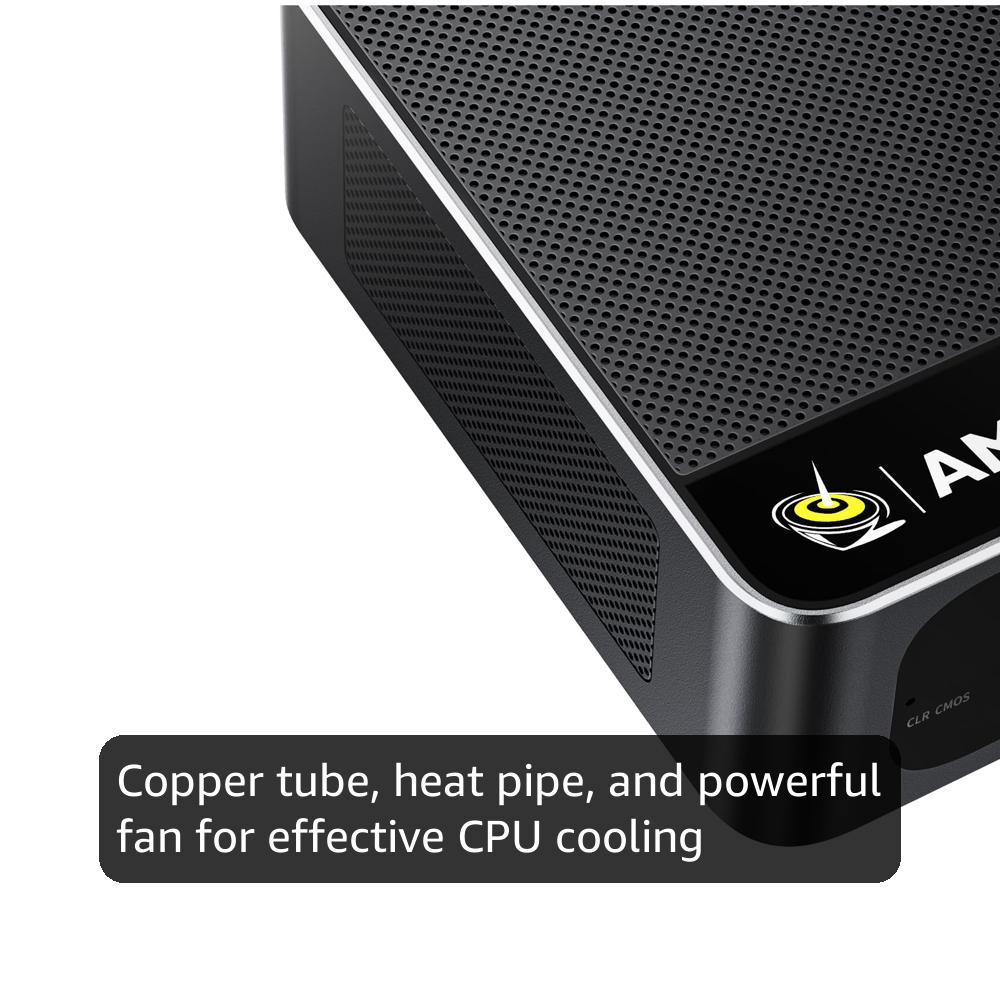
| Cooling Method | Fan |
| Customer Reviews | 4.4 out of 5 stars 247 Reviews |
| Display Resolution Maximum | 3840x2160 |
| Display Type | LED/LCD |
| Graphics Card Description | Integrated |
| Graphics Card Interface | Integrated |
| Graphics Coprocessor | AMD Radeon |
| Graphics Description | Integrated |
| Graphics Ram Type | Shared |
| Hard Disk Description | SSD |
| Hard Disk Interface | PCIE x 4 |
| Hardware Interface | DisplayPort, Ethernet, HDMI, USB |
| Human-Interface Input | Keyboard |
| Item Dimensions | 4.4 x 4.4 x 1.6 inches |
| Item Height | 1.6 inches |
| Item Weight | 0.83 Kilograms |
| Keyboard Description | Gaming |
| Keyboard Layout | QWERTY |
| Manufacturer | Shenzhen AZW Technology Co., Ltd. |
| Memory Slots Available | 2 |
| Memory Speed | 6300 MHz |
| Memory Storage Capacity | 500 GB |
| Model Name | SER |
| Model Number | SER |
| Native Resolution | 4K |
| Number of Component Outputs | 3 |
| Operating System | OS |
| Personal Computer Design Type | Mini PC |
| Power Consumption | 28 Watts |
| Processor Brand | AMD |
| Processor Count | 8 |
| Processor Series | AMD Ryzen 7 |
| Processor Socket | FP6 |
| Processor Speed | 4.7 GHz |
| RAM Memory Installed | 24 GB |
| RAM Memory Technology | 24GB LPDDR5 |
| RAM Type | DDR5 RAM |
| Ram Memory Maximum Size | 24 GB |
| Resolution | 4k |
| Specific Uses For Product | Business, Gaming |
| Style Name | Minimalist |
| Total Expansion Slots Quantity | 2 |
| Total Number of HDMI Ports | 1 |
| Total Usb Ports | 5 |
| UPC | 810180172356 |
| Video Output | 1*HDMI+1*DP1.4+1*Type-C |
| Video Output Interface | DisplayPort, HDMI |
| Video Processor | AMD |
| Warranty Description | 1 |
| Wireless Compability | 802.11ax |
| Wireless Network Technology | Wi-Fi |
| Wireless Technology | Wi-Fi |
A**7
value, size, low power
Great all around office or task PC. Not sure about gaming since I don't do that but with 24GB RAM you don't need to worry how much memory Windows takes up as it evolves with major updates - you can still have all your office apps and a browser with a dozen or more tabs open all day and it will not slow down. I have purchased about 6 of these over the past 2 years in various AMD configs to use as kiosks and 'cash registers' at a local business and no issues running some with the older AMD 5700u CPU for 2 years now. Unfortunately at the very end of 2025 the massive cost increase of memory is affecting this (as all) PCs now, but its a still a good deal and solid performer for general use. It's tiny size and what it packs into a small footprint is impressive.
M**D
Awesome performance for the price
Solid mini-pc. Its got a small footprint, but excellent performance for the cost. I use this with proxmox to power a few different homelab projects, and it handles everything with no issues whatsoever. The only thing I would call out, is it had an initial Windows 11 install on it out of the box. This is probably fine for most users, but in order to get the Windows 11 Key, I had to dig into the file system using a temporary boot image. Not really that hard, but I wish they had just provided the key. Even if you do intend to use Windows, I would strongly consider you contact them for the Windows 11 key, wiping out what was factory installed, and installing Windows yourself. Another small thing - I initially had trouble getting to the BIOS. I thought maybe something was broken, but I realized this was booting so fast, my keyboard wasn't initializing before the BIOS check passed. I used a different keyboard and it worked fine. Googling around, it appeared there were some BIOS settings you could modify to prevent this issue, but getting into it the first time may be tricky.
H**M
Great buy
best Pc for offices stores, great specs for the price is cheap super compacted, fits anywhere you can take it with you anywhere you go, not noisey at all, super powerful for office work, POS in a store, more than what you need, just dont play video games on it, not desinged for that. you hae 4 usb ports Type A 1 usbc aux and hdmi i think it has a display port dont recall 100%
D**R
4GB of 24GB Memory is Dedicated GPU Display Memory (VRAM)
I bought the 6800U with 24 GB LPDDR5 memory and a 500 GB SSD (this configuration is apparently no longer available). My only complaint is the lack of clarity and detail in the product info about the memory in relation to the integrated graphics. Here's what I'm seeing: In Task Manager / Performance / GPU: Dedicated GPU memory 4.0 GB; Shared GPU memory 9.9 GB; GPU memory 13.9 GB. Essentially the same numbers in the DirectX Diagnostic Tool. In System Information: Installed Physical Memory (RAM) 24.0 GB; Total Physical Memory 19.8 GB (I believe this is because 4 GB is dedicated to the integrated GPU and 0.2 GB to whatever else, leaving 19.8 GB usable as system RAM). I'm typing this review using this mini PC with an LG 75" 4K LCD TV as a monitor. This mini PC is replacing another Win 11 mini PC whose graphics processing couldn't handle some tasks in a lengthy Word document or in lengthy OneNote pages. OneNote would hang up, and I'd have to restart that PC every time I used OneNote. With this Beelink Mini PC SER5 Max 6800U, so far, so good (I'll update this review if that changes). Right now, I'm using Google Chrome with 26 open tabs plus Task Manager, System Information, DirectX Diagnostic Tool, OneNote, 3 File Explorer windows, and calibre ebook viewer. The SER5 Max seems to be handling all this just fine (I don't use it for gaming, so I can't review its gaming capabilities). I just walked over and picked up this mini PC, and it's nice and cool, which is another change from its predecessor. It's also very quiet (I can't hear it at all at the moment, either from across the room or right next to it). As a secondary PC that enables use of a big-screen TV as a monitor in a family room, I'm happy with this mini PC.
H**S
Great value for a business environement. Just keep them cool.
These things are great for the price. I've purchased several over the last 2 years. I choose ones with the AMD processors and get 24 to 32G RAM. They come with Win 11 Pro. The Pro version allows you to configure them w/o having a Microsoft PIN. This is needed if you are deploying into a business -- which I am. The graphic card is built-in, so it will use some of the available RAM. I personally don't think 16G is enough for modern systems when multiple apps will be used. Even a single browser with a lot of tabs open (15-20) will chew up more memory than you'd think. Future proof yourself - get 32G or 64G of RAM. Remember, with these small devices you may be forced to remove RAM before you can increase it, thus increasing the cost of a memory upgrade down the road. Better to do it at purchase time. In a business environment I prefer to go with more RAM and less local drive space. 500G is enough when 'work' is stored on a network drive or file share. And the NVMe drive is fast. 2 things commonly damage electronics: Power cycling, and heat. To minimize the heat, go into the BIOS and turn of WiFi if you can (many businesses use Ethernet). Turn off Bluetooth also if you can. And place them where they get good air flow. I've not yet mounted one to the back of a monitor because of heat concerns. I believe if you run these cool, they will last a long time. These are also very quiet -- an attribute I really appreciate. Be aware, if you want to run multiple monitors, you will need diverse connections. These support up to 3 monitors, but you have to use one each of the HDMI, DisplayPort and USB 3 connectors. We use these with KVM's at some desks and they work well with KVM's that support digital video (DVI, HDMI, etc.) I'm very happy with these. They free up space and perform very well. I've been deploying these in a jewelry shop for the last 2 years, where they use CAD, 3D printing, and lots of high color picture editing in addition to their Point of Sale and office software. No issues so far. These exceed my expectations.
R**T
Powerful inexpensive computer
Very nice, full featured machine. Easy to configure and get to work. It has enough ports to use wired keyboard, webcam, mouse dongle, speakers without needing a hub. A great value and powerful computing. Win 11Pro. No noise in general use. I put it on my desk near the monitor to facilitate access to ports. It's a bargain.
J**B
Defective Stay away.
Well I would stay away from this model. I bought 3 of them and all of them boot up past the Bios screen but then goes Black and nothing. I even loaded windows 11 pro since I have a Flash drive with 11 pro on it. It loaded okay but wouldn't activate windows said this serial has already been used. I was trying to look around and all of a sudden it rebooted and now does that same thing that happen in the beginning boots to a blank screen. every once in a while it makes it past but can't seem to repair or boot to windows. I have installed several Mini computers and these are the only ones I have had any trouble with.
G**A
Compute good. OS bad.
Setup was simple, easy, and quick. It's only been a few days since I first powered it up. It seems to be a bit of a fire-breathing dragon; performance may be better than my HP desktop bought two years ago. So far, this computer packs a surprising amount of power into an amazingly tiny package. I'll see how it holds up to my spouse (a technophobe who tries anyway), and three grandchitlins (All three are teens, and all three live with us.) Four people who will torture-test this machine, and I will hear "Dutch" when they have a problem I'll have to fix. The coming months will tell whether this little computer is a champ or a poser. The following casts no shade on the manufacturer of this computer. I gave the machine five stars. The OS is another matter. For those who are switching/switched to 11, good luck. So far, 11 is a steaming pile of freshly produced fertilizer. Micro$oft made lots of changes, many are superficial cosmetics, useless and confusing. Change for the sake of change is a dumb idea if you are trying to make something better, but it rakes in serious money if you don't mind deceiving people. Additionally, what choice do we have? Linux is superior, but really for enthusiast. I don't see loads of competitors trying for a chunk of the pie that is the consumer OS market. There has to be something better. In short: I love the computer. I strongly dislike the OS. Go ahead and buy the computer; you can replace M$ Windoze with another, better OS. Good luck, traveller.
Trustpilot
3 weeks ago
5 days ago



