

Desert Online General Trading LLC
Dubai, United Arab Emirates
Desert Online General Trading LLC
Dubai, United Arab Emirates



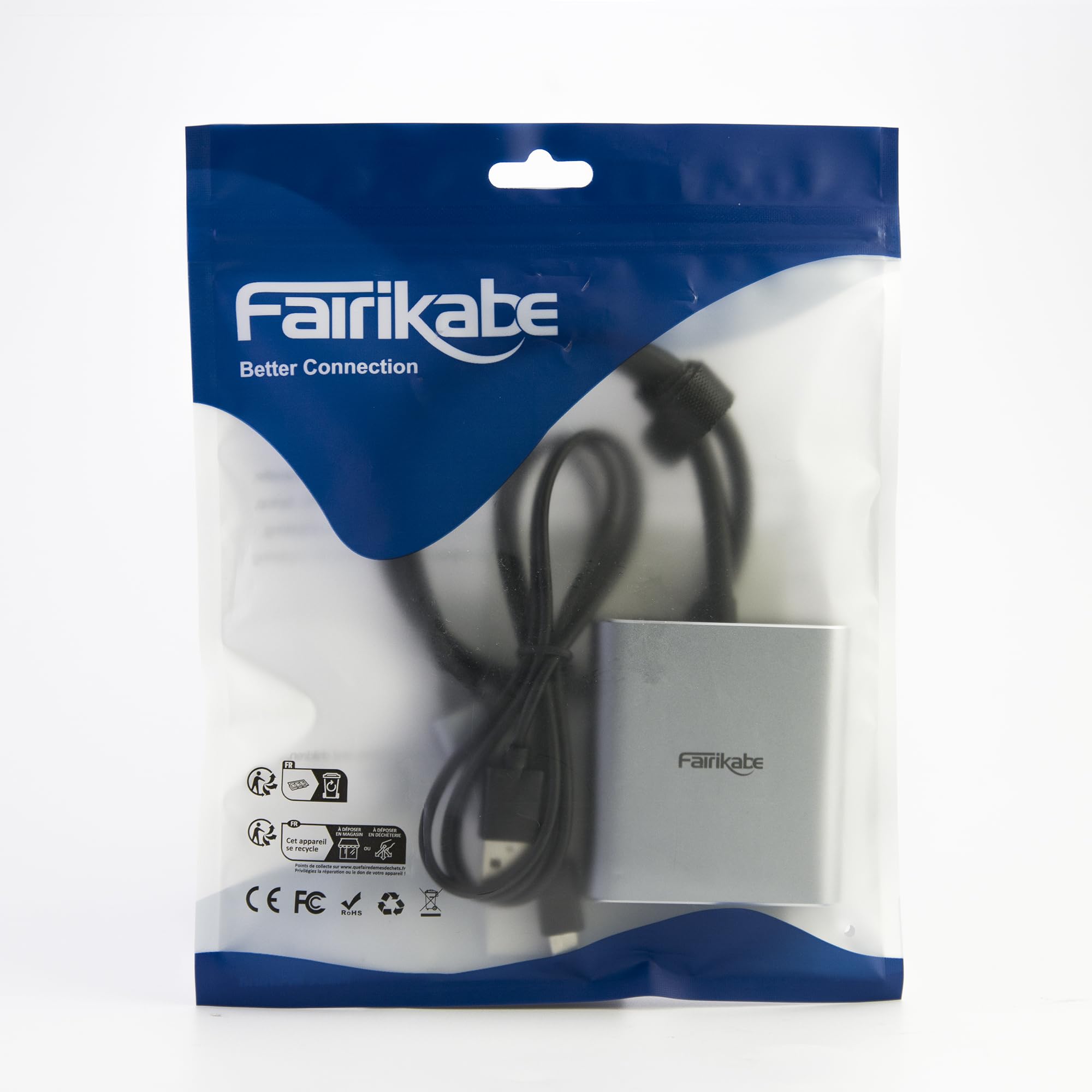


🖥️ Double your screen, double your edge.
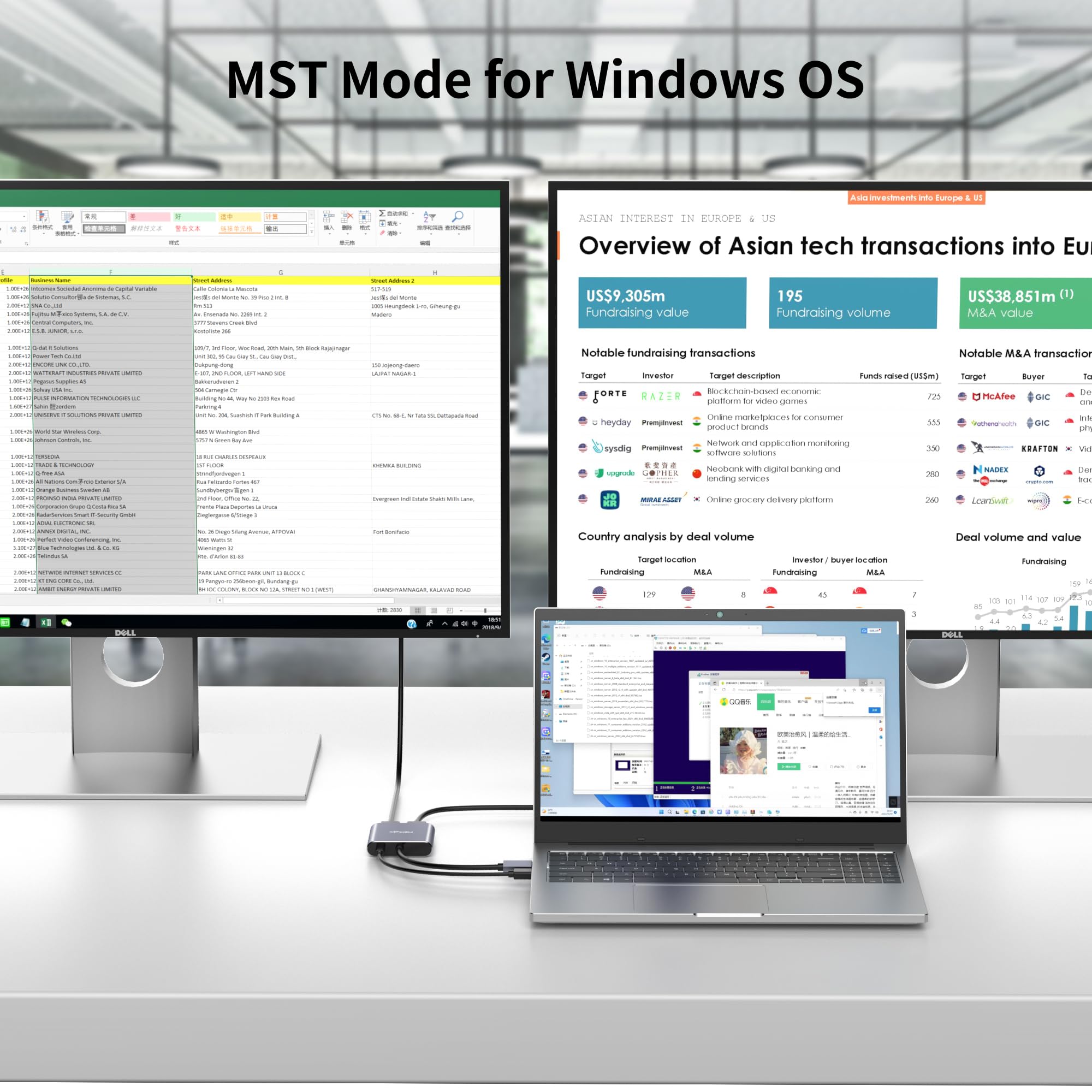
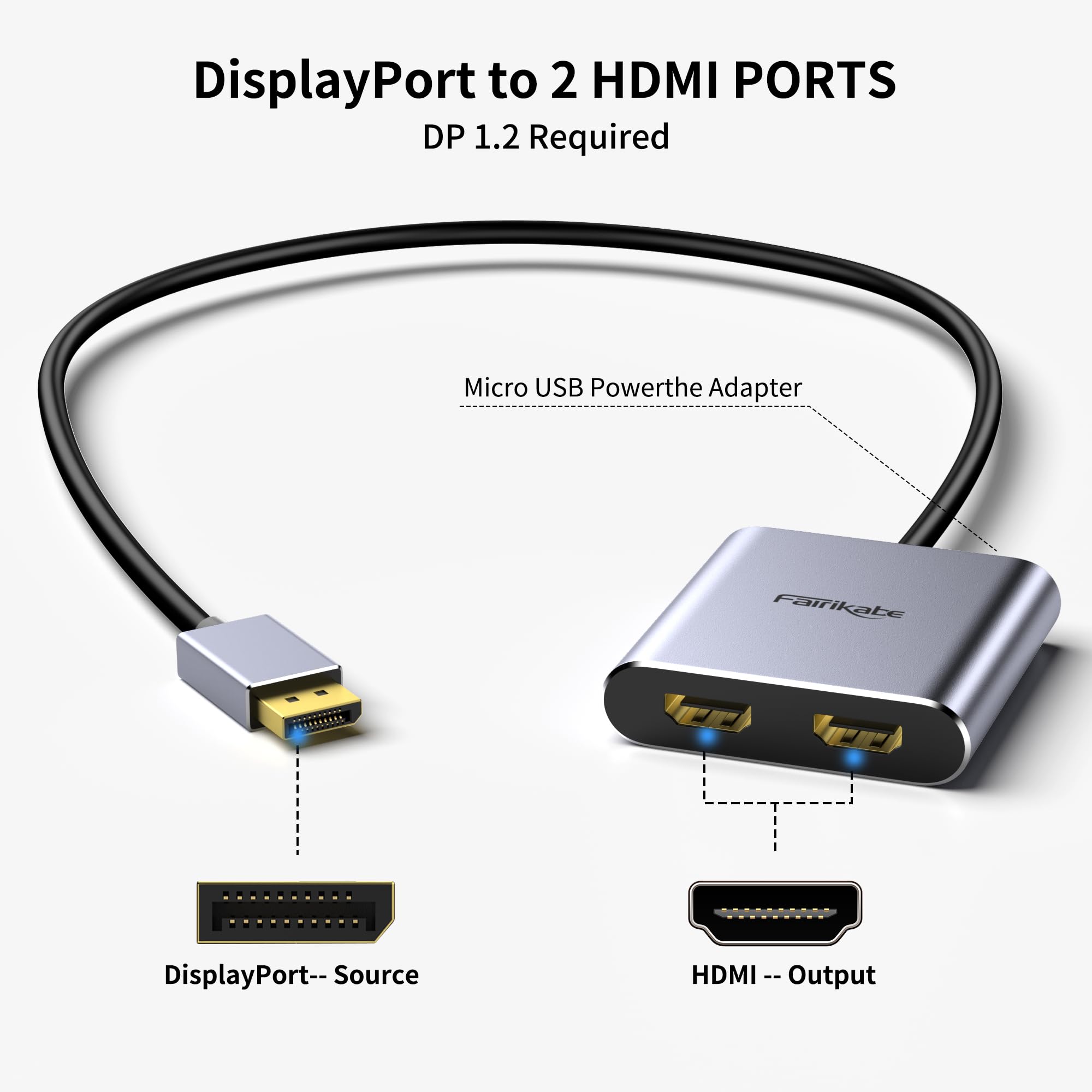
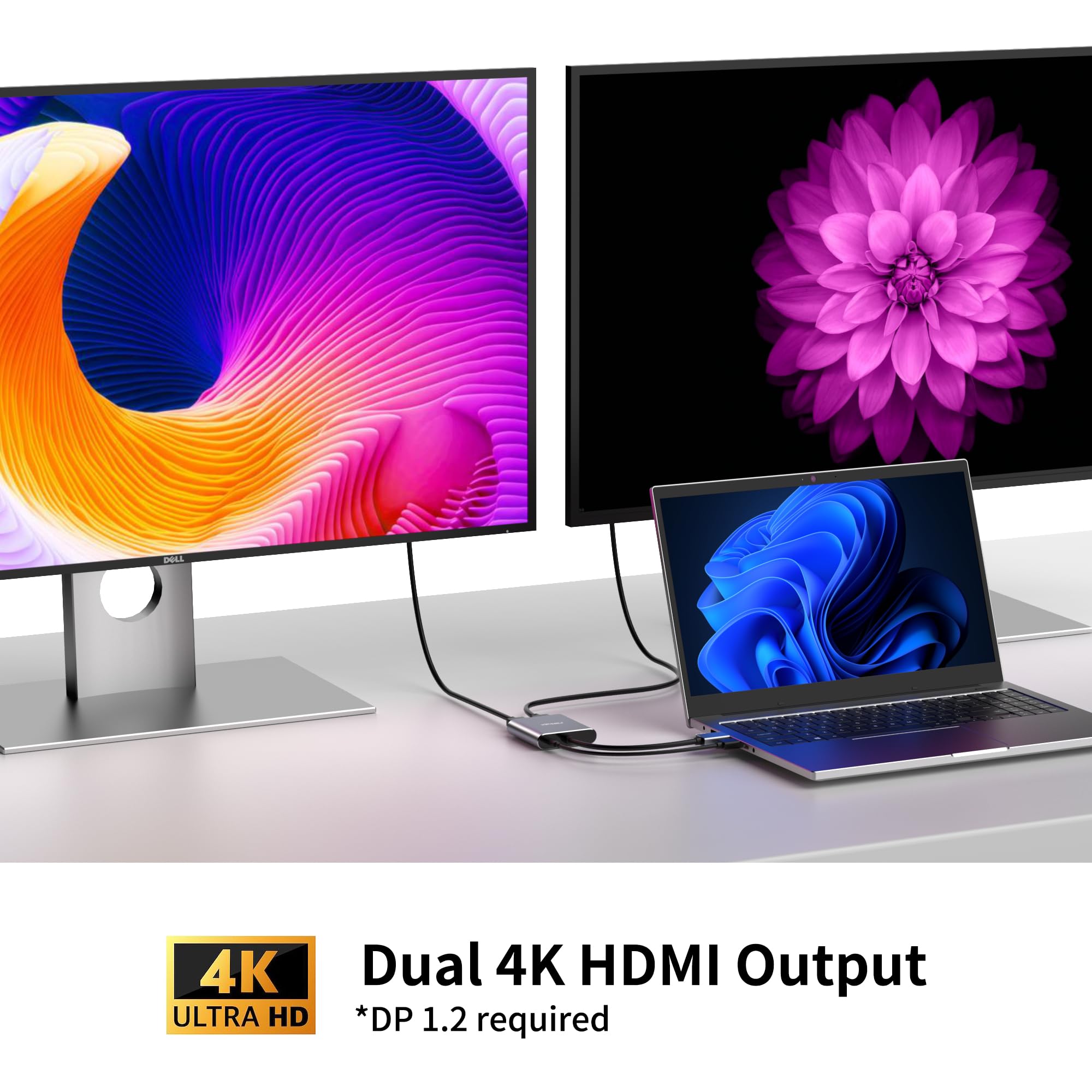
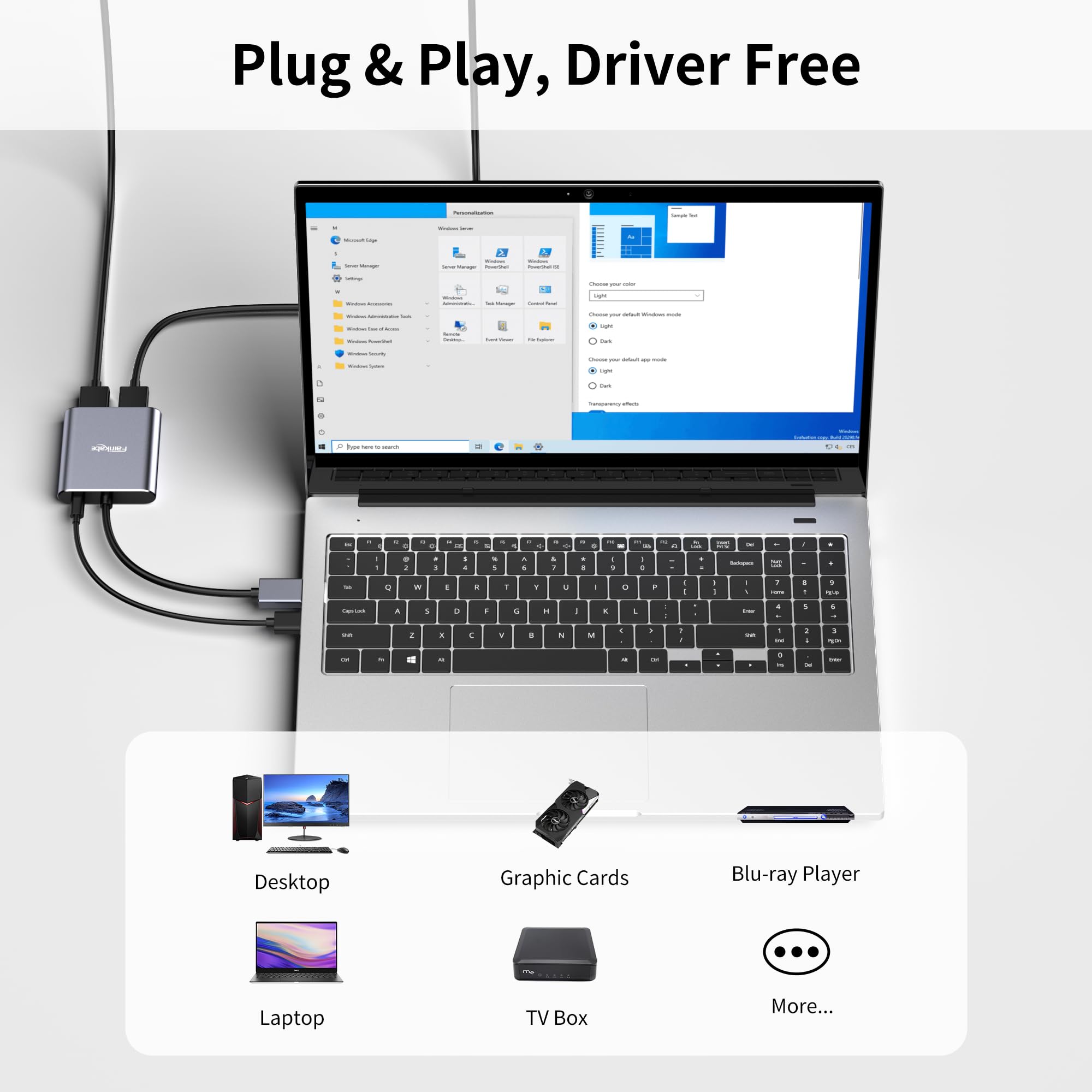
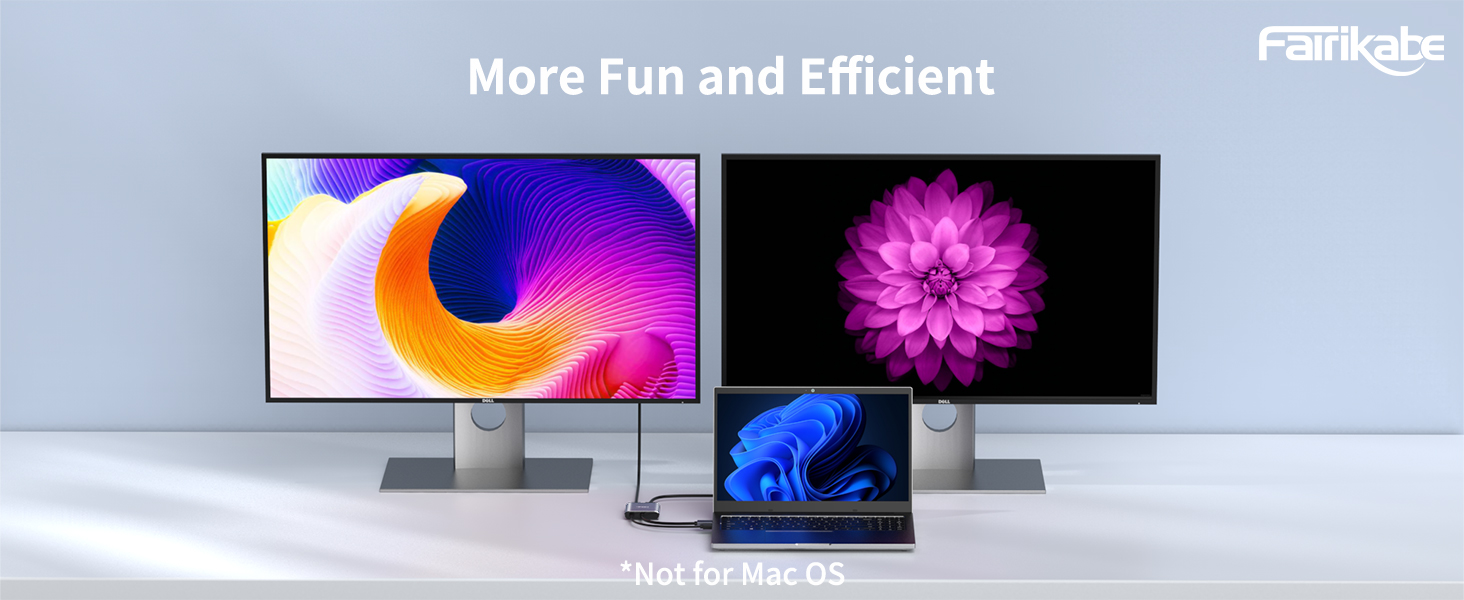
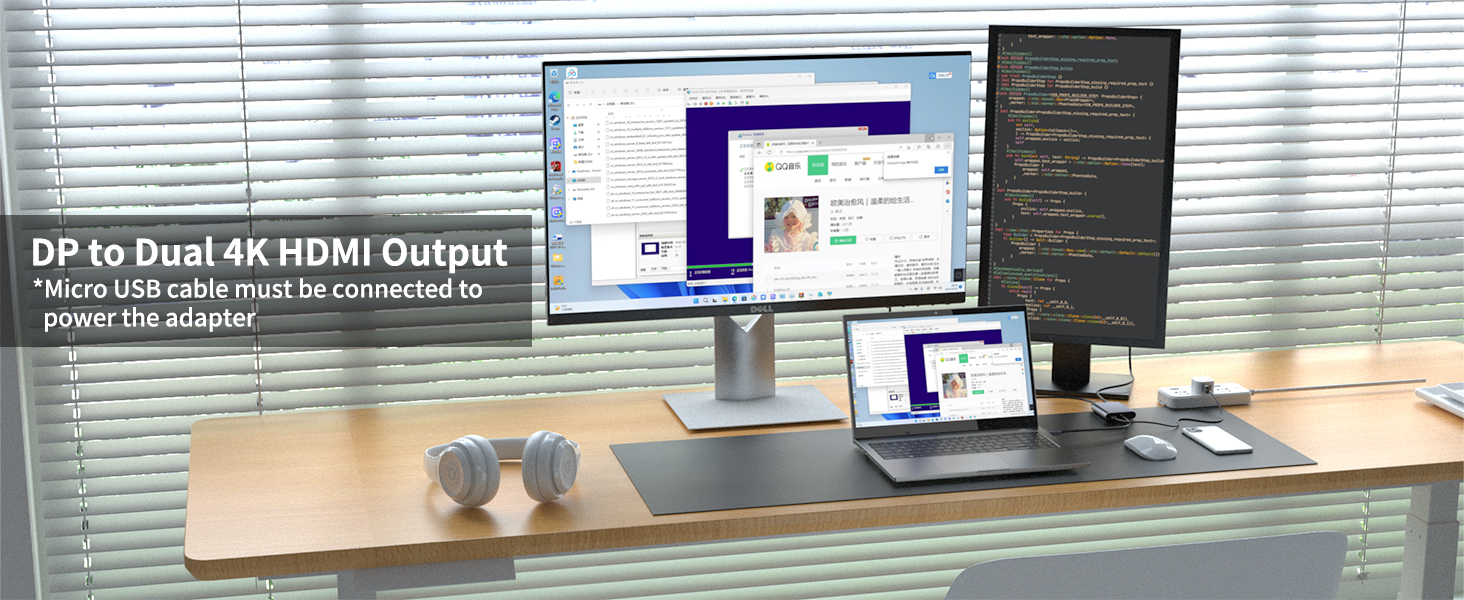
The fairikabe DisplayPort to Dual HDMI Adapter delivers dual 4K 60Hz output for Windows users with discrete graphics, enabling extended or duplicate display modes. Powered via USB for stable operation, it connects directly from DisplayPort to two HDMI monitors without requiring hubs or docks. Ideal for professionals seeking enhanced multitasking and productivity with a sleek space grey finish.



| Finish Types | Hdmi |
| Color | Space Grey |
| Warranty Type | Limited |
| Unit Count | 1.0 Count |
| Item Weight | 0.13 Kilograms |
| Package Quantity | 1 |
| Current Rating | 2 Amps |
| Connector Type Used on Cable | DisplayPort, HDMI |
| Number of Ports | 2 |
| Compatible Devices | Features with DisplayPort PC/Laptop, HDMI monitor/TV/Projector |
| Specific Uses For Product | Transfer video and audio from DisplayPort PC to 2 HDMI Monitors, Monitor, PC |
E**N
Great purchase
works like it should. Using it to extend my laptop to 2 other monitors so I can have independent screens instead of having to tab back and forth to view data. Plug and play, usb 3.0 to 2 hdmi out.
D**Y
Super easy and works great.
This is a plug and play device...no software needed. You do have to plug in the micro USB cable provided into the device and the computer to make it work, though.
T**X
IMPORTANT for it to work
I didn't get instructions, and until a couple of days ago, when my new Dell computer arrived, I had never heard of a displayport, or whatever the thing is. The device was pretty simple to figure out - you plug one end into your computer, then plug your HDMI cords into the two ports. But what I didn't realize is that you also have to plug the adapter into a USB port using the other cord. I had no idea why the other cord was even included, but fortunately I read other reviews and saw that you have to connect both cords to the adapter to make it work. I'm taking one star off because there are no instructions. For older people who aren't computer geeks that keep up with the latest in technology but who are competent enough to set up their own computers with a little aid, even the most minimal of instructions would have been extremely helpful.
J**R
Doesn’t work
Purchased this product in October. I was finally able to use it, due to monitor issues, yesterday. Product does not extend monitors, it only mirrors them. Very irritating.
M**N
Does the job
This splitter does what it should, and I got it in less than 48 hours from.ordering time. Started new position and needed to set up dual monitors, so this was really so much easier than trying to daisy chain and not have issues. Works as it should, I have expanded the desktop to cp er both monitors seamlessly.
B**E
Screens go blank randomly
I have one DVI output on my Dell Windows tower. I bought this to run two Dell monitors that only have HDMI inputs. Initially, the monitors wouldn't work until I switched left and right. I am using them for extended displays. Now the monitors go blank simultaneously at random intervals. I get a message that the monitors are "No HDMI signal from your device". The search lasts about 5 seconds before the monitors come back on. Very annoying.
D**H
Dual monitor adapter works
I wanted to setup a three monitor workstation but I only have 2 display ports on my computer and the monitors were only VGA and HDMI compatible. So I purchased a display port to VGA adapter and this display port to dual HDMI adapter. My Windows 11 computer recognized the device right away and as they say the rest is history.
T**S
Not recognizing dual monitors
I can only get it to mirror each other. It won't recognize that I'm using two screens.One screen is an ASUS monitor, and the other is a Samsung TV that I've used as a monitor before.
Trustpilot
4 days ago
3 weeks ago
![SWITCHFLUX HDMI to DisplayPort Adapter [1 Pack], 4k@60Hz HDMI to DP Converter, Aluminium Male to Female Adapter Compatible with PC, Graphics Card, Laptop and More](https://images-na.ssl-images-amazon.com/images/I/71qi4DhF8yL._AC_UL116_SR116,116_.jpg)