We remain fully operational. Our teams are working around the clock to ensure your deliveries continue safely.

DOWNLOAD THE APP


Customer Services
Copyright © 2025 Desertcart Holdings Limited
DOWNLOAD THE APP
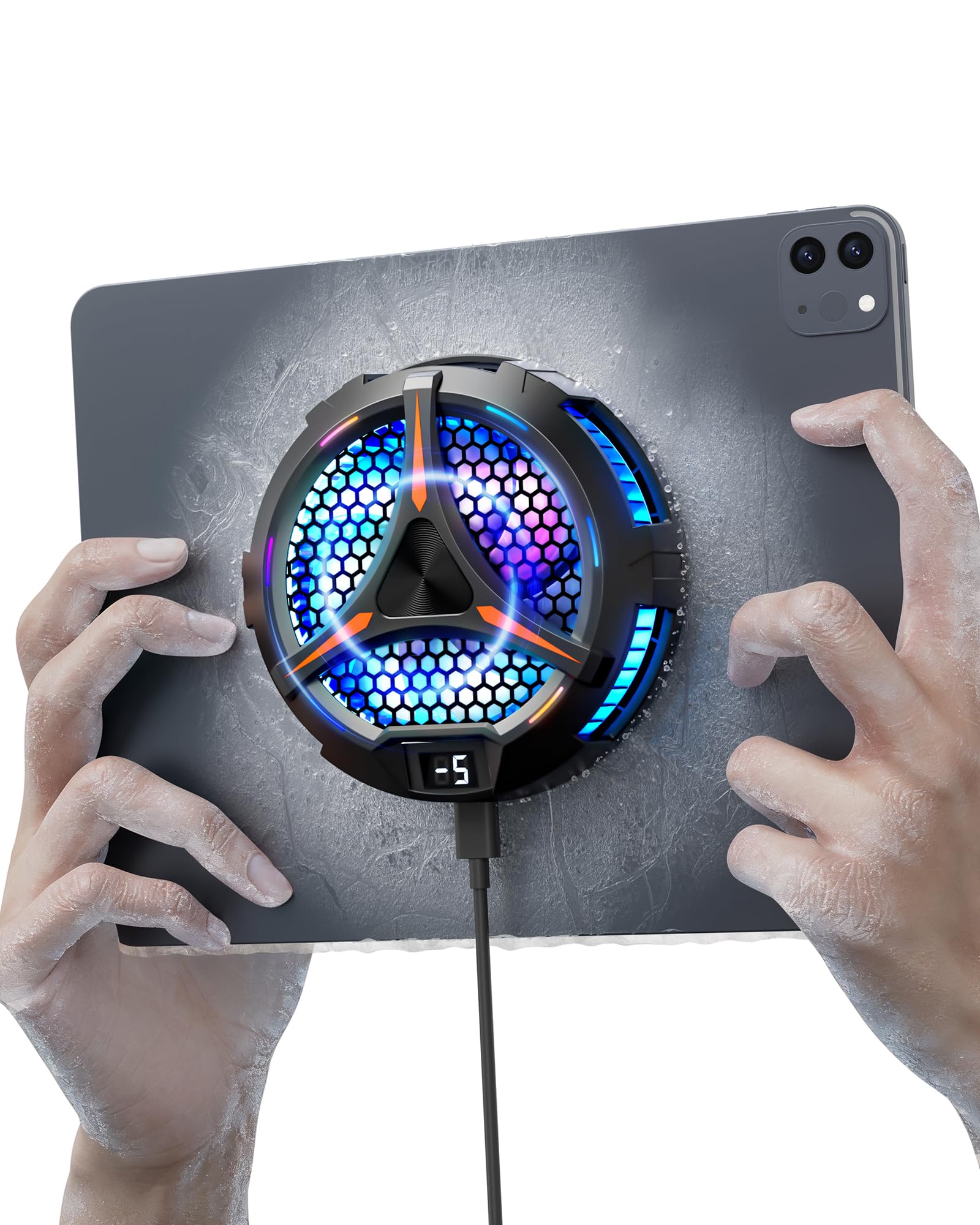

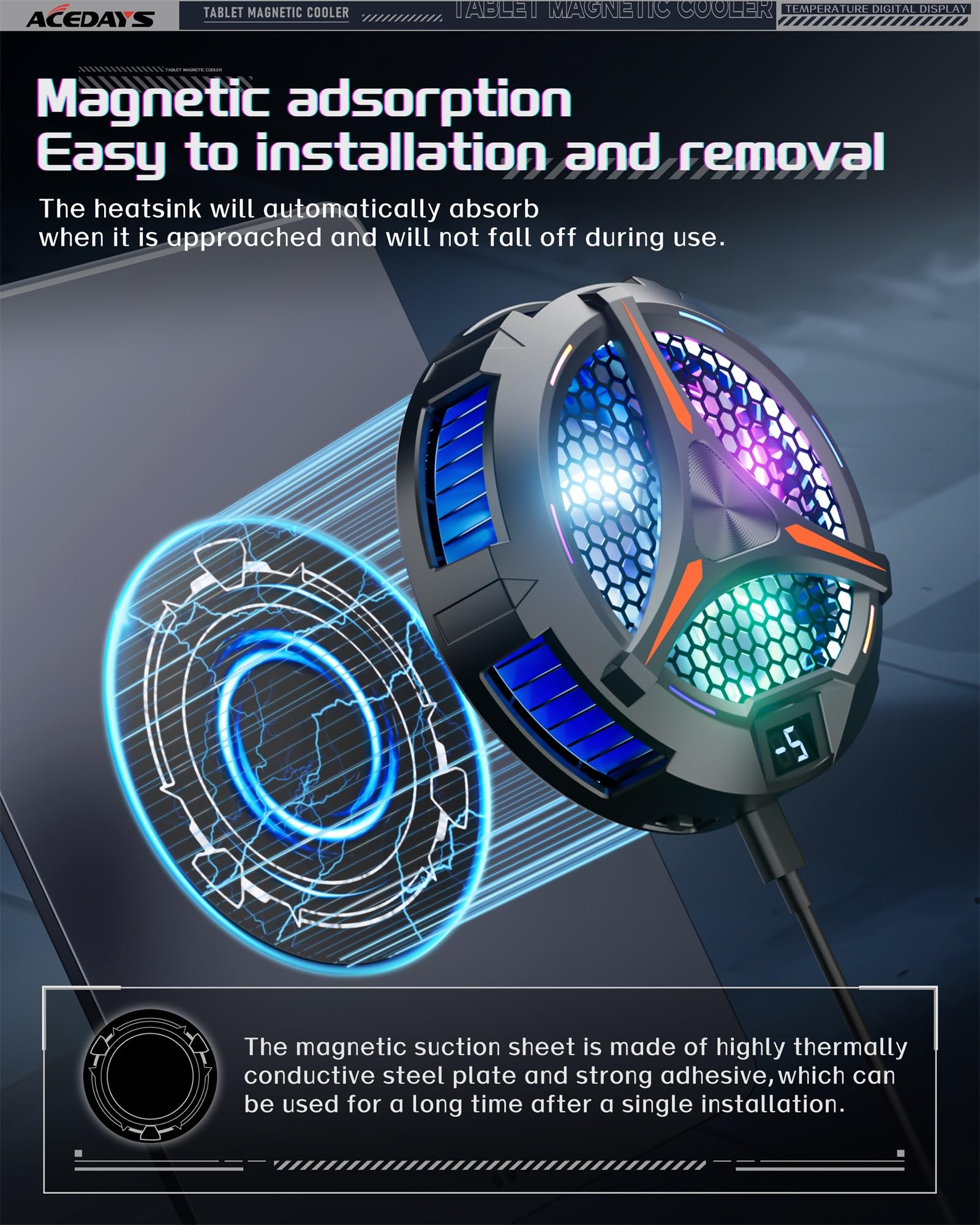
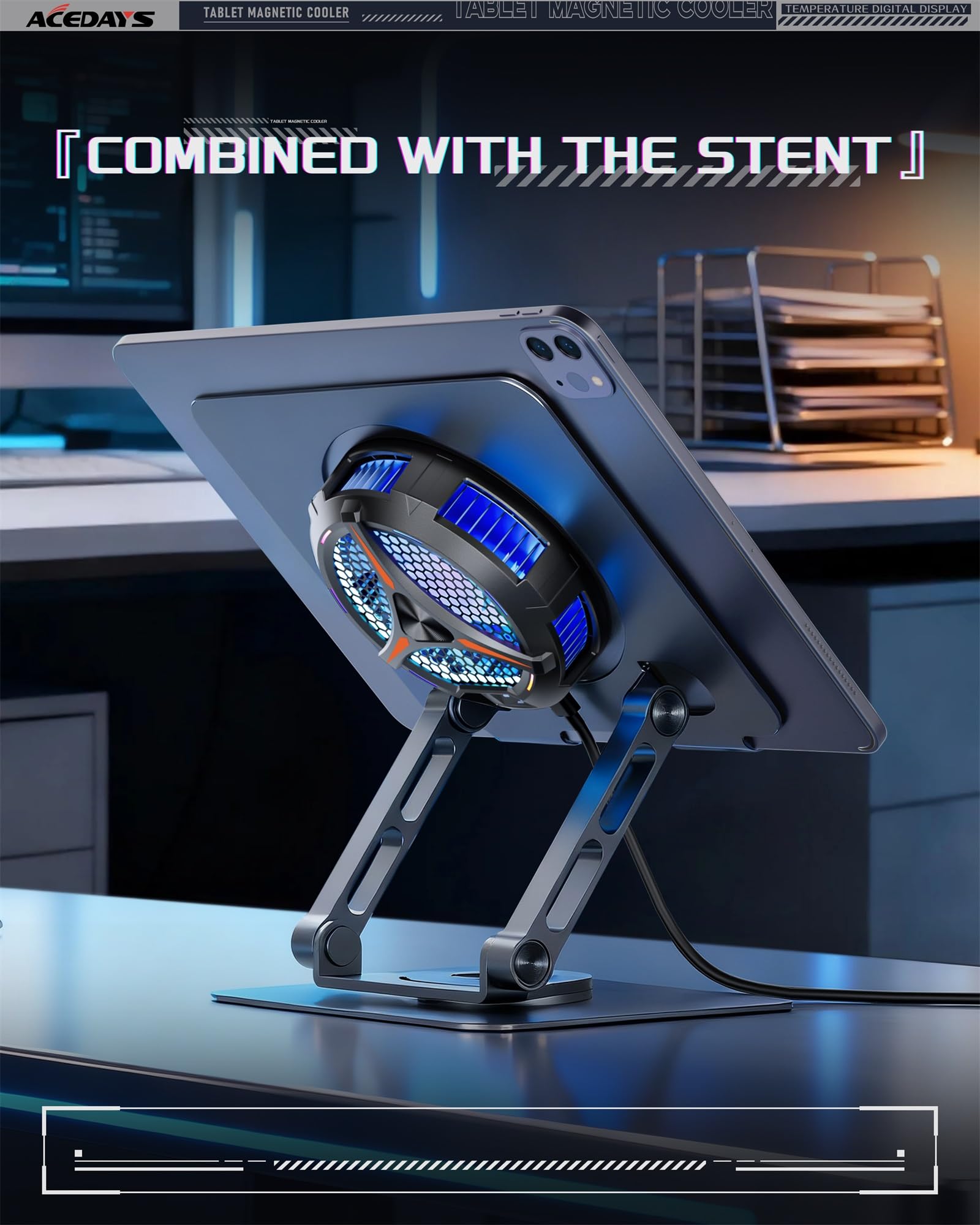
❄️ Stay Chill, Stream Strong — Cool Tech for Hot Hustles
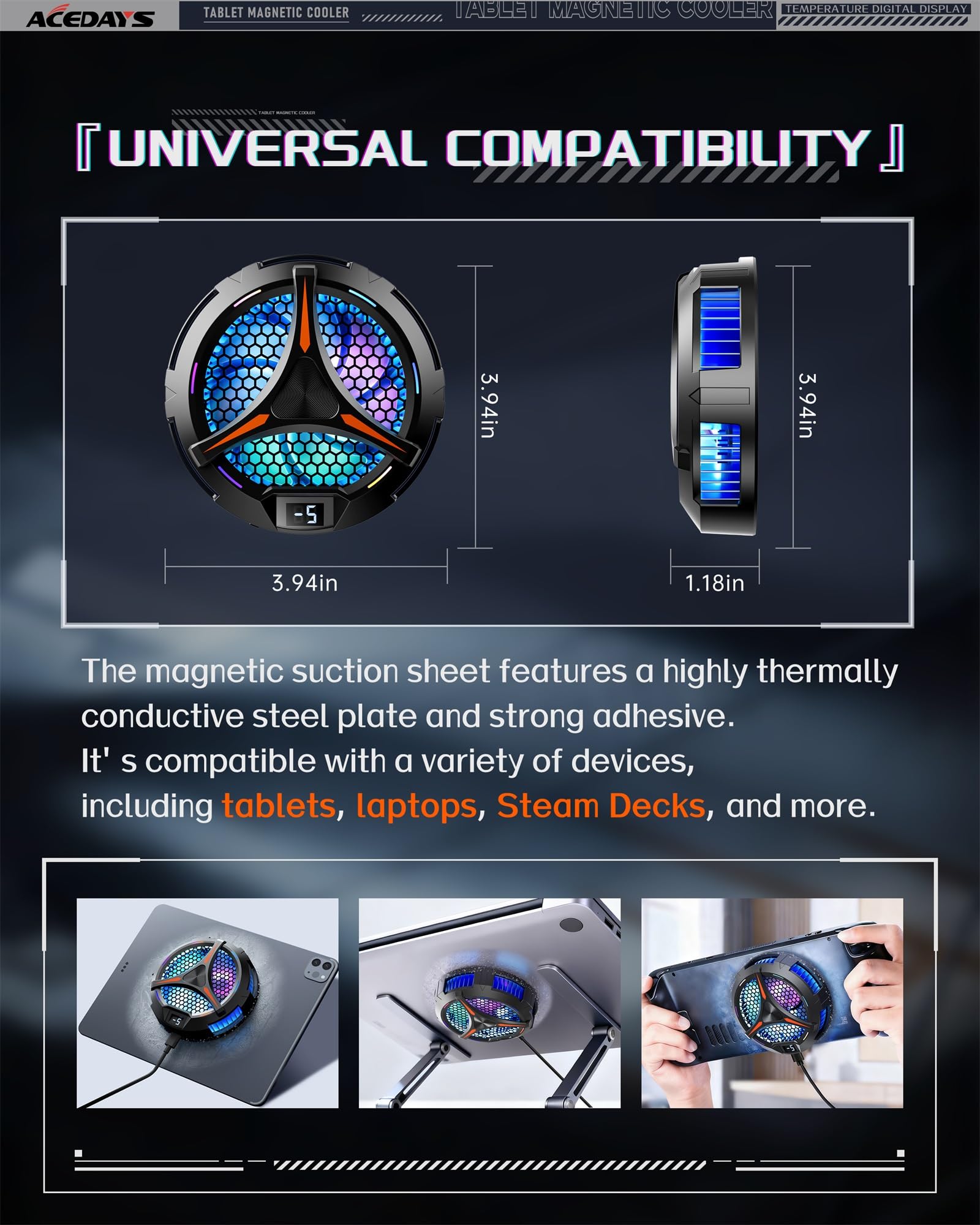
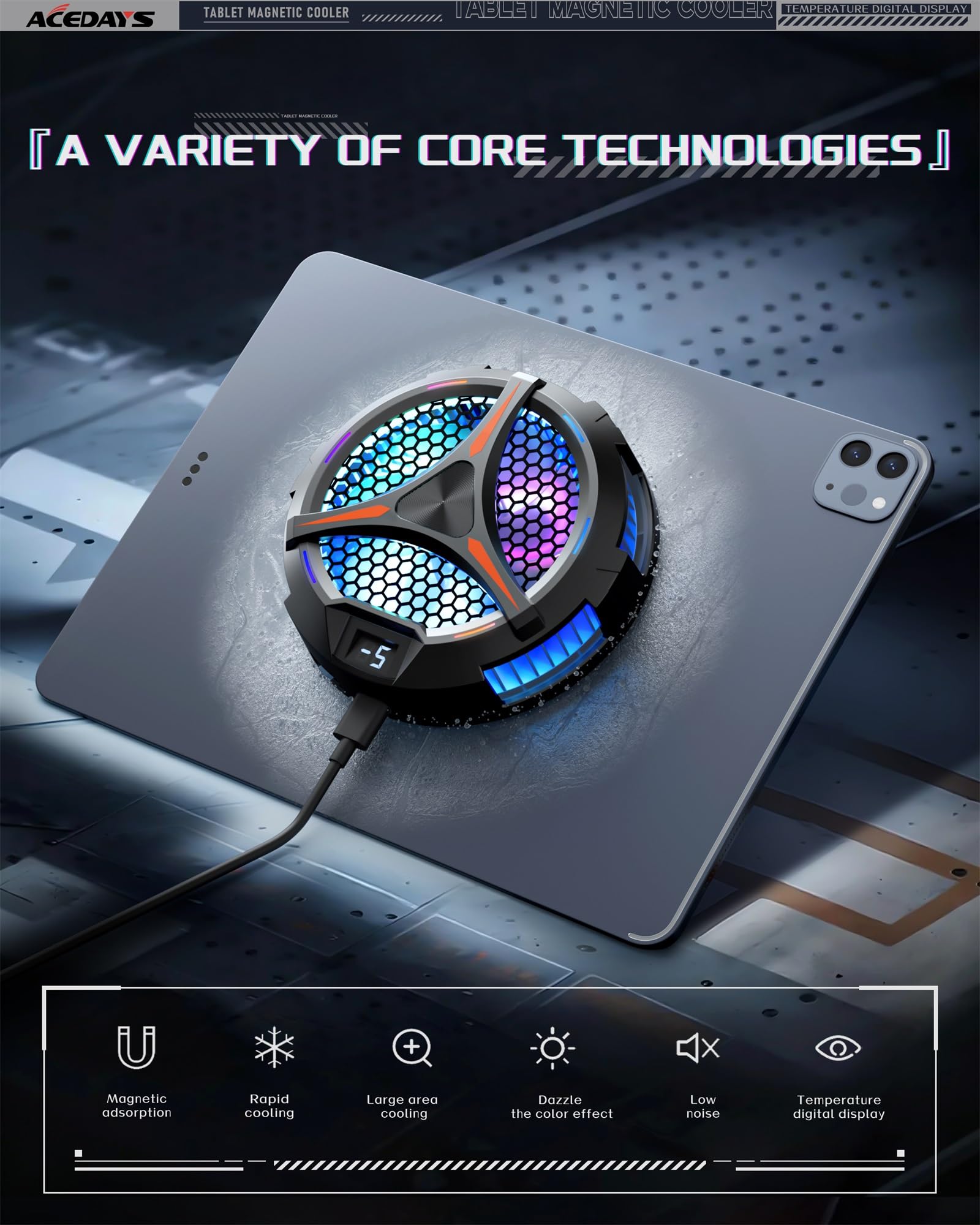
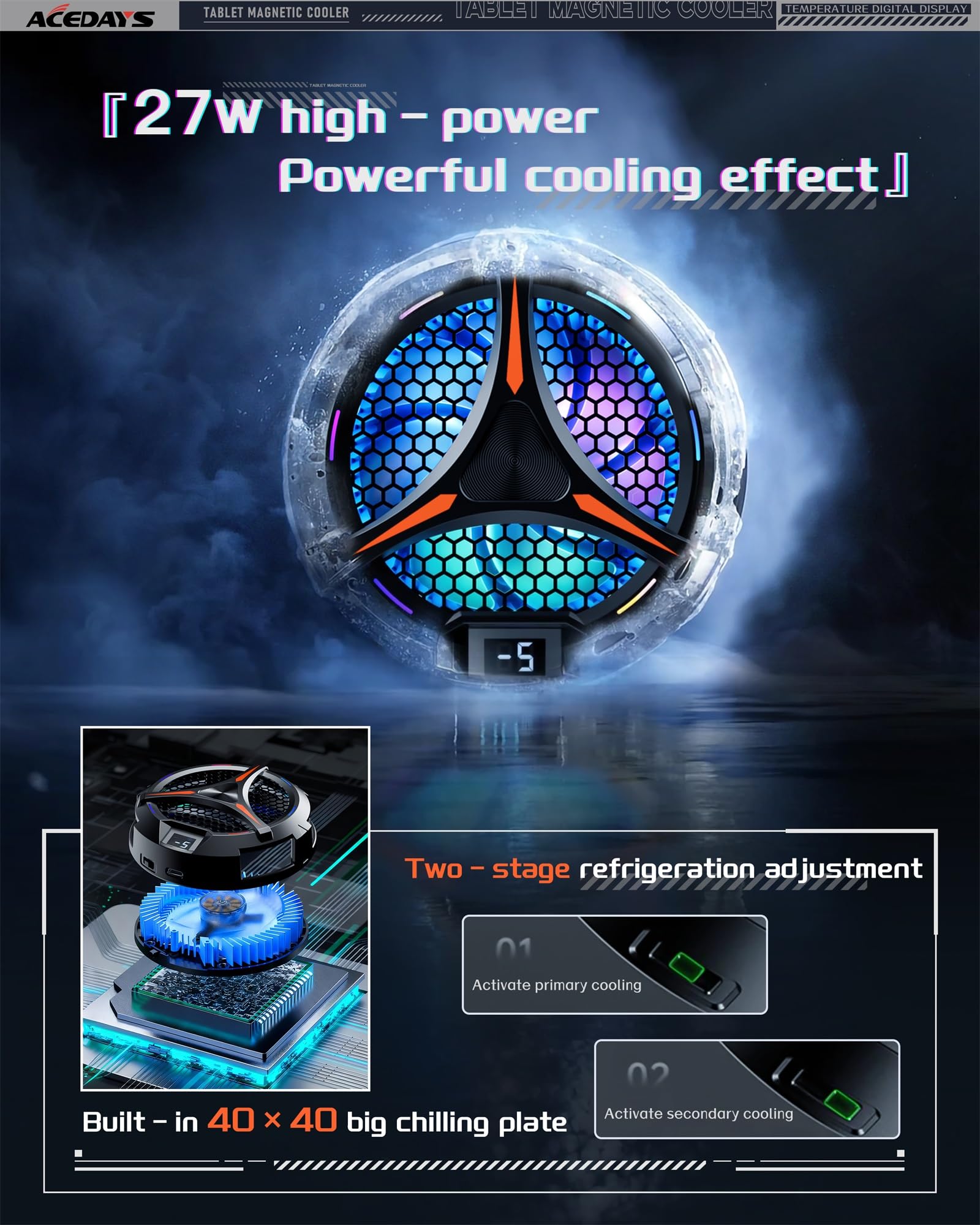
The ACEDAYS iPad Cooler is a cutting-edge magnetic tablet cooler designed for professionals and gamers who push their devices hard. Featuring a 20W semiconductor cooling system, it rapidly reduces device temperature to prevent thermal throttling during intensive tasks like live streaming, video editing, and gaming. Its strong magnetic attachment ensures a secure fit without bulky mounts, while the LED temperature display keeps you informed in real time. Compatible with tablets and laptops up to 13 inches, including iPad Pro, Surface Pro, and Steam Deck, this sleek cooler delivers whisper-quiet operation and vibrant LED lighting, making it an essential accessory for maintaining peak device performance and extending hardware lifespan.


| ASIN | B0C7PC3155 |
| Best Sellers Rank | #55 in Computer CPU Cooling Fans |
| Brand | ACEDAYS |
| Color | Black/Red |
| Customer Reviews | 4.4 4.4 out of 5 stars (464) |
| Date First Available | June 27, 2023 |
| Item Dimensions LxWxH | 3.94 x 1.18 x 3.94 inches |
| Item Weight | 8.8 ounces |
| Item model number | AD-ipad cooler 01 |
| Manufacturer | South City Inc |
| Power Source | dc |
| Product Dimensions | 3.94 x 1.18 x 3.94 inches |
| Series | Tablet cooler |
Z**E
Magnetic iPad Cooler That Actually Reduces Throttling on Sustained Compute Workloads
Running intensive apps on an iPad Pro M4 for extended sessions generates meaningful heat, particularly during video editing, running complex apps like LumaFusion, or using the device as a secondary display through Sidecar for extended periods. While the M4 chip is considerably more efficient than the processors it replaced, sustained workloads still result in thermal throttling on iPads over time, and that throttling manifests as noticeable performance reduction in compute-heavy tasks. The ACEDAYS magnetic tablet cooler came through the Vine program and I tested it specifically on the iPad Pro M4 in scenarios designed to stress the thermal management. The cooler uses a magnetic attachment mechanism that holds it against the back of compatible iPads and tablets without requiring any bracket, clip, or stand modification. On the iPad Pro M4 with its flat aluminum back, the magnetic hold is firm and the cooler does not shift or wobble in normal use. The magnetic strength is sufficient to hold the unit securely even when picking the iPad up and carrying it. The fan inside the unit is more powerful than I expected for the compact form factor. It runs noticeably quiet at lower speed settings and ramps up smoothly to higher output when you push it. The noise level at maximum is present but not disruptive in a normal work environment, and for most use cases the medium speed setting provides adequate airflow without significant fan noise. I tested thermal performance by running a sustained video render in LumaFusion that normally takes the iPad into significant thermal throttling after about eight to ten minutes. With the cooler attached and running at medium speed, the render completed faster than baseline and the system did not trigger the same degree of thermal throttling I observed without the cooler. I measured the back temperature of the iPad during the test and the cooler-side surface was noticeably cooler than a non-cooled reference session. The USB-C connection for power draws from the iPad itself, which is a consideration if battery life is important to your use case, but the power draw of the cooler is low enough that the performance benefit in sustained compute tasks offsets the battery cost. For iPad Pro users who regularly do sustained intensive work, this magnetic cooler is a practical accessory that delivers measurable thermal improvement. It does not eliminate heat but meaningfully extends the thermal headroom before throttling, which translates to more consistent sustained performance.
H**R
A little air goes a long, long way!
The tl;dr - this thing works *brilliantly*. Long version: I have a Surface Pro 9 which I use as an art tablet, and from which I'll sometimes stream my artwork. Running Clip Studio Paint and XSplit at the same time, while driving an external monitor and recording the stream to an external drive is kind of a lot of work for the SP9. The CPU is up to it, but there's no cooling inside a Surface Pro. The back of the device gets hot enough to deliver 1st-degree burns. Seriously. Sometimes the FRONT of the device would get hot enough that it would be uncomfortable to rest my hand on while I was drawing. But the real problem is that when it gets hot it starts dropping frames. I suppose that's better than it overheating and dying, but for the stream the end result is the same: no stream. I used to aim an external fan at the back of the Surface Pro, and this did an okay good job, but it was noisy and inconvenient. Enter the ACEDAYS cooler. I stuck the metal ring to the back of the Surface Pro, a bit to the left of center, where the device got the hottest. This off-center attachment let me keep the tablet mounted in a clamp, while still making room for the fan. The fan, by the way, is so quiet sometimes I forget to turn it on. I'm running an in-line rocker-switch to turn it on and off, which is more convenient for me than reaching around behind the tablet to flip the switch. It works brilliantly. No dropped frames, and the Surface Pro never gets hot. The LEDs flashing around the ring of the cooler would probably be annoying, but I can't see them from the front of the device, so that's not a "me" problem, it's a problem for people on the other side of the room. RECOMMENDATION: If you use a Surface Pro in any sort of an intense capacity, if it's getting hot to the touch, YOU NEED THIS FAN. It'll extend the life of your device, and it'll make your apps run more smoothly because the CPU thermostat won't have to throttle things back when it gets hot.
S**W
Powerful cooling
This cooler really cranks out the cold. It's impressive vs other coolers. This one is larger so won't fit on some devices as it's designed for tablets. I'm using this on my rog ally but I have a aftermarket back cover on my ally that has a heat plate and thermal pad to the apu so this thing makes a big difference in temps as it's cooling the heat plate and helping dissipate the heat quickly. The factory cover on the ally won't be as effective as it would just be cooling the back cover as there isn't any contact. It does cover a few of the vent holes but this keeps my temps in the 70s at 30 watt turbo and mid 80s if I have cpu boost on with lower fan rpms vs maxing out at 95c and throttling and fans ramping up to max with factory cover and no cooler. Make sure to place the clear film correctly as it helps prevent condensation getting inside which you don't want inside device after long playing sessions. Make sure to use an adapter that can do 9v not just 5v if you want to get the full potential out of this. If you have a steam deck, this one will be a little too big and cover the vents on the back so stick with the smaller one for steam deck. You'll also want the jsaux cooling backplate so you have direct contact with the thermal plate and pads or you'll just be cooling the back plastic mostly. This is by far the strongest magnetic cooling fan I have tried.
M**.
Works As Intended But Annoying
It will definitely cool your device. My only problem is that there is no way to shut off the lights while it is on. Been trying to figure out how to open this thing up so I can unplug them without damaging it but no success. If the lights could be shut off this would be a 5 out of 5.
M**.
Work very well with my ipad while gaming
R**D
Esse realmente funciona, é um cooler relativamente grande, de fato maior do que os de celulares...abaixando bem a temperatura do tablet... Valendo muito a pena o custo e o benefício que entrega.
ف**ه
انا العب ببجي ومره حلو بس عيبه ان السلك قصير
S**R
Empfehlenswert, kühlt gut hält auch gut
B**.
Rien à voir avec le modèle de l’annonce. Il est plus petit 6cm et pas 10cm. C’est un refroidisseur de telephone pas pour tablette
Trustpilot
1 month ago
1 month ago