
🚀 Elevate your WiFi game—fast, secure, and everywhere you need it!
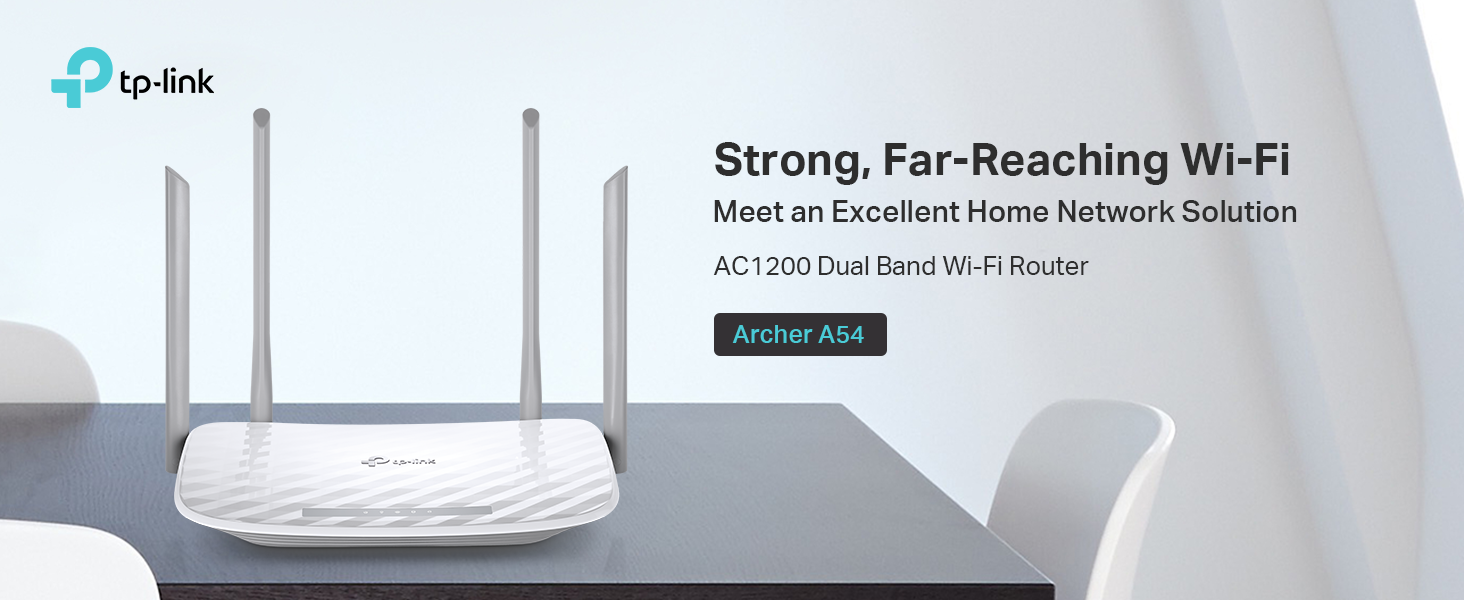
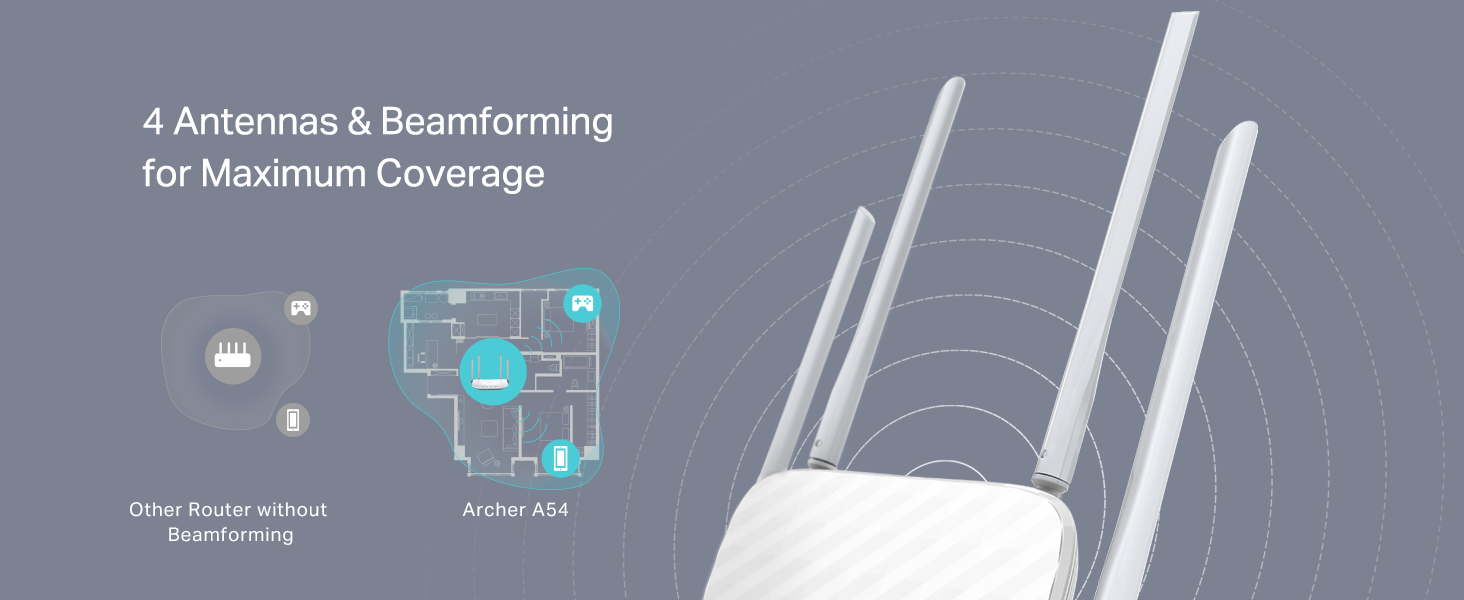
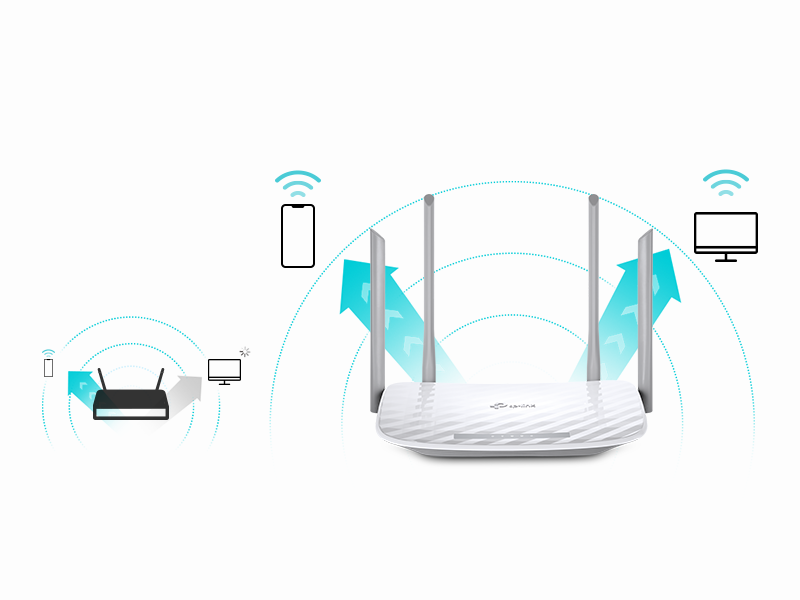
The TP-Link Archer A54 AC1200 WiFi Router delivers dual-band speeds up to 1200 Mbps with 4 external antennas for enhanced coverage. Featuring WPA3 security, EasyMesh compatibility, and intuitive app management, it’s designed to provide stable, secure, and seamless wireless connectivity for modern homes and professionals.


| Wireless Type | 802.11n, 802.11b, 802.11a, 802.11ac, 802.11g |
| Brand | TP-Link |
| Series | Archer A54 |
| Item model number | Archer A54 |
| Item Weight | 1.45 pounds |
| Product Dimensions | 5.7 x 9.1 x 1.5 inches |
| Item Dimensions LxWxH | 5.7 x 9.1 x 1.5 inches |
| Color | white |
| Voltage | 240 Volts |
| Manufacturer | TP-Link |
| ASIN | B09G5Y1HWZ |
| Country of Origin | Vietnam |
| Date First Available | September 29, 2021 |
F**N
Ease of Installation for those that are clueless to network connectivity.
25 years ago, I installed server systems, terminals, printers, and network routers. All that networking equipment had to be set up with laptops directly connected to the routers' ports. Nothing was autosensing. I enjoyed it, but I knew what I was doing. Fast forward to today. I had to replace my own 25-year-old router because new laptops would not connect to it due to upgraded security software. I thought, Oh boy. I bet this is going to be a trip. I had forgotten most of what I knew; besides, I knew nothing about this new stuff. I picked this TP-Link AC1200. It was inexpensive, but we didn't need anything robust since we are not gamers. First of all, I ordered it on Amazon at about 3 pm. 8:30 pm, a car backs into my driveway. They delivered the router in less than 6 hours. Incredible! Today I went to install it. I was expecting a bit of a hassle with configuring this thing. After physically connecting the two cables —the power cord and the network cable —I powered it on. I went to my PC. The TP-Link showed up in my available networks. I click on it. Put in the password supplied. Got connected, but I had no internet connectivity. Ahh! I had to disconnect a cable from my MAIN in-house router, then reconnect it so that the router ID would be discovered. I went back out to the shop, clicked on Safari (I have an Apple MacBook). Wala, I'm IN. I could NOT believe how easy the installation went. No glitches, smooth operation, and my network is all updated. I know how networking operates, but I am clueless about all the newer equipment since I've been out of the field for almost 15 years. So, even a stupid person like me can set up this equipment that used to take a lot of training 25 years ago. This inexpensive wireless router is absolutely outstanding. I usually do not write such long reviews, but I could not let this pass without adding my thoughts about the TP-Link AC1200 WiFi Router. I'm so glad these routers were not around when I was in the field. If they had been, my great-paying job would not have existed. Now that I am retired, I'm happy for them, so I can still dabble on the Internet.
T**C
Exactly what I needed
I was having issues with my work VPN blocking my internet when hooked to the T-Mobile router. I added this router to the T-Mobile 5G as an additional router. It gives me flexibility of what devices connect where. I saw many recommendations not to use both of them as routers, but did and it works perfectly. The coverage is excellent and fit nicely on top of a bookshelf along with the T-Mobile router. I love the ability to separate out my smart devices into a network dedicated solely to them, which the TP-Link is easily setup to do. I have a network setup for work on this router and generally use the T-Mobile router for anything other than the smart home devices.
I**D
Amazing price + excellent quality
Super easy set-up, and it qualified for overnight shipping as well so I was without internet for only one evening. The router is incredibly lightweight and works wonderfully, even after a month. I haven't had any issues with WiFi coverage throughout my home either. Overall, I'm super pleased with this router and would highly recommend it to others. The price alone is such a steal!
D**Y
good price and easy to install and get working
instructions are easy to understand and signal strength is great. Range seems like it does the job well.
B**H
Finally, a TP-Link That Just Works!
After wasting 12 hours trying to set up the TP-Link TL-WA801N, I was nervous to try again—but the Archer A54 was a total relief. Setup took under 30 minutes with the Tether app, no typing IP addresses or dealing with PoE injectors. I easily created a 2.4 GHz IoT network for my smart plugs, bulbs, and Echo devices. Speeds aren’t huge (~20 Mbps), but for IoT it’s perfect. Simple, reliable, and stress-free. Highly recommended!
G**R
Better than expected for the price
This wireless router is awesome. The range reaches through out the entire house. No signal drops at all.
M**R
Kind of expensive for a paperweight!🤔🤨🙄😒
Well, I needed a new router as the one for Speculum was blocking a program I need to use, which needs Internet connection to function. Anyway, I had an old Zyxel one which seems to have died, despite hardly ever being used & siting in a cool dry closet for the last several yrs. At any rate, I refuse to pay $100+ for a router or a modem, which is sadly the case for most these days for what reasons, I don't know! So, I looked through what Newegg & Amazon had to offer, & for what was w/in my reasonable price range-under $50! & this one seemed to get great reviews, although I am confused as to how that happened, cause this thing is a useless piece of crap!!🧐🙄😒 I have NEVER had so much difficulty trying to config a router in my nearly 30 yrs of experience w/both computers & networking! I wasted a grand total of over 8 hrs on this thing, & STILL never got it setup! It should take a max of 30 mins to do so! & I need to set a static IP address for the aforementioned prog I needed to get this router for, & everytime I set it, & then hit SAVE, the damn thing timed out, & gave me an error code. I called their USELESS incompetent tech support, & the 'genius' I spoke to there didn't know what the error code even meant! 🤦♂️ She said I had to call back later to speak someone who actually knows what they are doing! Not her exact words, but roughly translated from tardo to English, that is what she was saying!🧐 I was exhausted from being up all night, & crashed, & when I woke up several hrs later, I tried in vain yet again! I even DL'd & installed the latest firmware update for it-this had literally NO EFFECT whatsoever on the problem, BTW!🙄😒 & now, it can't even load the settings page at all for this thing, regardless of what IP address you type into the address bar in the webbrowser!🤬 & their useless 'tech support' just basically told me to call my ISP to have them walk me through this problem! Claiming they couldn't help me set a static IP address in it! Not that it even matters when I cannot even get into the router's settings page!🙄😒 & BTW, Speculum refused to give me the static IP address info too!. It's literally just a set of #'s!🙄😒🤦♂️ At any rate, if Zyxel's current crop of routers weren't all $100+, I'd just buy one of theirs, as their tech support aren't incompetent, & they will actually help you, & their products aren't useless crap! So, I am returning this paperweight, & will buy a diff 1 which is hopefully far better w/far better tech support, & not too expensive, & hopefully actually works w/out crashing everytime you save any settings changes you make, & doesn't fail to open up the IP address page for said settings on the thing too!! BTW, I'd have given tech support 0 stars, but they won't allow you to!
T**S
Works excellent and I got it for a great price through Amazon
Keeps my Internet going strong
Trustpilot
2 weeks ago
3 days ago



