

Desert Online General Trading LLC
Dubai, United Arab Emirates
Desert Online General Trading LLC
Dubai, United Arab Emirates


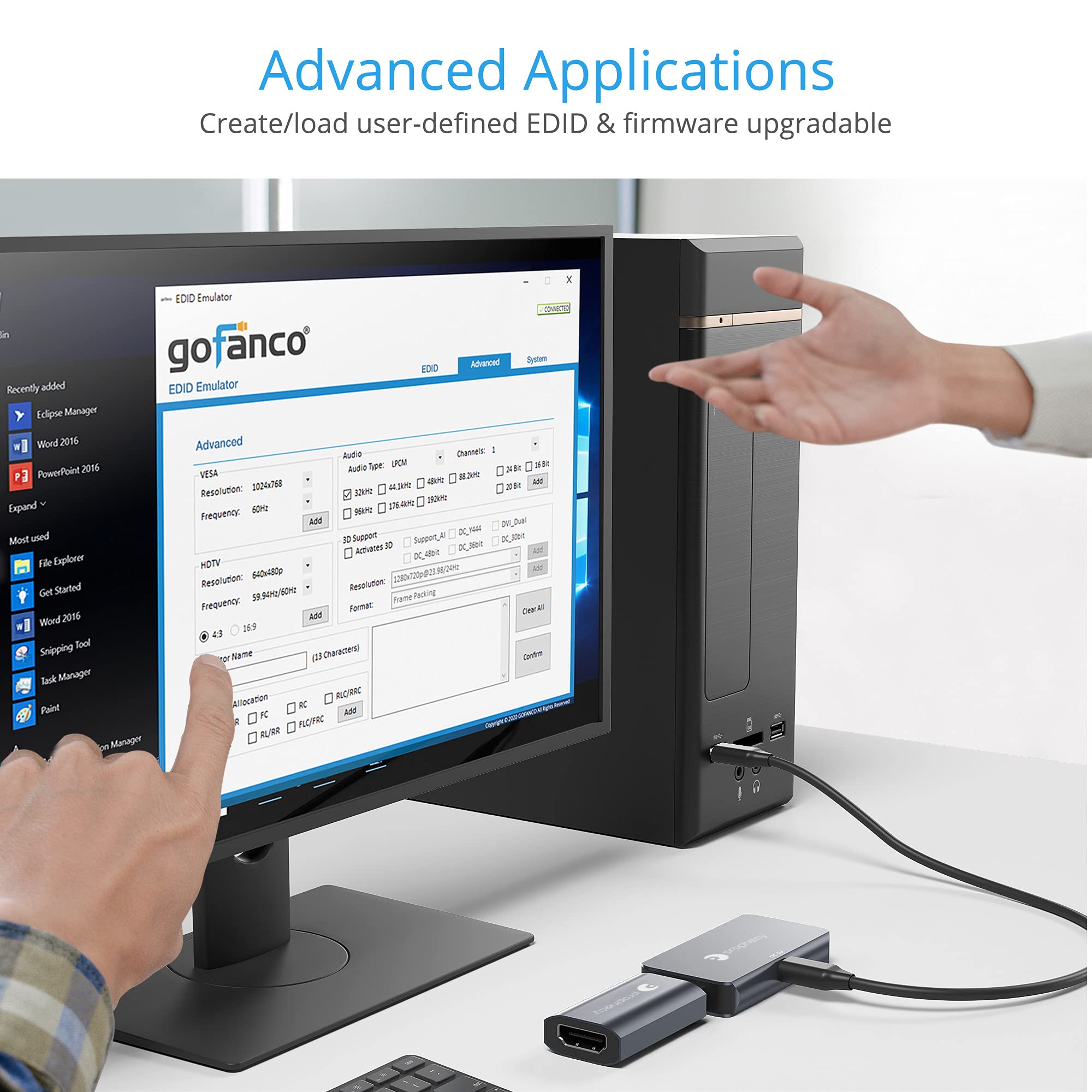


⚡ Master your display setup like a pro—no more guesswork!
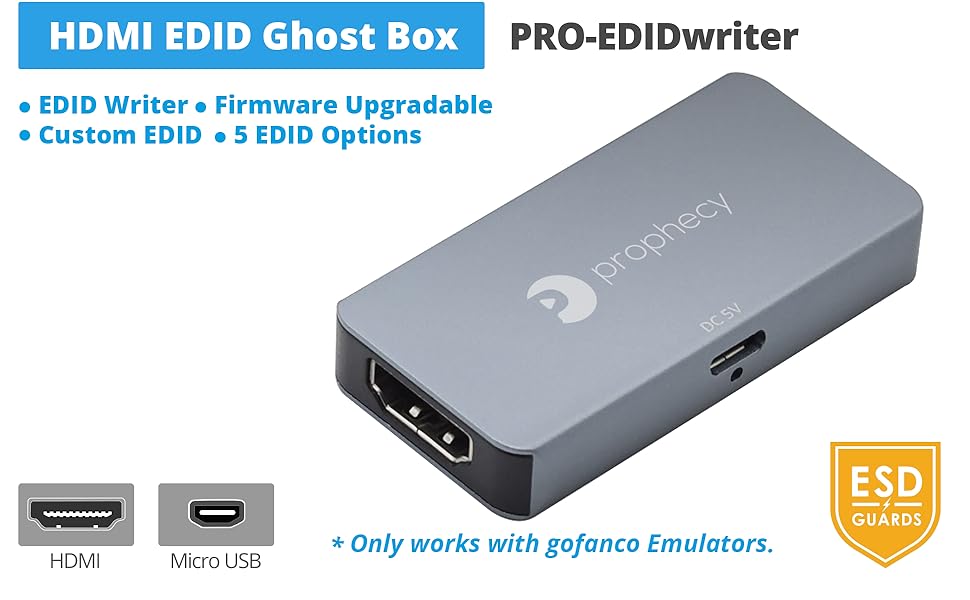
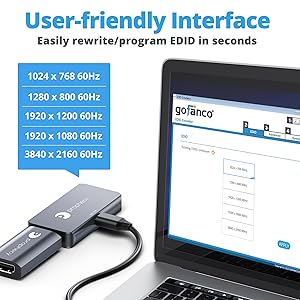
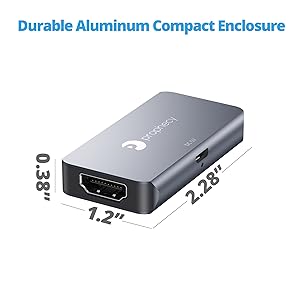
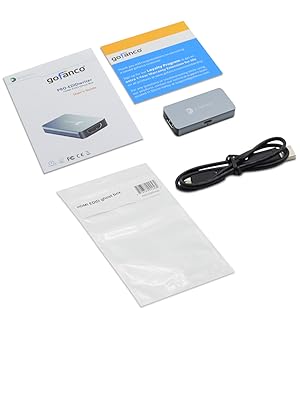
The gofanco Prophecy HDMI EDID Emulator Programmer empowers professionals to effortlessly customize and overwrite EDID settings on select gofanco PRO-EDID emulators. Featuring 5 preset resolutions including 4K 60Hz, USB bus-powered convenience, and a durable aluminum build with ESD protection, this Windows-only device ensures reliable, flexible display compatibility backed by industry certifications and expert support.



J**S
Works, but not in line with receivers (hdcp not passed)
I bought this for my steam deck - game mode doesn't allow adjusting the display resolution currently, and my TV would output 4096*2160 24hz. This caused awful input lag too.At first I got no signal or audio, almost returned it. However, I use a reciever and 5.1 setup. Since this does not pass hdcp signal, it won't work in line with recievers. Direct plugging to my tv from the decks dock fixed the issue - then I use HDMI ARC for audio thru the reciever.Gladly playing at 1080p now. Woo!
T**6
No HDCP 2.2 = No Netflix 4k
Windows 11 PC to 4K/HDR display. Works great with Netflix 4k without this dongle, but as soon as i insert the dongle, it fails to do HDCP 2.2 (see in edge browser, edge://gpu), so no Netflix 4k. Or AppleTV - or any other 4K streaming ;-(I also have the Gofanco EDID tester, https://www.amazon.com/dp/B07SSD8VR8, which works properly, but is much more expensive, needs an adapter cable and is bulky.Why, Gofanco ?? This is such a basic requirement.
C**Y
Useful for game streaming with HDR.
I use a gaming PC in the basement to run games and stream them over Ethernet to whichever room I feel like playing in at the time. The downside to this is the TV connected to the gaming PC is a few years old and doesn't support HDR. Thankfully, display emulators like this stick exist and pretty much eliminate any issues running Windows headless may have.The original EDID configured on the stick was not quite what I needed to use with my monitor. I did not want to buy the additional gofanco EDID programming tool, so I tried the freely available Custom Resolution Utility. This works great for my purposes. I was able to clone the EDID info from my primary monitor and load it onto the emulator stick. Now Windows has unlocked the HDR options and streamed games look great.
S**T
Amazing Device!! I Now Can Stream Games with HDR!!
I use an Nvidia Shield to stream games to my TV some times. Unless I have an HDMI cable plugged directly to my TV, I can't enable HDR because none of my monitors at my desk support 4k resolution. This is a known issue but now just plugging in this device in my GPU's HDMI port, my PC and Shield thinks I'm connected to a 4k display so allows me to enable HDR. Best 20 bucks I've ever spent! Well, except that time down in.... eh, another time lol.One thing that is a possible concern but not sure yet is I don't connect any monitors to the emulator as I've heard sending HDR to a monitor that doesn't support it may damage it. So when I stream to the TV, just unplug that monitor connected via HDMI and slip this device in and I'm golden. Maybe I can put my cheap AMD graphics card in and keep it plugged into that so I don't have to keep switching cables out. I'll have to test.
G**O
Does NOT pass HDCP
I obtained this 4K EDID passthrough adapter to help a Mac Mini M1 work with an AVR and projector.Although, it indeed made it easy to achieve stable 4K 60Hz output, streaming services would not display video. Hours later I notice the tiny lettering in this device's photos that indicate it does not pass DHCP signals. Renders it nearly useless in a home theater setting.Were it to return a HDCP signal it would be a perfect device for making PC's compatible with HT devices. Unfortunately it can only create a video chain that reports zero HDCP capability. Hence, streaming services fail due to this adapter.
R**A
Not recognized by Intel 770 UHD integrated graphics.
Bought this to be used with an Intel 770 UHD integrated graphics HDMI port but did not recognize GoFanco EDID emulator. Tested with my Quadro DP to HDMI adapter and worked fine, but I needed this to work with the Intel integrated graphics HDMI port. Posting this so others with integrated graphics will be aware that it may not work. Will try another brand next time.
A**S
Works exactly as described
My purpose was to use this to quickly set my desktop to stream to moonlight. I was easily able to use CRT to change the resolution and refresh rate with HDR enabled. I simply turn off my monitor and it's ready to go.
A**R
Non-default resolution support is partial at best.
Does spoof edid data, so that much is correct. The device also advertises to the attached computer all the listed resolutions. If you select them though, the output video is still at 16:10 aspect ratio, just sort of squished or with bars. It might be some combination of the OS and GPU drivers attempting to make the listed resolutions work for the supposed 16:10 display that they think is attached, but it means that for widows at least, this wont really work for standard 16:9 displays. Ive tested it with 1680x1050 monitor, which was the one I intended on using(keeping the kvm from reshuffling the attached windows), and a 1920x1080 display to test if the issue was monitor/cable specific(it wasnt).
Trustpilot
1 month ago
1 month ago