
DOWNLOAD THE APP


Customer Services
Copyright © 2025 Desertcart Holdings Limited
DOWNLOAD THE APP



🚀 Elevate Your Network Game!
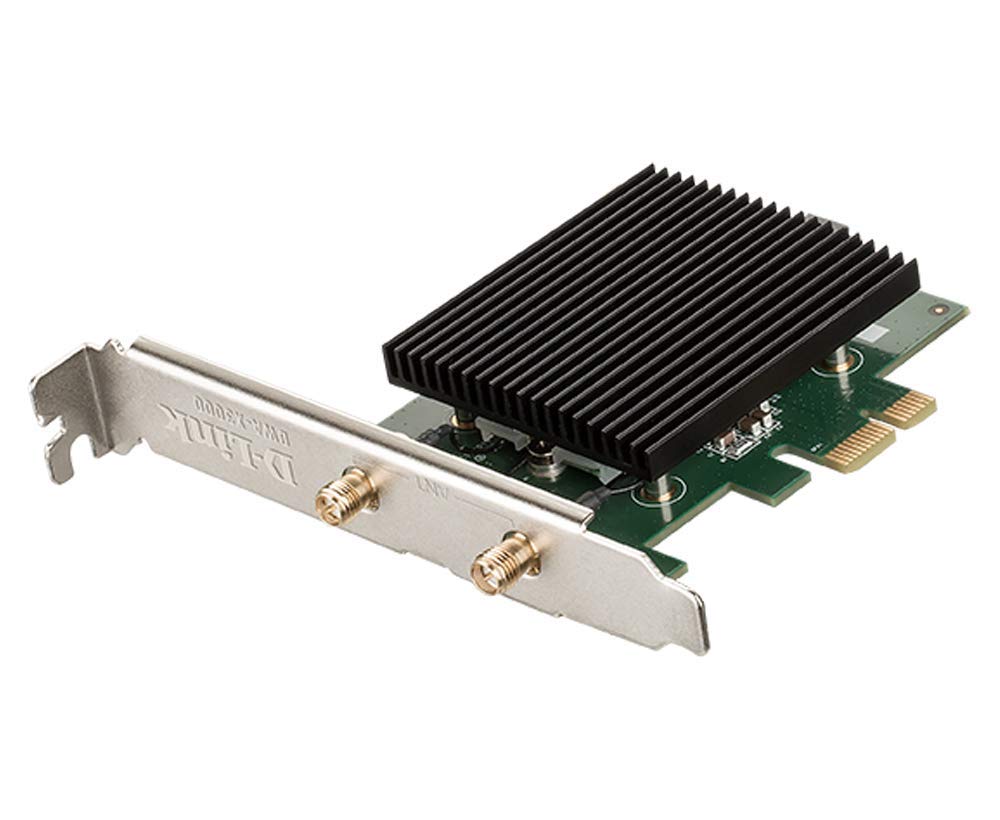
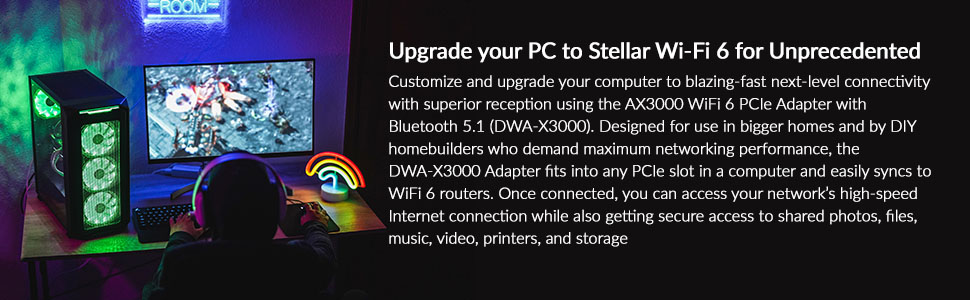
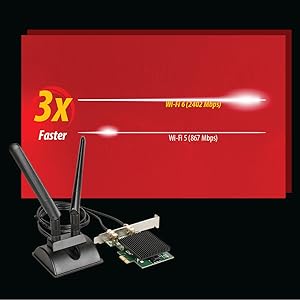
The D-Link PCI Express Wireless Adapter AX3000 (DWA-X3000) is a cutting-edge networking solution that delivers exceptional speeds of up to 2402 Mbps on 5 GHz and 600 Mbps on 2.4 GHz. With Bluetooth 5.1 support, a magnetic antenna base for optimal positioning, and a heatsink for efficient cooling, this adapter is designed for gamers and professionals seeking reliable, high-speed connectivity. Easy to install in any standard PCIe slot, it’s the perfect upgrade for your Windows 10 PC.







| Wireless Type | Bluetooth |
| Brand | D-Link |
| Item model number | DWA-X3000 |
| Operating System | Windows |
| Item Weight | 3.2 ounces |
| Product Dimensions | 5 x 3.75 x 0.75 inches |
| Item Dimensions LxWxH | 5 x 3.75 x 0.75 inches |
| Color | black |
| Manufacturer | D-Link Systems, Inc. |
| ASIN | B08RF31VQ8 |
| Country of Origin | China |
| Date First Available | December 28, 2020 |
M**G
Easy setup/install. Plug and play. HUGE SPEED INCREASE (from Wi Fi 4, 802.11n).
I have on older desktop with built-in 802.11n (Wi Fi 4). The tower is inside a closed desk cabinet. I was struggling with download speeds of 5-10MB/s and less. I upgraded from USB 2.0 to 3.0 by adding a PCIe card and then plugged in this USB Wi Fi 6 (802.11ax) adapter. Unless you have a very old computer (like mine), you will most likely already have USB 3.0 ports available (the blue colored ones) and not need to do any additional installation like I did. Reportedly, the unit does work with USB 2.0, but I would assume with significantly reduced speed improvement, as maximum transfer rates with 3.0 are roughly 10X that of USB 2.0.Other than disabling any existing Wi-Fi network adapter prior to the installation, which can easily be done through the control panel (just find the existing, right-click, and select disable), this is simple plug-and-play for Windows 10 or 11. Windows installed any necessary driver automatically. Then you simply enable the adapter in Control Panel, choose the Wi Fi network you want to connect to, put in the password, and you should be good to go.Once installed, my download speeds increased from 10MB/s to around 300MB/s. I did use the provided extension cable to move the unit out of the closed cabinet and on to my desk. I now get speeds identical to my iPhone (which has Wi Fi 6).Needless to say, HUGE IMPROVEMENT.HIGHLY RECOMMENDED!
L**R
Bought this to work on Linux Driver
This device comes with a Windows driver on a USB disk image that shows up when it is mounted. That part has not been tested, nor has the Windows driver.I downloaded a Linux driver and cleaned it up a bit. It is available at GitHub in project lwfinger/rtl8852au.git. Connected to the 5G of an AC1900 AP over a 480M USB3 connection, the driver supports 300 Mbps up and down and is very stable. All in all, this is an excellent wifi6 device. Work is in progress to make an in-kernel Liinux driver, but no promises on when that will be available.
D**S
Works great
Does what is supposed to do as advertised. Very happy with this product.
B**W
It turns itself 2 or 3 times a day
This a good Wi-Fi connecter however you should know that it will turn itself off 2 o3 times every day. However, all you need do is go into the Wi-Fi connections and turn it back Easy to do but it's a pain in the button. If I had to buy another one, I would get a different one.
L**M
A usb wifi 6 adapter that actually works and performs
Night and day performance from my previous usb wifi 5 adapter I was using; because of our mesh network setup, I could not get great performance from the previous usb wifi 5 adapter. That is why I decided to buy this wifi 6 usb adapter and it has made a significant improvement in speeds and stability. Browsing on the internet is responsive, no lag, and we use cloud based workstation so this has helped me have better signal and performance at work. I bought a different no-name wifi 6 usb adapter from Amazon that was useless. So, I highly recommend sticking to this brand name wifi 6 usb adapter.
J**E
Great card at a great price!!
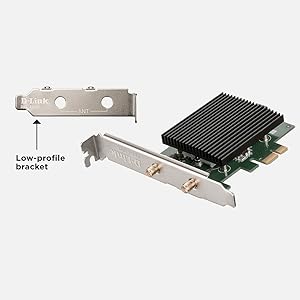
This card was an upgrade from an older D-Link USB AC1200 Wi-Fi stick. Wow! I am now getting the full 450Mbps I pay for wirelessly. Best I ever did with the old stick was 100Mbsp. I highly recommend this product. Using the small bracket it fit perfectly in my small form factor PC. Didn't need to use the separate antenna stand either. Best Wi-Fi upgrade I’ve ever experienced on a piece of hardware. Can’t beat the price either!
J**Y
Does not work with Windows 11
Does not work with Windows 11. This product was working beautifully on Windows 10 PC, but stopped working when Windows 11 was installed. Customer Service says it is working on driver for Windows 11 but have no idea of when it will be available, WIth WIndows 10, I would rate a 5.
W**E
World's First Wi-Fi 6 USB Adapter Has Its Issues
As an IT pro of 15+ years, I'm always excited to be on the forefront of the latest technology. I jumped on the Wi-Fi 6(ax) bandwagon last Christmas and have been encouraging others to do the same in order to future proof their in-home wireless experience. Fast forward to Holiday season 2021, and we are now getting our first Wi-Fi 6 USB adapter which will make adoption rates to the new standard much more appealing with a simple plug and play solution. Gone are the days of drivers on discs. I simply plugged in the device and it popped up similar to when you plug in a thumb drive with a setup.exe to install the drivers for the device. I was connected to my D-Link DIR-X5460 Wi-Fi 6 router within minutes and immediately began running some speed test to put it through it's paces. I always use multiple testing sites (speedtest, speakeasy and google fiber) using an internet connection of 600mbps down/10mbps up. On my initial run, my speed results were coming in about ten percent slower than my other Wi-Fi 6 devices all in the same room near my router (but still much faster than my built in WiFi-5 card I have in my laptop) I was sort of shocked and disappointed with my initial findings but I ran a second series of test just to make sure the first run wasn't a fluke. I'm happy to report the second series of tests performed right on par with the other Wi-Fi 6 devices in my house. I also observed that sometimes, the adapter wanted to connect at the older 2.4 GHz radio instead of the 5Ghz radio which had me disconnecting and reconnecting several times in some case to catch the right radio that provides the best performance. To be fair, my One plus 8 phone also does this occasionally so it could be an auto negotiation issue between devices and my router. I'm glad it comes with a stand as the adapter itself is fairly bulky compared to similar devices. While you can plug it directly into your computer, it would most certainly be blocking other ports you would need to access right beside it. $70 is the hefty price tag you would expect for the first of it's kind product which may be hard to justify when you could easily find comparably performing Wi-Fi 5(ac) equipment at a fraction of the cost. If you already have a good Wi-Fi 5 setup, I would certainly hold off on devices like this until A)The new 6E devices are available and B) More companies start offering Wi-Fi 6 USB adapters which should drive the cost to the consumer down in due time. But if you already have a Wi-Fi 6 router, a legacy device using Wi-Fi4(N) or slower and cash to spare, this is best solution on the market to bring you up to date.Pros:-First Wi-Fi 6 USB adapter on the market-Easy to install (drivers are right on the adapter itself)-Can provide blazing speeds when configured optimally-Comes with it's on standCons:-Expensive-Bulky (without the stand it will certainly block other ports)-Performance inconsistencies (Dropped it down another star due to this)
Trustpilot
2 days ago
1 month ago