
DOWNLOAD THE APP


Customer Services
Copyright © 2025 Desertcart Holdings Limited
DOWNLOAD THE APP

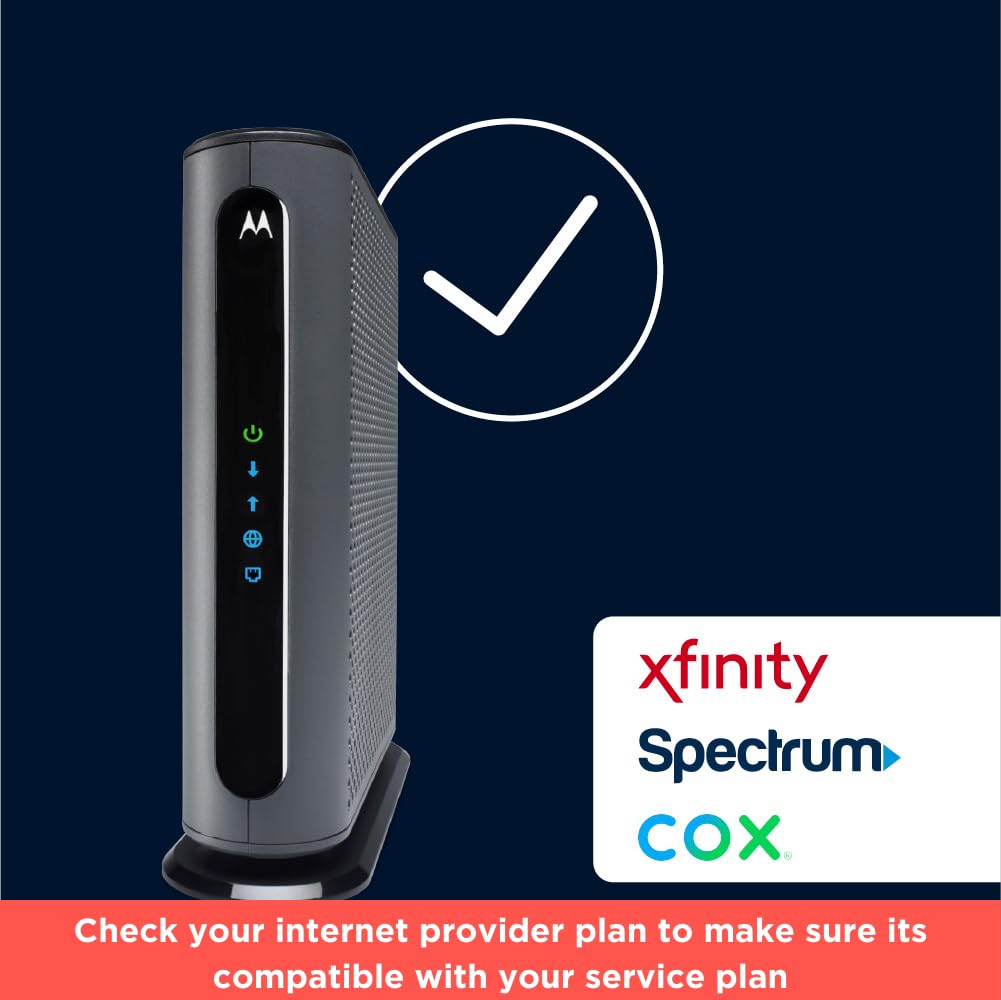

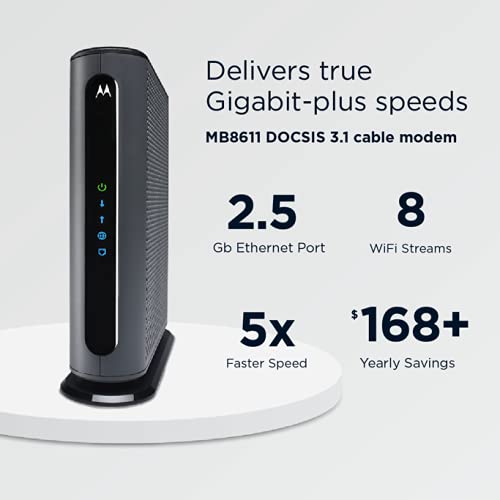
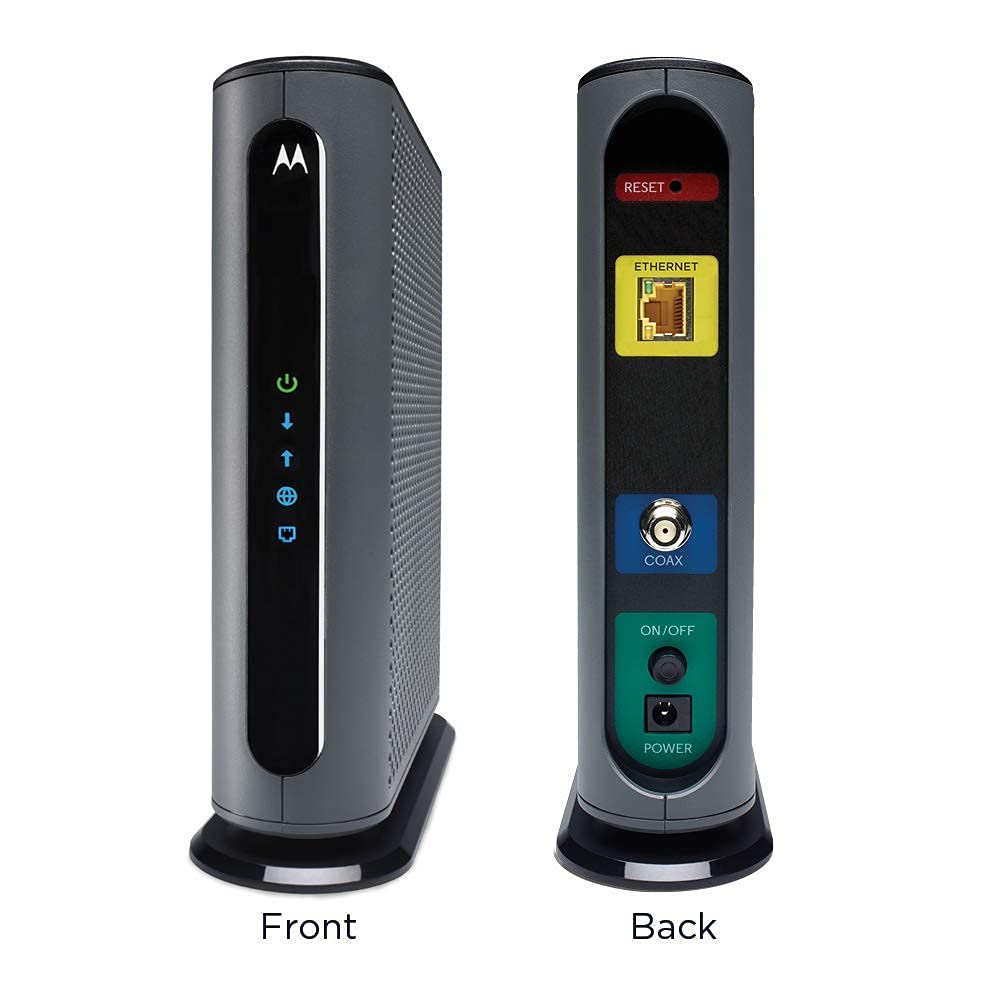
🚀 Unlock multi-gig speeds and dominate your digital world with Motorola MB8611!
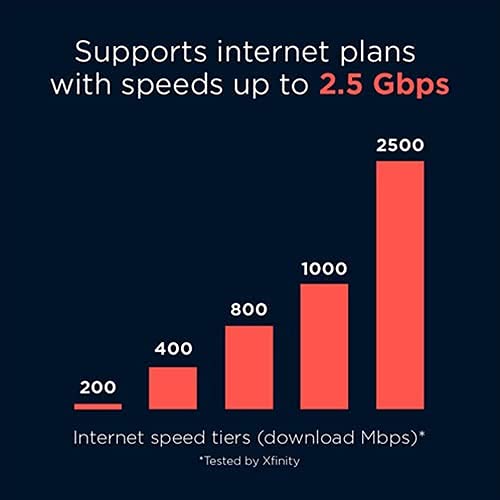
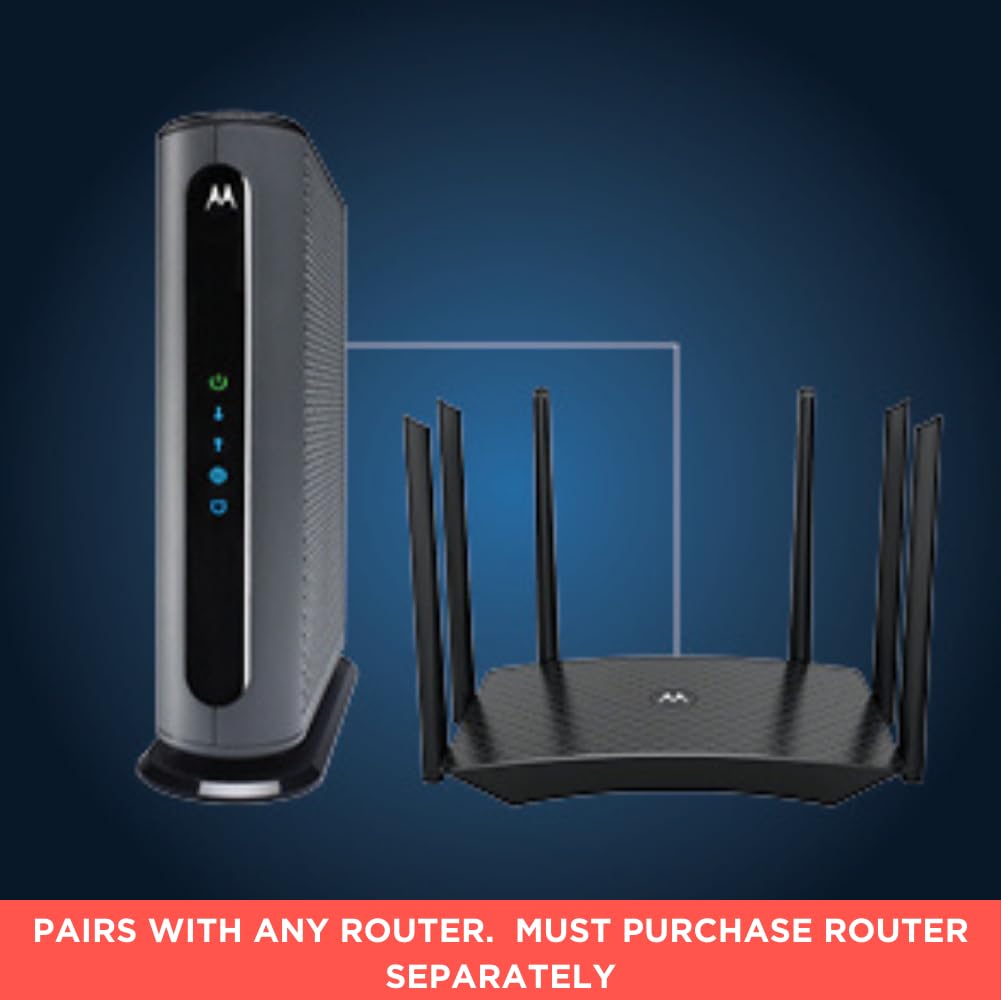
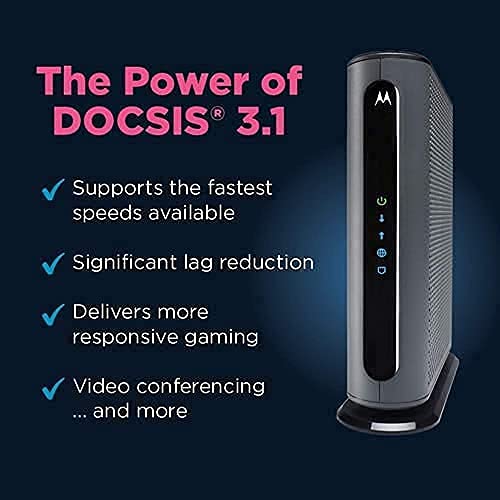
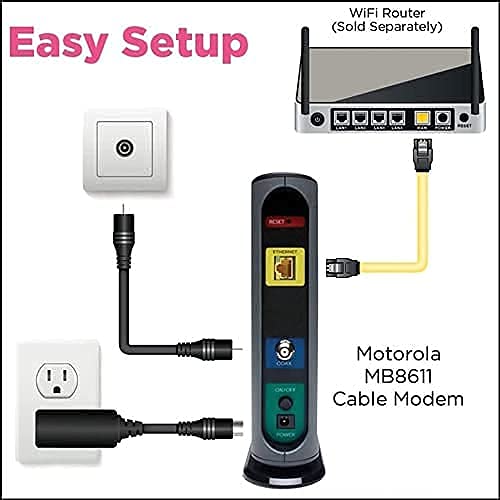
The Motorola MB8611 is a DOCSIS 3.1 cable modem featuring a 2.5 Gbps Ethernet port, delivering up to 2500 Mbps downstream and 800 Mbps upstream speeds. Compatible with major ISPs like Comcast Xfinity, Cox, and Spectrum, it pairs with any WiFi router to provide ultra-fast, low-latency internet ideal for streaming, gaming, and conferencing. Backed by a 2-year warranty and US-based support, it offers a cost-effective alternative to rental modems.


| Maximum Downstream Data Transfer Rate | 2500 Megabits Per Second |
| Number of Ports | 1 |
| Data Transfer Rate | 1 Gigabits Per Second |
| Maximum Upstream Data Transfer Rate | 800 Megabits Per Second |
| Compatible Devices | Personal Computer |
| Number of Ethernet Ports | 1 |
| Connectivity Technology | Wi-Fi, Ethernet |
| Color | Black |
| Item Dimensions L x W x H | 7.25"L x 2.25"W x 7.88"H |
M**T
Solid Inexpensive Alternative to ArrisSB8200 and Netgear CM1000
The Xfiniity compatible Modem was super easy to set-up following the Quick Start guide included in the box. Word of advice for Comcast / Xfinity subscribers -- when stepping through the set-up Wizard, selecting the option to text an activation code is a joke -- the code is only good for 15 minutes but I didn't receive the text until 30 minutes had passed; just stick with your Xfinity account name for the activation and provisioning.Xfinity upgraded to DOCSIS 3.1, and, while my own 6 year old trusty Motorola Surfboard SB6580 was working fine, Xfinity found every reason to pester me about an upgrade and how much I'm missing not having a 3.1 modem lease an upgrade. I prefer to own my own modem, so, after perusing compatible modems for my region on Xfinity's approved device page, I narrowed my choices to the ARRIS Surfboard SB8200, Netgear CM1000, and, this, the Motorola MB8600. All three are comparable at 1001 Mbps, 32 down x 8 up DOCSIS channels, and DOCSIS 3.1.All the cool kids love the Arris -- especially after they ditched the very problematic Intel PUMA chipset and went with the Broadcom's offering -- and for very good reasons, it has great hardware specs. Sporting 3GB of RAM, 128MB /16 of NAND flash memory it's a tasty treat. And, were it not a horrific white box that clashes with everything in my apartment, I'd happily have purchased it.Vanity, thy name be Monkey Rat, I know.I've never had a lot of love for Netgear, and, I found its hardware lacking -- 128 MB of flash memory and 256 MB of RAM. Ultimately not a huge game changer, with current theoretical home speeds at 1Gb, but one would expect something a tad more, well, more from a name like Netgear. While its feature rich -- which, is saying something for a cable modem -- I really saw no reason to down this path.That clashing white Arris was looking tastier at this point.Then I compared the MB8600 to both and found a happy place. 512 MB of RAM and 128 MB of NAN -- a buck cheaper than the Netgear with a doubling of the RAM, and while not as expensive -- marginally -- than the Arris, and certainly lacking a bit in the hardware department, but I paid more for future ability to bond upwards of 4 separate lines. However, the LACP technology requires a higher end router, and faster than a gig speed isn't necessarily right around the corner, but, this device positioned nicely for a future with a potential of 4Gb.Word of caution -- it's a BIG device. If you're familiar with the older Surfboards, this is easily double the size in height and does not come with any sort of mounting option. However, it has great ventilation thanks to a well aired grid pattern on the side.So, how does it work? My internet plan is the BLAST! 150 Mbps (stop laughing) -- and i assure you, I've never seen that even in the dead of night -- wired speeds show an increase on speedtest.net but it's not really all that noticeable, whether plugged in directly to the cable modem or my ASUS RT-AC86U router, notebook and desktop performance were negligible. However, wireless performance for my nVidia SHIELD K1 tablet and Google Pixel 2 phone were significantly improved - I found this a little odd as they're still going through a router, but, I can't argue with results.I keep forgetting the MB8600 has a baked in spectrum analyzer utility I need to check out -- I'll add an update when I do.Ultimately, I like it -- I play Everquest (the original) and noted better response times, but again, the MS aren't earth shaking or setting the sky afire. Stream the occasional movie, and really I don't have any complaints, and can only praise the device for its eye-popping Wi-Fi boost, for which I have no good explanation.I may change out my Cat5e for Cat6 and upgrade my router next -- hopefully wringing a couple more Mbps out. But, really, I think it's time to call xfinity and have to do some line tests. I will provide updates on that as well.
F**R
Simple, solid, reliable, minimalist. Rental independence. Great. I love it.
WARNING: THIS IS A LONG REVIEW, BUT I MAY HAVE SOME ANGLES ON THIS OTHERS DON'T :-)Wow. I really like this modem. This is a barebones rock solid dead simple workhorse.It's got a plug for the cable and one ethernet (RJ-45) port out and I think an on/off switch.That's it. It makes a connection. And hasn't failed since I got it a month or so ago.All I had to do was call my ISP and give them the MAC address (on the sticker on the device)and they updated their tables and that was it. Turn it on. It goes through the startup cycle. Takes a few minutes to connect like they all do and that's it. Set it and forget it.What prompted me to get it, is I don't like having to rent the modem from the ISP @ $10.00/mo forever. This literally pays for itself in 16 months, and most people will have their Internet connection for many times that long, and time flies. So it's a good investment.It doesn't have phone connection like the ISP's modem did. So I called the company/provider that owns copper phone lines in the area and ordered landline service. I'm a nerd/techie and don't care what people say about landlines being for old fogeys, it's like having a backup generator ... I know I can use that landline if the power goes out or if the cell tower gets overwhelmed (too many calls or cell traffic at once), or there's radio interference in the area. Technically cable phone is a 'land line' (hardwired cable connection to provider) and the battery backup in the modem (which the ISP charges more for), could give you emergency phone service in an outage, but a cable phone connection can (and does) fail for more reasons than copper wire phone service does. (Those copper wire connections are called POTS - which stands for Plain Old Telephone Service), and copper wire phones are the most reliable.Having a separate modem from a router is optima for a few of reasons... Generally hybrid units of anything do everything okay, but nothing optimally (for example combination modem-router units like my ISP rents out). Better to keep the modem separate from the router. Then you can swap either out independently to upgrade as needed, disrupting less of your own network configuration doing so, and also help avoid a single point of failure. Plus, you might be able to score a router in a pinch on shorter notice than a cable modem if the router is the component that fails. Then you can choose the router you actually like, for whatever reason, and don't have to settle for whatever bundling du jour your ISP decides is right for you (even if it isn't).That gets me to the other point. What DID the ISP decide was right for me (but wasn't)?For awhile my ISP modem connection was dropping briefly in the middle of the morning. My computer came back up connected to the ISP's 'general public' wi-fi connection to their router which did not work for me and I'd have to keep manually switching back to my own internal Wi-Fi LAN (network). That was not only inconvenient but it forced me to investigate was was going on there.I learned my ISP gives lets passersby connect to their rental-modem's Wi-Fi signal, without giving me any way to disable that service! That really pissed me off to learn. The idea is that people driving around who have accounts with the provider can get internet access around the neighborhoods. If I was a passerby, that could really help me, so at first glance maybe 'why not, be a good samaritan'.But wait! There may be more too it than that.Besides the fact that I don't like it (for good reason), they give me no control over that 'feature'!And I see some downsides. What's good for the ISP isn't necessarily optimal for me.What I don't like about that 'service' is that one or more people could sit outside and suck down bandwidth (e.g. slow my connection down), unbeknownst to me. It also might cause the unit to use more energy and put out a stronger wi-fi signal than it needs to. Which health conscious people are well advised to be aware of. Wi-Fi is radiation. Not strong and may not ruin your life, but it is a stressor at a cellular level, this is known. And strong signals, persistent signals and people who are more sensitive or have immunity issues can be more vulnerable (headaches, sleep disruption, or worse). But I like Wi-Fi so I settle for whatever unknown health consequences I may not be aware of.Also it makes me wonder if a hacker might be able to use it as an additional point of access to my home network.I also wonder if it's 100% clear to law enforcement at first glance who might be visiting sites or doing something nefarious from the connection point. Might it look like the owner is doing something that a passerby did (and even if they can sort it out later, what if it takes awhile to figure out and they make a bad assumption?)Anyway, I don't have that problem with this modem and I'm just much happier with it all the way around.Plus it's blazingly fast.
Trustpilot
1 month ago
1 month ago