
DOWNLOAD THE APP


Customer Services
Copyright © 2025 Desertcart Holdings Limited
DOWNLOAD THE APP

🎧 Elevate your audio game—plug in, stand out, and never miss a beat.
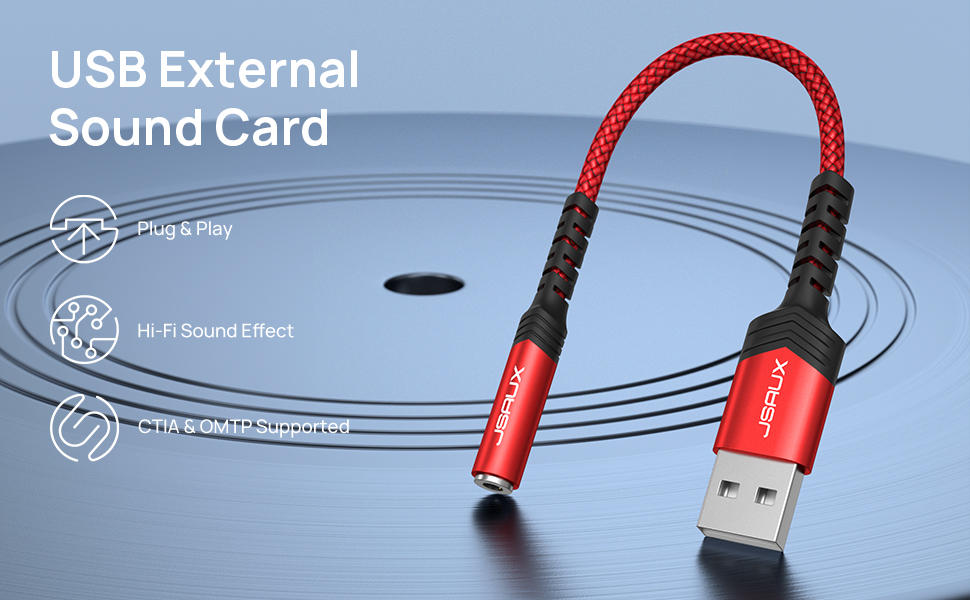
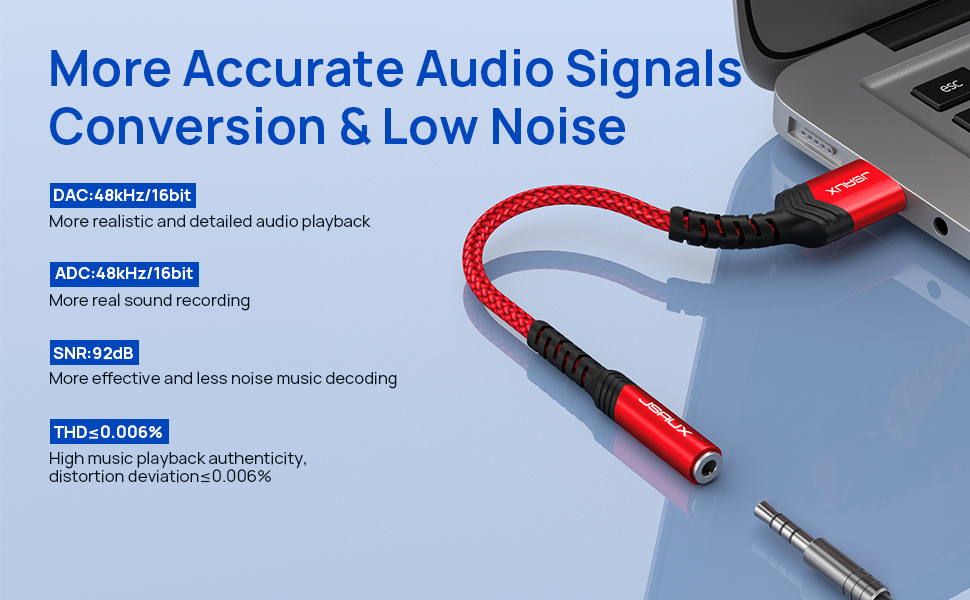
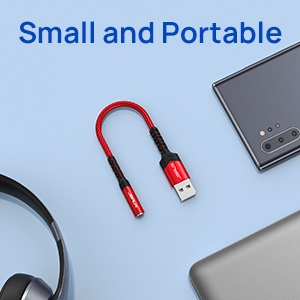
The JSAUX USB to 3.5mm Jack Audio Adapter is a compact, plug-and-play external sound card designed for professionals needing reliable, high-quality stereo sound. Featuring a 48kHz@16bit DAC and smart sound chip, it delivers clear audio with low noise and broad device compatibility including Windows, Mac, PS4, and Linux. Its durable aluminum casing and braided cable ensure long-lasting use, making it an essential accessory for seamless audio connectivity and a quick fix for common Win11 audio issues.


| ASIN | B0885WGX89 |
| Best Sellers Rank | #18 in External Sound Cards |
| Customer Reviews | 4.3 4.3 out of 5 stars (2,121) |
| Date First Available | September 24, 2021 |
| Item Weight | 0.352 ounces |
| Item model number | JSAUX_xxxx |
| Manufacturer | JSAUX |
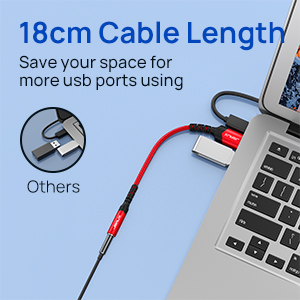
| Product Dimensions | 11 x 0.15 x 0.15 inches |
M**E
Works as it should. Sturdy build.
Worked great. Showed up in Windows as a USB audio device as expected. The audio is clear. Build quality is great. Been using for 2 months almost every day. Microphone on headphones seems to work just fine, but haven't used that much.
R**I
Solves Win11 Audio Problem for 3.5mm
Upgraded to win11, Lenovo P52, Sennheiser H280 cans connected via 3.5mm jack to laptop, had wow and flutter but more aggravating was that audio volume would abruptly go to "11" for tens of milliseconds to seconds then drop back to normal volume. Risk of hearing damage if this happens a lot, these are quality cans. Audiophiles would cringe at the wow and flutter which is truthfully irritating but I could tolerate it. Lots of fix suggestions out there, consumes a lot of time experimenting, helped to some degree but I did not reach a working solution and Microsoft and/or Lenovo has yet to come up with a driver solution. However-- found that USB headphones work fine, it is just the audio driver to 3.5mm output. So tried this solution, USB to 3.5mm to Sennheiser HD280. Problem solved without wasting a lot of time fiddling with arcane Win controls, or tolerating ear blasting audio, or using inferior USB headphones. Pros: -- seems well constructed, flexible -- solves Win11/Lenovo driver problem, the primary objective of this purchase Cons: -- not gold plated like the Sennheiser plug, so that there is sometimes noise when connector is moved. Might have long term degradation (loss of a channel for instance). If you have the Win11 3.5mm audio problem, this is the easiest solution without spending hours searching out and experimenting with Win audio controls. Sure, it costs a few dollars, but what is your time worth?
K**N
Solved my "No Audio Output Device is installed" on my older Windows 10 laptop.
I'm very happy with this JSAUX USB to 3.5mm jack audio adapter. I got an older laptop from my son so my 10-year-old could play a network game with me and my wife. However, the laptop said "No Audio Output Device is installed, which makes gameplay a problem. My son suggested an adapter like this, but I was skeptical about it working. I ordered this JSAUX item because I already own a couple of JSAUX cables and was impressed with the quality. This one is no exception and, most importantly, when I plugged it in it was recognized right away and the sound is working. My son explained that the USB controller will recognize an audio output like this and will output the audio as if I had an audio card. So, for only $8 this device solved a problem that would have taken me hours to try to figure out.
J**N
Update: Some hiss but the price is great.
UPDATE: I raised the rating to 4 stars as the seller went out of their way to contact me and correct the situation and I have used it some more to test. The hiss isn't as bad as I thought at normal volume levels; only at very high levels. I would purchase it again. No issues with drivers on Debian 13 (Trixie) running on a Raspberry Pi 500+. Likewise with Windows 10. Plug it in and it works. The only reason for two stars is that it has an awful hiss on the audio output. It was there on the Pi and on the Windows 10 Intel box. The ear buds/mic set up is my daily driver for years; Skull Candy from when they were producing good quality ear buds. Never an issue with the set so the hiss has to be from the JSAUX USB adapter. I guess it was poor filtering or something with the design. If I had to use them everyday for long periods, it would probably give me a headache. Since it is for my Zoom & Discord backup machine (the Pi), I can live with it at such a low price.
M**Y
Music Supreme
I looked over nearly all of the similar devices and most seemed to have too many sound quality issues reported. I was not going to be convinced by number of bits or higher price. One reviewer here (Stephen J. Boone) helped the most, but others counted. So I got it and the sound is perfection on my Sennheiser headphones. I recently purchased Neumi BS5 speakers and a Aiyima A07 mini amp for my 2019 iMac - and I couldn’t be happier with that purchase either. My headphone port is on the back of the monitor and I have it feeding into the amp. I could use the jsaux device to feed the amp (which I did) but I’m dedicating it to my headphones for easy access. I use VLC for my music app and block Apple’s Music app (with noTunes (GitHub download)) because virtually nothing it does is what I want and it is nasty, rigid, uncustomizable. I also just bought a (SmartQ H302) USB 3 hub which came the same time as the jsaux device. I have the jsaux audio adapter plugged in to the USB hub. The hub (and the iMac) will use USB 3.1 but the jsaux device is shown to run at USB 2 speeds (which is good). The jsaux device can be bought with a USB A connector ($10) or a USB C connector ($15), so there is no need for me to waste a USB C/Thunderbolt port or $5 (and both my USB C ports are already in use). Regardless, either method is obviously using USB 2 throughput. Below is system information which shows both the jsaux device (China) and my new USB hub use Realtek chips (Taiwan). [Update: I liked it so much that I bought a second one as backup so now I have both the grey and the red (both type USB A). I'm listening to the second one now and it's producing beautiful sound just like the first one. I noticed two new reviews came in in the last week and they are negative. One refers to using it with a Mac Mini - all kinds of crazy stuff going on. Don't know what to make of that. The other complains about the microphone aspect (which seems to be a customary complaint with almost every brand that I can remember reading reviews for). I haven't tested the mic functionality and I may never care. But I have a large mic - the kind with a fat plug although I should have the necessary mini adapter - but it's buried in a stuffed audio equipment box so I'm in no hurry try it. The built-in mic on my iMac is in the middle on the bottom edge of the screen and could be improved on so an external mic could be important some day. With two of the jsaux audio adapters plugged into my USB hub, they are indistinguishable in the Sound preference pane, both are only named: TX-Hifi Type_C Audio. I have to guess the right one to select. In system report->hardware->USB, they show as identical too (no surprise) but in ->hardware->Audio, TX-Hifi Type_C Audio is displayed three times when two of these are plugged-in - take out one of them and only one gets displayed - an Apple bug there.] % system_profiler SPUSBDataType USB 3.1 Bus: Host Controller Driver: AppleIntelCNLUSBXHCI PCI Device ID: 0xa36d PCI Revision ID: 0x0010 PCI Vendor ID: 0x8086 4-Port USB 3.0 Hub: Product ID: 0x0411 Vendor ID: 0x0bda (Realtek Semiconductor Corp.) Version: 1.04 Speed: Up to 5 Gb/s Manufacturer: Generic Location ID: 0x14a00000 / 5 Current Available (mA): 900 Current Required (mA): 0 Extra Operating Current (mA): 0 4-Port USB 2.0 Hub: Product ID: 0x5411 Vendor ID: 0x0bda (Realtek Semiconductor Corp.) Version: 1.04 Speed: Up to 480 Mb/s Manufacturer: Generic Location ID: 0x14700000 / 4 Current Available (mA): 500 Current Required (mA): 0 Extra Operating Current (mA): 00 ... TX-Hifi Type_C Audio: ... Product ID: 0x4c07 ... Vendor ID: 0x0bda (Realtek Semiconductor Corp.) ... Version: 0.01 ... Speed: Up to 480 Mb/s ... Manufacturer: Generic ... Location ID: 0x14710000 / 8 ... Current Available (mA): 500 ... Current Required (mA): 100 ... Extra Operating Current (mA): 0 system report -> hardware ->audio Devices: Built-in Microphone: Default Input Device: Yes Input Channels: 2 Manufacturer: Apple Inc. Current SampleRate: 48000 Transport: Built-in Input Source: Internal Microphone Built-in Output: Default System Output Device: Yes Manufacturer: Apple Inc. Output Channels: 2 Current SampleRate: 48000 Transport: Built-in Output Source: Headphones TX-Hifi Type_C Audio: Default Output Device: Yes Manufacturer: Generic Output Channels: 2 Current SampleRate: 48000 Transport: USB Output Source: Default
P**R
Marche comme je le voulais quoi
A**N
Bargain for the price
J**P
What an excellent little device, not only is it a little bit louder but the sound in enhanced as well, I would definately buy this again that's for sure!
H**G
Tut, was sie soll
D**H
Great item - solved my Windows 10 problem. I used my 3.5 mm jack as a line out from my PC to my amp. However, installing Windows 10 destroyed my drivers and several days of system and driver updates, manual setting, rebooting and swearing did not solve the problem (W 10 could not find/recognise the output). I think I tried every possible suggested fix on line but I had to admit defeat. As it would only recognise USB inputs and outputs, this handy device has solved my problem.
Trustpilot
1 month ago
3 weeks ago