Type Smart, Live Better! ✨
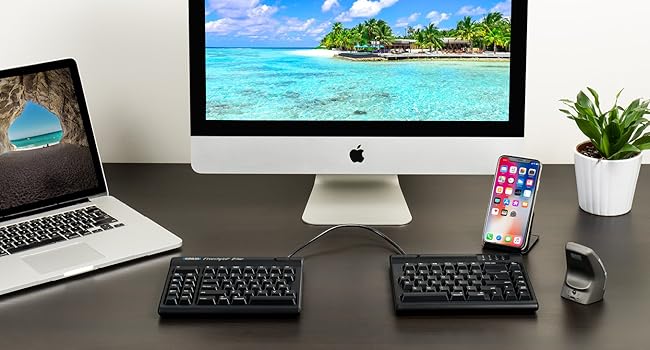
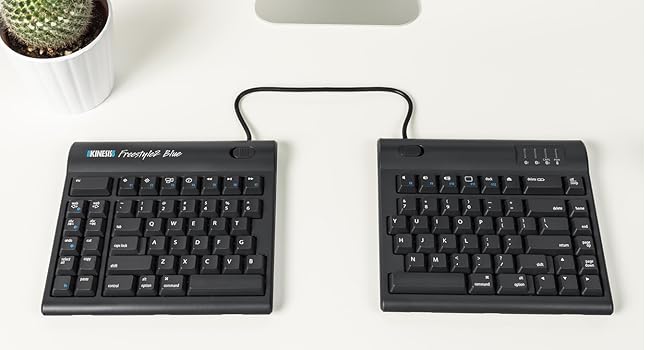
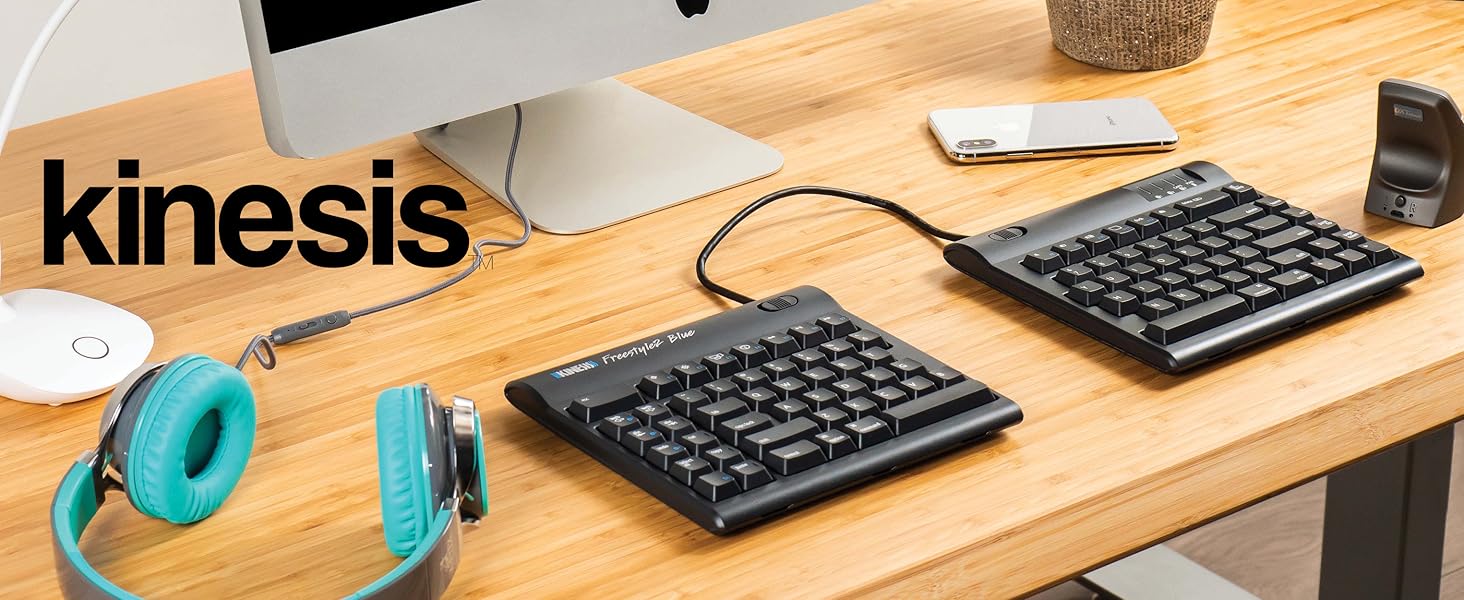
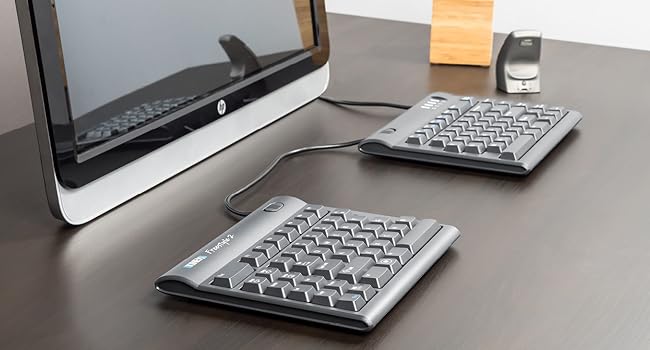
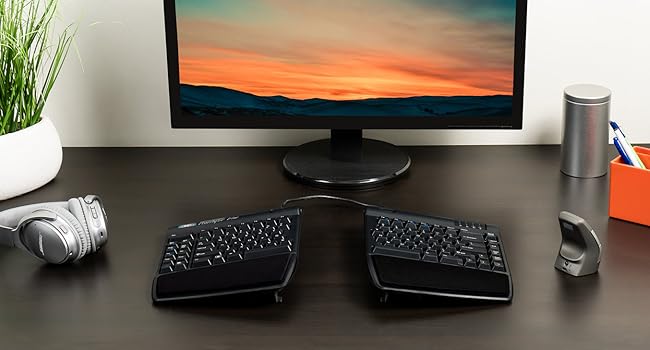
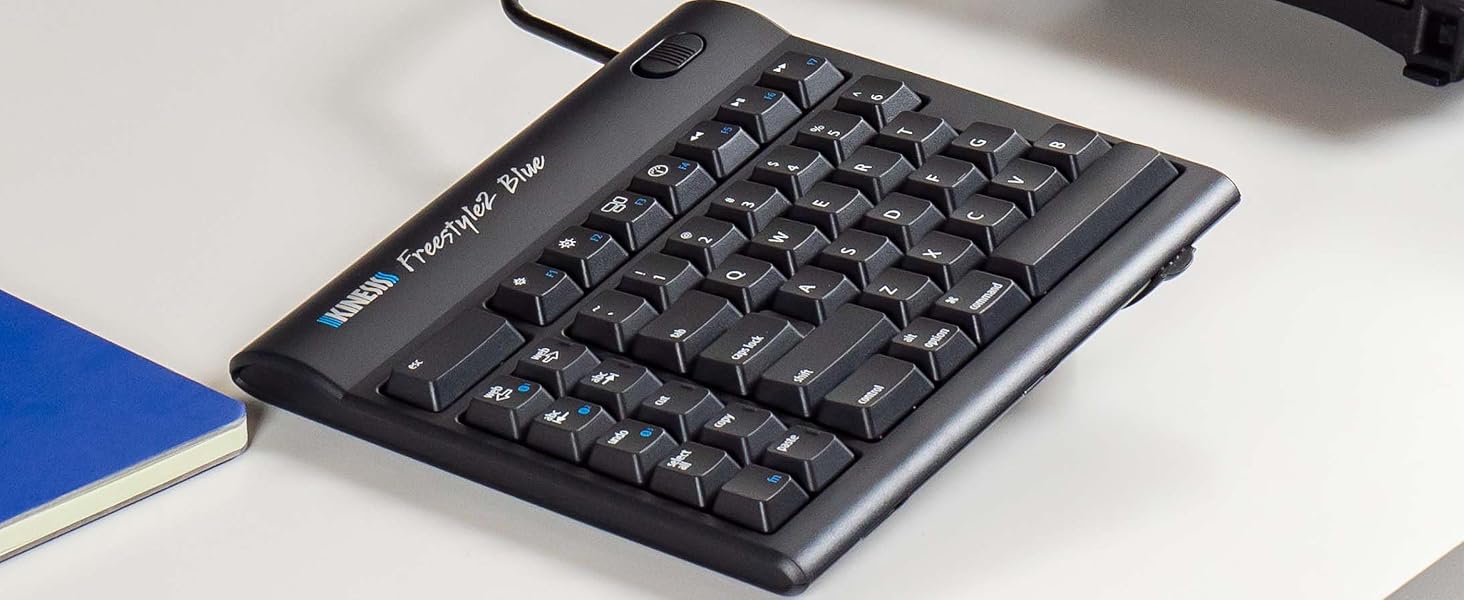
The KINESIS Freestyle2 Ergonomic Keyboard is an award-winning split design keyboard that allows for customizable separation up to 20 inches, promoting natural hand and wrist positioning. It features a standard Windows layout with multimedia keys, low-force key switches for reduced fatigue, and is compatible with multiple operating systems without the need for additional software.


| Material | Acrylonitrile Butadiene Styrene |
| Item Dimensions L x W x H | 9.57"L x 1.3"W x 16.22"H |
| Style | Contemporary |
| Theme | ergonomic keyboard |
| Color | 20 Inch Separation |
| Keyboard Layout | QWERTY |
| Hand Orientation | Ambidextrous |
| Button Quantity | 10 |
| Is Electric | Yes |
| Keyboard Backlighting Color Support | Single Color |
| Power Source | Corded Electric |
| Switch Type | Tactile |
| Compatible Devices | Windows 7-10 Linux (multimedia and calculator keys are inoperative) |
| Connectivity Technology | USB-A |
| Special Features | Ergonomic |
| Number of Keys | 94 |
M**N
Awesome with one small exception.
UPDATE:I think the one real issue I have with this keyboard is the inability to map the three web-dedicated buttons on the left to something else. I'd LOVE an Enter key on that side. If that's not a dealbreaker for you, read on, because 99% of this keyboard is amazing.ORIGINAL:I've been dithering over getting this keyboard for a long time. I have RSI in both hands and have tried almost every other keyboard out there. I even looked at the Kinesis $300 one with the 'hand wells' but decided against it because people described the keys as needing force and there was no good option for 10-key number pad entry (Accounting major so std 10-key is a must). My RSI requires that I not need a lot of force to press the keys.Pros:The 20" cord between the keypads fits perfectly on my VariDesk 36" giving me plenty of room in the middle for my mouse (any of the 4 I switch around to keep those tendons from complaining at me!) and/or my drawing tablet.That 20" gap also allows me to sit in a relaxed, shoulders-back position to type which is worlds better than the hunch or crouch that happens when concentrating intently on what I'm typing on a regular, even ergonomic, keyboard.There is a group of buttons on the left-hand side that are Copy, Paste, Cut, Del, Undo, Web, and Forward/Back web buttons. These are SO USEFUL when using the mouse in the right hand.If you buy this with the tilt/wristpad accessory that Amazon 'recommends' with it it gets even better, with several good tilt angles for each side independently. The wrist pads are soft and comfy.You don't have to have it 20" apart, there's a way to link the two halves together and just tilt them out from each other if you're short on space.The keys are easy to press but still make a good clicky sound. I'm a gamer and I haven't had any issue with them.Cons:There's a little bit of a learning curve but if you're a touch-typist like me it's quite quick to get over.The accessory kit mentioned above does not have positive or negative tilt front/back, only left-right. I'd like to be able to tilt the top of the keyboard down and the back up, as well as the sides.The accessory kit tilt feet are kind of loose so it's easy to change the tilt when you move the keyboard, that's kind of a pro/con. The little rubber feet are pretty good at keeping the keyboard still under normal usage. Set it and forget it is the best way to work with this, I think.With the 20" cord in between, if you're not using the whole thing, it's in the way. I tucked mine under the VariDesk middle bit (see pic) and it fit perfectly. But not everyone has that option, so just be aware that the cord might be annoying unless you can tuck it under something else.The 10-key keypad is an extra buy. That's kind of annoying but I get that not everyone wants/needs it. Also with the main keyboards so far apart, putting the keypad on the far right like I'm used to was not an option. I put in the middle because while I do use it, I don't use it often enough to make a special place for it in my setup. I move it aside when I pull out my drawing tablet.Overall I highly recommend this keyboard to touch typists with RSI, or who want to avoid it, those with w/ back issues, shoulders, neck, etc. It really opens up your posture if you use it at the 20" and lets your whole body be in a more neutral position than a centralized keyboard setup. It actually makes me feel more relaxed overall with my posture more relaxed.
C**K
Awesome ergonomic keyboard with a few quirks
tl;dr: Amazingly adjustable ergonomic keyboard with fantastic key feel that has a few slight quirks. I love this keyboard and would not knock off a star for a those minor quirks that I will likely adjust to over time.I have been in the software development industry for 15 years. Over the past year or so, I have noticed signs of it catching up to me and have started experiencing aches and pain in my wrists and forearms. I have used the Microsoft natural keyboard for the last 5 years in an effort to avoid those issues but apparently it only delayed it at best. When I actually looked at how I used the MS keyboard, I realized that it straightened my arms and wrists out a bit when compared to a traditional flat keyboard, but a combination of my desk layout and having wide shoulders resulted in my wrists needing to splay outward somewhat. In short, the angle provided by that keyboard was insufficient for my desk and body.When I saw the Kinesis, it was obvious that the independent halves would be completely adjustable in angle and separation to fit my needs at my current desk or future setups, so despite the much higher price tag than the MS keyboard I purchased it as well as the VIP3 accessory that adds wrist rests and angled adjustments. I've used it now for several weeks and am happy to report that pain from lots of daily typing has drastically reduced, almost to the point of elimination. I feel with continued use that problems will cease.Lots of people talk about the somewhat strange keyboard layout. While I agree that some of the keys are laid out in a way I am not yet used to, 95% of the keys that I use primarily are right where I expect them to be, and there was very little adjustment period. There are only two keys that have given me persistent problems over the two weeks I've been using it: the Delete key atop the Backspace and the toggle function of the Fn key. The Delete key I tend to hit when I'm trying to hit Backspace, and for a second I'm confused as to why the wrong characters are getting deleted. Not a huge deal. The Fn key I occasionally hit when going for the left Ctrl key, and the toggle nature of it then causes me to start typing numbers or alternate characters that I am not expecting. No big deal on either account and I'm sure that I will adapt over time just like I have when switching between Windows and Mac, or when I first started using the MS keyboard. Another minor gripe is it seems that the VIP3 accessory should just be included as standard on what is a premium ergonomic keyboard. However I don't feel the cost of the whole package is overpriced so it's probably nice for those that don't want angled adjustment to have it sold separately.There's a lot of things to praise about this keyboard. While I don't want to drag on and on, I would be remiss to a least mention the key feel. These keys are awesome. They require a light touch but retain a satisfying clicking mechanical sound and feedback. Typing on this thing is a pleasure. Secondly, I was concerned when I opened the box and attached the VIP3 attachment that it would not be stable and that the two halves would push apart from each other with use, but that has thus far proven to be an unnecessary concern. The little feet grip incredibly firmly and have not budged since I set it up. Other reviews have complained that the pads have fallen off...I will monitor mine as it ages and see if I have similar problems.
Trustpilot
1 month ago
1 month ago
2 weeks ago
2 months ago