We remain fully operational. Our teams are working around the clock to ensure your deliveries continue safely.

下载应用程序


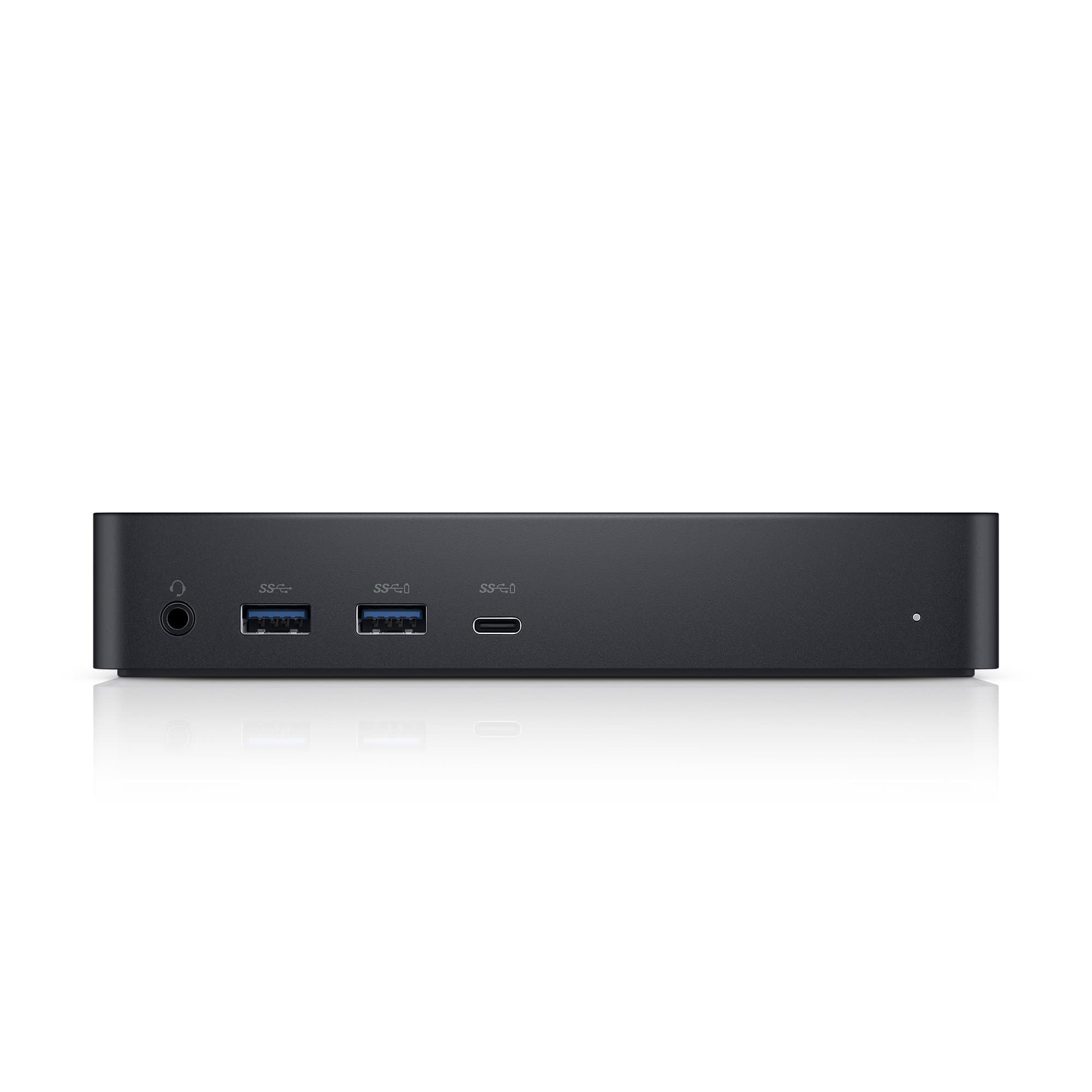
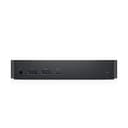
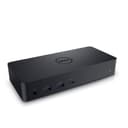
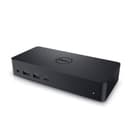
🚀 Elevate your desk game with ultra-high-res power and seamless multi-display freedom!
The Dell 452-BCYT D6000 Universal Dock is a professional-grade docking station that supports up to three 4K displays or a single 5K display via USB-C or USB 3.0. It delivers up to 65W power delivery to charge laptops while providing multiple USB ports for peripherals. Compatible with Windows 7 and later, and optimized for cross-brand use with DisplayLink technology, it offers a sleek, reliable solution for multi-monitor setups in modern workspaces.


| ASIN | B071YTQBXM |
| Best Sellers Rank | #1,605 in Computers & Accessories ( See Top 100 in Computers & Accessories ) #152 in Laptop Docking Stations |
| Brand | Dell |
| Color | Black |
| Compatible Devices | Dell, HDMI, USB C, Windows 7 |
| Customer Reviews | 4.2 4.2 out of 5 stars (3,418) |
| Global Trade Identification Number | 00884116269021 |
| Hardware Interface | USB 3.0 |
| Input Voltage | 19.5 Volts (DC) |
| Item Dimensions L x W x H | 3.1"L x 6.6"W x 1.2"H |
| Item Type Name | Dell 452-BCYT D6000 Universal Dock, Black |
| Item Weight | 13.5 Ounces |
| Manufacturer | Dell Marketing USA, LP |
| Number of Ports | 5 |
| Total Number of HDMI Ports | 1 |
| Total Usb Ports | 5 |
| UPC | 884116269021 |
| Warranty Description | 1-Year Limited Hardware Warranty |
| Wattage | 130 watts |
D**4
Solid Universal Dock – Reliable Performance for Multi-Monitor Setup
I’ve been using the Dell D6000 universal dock for a multi-monitor home/office setup, and it’s been very reliable so far. Setup was straightforward—plug in, install the DisplayLink driver, and everything worked as expected. It handles dual monitors smoothly, along with keyboard, mouse, Ethernet, and other peripherals without random disconnects or lag. The dock stays cool, feels well-built, and hasn’t required any troubleshooting once configured. Switching between laptops is quick and easy, which is a big plus if you work across devices. A couple things to note: you do need the DisplayLink software (especially for macOS or non-Dell systems), and display performance depends on your laptop’s specs. That said, once set up correctly, it’s stable and dependable. Overall, this is a solid choice if you need a universal docking solution for a clean desk setup with multiple monitors. Not the cheapest option, but it does what it’s supposed to do and does it well.
I**C
Works great for multiple monitor setup with MacBook
As some other reviews have mentioned, make sure you properly install the drivers and follow the directions carefully if you plan on using this with a Mac. Otherwise, this dock has been working great for me. I usually only use it to connect 1 monitor to my MacBook, but I have been able to use all 3 additional monitors. Finally, if you have to use adapters to convert between cable types make sure you are using an ACTIVE adapter, otherwise it will not work. UPDATE: This review was originally written for OSX 10.14 (Mojave) and for the most part everything went smoothly. After upgrading to OSX 10.15.4 (Catalina) I ran into a few problems but still got everything to work. You can find the full instructions on their site but I'll summarize them here to hopefully save people some effort. 1. To get the Dock to work with Catalina you MUST upgrade to the latest device firmware. Unfortunately this can only be done from a Windows machine. Also pay close attention to the upgrade instructions, if you do not close all applications on your computer before starting the upgrade it may cause the upgrade to hang. Additionally I read that trying to do the upgrade via USB C causes issues. If your upgrade hangs, you can right click on the application icon and click close, this will start a rollback. Do not disconnect the power or USB until prompted to do so. 2. When installing the driver on your mac you must allow the system extension. This can be done through "Security & Privacy" and must be done within 30 minutes of attempting the install. See their site for more details. If you do not approve it within 30 minutes you can try installing it again to get the prompt again. To check if the extension has been denied you can check "About This Mac > System Report" and then check under "Software > Disabled Software" to make sure that the extension is not blocked. Additionally, under "Software > Extensions" you can scroll down until you see "DisplayLinkDriver" and verify that it says "Yes" under the "Loaded" column. 3. The last step is to allow the driver to record your screen in "Security & Privacy" settings. Once again it's important to read all the instructions carefully otherwise you can run into issues like flickering screens, black screens, or just being unable to detect your monitors. Hope that helps.
A**N
The Most Reliable USB-C Docks
I've purchased 15 or so of these in the past year to replace existing docks and have found them to be about as good as you can get for usbc docks that support 2+ monitors. Given we have all dells, a mix of inspirons, xps's, and latitudes, i've found these work equally well with all. I've tried cheaper sub $100 usbc docks like Wavlink and MediaGear but have not been consistent as this one. Typically with those docks you are going to have more problems with devices being recognized or monitor and peripherals that just stop working. The two issues i've found with these docks are DOA and need for occasional reboots. I've had 2-3 instances where the dock power plug needs to be removed and inserted again to reset the device and the ports - to solve monitor and peripheral issues. However, this is great compared to some of the other docks i've tried. And i've had to send back two or three of these that were dead on arrival. Then again it seems like any docks other docks have this issue to so just be aware. This is the best usb-c dock for dells of any type though if you want multiple screens.
J**E
Has its issues, but great when its working.
I've had an intermittent issue with this for the last 6 months. I bought it in October of 2018, and use it nearly daily. It sits atop my desk, and I have 2 monitors plugged into it. and when I work from home, I plug my laptop into it via the USB-C port and charge my laptop through it. As far as the issue, it will occasionally lose power, or reset, and all the USB devices, and monitors attached to it will disconnect, then reconnect after a second or two. There are also times where I am on my laptop, and then the mouse or keyboard will suddenly disconnect, then reconnect. It started a few months after the purchase, but it would only happen once a day or so, not enough to really complain, just enough to be slightly bothersome. It's been happening more frequently lately though, pretty consistently a few times a day now, and sometimes 2 or 3 times in a minute, then it will be fine for a short while. I'm assuming that it has to do with overheating, since when it starts doing it frequently, if I unplug and leave it be for a few minutes, then plug it back in, it seems to work fine for a while. I do not have it covered, it sits out in the open in front of my keyboard. There is no fan or venting on it, which I have made sure of, and I have tried keeping it in several different places to try to avoid it from getting too warm, but it hasn't made a difference where its at, it still flickers several times a day. I'm looking for an new one, but I might try ordering the same one again since there aren't too many other negative reviews on this, I might have just received a poorly built one.
C**N
En casa tengo dos portátiles, uno para uso personal (Lenovo Yoga 920) y otro para el trabajo (Thinkpad 470P). Tengo dos monitores FHD 24" y uno central QHD 27" y mi anterior docking Wavlink no me daba más que problemas con lo USB y además solo soportaba 2 monitores y no en QHD. Con este docking se acabaron los problemas, fue conectarlo y todo funcionó a la primera. El Thinkpad puede con los tres monitores en su máxima resolución y además se carga por la conexión al dock. El Yoga no carga (es problema del Yoga) y solo puede con dos monitores. El dispositivo es discreto por su color y diseño. Por ponerle una pega, me hubiera gustado algún puerto USB más.
ヨ**シ
ひじ痛くなりません。
G**O
Il marchio Dell risponde perfettamente alle aspettative. 4 porte USB 3.1 sono un po poco, con la USB-C in aggiunta a me bastano. Il mio deve funzionare con il portatile e due monitor. Ho provato anche il vecchio portatile di 4 anni, anche con quello funziona con la porta USB 3.1 In quel caso pero non carica la batteria.
W**S
Tudo funcionando perfeitamente e para quem tem um setup grande é mais do que necessário.
A**H
Make sure to confirm that docking station supports your laptop. In my case it could not charge the Dell Inspiron 5584.
TrustPilot
2 周前
1 个月前