We remain fully operational. Our teams are working around the clock to ensure your deliveries continue safely.

下载应用程序


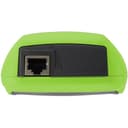
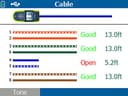
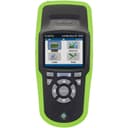
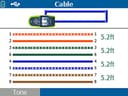
🚀 Diagnose Like a Pro, Fix Like a Boss
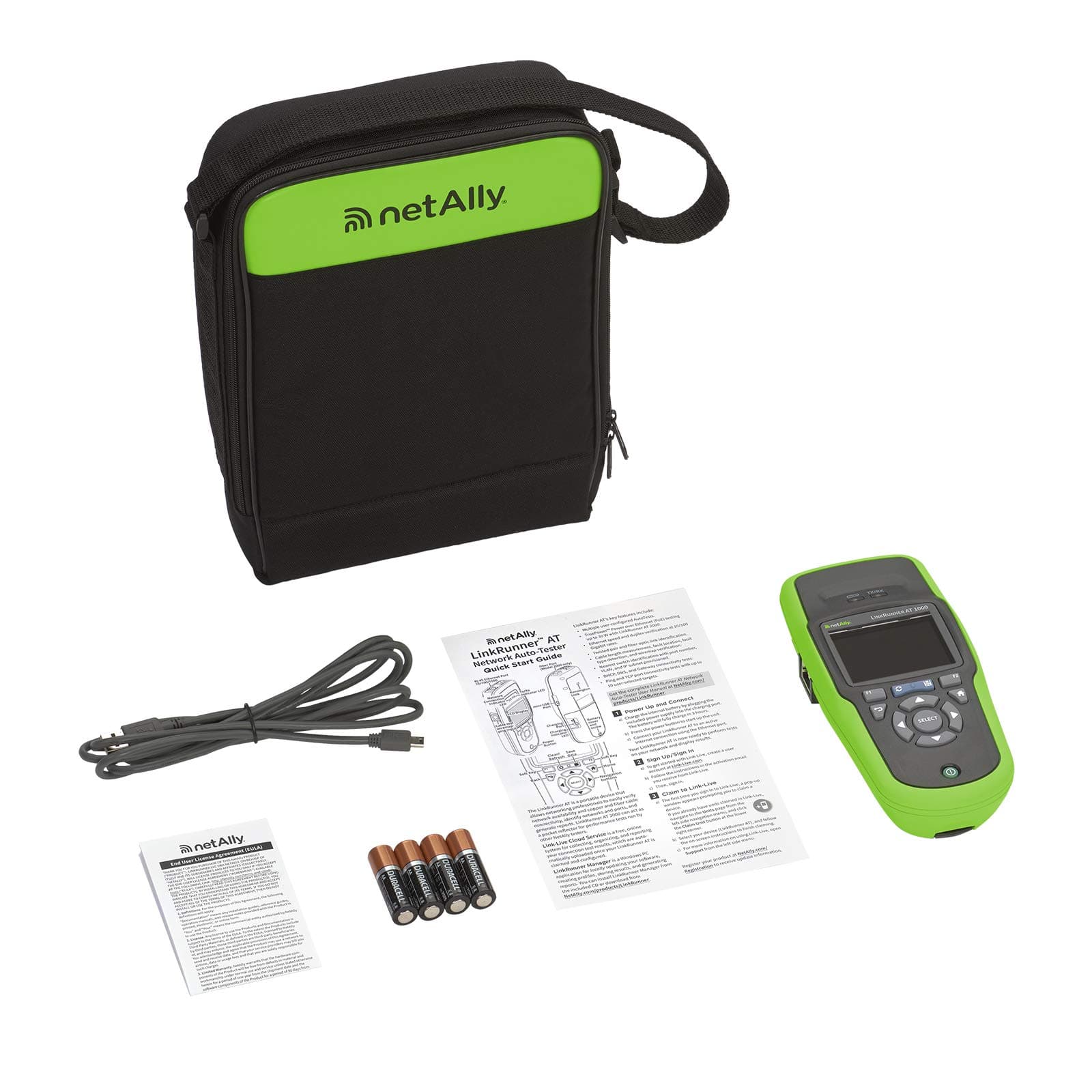
The netAlly LRAT-1000 LinkRunner is a professional-grade handheld Ethernet tester designed for rapid, automated verification of 10/100/1000 Mbps copper networks. It features a 10-second AutoTest for quick problem identification, cable length measurement, switch port location, PoE detection, and advanced network diagnostics including IP ping and TCP port testing. Powered by rechargeable AA batteries and bundled with LinkRunner Manager software, it’s the ultimate time-saving tool for network managers and technicians who demand precision and speed in troubleshooting.


| ASIN | B007B60F6A |
| Best Sellers Rank | #364,583 in Industrial & Scientific ( See Top 100 in Industrial & Scientific ) #708 in Network & Cable Testers |
| Brand Name | NETALLY |
| Color | Green/Black |
| Customer Reviews | 4.4 4.4 out of 5 stars (188) |
| Global Trade Identification Number | 00754082091264 |
| Included Components | Information Not Available |
| Item Dimensions | 4 x 8 x 2 inches |
| Item Type Name | Network Testing Device |
| Item Weight | 18 Ounces |
| Lower Temperature Rating | 32 Degrees Fahrenheit |
| Manufacturer | NetAlly |
| Maximum Operating Voltage | 264 Volts (AC) |
| Measurement Type | Ohmmeter |
| Minimum Operating Voltage | 15 Volts (DC) |
| Model | LRAT-1000 |
| Power Source | Battery Powered |
| Specification Met | No |
| Style Name | Copper and Fiber Ethernet Cable and Network Tester |
| UPC | 779184005162 754082091264 |
| Unit Count | 1.0 Count |
| Upper Temperature Rating | 113 Degrees Fahrenheit |
| Warranty Description | 1 year manufacturer |
R**.
Great time saver
I purchased this product to disagnose network issues at customer sites. I have ran every one of my cables and installed all the switches and firewalls/routers so I know mine are correct as i have tested each cable as I completed them, but at a customer site I have no idea what has or has not been done. I opened the product and started using it after the recommended 4 hour battery charge. With a basic knowledge of networks and cabling it is very easy to use and does not require much documentation (in fact I have not even reviewed the documentation outside of the basic info on charging the battery). I tested it on my DHCP network and it was able to obtain an IP and DNS along with routing out correctly and I was even able to do simple "ping" type performance tests to sites I entered into the unit. I also tested it on my non-DHCP network and after entering the IP address, subnet, gateway and DNS's it also was able to connect and route and perform the same tests. The most impressive thing to me is it can determine within a few inches the length of the ethernet cable (I use CAT5 RJ45) and even has a feature that you can determine where the cable is connected on a specific switch or hub. This is done through the included tone probe and then a nifty feature that, once you have located the cable bundle going into the switch or hub via the probe you can put the unit in a mode that flashes the Link, 10/100/1000 and on some switches the full/col light all together. This makes it very easy to determine which port the cable is connected to. You can then place the Wireview Cable ID connector(includes 6 of these in the extended kit that I purchased) on that end of the cable and then place the main unit in cable disagnose mode and it will even tell you if your pin outs from end to end or correct or which ones are dead or crossed. It also determins the connect speed of the cable/switch 10, 100 or 1000. I wish these were around 10+ years ago when I wasn running cables and crimping ends. It is pretty pricy, but with a few uses and the time savings it will more than pay for itself and considering you can do most of the basic cable, switch, routing and performance diagnostics, you can save yourself a ton of money over having a networking company come in and diagnose your issues on your network. Again you do need a basic knowledge of cabling and networks to use the product sucessfully. I would recommend this to anyone that has the basic knowledge of networks and cabling as a great time saver in diagnosing issues unless you have personally ran all of your cables and tested them when you installed them and they have never been touched, pulled on or accidentally cut at your site (like this doesn't happen regularly in the real world). Another great product from Fluke.
C**G
Great tool for troubleshooting
The NetAlly is a Fluke Network Testing tool. The great thing about this one is, it is easy on your pocket. I don't know if that will last long. Update! So far after a few years of use, it works just as good as day one. Great tool.
A**R
Expensive but money well spent. No regrets buying this.
I had a read a bad review of this after I bought it. The review is a bit suspicious. It's a lot of money and I'm not a company. I'm a tech, yes and I think a tool like this is worth the money. I can plug in a jack and learn a lot of the network from this device. Combine something like this with a mapper and you can walk into someone else's network and start to understand things. I've always hated how in tech support you get a call to visit some desktop and you're expected to pull some rabbit out of your yahoo and figure out whatever the problem is. Why can't the user gain access to the internet? Who the heck knows. Where is this user even connected? If it's not your network, how would you know? And users and management think we all "just know". Well, this tool is a part of that. Assuming the network is made up of Cisco switches and such you can find out which VLAN and switch the user is actually connected to. You will see speed. If the wire is broken you will know where the break is. You can add tests and save the additions as a profile. So I can make a profile for home and one for the office and one for xx client and so on. Just plug in and get answers in a few seconds. Wish it were cheaper but then I guess there isn't a big audience for these kinds of things. I'm an individual and I bought it with my own money. A company should be buying these for their techs. You'll get a bit of sticker shock, but a tool like this is just makes a lot of sense. Techs can solve problems faster and be less stressed about troubleshooting a problem. That means they waste a lot less time which is good for the tech and the user waiting for resolution. I guess the buzz word is that it pays for itself. The stress factor is enough for me. I'd like to be able to easily troubleshoot connectivity. I'd like to know what's going on with the wire and what the port is. Unless you built the network yourself odd are you could use help understanding it. 5 stars.
S**K
旧LinkRunnerからの買い替えです。 本体の大型化にともない液晶のカラー化大型化で情報が見やすくなりました。またテスト結果も10件ですが取り込みができ便利になりました。 表示も日本語で分かりやすくなっています。 旧LinkRunnerの付属品は互換がなく使用できません。
P**B
Amazing product
S**G
Works great. Wish i saw this was batteries rather than lithium chargeable.
R**N
Great tool to have around for troubleshooting network cables or ports
TrustPilot
1天前
2 周前