We remain fully operational. Our teams are working around the clock to ensure your deliveries continue safely.

下载应用程序


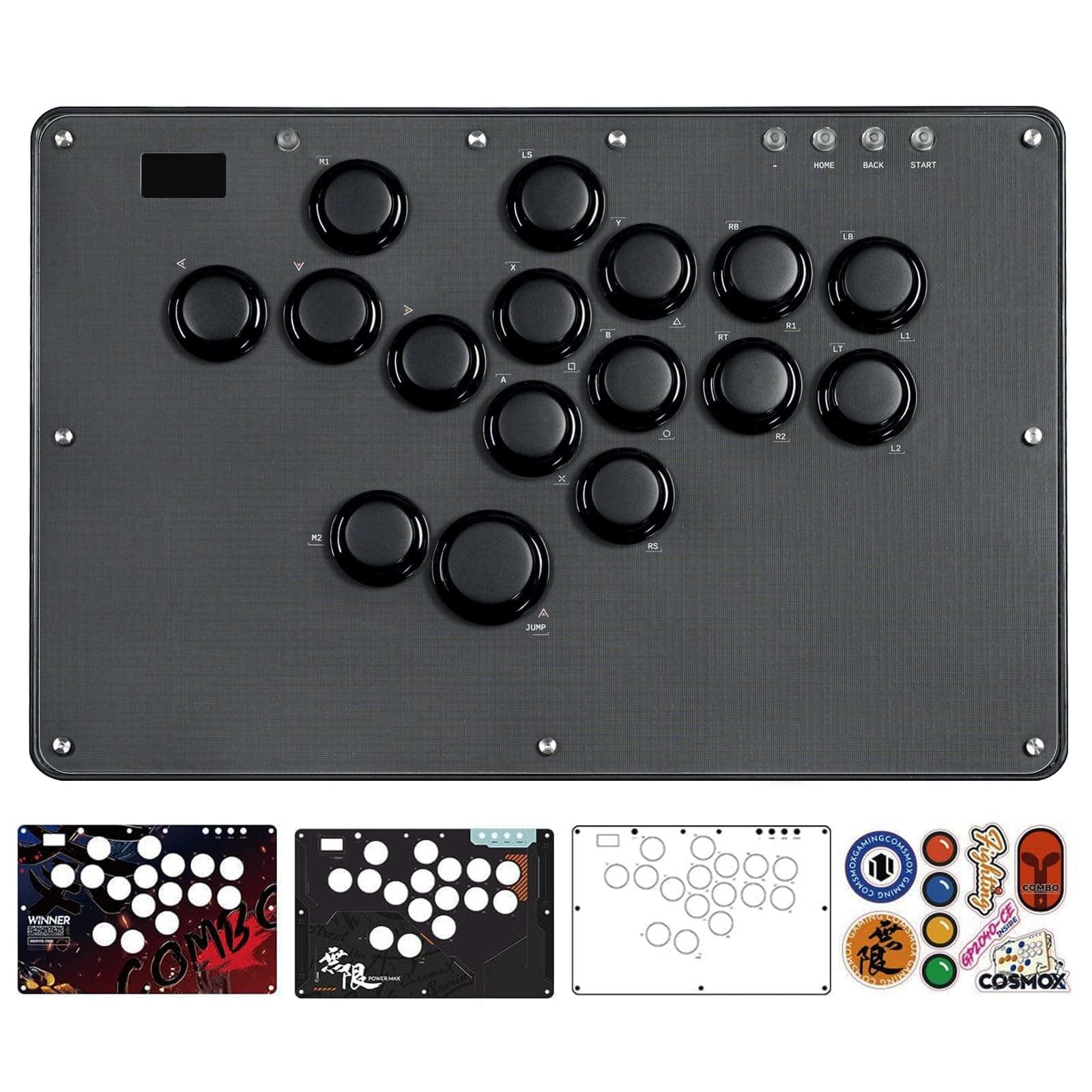
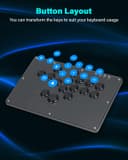
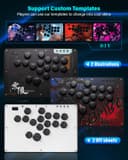
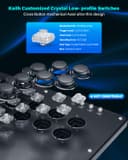
🎯 Elevate your game with the ultimate stickless arcade controller—where precision meets style.
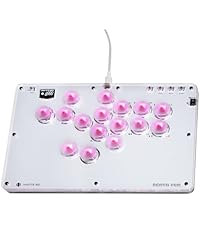
The JZW-Shop Haute42 Arcade Stick U16 is a sleek, leverless arcade controller boasting 16 hot-swappable Kailh low-profile mechanical buttons, ultra-low latency under 1ms, and wide compatibility across major platforms including Switch, PC, PS4, PS3, and Steam Deck. Featuring customizable RGB lighting, tournament lock switches, and advanced SOCD cleaning modes, it’s designed for serious gamers seeking precision, portability, and personalized style in one compact package.




| ASIN | B0F8MX8RSQ |
| Additional Features | Ergonomic |
| Brand Name | JZW-Shop |
| Button Quantity | 16 |
| Color | U16 |
| Compatible Devices | PC |
| Connectivity Technology | USB |
| Controller Type | Push Button |
| Customer Reviews | 4.5 4.5 out of 5 stars (11) |
| Hardware Platform | Gaming Console |
| Manufacturer | JZW-Shop |
| Model Name | RM |
D**.
Sweet game pad
Cool arcade game pad. It is light weight and has responsive button action. I appreciate that they are on the quite side and not too clickity clackity. The design is nice as well. The back of the unit is pretty much translucent. Setup was not an issue aside from needing to find updated firmware. The address listed in the manual is no longer active. However, you can find it on the web. I was able to connect this to my PS5 without the USB dongle, but it only stays connected for 6 7 minutes before needing to be reset. Needles to say a dongle is required if you want to play on PS5. I was able to connect to my PC and play with an issue.
C**D
A feature packed high quality stickless gaming controller with RGB buttons & screen!
With a lifetime of eSports history, I have a strong opinion in that I've never been a fan of stickless arcade "sticks" because I grew up in the arcades and the stickless controversy and various fallouts caused a lot of harm to the the viability of competition in classic fighting games. But that being said the actual instruments being used have a lot of cool things about them and I picked up this HautePad controller with intentions of building some kind of D-pad or stick alternative for it, but for now I'm keeping it as-is since its just so cool! First off, having such a low profile and thin controller just makes you want to use it more. I have dozens and dozens of arcade sticks but I almost never travel with them unless its for a tournament but something like this could come with me everywhere I bring my laptop. This Hautepad has even more advanced features with the built in screen and RGB lighting. The screen can be used to adjust settings and illustrate actions. The stick features RGB lighting with the buttons driven by low profile keyboard mechanical switches instead of the traditional Japanese arcade buttons - and this was a major change in the format that I haven't experienced until now. This has both advantages and disadvantages as the switches on this controller are a type of Kailh switch whose pinout matches nothing else I have, not even the low profile keyboard or standard cherry MX format switches that I already have - nor do they match that of Japanese arcade sticks. So this would be an entirely new ecosystem I'd have to invest in if I were to want to customize it so this lack of parts compatibility is the main reason I'd not want to give a full 5 stars. But for what is here, the switches and buttons work very well and feel incredibly responsive. The controller is compatible with PC/PS4/PS3 and Switch. I realize PS5 compatibility is an ongoing problem for players and manufacturers so I understand why it and other controllers don't work with it by default. The controller comes with some extra overlays for artistic customization which I thought was a really cool bonus. The build quality and feature set make this a really easy model to recommend to anyone interested in a stickless controller. For the $75-$90 asking price it has way more functionality than the top quality arcade sticks of the last generation at less than half the price - so an awesome value for money. I can't wait to figure out what this thing's final form will be once I either get used to it or figure out what kind of directional contraption I'll be building for it!
D**E
Super Cool
I've sent this through its' paces and while I suck at fighting games it's been great fun to use and is highly quality in its' build. I only have my original unboxing picture, but I'm going to post more later when I have time. I use this with many emulators and 2D games. It's not the same as using Advantage Controller to play Super Mario Bros. 3, but it's still an extremely fun and worthy experience! Even though people mainly think of fighting games, think about playing arcade and arcade inspired games. This works great with the new Salamander collection and I've been replaying Valdis Story with it.
A**R
Solid Fight Pad that can be configure to your liking
I got this as I wanted to try out a fight pad in my fighting games and this does the trick. The build quality is fine, it's an acrylic sandwich style assembly which may look pretty to some people and to others it looks cheap. One thing is for sure though, it's a fingerprint magnet. Included in the box are some different top decals that you can swap out, but it's a little bit tricky to remove the top panel as there are no lip for you to pry it open from after removing the screws. When it comes to using the fight pad, I found it to be pretty good. This uses low-profile linear switches which is great for fast response, but you may not be used to it if you are coming from a tactile or clicky style input on other devices. I found the position of each buttons to be mostly comfortable, though I had to get used to moving with buttons instead of a stick or d-pad. Since it uses just buttons for every input, it makes doing combo a breeze. I was able to shuriken in street fighter and perform tilts in smash with no issues. You can remap the keys and switch input mode with the web interface. Simply hold down start while plugging in the fight pad into a PC. On my desktop, I was not able to access the interface with the provided IP address, but it worked fine on my laptop. The interface is pretty easy to use. My gripe with this is that there is no on-demand configuration. If you need to tweak something, you have to unplug the fight pad from your console, plug into your PC in configuration mode, save the configuration, and plug back into your console. It's a bit of a hassle but I do appreciate that there is no proprietary software that you need to download. Overall, it's a good controller if you know what to expect. This is not going to be for everyone for sure. If you are looking for an alternative controller that makes doing combo easy, this is good for that. Otherwise, if you are just a casual player, I do not think this is going to be worth getting.