We remain fully operational. Our teams are working around the clock to ensure your deliveries continue safely.

下载应用程序


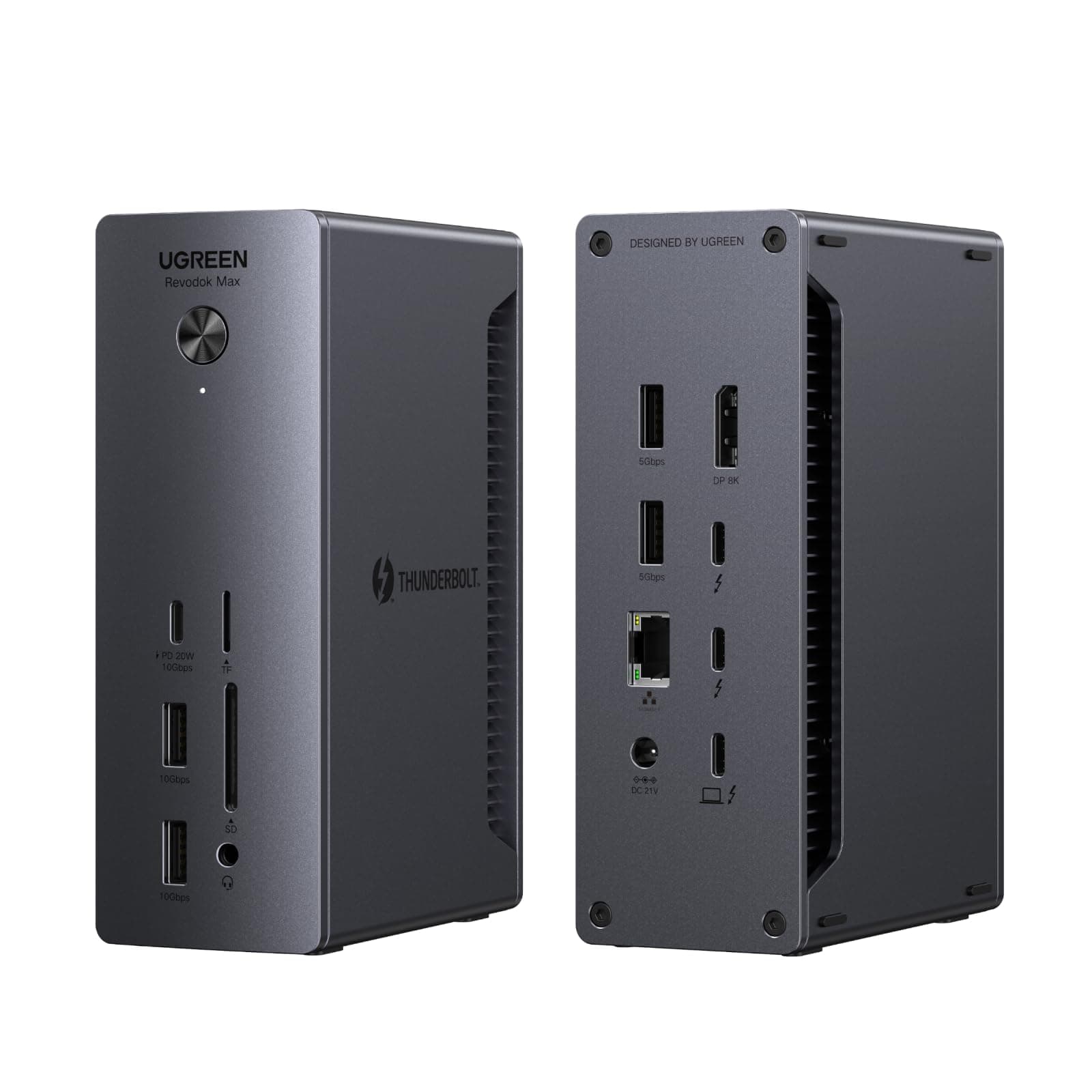
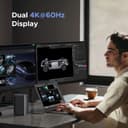
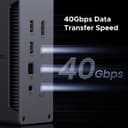
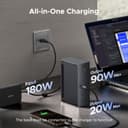
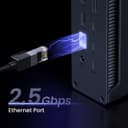
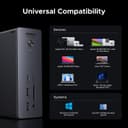
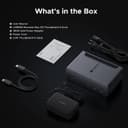
⚡ Elevate your workspace with speed, power, and ultra HD clarity!
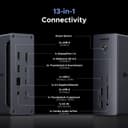
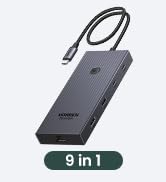
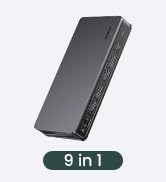
The UGREEN Revodok Max 213 is a premium 13-in-1 Thunderbolt 4 docking station delivering ultra-fast 40Gbps data transfer, dual 4K@60Hz or single 8K@30Hz display support, and 90W power delivery charging. Designed for professionals, it offers versatile connectivity including USB-C, USB-A, Ethernet up to 2.5Gbps, and SD/TF card slots, compatible with Mac and Windows devices, ensuring a clutter-free, high-performance workstation.















| ASIN | B0DQWJNJ21 |
| Best Sellers Rank | #20,555 in Electronics ( See Top 100 in Electronics ) #324 in Laptop Docking Stations |
| Brand | UGREEN |
| Color | Gray |
| Compatible Devices | laptops, tablets |
| Customer Reviews | 4.3 4.3 out of 5 stars (163) |
| Hardware Interface | Ethernet, Thunderbolt 4, USB 3.2 Gen 1 |
| Item Dimensions L x W x H | 5.85"L x 3.79"W x 2.05"H |
| Manufacturer | Ugreen Group Limited |
| Number of Ports | 13 |
| Total Usb Ports | 5 |
| Unit Count | 1.0 Count |
| Warranty Description | 2 year |
G**O
Increíble, súper conectividad y velocidad!!! Calidad de construcción y materiales impecable!
Y**L
Le meilleur HUB USBC que j'ai essayé. Excellent sur mon MAC avec plusieurs périphériques et un écran Ultrawide. Tout fonctionne parfaitement après 3 mois.
J**S
I’ve had this dock for a month and it works perfectly good I run it using a M4 Max and under heavy loads it does get warm but only when I’m pushing my Mac to the Max using Davinci and editing a 4K timeline with masking effects de-noising and colour grading and I’m running a dual monitor set up
U**S
This dock has worked steadily without problems out-of-the-box, supporting a Dell XPS running Ubuntu 25.04+. I have a 4k display connected with a (UGreen) USB-C to DP 1.4 cable, and another ancient display connected to the built-in DP port with an old DP 1.1 cable. I expect everything would work fine with earlier kernels and other cables, as well. I saw a review mentioning troubles with HDMI. DisplayPort is actually a preference for me, because HDMI is proprietary and seemed like it might eventually invite 3rd party drivers on Linux, whereas DP is an open standard. So I haven't even tried HDMI. The USB-C to DP cable was not expensive, and gave me no trouble. (I did have to change settings on a monitor to select DP input.) I like that the fast USB-A ports are on the front. Slower USB-A ports in the back are perfect for keyboard and mouse, and if you want an attached SSD or something, you have more TB/USB-C in the back. But if you want to dynamically connect something, you want the faster USB-A ports to be in the front, right? Why don't others get that? The box is shockingly heavy. I imagine they would've wanted it lighter, if possible, but were forced to make it heavy. Perhaps it's unavoidable, if you want a robust power supply? I previously tried a (reconditioned) Dell WD22TB4 before this, and it just suddenly quit after a couple of days. So, maybe heavy is good. (Or they knew I'd think like that and added a slab of steel to impress me? I doubt it.) Plus, it stays put. Anyhow, I spent a lot of time weighing other options, and this box feels like the perfect balance of capability and cost, and has been rock-solid. My displays come up from sleep in about 2 seconds. I have successfully used the (much less expensive) OWC "Bus-Powered 5-Port Multi-Adapter" TB3 mini-dock with my setup (including HDMI without 3rd party drivers, so go figure). However, there were a few occasions with older kernels, when it had a big problem waking up after sleep, though it seems stable with newer kernels. It's passive and has limited ports, so I have to unplug power or juggle connections when I want to add some temporary extra connection. I did briefly create a problem for myself with the UGreen dock, when I disconnected the laptop in clamshell mode, plugged something into the dock, typed some keyboard keys, power-cycled the dock, etc, before realizing I hadn't reconnected the laptop. After reconnecting, I had to open the clamshell and unlock the laptop, in order to bring back the displays. No big deal. Be aware that other docking stations that connect via USB-C only (rather than Thunderbolt) are going to require "Display Link" drivers.
M**C
Works flawlessly. Quality build with solid materials, all ports work as advertised and the profile is small enough not to get in the way. I run an M4 MBP through this and have not had so much as a single issue. I am running ethernet, audio, a video output connected to a KVM used with my Mac and PC, and wireless usb devices. I also connect 2 separate M.2 enclosures to it without issue. I have but one complaint and I hope they address this in the future. The audio jack is in the front and I want another option for the back. I worked around this by using a usb-a to 3.5mm jack adapter and run it out back which works fine but shouldn't be necessary. I think audio should have options for both front and back since it's common to use both. Overall I'd buy again without hesitating.
TrustPilot
1 个月前
5天前