We remain fully operational. Our teams are working around the clock to ensure your deliveries continue safely.

下载应用程序





🚀 Elevate Your Gaming Rig with LINKUP’s Ultra-Fast PCIe 4.0 Riser Cable!
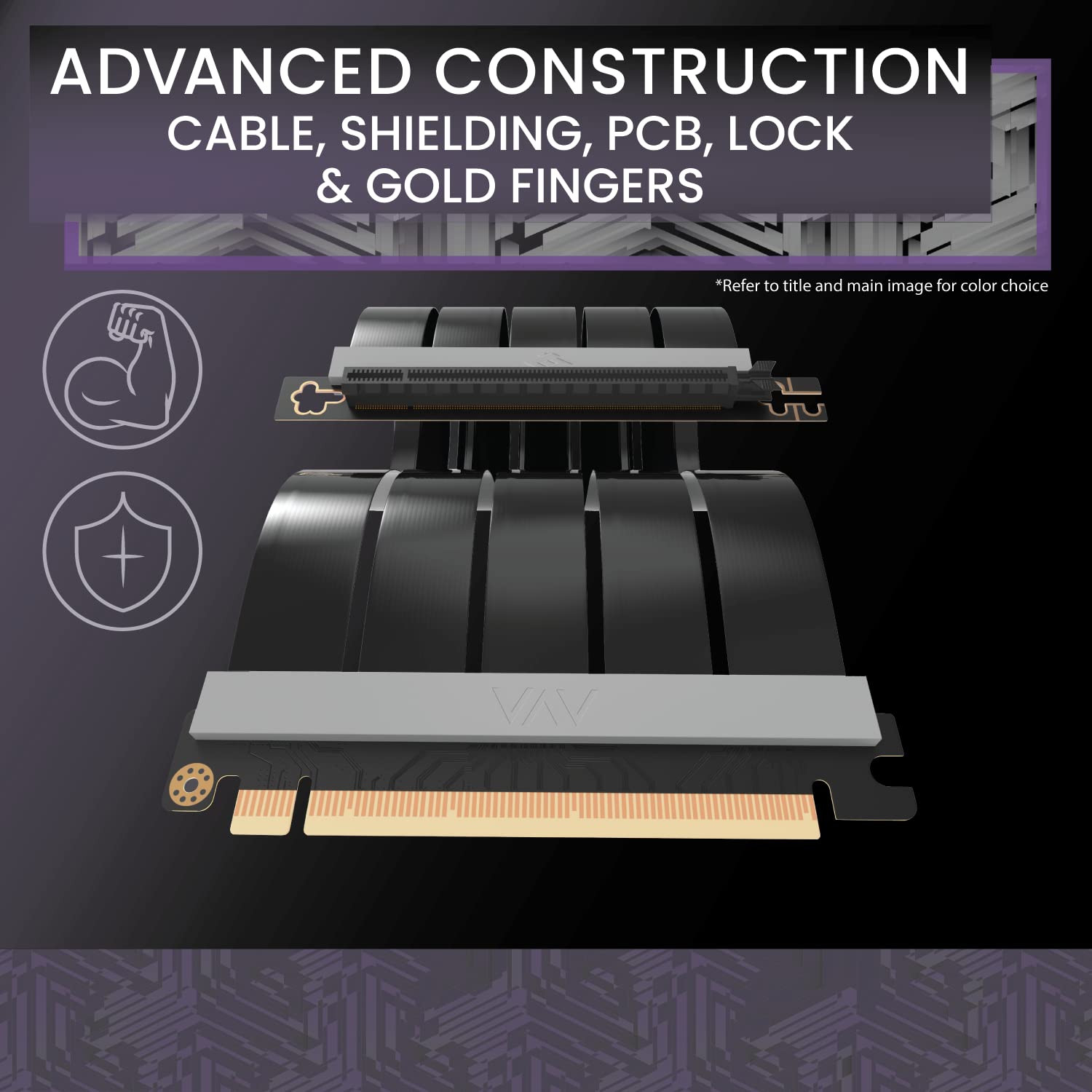
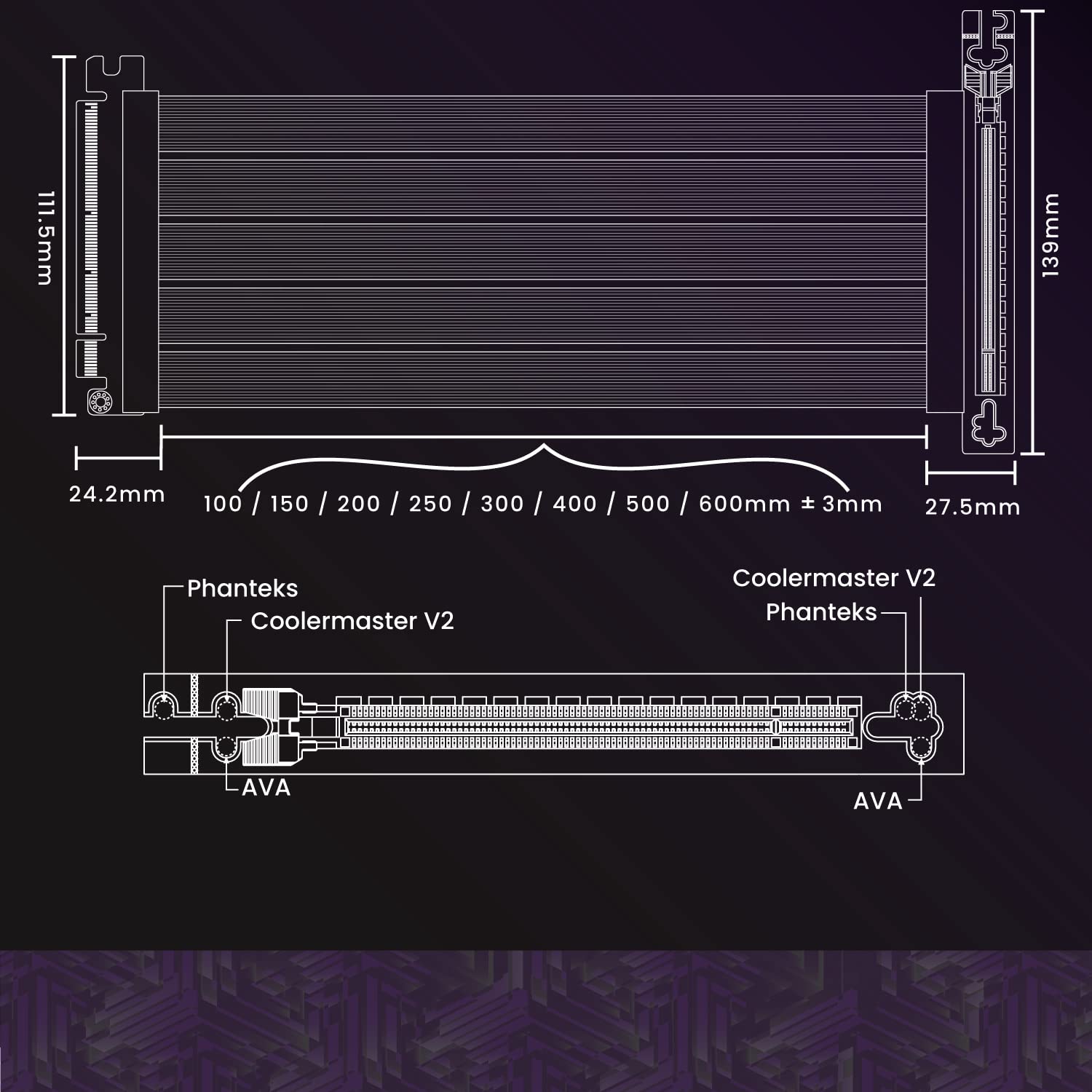
The LINKUP AVA PCIe 4.0 Gen 4 x16 Riser Cable is engineered for high-performance gaming setups, delivering up to 16 Gbps data transfer with ultra-low signal loss. Designed with premium materials including 24K gold-plated connectors and advanced shielding, it supports next-gen RTX 40 and RX 7000 series GPUs while maintaining backward compatibility. Its 20cm length and 90-degree design enable flexible GPU placement, ensuring seamless integration and future-proofing your rig with PCIe 5.0 wiring technology.
| ASIN | B0B4T7CJC1 |
| Best Sellers Rank | #298,173 in Electronics ( See Top 100 in Electronics ) #9,608 in Cables |
| Brand | LINKUP |
| Brand Name | LINKUP |
| Cable Type | Lightning |
| Colour | White |
| Compatible Devices | Desktop |
| Connectivity Technology | PCIe |
| Connector Gender | Male-to-Male |
| Connector Type | Screw |
| Country of Origin | USA |
| Customer Package Type | FFP |
| Customer Reviews | 4.4 out of 5 stars 4,044 Reviews |
| Data Transfer Rate | 16 Gigabits Per Second |
| Frequency | 16 GHz |
| Indoor Outdoor Usage | Outdoor |
| Item Shape | Round |
| Item Weight | 0.17 Kilograms |
| Manufacturer | LINKUP Technology Inc. |
| Model Name | PIEC4EXT11SR-020 |
| Model Number | AG-P4-SR020-WH |
| Number Of Pins | 32 |
| Number of Items | 1 |
| Other Special Features of the Product | Data Transfer, High Speed |
| Outer Material Type | Polyvinyl Chloride (PVC) |
| Recommended Uses For Product | gaming performance enhancement, high-performance GPU connection |
| Special Feature | Data Transfer, High Speed |
| UPC | 882991236404 |
| Unit Count | 1.0 Count |
G**N
Excellente Riser si vous rechercher une Riser PCIe Gen4 , mais attention
Parfait cette Riser à réglé mon problem de Riser sur ma config. Avec Mon boitier Cooler Master C700P une riser de livrer elle fonctionnais très bien avec Mon ancienne carte mère encore en PCIe2 + ma RTX3080. Après avoir fini mon upgrade X570 + Ryzer 5800X impossible de faire démarré la config Erreur "CMOS VGA 94". Après débug j'ai trouvé que la carte mère détecter automatique que ma carte est un PCIe Gen 4 Mais le cable Riser d'origine était seulement PCIe Gen3. Petite astuce branché la CG sur le dernier port PCIe (PCIe_3 x4) aller dans le Bios et forcer le Gen 3 sur les PCIe_2 et _1. ça dépanne en attendant de recevoir ça nouvelle Riser. Depuis la Réception de ma "LINKUP - Ultra PCIe 4.0 X16 Câble Riser" tous fonctionne j'ai pu repassé dans le Bios en PCIe Gen4 . apres plusieurs heure de Benchmark rien à signaler. Mais attention à bien prendre la version "ULTRA" ce n'est pas très claire mais il y a aussi une version "Extrême" qui est bien moins performante elle est noté juste compatible PCie Gen4/3 et pas certifier PCIe Gen4.
M**R
super
Der meinem Fractal Node 202 beigelegte Riser unterstützt nur PCIE 3.0. Nicht mehr ganz zeitgemäß. Um PCIE 4.0 Karten nutzen zu können, habe ich diesen eingebaut (Ultra 4 gerade, 5cm). Funktioniert seit einigen Monaten tadellos!
A**N
Satisfait
Acheté pour une 3090 Aorus et il fonctionne parfaitement! Je l'ai monté sur le support vertical cooler master en changeant le cable par celui-ci. PCIE 4.0 merci la technologie de toujours brider pour vendre...
D**Y
It Works for the NZXT H1, But Not As You Think
The specific riser cable i got is the NZXT H1 [23cm]. If you are getting this specific riser cable to replace the 32cm cable from NZXT, then understand that the 23cm length will not work if you route it the same way that NZXT's riser cable is routed. Two of the attached pictures show the incorrect way of mounting the riser cable. In this, I attempted to route the riser behind the GPU then curve the riser cable 270 degrees so that the female end that connects to the GPU meets the PCI-e slot. This results in the riser cable length being too short, where it needs an additional 2-3cm of length to fully socket the GPU and secure it to the chassis. The third picture is the correct way to route the riser cable for the NZXT H1. The riser cable needs to be routed in front of the GPU so that the female end of the riser cable connects to the GPU's PCI-e slot. This route is likely going to block one of of the GPU fans, which restricts air flow and is likely to make your GPU hotter if you are using it for gaming. The GPU I'm using is a Radeon 6700 XT. The venting of heat is at the top of the GPU, facing left in the pictures. The concern I have is that the cooling of the GPU will heat up the riser cable and may cause problems in the future. But this will work for the 23cm length. The 23cm riser cable does technically work, but the only way that the length is compatible, routing in front of the GPU, may cause issues due to restricting air from a fan, and being in the way of heat exhaust from the top of the GPU.
K**.
This works.
I got this to connect my two 1080 TIs and it worked perfectly as it should. I have had it on my computer now for two years or so and I've had no problems. This was definitely a must-have for me when it was hard to find a new graphics card, and I appreciated that I could buy a 1080 (at that time) for a fair price and connect it with the one I already had.
TrustPilot
1 个月前
1天前