We remain fully operational. Our teams are working around the clock to ensure your deliveries continue safely.

下载应用程序


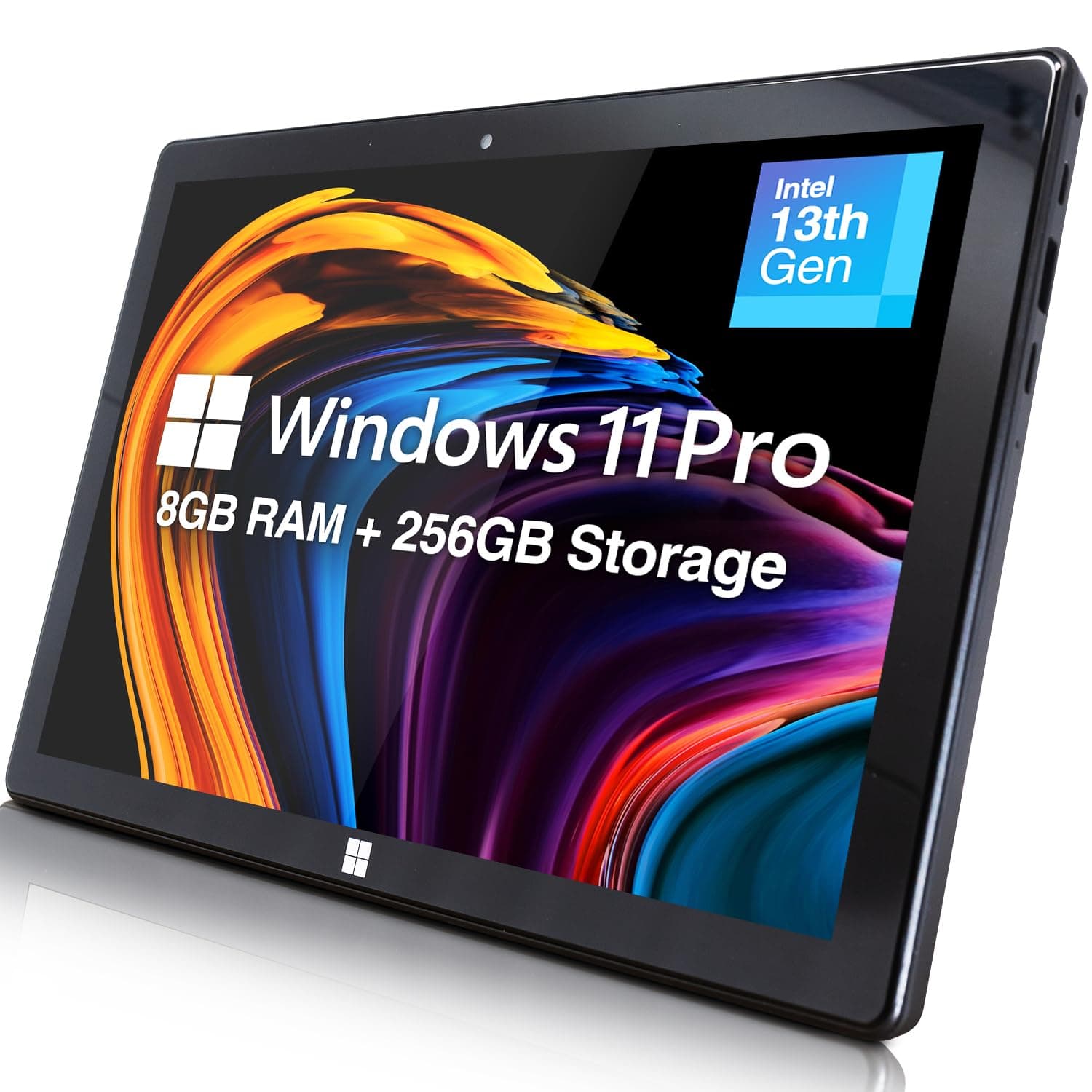



🚀 Elevate Your Mobile Office with Fusion5’s Power & Precision
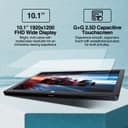
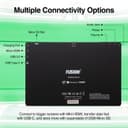
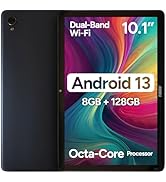
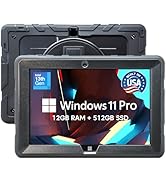
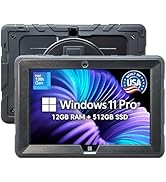
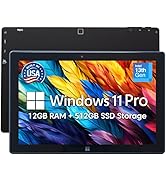
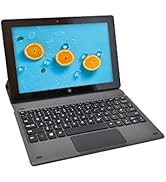
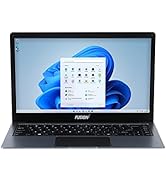
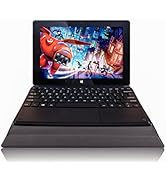
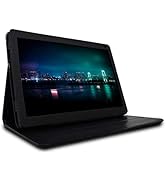
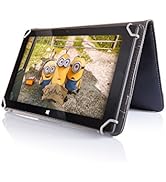
The Fusion5 10.1" Windows 11 Professional Tablet PC combines a powerful Intel 13th Gen Quad-Core CPU with 8GB LPDDR5 RAM and 256GB SSD storage, delivering fast, reliable performance in a sleek, ultra-portable design. Its vibrant Full HD IPS touchscreen and versatile connectivity options, including USB 3.0, USB-C, and Micro HDMI, make it ideal for professionals seeking productivity on the move. With Windows 11 Pro, expandable storage, and a lightweight form factor, Fusion5 offers a premium tablet experience tailored for modern multitaskers and digital creatives.












| ASIN | B0DSWJL6K5 |
| Age Range Description | Adult |
| Aspect Ratio | 16:10 |
| Battery Average Life | 5 Hours |
| Battery Capacity | 6000 Milliamp Hours |
| Battery Cell Type | Lithium Polymer |
| Battery Power | 6000 Milliamp Hours |
| Best Sellers Rank | #27,254 in Electronics ( See Top 100 in Electronics ) #543 in Computer Tablets |
| Brand | Fusion5 |
| Built-In Media | Charger, Manual |
| CPU Model Number | N100 |
| CPU Model Speed Maximum | 3.4 GHz |
| Camera Description | Front |
| Cellular Technology | 5G |
| Color | Windows 11 Professional |
| Compatible Devices | Keyboards, Mice, Speakers, Headphones, Touch Screen Keyboards |
| Connectivity Technology | Bluetooth |
| Customer Reviews | 3.9 3.9 out of 5 stars (403) |
| Display Refresh Rate in Hertz | 60 |
| Display Resolution Maximum | 1920x1200 Pixels |
| Display Type | LCD |
| Flash Memory Supported Size Maximum | 256 GB |
| Generation | 1st Generation |
| Graphics Coprocessor | Intel UHD Graphics or Intel Iris Xe Graphics |
| Graphics Description | Integrated |
| Hardware Interface | 802.11 ac/b/g/n |
| Headphones Jack | 3.5 mm |
| Human-Interface Input | Touchscreen |
| Item Dimensions L x W x Thickness | 10"L x 6.7"W x 0.43"Th |
| Item Weight | 636 Grams |
| Lithium-Battery Energy Content | 18.5 Watt Hours |
| Manufacturer | Fusion5 |
| Memory Slots Available | 1 |
| Memory Storage Capacity | 256 GB |
| Model Name | 232 Pro N5 |
| Model Number | FWIN232 PRO N5 |
| Model Year | 2025 |
| Native Resolution | 1920 x 1200 pixels |
| Operating System | Windows 11 Professional |
| Other Special Features of the Product | Lightweight |
| Photo Sensor Resolution | 2 MP |
| Processor Brand | Intel |
| Processor Description | Intel Alder Lake 13th Gen N100 |
| Processor Speed | 3.4 GHz |
| RAM Memory Installed | 8 GB |
| Screen Size | 10.1 Inches |
| Speaker Description | Built-in speakers |
| Specific Uses For Product | [INFERS] Potential specific uses: work, multimedia consumption, creative activities |
| Supported Audio Format | MP3, WAV, AAC, FLAC |
| Total Usb Ports | 2 |
| Video Capture Resolution | HD 720p |
| Video Processor | Intel |
| Warranty Description | 12 Month |
| Warranty Type | Full |
| Wireless Compability | 802.11ac |
| Wireless Technology | Bluetooth, Wi-Fi |
D**N
Windows computer the size of a tablet - works well. I'll be using this on airplanes!
Solid product. My initial impression was that the Windows interface was sluggish, but after doing the updates and following some tips on a different customer review (like lowering the resolution and adjusting the performance settings), it now works pretty smoothly. I haven't tested the battery out from full all the way to empty, but I have used it intermittently for a few hours without it running out of battery. Your screen brightness and power saving mode will also impact battery life. I bought this to use for simple browsing, reading, and working on documents at church, on airplanes, and riding in vehicles where space is limited. It has been great so far. The only downside is the power cord uses a bulky wall plug instead of the USB C that most tablets use and that are compatible with more charging ports on airplanes. Not a big deal though with the decent battery life, and worth the tradeoff, because it runs Windows and it is compatible with my external hard drives which allows me to work on projects in small spaces. Satisfied customer.
2**S
Somewhat satisfied - enjoying it the more I am using it.
I am somewhat satisfied with the purchase of the: Fusion5 FWIN232PLUSN5 Intel(R)N100 - 800 MHz (8GB RAM) Memory: 256gb SSD - M.2.SATA Microsoft Windows 11 Pro is installed - I paid a little extra for 11 pro. System type: 64-bit operating system, x64-based processor Pen and Touch: Pen and touch support with 10 touch points OVERALL: For the price point and feature set it is a good little device. PROS: The more I use the Window Tablet the more I like it. While not super speedy, it does the job when we are out running errands and allows me to continue working without a significant loss of productivity. I have not installed Citrix and some of the work apps on it yet I wanted to ensure that it would suit my needs prior to installing those type of apps. I have also not tried it with my USB-C dock to verify that it works as my work laptop is normally docked. You cannot expand the RAM as it is soldered in, but the memory is expandable by using an SD card up to 512gb. It also looks like you can add memory by replacing the M.2SATA SSD drive if you choose. It works for casual web surfing, and allows me to use Microsoft O365 apps and a PDF editor. I can also watch Netflix and YouTube if I choose. For a causal user it is going to be a solid little system out of the gate. CONS (for me at least): My primary complaint relates to the use of a stylus with the device. On a tablet size device, it is one of my preferred methods to interact with the device. I also like to take notes and sign documents with my tablet. The device is listed as having a touchscreen, and Windows 11 Pro, I made an incorrect assumption that the device would work with the Microsoft Pen Protocol. That is on me for not being thorough enough in my research, but it has decreased my enjoyment of the device and simultaneously decreased it utility for me. I have tried: --> Wacom Baraboo Ink with the Wacom AES pen protocol --> Metapen with the Microsoft Pen Protocol neither have worked with the device. --> Finally, I hooked a XP-Pen drawing table to it which worked but gives you a second device to lug and defeats one of the primary reason to get a smaller more portable device. I reached out to customer service who was timely with their response, but did not fully answer the question. They said that they do not test third-party accessories with their devices so they cannot recommend a stylus. I wrote back a second time, thinking my question was not clear enough and asked them what pen protocol the device supports. I got the same answer as above, but this time the agent also said that they do not support any protocol. I will probably try a USI Pen Protocol device for kicks and see if it works, but that is the biggest disappointment for me.
B**_
Decent Budget Tablet for Windows 11
Having received the product, I was surprised by its compact build and rigidity. Booting it up, the display was snappy enough for me to be satisfied. Updates took a long time (going up to 24H2), but no surprises there. Getting into the desktop, performance was acceptable but needing improvement. I ended up turning off many visual effects in the advanced settings and accessibility settings, which drastically decreases the overhead for running the desktop (this is stuff like window animations). I basically turned off everything except text smoothing. I also switched energy saver to be always-on, which helps extend battery life and decrease temperatures. These changes on their own drastically improved the responsiveness of the tablet. It also helped by decreasing temperatures and avoiding thermal throttling (confirmed in HWMonitor). This gave the tablet a very good stretch on the N100 it’s using. To go that extra mile, I also switched the resolution to 1280 x 800. This improved web browsing performance by about 20-40% (Browserbench 2.0), and further avoided thermal throttling. I was extremely satisfied with this, and didn’t mind the slight change in appearance of the desktop environment (I find low resolutions nostalgic). I now use the tablet in this manner for my graduate school work, and I’ve been quite happy with it. The changes in performance settings I used helped to extend battery life a bit, going up to 5.5-6 hours of 720p playback. More intense tasks definitely sap the battery. I found I got a couple hours playing 3.3.5 world of Warcraft, and avoiding thermal throttling the experience was very smooth. Definitely doable for some low-spec gaming. Biggest issue by far is just the thermal throttling while under load or charging, but this isn’t noticeable for 99% of daily tasks. Try to charge it while it’s off to avoid this and you’ll be really happy with the energy-saver mode on Windows 11. This tablet gets performance on par with some of my nicer (albeit older) thinkpads like my yoga 370. This is with the caveat of temperature and desktop management as discussed above. Web browsing is extremely satisfying this way, as I love the feel of a compact tablet. Pretty impressive to have a portable, affordable Windows 11 experience. Gotta try Linux on this bad boy at some point. My final critique is that the firmware doesn’t support S0 mode (standby low power) which would make the tablet function more like a traditional android/iOS tablet (where you simply tap the power or home button to wake the device and enter a pin real quick). Overall, I give this five stars for the build quality and value for money (one year warranty is excellent as I finish up grad school, too).
A**R
Wasting of money, download centre was useless.
A**R
I’ve been using the Fusion5 FWIN232 PRO N5 for a few weeks now, and I’m genuinely impressed by the performance and features packed into such a sleek and lightweight device. The 10.1” Full HD display is vibrant and sharp, making it great for watching videos, working on documents, or browsing the web. The Intel N100 Quad-Core CPU paired with 8GB of RAM and a 256GB SSD delivers smooth performance for multitasking, streaming, and productivity apps. It boots up quickly and handles Windows 11 without a hitch. I especially love the fact that it comes with expandable storage, which means I’m not limited by the onboard SSD. Connectivity is solid with 5G WiFi, and the inclusion of a Micro HDMI port is a nice bonus for connecting to a larger screen when needed. The HD webcam is perfect for video calls, and the ultra-slim design makes it super portable—ideal for travel or on-the-go use. Overall, this is a fantastic Windows tablet at a very reasonable price. Whether you're a student, a traveler, or someone looking for a budget-friendly work device, the FWIN232 PRO N5 is definitely worth considering!
P**E
arrived no aussie connector. -1 star had 2 international adapters didint work went to officeworks (where I got 1 of the others last time) this one worked hassel for getting adapter -1 star seem to have power, now waiting to see if charges. didnt seem to charge via usb-c but will check again if I can get into the device.
A**R
The product is perfect for studying, but it's weak and slow when it comes to daily using. And I liked how fast the delivery was.
R**.
Fusion5 Windows Tablet – Great for Work and Music! I’ve been using the Fusion5 Windows Tablet, and honestly, it’s been a solid investment. It’s surprisingly fast for a budget tablet, making it great for both work and creative projects. Performance I can run Excel on it without issues, which is perfect for managing spreadsheets and getting stuff done on the go. But what really impressed me is how well it handles Guitar Pro 8—if you’re into music composition, this tablet can definitely keep up. Screen & Design The 10.1-inch Full HD display is crisp and colorful, great for watching videos or working on detailed projects. It’s also lightweight, so carrying it around is easy. Battery & Storage The battery holds up well, lasting several hours without needing a charge. Plus, the expandable storage means I have plenty of space for files, apps, and even music projects. Final Thoughts For the price, the Fusion5 Windows Tablet delivers way more than I expected. Whether you need a reliable device for work, music, or entertainment, it’s a great pick. Definitely worth checking out!
TrustPilot
2 个月前
2 周前