🚀 Elevate your WiFi game—because buffering is so last decade!
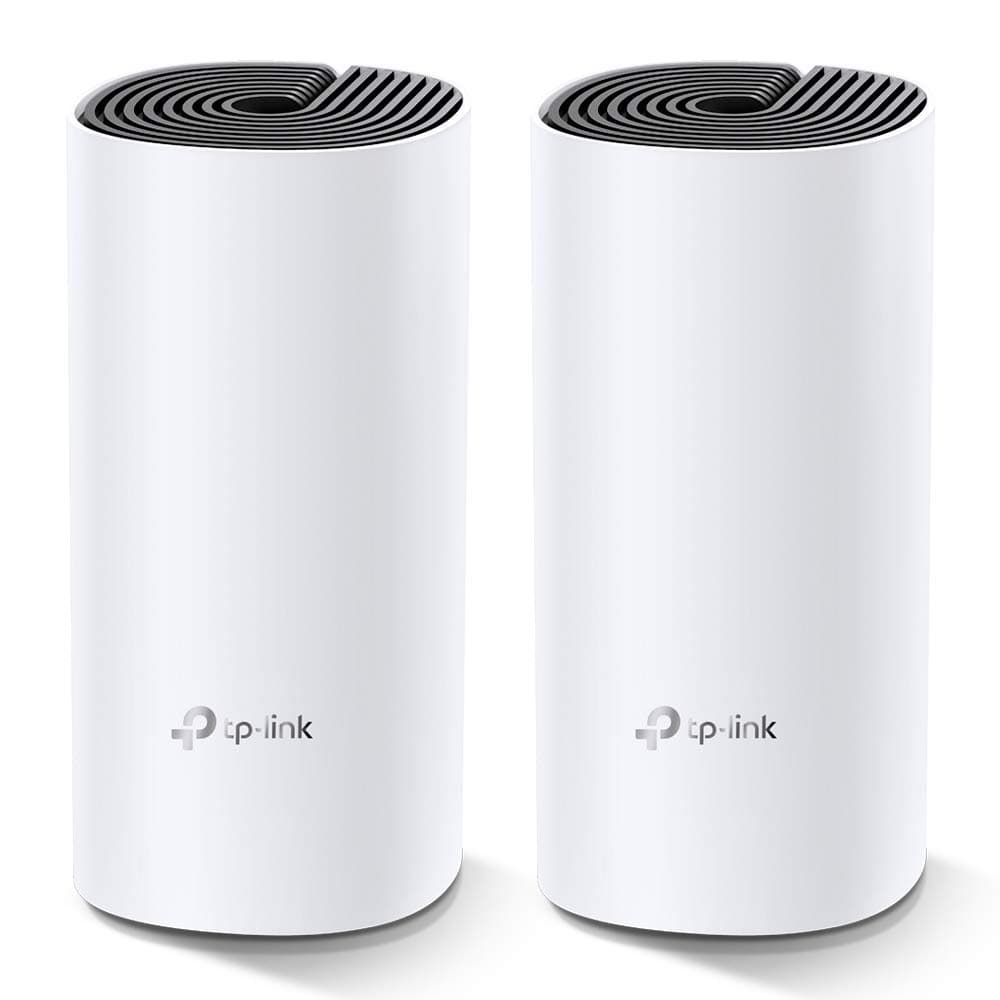
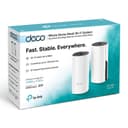
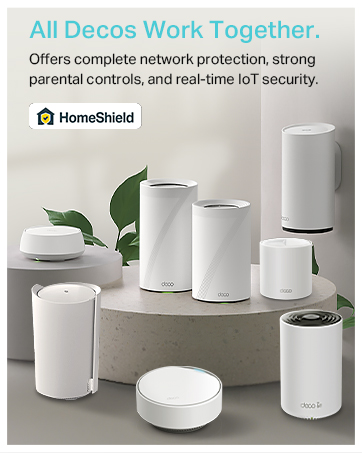
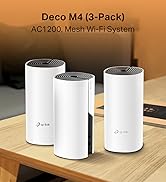
The TP-LINK Deco M4 2-pack is a dual-band mesh WiFi system delivering up to 867 Mbps on 5 GHz and 300 Mbps on 2.4 GHz bands. Featuring gigabit Ethernet ports and support for up to 150 devices, it ensures seamless, high-speed coverage across your entire home. Easy to set up via the Deco app, it also includes built-in HomeShield security for peace of mind in a connected lifestyle.


| ASIN | B07KJ2TDMR |
| Are Batteries Included | No |
| Batteries | 1 AAAA batteries required. |
| Best Sellers Rank | 621 in Computers & Accessories ( See Top 100 in Computers & Accessories ) 2 in Whole Home & Mesh Wi-Fi Systems |
| Brand | TP-Link |
| Colour | Noir |
| Connectivity Type | Wi-Fi |
| Customer Reviews | 4.4 4.4 out of 5 stars (15,875) |
| Date First Available | 1 Dec. 2018 |
| Graphics Card Description | Dedicated |
| Guaranteed software updates until | unknown |
| Hardware Platform | Linux |
| Item Weight | 699 g |
| Item model number | Deco M4(2-pack) EU |
| Lithium Battery Energy Content | 2.6 Watt Hours |
| Lithium Battery Packaging | Batteries contained in equipment |
| Lithium Battery Weight | 5 Grams |
| Manufacturer | TP-Link |
| Number Of Lithium Ion Cells | 4 |
| Number of Ethernet Ports | 2 |
| Number of Lithium Metal Cells | 1 |
| Number of USB 3.0 Ports | 3 |
| Operating System | RouterOS |
| Power Source | CC |
| Product Dimensions | 10 x 9.1 x 10 cm; 699 g |
| Series | Deco M4 |
| Voltage | 240 Volts |
| Wireless Type | 802.11ac, 802.11g, 802.11n |
J**.
Powerful, reliable Wi‑Fi that finally covers the whole house
I’ve tried a few Wi‑Fi setups over the years — from a single router to old extenders — and struggled with rooms where the signal was weak or just didn’t reach. The TP-Link Deco X55 (3‑pack) mesh WiFi system has, quite frankly, solved those problems — it’s robust, fast, and has transformed internet coverage across my whole home. I first got the 3‑pack because we have multiple devices — phones, laptops, tablets, smart‑home gadgets — and needed coverage across different floors and rooms. Setting it up was surprisingly simple, even for someone not particularly tech‑savvy: plug in the main unit, use the Deco app to follow the prompts, and before I knew it the mesh network was live. The coverage is impressive — rooms that previously had weak or patchy signal are now solid and stable. Whether upstairs, in the kitchen, or tucked away in a corner room, I get strong, consistent Wi‑Fi. Even outdoors on the patio I noticed a usable signal, which has been great for music and streaming devices. Performance has been top‑notch. Streaming videos, video calls, gaming, working from home — everything feels smooth, with minimal buffering or connection drops. The WiFi 6 boost makes a difference, especially when multiple devices are connected: there’s no noticeable slowdown even during peak usage. I also like the extras: the three gigabit ports on each unit give flexibility if I want to connect wired devices, and the system’s ability to handle up to ~150 devices gives plenty of breathing room for current and future gadgets. The built‑in HomeShield security gives extra peace of mind, which feels important with so many smart devices around. Overall, the TP-Link Deco X55 (3‑pack) has been a real upgrade — it turned our home network from a weak, patchy system into a stable, high‑speed mesh that covers the entire house. For anyone struggling with poor Wi‑Fi range or juggling many devices at once, this mesh system is a strong recommendation.
G**1
Easy setup, excellent results
Excellent product. We have Virgin fibre to the premises, but were getting poor performance on devices over WiFi. My son was finding the Xbox unusable at times, despite trying different locations, boosters, etc. The problem is that most WiFi routers provided by internet companies are very poor. Within a few minutes of getting these I'd switched the Virgin device to "modem only" (so it just handled the fibre to the premises), plugged 1 Deco into the Virgin box, and scattered 2 others discretely around the house. We've now got seamless, reliable and fast WiFi that easily covers a (fairly large 4 bed) house and the garden. The App is easy to use - setup is trivial, you can check the status really, and it allows you to enable/disable a guest network, which you can share with a few clicks when you have visitors. If you've got a reliable internet but not getting good WiFi performance then I'd strongly recommend investing in these devices - they're a game changer
M**K
Finally getting the speeds I pay for - Well worth the investment
Pros: - Dramatic improvement in speed test results and reliability. - Great coverage: my WiFi now feels fast and I’m finally getting close to the advertised speeds I pay for. - The app lets you choose a preferred mesh for devices to connect to, shows signal strength to each device, and download/upload speeds in kbps. - Fairly easy to set up. It may take a while depending on how awkward your WiFi provider/router is, how much you want to test for optimal positions, and the time taken to familiarise yourself with the detail-heavy app and its settings. For some, it will be almost plug and play. - Lots of settings so you can make personalised choices. There’s a huge amount of functionality, right down to being able to turn the light off on the mesh. - Lovely, premium design. - Lots of Ethernet ports. Cons: - I wish there were clearer guidance during setup on testing for optimal placement, or even a mode to help find the best signal. I spent around an hour deciding whether to put the router in a room with important WiFi-heavy devices (showing a medium 2-bar signal strength) or in the hallway outside (showing a strong 3-bar signal but further away from those devices). For me, the stronger hallway position won. - The light colours can initially be confusing in terms of what they mean or indicate during setup. Worth noting: - If you try to name the new network the same SSID as your existing one during setup, it asks you to rename the mesh to something different, which feels counterintuitive if you want devices to switch over smoothly. It doesn’t explain that you can rename it back later after you’ve turned 2.4 GHz and 5 GHz WiFi off on the original router. Overall: - Yes, it’s an expensive investment, but in my view it’s better than paying more every month for “faster” WiFi that you might never get the true benefit of once you’re a bit further away from the router.
J**N
Good but with a couple of caveats
The X55 certainly eliminates dead spots but you can expect a large drop in speeds away from the main unit, that isn't to say it drops right off to nothing, speeds still remain fast and usable but in my case around half of the speeds from the main unit regardless of where i place the other mesh pods. One thing to remember is the gigabit ports will limit your speeds if you have internet above 1Gbit, you'll need a system with 2.5 gigabit ports for higher speeds. Set was relatively easy but required multiple attempts to get up and running and the app software is on the poor side. Once it's all up and running though it's all trouble free.
A**H
Great device, easy to setup directly to the NBN modem. Additional Deco Mesh can be added seamlessly as needed throughout the house. The parental controls are bonus through Deco app, can control your kids laptop internet access duration and block any websites. Overall great product by TP Link, thanks Amazon for the awesome deal and fast shipment.
J**K
Très bon produit, toutefois trop cher. Bonne application, installation facile. Dans ma maison j’ai de 800 mégas à 1 giga de wifi en moyenne. Petit conseil laissez le wifi de la box pour les invités et créez un nouveau réseau personnel et puissant à votre usage. Contrairement aux idées reçues adsl ou fibre n’ont pas de meilleur wifi, d’où l’intérêt de ce type d’appareil.
J**Y
Nie jest źle ale spodziewałem się lepszego pokrycia powierzchni . Nie warty swojej ceny. Nie wiem skąd tyle pochlebnych opinii . Nie polecam.
D**R
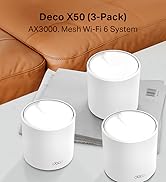
Mit 4 Stk Deco X50 4 große Ebenen mit Stahlbetondecken sehr gut abgedeckt. Einfache Installation auch für Laien wie angegeben, funktionelle App. Telekom liefert 100 MBit/s, über Ethernet Backhaul (einfach anstecken und wird erkannt, habe ich überall 90-95 MBit/s.
E**A
Tiene un buen desempeño, desde que lo instale el internet ya no se corta o interrumpe. Excelente realmente lo recomiendo.
TrustPilot
1天前
1 个月前