
下载应用程序




🚀 Elevate your home WiFi game—stream, work, and play without limits!
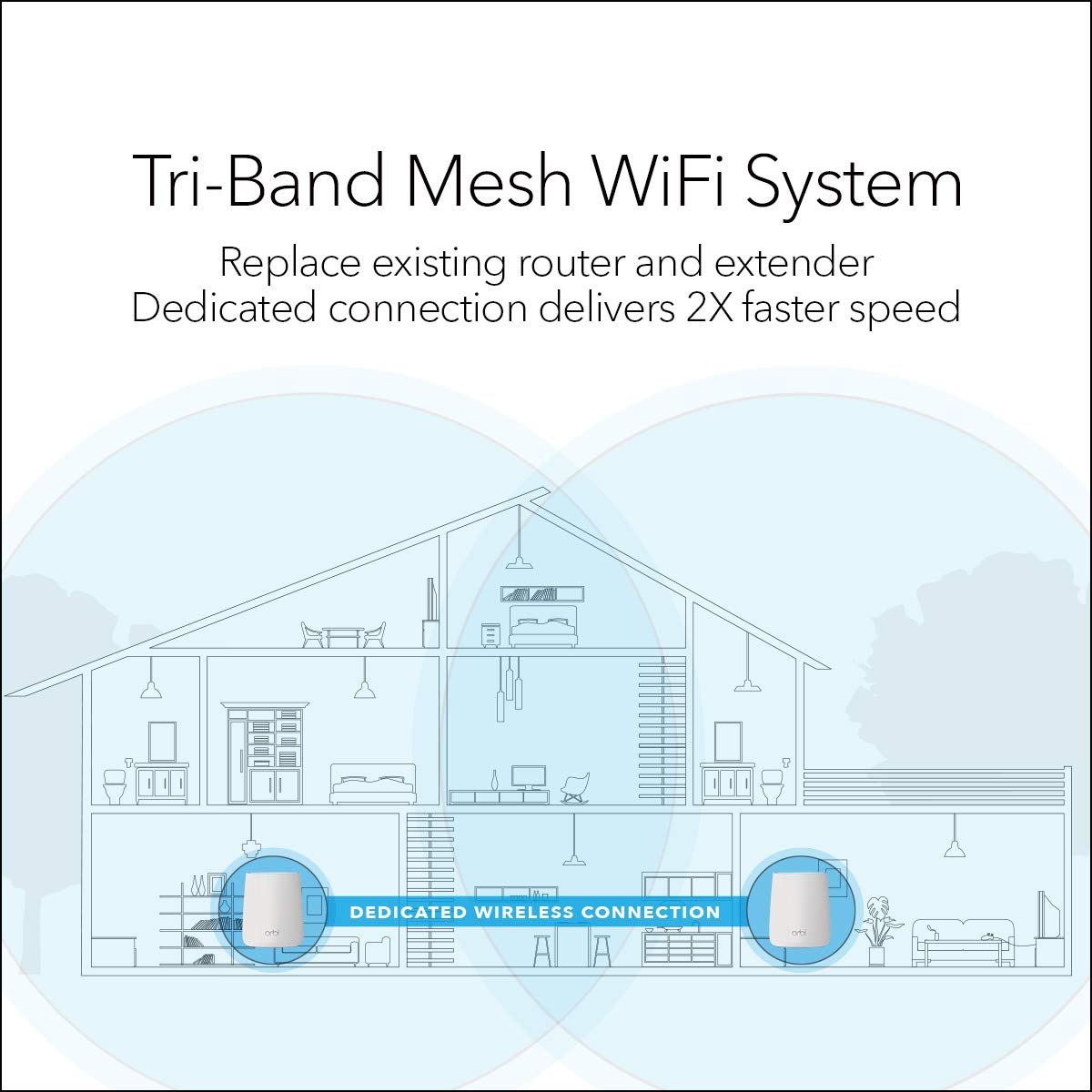
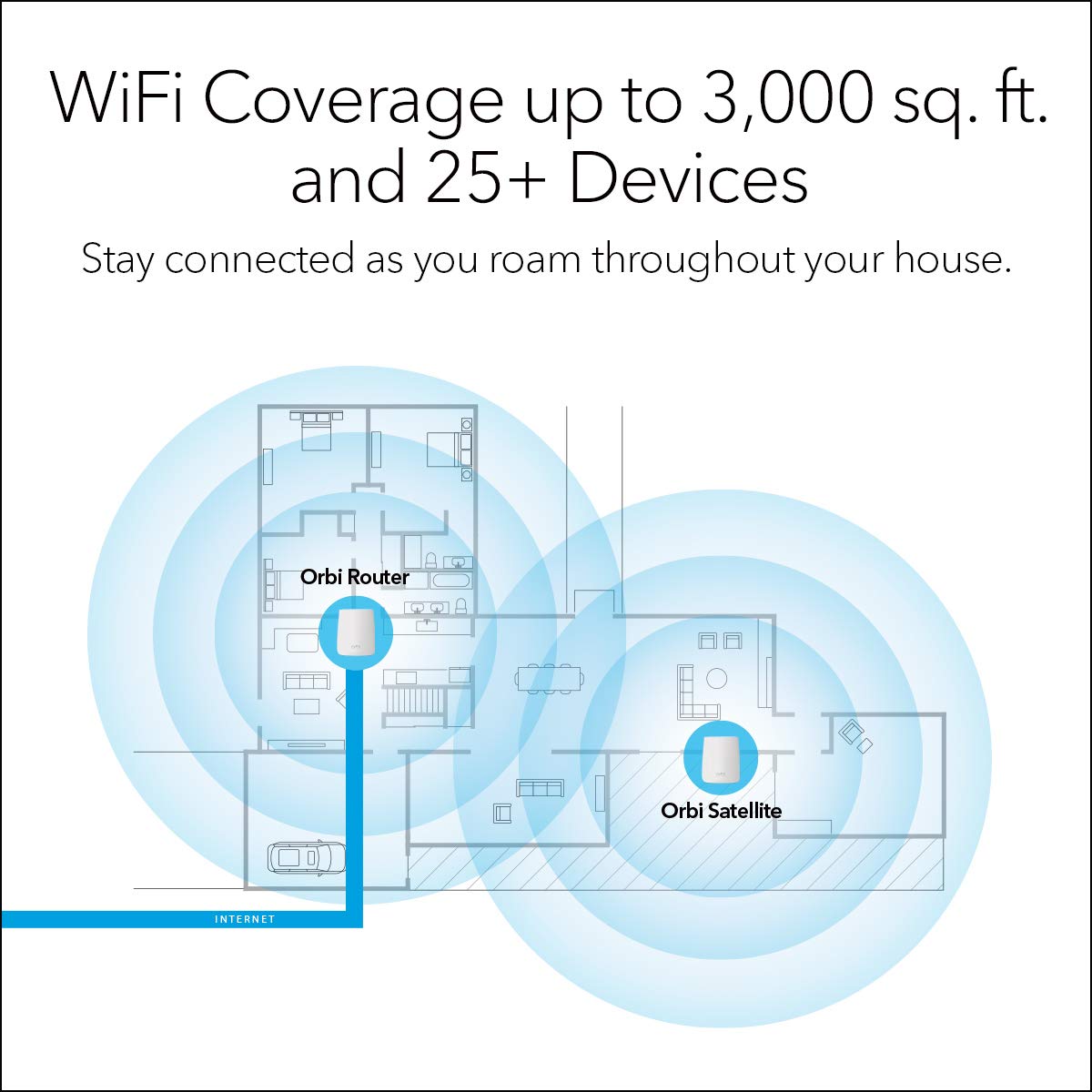
The NETGEAR RBK20-100UKS is a high-performance mesh WiFi system featuring MU-MIMO technology and a powerful Quad-Core 710MHz processor to deliver fast, stable internet across multi-storey homes. It includes smart parental controls via Circle with Disney, ensuring safe browsing for the whole family. Designed for easy setup and seamless coverage, this system eliminates dead zones and WiFi dropouts, making it ideal for busy millennial professionals craving reliable connectivity everywhere.


| ASIN | B079VS9851 |
| Are Batteries Included | No |
| Best Sellers Rank | 66,822 in Computers & Accessories ( See Top 100 in Computers & Accessories ) 154 in Whole Home & Mesh Wi-Fi Systems 1,624 in Routers |
| Brand | NETGEAR |
| Colour | White |
| Connectivity Type | Wi-Fi |
| Customer Reviews | 4.2 4.2 out of 5 stars (489) |
| Date First Available | 5 Feb. 2018 |
| Guaranteed software updates until | unknown |
| Item Weight | 476 g |
| Item model number | RBK20-100UKS |
| Manufacturer | Netgear |
| Operating System | Netgear OS |
| Product Dimensions | 14.22 x 2.4 x 16.76 cm; 476 g |
| Series | RBK20 |
| Wireless Type | Bluetooth |
J**J
Set it up, and say goodbye to WiFi woes...
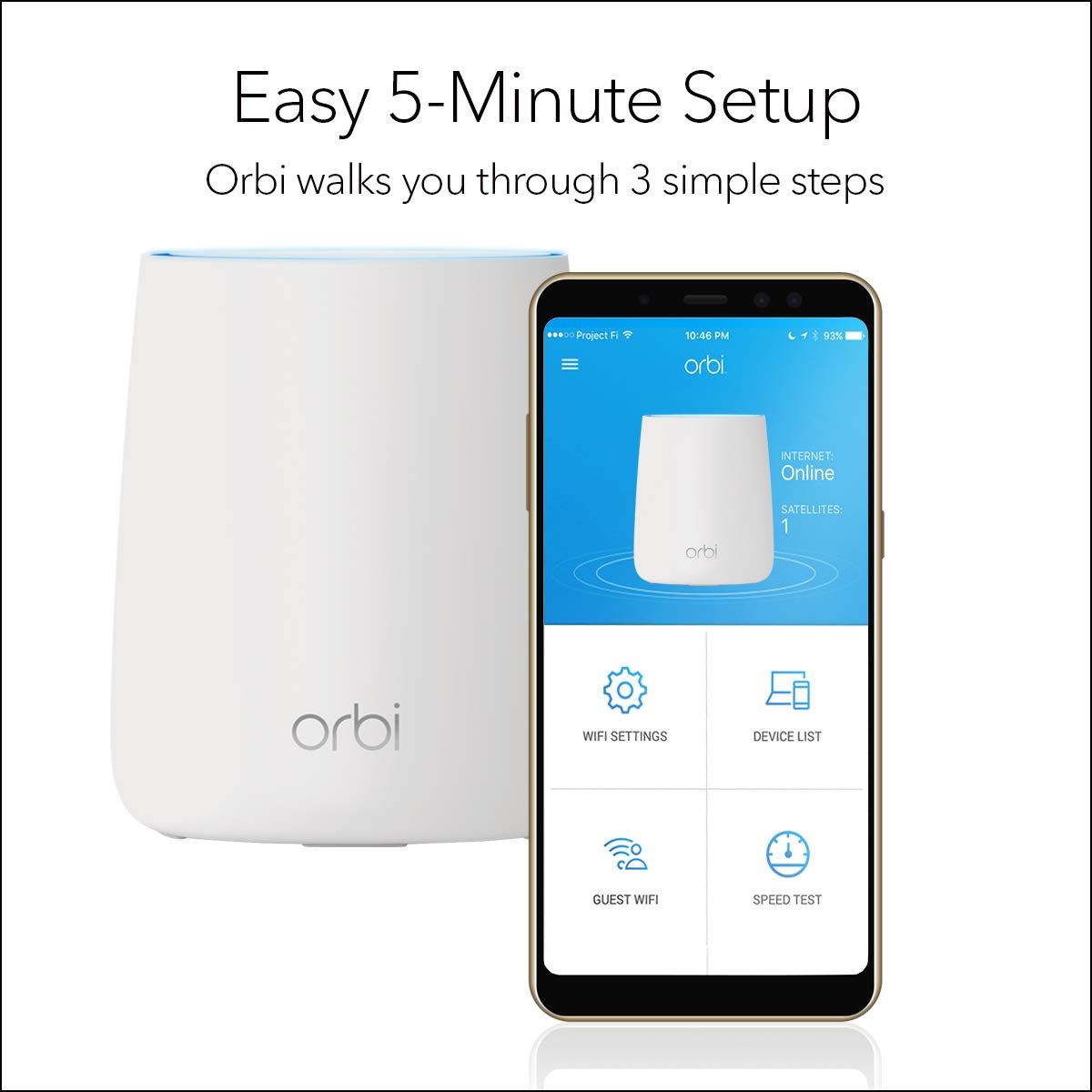
I live in a multi-storey terraced neighbourhood, where everyone and their pets have their own WiFi signals being broadcast. Because of this congestion causing dropouts, several neighbours have opted to add repeaters to their networks, creating further congestion. I'd use my ISP supplied modem/router (both Virgin and Sky/NowTV), and generally they'd work fine, but I'd never get the advertised speed. Typically I'd get around half or so. On my 39Mbps NowTV connection, I'd see around 17Mbps, even standing right next to the router. Wired ethernet would give me around 37-38 so I knew it was a problem with the wireless signal. Even when watching streaming media (Netflix, etc), the signal would drop out and make the experience extremely irritating and futile. This needed to be fixed! I tried adding network boosters and repeaters (3 in addition to my router), but they seemed to create more problems by confusing my devices as to which to connect to (despite all sharing the same SSID and password). In many cases, the connection would just drop entirely. After doing a lot of research (and missing out on the Prime Day sale), I purchased this with the hopes of it resolving all my issues. And resolve them it did. Setting up was really easy. In the box you get the router and satellite(s) which look almost identical, and are fairly aesthetic. And you get the plugs, and a network cable to connect to your modem. Switch them on, connect to the default WiFi signal it's broadcasting, and change the settings as appropriate. The satellite didn't connect initially, so I carried on with the main router setup and it eventually just connected by itself. The first test was to see what speeds I was getting; I get a consistent 37-38Mbps from my 39Mbps connection to my phone, regardless of where I am, a significant increase from the 17Mbps previously. All of my devices connected without a hitch, and report a good signal. Ultimately, the only thing I can say is that the internet now just works... no slowdowns, no dropouts, just strong fast service. In fact, it makes me think how many times I used to phone customer services to complain about my speed, when all it took to resolve the issue was to not use their cheap routers, but to use this instead. The only complain I have is that the Orbi app itself takes several seconds to connect and verify the product details, etc. It's not as snappy as it should be, but there's little reason to use it once you've set up your network anyway. It'd also be nice if it had a WPS option/button on the app to allow for easy connecting additional devices instead of having to type the password every time. All in all, this has eliminated a constant headache I've had for years in my search for strong and stable WiFi. It was expensive, but ultimately worth it.
P**7
How did I manage without a WiFi Mesh?
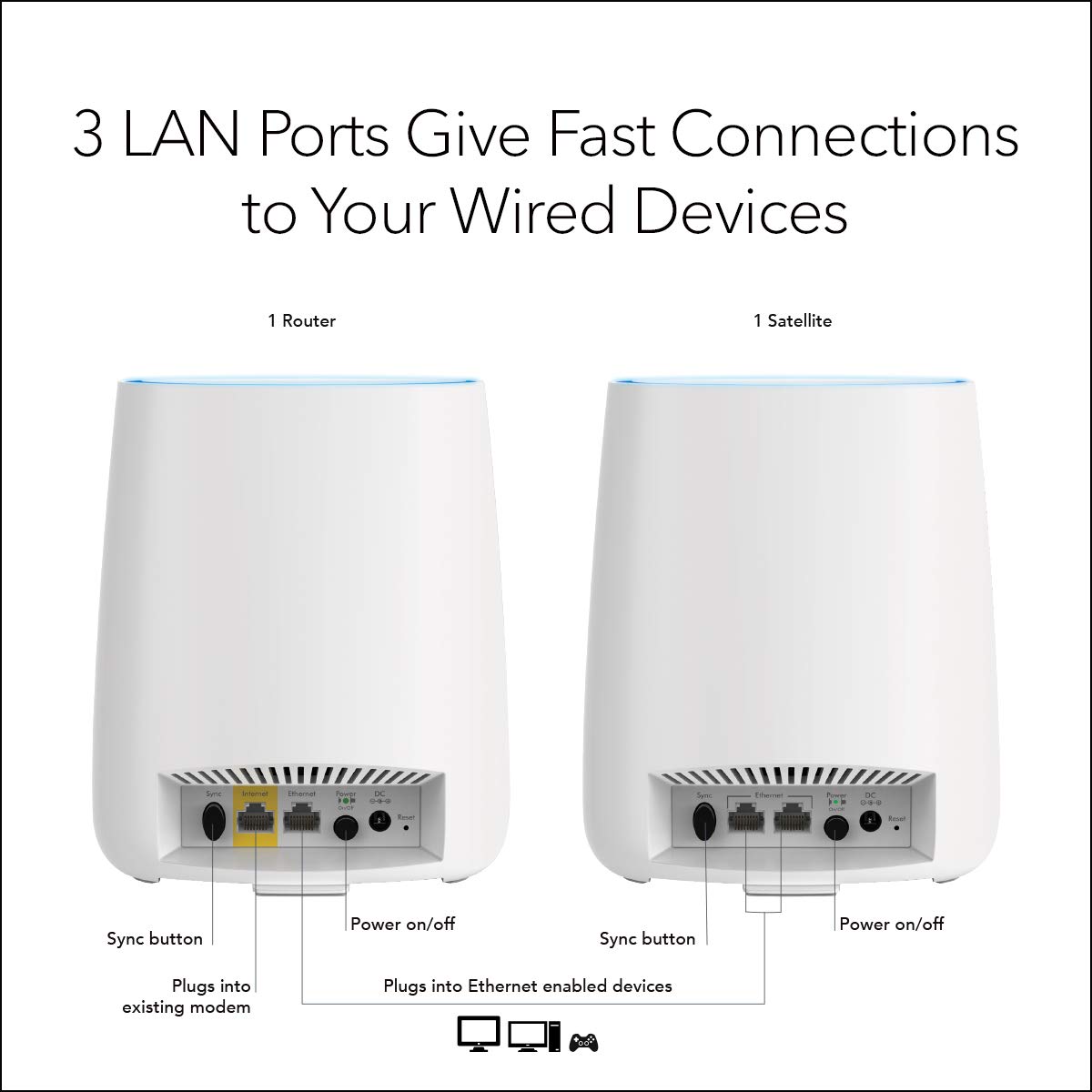
I got these to compensate for my dreadful WiFi coverage from my (TalkTalk) router. Whilst I have not been able to compare Orbi with other wifi mesh systems, I have absolutely no complaints about this item! Setup was very straightforward - the Orbi app guides you through every step. Performance is excellent - I now have wifi in every corner of my house (3 floors) and garden! Given the wifi strength of each of these units, I probably would have got away with a 2 unit Orbi system rather than 3, but I'm happy I (perhaps) over-specified. Wifi signal is strong and stable...everywhere. The units are fairly unobtrusive (if you can hid them on a book shelf behind some books!) and they certainly don't have any annoying LEDs that are on all the time (except the power LED on the back of the units - which we never notice, or when there is an issue - then the top of the unit lights up). A good bit of tech is something you set up easily, once and then forget about whilst it happily continues to do its job without you even realising. This system is that. We have the main router (RBR20) and two satellites (RBS20) providing both wifi and wired connections to a few devices. Note however that most Broadband providers in the UK provide routers that cannot be set to 'bridge' (modem only) mode...consequently the Orbi has to be set up in AP (Access Point) mode - I'm not sure what functionality is lost when setting as AP mode...but at the end of the day, we only bought this to provide string wifi (and a few wired access points) around the house - and it does that just fine. I love this system!
M**L
Excellent - once you get it working
Good news: Now I have this up and running it provides every corner of this large old house with brick internal walls with full 70mbps internet speed reliably. No other system I have owned has achieved that. It replaced a mess of router and powerline WiFi - replacing four AP SSIDs with a single SSID. After a loft extension the electrician had to install a secondary consumer unit, and this seems to have messed up my previous powerline setup. The Orbi arrangement is reasonably stable, although it does decide to swap the network map every two or three days - either both satellites connected to the "router" (base unit in AP mode in my case) or satellite 2 connected to satellite 1. This knocks out the internet for anything connected to satellite 2 for a couple of minutes. Wish it would just make up its mind! In my case the main barriers are front to back of the house so I have the base unit at first floor level at the front of the house next to my TP-Link router and incoming phone line. Satellite 1 is in the middle of the house also at first floor level. These two provide WiFi to the first floor, ground floor front living room and new loft room. The second satellite is ground floor back of the house in the kitchen which also provides WiFi to the main living room, which has a smart TV, games machine and usually at one or two other devices streaming video or audio over headphones. All in all very satisfied with the result. Setup was a real pig though! First of all there are almost Zero instructions in the box. What is there is designed for a more US style setup with the base unit used as a router connected to your "modem". Most UK users will use it as an access point connected to an existing VDSL router. After spending an hour or so working out how to log in and change to AP mode, I installed the two satellites. Everything seemed fine for about an hour then WiFi disappeared for about 20 minutes. It turned out it decided to update its own firmware - with no warning! I thought something was seriously up and rebooted everything several times. Luckily it managed to download and install the new firmware despite my inadvertent attempts at sabotage! I could easily have "bricked" the base unit. After that it has been pretty solid, much, much faster speeds and praise for the WiFi rather than the constant complaints from the family (wife and three demanding teenagers) I used to get.
J**L
Appareil fourni avec seulement une prise anglaise ! Non compatible avec l’Europe
Y**G
Decided to purchase this Wifi mesh as my router is at one end but i need to work at the other end of my apartment, and i face constant dead zones and slowness of my wifi connection. The set up was easy but encountered some issues after the set up, as i still have my existing router from my ISP while the mesh router created duplicate IP so some of the website are not accessible and devices constantly display no internet even though i can browse some of the websites. Did some online research, went to the advanced settings of orbi and changed my orbi router from router mode to satellite mode. and everything works perfectly. Speed is super fast with no dead corners and my whole family are very satisfied with the product.
R**E
Item supplied with European plugs instead of Australian power adapters.
G**N
Like the set up, application and support. Not as powerfull for long reach as I hoped it would be.
D**I
this is by far one of the best mesh i got so far. managed to get up to 800MBPS over the Wi-Fi and very nice coverage. worth every cent. Btw, had issue connecting to the internet, with good local support i found out that the local service provider need to reset it's IP. and it works amazing.
TrustPilot
2 周前
1 个月前