
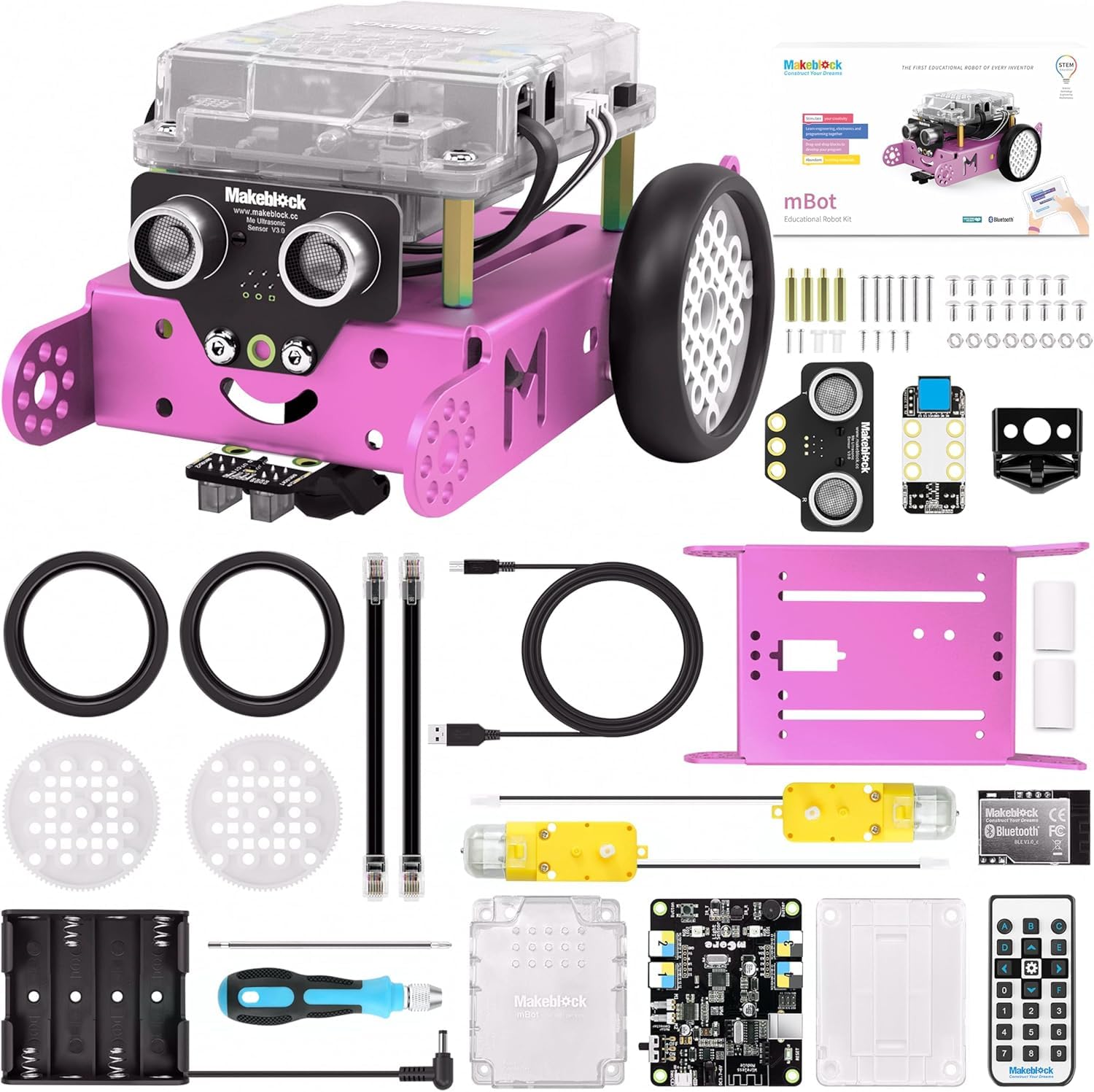


desertcart.in: Buy Makeblock DIY mBot 1.1 Bluetooth Version - STEM Education - Arduino - Scratch 2.0 - Programmable Robot Kit for Kids to Learn Coding & Robotics (Pink) online at low price in India on desertcart.in. Check out Makeblock DIY mBot 1.1 Bluetooth Version - STEM Education - Arduino - Scratch 2.0 - Programmable Robot Kit for Kids to Learn Coding & Robotics (Pink) reviews, ratings, specifications and more at desertcart.in. Free Shipping, Cash on Delivery Available. Review: Cool beans - It's awesome! Don't forget to install the updated firmware after you assemble it. If you're using a computer with windows OS, use one with version 7 upwards because you'll have to install a software called mblock 5 to install the firmware...the older version of mblock is obsolete. Make sure that your bot makes 3 loud beeps when you turn it on and turns of white LEDs the first time...if it's one soft, short beep then something isn't correct so install firmware. Have fun. Review: Feels will built out of the box, and very robust when children are not necessarily gently with it. My 6 year old daughter has really enjoyed progressing through the levels in the learning app. Would be nice if there were a few more levels in the app or some “challenges”. But now we’ve finished the levels we can just “free play” in the scratch environment and think of our own project. You have various sensors plus LEDs / sounds / motor movements and to base a project on . For example you can get the robot to avoid obstacles, flash its LEDs as indicators and so on. I noticed there is a newer model of mbot which is even more features. May well but that when daughter is a bit older.


| ASIN | B01N75EVF1 |
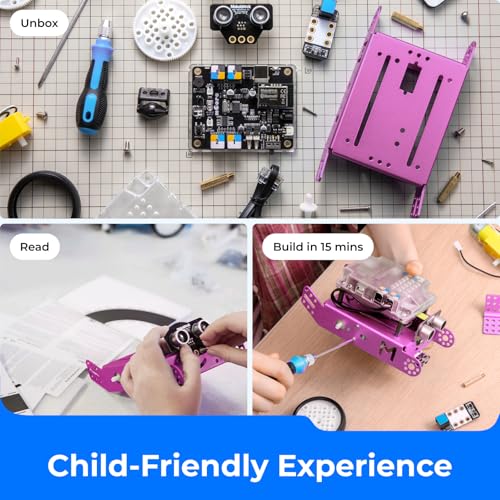
| Assembly Required | Yes |
| Batteries | 4 AA batteries required. (included) |
| Batteries Included | Yes |
| Batteries Required | Yes |
| Battery Type(s) | AA |
| Colour | Pink |
| Customer Reviews | 4.4 4.4 out of 5 stars (521) |
| Date First Available | 19 December 2016 |
| Educational Objective(s) | Coding Skills |
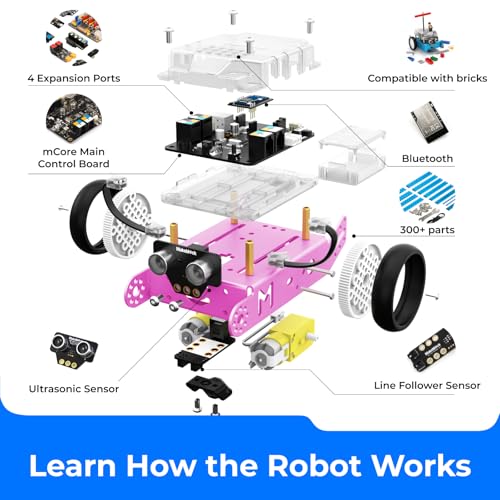
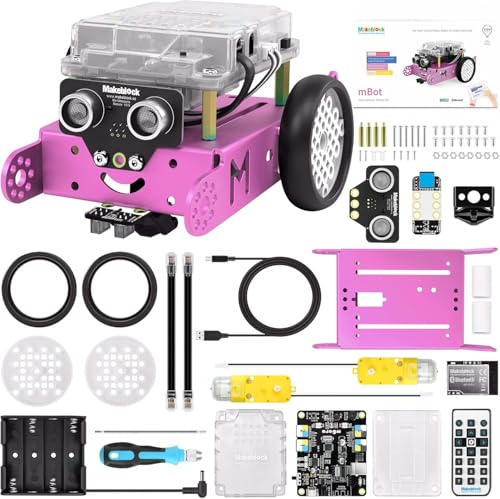
| Included Components | Chassis, Bluetooth Module, Me Line-follower Sensor, AA Battery Holder, mCore Case, Lithium Battery Shell, Line-follower Map, 2 Wheels, Mini Wheel, 2 RJ25 Cables, 2 Velcro Sticker Pads, Screwdriver, 4 M4x25mm Brass Studs, USB Cable, 15 M4x8mm Screws, 4 M2.2x9mm Self-drilling Screws, 8 M3 Nuts, 6 M3x25mm Screws, 2 Motors, 1 mCore, Me Ultrasonic Sensor and IR Controller (gift). |
| Item Dimensions LxWxH | 17 x 9 x 20 Centimeters |
| Item Weight | 1 kg 30 g |
| Item model number | 90107 |
| Language | English |
| Manufacturer | Makeblock |
| Model Number | 90107 |
| Number of Puzzle Pieces | 1 |
| Product Dimensions | 17 x 9 x 20 cm; 1.03 kg |
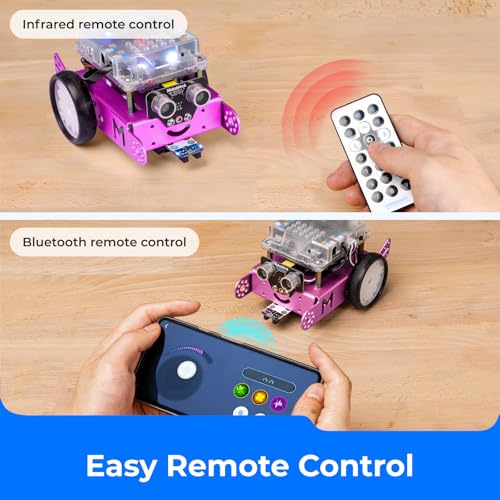
| Remote Control Included? | No |
Y**E
Cool beans
It's awesome! Don't forget to install the updated firmware after you assemble it. If you're using a computer with windows OS, use one with version 7 upwards because you'll have to install a software called mblock 5 to install the firmware...the older version of mblock is obsolete. Make sure that your bot makes 3 loud beeps when you turn it on and turns of white LEDs the first time...if it's one soft, short beep then something isn't correct so install firmware. Have fun.
R**Y
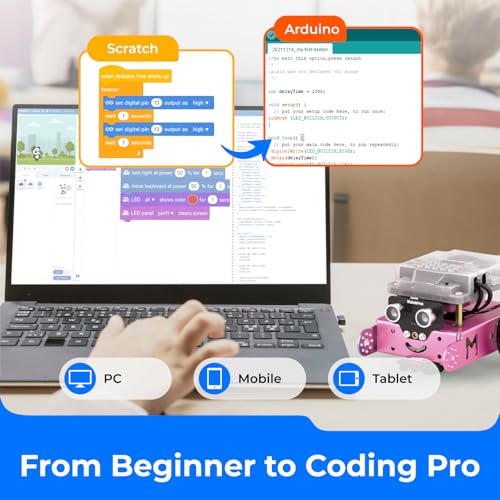
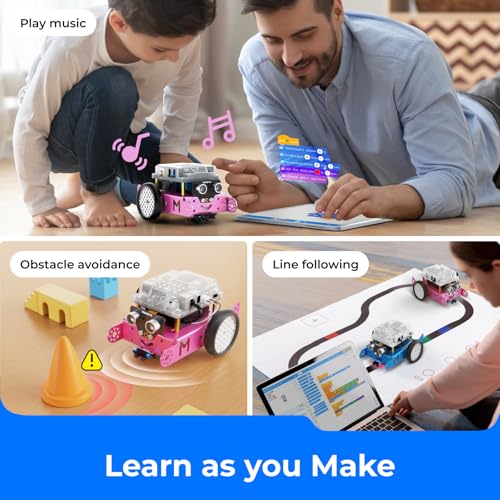
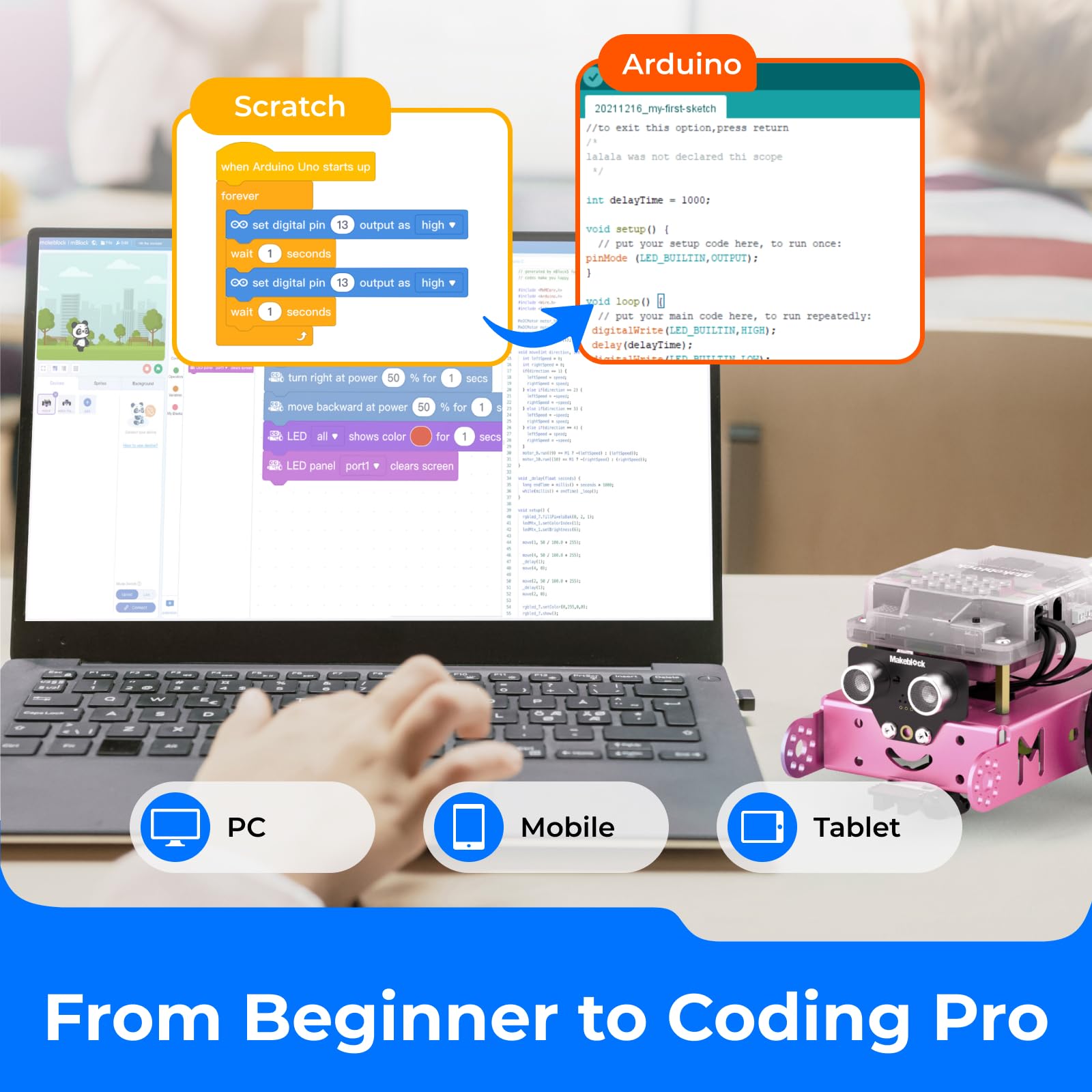
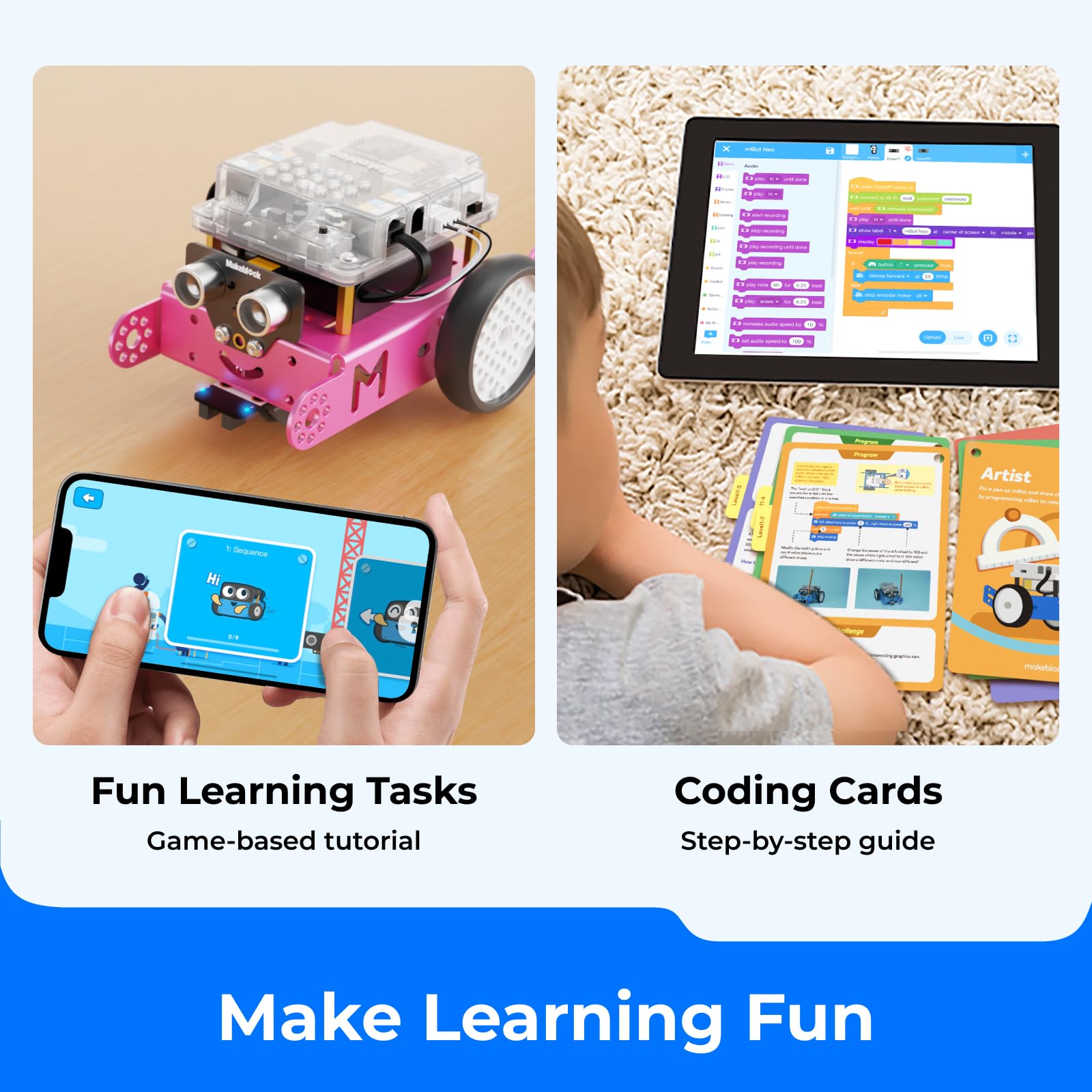
Feels will built out of the box, and very robust when children are not necessarily gently with it. My 6 year old daughter has really enjoyed progressing through the levels in the learning app. Would be nice if there were a few more levels in the app or some “challenges”. But now we’ve finished the levels we can just “free play” in the scratch environment and think of our own project. You have various sensors plus LEDs / sounds / motor movements and to base a project on . For example you can get the robot to avoid obstacles, flash its LEDs as indicators and so on. I noticed there is a newer model of mbot which is even more features. May well but that when daughter is a bit older.
B**N
I got this as a Christmas present for my 9 year old daughter. She really enjoyed it and it seems like a great option to break into coding/software development.
L**O
A nuestra hija le ha encantado. Es fácil de montar y es bonito. Tiene un diseño muy mono, la cara te sonríe. Nos falta saber como se puede programar. Vale la pena pagar el precio, que para mi parecer es alto. Los niños deben poder acceder mejor a estos juegos de desarrollo.
N**Y
Great little robot. The battery gets consumed quite fast though.
A**R
Purchased as a birthday gift and the kid put together to find that the app continuously says programming worked but the robot never moved. Had to uninstall the app and redownload and it finally connected to the bot. Once she got it to connect to bot the sound commands didn’t work. Currently the code to laugh and meow does not work along with the lights do not come on when coded to do so. Got a replacement bot and problems still persisting.
TrustPilot
1天前
2 周前



