We remain fully operational. Our teams are working around the clock to ensure your deliveries continue safely.

下载应用程序


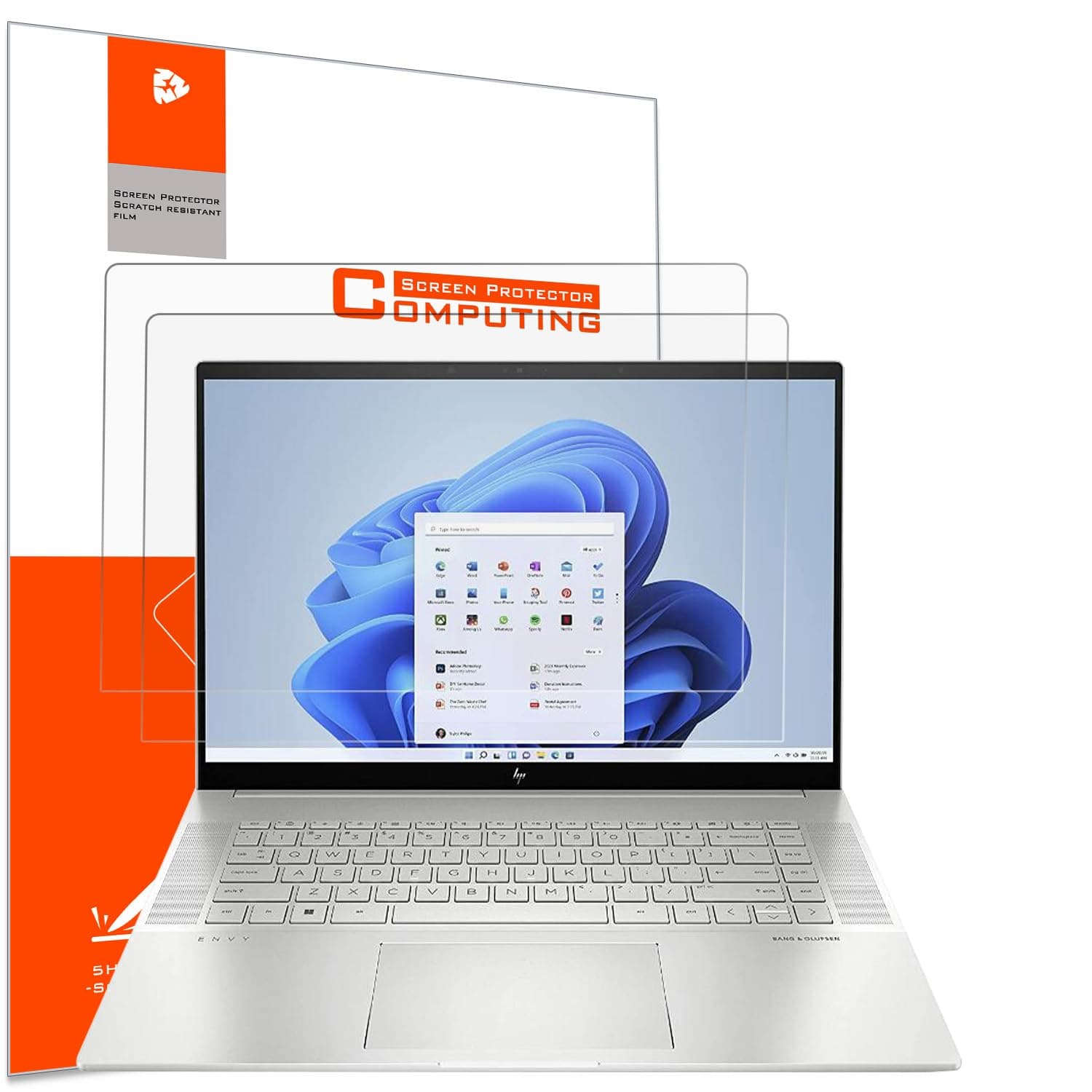

🛡️ Protect your view, perfect your vibe.
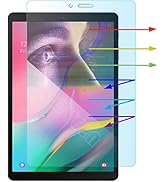
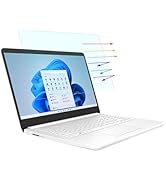
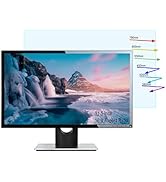
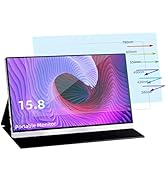
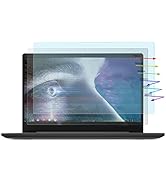
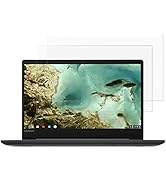
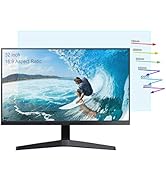
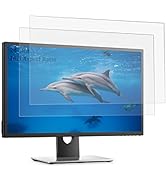
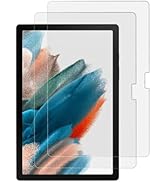
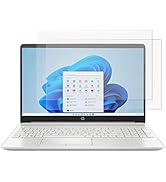
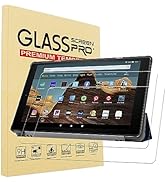
This 2-pack anti-glare screen protector is custom-designed for a wide range of HP 16-inch laptops, featuring a matte finish that reduces glare and eye strain. With 5H hardness, it offers robust scratch and impact resistance, while an oleophobic coating keeps fingerprints and water at bay. The ultra-thin design preserves touchscreen sensitivity and clarity, and the included installation kit ensures a smooth, bubble-free application. Ideal for professionals seeking both protection and comfort during long work hours.













| ASIN | B0BHZ1NK29 |
| Best Sellers Rank | #23,475 in Computers & Accessories ( See Top 100 in Computers & Accessories ) #446 in Laptop Screen Protectors |
| Color | Anti Glare |
| Customer Reviews | 3.8 3.8 out of 5 stars (44) |
| Date First Available | October 12, 2022 |
| Item Weight | 4.6 ounces |
| Item model number | SB-22 |
| Manufacturer | YINOVEEN |
| Product Dimensions | 12 x 6.5 x 0.5 inches |
| Special features | Anti Glare, Anti-Fingerprint, Scratch Resistant, High Sensitive |
| Whats in the box | for HP 16 inch Laptop,HP Envy 16/ Spectre x360 16/ ZBook 16/ EliteBook 860 865 G9 G10 G11/ Pavilion 16/ EliteBook 6 G1i/8 G1i G1a/ OmniBook 7 16/ OMEN 16 |
E**D
No complaints, take it slow.
The right size, works great. Just a couple of bubbles because of a dusty work area. Clean up beforehand and have an air can ready to blow away stray particles. Apply the protector slowly, backtrack & use the provided card if you have bubbles.
J**A
Good glare removal but reduces visual fidelity
This screen protector works well and reduces glare. It can be a little annoying to install it without dust being trapped underneath the protector, however the overall installation is not too difficult. My only complaint is that the final visual fidelity of the protector reduces the screen resolution sharpness of the display, reducing the apparent resolution of your display. It is something to be aware of before purchase. Overall, it gets the job done and works well.
S**O
Trae 2 protectores por si con el tiempo se Te daña el primero fácil de instalar y con todo los instructivos genial para mi HP envy 16 pulgadas.
M**T
Air bubbles on installing
Impossible to eliminate air bubbles upon installing. This is probably good for glare or protection. I threw away both screens after installation attempts.
D**D
Good luck getting air bubbles out
Holy cow. Followed the directions exactly. When I peel off the protector to use the dust absorber paper, and lay the protector back down there are always more air bubbles than previously. The photo is the result of me trying to get a couple bubble out. The part without air bubbles looks great, but I'll have to use the second protector and hope there are less bubbles. Update: I ended up using the first screen protector as a dust absorber and the 2nd one laid very close to perfectly aligned and zero air/dust bubbles. Big TIp: when using your dust absorber paper, stick it to the underside of the screen protector, as that's where the dust will be stuck. It won't be on the smooth screen.
P**E
Very Flimsy, wasted one of them
I'm pretty particular about screen protectors. I knew this one was inexpensive but it was extremely flimsy. It was hard to tell the protective cover from the actual protector! I cleaned the heck out of the screen before putting this on but ended up with way too much dust under it. The tiniest particle gives you a bubble that you won't be able to squeeze out. I ended up removing the first of the 2 pack, then then immediately put on the second one. That went better and though there are still a couple dust particles on the edge, it doesn't bother me much. The good thing about the screen protector is it makes the screen antiglare and it didn't effect the responsiveness to touch at all. All things considered, I'd probably by these again realizing I will probably have to use both at one time.
K**A
Good, but fingerprints and issue
Works as designed. Only issue is that it fingerprints quite easily but doesn't wipe off easily.
V**S
Overall too small, adhesive is weak, came with chipped corner
Trying to install this on an HP Spectre 360 16" 16t-aa000 was a waste of time. The first screen protector would not stick around the bottom area no matter how I pushed it. I cleaned the screen very carefully and it was just peeling up around the bottom area no matter what. I tried the second one and found it was already chipped at the corner so it would not stick on that corner or at a similar point on the other side of the screen. I think the adhesive is either poor/weak or old. The size is also too small by about 3mm on the left and right sides and too short (vertically) by a good 8mm on top and bottom so it does not provide full coverage no matter how you install it. Even if it installed perfectly, it would *just* barely cover the actual visible display area (not the glass bezel) which means it leaves the area that gets touched the most completely exposed. Totally pointless in most cases.
M**D
ممتاز ويناسب حجم الشاشه يجب مشاهده فيديو التركيب اولا حتى لا تتلف
J**U
My partner neglected to peel the plastic off. Once he figured that out he was very pleased with the results.