We remain fully operational. Our teams are working around the clock to ensure your deliveries continue safely.

下载应用程序


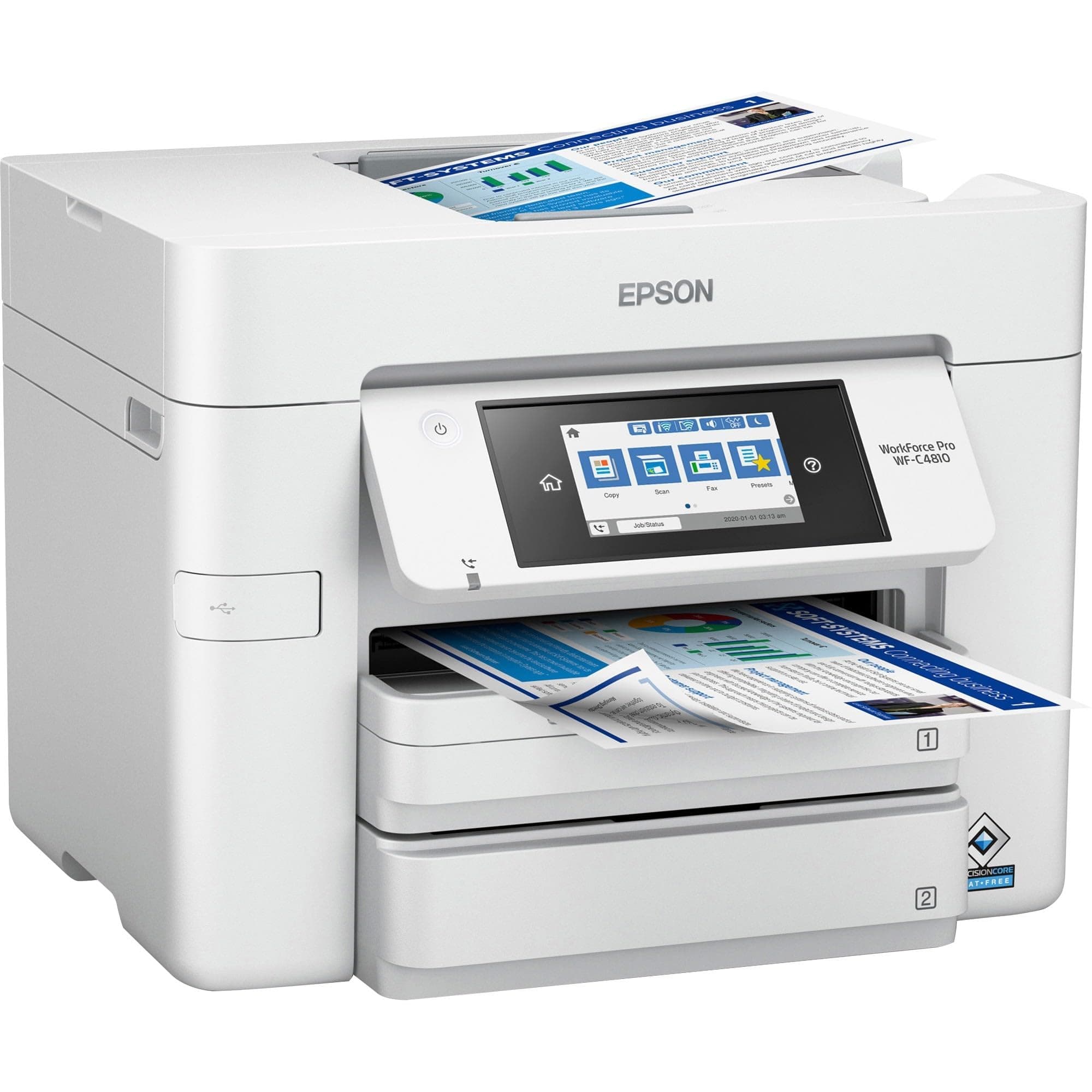
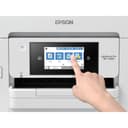
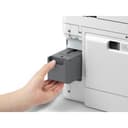
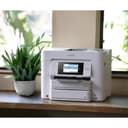
🚀 Elevate your office game with speed, quality, and connectivity that means business.
The Epson Workforce Pro WF-C4810 is a high-speed, color inkjet multifunction printer designed for professional environments. Featuring PrecisionCore Heat-Free technology, it delivers up to 25 ppm black/white and 12 ppm color prints with water-resistant DURABrite Ultra Inks. Dual 250-sheet trays and automatic two-sided printing boost productivity, while versatile connectivity options and a 4.3-inch color touchscreen ensure seamless operation. Ideal for busy offices needing reliable, high-quality output.
| ASIN | B09YVK1Z95 |
| Best Sellers Rank | #132,559 in Office Products ( See Top 100 in Office Products ) #168 in Laser Computer Printers |
| Customer Reviews | 3.7 3.7 out of 5 stars (6) |
| Date First Available | April 26, 2022 |
| Item Weight | 30.7 pounds |
| Item model number | WF-C4810 |
| Manufacturer | EPSON - SUPERTANK PRINTERS AND INK |
| Product Dimensions | 19.2 x 17.3 x 16.3 inches |
A**R
Out of box failure
This was an out of box failure. As I was following the instructions to set up the printer I got as far as adding the language, country, date and time. Once that was done I immediately received an error there was still protective material in the scanner. There wasn’t. The printer would not clear the error after trying to restart, unplug, restart. Same stop point. The ink cartridge carrier would not move to allow the cartridges to be installed. When I submitted the return request I received technical prompts to try different fix measures. Same error every time.
T**M
Will not print in grayscale if a color cartridge is empty
Absolutely ridiculous that Epson has created a printer which will only work if all inks are not empty. There is no way to change the print settings either via Windows, the driver, or the Epson management software to force this printer to print in black and white when cyan, magenta, or yellow is out. Recommendation: buy an HP.
TrustPilot
3 周前
2 周前