We remain fully operational. Our teams are working around the clock to ensure your deliveries continue safely.

下载应用程序


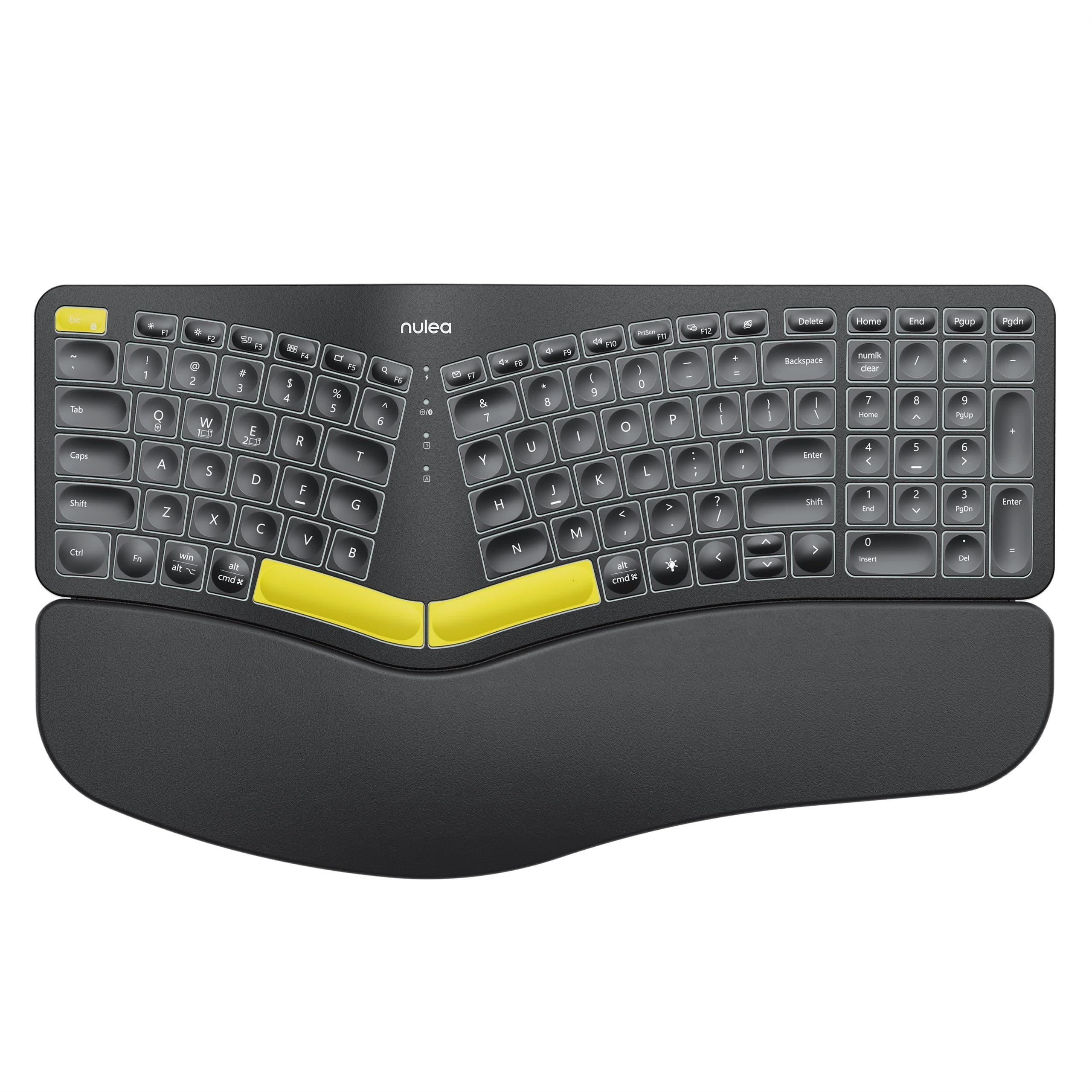
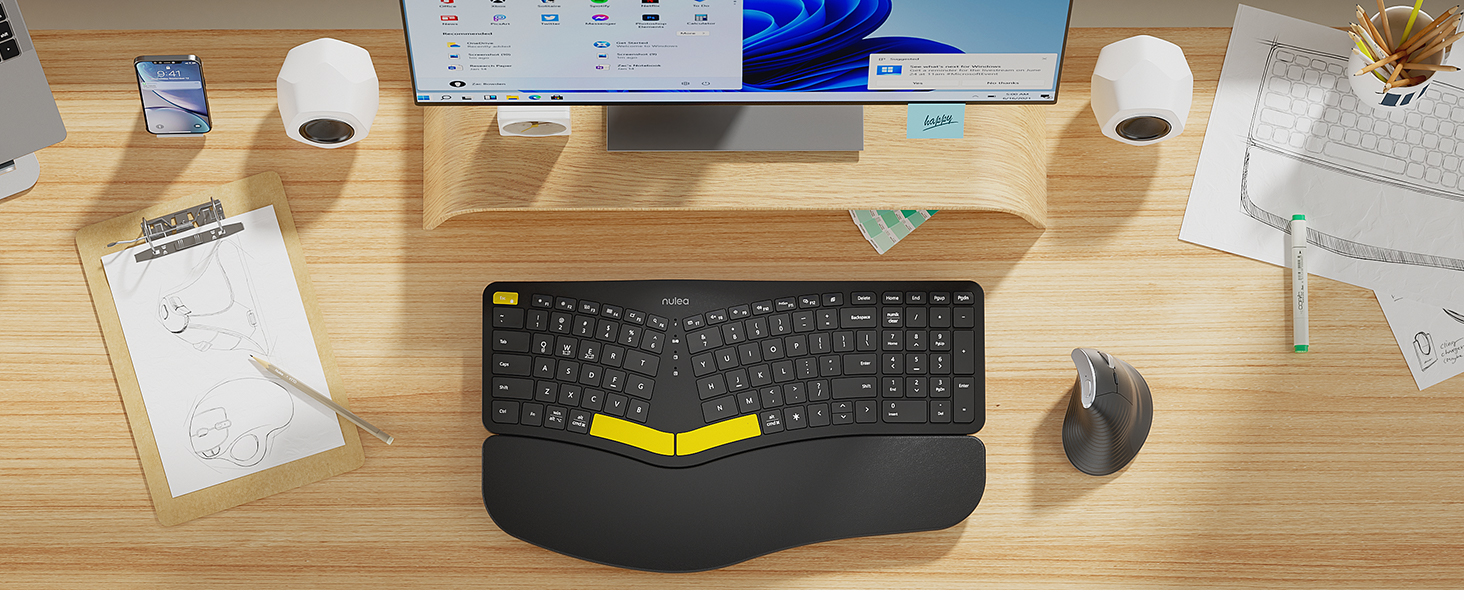
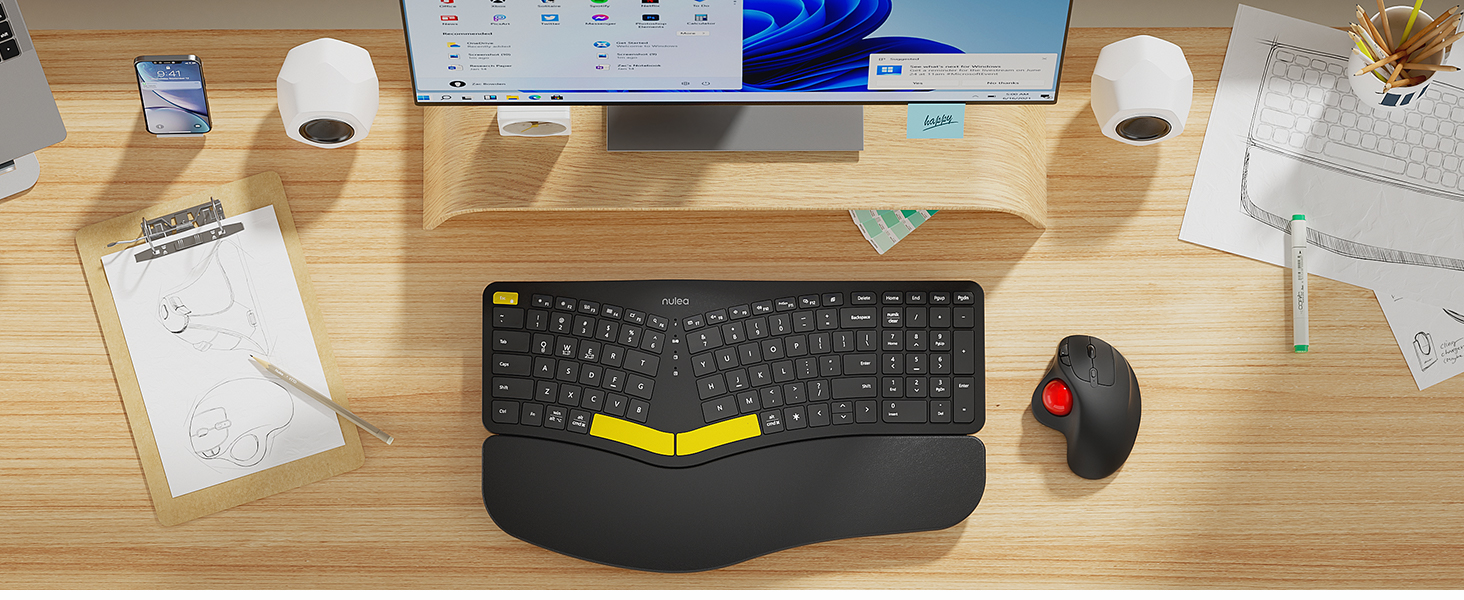
⌨️ Elevate your workspace comfort and style — type smarter, not harder!
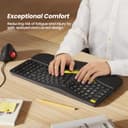
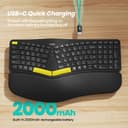
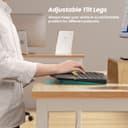
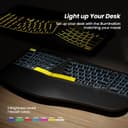
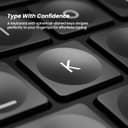
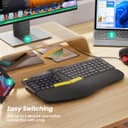
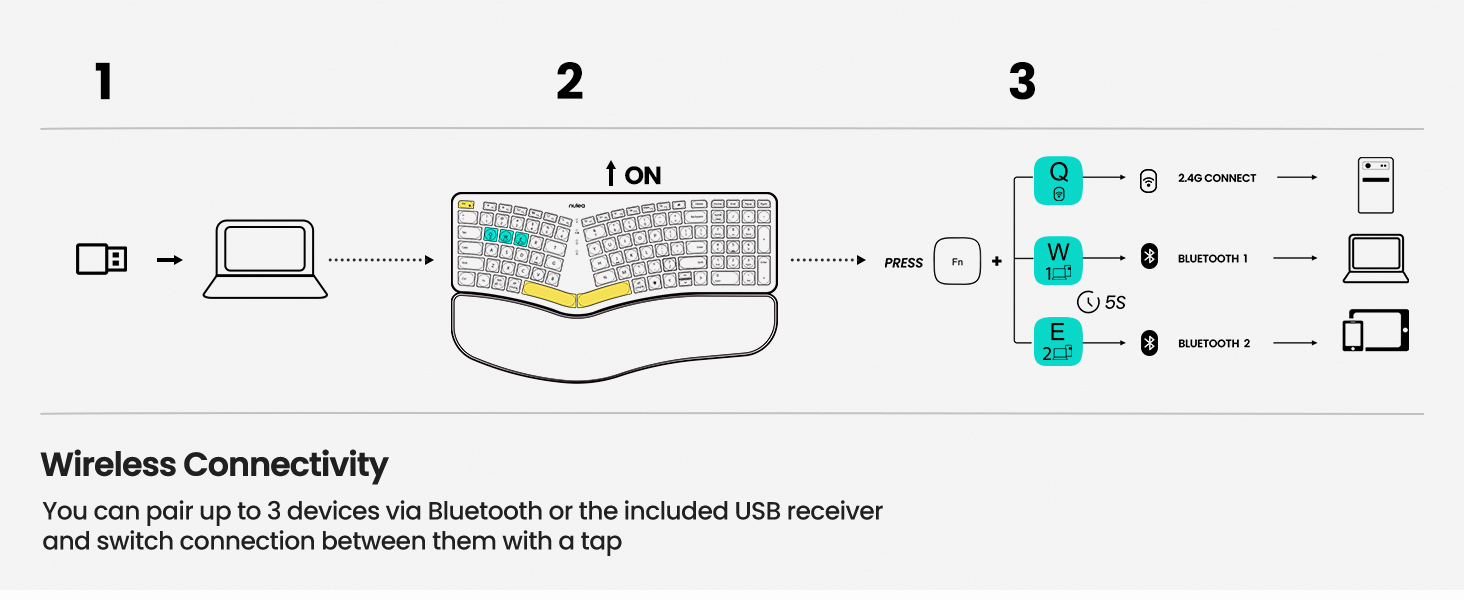
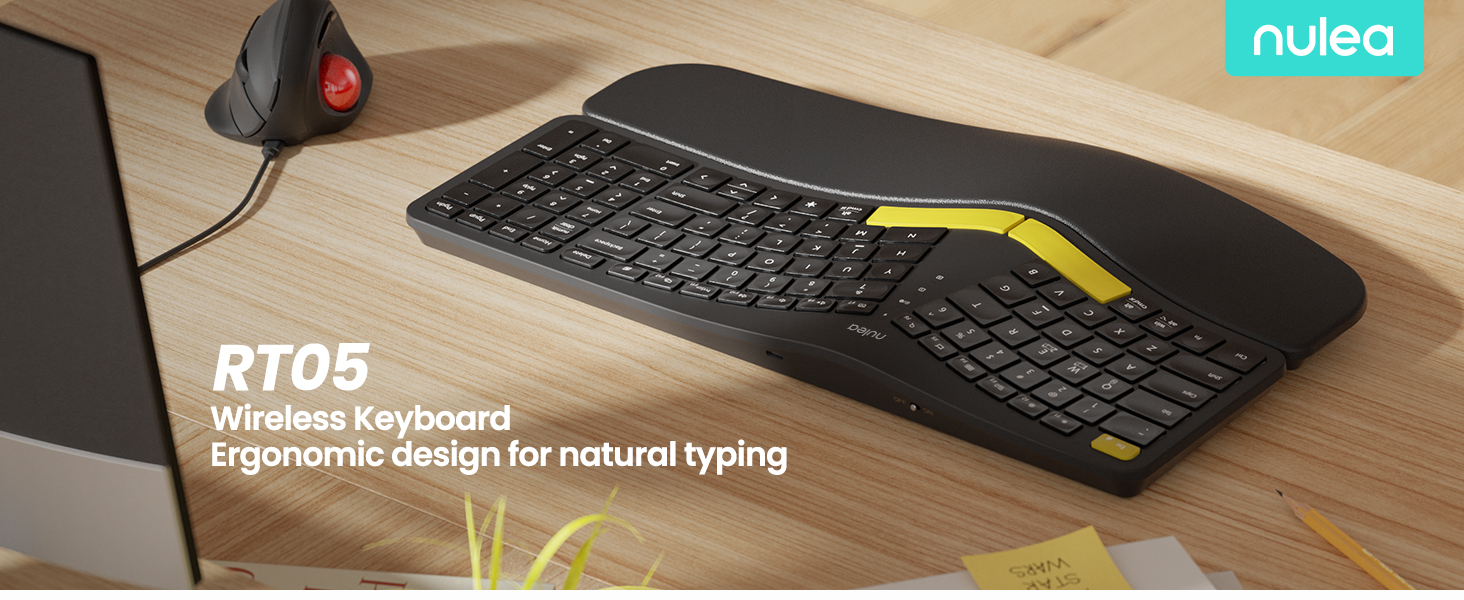
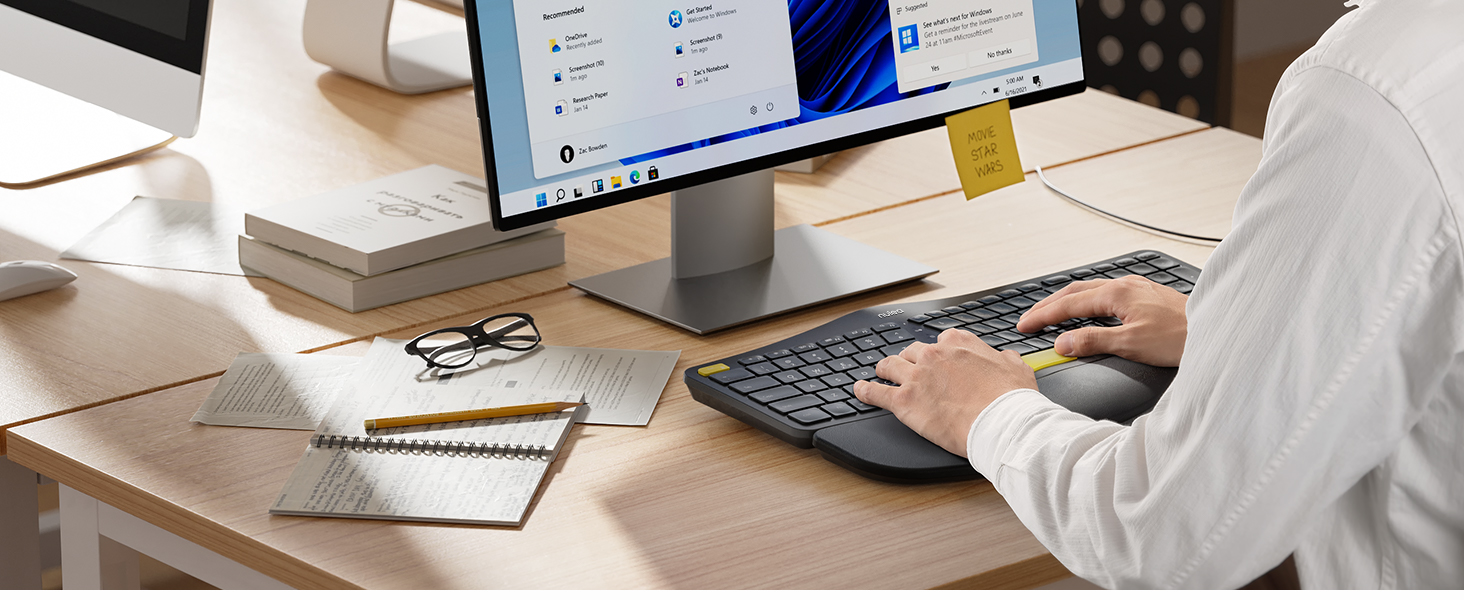
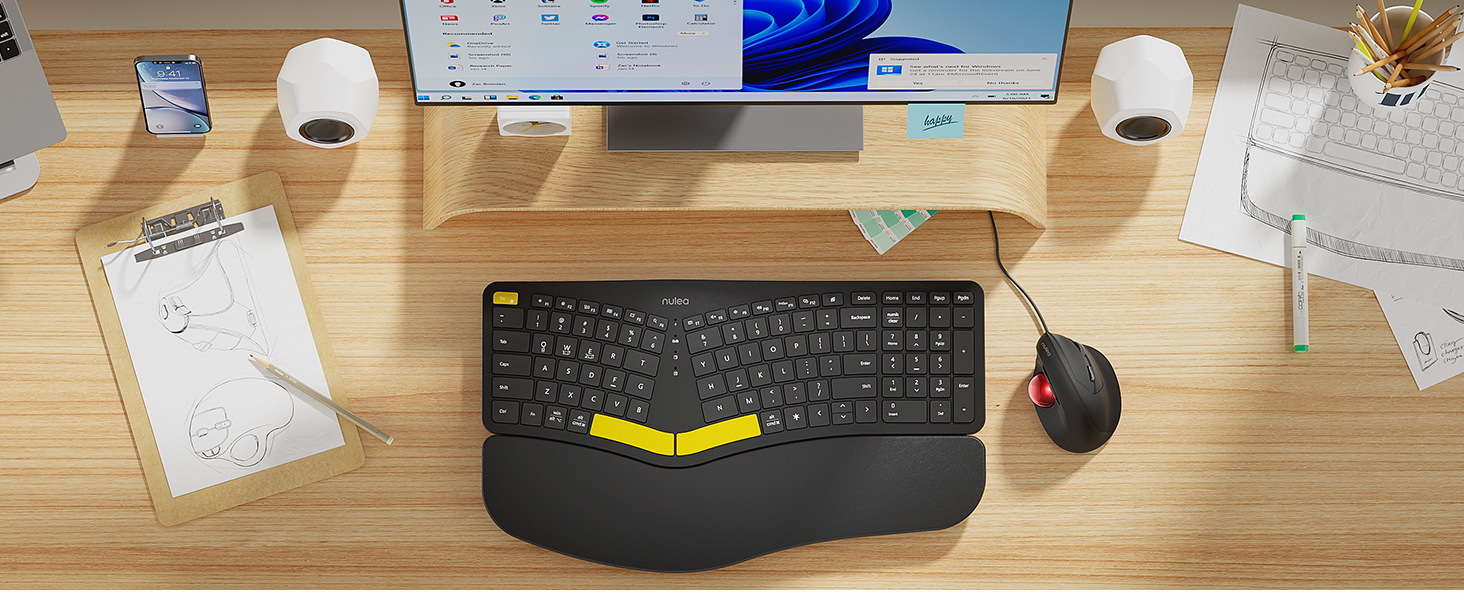
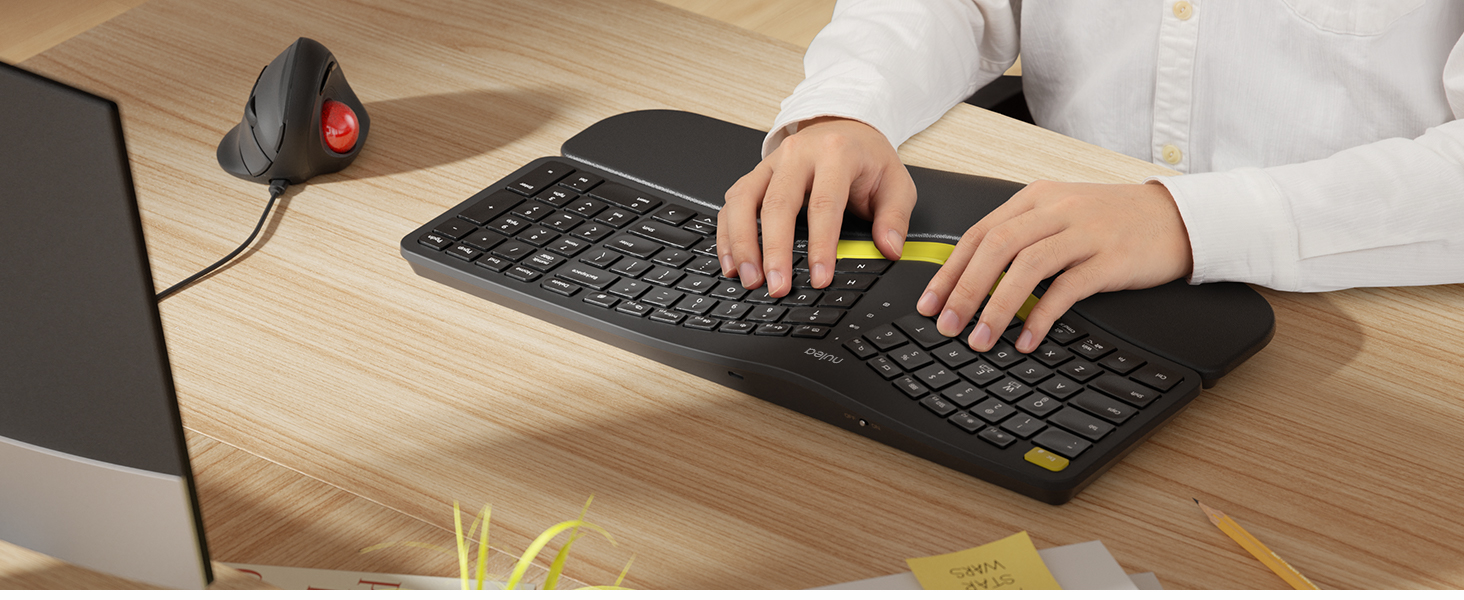
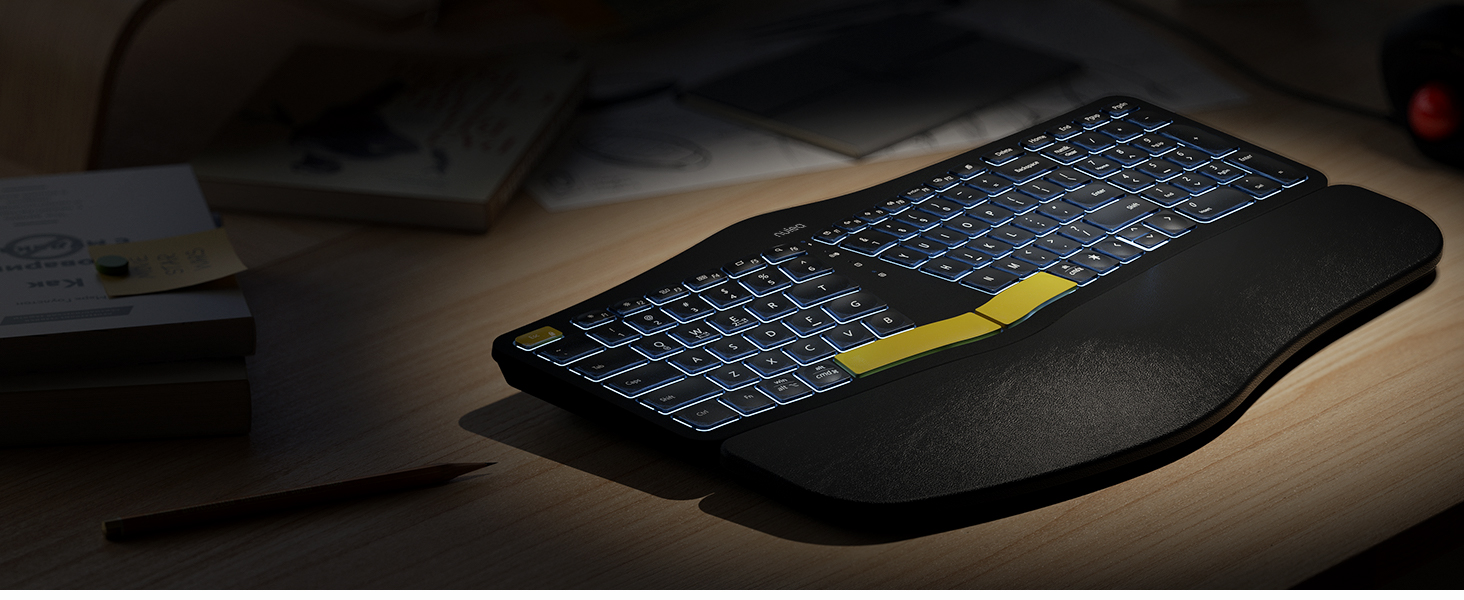
The Nulea RT05 Wireless Ergonomic Keyboard combines cutting-edge ergonomic design with versatile connectivity, allowing professionals to effortlessly switch between three devices via Bluetooth and USB. Its split, splayed layout promotes natural hand positioning to reduce fatigue, while the customizable 7-color backlight and adjustable tilt legs enhance both comfort and aesthetics. Powered by a robust 2000mAh battery with USB-C quick charging, it ensures long-lasting, uninterrupted productivity for Windows and Mac users alike.



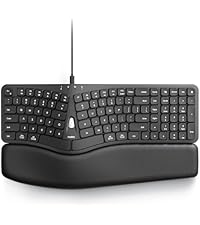


| ASIN | B0BFVYYYN7 |
| Additional Features | Backlit, Rechargeable, Split Keyset Design |
| Antenna Location | Office |
| Best Sellers Rank | #58,556 in Computers ( See Top 100 in Computers ) #1,617 in Computer Keyboards |
| Brand | Nulea |
| Button Quantity | 78 |
| Color | Black |
| Compatible Devices | Laptop, PC, Smartphone |
| Connectivity Technology | USB-C |
| Customer Reviews | 4.2 4.2 out of 5 stars (1,561) |
| Enclosure Material | natural |
| Hand Orientation | Ambidextrous |
| Item Dimensions L x W x H | 41.9L x 24.4W x 3.3H centimeters |
| Keyboard Backlighting Color Support | Single Color |
| Keyboard Description | Ergonomic, split-design wireless keyboard with Bluetooth and USB 2. |
| Keyboard Layout | QWERTY |
| Manufacturer | Nulea |
| Model Name | Ergonomic Keyboard |
| Model Number | RT05 |
| Number of Keys | 101 |
| Number of Sections | 1 |
| Power Source | Battery Powered |
| Style Name | Modern |
| Switch Type | Mechanical |
| Theme | No theme |
| Water Resistance Level | Not Water Resistant |
B**E
My Microsoft keyboard decided to start randomly inserting multiple characters, so it was time to replace it. My keyboard lives in a tray under my desk, which leaves it in the dark. I've had a motion-activated strip light adhered to the inside top of the drawer and used it that way for several years. The problem was the light was just too much and bothered my eyes. This keyboard has solved the light issue! I love it that the lights turn themselves off when the keyboard goes idle and immediately comes on when you start typing. You don't have to turn them on and off, but you can if you want to since they added a key just for that purpose. The length of time it takes the lights to go off is very reasonable. I read complaints from people on other lighted keyboards that the lights went off really fast. This definitely doesn't do that. Also, the keys are not just backlit, it actually shines through the keys so you see the letters on the keys as well. I really like the feel of the action on the keys. The space bars might be a little louder than some other keyboards, but not by a whole lot. I just don't have much negative to say about this. Battery life is pretty good. I think I had it a month before I had to recharge it. I noticed that the lights weren't coming on anymore and realized it probably needed to be charged. Didn't take long to charge it up. I don't notice any lag or hesitation at all using this on Bluetooth. If you're thinking about getting this keyboard, I would just do it. The layout is a little different than the ones with the space between the keys and the number pad, but it didn't take me long at all to adjust to it. The arrow keys took a little longer, but all-in-all, the adjustment period was worth it. Since I've only had it for a couple months, I can't say anything on the longevity of it's lifespan, but I'm sincerely hoping it will last a long time. As a matter of fact, I thought about buying another one and keeping it in reserve. I'm not familiar with the manufacturer of this keyboard and hope they will be around for a long time. They're building a quality device and I plan on using it for the foreseeable future.
A**O
Hasta ahorita todo bien. Buen desempeño, buena iluminación
B**D
These keyboards can be polarizing - you tend to either love them or hate them. I'm typing this review on this keyboard and I'm really enjoying it! My daily driver keyboards are a Logitech KB 350 (for work) and a Logitech MX Mechanical (for play), so I'm already quite used to the split/tilted/angled style of the keys - but to be fair, this Nulea wireless keyboard raises the bar on that. There are a bunch of borrowed styles and designs integrated into this keyboard: multi-PC connectivity via Bluetooth (two connections) and a 2.4 gigahertz USB A dongle that stows away neatly on the underside. Multi-coloured under-key LED lighting, cupped keys and a fully integrated/non-removable wrist rest. Pretty much all the best ideas we've seen for many years are rolled into this keyboard. Aesthetically, the keyboard is beautiful. The colours, plastics and shape of everything are super sleek, elegant, and very suitable for professional office use in my opinion. The wrist rest is butter soft with a firm, light padding that feels like nothing at all to me, and I'm guessing that's the point - you are fully supported so feel zero strain on your wrists or tendons because everything is aligned where it should be to type (as natural as that can be for humans, I suppose). I really like the keyboard shortcuts to flip between the various Bluetooth and 2.4G dongle options (Fn-Q, W, or E}. I like the layout of the option keys so that they can be used on Windows or Mac - and you can flip back and forth quickly between them! I like the status LEDs that report which connection you are using and battery charge status (super clear from any angle and very bright). I like how the keys are very quiet (definitely feels like a good quality membrane keyboard with a nice, tactile bump on all keys). I love the foldaway feet to raise either the front OR the back of the keyboard - perfectly suited for portable lap-desk use and this REALLY reduces typing stress on the back of my hands. The Bluetooth latency is much less perceptible to me than on my MX Mechanical (way to go, Logitech - this keyboard is a quarter of the price!). A couple of things I didn't like: -no right control key! (did we really need a dedicated light button?) -the butter-soft vinyl on the wrist rest might not stand the test of time. It's pretty thin/light and wraps around a hard front edge of the wrist rest that may wear it out prematurely if you are heavy handed Overall, I love the way this Nulea wireless keyboard looks, and I'm able to type at the same speed as my daily drivers. So to me, this is an absolute win. I'm still getting used to the beautiful, intense colour changes I have at my fingertips. Highly recommended!
R**U
1. The price is too much when compared with the quality of the product, I paid almost 12k. 2. The plastic was smelling when I opened the keyboard from box. 3. The control buttons are not at the right position, right control button is missing which makes harder to work. 4. The Pam rester cushion was coming out. 5. Left arrow button was almost coming out as well.
T**A
I have been using this keyboard for about 4 months. The design is great and helps to relieve some of the pain in my hands from typing. The wrist support that is attached is confortable also. The backlit keypad is great especially in low lght places. The internal battery ast forever. I think i have only charged it 2 or 3 times. The CTRL key came off so I emailed the company. They responded within a couple hours, we emailed back and forth about a replacement and what options I had once. Within 24 hours they are sending out a replacement at no charge. I would 100% recommend this keyboard.
TrustPilot
5天前
1天前