We remain fully operational. Our teams are working around the clock to ensure your deliveries continue safely.

下载应用程序


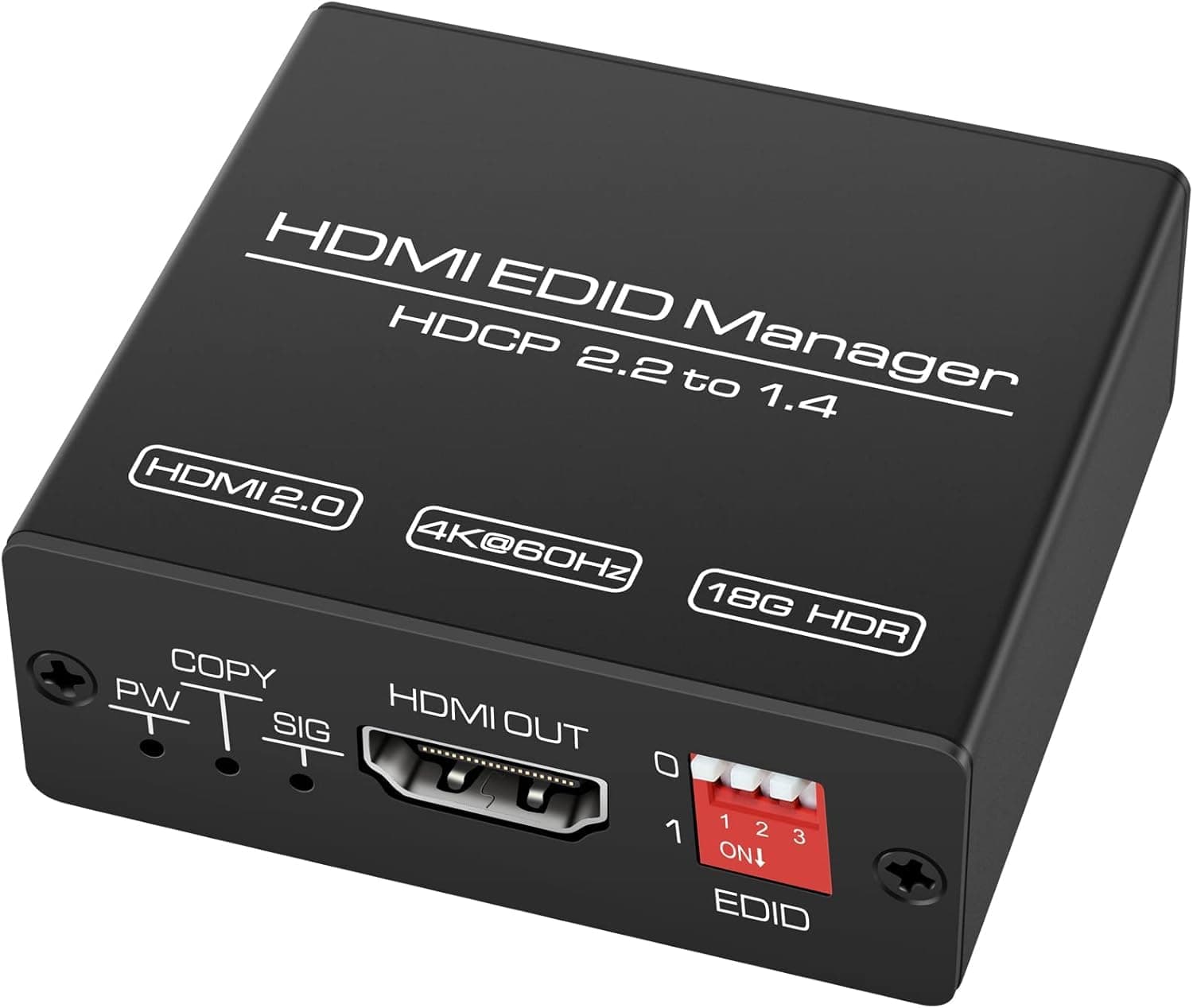
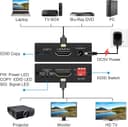
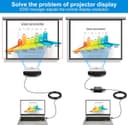
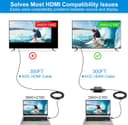
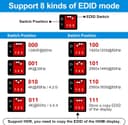
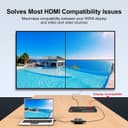
🔌 Unlock flawless HDMI harmony—because your setup deserves zero compromises!
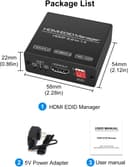
The CMSTEDCD HDMI EDID Emulator Manager 4K Prophecy 8 is a compact, plug-and-play device designed to solve HDMI EDID compatibility issues by copying and managing up to 8 programmable EDID modes. Supporting HDMI 2.0b standards, 4K@60Hz resolution, 18Gbps bandwidth, HDCP 2.2, HDR, and CEC pass-through, it amplifies and equalizes signals for stable multi-device setups. Ideal for professionals seeking seamless AV integration, it offers low power consumption, 24/7 reliability, and expert technical support with a 1-year replacement warranty.


| ASIN | B09NPWKQYC |
| Best Sellers Rank | #273 in Video Converters |
| Brand | CMSTEDCD |
| Built-In Media | HDMI Cable, User Manual |
| Color | Black |
| Compatible Devices | Television |
| Connector Type | HDMI |
| Current Rating | 1 Amps |
| Customer Reviews | 4.4 4.4 out of 5 stars (44) |
| Finish | Hdmi |
| Input Voltage | 5 Volts (DC) |
| Item Dimensions | 2.28 x 2.05 x 0.87 inches |
| Item Weight | 65 Grams |
| Manufacturer | CMSTEDCD |
| Model Number | ED001-Black-AAA |
| Nominal Power | 5 Watts |
| Number of Items | 1 |
| Number of Ports | 6 |
| Package Quantity | 1 |
| Power Plug Type | No Plug |
| Unit Count | 1.0 Count |
| Warranty Type | Limited |
M**I
Worked like a charm
Easy solution to a very annoying problem. Pretty much plug and play.
L**C
Works
Works as described
S**Y
Success!!
Fixed the issue of no audio at 1080i between my DirecTV HR24 and TCL Q series TV!!
T**A
Works on Sony X90J and Marseille mClassic
Like another reviewer, I wanted to add 1440p support for the Marseille mClassic to my Sony X90J TV which seems to support 1080p and 4k resolutions but nothing in between. After I configured it for 4k and plugged it in, I did need to zoom in by changing from Normal to Full 1. I'm using this setup with a PS3 (don't forget to set it to 720p for most games). I tried plugging in a computer via HDMI, but unfortunately it didn't seem like like that. That could've been a cool use case for me (I have older computers that support HDMI 1.4), but it's not the main reason why I purchased this.
O**J
It works
It does as it's designed to do.
G**C
I really wanted this to work..
I'm a certified IT technician. I don't say that to brag.. only that I'm somewhat decent at following instructions and troubleshooting when things don't work right. This product sounded promising but failed to his the intended purpose. The best I could get with any of the settings was an oversaturated image. One of those images where things look close to where it should be.. but also nowhere close at the same time. I spent an hour troubleshooting every method and re-reading the instructions. I finally got to the point where i needed to stop focusing on figuring it out.. and start the process of returning it. I really wanted it to work.
M**S
Did exactly what I needed
My Verizon FiOS cable box and AppleTV worked fine via my Denon receiver and one TV (all high quality HDMI cabling). When I added a second TV on the same zone (my receiver has dual output HDMI on Zone 1), the HDMI negotiation would take forever and often result in one TV not displaying a picture. As soon as I added this EDID manager between the receiver and one of the TVs everything stabilized and worked perfectly. 4k@60hz with 4:2:2 (HDR) on both TVs. Super happy with this product!
C**N
Source device blinks after connecting or disconnecting the screen
The source device blinks after connecting or disconnecting the screen. Even after cloning some EDIDs, I tried it several times with different monitors or TVs. On Windows PCs, the operating system detects changes to the screen, so screen settings are lost and VJ software incorrectly configures the outputs.
TrustPilot
1天前
1 个月前