Desert Online General Trading LLC
Dubai, United Arab Emirates
Desert Online General Trading LLC
Dubai, United Arab Emirates


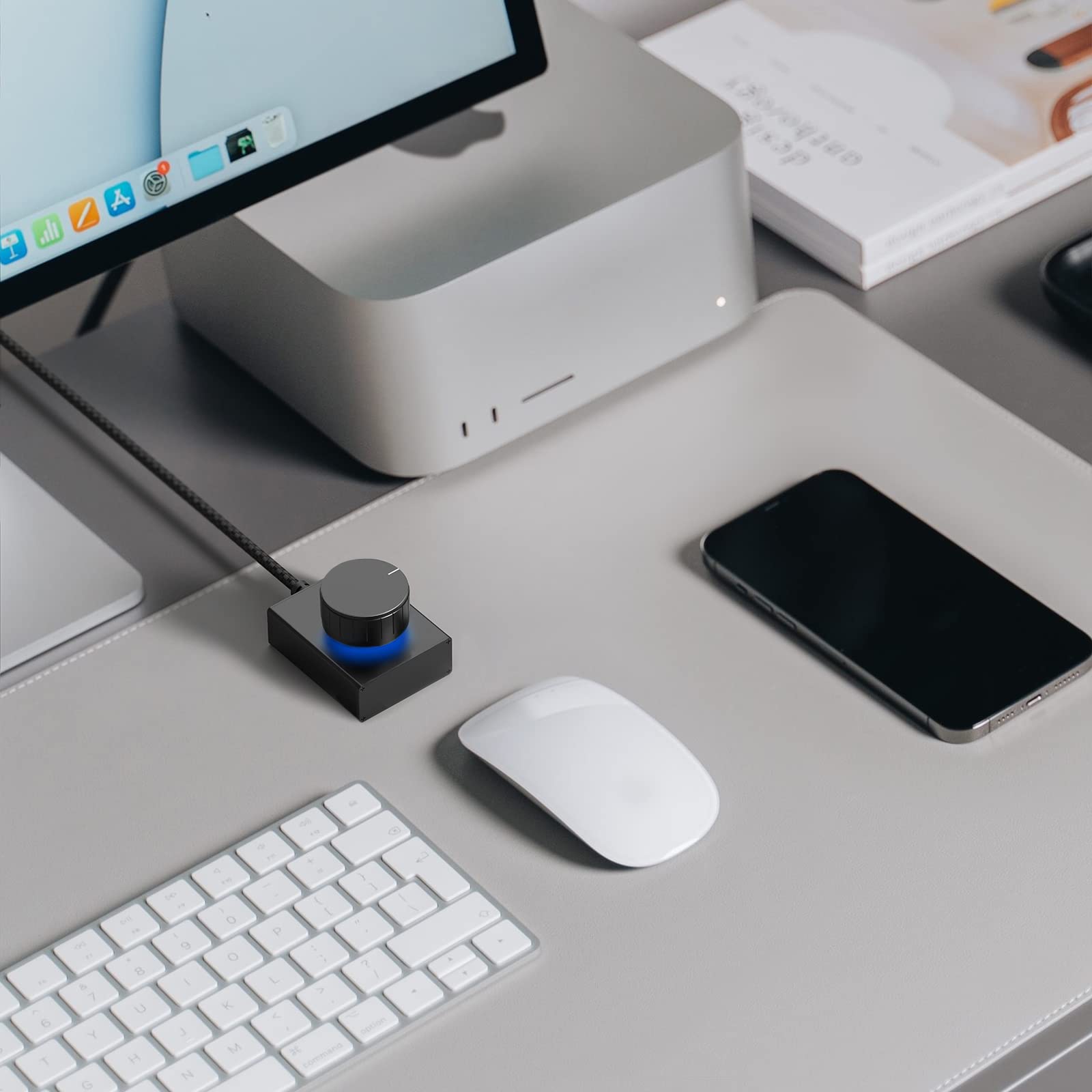
🎛️ Take control of your sound, anytime, anywhere!
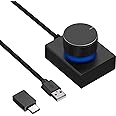
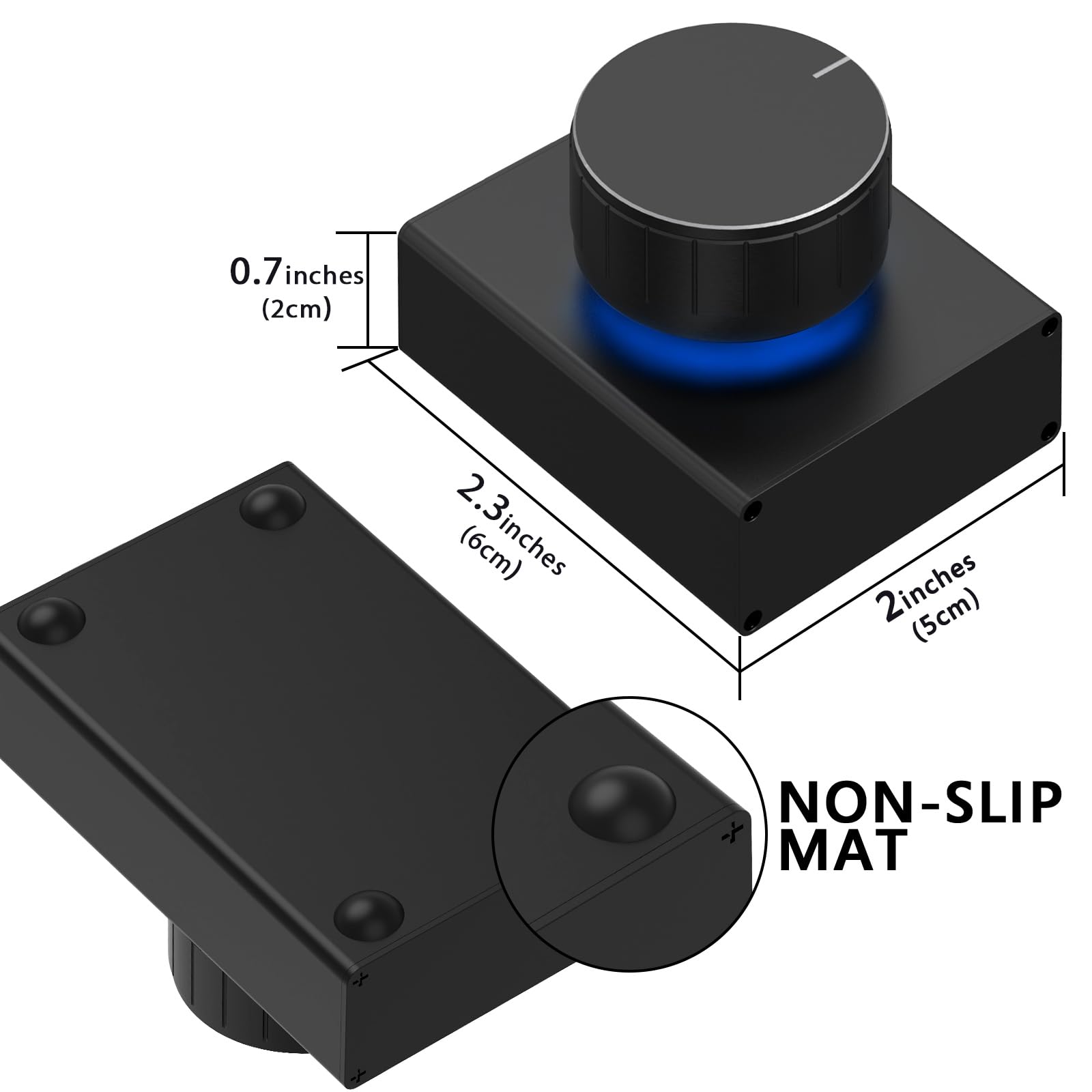
The GEEKRIA Volume Control Knob is a sleek, durable USB audio adapter featuring a tactile rotate volume knob and one-key mute function. Compatible with Windows, Mac, and Android devices via USB or USB-C, it offers plug-and-play convenience without drivers. Its premium copper wiring and zinc-aluminum alloy shell ensure long-lasting performance, making it the perfect portable audio control solution for professionals and multitaskers.
A**S
Solid and works perfectly
Great desktop volume knob. I went to the Klipsch Heritage speakers that do not have a volume knob and their remote was not cutting it. This thing has some decent mass so it stays in place. The knob controls your Windows sound volume one click at a time. The adjustment is precise, but can also be rolled quickly. Click-to-mute is also nice. The color choices are adequate, but not your full RGB options. The cable is braided and nice-looking. Installation was plug-and-play on Windows 10. Overall I am very satisfied with my upgrade.
E**C
it's a knob. and it works.
this works exactly how you need it to work. you plug it into your PC, and it controls the volume of windows for you. have had this on my desk for about a month and still working great!
R**.
Works great!
Feels solid, well built and compact, doesn't slide all around on the desk. Does what it needs to do. I have no complaints.
B**9
Great knob!
I bought it because I couldn't find a keyboard with a volume control KNOB at a price point I could accept. I don't like hunting for the volume up and down keys because of the highly erratic audio levels of social media videos. This knob does the trick plunked next to my keyboard. It's big and has a nice solid feel. The base is heavy enough to keep it stable but small enough to take up minimal desk real estate.One very minor niggle... each "click" of the knob makes only a small change in volume. This is good if you need very fine control. It's not as good for making quick, radical changes in volume.The main reason I like this thing is that I'm an old school professional audio guy. I like the feel of a good knob.
H**Y
Piece of Junk - Don't Waste Your Money! Stopped working in one month
What an utter disappointment! I bought this USB volume control thinking it would be a handy little gadget to adjust my computer's audio levels. Boy was I wrong. It worked fine for the first few weeks, but then it just completely crapped out on me after a month. Now it does nothing but collect dust on my desk. Terrible build quality and even worse longevity. Save your hard-earned cash and avoid this useless hunk of plastic and wires.
D**.
Great feel, but weird functionality
First of all, this knob has a great feel and physical design. It rotates very smoothly, quietly, and with a tactile feel. It spins infinitely in either direction. The rubber pads on the bottom keep it from slipping. The LED lights on it look nice.If you just want to use it to adjust the volume up or down or mute it, then this works perfectly on either macOS or Windows. It can go to the next or previous song even without the music app in focus/open. However, it doesn't support pausing the song, just muting it.Switching the LED color is pretty simple and it's cool that they have 7 options.The programming of it is why I'm giving this 3 stars. I followed the video (which took several watches and is kind of annoying to watch) and I tried all the different modes. The video doesn't specify that after 5 seconds of pressing, it won't flash lights automatically, you have to let go for the lights to flash and the functionality mode to change. See my image for the notes I took on the video, but keep in mind that it wasn't even accurate in my experience.The only useful modes I found were the green and blue ones. And based off of my experience, the video isn't even correct. It also depends on whether you are on macOS and Windows. For example, on macOS in blue mode, pushing the button doesn't mute/unmute, and pushing and rotating doesn't switch songs. To be able to switch songs and adjust the volume on macOS, green mode works well.I originally bought this to work on project I'm doing that involves rotating images a lot on Paint.NET, and it seems to do the job. I am able to use it to rotate which will make it easier.I would have given this 5 stars if it had some software to program the different modes. That would take this to the next level. For example, being able to set how many modes you can switch between and exactly what rotating or pushing does for each. It would also be very useful if it could be used to scroll up and down pages.
R**N
Great!
Exactly what I wanted it to be. Feels nice too
O**O
Audio controler for Mac Studio
Excellent product!
TrustPilot
2 周前
1 周前
1 个月前
3 周前