We remain fully operational. Our teams are working around the clock to ensure your deliveries continue safely.

下载应用程序


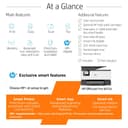


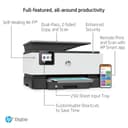
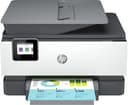
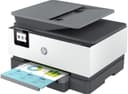
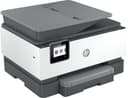
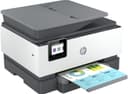
🖨️ Print smarter, faster, and sharper—because your work deserves the best.
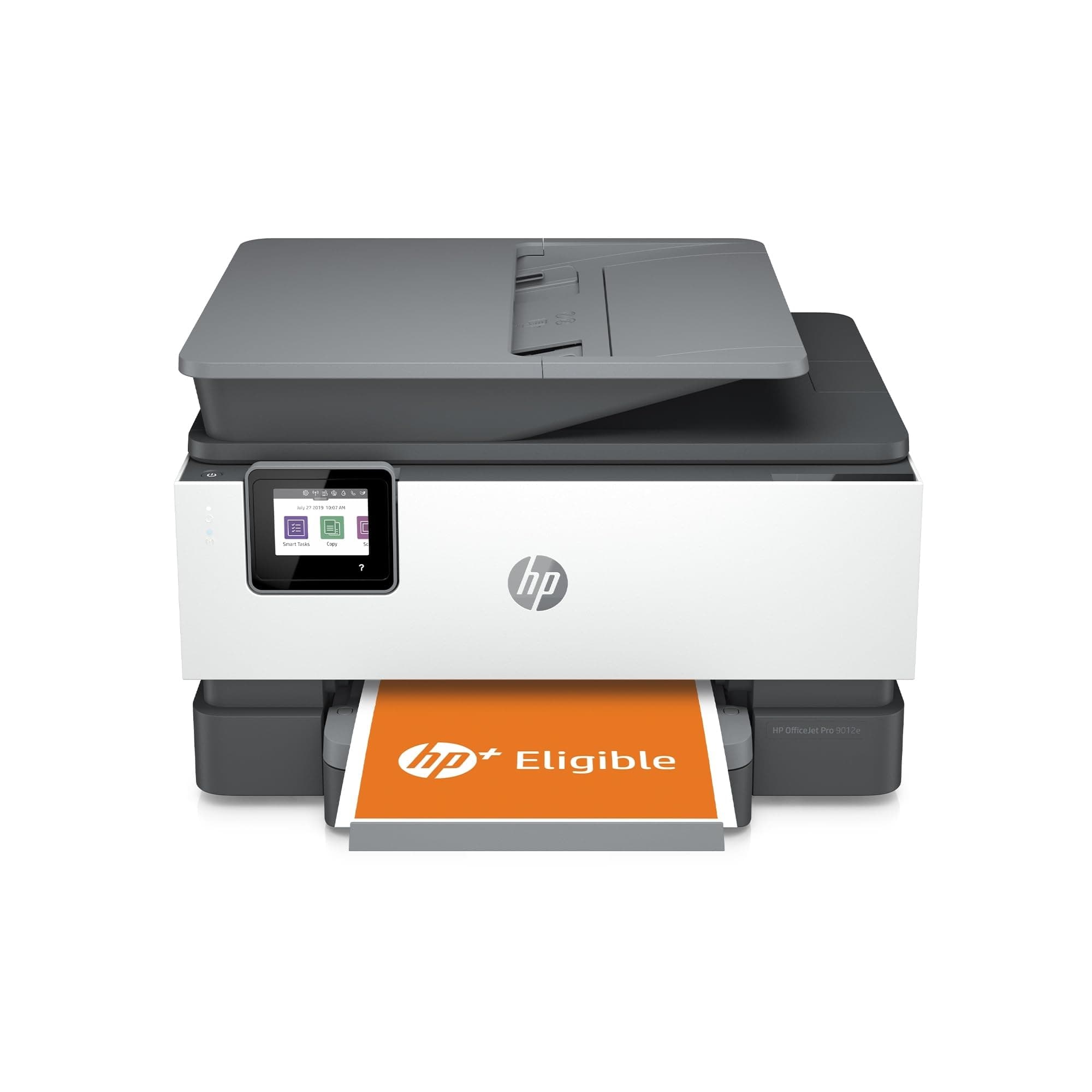
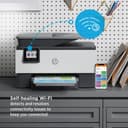
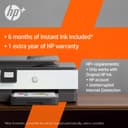
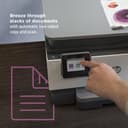
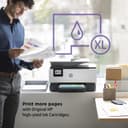
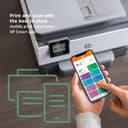
The HP OfficeJet Pro 9012e is a versatile all-in-one color printer designed for small businesses and home offices. It delivers professional-quality prints at speeds up to 22 ppm (black) and 18 ppm (color), supports automatic duplex printing, and offers seamless mobile connectivity via the HP Smart app. With the HP+ smart printing system, it includes 6 months of Instant Ink and an extended warranty, ensuring cost-effective, hassle-free operation. Its compact footprint, 250-sheet capacity, and advanced features like an auto document feeder make it a top-rated choice for productivity and quality.


| ASIN | B08YRDLJTY |
| Additional Printer Functions | Copy |
| B&W Pages per Minute | 18 ppm |
| Best Sellers Rank | 64,514 in Computers & Accessories ( See Top 100 in Computers & Accessories ) 138 in All-In-One Printers |
| Box Contents | HP OfficeJet Pro 9012e, Cartridge |
| Brand Name | HP |
| Color Depth | 1 bpp |
| Color Pages per Minute | 10 ppm |
| Colour | Black, White |
| Compatible Devices | Laptops, PC, Smartphones, Tablets |
| Control Method | Touch |
| Controller Type | Android |
| Customer Reviews | 4.1 4.1 out of 5 stars (276) |
| Dual-sided printing | Yes |
| Duplex | Automatic |
| Hardware Interface | Ethernet |
| Ink Colour | Black |
| Item Dimensions D x W x H | 12.6D x 18.1W x 9.2H centimetres |
| Item Type Name | Multifunction Printer |
| Item Weight | 8200 Grams |
| Manufacturer | HP |
| Maximum Copies Per Run | 250 |
| Maximum Copy Resolution Black and White | 1200 dpi |
| Maximum Copy Resolution Color | 1200 x 1200 dpi |
| Maximum Copy Speed Black and White | 22 ppm |
| Maximum Print Resolution Black and White | 1200 dpi |
| Maximum Sheet Capacity | 250 |
| Maximum Supported Paper Size | 8.5 x 11 inch |
| Maximum print Resolution Color | 1200 x 1200 |
| Model Name | 9012e |
| Model Number | 22A55B |
| Model Series | OfficeJet Pro |
| Network Connectivity Technology | Ethernet |
| Number of Ethernet Ports | 1 |
| Number of Trays | 1 |
| Other Special Features of the Product | Auto-Duplex |
| Paper Size | A4 Millimetres |
| Power Consumption Size | 30 Watts |
| Print media | Glossy photo paper |
| Printer Output Type | Colour |
| Printer Type | Thermal |
| Processor Count | 1 |
| Product Warranty | One-year limited hardware warranty; 24-hour, 7 days a week Web support; Business hour phone support within warranty period |
| Resolution | 1200 x 1200 |
| Scanner Type | Flatbed |
| Specific Uses For Product | Office |
| Total USB Ports | 1 |
| UPC | 195161213939 |
| Warranty Type | Full and Extended Warranty |
| Wattage | 21 watts |
D**E
Great value, fast printer with good features
I had some difficulty selecting a worthy replacement for my trusty 11 year old Canon MG6250 that finally died. I wanted a reliable printer with a cassette input tray to hold the paper (rather than a rear input tray) and reasonable printing costs. The few home printers that fit the bill have done scathing reviews, so I decided to look at something a bit more office quality. I was very surprised that the 9012e was under £115, and liked the features. Yes, it’s a bit too tall with an automatic document feeder I don’t really need, but the desk footprint isn’t too bad. I like the quality of the output, the speed of printing, and the features on the Mac and iOS apps. I also like the Instant Ink concept, and enjoy the ability to print full colour pages and photos without worrying about additional ink costs (all pages are rated equally). Things I don’t like? The screen is a bit on the small side, but not too bad. I’d also like a second rear tray for one-off prints with photo paper, labels, envelopes etc (at the moment you have to officially remove the paper from the cassette and put these items in there - a bit of a faff). A good solid printer so far, and very easy to set up if you follow the step by step instructions. Recommended.
P**E
Outstanding printer for business and personal use
I got this printer because I wanted an upgraded one due to studying a lot I needed a double-sided printer. The printer was easy to set up and even connects with my phone very easily. I love how it has a tray that closes for the paper particularly with having young children they use to take it from my old one now it's safely away from little hands. I also love how when you do double-sided printing it stops to say it's drying and it's support fast, I've also printed a few certificates on a card to go in my frames from it and the quality was outstanding. My overall opinion is that I would certainly recommend it to anyone and I will be sticking with this printer for a long time.
C**Y
Good, when locked down and off the internet. Two Sided Scanning!!!
For the price, it was a steal. Btw, don't register for the smart ink, and don't let it have access to the internet - too long to explain how (with firewall rules), but the bottom line is, I have this running, isolated from the net, on my network, and without any smart fancy features of the software - why do I need them? (I'm also a bit of a privacy nut with devices on my network). Anyway, this has allowed me to use 3rd party ink cartridges - that is only blocked if you sign up to the Instant Ink and install regular updates for the firmware. That is what 'Dynamic Security' is all about - nothing to do with security, all about locking you into HP branded ink. It performs well, when you manage to avoid the overly intrusive software and lock it down. However, what has absolutely blown me away, and which I missed on the specs on Amazon, is this does automatic duplex (2 sided) scanning. Fab!!! Had it two years and only found out today when I accidentlly started using it. Hence this review! At the price I paid a steal. Just, if you're like me and value your privacy and 'device soverignty', try and lock it down.
G**M
Good quality
Easy to set up online apart from scanning to email. Support, by immediately returned phone call, soon got that sorted and was probably my not understanding what I was doing anyway. Reassured that good support is always available. Prints quickly and good quality.
A**R
Doesn't last after moderate use - and software dowsn't work in Windows 11
Where to start? I have had this printer for just over 7 months. I wanted to use the scan function last weekend and found that it didn't work when I tried to use the 'HP Smart' app in Windows 11. I therefore tried to install the full function software from the HP website and the software won't even install. I ended up using a free app from the MS stoe which works perfectly. I still think the HP offerings should work with their printer. Now on to the fun part, I started getting a flashing error code today and random 'print head missing' error messages so I tried using the virtual agent on the HP website and, long story short, am no further forward. I contacted HP to explain that I had lost all faith in this printer and wanted to return it for a refund and replace it with a different brand of printer. They politely explained that I would have to take this up with Amazon because they only processed returns through their online web store. So, nil points for this printer from me (because it doesn't appear to have any longevity and the software etc dodesn't work for me at least) and nil points from HP for being less than helpful when I needed them most! I'll update once I have tried returning this through Amazon (not holding my breath though if I am honest)
R**D
HIgh quality printer and scanner
Bought this for my home office and found it incredibly simple to setup and get running. In fact my 5 year old was able to set up her mothers phone to work with the printer with zero issues. I have a wide variety of devices in my home and it worked first time with my Windows machines, Linux machines, iPhones and iPads so all around a good device with good quality printing and scanning.
TrustPilot
3 周前
1天前