🔄 Upgrade your legacy setup with next-gen speed and style!
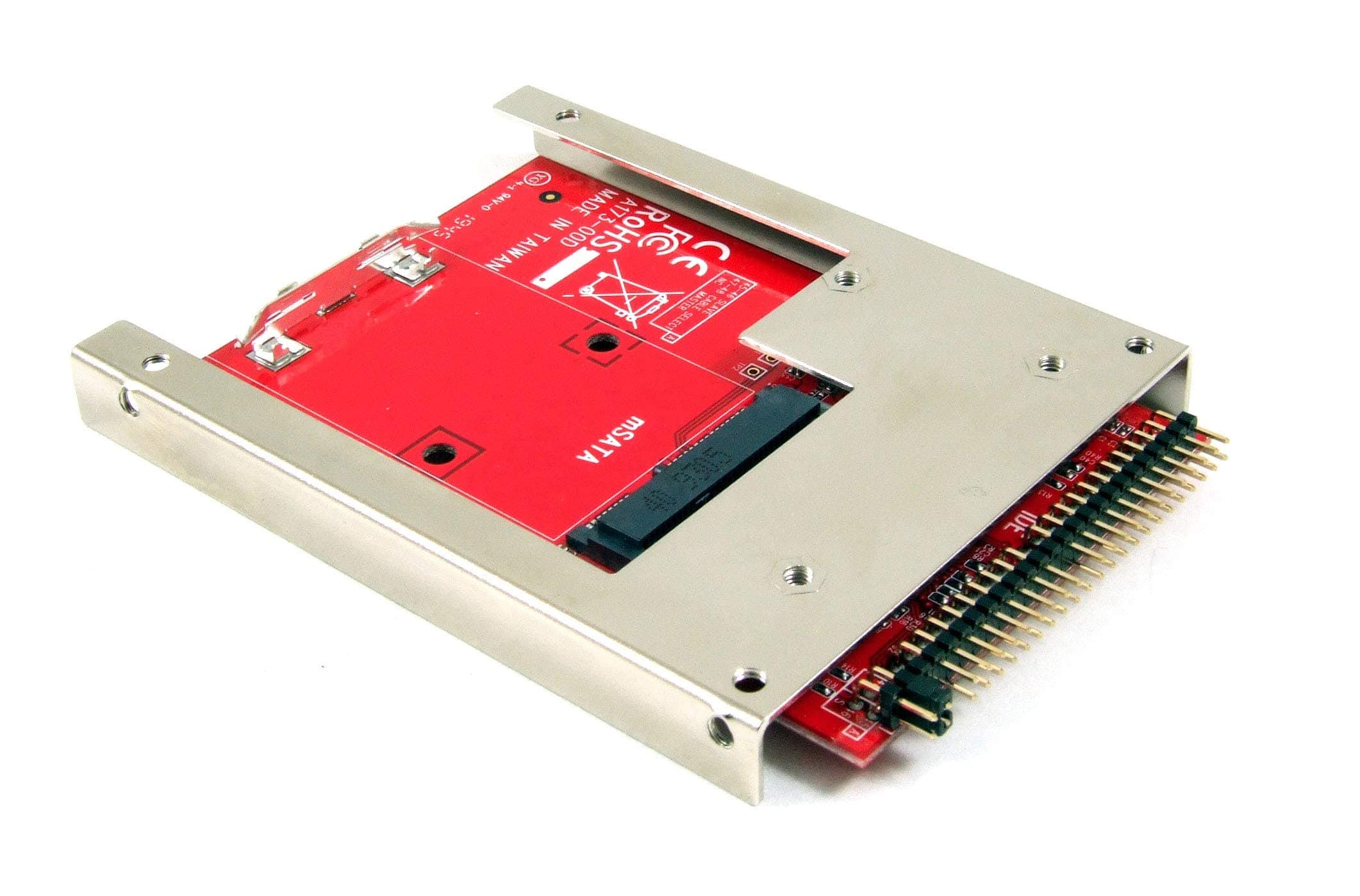
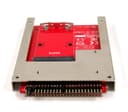
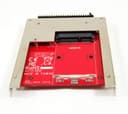
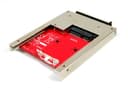
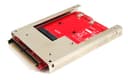
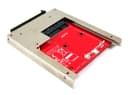
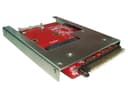
The Ableconn IIDE-MSAT adapter converts any full-size mSATA SSD into a 9.5mm high 44-pin 2.5" IDE SSD drive, delivering up to 150 MB/s transfer speeds. Featuring an open aluminum frame for optimal heat dissipation and a secure latch mechanism, it supports SATA I/II/III mSATA SSDs and is fully compatible with Windows, Mac, and Linux without requiring drivers. Designed with jumper settings for IDE Master/Slave modes and RoHS compliant, this Taiwan-made converter is the perfect bridge between modern SSD tech and legacy IDE systems.


| ASIN | B017VQT5YW |
| Best Sellers Rank | #82,946 in Computers ( See Top 100 in Computers ) #664 in Internal Solid State Drives |
| Item model number | IIDE-MSAT |
| Manufacturer | Ableconn |
| Product Dimensions | 9.91 x 7.11 x 1.02 cm; 53.86 g |
M**W
Work, feels quality. Packaged well. Tight fit into a CIC drive, but works nonetheless. Cannot fault
K**N
I have three Apple Mac Mini G4's. Two I bought recently as New Old Stock with Leopard loaded. I wanted to convert the two new ones to run Linux, but also wanted to swap out the 80GB 5200 rpm hard drive for an SSD. Like most laptops of the era, the 2.5" hard drive interface is a 44-pin IDE (PATA). These hard drives are getting harder to find since most manufacturers stopped making PATA drives and switched to SATA over 10 years ago. Finding an SSD with a 44-pin PATA interface is basically unobtainium. I looked at the white and black enclosed models that are cheaper. Two issues from viewing photos. The mSATA SSD sits inside a closed case with no air circulation. And most designs have a voltage regulator very close to the SSD. The Mini is already a tight design. I worried that the lack of air flow would make the SSD run hot and shorten its life. This unit has an open frame design, and no voltage regulator near the SSD. The mounting frames also looked rugged. I bought one to try, along with a new Samsung 850 EVO 250 GB mSATA SSD. Installation was easy (once I cracked open the Mini's case). The adapter fit perfectly, and I could easily reuse the mounting screws. I inserted the SSD onto the adapter without a problem. One advantage of this design - you can easily change or upgrade the mSATA SSD without having to remove the adapter. I had no problems with the SSD mounting retainer. From the Linux livecd install disk, I was able to format the disk to hold five partitions. There were no bad blocks found. When Linux booted, it showed the Samsung 850 EVO as present with support for ATA-7 and UDMA/133. The Mini's controller is limited to ATA-6 and UDMA/100, but it does support LBA-48. hdparm measured 92.0 MB/s reads; the hard drive measured 35.4 MB/s, so this is 2.6x faster (and about 3x more capacity). The computer feels peppy. I clocked booting (from selecting the kernel to login prompt) at 13 seconds. WOW! I was quite pleased with the results. So much so, I bought a 2nd unit to convert the other Mini. The computer has been running for several weeks now, uptime for 10 days at one point, with lots of long compile jobs (I'm running Gentoo Linux, which builds from source). Stability is rock solid. This solved a problem I had quite well. My only concern is the future life of mSATA. New laptops appear to be transitioning to M.2 and MVMe. Some manufacturers, such as Crucial, have stopped making mSATA drives. Others, like Kingston, have come out with new designs (the KC.600) with higher densities. Prices have fallen due to competition and transition to newer technology, so there are lots of good deals out there (I picked up the Samsung SSD new for $40, used ones are about half that). I'm quite satisfied with this product, glad Ablecomm made such a device for a rather niche market, and happy I could buy it on Amazon.
M**N
Only downside was this was only available from the USA but works very well with a Transcend 128Gb SSD
B**.
Thanks to the review from Matthew mentioning the BMW CIC use case. I too used this to replace the spindle HDD in my BMW and it works fine with an Or*co mSATA drive. It fit perfectly in my case and it slid right back into the CIC unit with no issues. Very satisfied.
A**ー
ヒートシンク付きメモリ使用すると HDDスタンド等に差し込む際に、本体の向きが表側と裏側とで逆に なるため ヒートシンクがじゃまになります