We remain fully operational. Our teams are working around the clock to ensure your deliveries continue safely.

下载应用程序


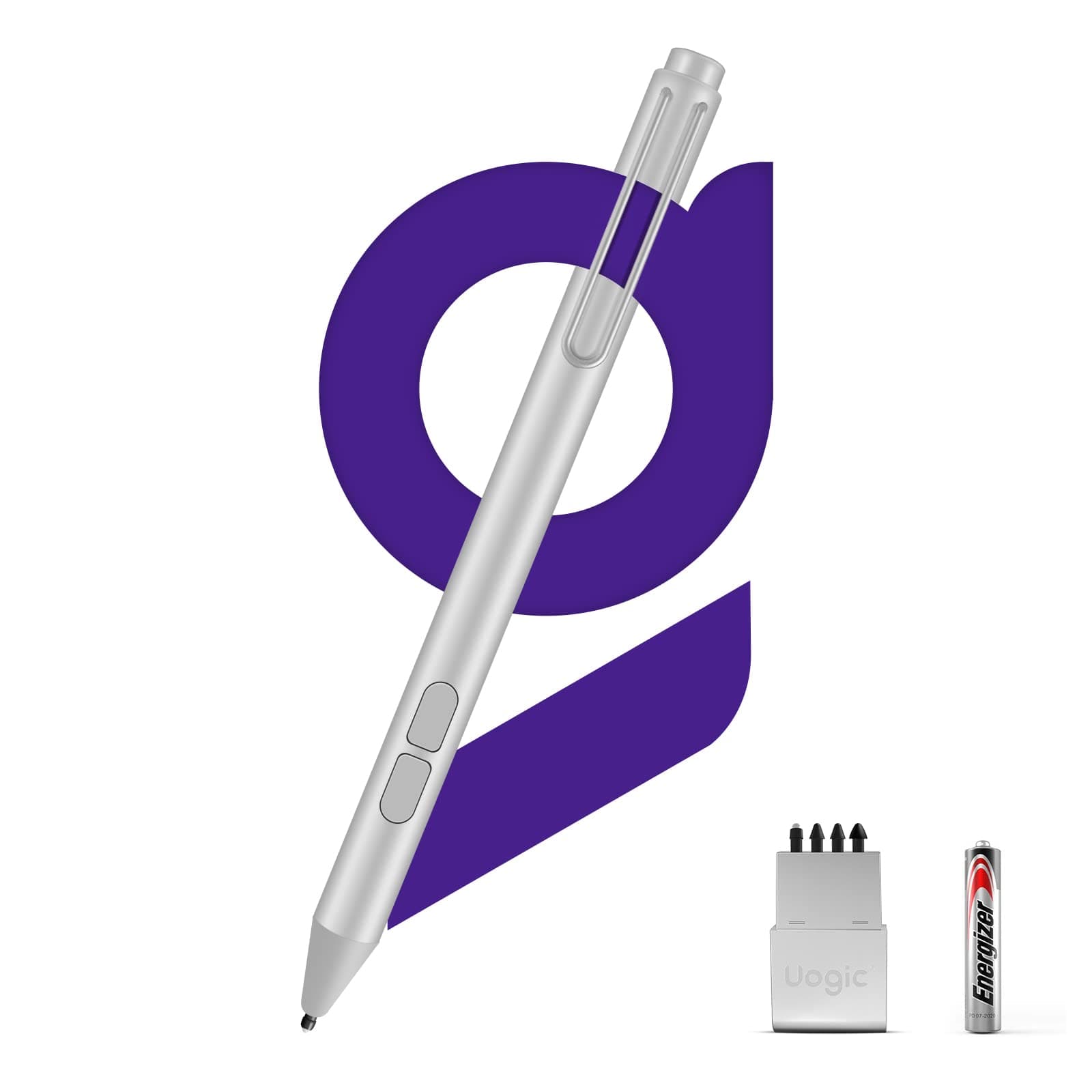
🖋️ Elevate your Surface game — precision, comfort, and endurance in one sleek stylus!
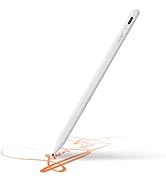
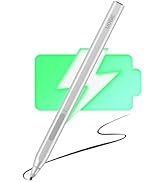
The Uogic Pen for Microsoft Surface offers 4096 levels of pressure sensitivity and advanced palm rejection, delivering a natural, lag-free writing and drawing experience. Compatible across multiple Surface generations and Windows touchscreen devices, it features tilt support for shading, customizable tip hardness, and an energy-efficient design providing up to 1500 hours of use on a single AAAA battery. Backed by a 12-month warranty and 24/7 support, it’s the smart choice for professionals seeking precision and reliability.



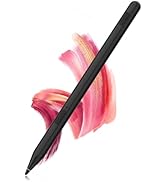
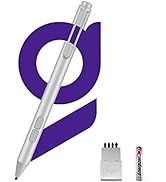
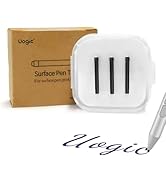


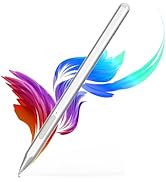

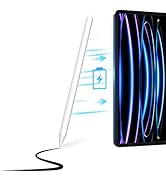
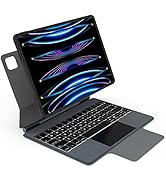


| ASIN | B08MTK9MTC |
| Batteries | 1 AAA batteries required. (included) |
| Best Sellers Rank | #73,721 in Cell Phones & Accessories ( See Top 100 in Cell Phones & Accessories ) #1,678 in Styluses |
| Customer Reviews | 4.3 4.3 out of 5 stars (1,938) |
| Date First Available | November 5, 2020 |
| Item Weight | 0.705 ounces |
| Item model number | F95 |
| Manufacturer | Uogic |
| Package Dimensions | 7.17 x 1.97 x 0.67 inches |
G**E
Great pen overall
While I don't have a lot of experience with the best stylus', this one does everything I've hoped for, so far. I mostly use it for light drawing activity, and not so much for text. What little I've tried with text works pretty well -- very fluid, and not much lag, if any. I don't recall having any connectivity problems. If it stops working, I know it's time to change the battery! The only negative I have is that it chews through batteries in a month or less.
A**.
Works well, and may work with other devices.
I took a chance for the price, and purchased this to use with my HP 11" Windows tablet, as it uses Microsoft Pen Protocol pens like the Surface devices listed. It works, and works well. There is a bit of lag when drawing, but that may be due to the device itself and not the pen. Accuracy suffers as well, again, this may be the fault of the device, as it's a Celeron powered, low end tablet. This pen was half the price of HP's official pen. If you're looking for an MPP pen, don't want to buy the manufacturer's higher priced item, and willing to take a chance, this pen may be a good choice.
J**G
Good Pen for the Money -- If you need one (but do you?)
So, this is the second smart pen that I've bought and the first one that actually works. At first, it's so simple to use that it's confusing, because once you figure out which end of the battery goes up and which one goes down, it just works. This means that you can write on your laptop touchscreen with the pen. It works great on my HP Envy 360. The proportions and weight of the pen are fine. As far an functionality goes, and whether or not you actually need one of these is another question. If you write a lot on your screen and were using your finger before, this is much better. But that's about it. It doesn't really do anything else. So far, I only use it for signing documents, which is helpful but frankly not worth almost $40. If I were an artist or wanted to markup documents by hand (as opposed to in Word), this would be far more useful. Who knows, as time goes on maybe I'll start incorporating the pen more into my normal work use. But for now, unless you're a graphic artist, no matter how well they work (and this one works well) I probably would buy any of these smart pens. Your finger is just fine.
A**L
Absolutely amazing. Better then Microsoft's
Bought this for my daughter that wants to start her a digital art business but her surface pins both died. Disabled and waiting on SSD money is tight so this was what I could afford for her. She LOVES them. Says that the sensitivity is better then the surface pen and this has a built in eraser function as well. Uses a standard battery is also a plus so you're not hunting down an AAAAA special batter that costs a kidney either. I'm going to get another if I can find a way to afford a 2nd for her
M**E
Functional but not durable
My daughter has been using this for about six months with her Surface. It is made from aluminum, at one point she made a little dent in the stylus near the buttons and it would not function anymore. I managed to get the dent out and got it functioning again. She just reported that the aluminum threads that hold on the battery compartment/pen clip have completely stripped, so the top just falls off and the battery doesn't stay in. I'd say only get this one if you don't plan to use it very much.
M**G
Great Pen for Surface Pro 8
This was purchased to go with my Surface Pro 8. I had just spent a lot of money on the computer and keyboard case, but wasn't sure about the usefulness of a pen so didn't want to put a ton of money into it. This pen had all the features I wanted, but at a fabulous price point. The pen works wonderfully with my Surface, and I use it another more than I expected to. It is responsive and accurate. Not sure how I feel about the battery yet, as I haven't had it long enough (only a month).
B**N
works on surface pro 5 (and linux-surface)
I was looking for an alternative stylus that might work with AAA battery, unfortunately this one does not (the typo in the description led me to the product, then I realized it might be a typo since everywhere else it says AAAA). But based on other reviews I decided to try a used one to test out the rest of its functionalities. It works on an old surface pro 5 that can run "linux-surface", and out-of-the-box it works fine in Krita. Hold the bottom button to erase, hold the top button to drag the view, so already it is more useful than the default single side button stylus. The palm-rejection is iffy, but I'll figure out a way to deal with it.
B**E
Have 4 of them, all going strong
Purchased 4 of these over the years, all still working great. Take a slightly odd sized battery, but they last long. Good feel in hand, and good reaction to pressure.
O**V
Bought this at least 18 months ago and my son uses it for school every day. It has been significantly more robust than the Microsoft ones and it comes with some replacement tips too. Overall an excellent purchase and I'm buying another one to have as a spare, because eventually (with kids) one gets lost, so there is a panic. Worth getting more replacement tips as they do wear out if used frequently. This is not a function of the tips in this pen. But these stylus pen tips just do run out or get damaged inadvertently. This pen comes with a tool to replace them. So overall, a perfect purchase.
C**E
Fonctionne parfaitement avec ma surface pro 3. Pas besoin de le connecter, une fois la pile à l'intérieur il fonctionne directement. Arrivée dans une boîte avec une présentation très soignée et bien protéger, beaucoup plus que ce que le prix laisse présager. Première prise en main très satisfaisante. Les mines de rechanges apportent un plus . Avantages : - Léger - Facile d'utilisation - Économique - Pas chère - Très similaire au stylet d'origine - Plusieurs mines de rechanges - Pile incluse Inconvénients : - Instructions non disponible en français (anglais ou chinois) - N'accroche pas grâce à l'aimant sur le côté de la tablette comme le fait le stylet d'origine Sinon il est parfait pour mon utilisation en dessin amateur, le capteur de pression est semblable à l'original, les fonctionnalités sont presque en tout point similaires si ce n'est qu'il n'y a pas le bouton en haut du stylet permettant certains raccourcis rapides mais cela me semble normal pour un modèle à ce prix là. Je recommande fortement !
E**R
This is a great alternative to surface pen and the price makes it a good buy. It works flawlessly with my surface go 1 device and it should work with other surface devices as well. It is lag free and works out of box, no pairing needed. The pen isn't as heavy as the surface pen and it feels nice in hand and does exactly what is required from it. It has a nice clip and you put it in your pocket like a ordinary open. The opening mechanism is thread type which I like (as compared to surface pen which was tedious and was a reason for its destruction). it comes with a AAAA battery and four extra tips for future use. So, in nut shell it is a good pen for the price and highly recommended from my side. Happy writing !!!
P**Y
This pen provides a good value for the money. The packaging is well done and it comes with everything you need. Connecting to the surface was fast and easy. The additional pen-ends were a nice touch. IT comes with a battery that installs quickly. I found writing to be responsive and fluid. For the cost, this pen is a no-brainer as it works great and is simple to operate. One thing to improve: Make the pen attach magnetically to the surface. that's it, everything else is fine.
C**N
Utilizzata con Surface Laptop 3 e Surface Go 3. Non ho esigenze particolarmente spinte di disegno a mano libera, tuttavia posso dire che il funzionamento è ottimo, considerato che si tratta di una penna di fascia economica. Buona la sensibilità alla pressione. I due tasti sono abbinati alla gomma e alla selezione oggetti con l'app MS Whiteboard (ma qui non c'è sensibilità alla pressione, forse perché si tratta di un'app decisamente base), mentre sull'app Sketchbox di Autodesk il tasto di selezione oggetti non funziona (ma sono abituato a usare la funzione del menù). La durata ella batteria non la posso ancora valutare perché l'acquisto è recentissimo. Per me il punto di forza è il rapporto qualità prezzo. Leggo nelle recensioni che non funziona bene l'attacco magnetico al device. A me pare che in questa penna di magnetico non ci sia proprio nulla (né l'ho selta per questa caratteristica).
TrustPilot
1 个月前
2 个月前