We remain fully operational. Our teams are working around the clock to ensure your deliveries continue safely.

下载应用程序


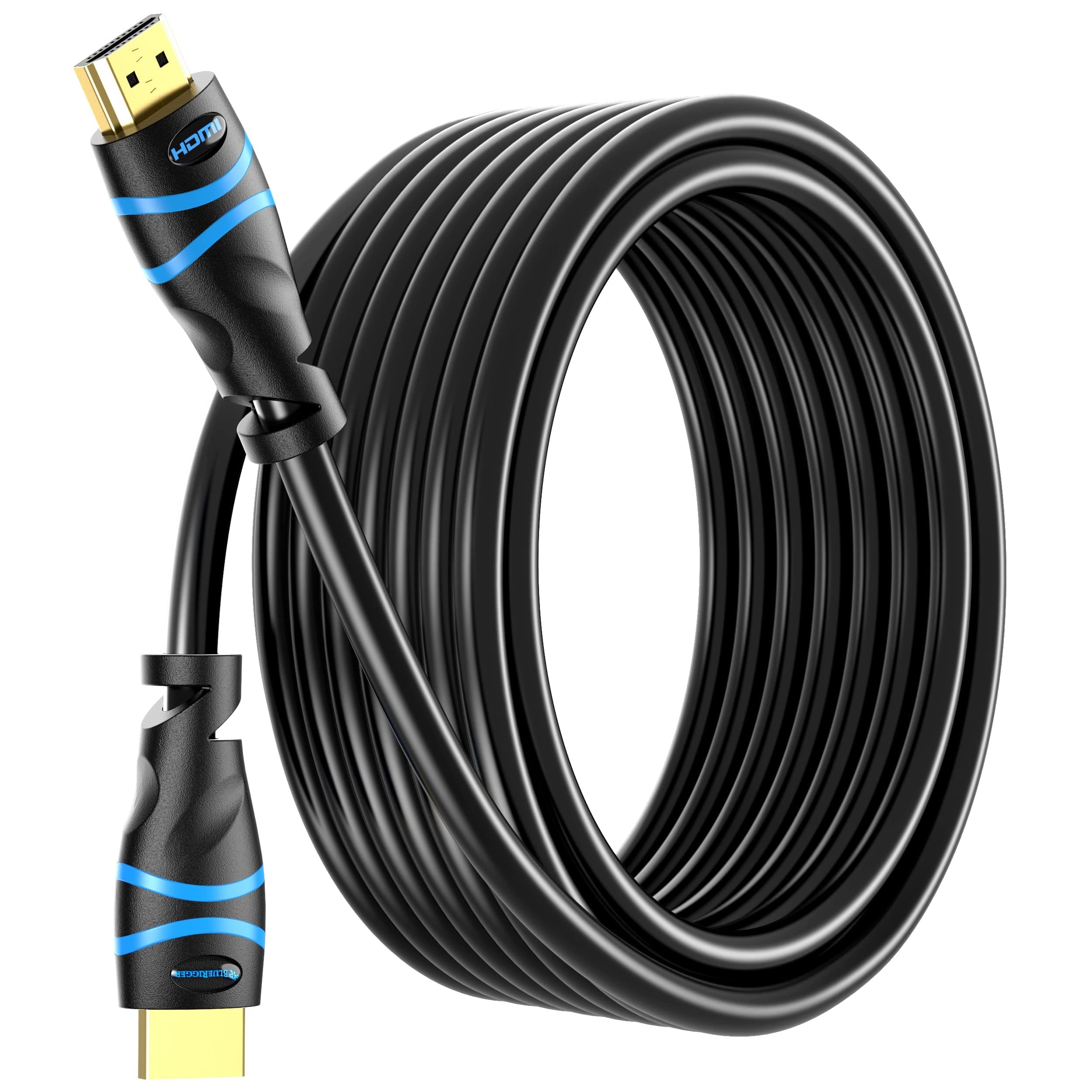
🎬 Elevate your entertainment — connect like a pro with BlueRigger 4K HDMI!
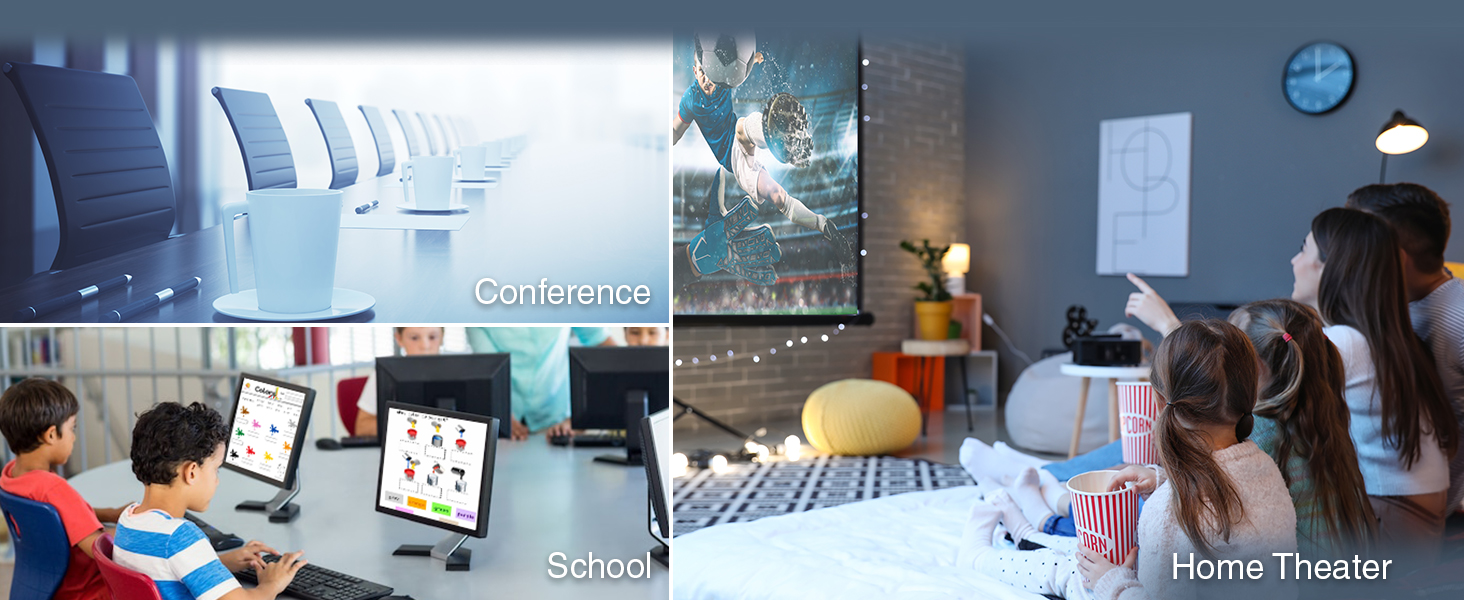
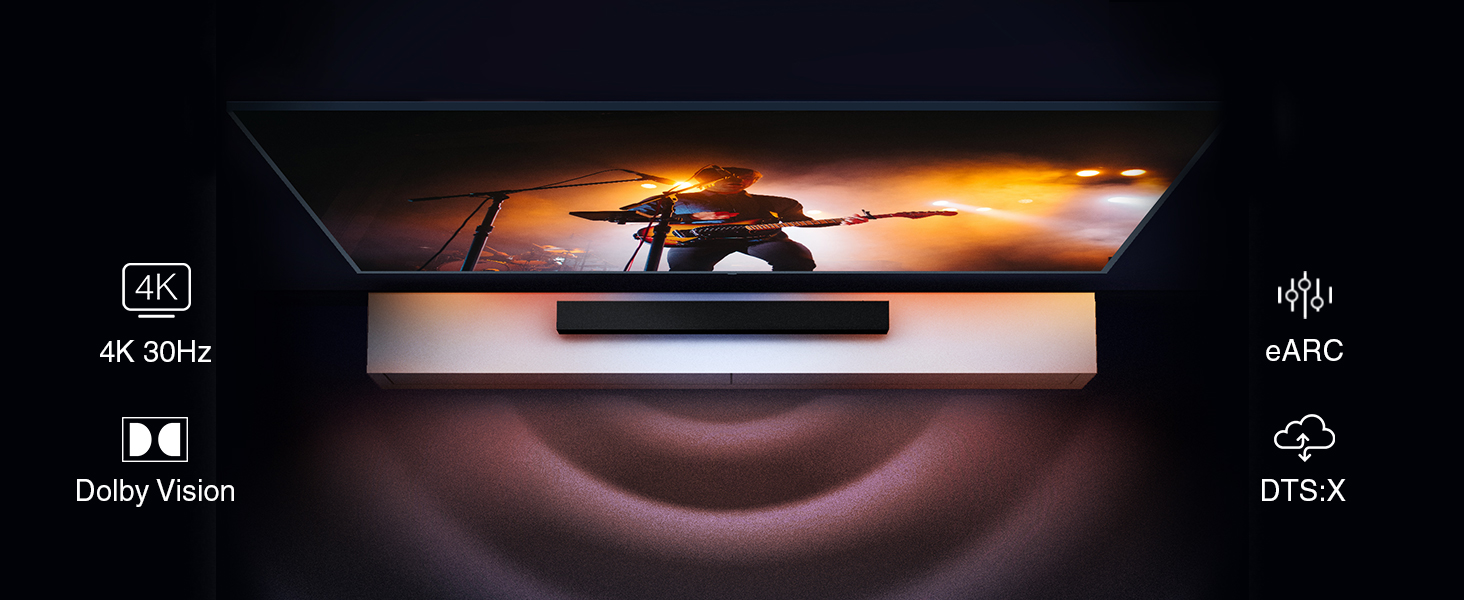
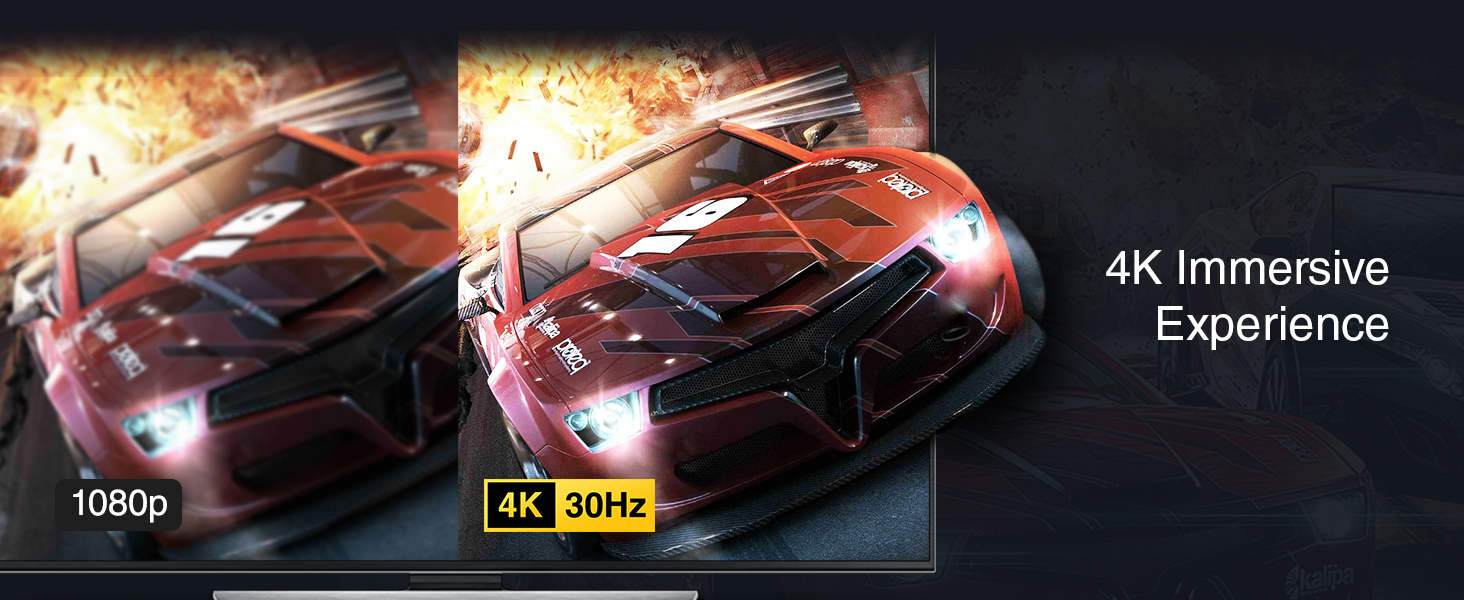
The BlueRigger 4K HDMI Cable (35FT) delivers high-speed HDMI 2.0b performance with 18Gbps bandwidth, supporting 4K UHD at 30Hz and HDR10 for stunning visuals. Its durable triple-shielded copper design with 24K gold-plated connectors ensures long-lasting, corrosion-resistant connectivity. Rated for in-wall CL3 installation, this cable is perfect for home theaters, gaming setups, and streaming devices, offering universal compatibility and a lifetime warranty backed by US customer support.





| ASIN | B005LJQM3Y |
| Best Sellers Rank | #63 in HDMI Cables |
| Brand Name | BlueRigger |
| Cable Type | HDMI |
| Color | Black |
| Compatible Devices | Monitor, Projector, Desktop, Laptop, AppleTV, Blu-Ray Player, Soundbar, XBox Series X, PS5, PS4, PS3, Nintendo Wii U, HDTV, DVD Player, Cable TV, Streaming Device, A/V Receiver, Speaker, HDMI Switch & more |
| Compatible Phone Models | No Compatible Phone Models |
| Connectivity Technology | HDMI |
| Connector Gender | male-to-male |
| Connector Type | HDMI |
| Customer Reviews | 4.7 4.7 out of 5 stars (52,822) |
| Data Transfer Rate | 10.2 Gigabits Per Second |
| Frequency | 600 MHz |
| Gauge | 26.00 |
| Global Trade Identification Number | 00609465955605 |
| Indoor Outdoor Usage | Indoor |
| Item Shape | Round |
| Item Weight | 680 Grams |
| Manufacturer | BlueRigger |
| Maximum Voltage | 12 Volts (DC) |
| Model | HDMI-NB-CL3-10m |
| Model Name | FBA_HDMI-CL3-BL-35FT |
| Number of Items | 1 |
| Number of Pins | 38 |
| Other Special Features of the Product | High Speed |
| Outer Material | Polyvinyl Chloride (PVC) |
| Recommended Uses For Product | Laptop,TV |
| Specification Met | Ul, Hdmi Adopter |
| UPC | 609465955605 |
| Unit Count | 1.0 Count |
| Warranty Description | Lifetime Warranty and US based customer support |
H**Y
VERY SOLID CABLE THAT EXHIBITS NO PERCEPTIBLE VIDEO DEGRADATION AT ALL - all the reviews were spot on
I was skeptical about 50 feet for hdmi without the new chipset that comes with some of the cables of that length and longer. But all the reviews were positive, and at about $35 or so the price had come way down and seemed very affordable. The cable seems somewhat thick, which is good. I think it's good build quality. We run a 46" 1080p samsung tv as a PC monitor, extending the PC desktop. We run power dvd 13 on the PC, and display videos on the tv, or YouTube videos with chrome. It works perfectly with no signs of signal degradation. I pulled an expensive nvidia 285 graphics card out, and bought the inexpensive AMD 6450 card for about $39 which provides hdmi, dvi, and vga. We run a dvi lead to a dell 20" 1600x1200 desktop monitor, then the hdmi to the tv. My motherboard allows switching the sound from the on-board realtek sound chips running the PC satellite speakers and woofer, to the AMD Hdmi sound, which goes out the hdmi cable and plays through the TV's own speakers. But some motherboards won't allow you to do this, and the only sound option you'll get is through the hdmi. We have two 6450s on two different pcs, so I know what I'm talking about. Here's an extended desktop tip. Instead of turning around and trying to look across the room at the tv, about 25 feet away, to adjust full-screen, or pause the video, etc., just put a windows 7 magnifier window on your desktop, about 2" by 2" in size. Set magnifier zoom to 100% meaning no zoom. The magnifier window will follow your cursor. When you move off screen onto the extended screen of the second display, the TV, you can see everything in the magnifier window - no need to try to look across the room or use binoculars, lol. Setting up the magnifier window is slightly tricky. First of all, put the magnifier shortcut on your desktop. Then start magnifier - it will jump into full-screen mode, but try to access the magnifier settings, and get it into the DOCK mode (NOT full-screen) which will put a magnifier window across the entire top of the screen. Then reach into the middle of that window and pull it down - it will turn into a normal sized small window that you can adjust for your taste. NOTE: If you can't get to the settings when you first start the magnifier, which happened to me, go to the task bar and that might work, otherwise close the magnifier from the task bar and then open it again, and keep trying. It might take 3 or 4 attempts. Tip#2. Bring your browser window, or your power dvd window, back to your PC desktop, before you close everything up - which means, take it out of full screen mode, and grab the window and bring it back to your desktop. Using the small magnifier window to do this will make it so easy. The reason to bring everything back, is that later on when you turn on your pc, and then you open chrome, if you left chrome on your TV, that's where it will stay. You will wonder why you have no chrome window - well it's on the TV which is currently turned off, or maybe is now set to a different source other than the PC hdmi input. Same thing with a video player like power dvd with software upscaling - true theater enriched saturation and detailing - worth the $100 retail we paid for it - it makes even 1080p files look better - if you don't believe that just ask the player to show you side by side, software enhanced video, vs raw video. So again, bring that player back to your pc desktop before turning off your pc, or you will wonder where power dvd went. :) Enjoy!!
E**S
Works great for my application
50 foot HDMI cable............Check! This HDMI cable works perfectly for my application. Running a MSI GTX760 with two 21.5 inch monitors. I work with DAW, VST and other audio software that sometimes require a lot space on my screens with all the panels that need to be opened and 2 monitors was just not getting the job done. So I decided to add a 3rd monitor and purchased 43 inch vizio tv for that purpose. I also wanted a 3rd monitor for those times when I am sitting behind one of my instruments instead of the computer. With a wireless keyboard and mouse. Gives me a view screen with out having to constantly get up and run to the computer. I live in an apartment so snaking cables through the walls was out so I needed a cable that was long enough to run along the top of the baseboards to the vizio tv. After measuring the distance this Bluerigger 50 foot cable fit the bill perfectly with about 5 feet to spare. I was a bit skeptical about running such a long HDMI cable, because with HDMI 40-50 foot runs is about the threshold with out using some type of HDMI signal amplified, but the cable was a great price so I decided to go ahead and pull the trigger. It comes packed neatly inside of a small box. Immediately you will notice how robust the cable and connections are which is a good thing. I haven't had it long enough to really comment on durability, but as for me and what I am using it for. It will more than likely never be moved until the day I purchase my own home so durability shouldn't be a factor. Anyway a good quality 50 foot high speed HDMI for under 25 bucks. Yes please. Great job BlueRigger. To anyone thinking of using this cable to run a multi monitor setup. Before you go spending your money on cables. Check and make sure the graphics card you are running can handle it. Not all graphic cards can handle multi monitors. Most these days can handle at least 2. I know my GTX760 can handle at least 3 with out at high resolutions with out slowing down the frame rate. Just be wary of the factors that need to be taken into account when running multiple monitors. Especially if you are using it for something like gaming where you require a high and constant frame rate. The setup I am running would do fine with PC gaming but it would not be great as 60 hz refresh rate is about the max I can get on each screen at the resolution I am running.
M**O
il cavo funziona, lo uso da qualche giorno, sembra tutto ok, non vedo problemi riscontrati a livello visivo. E' stabile e consiglio l'acquisto.
F**E
Was pleasantly surprised and how high quality these cables were. They are also very rugged too because of the thickness of the cables so if you are going to have multiple cables close together and plan on some kind of cable management you will need sufficient room in order to do it .
N**C
Ho preso il taglio da 7,5 metri e gestisce senza tentennamenti il 4k HDR verso un videoproiettore JVC. Per il suo prezzo un piccolo miracolo ...
C**Z
Me decidí a comprar este cable, al ver otras opiniones a su favor con respecto a otras de otros cables que muestran la pérdida o falta de señal debido a su longitud y según la fuerza de la señal emitida. En este caso no tuve los problemas que me dio otro cable estándar de 8 metros que me prestaron ya que con él no llegaba señal. Este cable sin embargo a funcionado con una calidad de imagen perfecta y eso que no posee núcleos de ferrita y cruza una zona de tomas eléctricas, por lo que lo recomiendo. A parte, la empresa comercializadora se ofrece para cualquier consulta o resolución de problemas.
1**N
Excellent quality, robust build and works perfectly.