
下载应用程序


📡 Tame the Cable Chaos with Style!
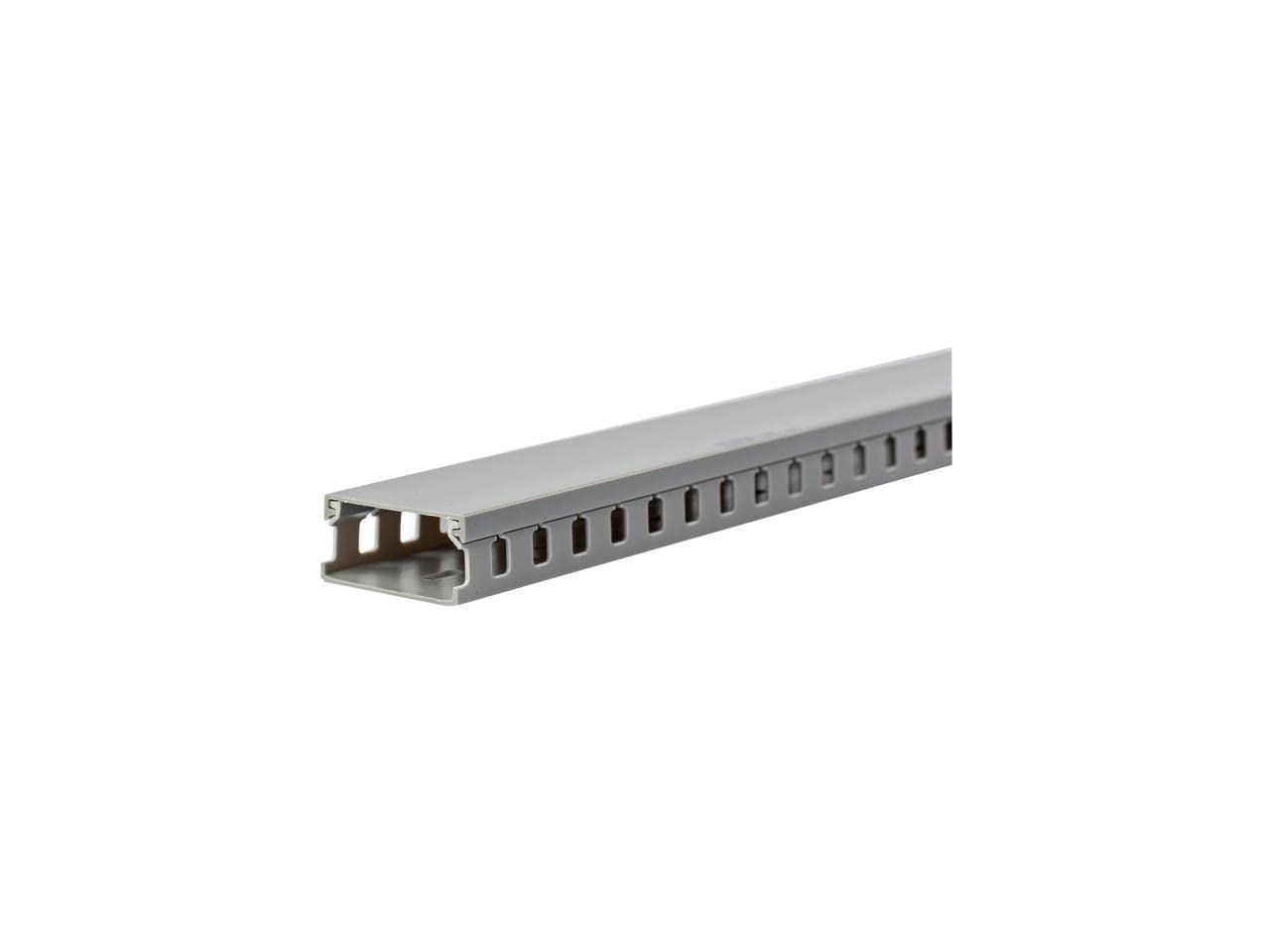
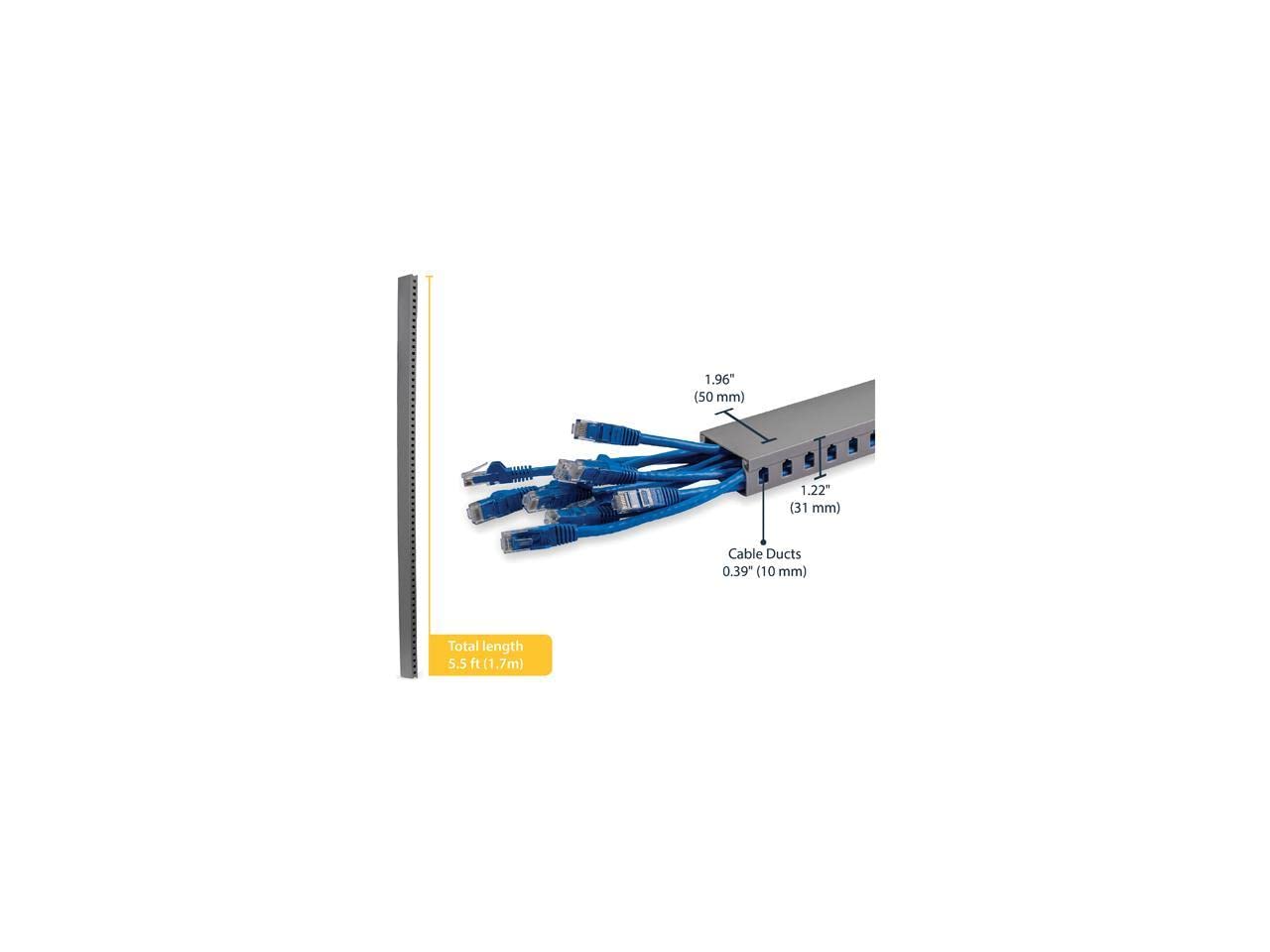
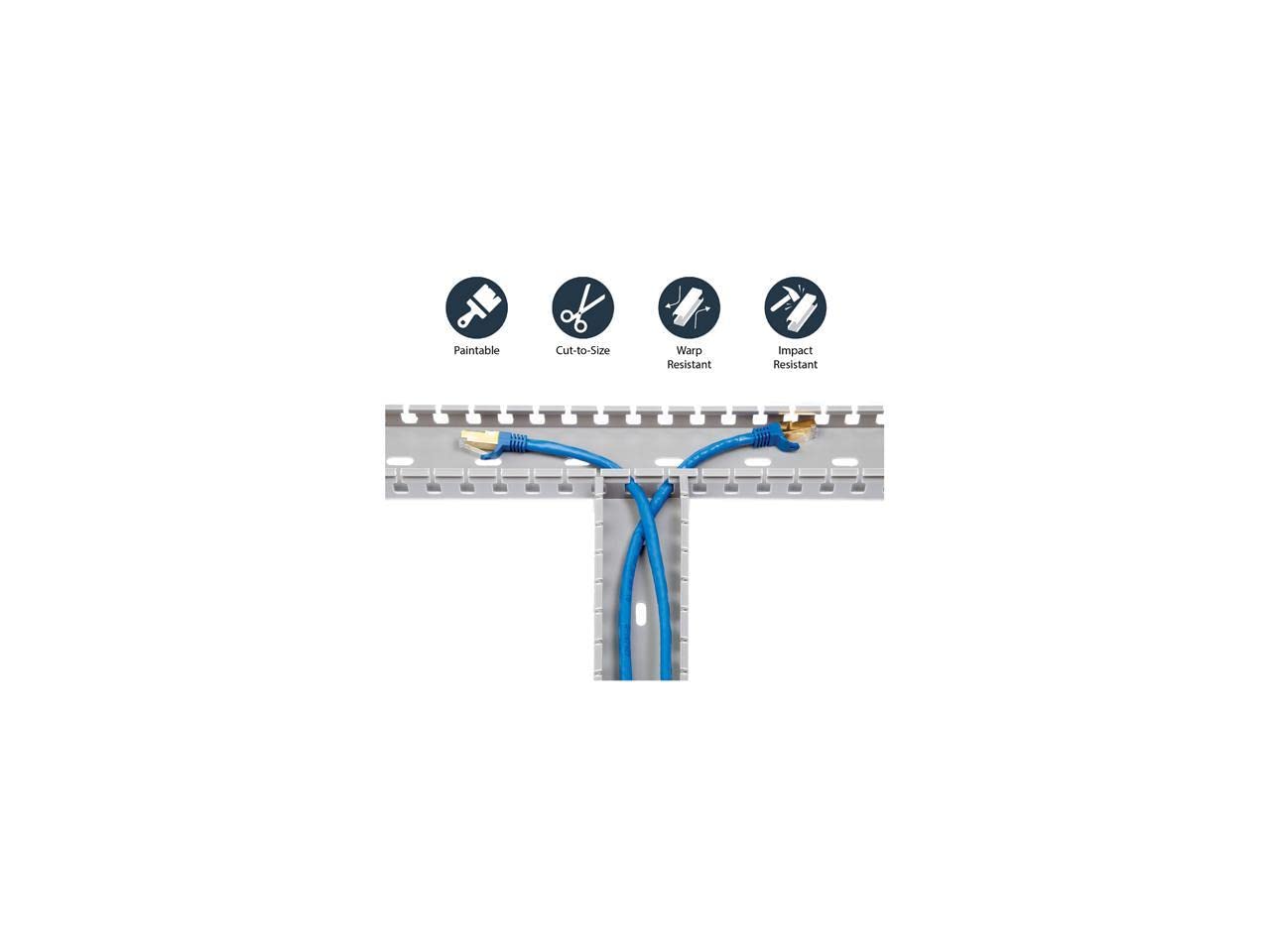
The StarTech.com 5.6ft Server Rack Cable Management system is a customizable wire raceway designed to organize and protect your network and data center cables. With a capacity for up to 25 cables, this low-profile duct features slotted fingers for optimal routing and strain reduction, ensuring a clean and efficient workspace. Easy to install and built to withstand high temperatures, it's the perfect solution for modern professionals looking to enhance their tech environment.


D**E
Great for Cable Management Below Standing Desk
Love my standing desk, but hated the chaos of all the cables I had plugged in to a power supply making it ugly as all getup. This is your solution. I mounted this to the bottom of my standing desk’s desktop along with a surge protector. This houses all the cables and now a single power cable travels from desk to wall with no unsightly rats nest. I run a laptop, two external hard drives, two displays, and then some… and all is neat and tidy!
P**A
Great way to improve your cable management!
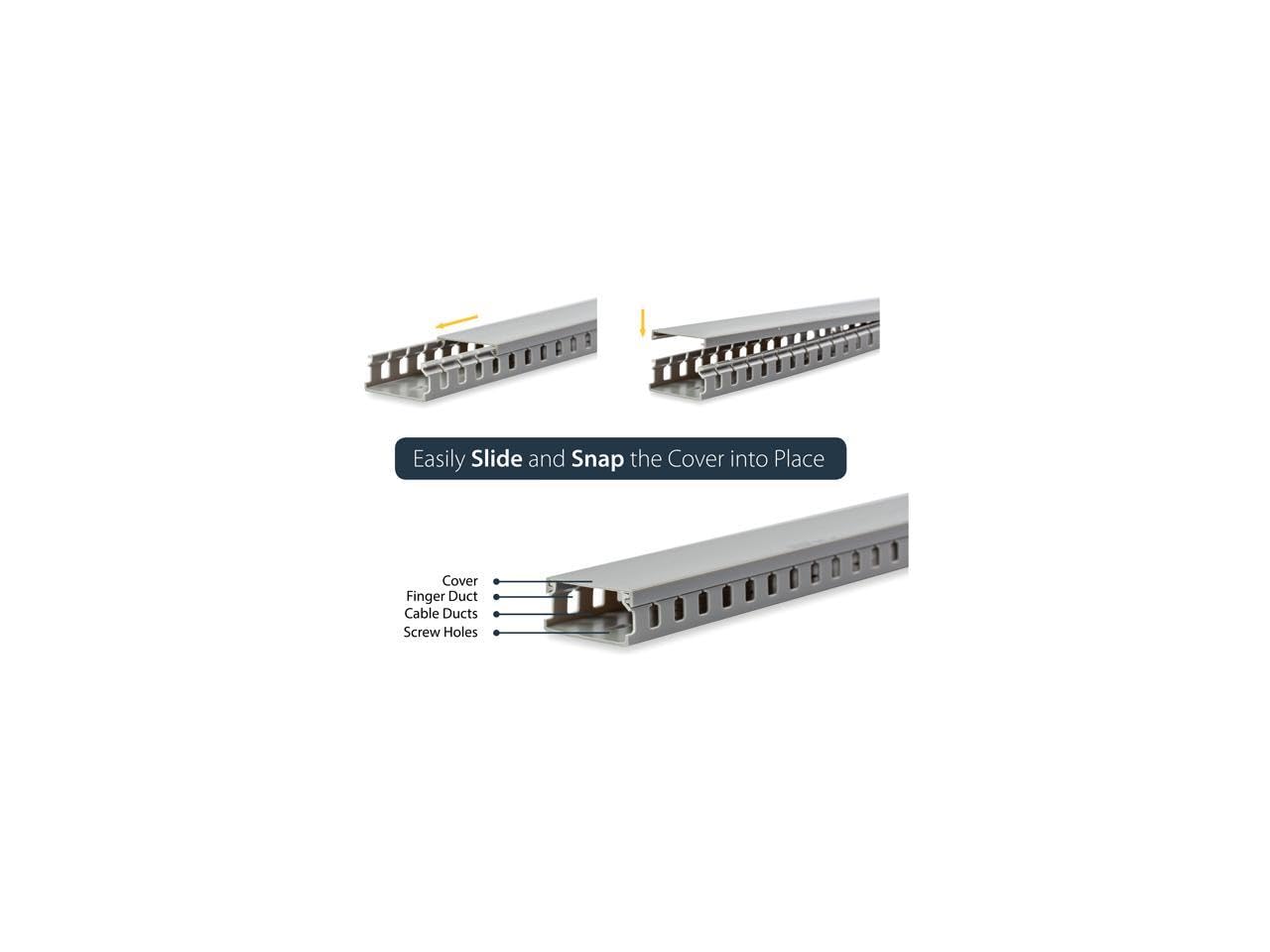
I bought this item to tame my desk's nest of cables. I have a pretty simple desk setup, but there is still a lot of cables. I like a clean look, so I put a lot of work into my cable management. I like to stand back from it and not see cables hanging from my desk. It's nice when people ask if a device is wireless or "where's your cables?". It is sooooo satisfying and this simple little wiring channel has helped me achieve that. This came in two pieces, both made of a easily cut type of plastic.One side has openings for screws to be attached and openings for cables to go in and out of the channel. The other side is a simple flat piece that clicks onto the other side and works like a cover to hold the wires in the channel. I mounted mine to the back of my desk using short wood screws. The channel runs horizontally, left to right, along the back of my desk. All cables drop from the top of my desk and into this channel. I have an iMac power cable, a Google Nexus charging cable, a USB hub cable, a tablet charging cable, a router power cable and a surge protector cable all contained in mine. While the iMac and the surge protector cables are by far the thickest cables contained in this channel, my wiring channel is stuffed to the max. If I had an additional cable the width of pencil, I do not think that the cover would snap closed completely.Also, if you have a wire that is any thicker than an iMac power cable, the little cutouts on the side of this channel will not be wide enough. My cable is not being pinched by this channel, but it is a really snug fit. Installation was easy. First, I cut it down to the size I needed. I used a combination of scissors and a utility knife to do so. I found that if I scored it a few times with the utility knife, it was easy enough to get it cut down. to size. After it was cut to size, I screwed the one side to the back of my desk. After that, all that was left was to route the wires into the channel and then snap the cover onto it. It works great!I am so glad that I made this purchase. My desk looks great and not a wire in sight! I would buy this again and I would recommend this product to a friend.
J**U
Finally tamed all my cords and power bricks!
I'm so pleased with this cabling raceway. It was easy to cut to length with my miter saw, easy to install, and it's easy to add, remove, and position items. It's even large enough to fit the power bricks for my laptop and monitor with room to spare for all of the additional power and data cables I wanted to conceal.In the past, I've used adhesive clasps, velcro wraps, and other cable management solutions, but they were just cumbersome and inadequate -- especially for power bricks. Either the adhesive would eventually fail, or the multiple coils of cables still looked messy. Plus, it would be a major hassle to reconfigure when adding/removing items.Now it's all contained and concealed but easily accessible. Love it!BONUS: The length is generous! I ended up needing less than half the length, so I have plenty left over for other applications.I can think of only two improvements to the product:1) Include mounting screws.2) Offer it in black.
P**N
Makes setup manageable, costs a few times less than "premium" options
I currently use a 5' long section that I have velcro taped underneath my desk. There are literally 30 cables going through it right now, and it is completely full. Probably 15 or so USB cables, optical cable, 2x hdmi, 1x displayport, 5 power cables, two ethernet cables, etc. It's a lot.Bearing in mind that I am *not* using this in the orientation it was intended to be used in, it has performed well. I was shipped a 6' unit by mistake, which was fine. I took a saw and hacked off the extra foot, which was surprisingly easy. It is so easy that I would actually *recommend* doing this if you need shorter lengths. Just be sure to sand down the edges when complete.I applied about 3 feet of velcro tape (in 1' long strips) to the back of the unit, and stuck it underneath my desk. This means that the cables are hanging down onto the dark grey plastic cover you see in the photo. The cover does hold, but it is tough to add another cable to the unit as the entire cover begins to come off. It requires care, but it's manageable.My desk setup (three monitors, speakers, peripheral switcher, network switch, UPS, etc) would be unmanageable without something like this. If you have a lot of equipment and a desk like me (motorized standing desk) then I recommend it. Makes cable management a breeze.Only gripe is that the plastic fingers that connect into the dark grey cover are not the sturdiest. However, if you take care to not bend them too far, you should be fine.. Other than that, I'm happy with this. It's worth the money, though there are more premium options.
TrustPilot
2 个月前
2 周前