We remain fully operational. Our teams are working around the clock to ensure your deliveries continue safely.

下载应用程序


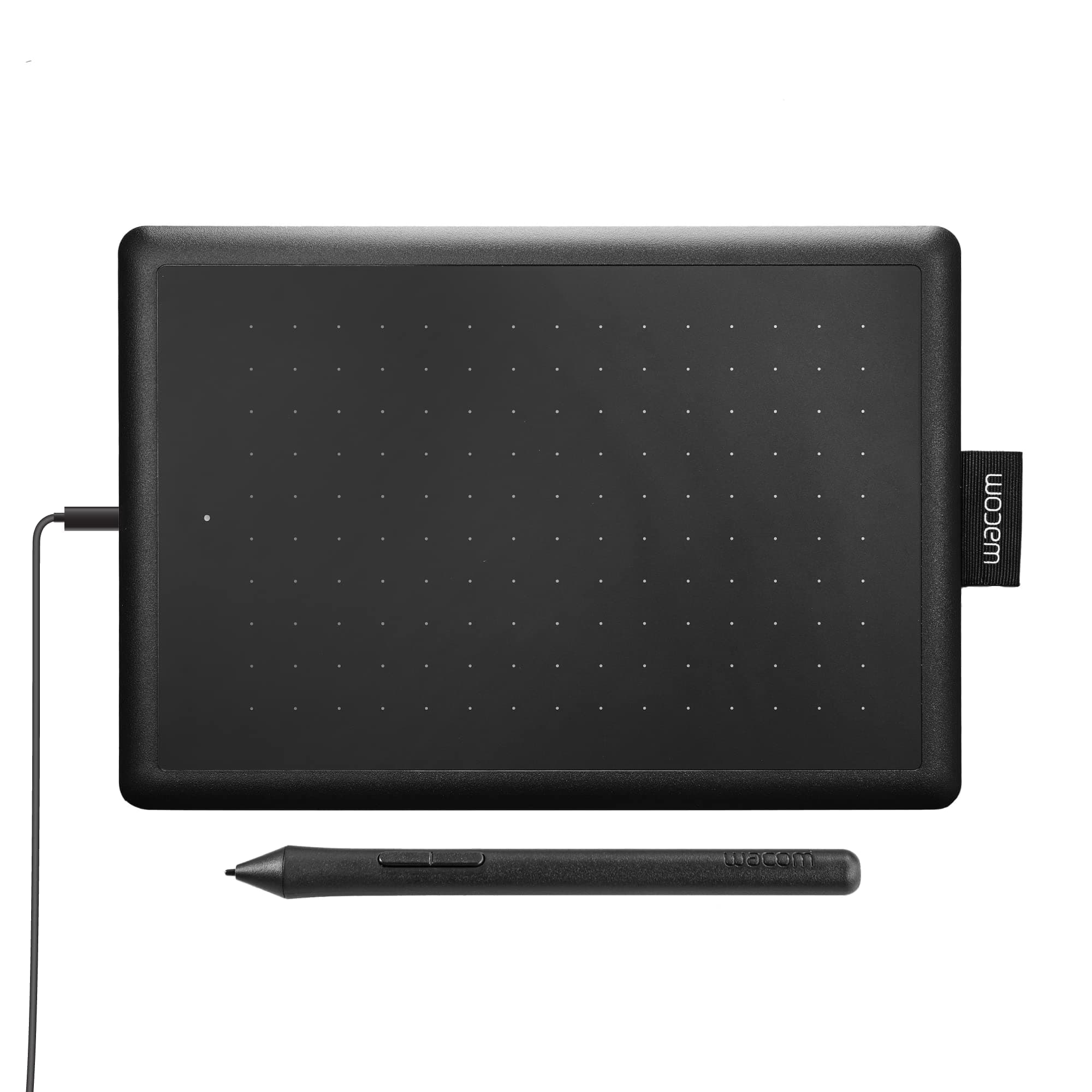
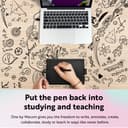
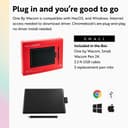


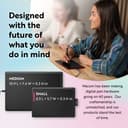
✏️ Unlock your creative edge anytime, anywhere with Wacom’s sleek power-packed tablet!
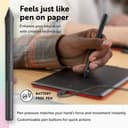
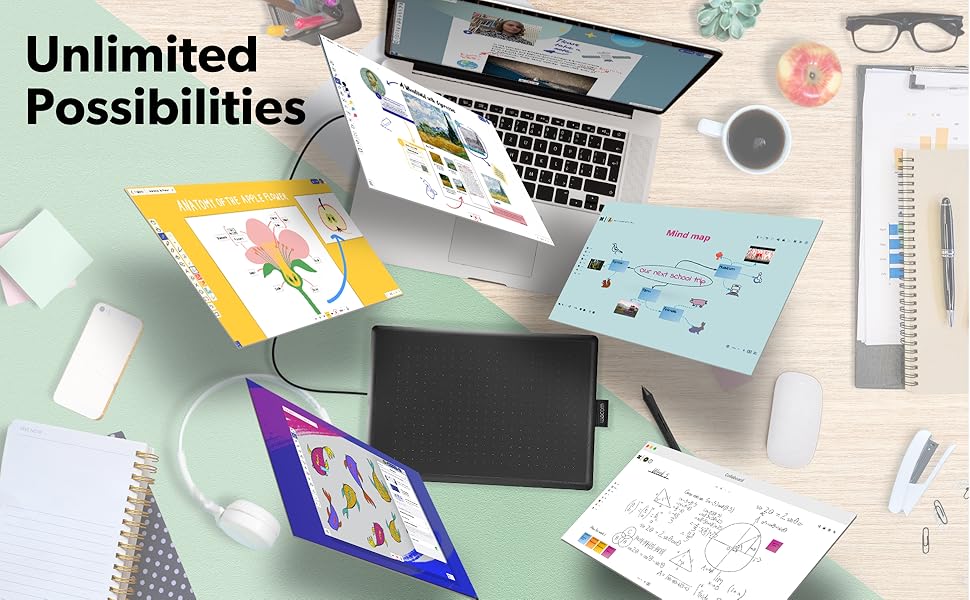
The One by Wacom Small Graphics Drawing Tablet offers a professional-grade 2048 pressure-sensitive pen experience in a compact, portable design. Compatible with Chromebook, Mac, and Windows via simple USB-A plug-and-play, it requires no charging or driver installation for most devices. Ideal for students and creators, it combines Wacom’s trusted 35+ years of pen technology with a lightweight form factor and bundled software trials to boost creativity and productivity on the go.



| ASIN | B07S1RR3FR |
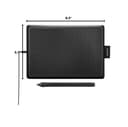
| Active Surface Area | 5.98" x 3.74" |
| Additional Features | Plug-and-play with Chromebook |
| Best Sellers Rank | #60 in Computer Graphics Tablets |
| Brand | Wacom |
| Built-In Media | Digital Pen, USB Cable |
| Color | Black & Red |
| Compatible Devices | Chrome, Mac, PC |
| Connectivity Technology | USB-A |
| Customer Reviews | 4.5 4.5 out of 5 stars (7,327) |
| Display Type | LED |
| External Testing Certification | Não aplicável |
| Global Trade Identification Number | 00753218985835 |
| Item Dimensions L x W | 5.7"L x 8.3"W |
| Item Type Name | Graphics Tablet |
| Item Weight | 440 Grams |
| Manufacturer | Wacom Technology Corporation |
| Model Name | One by |
| Model Number | CTL472K1A |
| Native Resolution | 1920x1080 |
| Operating System | OS X 10.10 Yosemite, Windows 10, Windows 7, Windows 8.1 |
| Pressure Sensitivity | 2048 Levels |
| Specific Uses For Product | Drawing |
| Target Audience | Student, Teacher |
| UPC | 753218985835 |
| Warranty Description | 1 year manufacturer |
S**L
Is perfectly compatible with my MacBook, and works GREAT with ZBrush
I don't understand the bad reviews...this is the FIRST Wacom product I've ever bought that was truly plug and play. I'm on a MacBook Pro with USB-C, and shockingly, once I connected it with a USB-A to USB-C adapter (I used the Apple branded one), it automatically started working. I own about ten of the Intuos pads that I use for teaching ZBrush, and several other Wacom tablets (24" Cintiq Pro, 16" Cintiq, and Movink), and I've had issues with compatibility and drivers. This works amazingly well. It's nice and small, and an improvement over my Intuos pads. I even recently added the Bluetooth Intuos, and it's terrible and laggy. For $40, I'll probably replace all of my Intuos tablets for teaching. I recommend this one.
S**.
Great for Digital Artists, Students and Renderers!
I've had this for about a year now. Please don't listen to those saying that the cord might weaken and break! Take care of your stuff people. It does scratch the board very well though (Wacom Pen). I use it mostly in Adobe Fresco, Online drawing sites and Ibis Paint X. I don't advise using this with your mouse at the same time. Mines sometimes lags, but otherwise this is the perfect product for beginners. I also use it for schoolwork from time to time. I really love it!
K**R
Honestly the best tablet for osu! right now.
Ok, getting the title out the way, I bought this tablet for osu!, a rhythm game where you aim your cursor and click the notes to the music, this review probably won't help you if you're looking at this for art purposes. Starting with the surface, the tablet is very rough and paper-like on the surface, but wears down and becomes smooth after about an hour of playing (dragging) on a select area. Yet, I can't say the same for the pen nib, the pen nib is very smooth and takes about a day to 2 days to wear down to the friction you drag, note this only applies to dragging players however. The Wacom drivers are okay, but they have a small bit of hardware smoothing and have limited settings on adjusting tablet area as the drivers were made for artists, so know to download opentabletdriver if you would like less delay and a better experience for osu! For the pen itself, I do have a few criticisms about it that knock this tablet down a bit in my own personal ratings. First is the buttons, now yes, even though this pen was made for people to draw and use the buttons for commands, the buttons get in the way with any way I try to grip the pen at the bottom, including when I actually want to draw something with the tablet. Second is the grip, the pen is very slippery and has a smooth finish on the texture, so it always slips out my hands when I get sweaty or even when I don't get sweaty. I had to apply tennis overgrip to the pen to solve this problem so yeah it is a pretty big issue. Yet, circling back to the tablet, it is a good tablet overall, and compared to the CTL/CTH 480 which is discontinued and costs hundreds to get from Japan, this tablet costs only 40 dollars, has a 133hz refresh rate, and is available anywhere you can go on amazon. In general, I recommend this tablet for osu!, and you should buy it. If it's good enough for the number 1 player, why wouldn't it be good enough for you!
J**R
Perfect graphic tablet for drawing!
I use it every day and it is easy to use. It reminds me of the old Wacom Bamboo tablets. Although there are other cheap graphics tablets, I bought this one because I’m a beginner and everyone I’ve talked to has had their Wacom for many many years and they still work!!! I like that I can get a quality drawing tablet at a good price (without having to buy some cheap Chinese crap that’s going to sit in a landfill after a year because it stopped working) I also like that there aren’t batteries that I have to replace. I use it on both a Macbook Pro and a Windows PC. The Windows PC didn’t require drivers, but I suggest installing them anyway, so you can customize the pen buttons. As a someone just getting into digital art, I’m very pleased. It’s not as full-featured as some of the other Wacom tablets, but it’s certainly a great starter tablet. And for Wacom quality, you can’t beat the price. Pros: - a reliable and inexpensive tablet - Pen doesn't require a battery or need charging time - 2 shortcut keys on pen - straightforward installation of drivers - Wacom quality - Small size is very portable Cons: - no shortcut keys on the tablet (only on the pen) - not wireless - no touch surface
G**.
Great for note-taking and super portable
I used this Wacom tablet to take digital notes during college classes, and it was wonderful to use. The pressure-sensitive pen felt natural, and everything worked smoothly with my Windows laptop. Sometimes I do think a larger size might’ve been more comfortable for long note sessions, but the small size made it extremely portable, which was perfect for my backpack and on-the-go use. Overall, it’s a great option for students looking for a compact, reliable tablet without going out to find a touchscreen laptop/tablet!
R**.
Great Tablet for Osu!
These pros and cons are coming from someone who only uses this tablet for playing Osu: Pros: -Simple, quick, and easy to setup -Noticeably better than cheaper tablets, like the XP-pen Star G640 (less jittery cursor movement, less weird glitches) -Can set exact tablet area from the software -Pen is lightweight, battery-less -The quality of the tablet durable -When I switched from cheaper tablets to this one, I actually improved a little and had better accuracy and control in game -Worth the money, as this is still a relatively cheap tablet Cons: -The micro USB cable is a little short, it couldn't reach my PC (luckily my keyboard has a USB port) -The USB port on the tablet is on the left side, making it hard to put the tablet close/next to my keyboard because of the cable -The buttons on my pen rattle slightly when I shake the pen (this isn't really a problem, just a nit pick)
H**N
تابلت ممتاز و لكن اظن مع لاب 15.6 محتاج الحجم الوسط
C**Z
La compré para utilizarla en Photoshop . Cumple con todas mis expectativas para el retoque de retratos . Justo por mi trabajo no requiero algo grande y el tamaño de esta es excelente ya que la puedo poner en cualquier parte . Incluso transportar .
Y**Y
Works great but feels a bit small for me
F**W
It's small, and it's a graphics tablet. It works, but I wish I'd gotten a bigger one. It has a Micro USB port, which are in my experience undurable, but I haven't had any problems with this device so far. Doesn't have tilt. It works on Linux; Krita is awesome!
J**K
This works well and is more accurate than a mouse. Some systems have features where you can use the pen and that makes it really simple. Can even log into windows 11 with it and not get errors