We remain fully operational. Our teams are working around the clock to ensure your deliveries continue safely.

下载应用程序


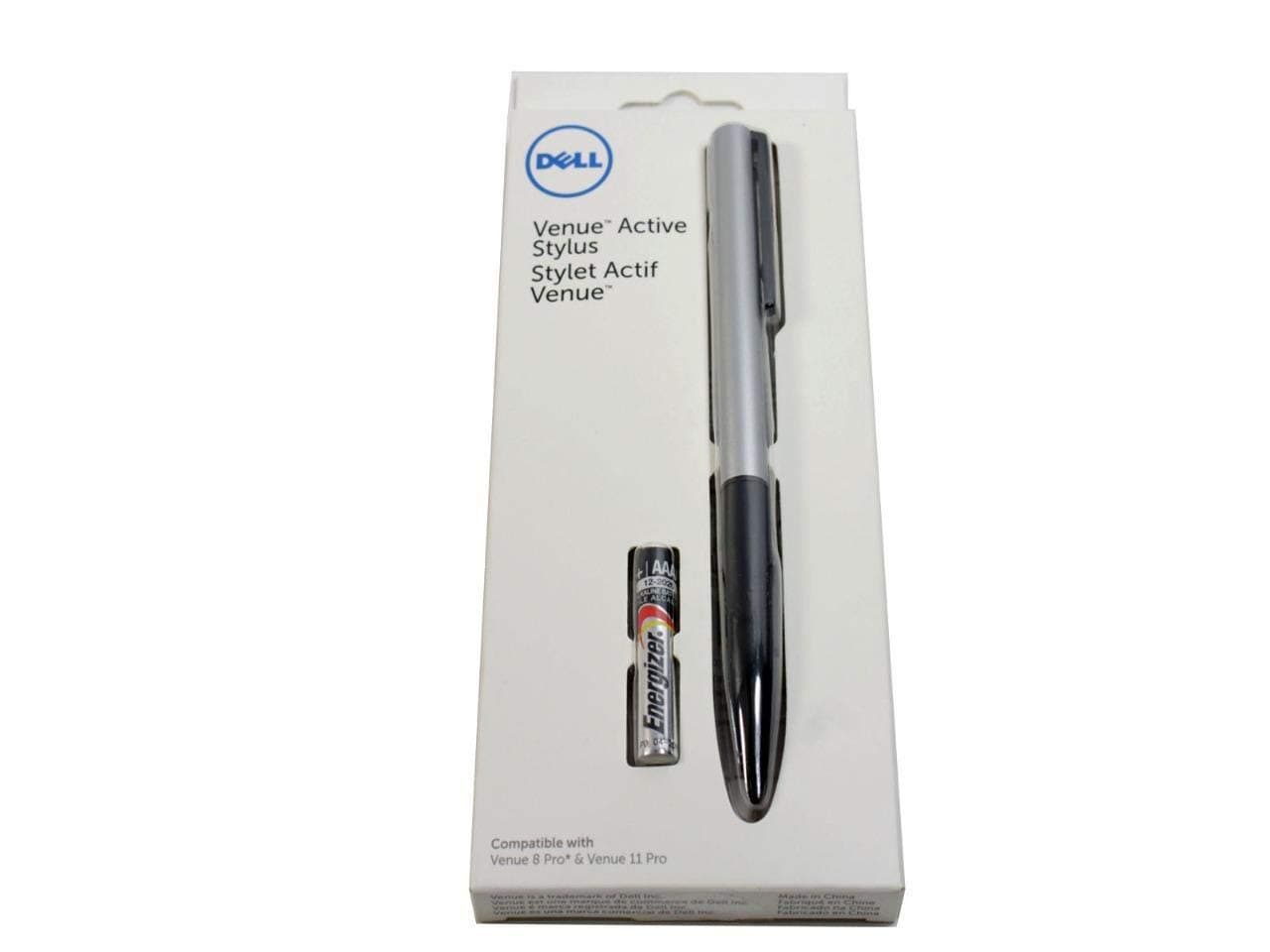
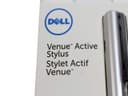
✍️ Elevate your tablet game with precision that professionals crave!
The Dell Active Stylus (750-AAGN) is a premium aluminum stylus designed for select Dell tablets, featuring a fine 1mm tip for precise input, advanced palm rejection technology, and instant tablet detection with predictive input. Powered by an included AAA battery, it enhances productivity and creativity with seamless, natural writing and drawing experiences.

| ASIN | B00Q9CQ7OQ |
| Are Batteries Included | Yes |
| Are Batteries Required | Yes |
| Battery Description | Alkaline |
| Best Sellers Rank | #88,726 in Cell Phones & Accessories ( See Top 100 in Cell Phones & Accessories ) #1,877 in Styluses |
| Brand | Dell |
| Color | Silver |
| Compatible Devices | Tablet |
| Compatible Tablet Computer Models | Dell Venue 11 Pro, Dell Venue 8 Pro |
| Customer Reviews | 3.7 3.7 out of 5 stars (776) |
| Enclosure Material | Aluminum |
| Global Trade Identification Number | 00884116171386 |
| Item Dimensions | 3.15 x 0.39 x 0.51 inches |
| Manufacturer | Dell Marketing USA, LP |
| Mfr Part Number | 750-AAGN |
| Minimum Required Operating System Version | Windows 10 |
| Model Number | 750-AAGN |
| Number of Batteries | 1 AAA batteries required. (included) |
| UPC | 884116171386 |
| Unit Count | 1.0 Count |
F**T
Dell Stylus Pen
I recently purchase an HP Specter 360 and did some research on the best pen to use for the touch screen for my photo editing. Most the articles I read stated that the Dell Active Stylus was the one to buy, not the HP pen. Well they were right. This pen works great, synchronizes nicely, is well balanced and the button for functions works well. I use several photo editing program installed on this new laptop and this pen has made my workflow much more efferent. My only caution is this, I keep this laptop and pen in a compact brief case and due to the slim factor of the case, the pen gets pressure on the pen button if you don't position it properly. Hence, the battery dies in a day.
R**R
Works for Hp Spectre x360!!!
Love the stylus, I can confirm that this does work for the HP Spectre x360 13 in. (i7 8GB). I first received, what I assume, was a defective stylus. It recognized on screen but there was no touch input. That pen was manufactured in March 2016. I dont know if that had anything to do with it, but I contacted Amazon support and received a replacement in a timely manner and it is now working perfectly on my Spectre and Venue 8 pro. I'm running windows 10 anniversary and everything works well, very responsive and very precise. The second stylus was manufactured April 2016. If you have a Spectre, don't hesitate.
D**R
DO NOT BUY if you don't own a Dell
I bought this pen for my HP Spectre x360 since it uses the same tech and for the first 7 or so months it worked flawlessly. After that it started having some issues where it acted like the battery was dying. I swapped out batteries and finally found that just removing the battery for a few minutes seemed to help but it slowly got worse to the point I contacted Dell to work on getting a replacement. After talking with them for 2 days now they're unwilling to repair or replace the pen unless I buy a Dell computer off the officially supported list to test it with. So if for ANY reason this stops working, even under warranty they will not support it unless you own one of the like 5 dells that are officially supported. Until now I'd highly suggest it, now I have to say stay away from this or any other Dell stylus as they will not support them.
F**G
Works with 2017 Dell XPS 13 2 in 1 ( not XPS 13)
Works as expected. It is fine for note taking. Probably not too bad and not too great for art. I would prefer if the tip did not telescope at all... Make sure your Dell is compatible before you buy. It can be confusing, so do your due diligence before you leave a bad review. Buy a mess of cheap aaaa batteries... UPDATE: Dropped it once. The pen cap threads are a separate piece from the cap. Those two pieces are press fit together, and that assembly threads into the barrel. The press fit failed upon impact, and my Bluetooth stopped working. I'm not sure if the two are related, but I am certainly disappointed in the build quality, or should I say fragility. The good news is the pen still works, so I'm not stranded.. The barrel buttons work, but not the Bluetooth click top button. I need to find another set of 916-type (913? can't recall...) cell batteries (not easy in a crunch) to confirm whether or not the Bluetooth is permanently broken. (I did poke around in there before gluing it back together. There is a tiny chip in there with battery contacts and a small blue led. Nothing looked obviously broken.) In other news, the pen and Windows Ink experience are great after about 6 weeks of solid use. Would still recommend, but be careful with your pen. I may try a Bamboo Smart For 2 In 1s as a backup.
S**.
Great, no frills stylus that seems to be compatible everywhere.
No frills active stylus that does it's job wonderfully. I'm using this on my ASUS Laptop/Tablet hybrid [...] and it worked immediately. I've also poked around on other people's tablets and there hasn't been a problem detecting it. Buttons are nice and responsive. The included battery is great, and honestly I don't know how long the battery will last but it feels like it'll keep going for a LONG time. Size is great, akin to your average pen. Easy to hold and easy to use. Would definitely recommend this for anyone looking for a cheap yet functional active stylus.
L**T
Works with HP Spectre x360!
Just got it so this is a first impression review: It works with the HP Spectre x360 13t! Works in One Note, Photoshop CC 2015 and Illustrator CC 2015 (pen tool is a bit strange in that you have to double tap to put down a point). It's pressure sensitive and has 2 buttons. Pen has a certain weight to it but I wouldn't say it's too heavy. Check out the photos for my tests in each of the mentioned programs. Doesn't have an on/off button but a different user has said that it's automatic. We'll see how long the battery lasts. Dec 2017 update: - Pen battery does not last long, runs out of battery in a month or two even though I don't use it more than once or twice a month. There's no on/off button and I'm guessing the short battery life may be related to an issue with the time it takes for the pen to "turn off" after it's not in use. - I have given up on the pen since then because my HP Spectre x360 has terrible palm detection such that it is impossible to draw a line longer than 2 inches before the monitor thinks my palm is the pen and the line stops abruptly.
F**9
Muy buen producto, se prende hasta que presionas un botón y se apaga automático después de no usarlo para ahorrar bateria. Práctico yo que uso mi laptop en modo tablet.
V**T
amazing product. But unlucky me.. it fell down and broke the nib from inside the barrel.. cant even pull it out and replace with another it seems.. I couldn't evn find a service point in India (after googling) where i can hand it over for nib replacement. Can anybody please help me with some info??
D**.
It works really well with the specre x360. I've tried the surface pen on the tablet, this combo beats it outright
K**S
material return due to non compatibility but amount not received
F**Z
Perfecto para el XPS 13 2 en 1
TrustPilot
1天前
1 个月前